AppRecs review analysis
AppRecs rating . Trustworthiness 61 out of 100. Review manipulation risk 37 out of 100. Based on a review sample analyzed.
★
AppRecs Rating
Ratings breakdown
5 star
85%
4 star
15%
3 star
0%
2 star
0%
1 star
0%
What to know
✓
High user satisfaction
85% of sampled ratings are 5 stars
About Keyboard Notes & Images - iKb
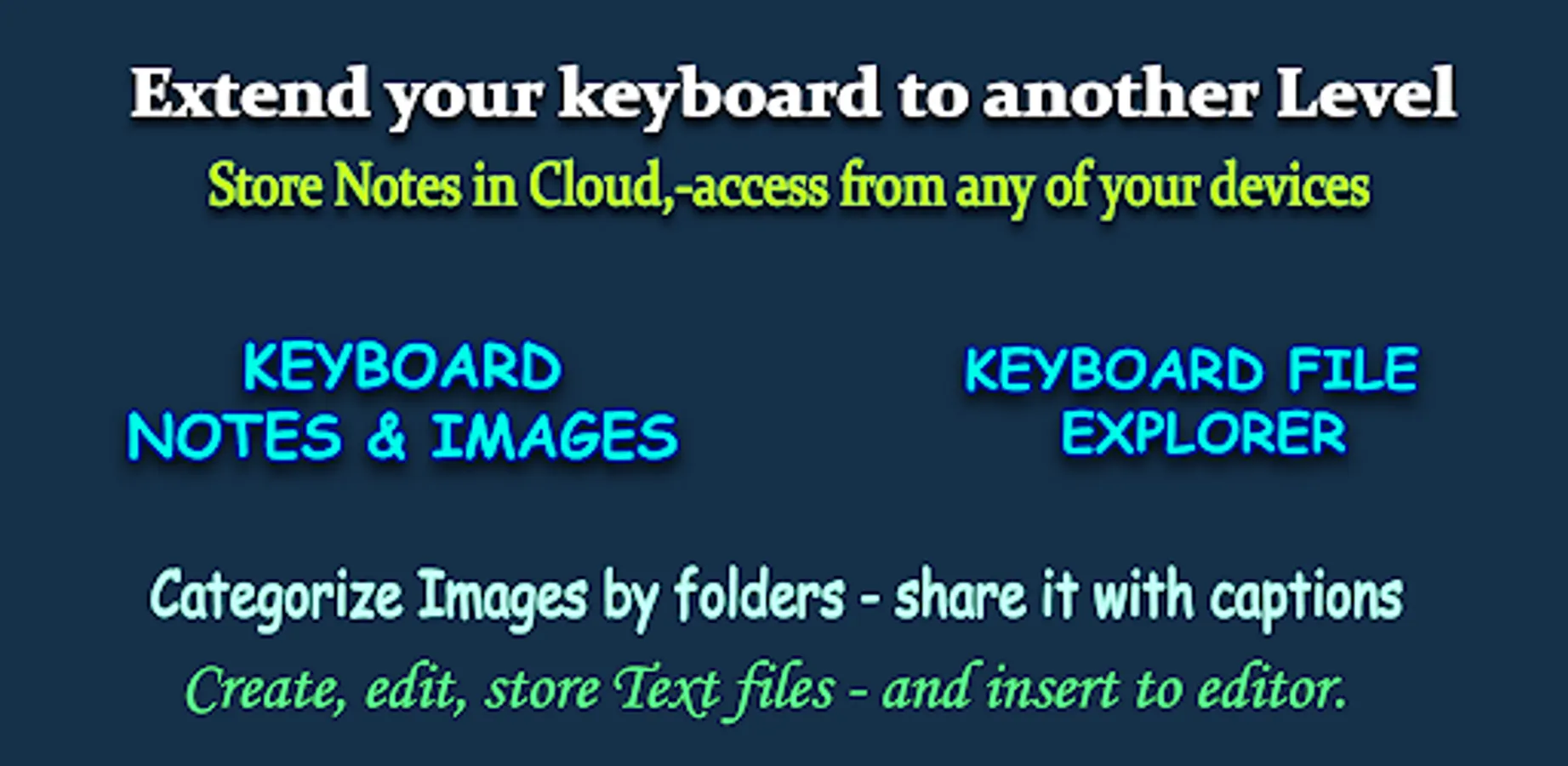
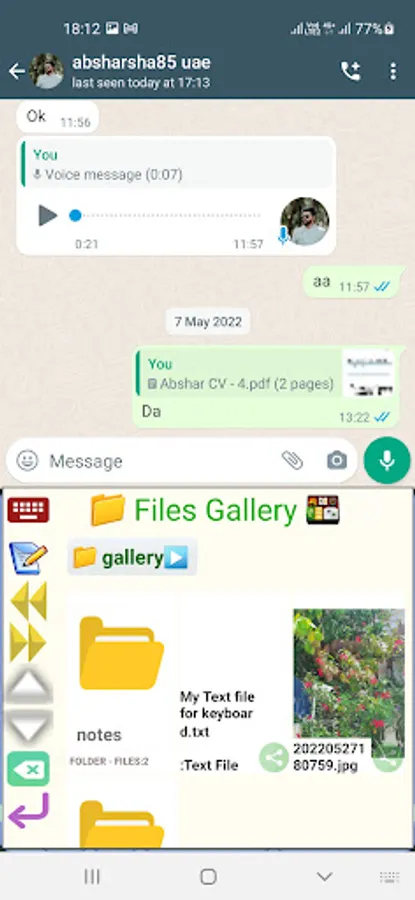
Photo keyboard is an input option for your own notes, text files and Image Files.
One of the Best feature of this app:-
--------------------------------------------------------
🟢 While sharing captioned image (an image with its description) from whatsapp to iKb - The both Image and Caption will be saved to keyboard files. And when you share the image the you will be asked to attach the caption with it.
🟢 Store your products images and descriptions on keyboard. And insert to chats from any app through the Image Keyboard. Also separate it to different catagories for easy reach.
Quick Usage example:-
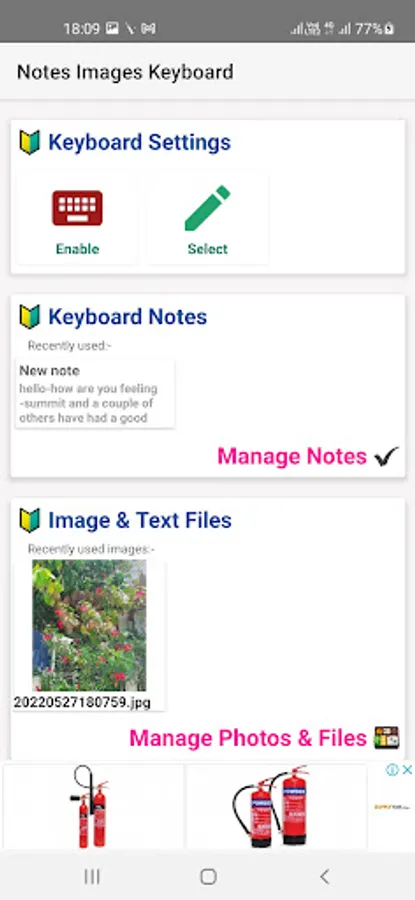
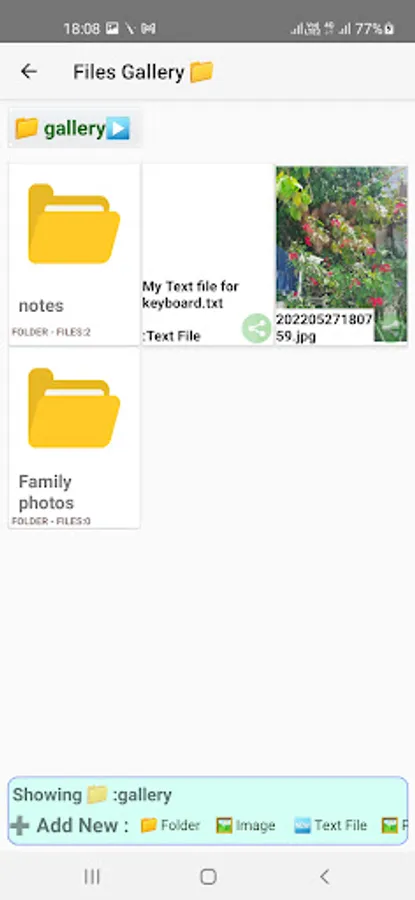
1. Just add a photo to Image Files Browser inside the app
2. Activate the Notes Keyboard, and select it.
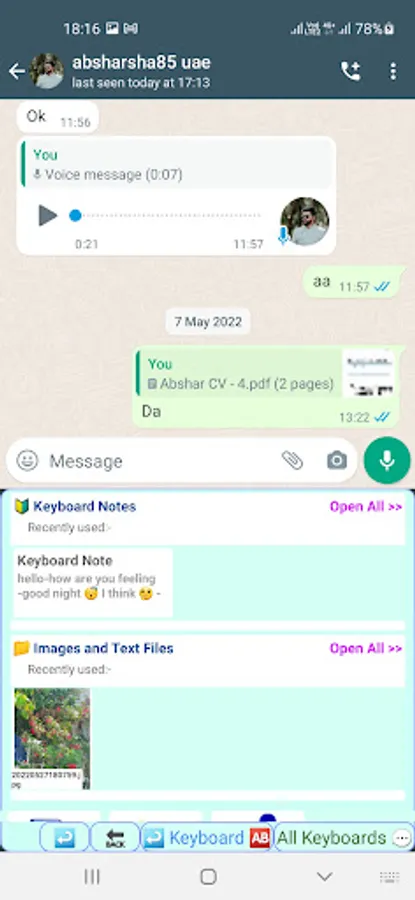
3. See the images on the keyboard as you added inside the app.
4. Tap on the image or any file to see insert options. Simple..
This is a Keyboard app, you can add photos and text notes into the keyboard.
After that you can attach those photos and texts while messaging from the Notes keyboard.
Inside the App has a File manager or File browser whatever, there you can add photos and text files. It is very easy once you tried it.
When you sharing images or texts from other apps or gallery, Just chose the notes keyboard, and then select the folder to save it, or create a new folder for different subjects.
You can also open the file browser from the keyboard, and add the photos or texts freely.
For opening the notes keyboard you have to activate it from main app menu. As shown in the privacy policy this app not collecting any personal data from you. This app made for helping a fast chatting. Time has value.
One of the Best feature of this app:-
--------------------------------------------------------
🟢 While sharing captioned image (an image with its description) from whatsapp to iKb - The both Image and Caption will be saved to keyboard files. And when you share the image the you will be asked to attach the caption with it.
🟢 Store your products images and descriptions on keyboard. And insert to chats from any app through the Image Keyboard. Also separate it to different catagories for easy reach.
Quick Usage example:-
1. Just add a photo to Image Files Browser inside the app
2. Activate the Notes Keyboard, and select it.
3. See the images on the keyboard as you added inside the app.
4. Tap on the image or any file to see insert options. Simple..
This is a Keyboard app, you can add photos and text notes into the keyboard.
After that you can attach those photos and texts while messaging from the Notes keyboard.
Inside the App has a File manager or File browser whatever, there you can add photos and text files. It is very easy once you tried it.
When you sharing images or texts from other apps or gallery, Just chose the notes keyboard, and then select the folder to save it, or create a new folder for different subjects.
You can also open the file browser from the keyboard, and add the photos or texts freely.
For opening the notes keyboard you have to activate it from main app menu. As shown in the privacy policy this app not collecting any personal data from you. This app made for helping a fast chatting. Time has value.
Keyboard Notes & Images - iKb Screenshots
Tap to Rate:
Reviews for Keyboard Notes & Images - iKb
ghwer ghwer
9/27/2022
Khawar is
Nair Sukesh U
7/23/2022
Great utilities but need to change the graphics.🤔