Lock Screen
highsecure
4.3 ★
78K ratings
10,000,000+
downloads
Free
+ in-app
AppRecs review analysis
AppRecs rating 4.3. Trustworthiness 75 out of 100. Review manipulation risk 32 out of 100. Based on a review sample analyzed.
★★★★☆
4.3
AppRecs Rating
Ratings breakdown
5 star
74%
4 star
6%
3 star
6%
2 star
1%
1 star
13%
What to know
✓
Credible reviews
75% trustworthiness score from analyzed reviews
✓
High user satisfaction
80% of sampled ratings are 4+ stars (4.3★ average)
⚠
Ad complaints
Many low ratings mention excessive ads
About Lock Screen
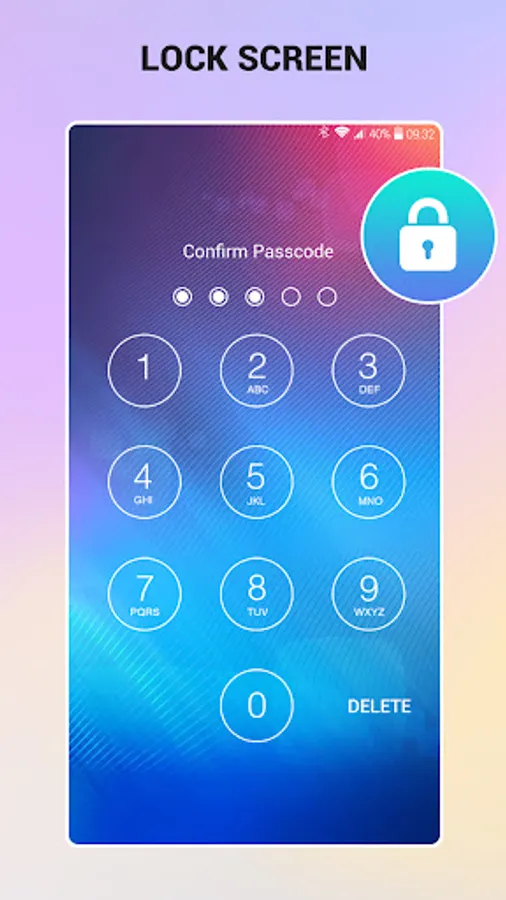
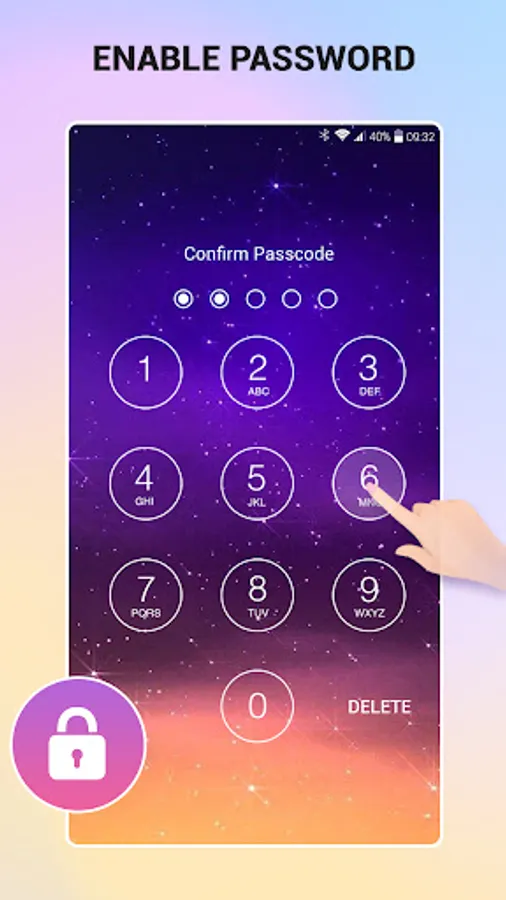
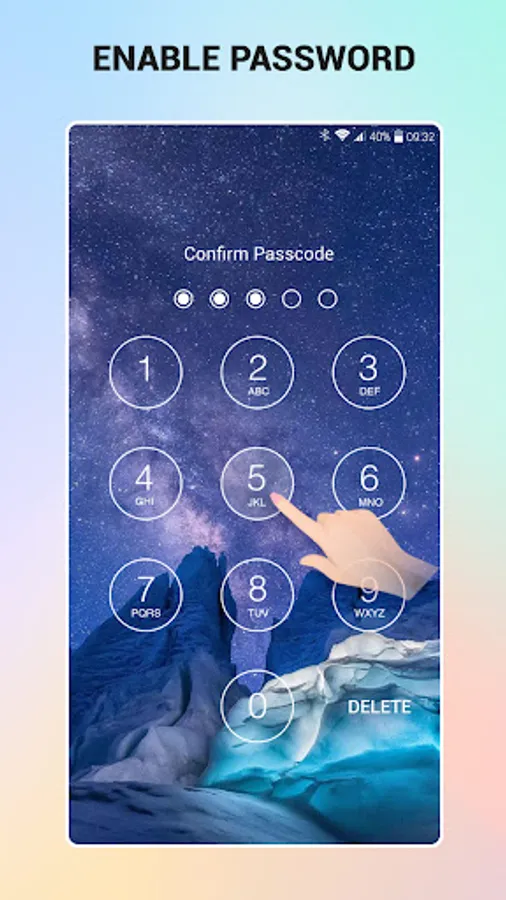
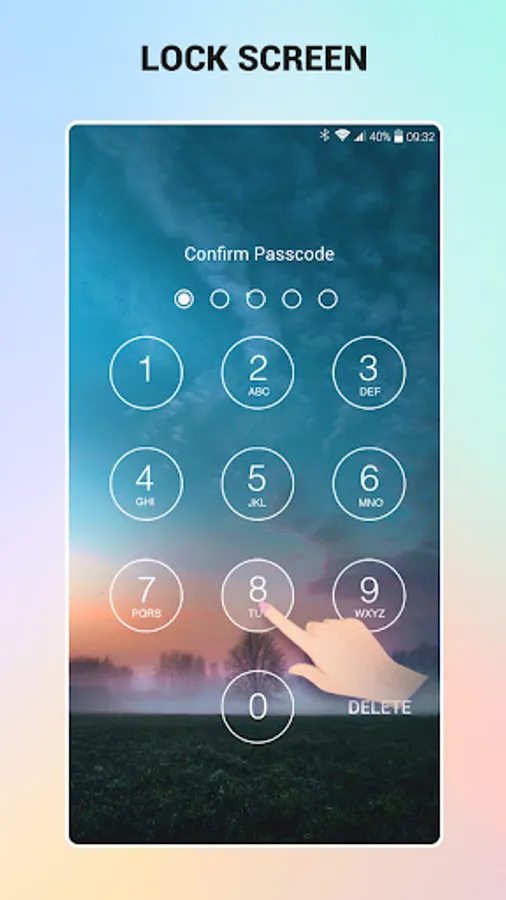
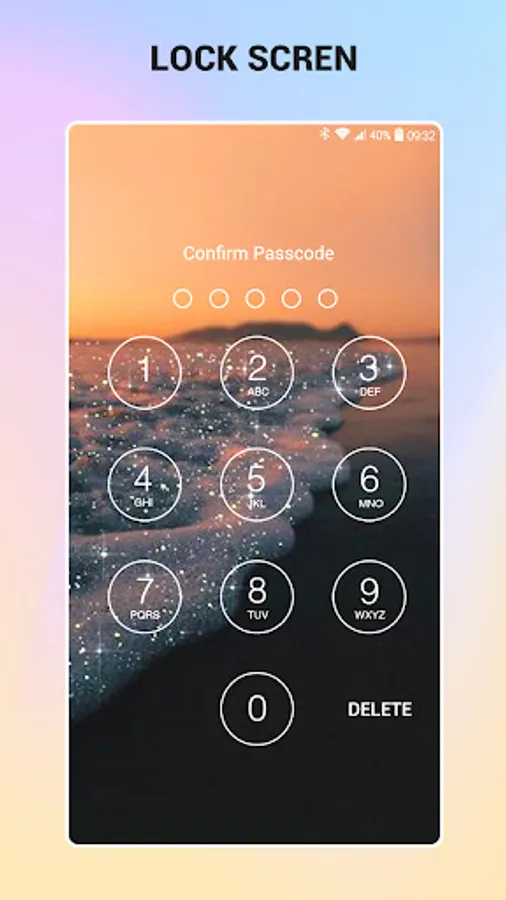
Lock screen by keypad - passcode
Keypad Lock Screen is a application which is used for secure your phone used to third party.
- This app is easy to use and very beautiful.
Create passcode to protect your phone
- You can select on/off lockscreen with single click.
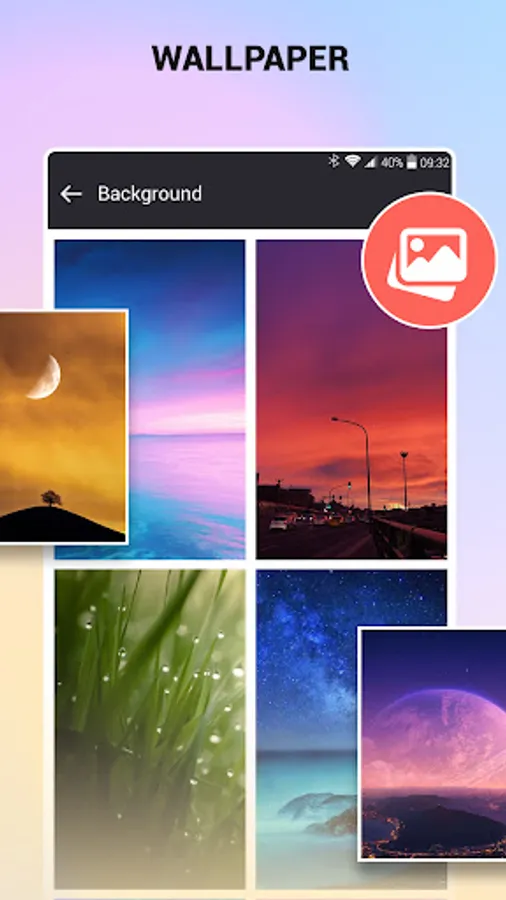
- A lot of beautiful wallpapers to choose
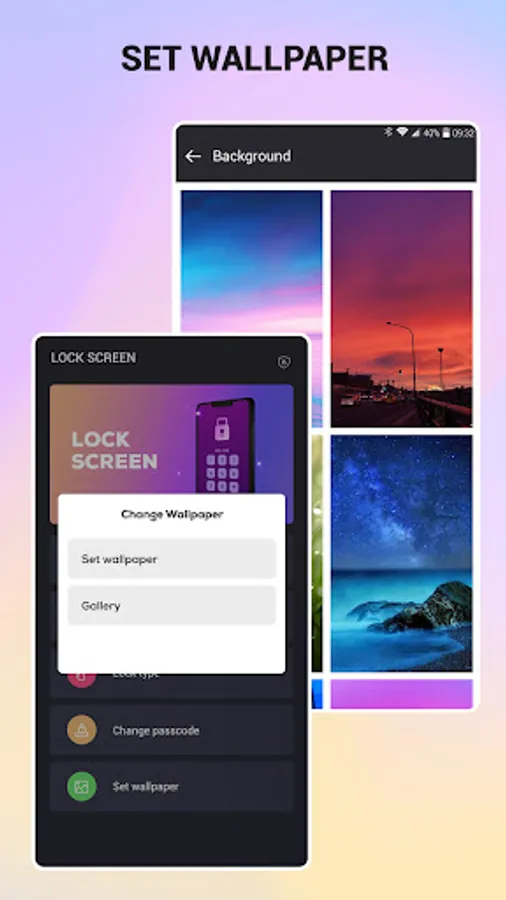
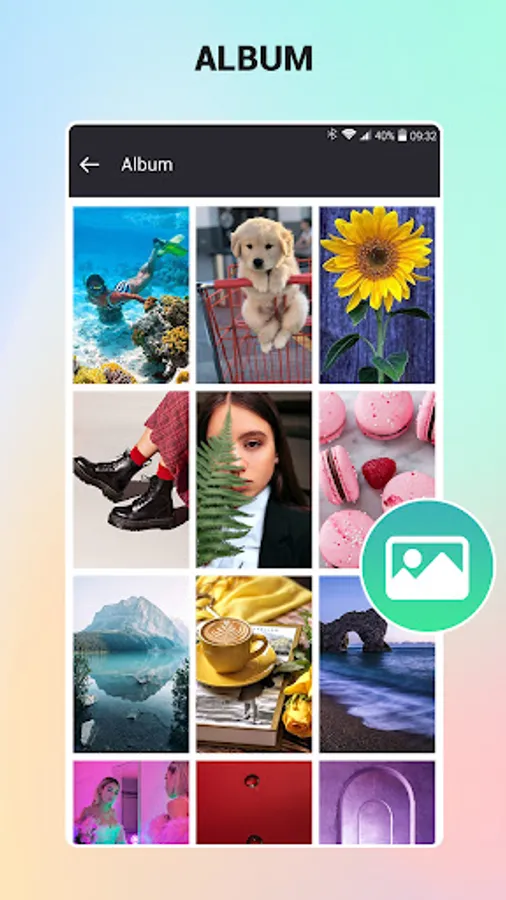
- You can choose your photo from gallery for background image in lockscreen.
- Not error home key
Turn off screen by shortcut
- Create shortcut or icon for screen off and lock
- Very useful when power button deranged, hard to press or if you want protect power button
How to use "keypad lock screen":
1. select "enable lock screen" (line 1)
2. filled password and confirm password
How to use "screen off and lock by shortcut":
1. Select "turn off screen" (line 2)
2. Accept (or activate) requested
3. Application will created shortcut "screen off" to home screen
4. Use shortcut to screen off and lock screen (tap shortcut when you want screen off)
Uninstall (if you can't uninstall):
You can use menu in setting to uninstall (last line in setting)
Keypad Lock Screen is a application which is used for secure your phone used to third party.
- This app is easy to use and very beautiful.
Create passcode to protect your phone
- You can select on/off lockscreen with single click.
- A lot of beautiful wallpapers to choose
- You can choose your photo from gallery for background image in lockscreen.
- Not error home key
Turn off screen by shortcut
- Create shortcut or icon for screen off and lock
- Very useful when power button deranged, hard to press or if you want protect power button
How to use "keypad lock screen":
1. select "enable lock screen" (line 1)
2. filled password and confirm password
How to use "screen off and lock by shortcut":
1. Select "turn off screen" (line 2)
2. Accept (or activate) requested
3. Application will created shortcut "screen off" to home screen
4. Use shortcut to screen off and lock screen (tap shortcut when you want screen off)
Uninstall (if you can't uninstall):
You can use menu in setting to uninstall (last line in setting)
Lock Screen Screenshots
Tap to Rate:
Reviews for Lock Screen
Hotom Ewo
3/5/2026
excellent app
VICTOR AYOMIDE JAMES
3/4/2026
Is very nice and reliable