HP Print Service Plugin
HP Inc.
4.1 ★
3M ratings
500,000,000+
downloads
Free
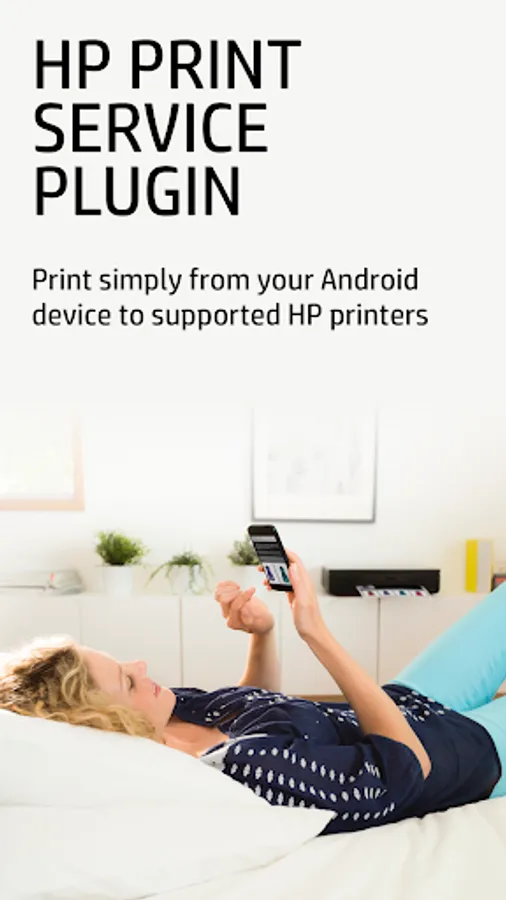
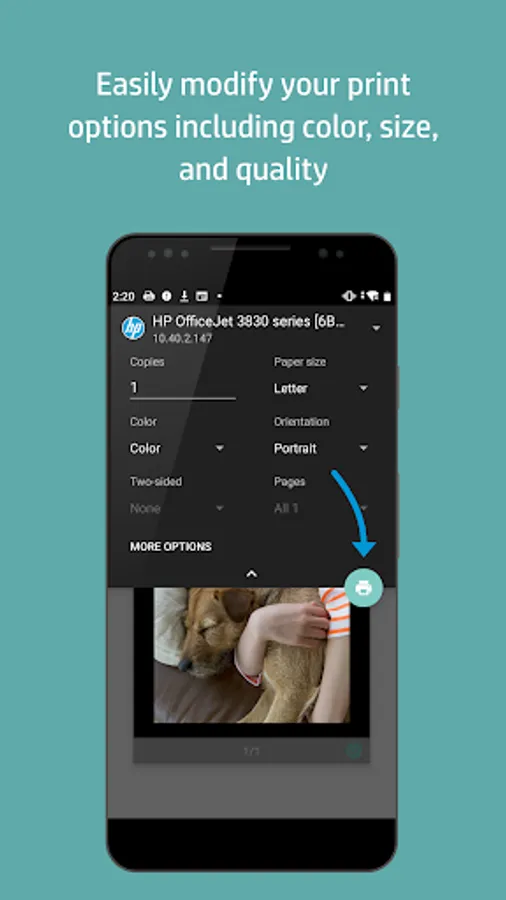
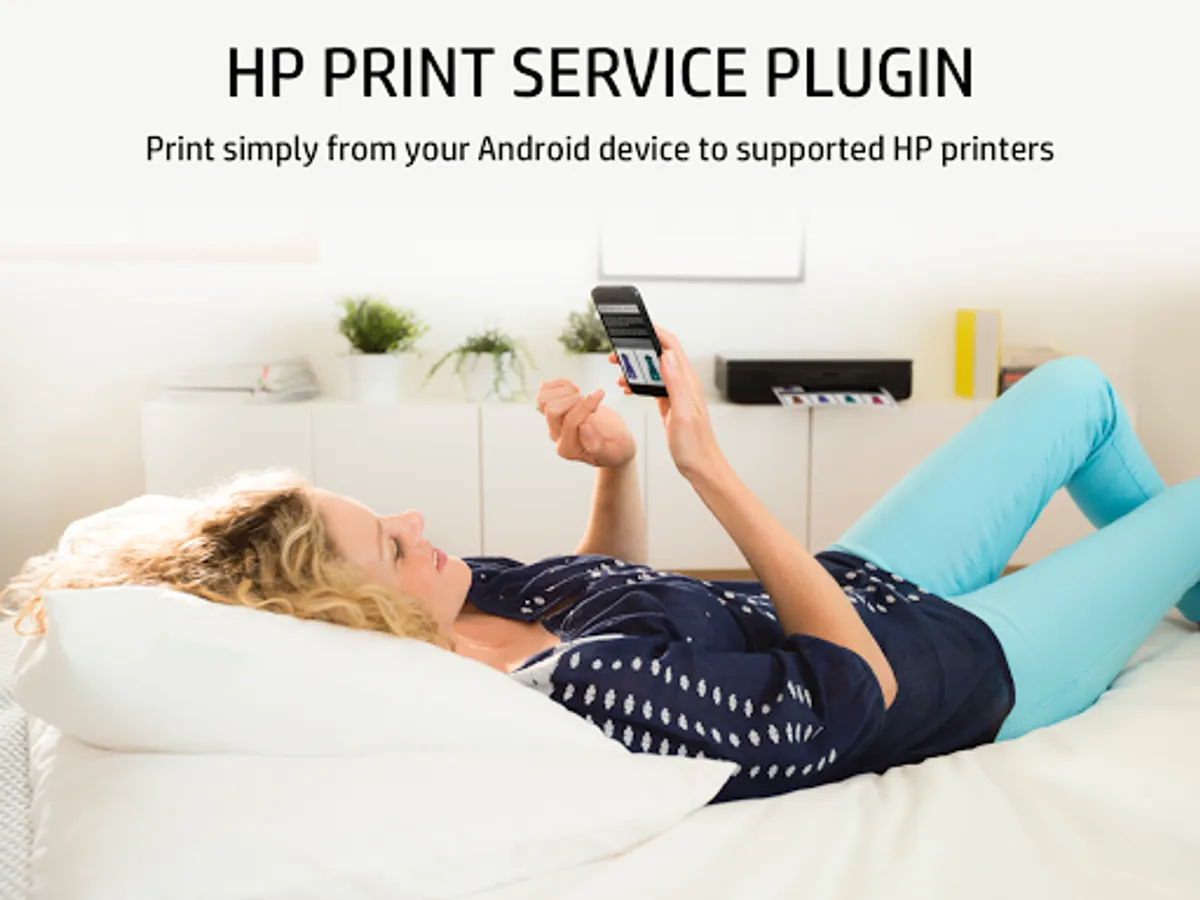
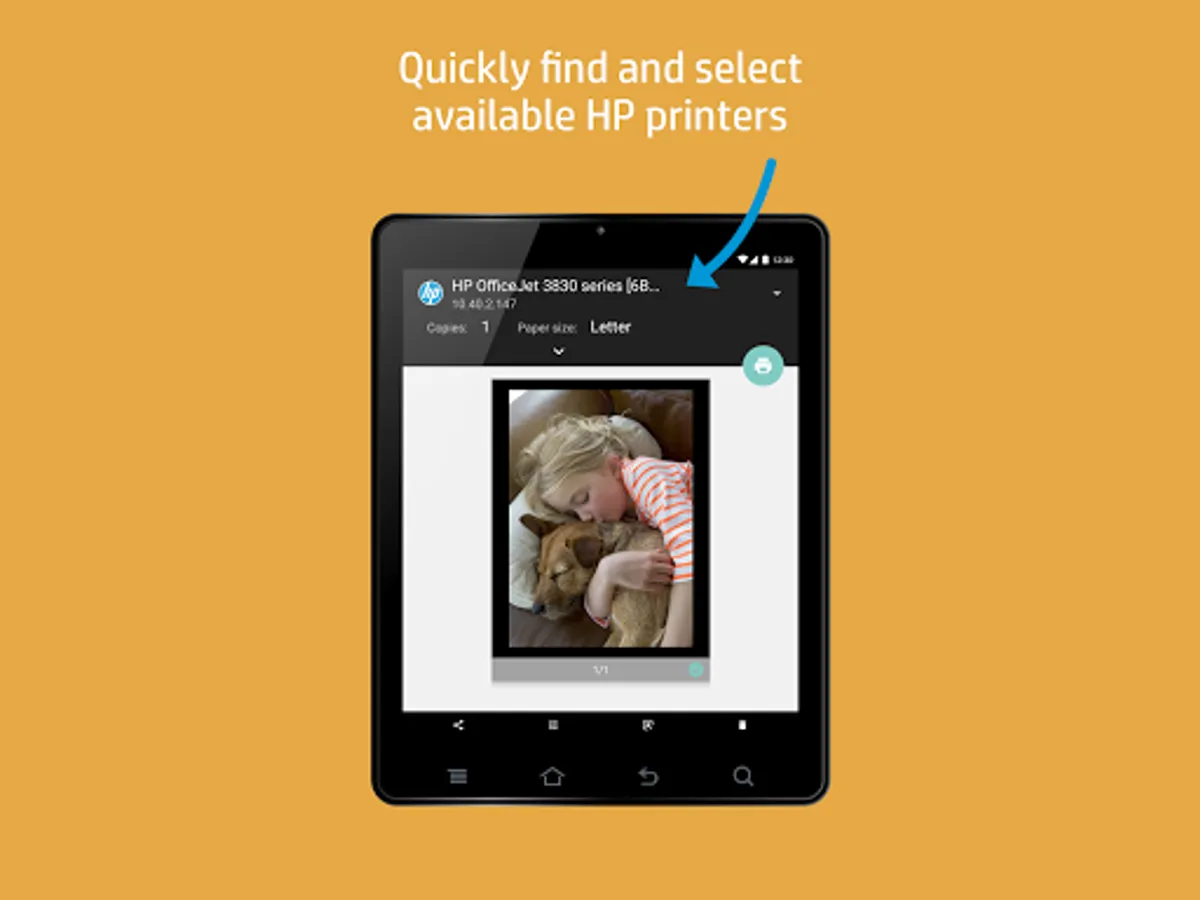
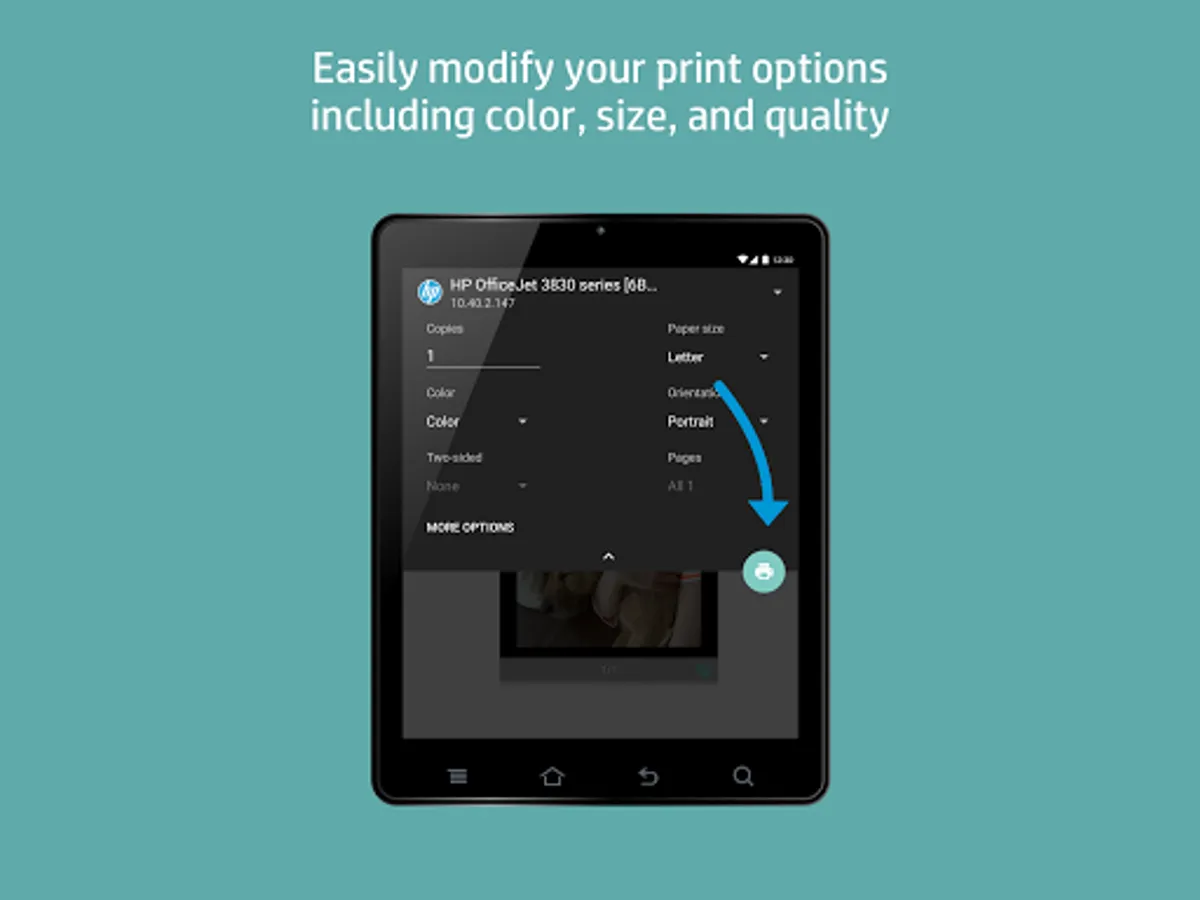
With this print service plugin, you can print documents, emails, and pictures from supported applications to HP printers via network, Wi-Fi Direct, or USB connections. Includes printer discovery, network setup, and printing management features.
AppRecs review analysis
AppRecs rating 4.1. Trustworthiness 64 out of 100. Review manipulation risk 30 out of 100. Based on a review sample analyzed.
★★★★☆
4.1
AppRecs Rating
Ratings breakdown
5 star
62%
4 star
15%
3 star
7%
2 star
5%
1 star
11%
What to know
✓
High user satisfaction
77% of sampled ratings are 4+ stars (4.1★ average)
✓
Authentic reviews
Natural distribution, no red flags
✓
Proven track record
Strong volume of user ratings
About HP Print Service Plugin
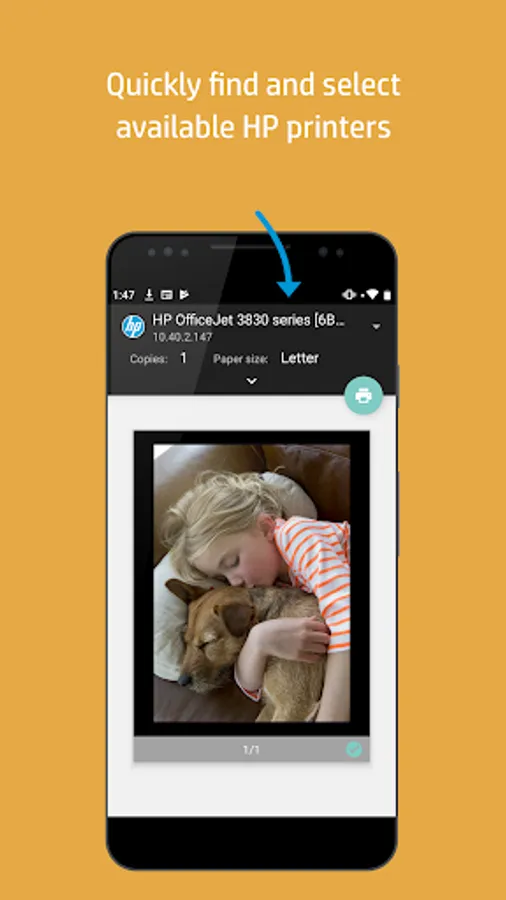
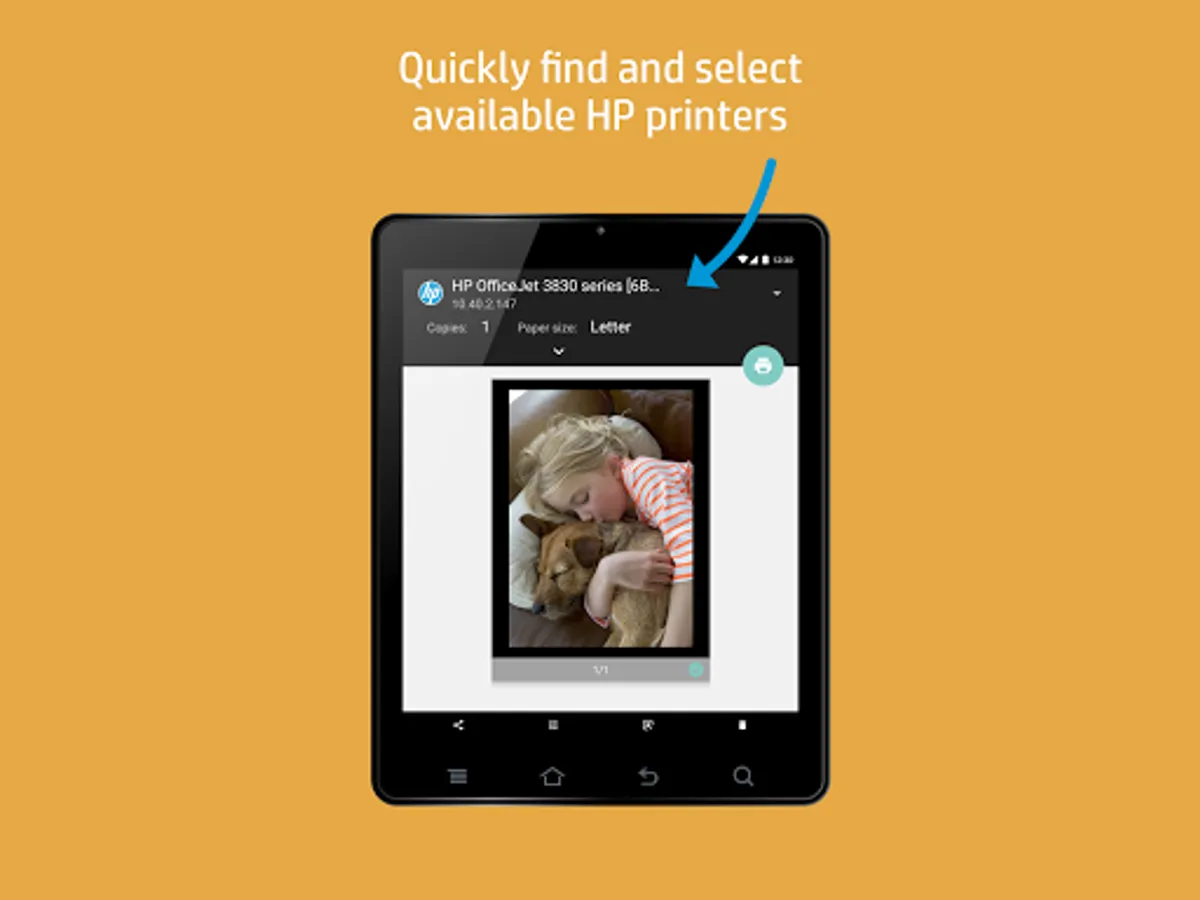
The HP Print Service Plugin is the only print driver that you'll need to easily print documents, emails and pictures from print-supported applications to a variety of HP Printers, including HP OfficeJet, HP LaserJet, HP DesignJet, HP Photosmart, HP DeskJet and HP Envy.
You can discover and print to HP printers that are:
• Connected to the same network as your mobile device
• Broadcasting a Wi-Fi Direct network
• Connected to the mobile device via a USB On-the-Go cable
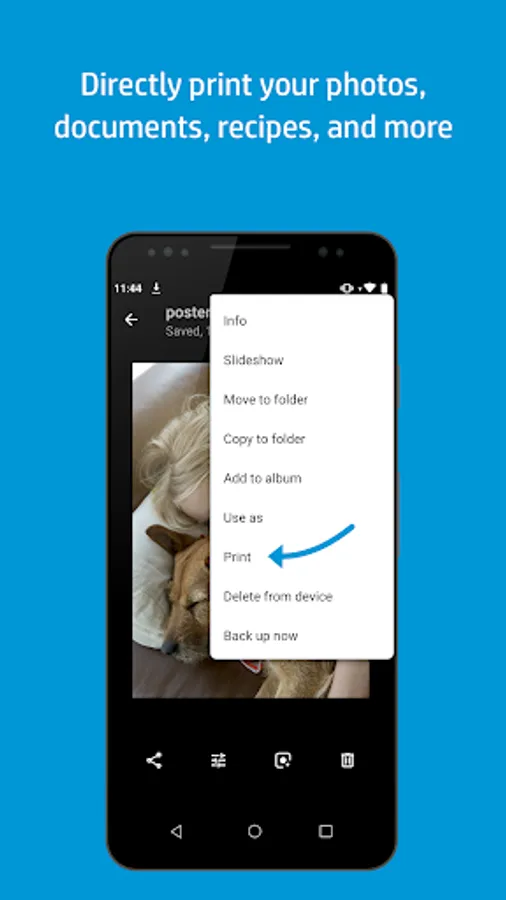
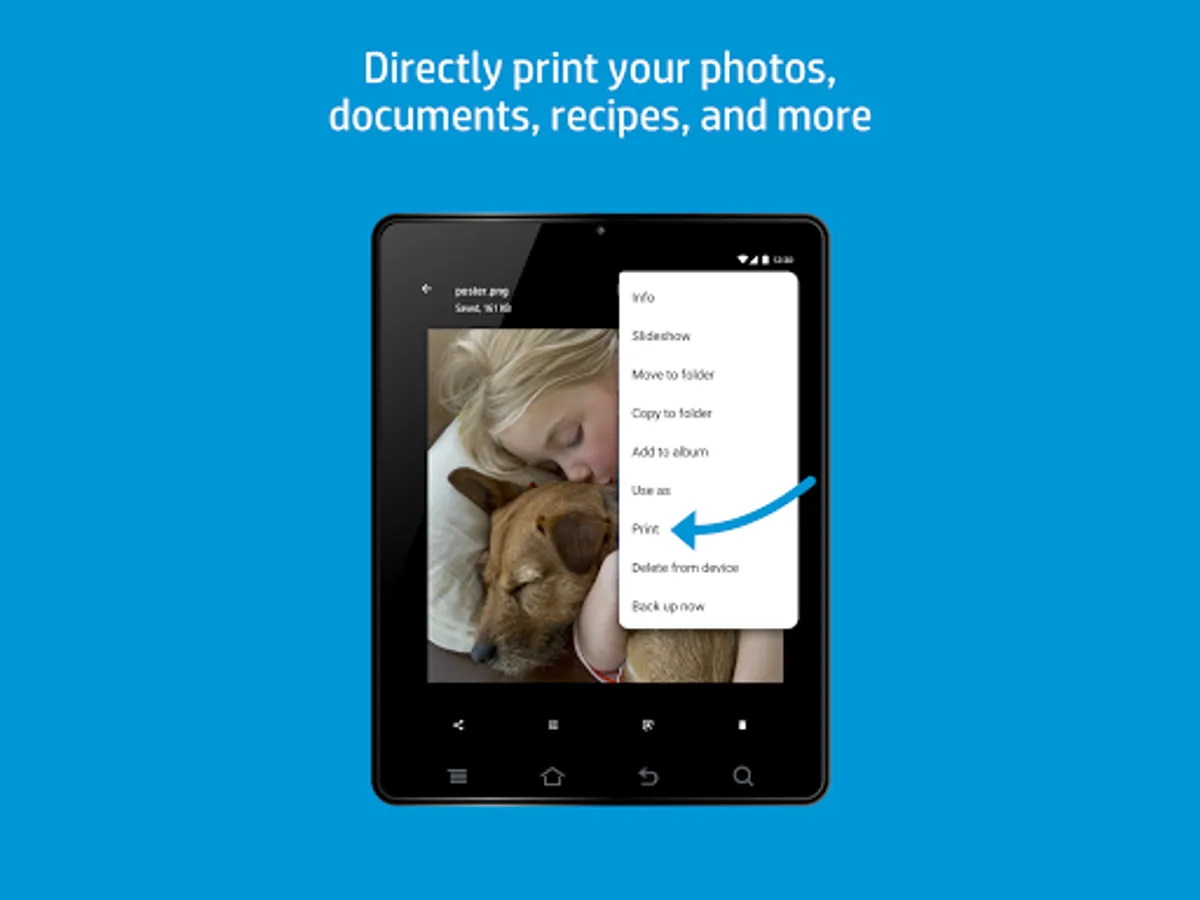
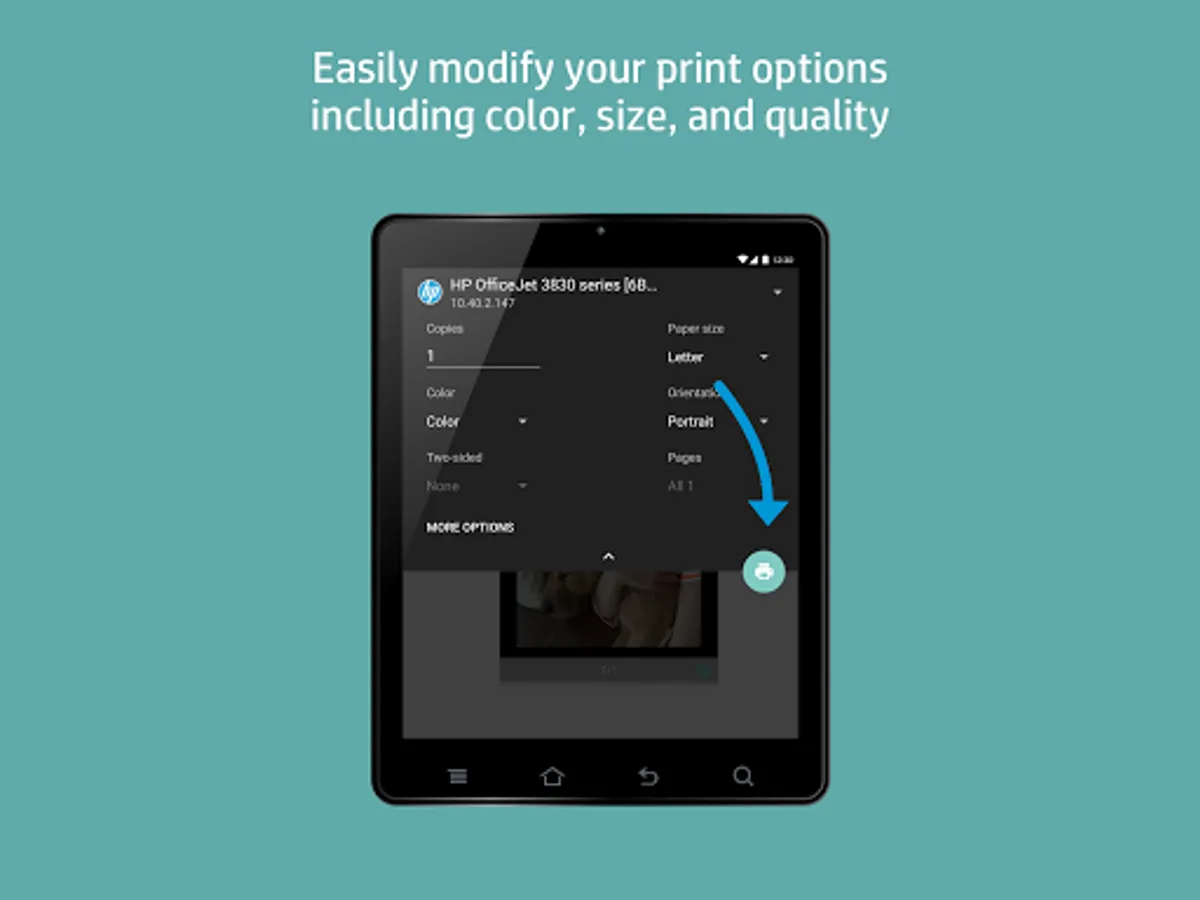
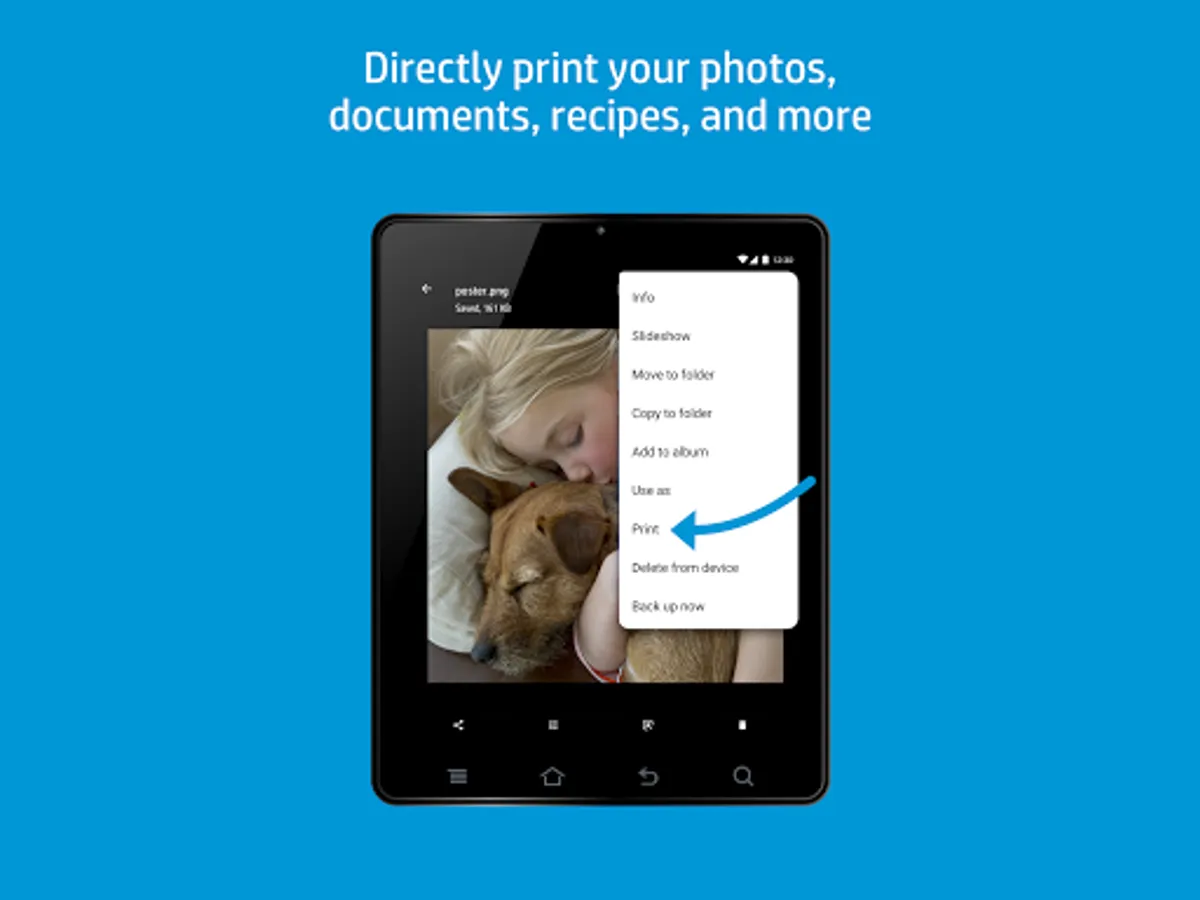
Just select Print or Share to PSP when you need to print. Just tap the menu button to reveal the print option. Location of menu button may vary depending on your model of Android™ device.
The HP Print Service Plugin simplifies printing on your Android™ Lollipop™ (v5.0) and newer devices. If you use Android 6 (Marshmallow) or earlier, you might need to enable the HP Print Service Plugin in your device's settings
For more information on using the HP Print Service Plugin or details on supported HP Printers, go to:
https://support.hp.com/us-en/document/c04024231/?openCLC=true
For more information on Mobile Printing in general, go to:
https://www.hp.com/go/mobileprinting
You can discover and print to HP printers that are:
• Connected to the same network as your mobile device
• Broadcasting a Wi-Fi Direct network
• Connected to the mobile device via a USB On-the-Go cable
Just select Print or Share to PSP when you need to print. Just tap the menu button to reveal the print option. Location of menu button may vary depending on your model of Android™ device.
The HP Print Service Plugin simplifies printing on your Android™ Lollipop™ (v5.0) and newer devices. If you use Android 6 (Marshmallow) or earlier, you might need to enable the HP Print Service Plugin in your device's settings
For more information on using the HP Print Service Plugin or details on supported HP Printers, go to:
https://support.hp.com/us-en/document/c04024231/?openCLC=true
For more information on Mobile Printing in general, go to:
https://www.hp.com/go/mobileprinting
HP Print Service Plugin Screenshots
Tap to Rate:
Reviews for HP Print Service Plugin
ken rodgers
12/31/2025
I cannot easily print on both sides
Patrick R.
12/31/2025
doesn't work with HP printer