HP JetAdvantage Secure Print
HP Inc.
3.6 ★
133 ratings
50,000+
downloads
Free
With this mobile app, you can release print jobs to network printers by scanning QR codes and authenticate users for secure access. Includes user management, document expiration, and support for multiple device types.
AppRecs review analysis
AppRecs rating 3.6. Trustworthiness 79 out of 100. Review manipulation risk 39 out of 100. Based on a review sample analyzed.
★★★☆☆
3.6
AppRecs Rating
Ratings breakdown
5 star
58%
4 star
5%
3 star
9%
2 star
0%
1 star
29%
What to know
✓
Credible reviews
79% trustworthiness score from analyzed reviews
✓
Good user ratings
62% positive sampled reviews
✓
Authentic reviews
No red flags detected
About HP JetAdvantage Secure Print
HP JetAdvantage Secure Print is a cloud-based solution that increases security and control of your print environment by releasing documents only to authorized users. Print jobs are held in a protected queue until users are authenticated. Unprinted jobs are automatically deleted based on your company’s expiration policy.
The solution helps cut costs by reducing waste and increasing productivity—without the need for additional onsite servers, storage, and software. It’s easy to set up and use, and supports multivendor devices.
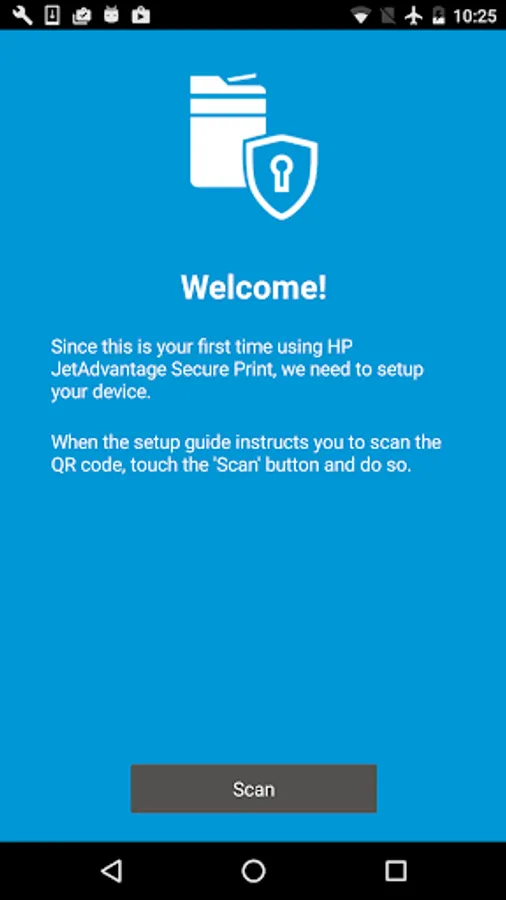
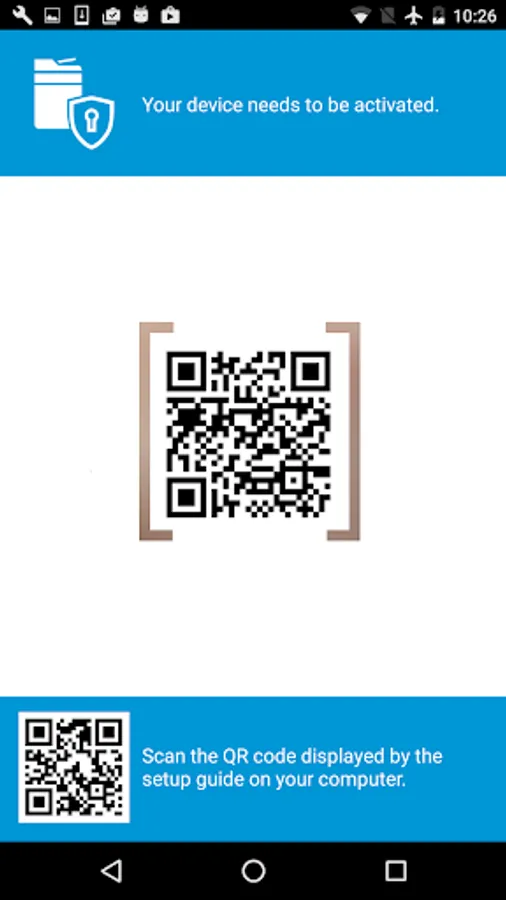
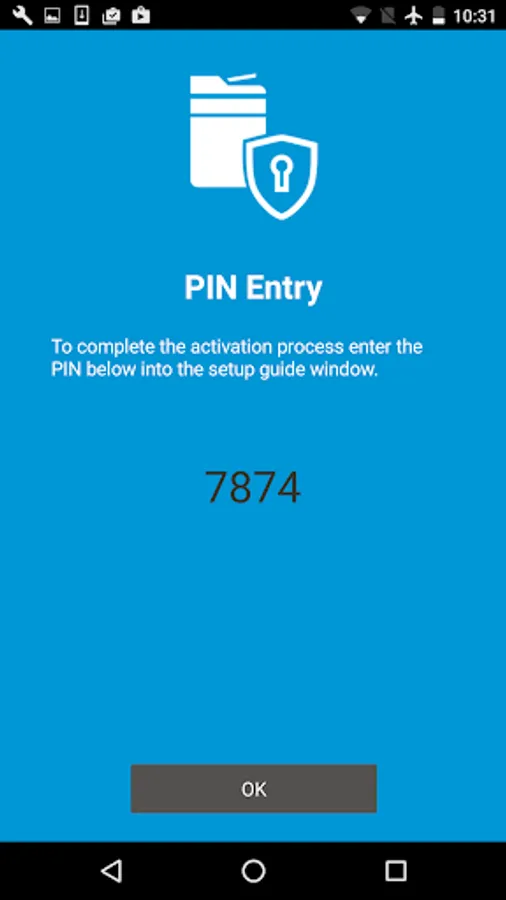
When installed on a mobile device, this application will allow authorized business users to release print jobs from their Secure Print queue to any enabled network printer or MFP by simply scanning the QR code attached to the device. Before you can use your mobile device to release documents, you must first activate it with the Secure Print solution by following the instructions provide by your IT manager or print administrator.
HP JetAdvantage Secure Print solution is available on the HP JetAdvantage On Demand web-based portal (www.hp.com/go/jetadvantageondemand). From this centralized application management console, you can access and manage industry-leading applications and assign user access.
Note: This application requires an HP JetAdvantage Secure Print account. If your company uses HP JetAdvantage Secure Print, please contact your IT manager or print administrator for more information.
The solution helps cut costs by reducing waste and increasing productivity—without the need for additional onsite servers, storage, and software. It’s easy to set up and use, and supports multivendor devices.
When installed on a mobile device, this application will allow authorized business users to release print jobs from their Secure Print queue to any enabled network printer or MFP by simply scanning the QR code attached to the device. Before you can use your mobile device to release documents, you must first activate it with the Secure Print solution by following the instructions provide by your IT manager or print administrator.
HP JetAdvantage Secure Print solution is available on the HP JetAdvantage On Demand web-based portal (www.hp.com/go/jetadvantageondemand). From this centralized application management console, you can access and manage industry-leading applications and assign user access.
Note: This application requires an HP JetAdvantage Secure Print account. If your company uses HP JetAdvantage Secure Print, please contact your IT manager or print administrator for more information.