
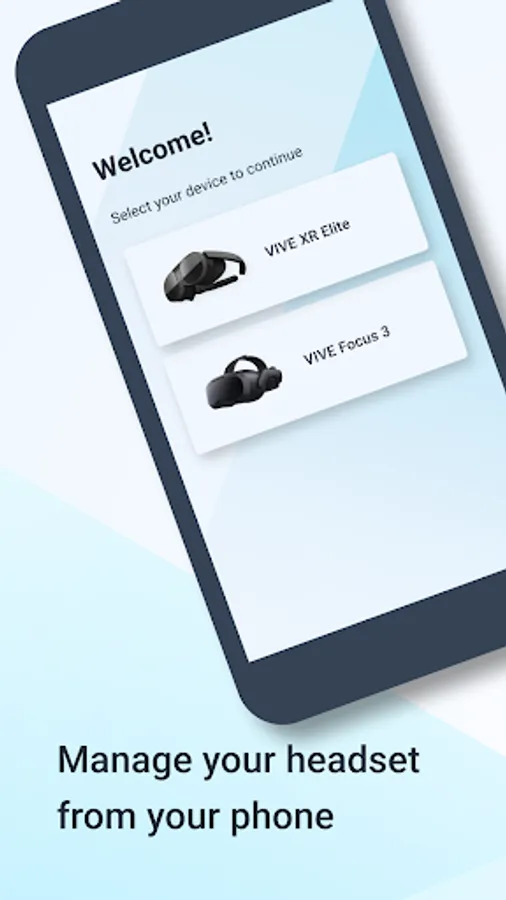
With this app, you can wirelessly manage VIVE XR Elite and VIVE Focus devices, perform firmware updates, pair controllers, and browse or purchase VR content. Includes device setup, content management, and device status monitoring features.
AppRecs review analysis
AppRecs rating 3.0. Trustworthiness 81 out of 100. Review manipulation risk 18 out of 100. Based on a review sample analyzed.
★★★☆☆
3.0
AppRecs Rating
Ratings breakdown
5 star
37%
4 star
15%
3 star
7%
2 star
0%
1 star
41%
What to know
✓
Low review manipulation risk
18% review manipulation risk
✓
Credible reviews
81% trustworthiness score from analyzed reviews
⚠
High negative review ratio
41% of sampled ratings are 1–2 stars
About VIVE Manager
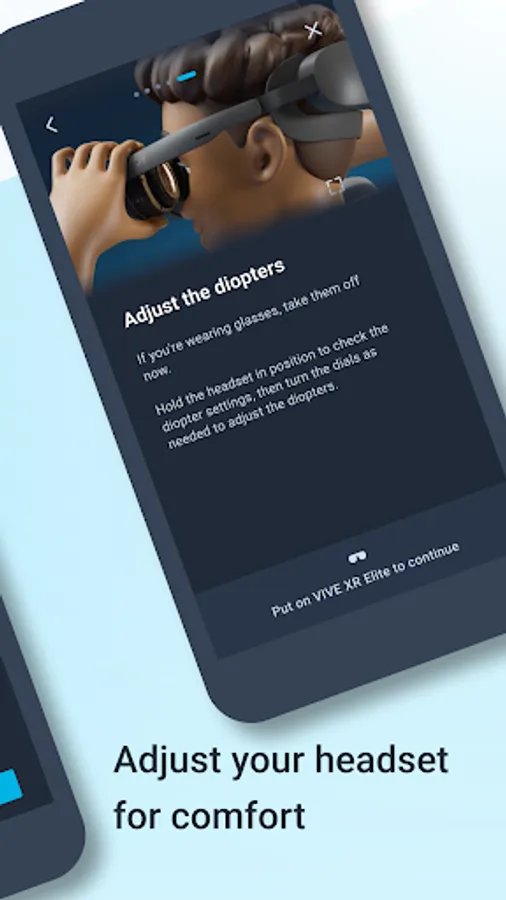
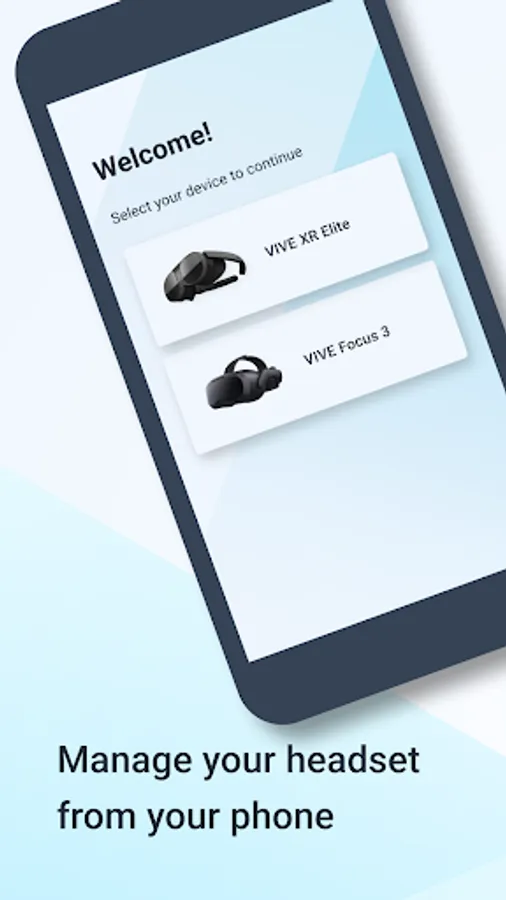
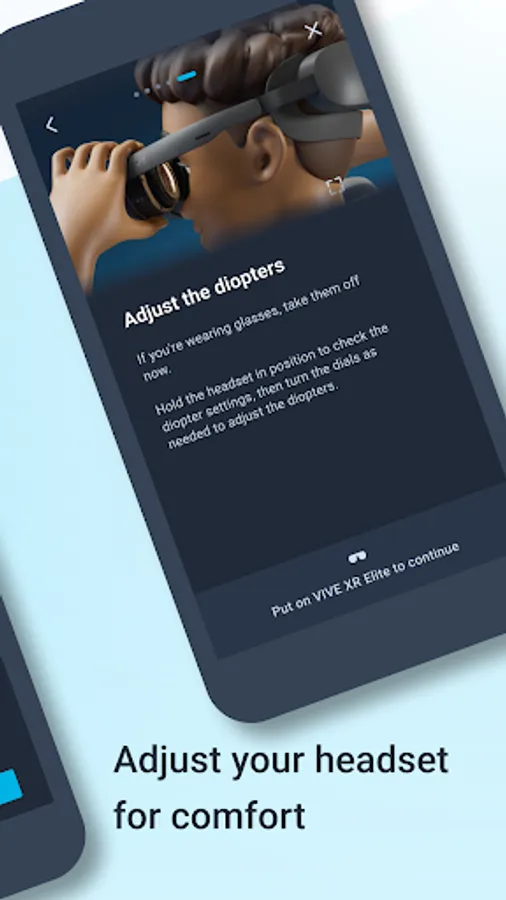
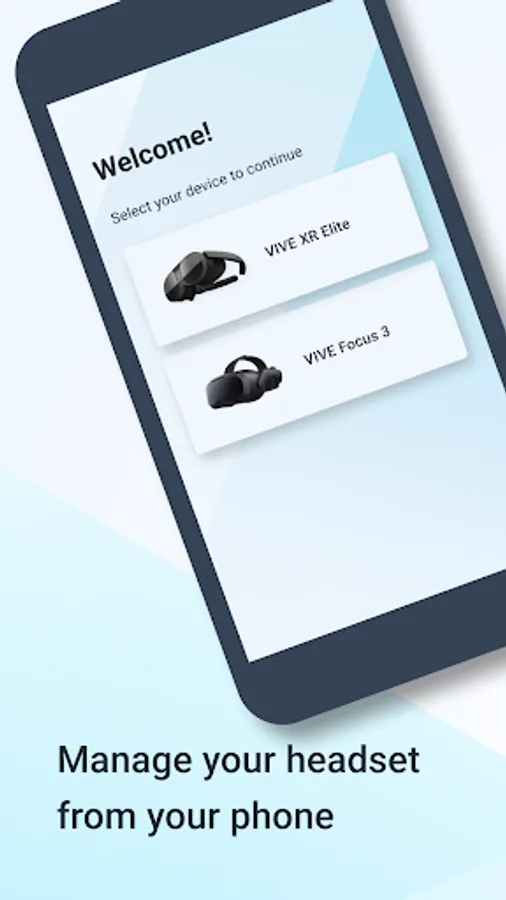
VIVE Manager lets you wirelessly manage your VIVE XR Elite, VIVE Focus 3 , VIVE Focus Vision.
With VIVE Manager, you can:
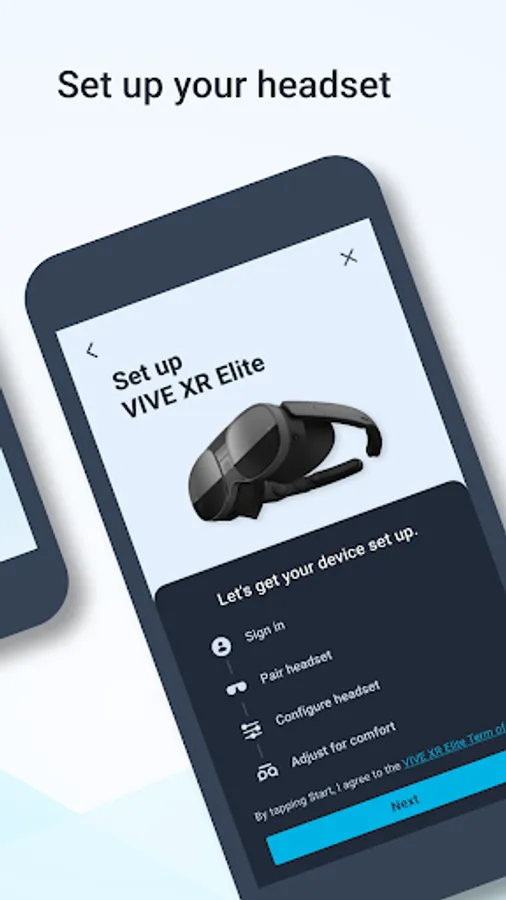
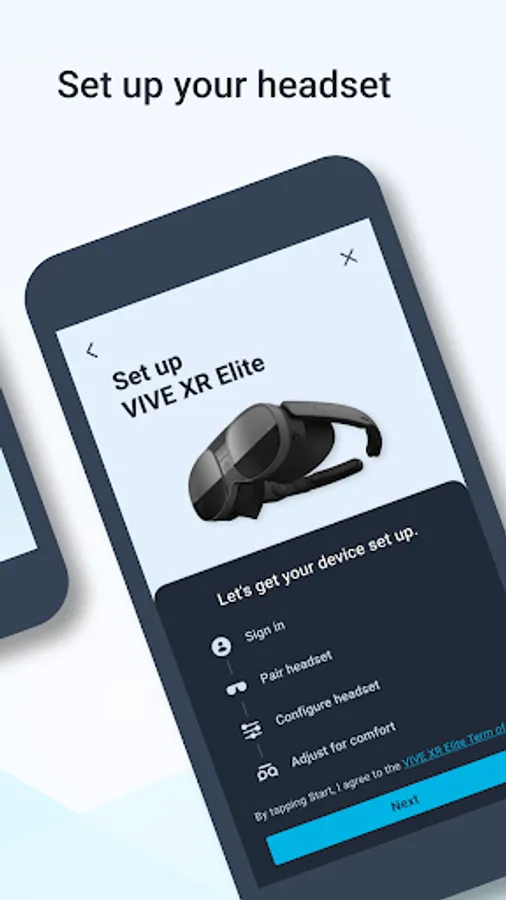
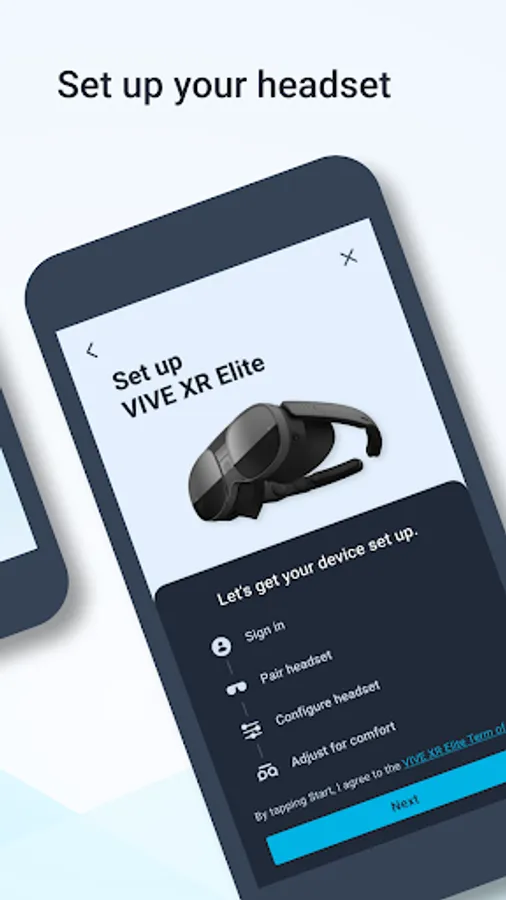
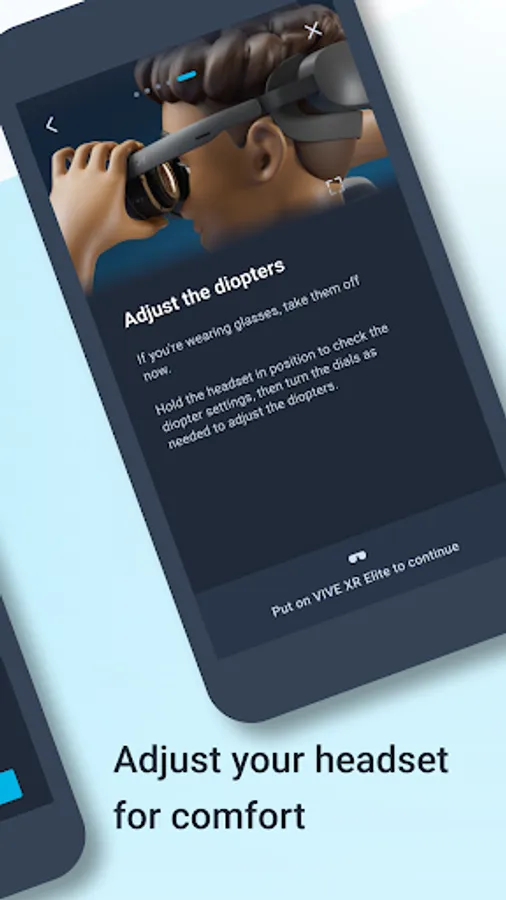
• Quickly set up your VIVE XR Elite, VIVE Focus 3 out of the box. Set up Wi-Fi, choose the language to use, sign in to your account, and more.
• Browse and purchase VR content on the VIVE Business AppStore.
• Manage your VR library.
• Update VIVE XR Elite, VIVE Focus 3 firmware when one is available.
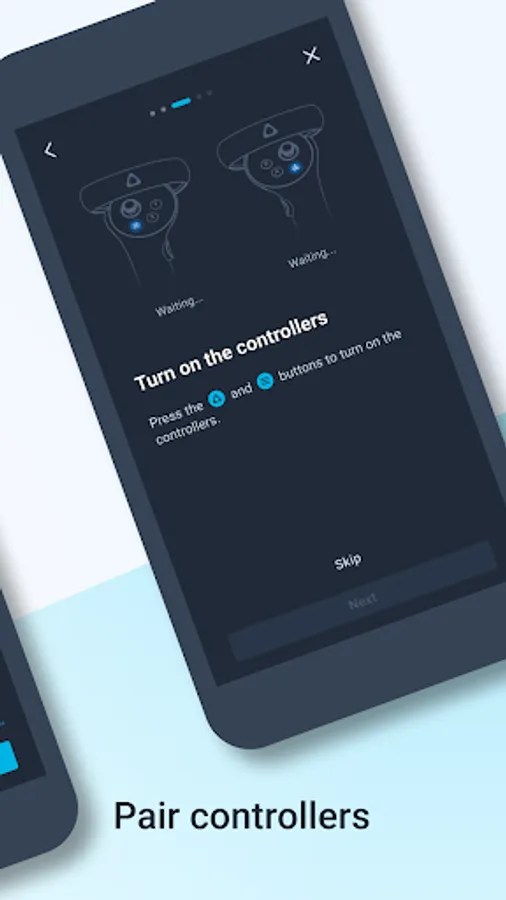
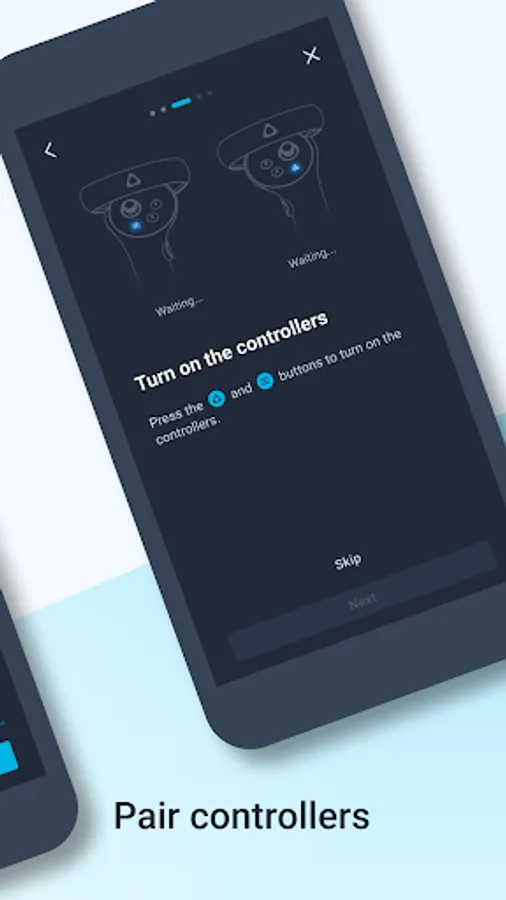
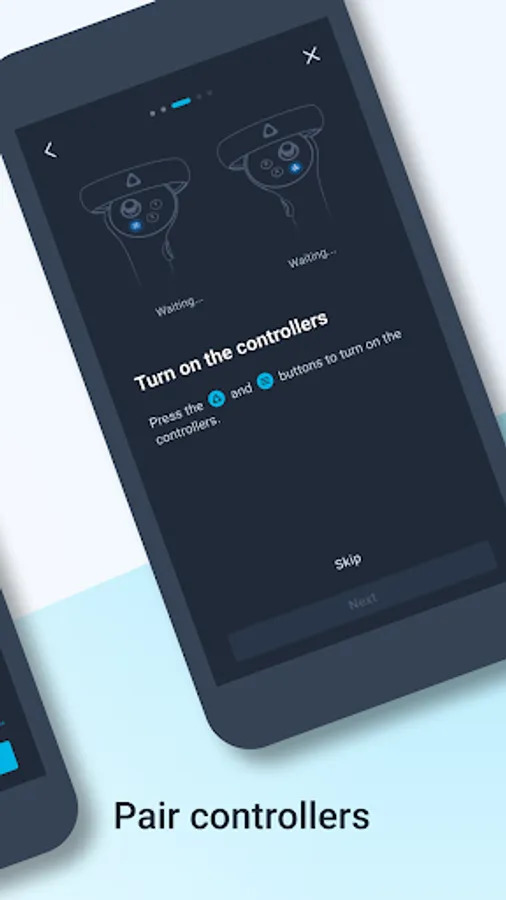
• Pair new controllers to your VIVE XR Elite, VIVE Focus 3 headset.
• Casting VIVE XR Elite, VIVE focus 3 screen to phone directly
• Support to purchase Viveport content on your mobile device
• Supports to configure KIOSK mode for VIVE XR series
• Supports to manage content installation for VIVE XR series
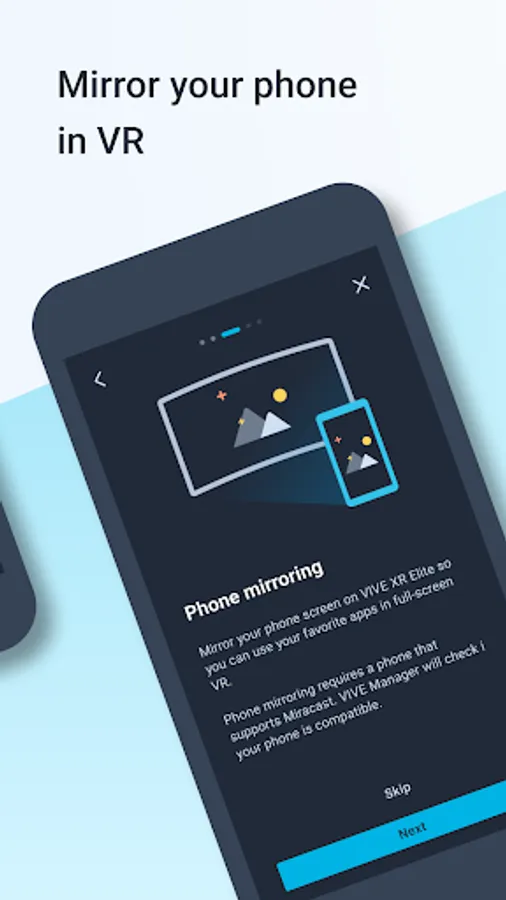
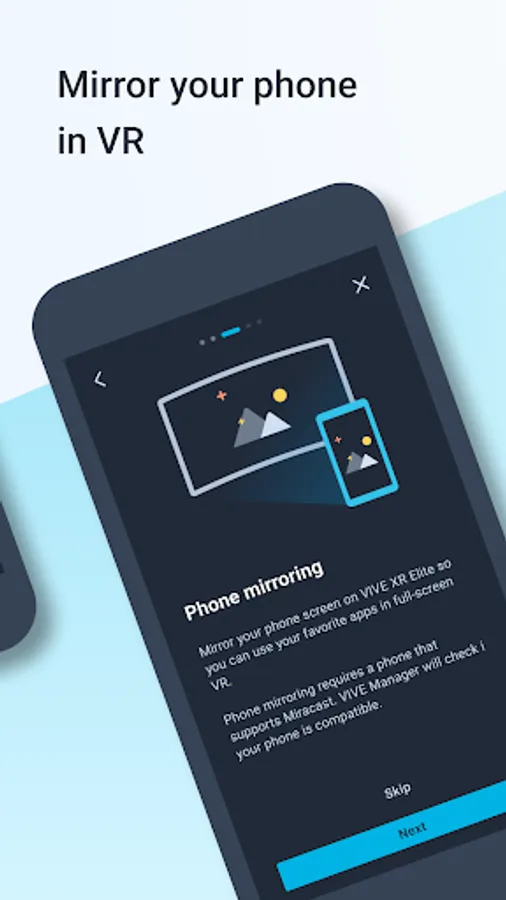
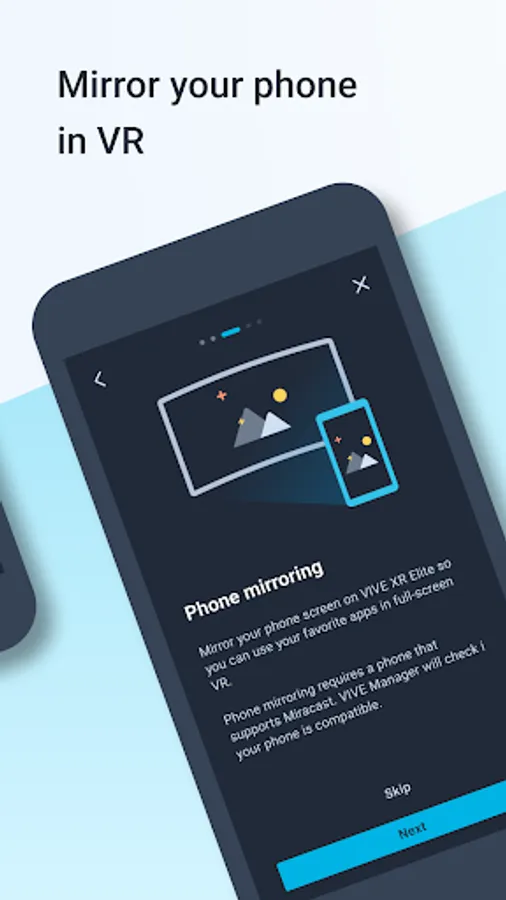
• Supports Phone mirroring. (DHCP2.2 is not yet to support)
• Show VIVE XR series status: battery level and storage
Enterprise features*
• [Enterprise feature] Show Tracking map capacity ratio when creating map
• [Enterprise feature] Supports uploading ArUco profile to HMD (HMD needs to be customized accordingly with this feature).
• [Enterprise feature] Supports quick play area creation with HMD floor height, boundary size and forward direction.
*Note:
For details, please contact HTC sales through https://business.vive.com
App permissions
The following app permissions determine how you can use your phone with VIVE XR.
Device location (required)
Required so phone can scan and connect to nearby devices using Bluetooth.
Accessibility service API (optional)
Enabling the Accessibility Service API allows your phone to mirror its screen on VIVE XR. This includes the following screen mirroring operations:
- Creates an overlay for adjusting screen brightness and orientation
- Opens Miracast settings and automatically turns on the settings required to start Miracast
- Trigger touch events on the phone screen
- Supports back key behavior
- Monitors active app change events to keep track of the current app
For the know more about phone mirroring, see introduction video - Enable Phone mirroring or our User Support for more information:
https://youtu.be/2hHzz-bvkYc?si=bD7zr6ibSnN6JZFm
Notifications (optional)
VIVE Manager needs the following permissions to show phone notifications in VR.
Contacts
Retrieves and displays the contact name associated with an incoming call
Phone calls
Displays call status
Call log
Shows notifications for missed calls
SMS
Shows notifications for text messages
Personal data will not be shared with HTC. See our Privacy Policy to find out more.
With VIVE Manager, you can:
• Quickly set up your VIVE XR Elite, VIVE Focus 3 out of the box. Set up Wi-Fi, choose the language to use, sign in to your account, and more.
• Browse and purchase VR content on the VIVE Business AppStore.
• Manage your VR library.
• Update VIVE XR Elite, VIVE Focus 3 firmware when one is available.
• Pair new controllers to your VIVE XR Elite, VIVE Focus 3 headset.
• Casting VIVE XR Elite, VIVE focus 3 screen to phone directly
• Support to purchase Viveport content on your mobile device
• Supports to configure KIOSK mode for VIVE XR series
• Supports to manage content installation for VIVE XR series
• Supports Phone mirroring. (DHCP2.2 is not yet to support)
• Show VIVE XR series status: battery level and storage
Enterprise features*
• [Enterprise feature] Show Tracking map capacity ratio when creating map
• [Enterprise feature] Supports uploading ArUco profile to HMD (HMD needs to be customized accordingly with this feature).
• [Enterprise feature] Supports quick play area creation with HMD floor height, boundary size and forward direction.
*Note:
For details, please contact HTC sales through https://business.vive.com
App permissions
The following app permissions determine how you can use your phone with VIVE XR.
Device location (required)
Required so phone can scan and connect to nearby devices using Bluetooth.
Accessibility service API (optional)
Enabling the Accessibility Service API allows your phone to mirror its screen on VIVE XR. This includes the following screen mirroring operations:
- Creates an overlay for adjusting screen brightness and orientation
- Opens Miracast settings and automatically turns on the settings required to start Miracast
- Trigger touch events on the phone screen
- Supports back key behavior
- Monitors active app change events to keep track of the current app
For the know more about phone mirroring, see introduction video - Enable Phone mirroring or our User Support for more information:
https://youtu.be/2hHzz-bvkYc?si=bD7zr6ibSnN6JZFm
Notifications (optional)
VIVE Manager needs the following permissions to show phone notifications in VR.
Contacts
Retrieves and displays the contact name associated with an incoming call
Phone calls
Displays call status
Call log
Shows notifications for missed calls
SMS
Shows notifications for text messages
Personal data will not be shared with HTC. See our Privacy Policy to find out more.
VIVE Manager Screenshots
Tap to Rate:
Reviews for VIVE Manager
Dougie Beighton (Dougie)
12/23/2025
I used this app a while ago, but now I try using this program again for my vive xr elite headset. However, this app just crashes every time now. I updated it, cleaned everything, and uninstall them reinstall today. it doing nothing. Just can't open the app at all. update this bug, please
Ethy Lain
11/21/2025
crashing