Calc
Hyugro Apps
10+
downloads
Free
About Calc
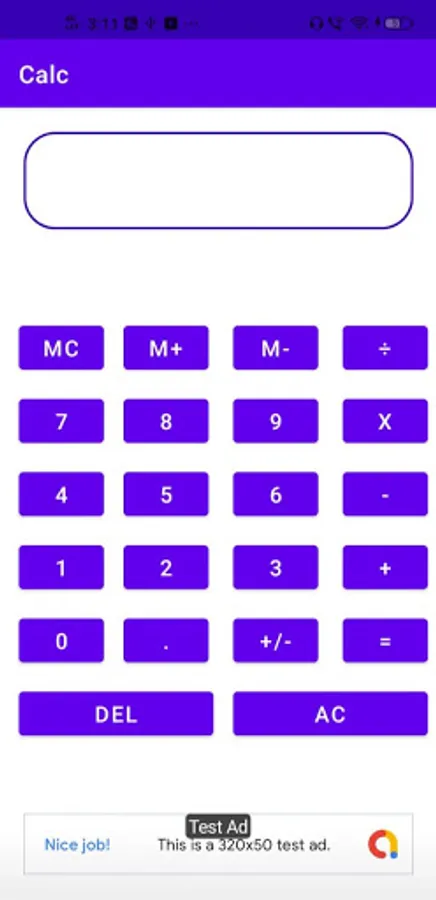
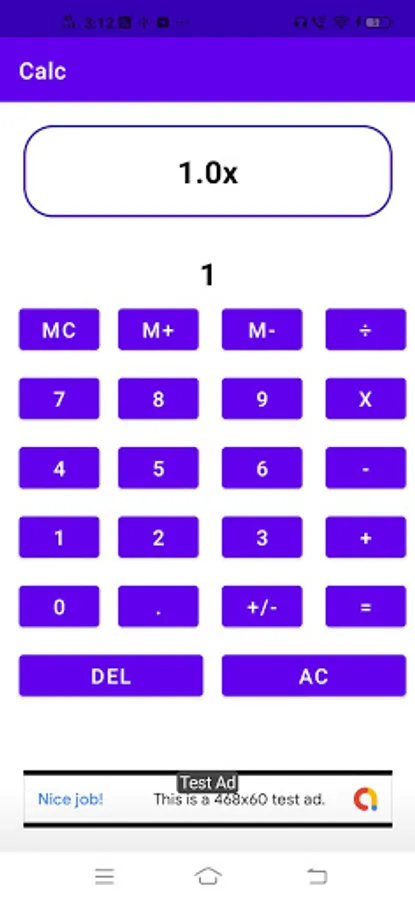
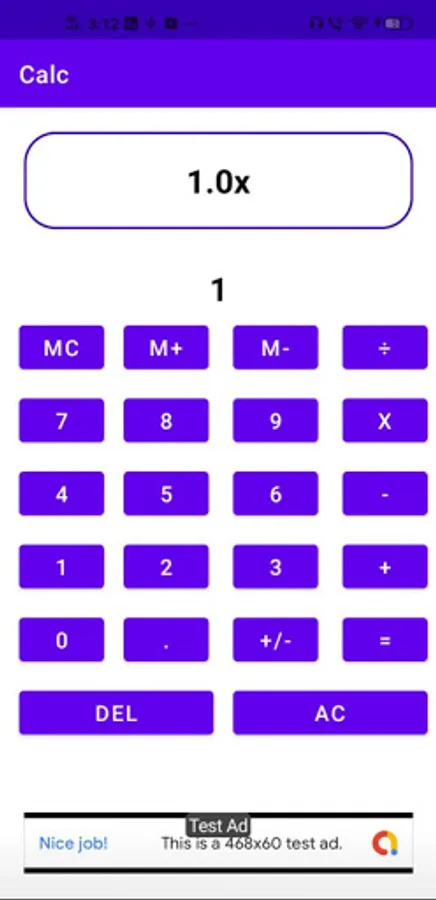
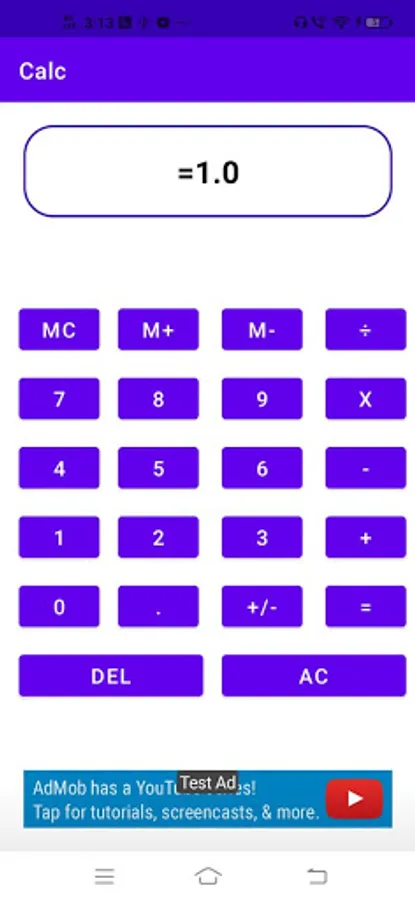
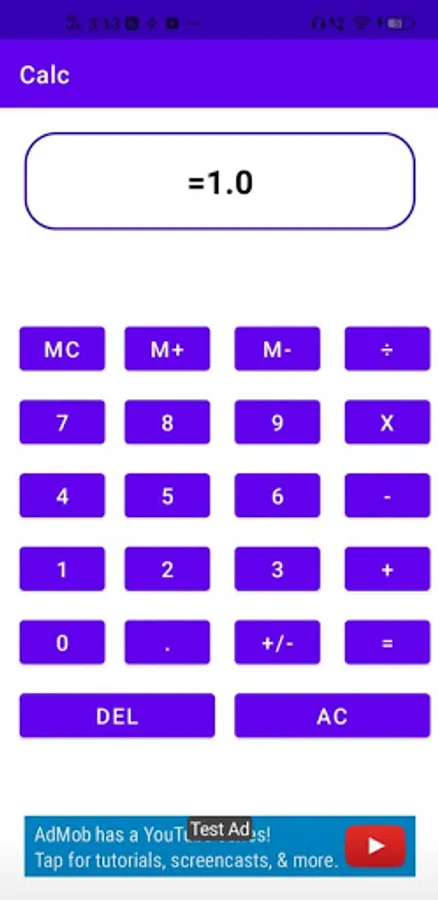
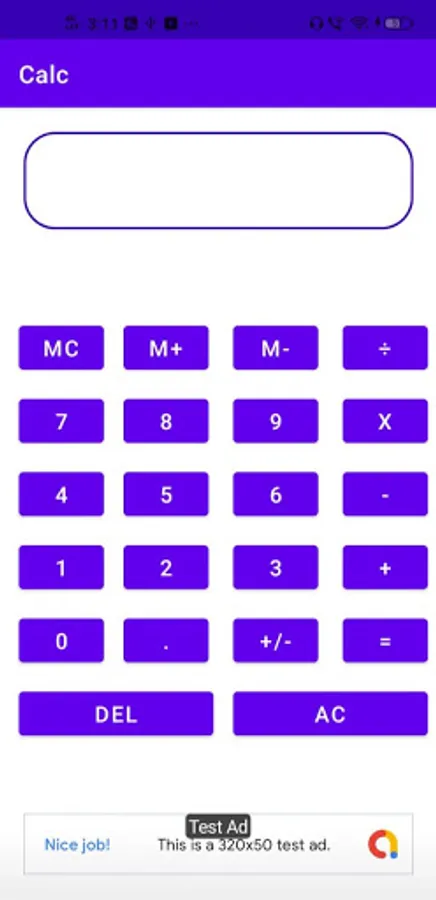
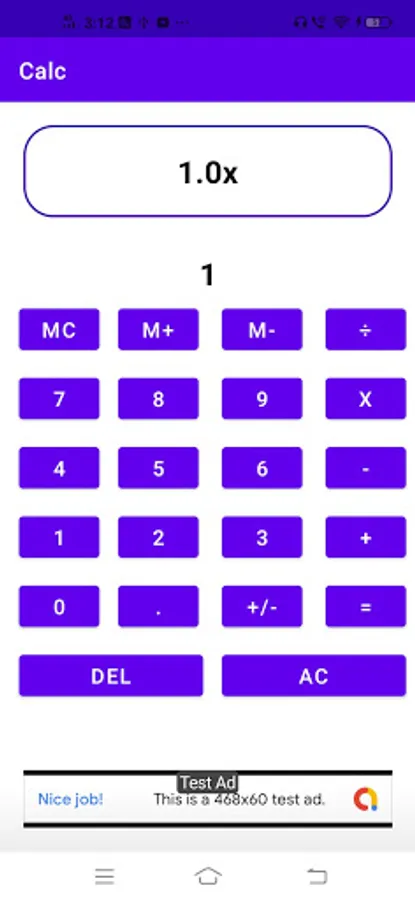
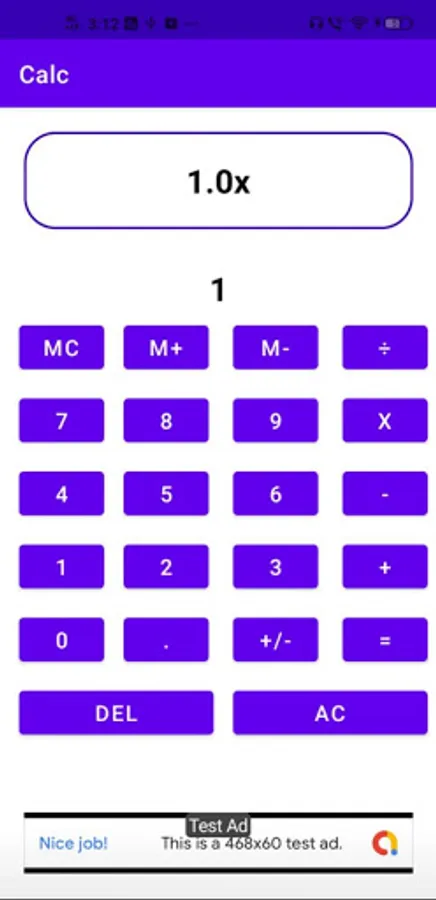
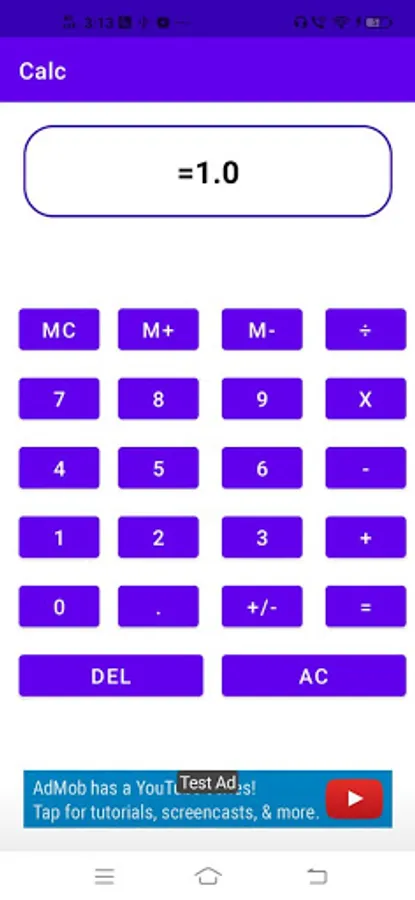
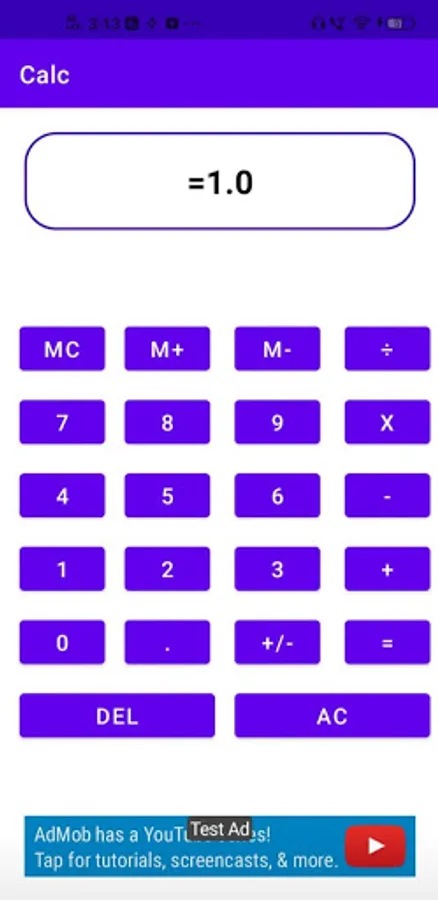
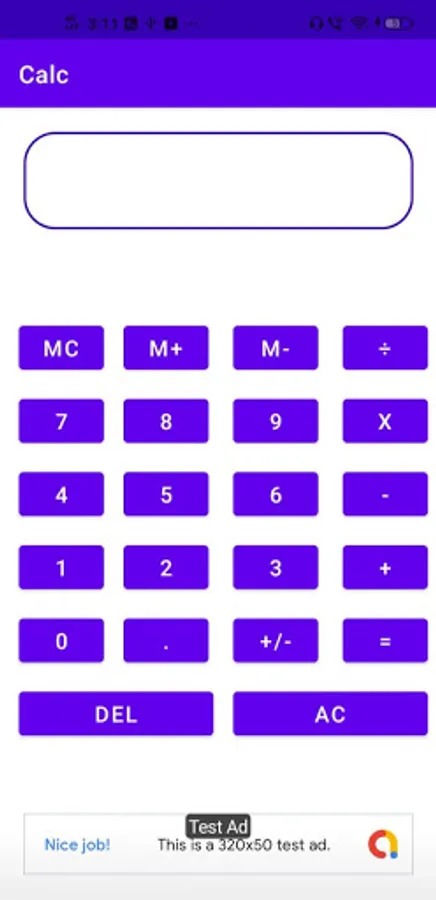
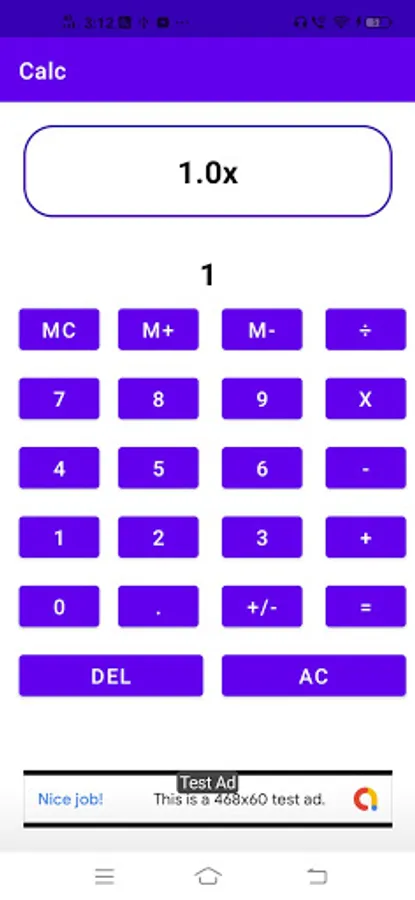
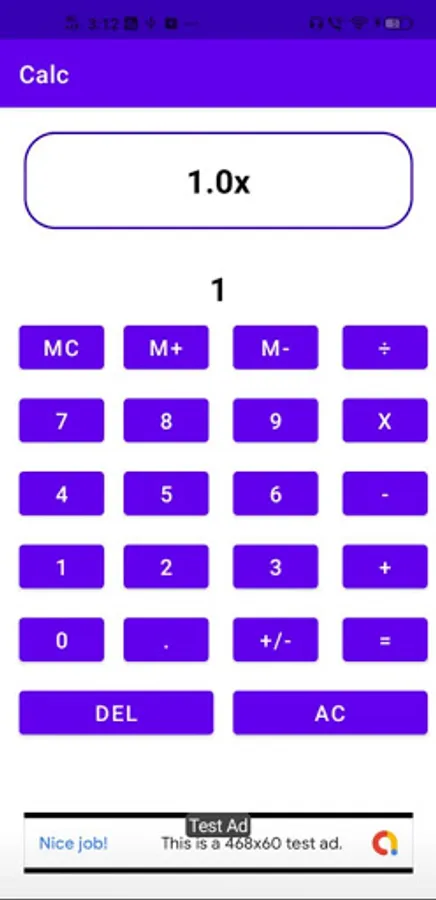
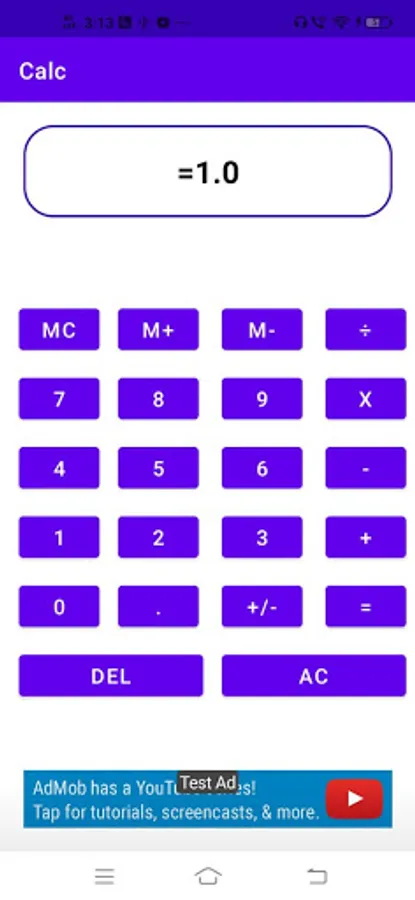
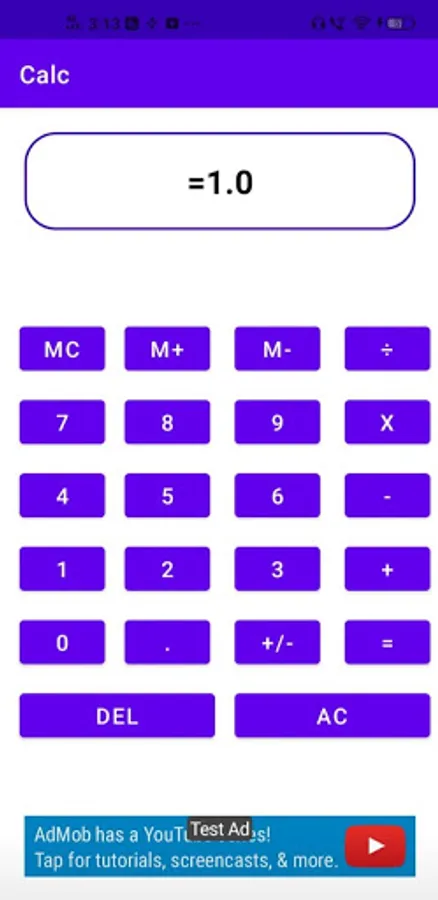
This is a simple basic calculator with memory functions similar to a small handheld calculator. Use this basic calculator for math with addition, subtraction, division and multiplication. Memory and clear functions for this standard calculator are listed below.
mc = Memory Clear
m+ = Memory Plus
m- = Memory Minus
mr = Memory Recall
CE = Clear Entry
AC = All Clear
√x = Square Root
+/- = Plus/Minus
π = Pi
x² = Square:
R2 = Round to 2 Decimals
R0 = Round to 0 Decimals
% = Percent
Delete/Backspace --> deletes one character at a time from the right end of the display.
The calculator memory is at 0 until you hit m+ or m-. Each time you hit m+ the number on the display is added to the number in the calculator memory. Each time you hit m- the number on the display is subtracted from the number in the calculator memory. To recall the number in the calculator memory hit mr. To zero out the memory hit mc.
Use AC to clear out the current calculation. Use CE to clear out the most recent entry. Note that if the AC key is not visible, hit CE and then AC to clear out your calculation.
mc = Memory Clear
m+ = Memory Plus
m- = Memory Minus
mr = Memory Recall
CE = Clear Entry
AC = All Clear
√x = Square Root
+/- = Plus/Minus
π = Pi
x² = Square:
R2 = Round to 2 Decimals
R0 = Round to 0 Decimals
% = Percent
Delete/Backspace --> deletes one character at a time from the right end of the display.
The calculator memory is at 0 until you hit m+ or m-. Each time you hit m+ the number on the display is added to the number in the calculator memory. Each time you hit m- the number on the display is subtracted from the number in the calculator memory. To recall the number in the calculator memory hit mr. To zero out the memory hit mc.
Use AC to clear out the current calculation. Use CE to clear out the most recent entry. Note that if the AC key is not visible, hit CE and then AC to clear out your calculation.