In this app, you can connect your Android device to FL Studio over Wi-Fi to control instruments, effects, and the mixer. Includes customizable control layouts, pre-built tabs, and support for multiple devices.
AppRecs review analysis
AppRecs rating 3.8. Trustworthiness 82 out of 100. Review manipulation risk 27 out of 100. Based on a review sample analyzed.
★★★☆☆
3.8
AppRecs Rating
Ratings breakdown
5 star
59%
4 star
9%
3 star
4%
2 star
0%
1 star
28%
What to know
✓
Low review manipulation risk
27% review manipulation risk
✓
Credible reviews
82% trustworthiness score from analyzed reviews
✓
Good user ratings
67% positive sampled reviews
About FL STUDIO REMOTE
FL Studio Remote is a free, customizable virtual WiFi controller app for Android, built by the FL Studio team. It doesn’t produce sound - instead, it connects to FL Studio over Wi-Fi to control it like a physical MIDI controller. Use pads, faders, knobs, and even create your own layouts to suit your workflow.
To get started, open FL Studio on your computer and launch FL Studio Remote on your Android device. As long as both devices are connected to the same network, the connection is automatic - no setup required.
Once connected, you can:
* Control FL Studio instantly, including instruments and effect plugins, just like any other MIDI controller.
* Connect up to 15 devices at once, whether they’re Phones, Tablets, or Chromebooks.
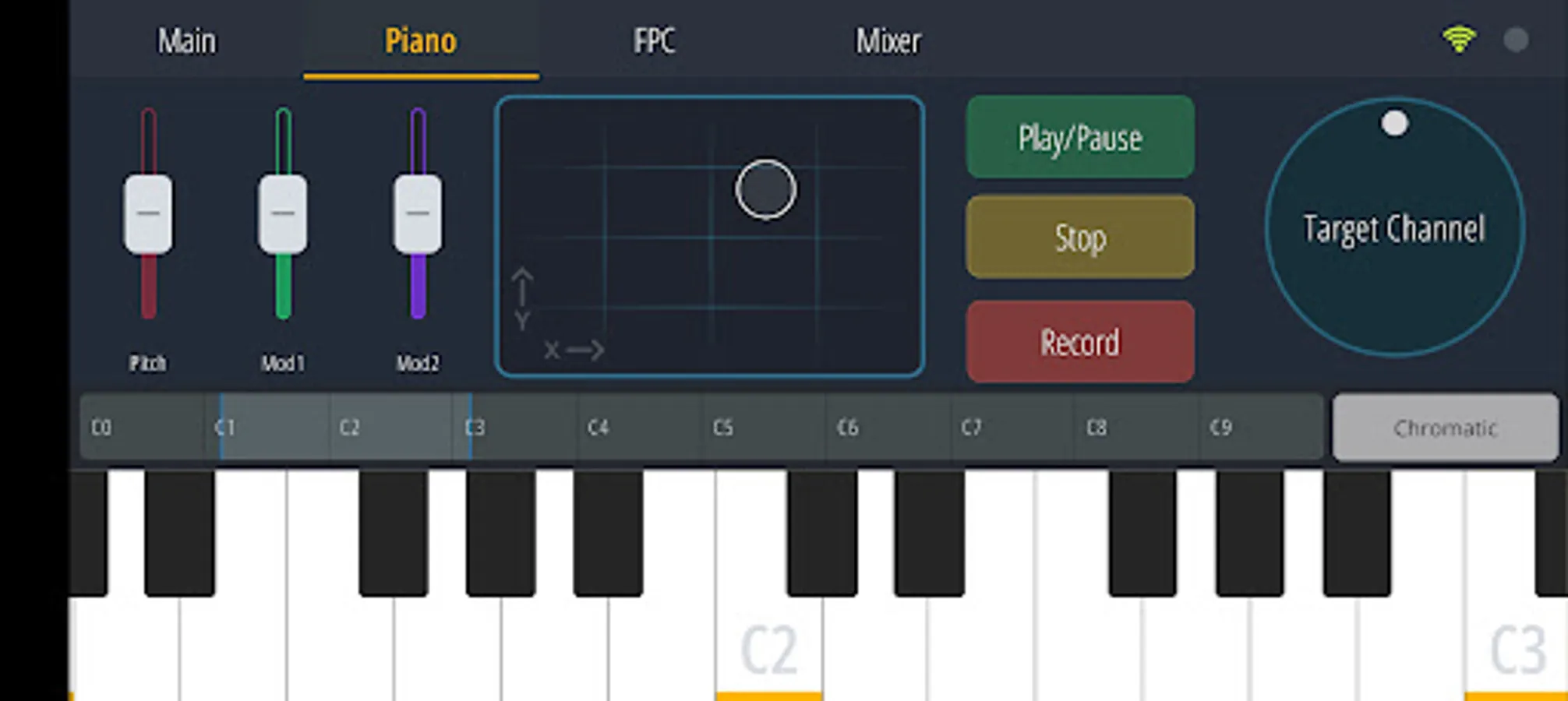
The app includes a variety of built-in controller tabs such as:
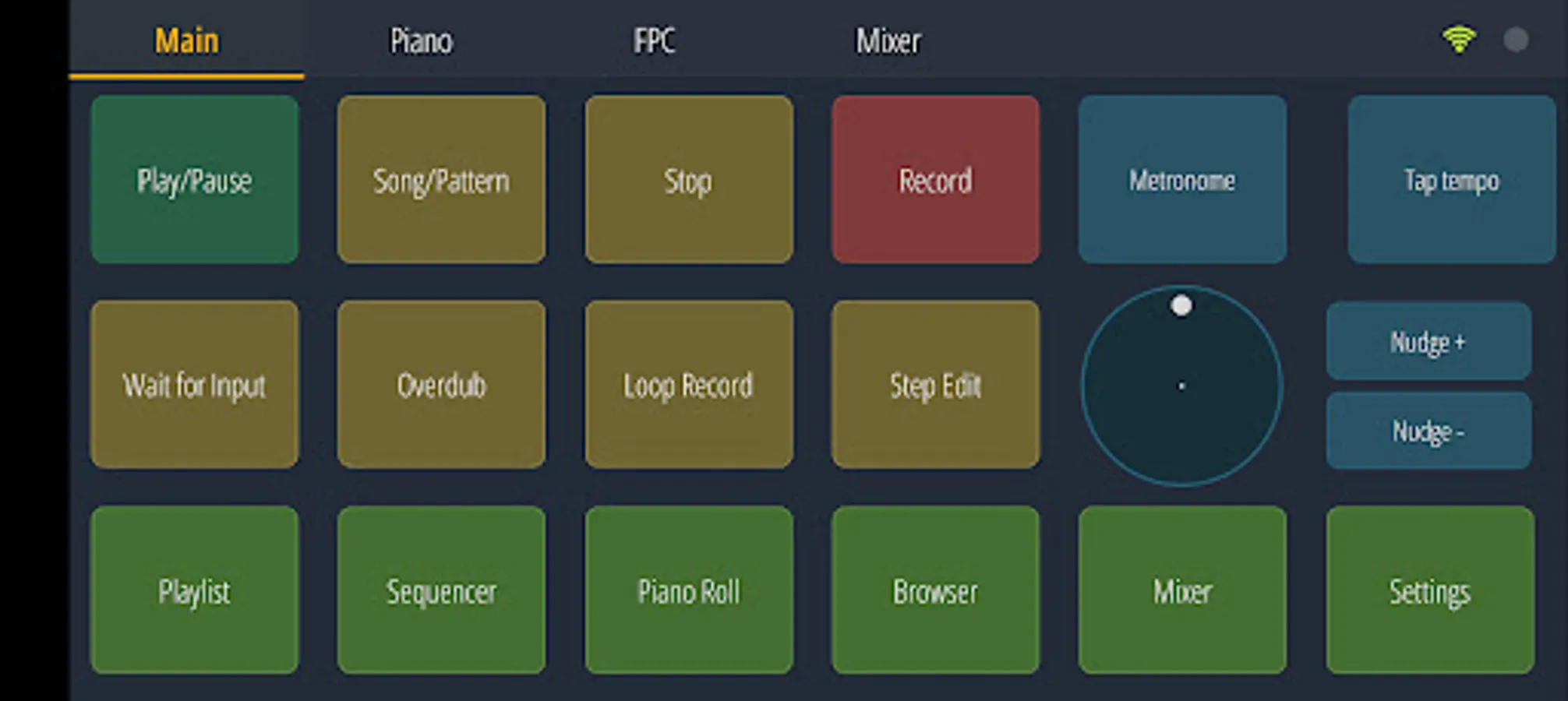
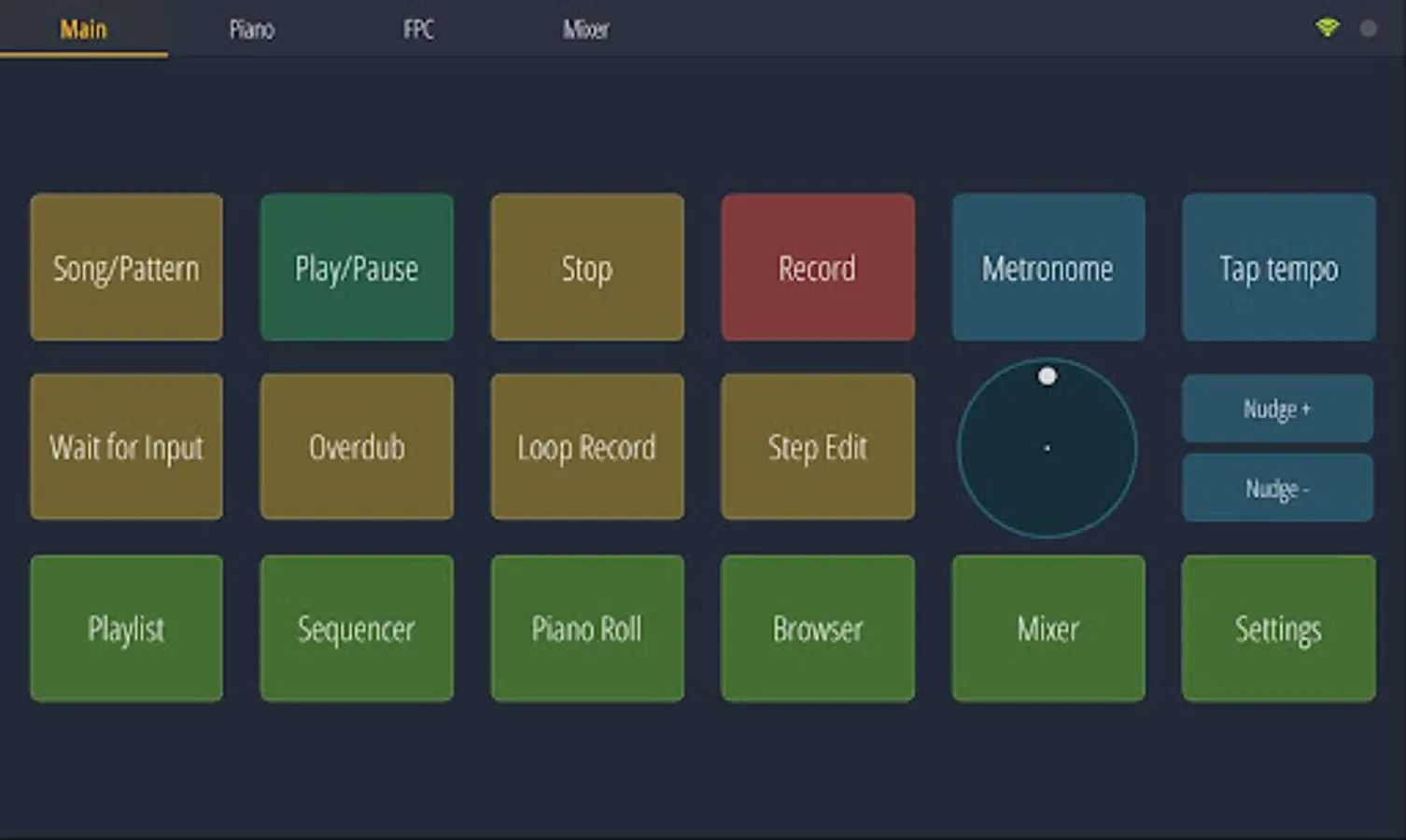
* Transport controls
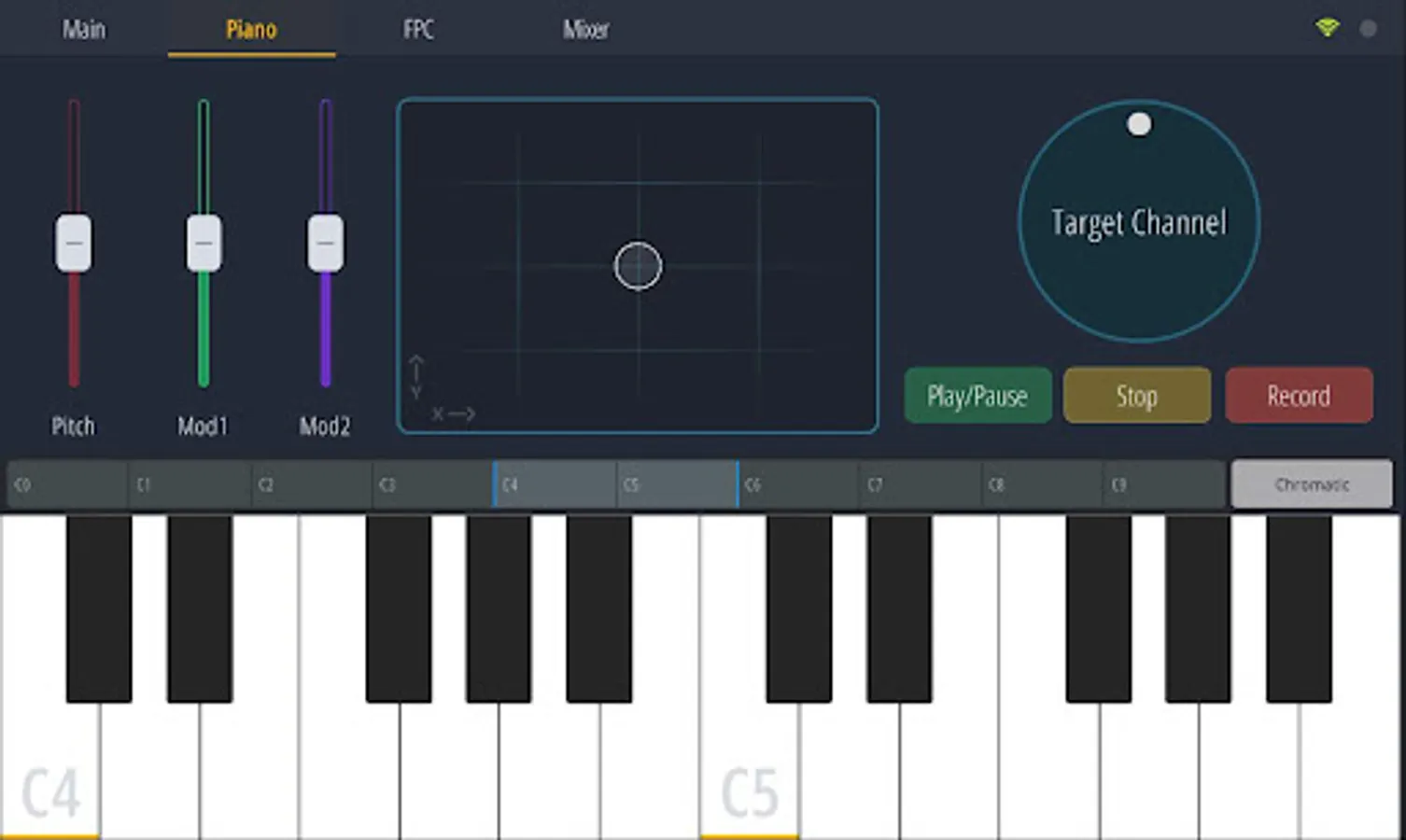
* MIDI keyboard
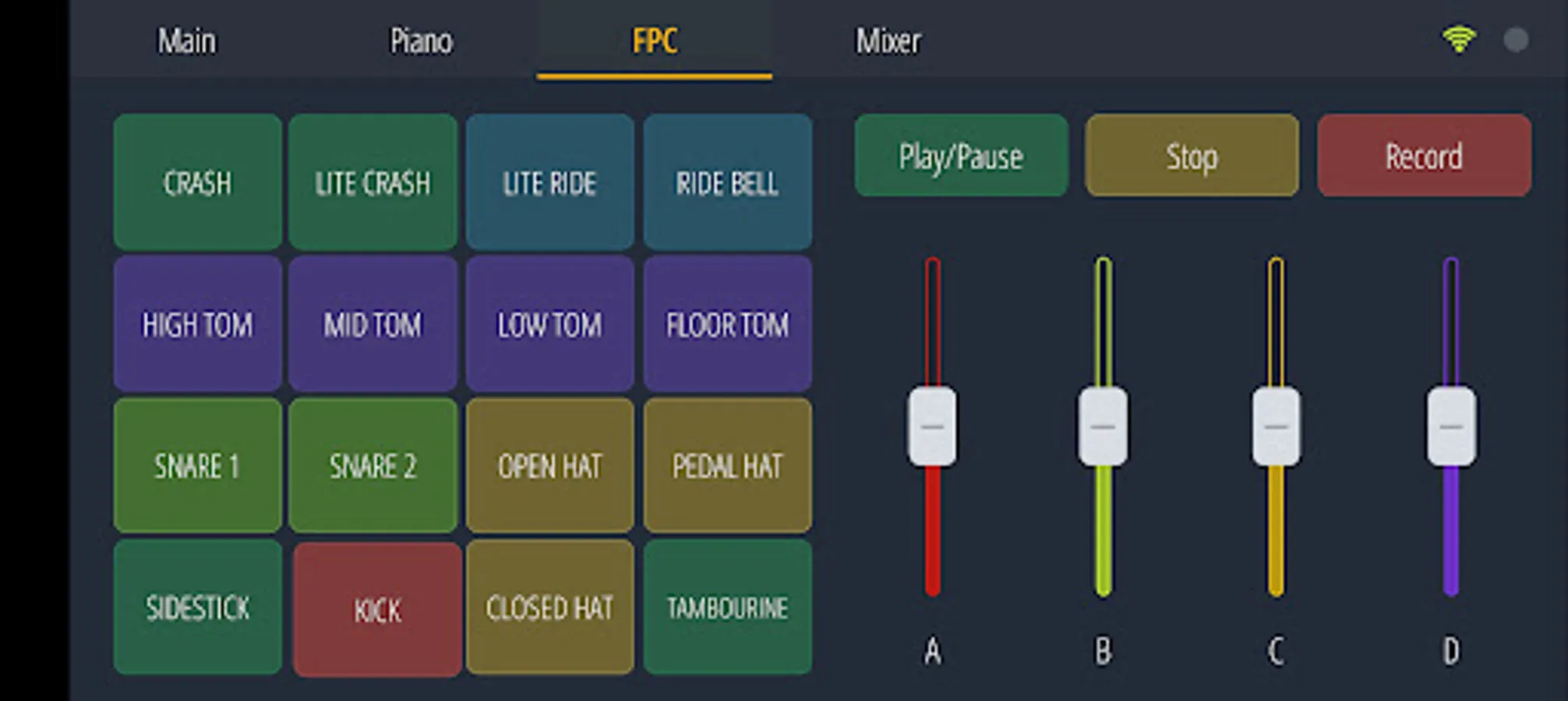
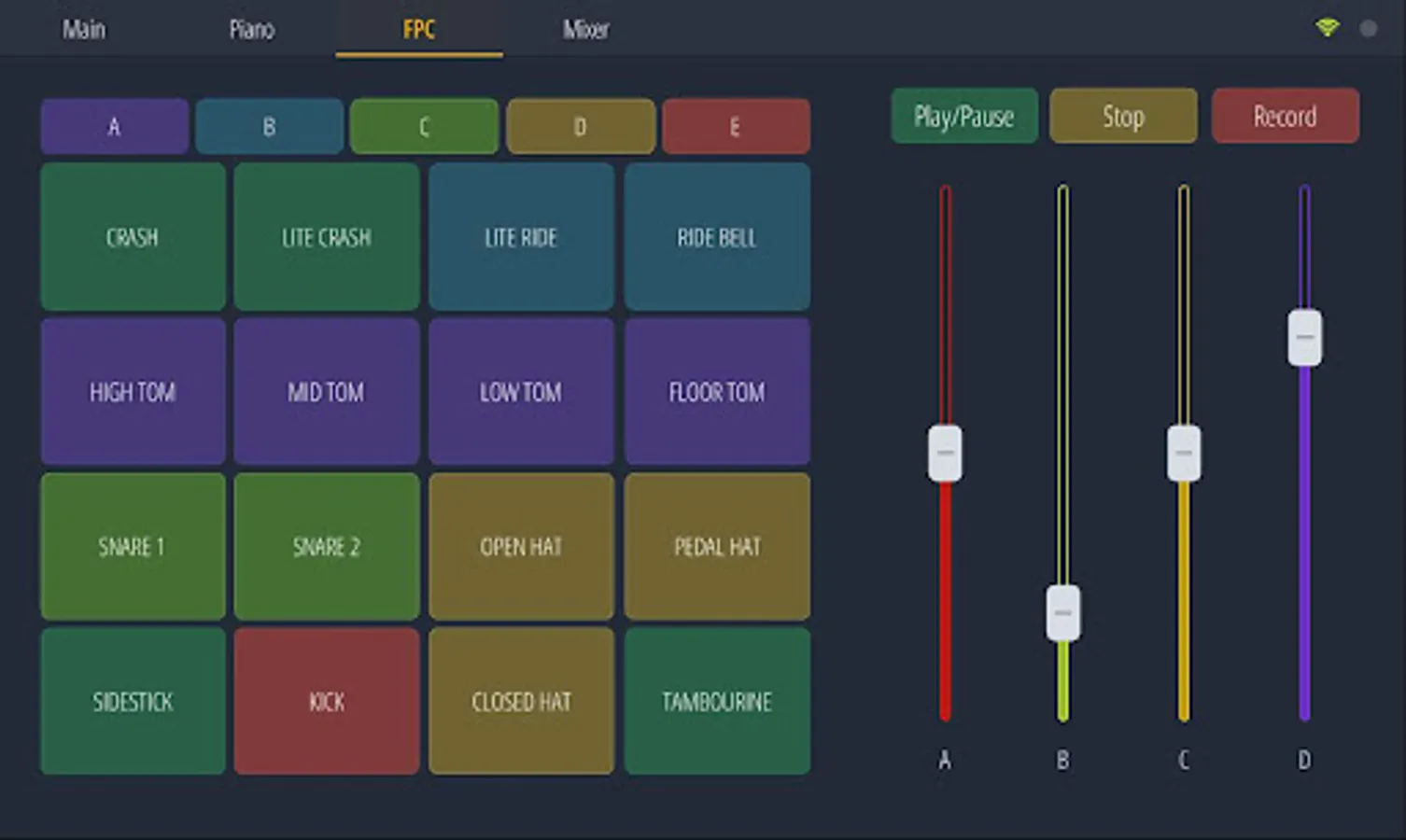
* FPC pads
* Harmonizer keyboard
* Performance Mode (Clip launcher)
* Gross Beat FX
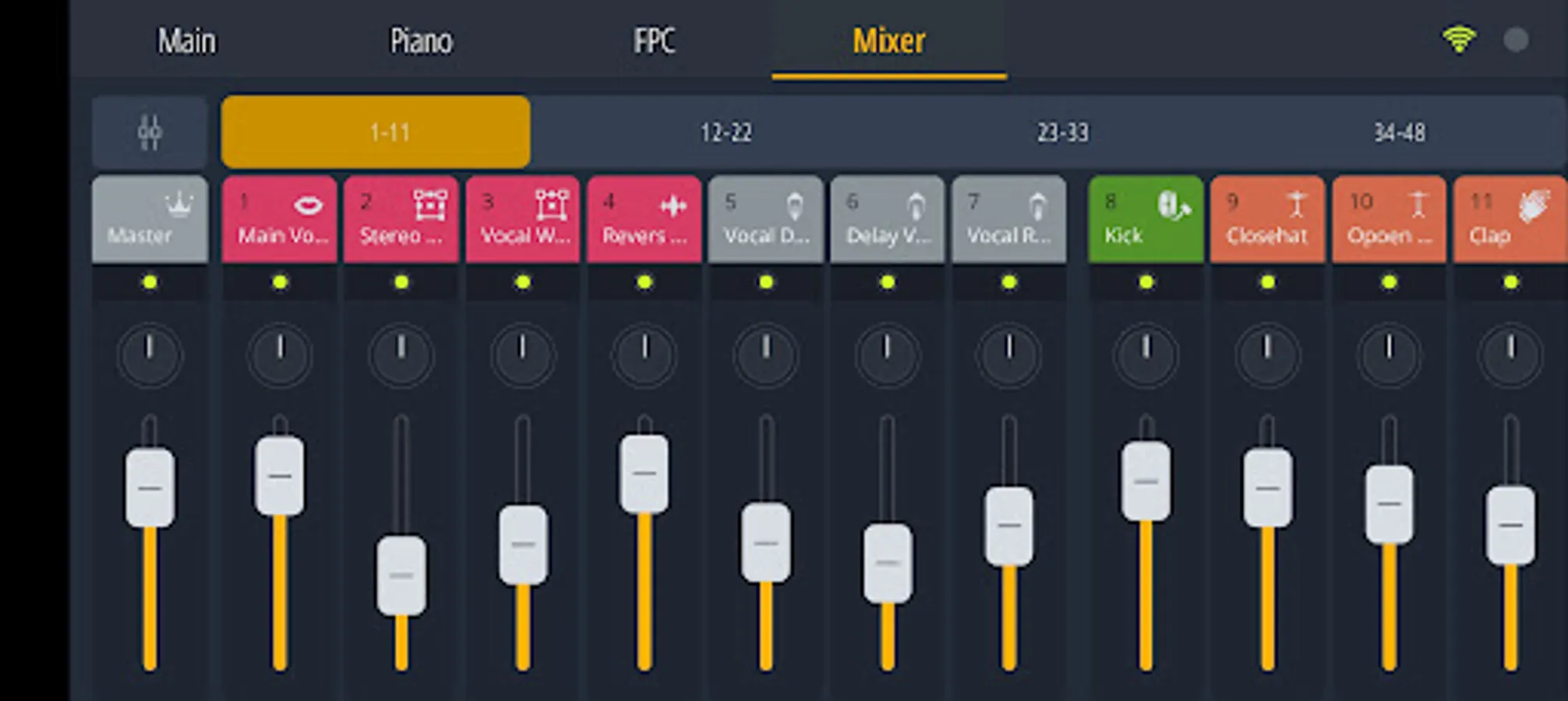
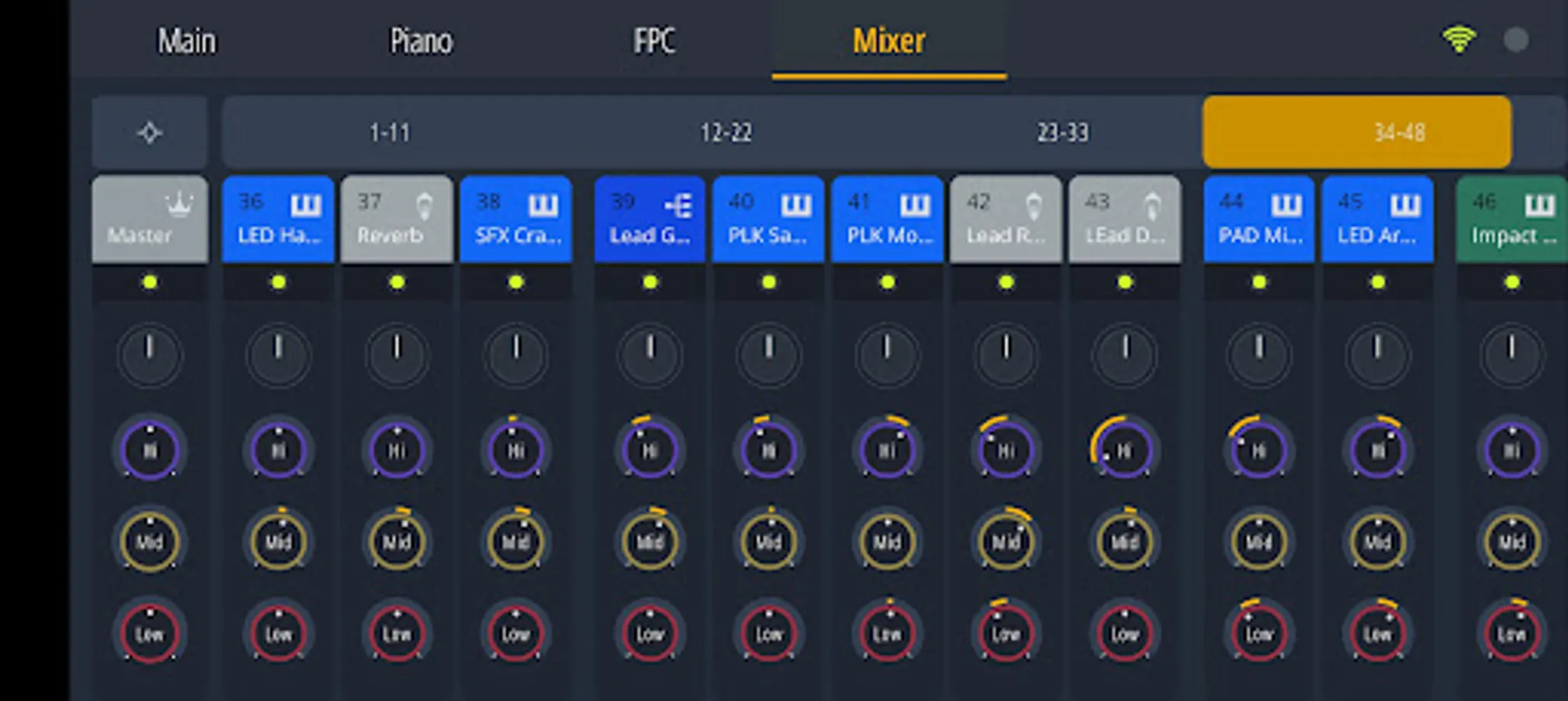
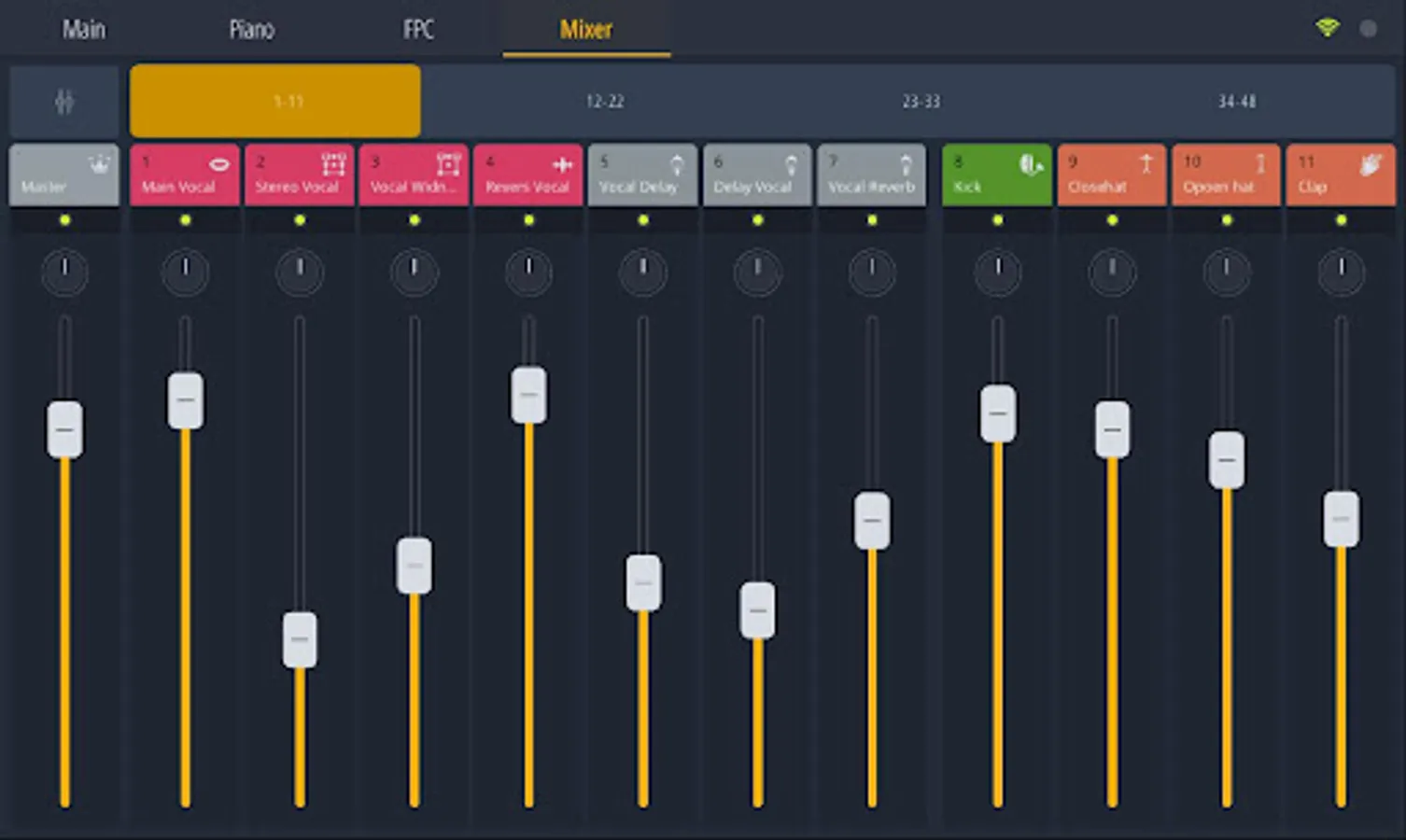
* Mixer and more
If you need more customization, FL Studio Remote lets you create your own tabs using a wide range of control types:
- Pads, faders, knobs
- Jog wheels, X/Y pads, piano keyboards
- Harmonic grids, clip launchers, mixer strips, and containers
Each control is fully customizable, enabling you to design a virtual MIDI controller setup that perfectly suits your workflow.
Learn more in the user manual here:
https://support.image-line.com/redirect/flstudio_remote_manual
NOTE: FL Studio Remote replaces Image-Line Remote for use with FL Studio 2025.1 and up.
Enjoy!
To get started, open FL Studio on your computer and launch FL Studio Remote on your Android device. As long as both devices are connected to the same network, the connection is automatic - no setup required.
Once connected, you can:
* Control FL Studio instantly, including instruments and effect plugins, just like any other MIDI controller.
* Connect up to 15 devices at once, whether they’re Phones, Tablets, or Chromebooks.
The app includes a variety of built-in controller tabs such as:
* Transport controls
* MIDI keyboard
* FPC pads
* Harmonizer keyboard
* Performance Mode (Clip launcher)
* Gross Beat FX
* Mixer and more
If you need more customization, FL Studio Remote lets you create your own tabs using a wide range of control types:
- Pads, faders, knobs
- Jog wheels, X/Y pads, piano keyboards
- Harmonic grids, clip launchers, mixer strips, and containers
Each control is fully customizable, enabling you to design a virtual MIDI controller setup that perfectly suits your workflow.
Learn more in the user manual here:
https://support.image-line.com/redirect/flstudio_remote_manual
NOTE: FL Studio Remote replaces Image-Line Remote for use with FL Studio 2025.1 and up.
Enjoy!
FL STUDIO REMOTE Screenshots
Tap to Rate:
Reviews for FL STUDIO REMOTE
Clarence Njeleka
12/26/2025
I can record my own music and I am a producer.
Ọba Nimi
12/26/2025
doesn't always work