
With this score tracking app, you can record and automatically total game scores for multiple players, with features like easy score entry and game saving. Includes support for up to four players, automatic total calculations, and customizable backgrounds.
AppRecs review analysis
AppRecs rating 2.8. Trustworthiness 64 out of 100. Review manipulation risk 36 out of 100. Based on a review sample analyzed.
★★☆☆☆
2.8
AppRecs Rating
Ratings breakdown
5 star
36%
4 star
16%
3 star
10%
2 star
6%
1 star
32%
What to know
✓
Authentic reviews
Natural distribution, no red flags
⚠
Ad complaints
Many low ratings mention excessive ads
⚠
High negative review ratio
37% of sampled ratings are 1–2 stars
About Score Keeper
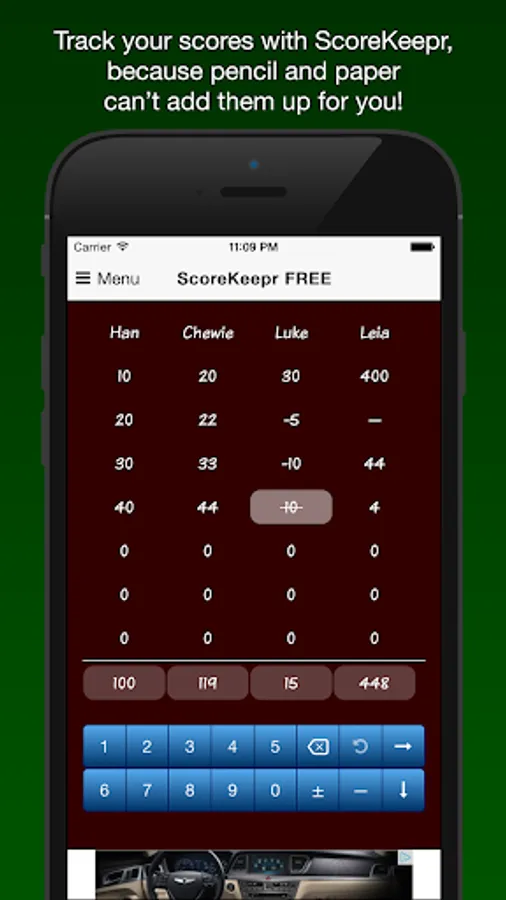
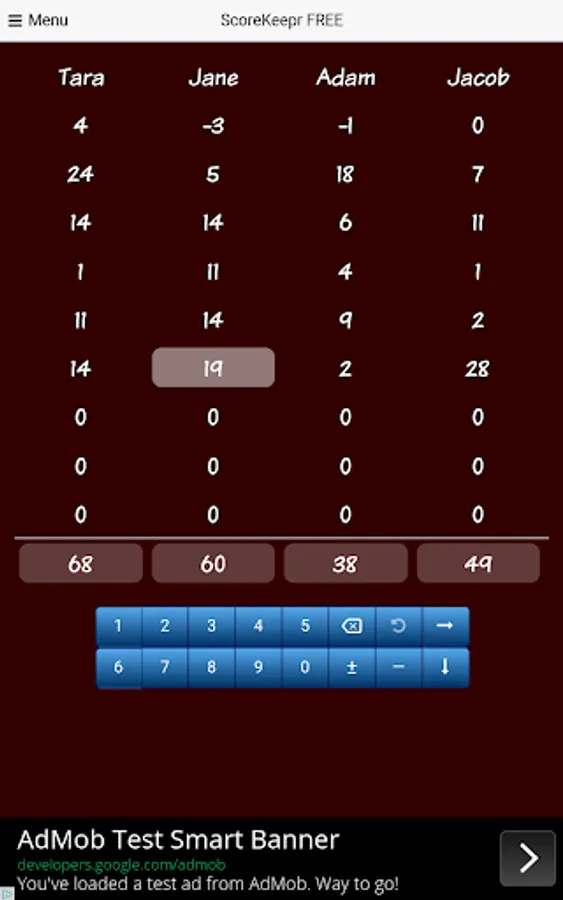
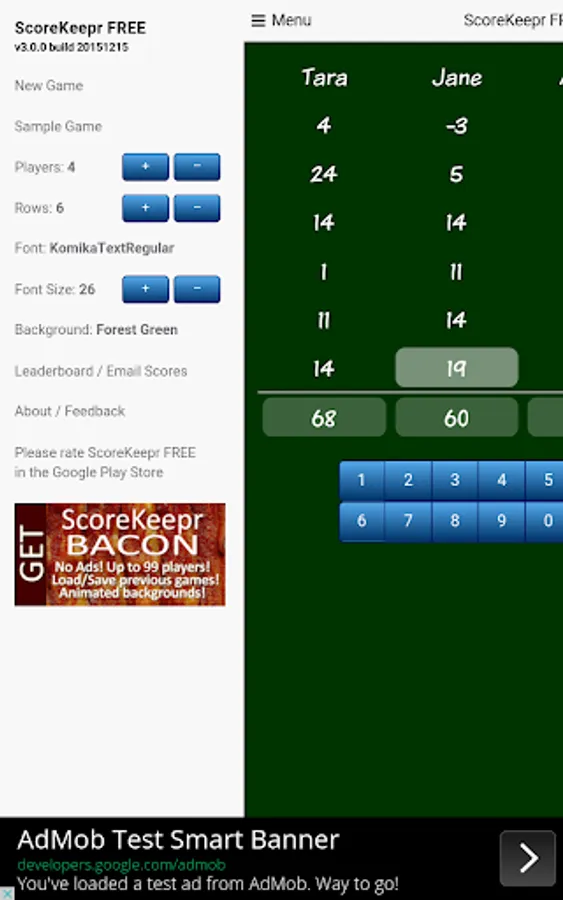
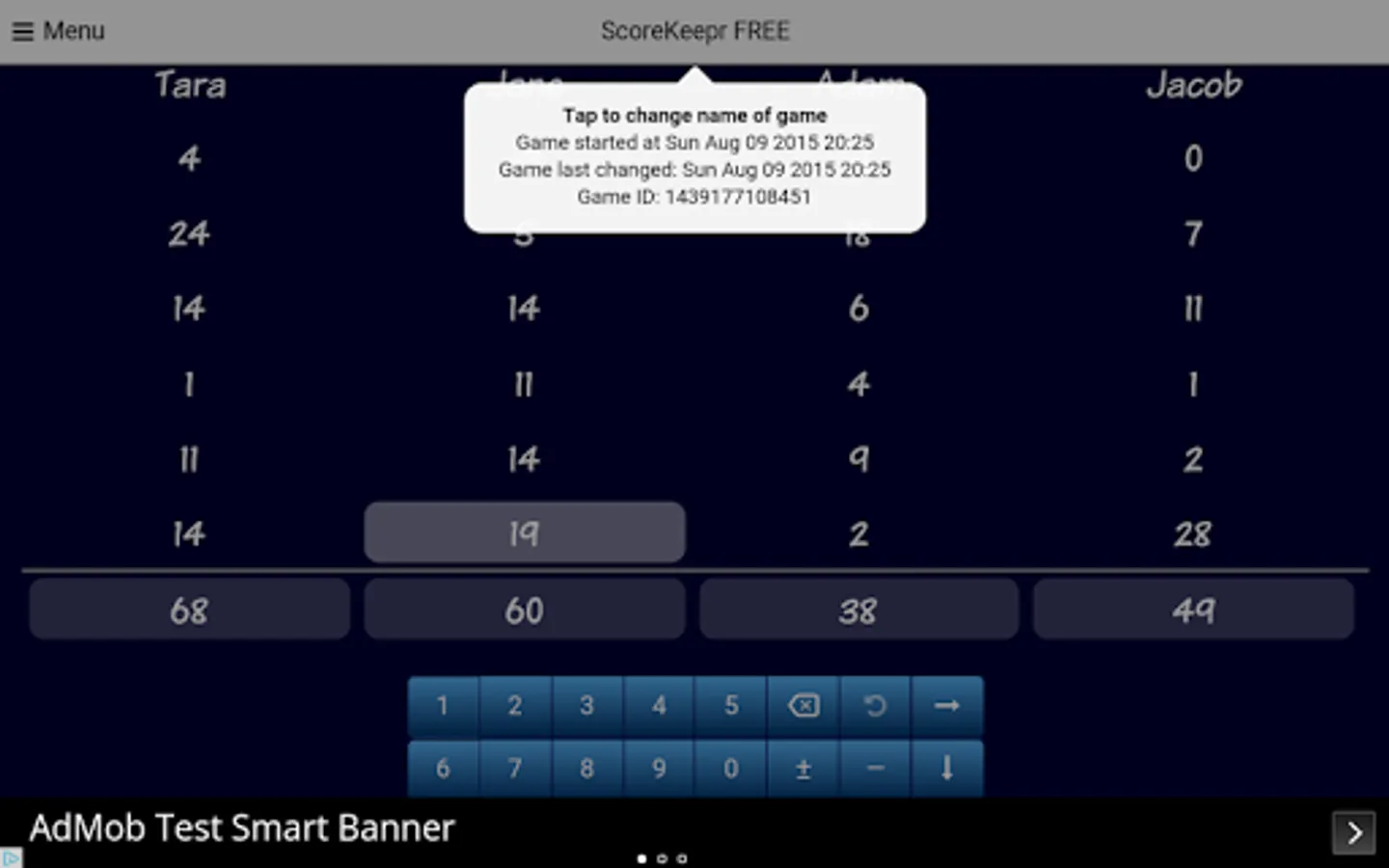
ScoreKeeper is an easy way to track scores when playing games, and total the scores automatically. It's great for for playing table games like cards, dominoes, dice, Farkle and even works well for scoring a round of golf!
ScoreKeepr supports 4 players and 20 rounds of play.
IF YOU NEED MORE THAN FOUR PLAYERS, please purchase ScoreKeepr BACON in the App Store. It supports up to 99 players and 99 rounds, contains no ads, saves and loads previous games and more backgrounds featuring BACON!
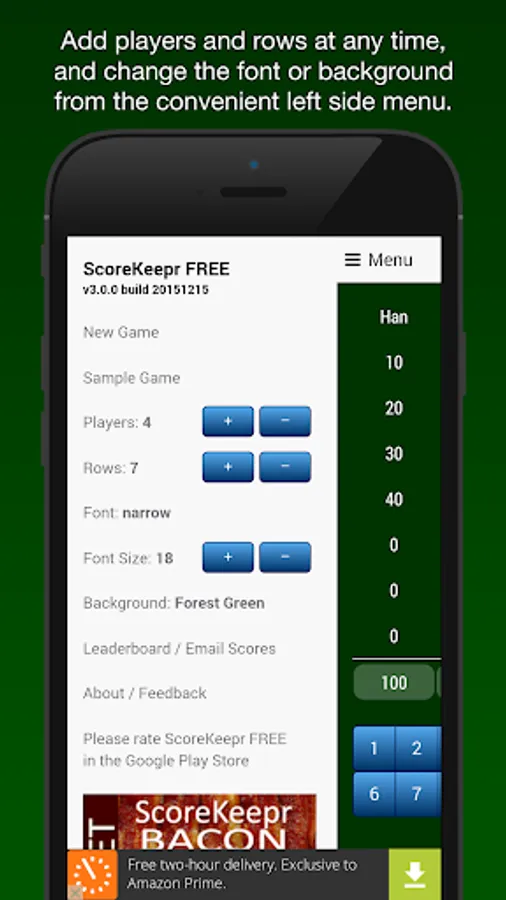
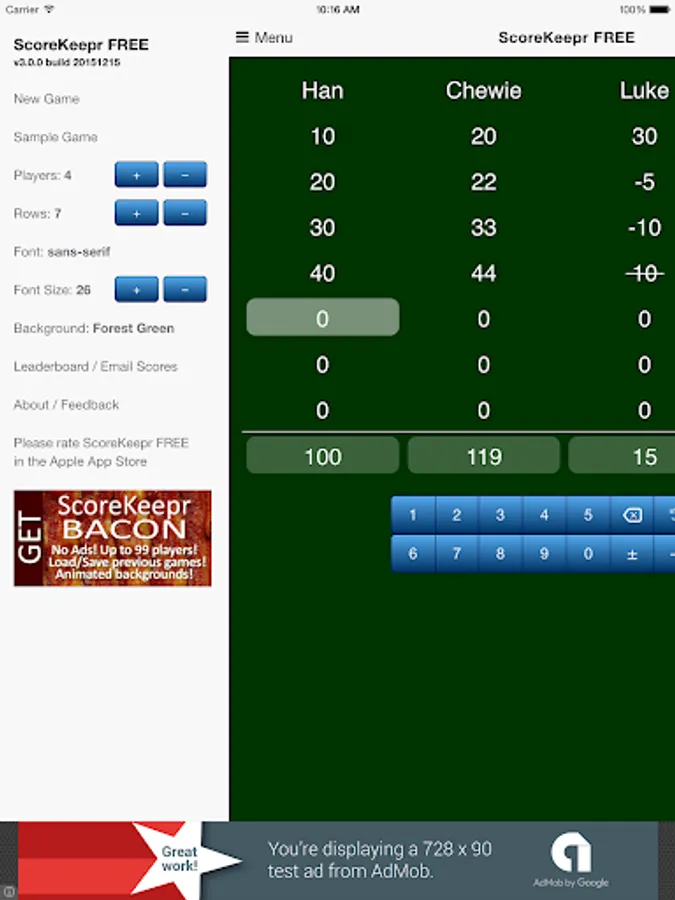
Being by starting a New Game in the left side menu. The game is saved automatically.
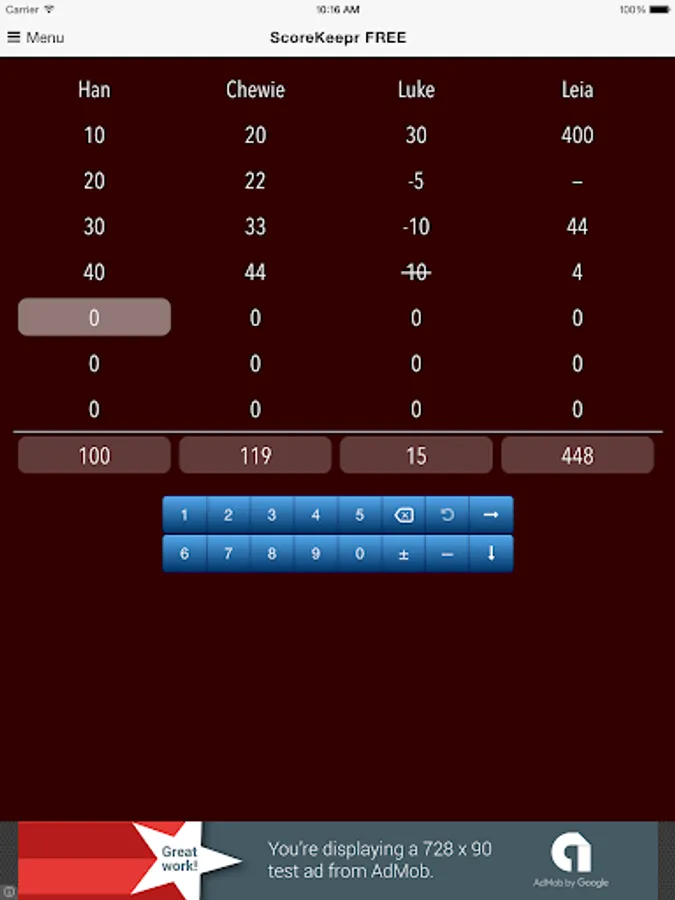
Two ways of entering scores are available. A number pad like a calculator, or by adding to the current score by pressing +1 +5 +10. The -> button moves the input one player right for fast input. The Down button moves to the next row. Undo reverts the score to what it was before entering the current score. There's a button to cancel scores for trick-taking card games, or to indicate with a — the player that went out.
You can change the font, text size, and pick from different backgrounds.
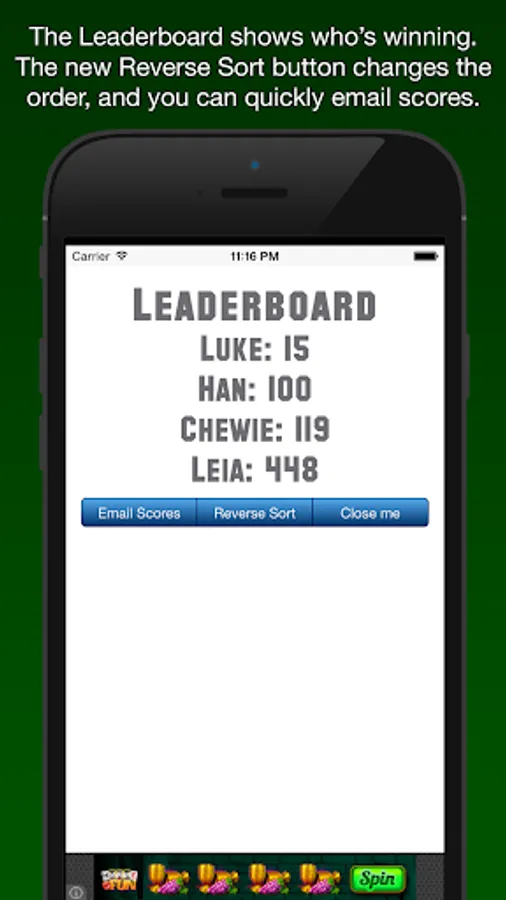
Email the results from the LeaderBoard, where players are shown sorted by total score. The scores can now be sorted by lowest first or highest first.
You can send feedback right in the app by tapping on "About/Feedback" in the menu.
Thank you for choosing ScoreKeepr and keep on playing!
ScoreKeepr supports 4 players and 20 rounds of play.
IF YOU NEED MORE THAN FOUR PLAYERS, please purchase ScoreKeepr BACON in the App Store. It supports up to 99 players and 99 rounds, contains no ads, saves and loads previous games and more backgrounds featuring BACON!
Being by starting a New Game in the left side menu. The game is saved automatically.
Two ways of entering scores are available. A number pad like a calculator, or by adding to the current score by pressing +1 +5 +10. The -> button moves the input one player right for fast input. The Down button moves to the next row. Undo reverts the score to what it was before entering the current score. There's a button to cancel scores for trick-taking card games, or to indicate with a — the player that went out.
You can change the font, text size, and pick from different backgrounds.
Email the results from the LeaderBoard, where players are shown sorted by total score. The scores can now be sorted by lowest first or highest first.
You can send feedback right in the app by tapping on "About/Feedback" in the menu.
Thank you for choosing ScoreKeepr and keep on playing!
Score Keeper Screenshots



Tap to Rate:
Reviews for Score Keeper
Purnawan Abdul ghofur
10/6/2025
good
Martin Zima
7/19/2025
Unusable -- App is painfully slow and/or UI is not intuitive at all.