Blur Video
Free
rated 4.1 stars
10,000+
downloads
About Blur Video
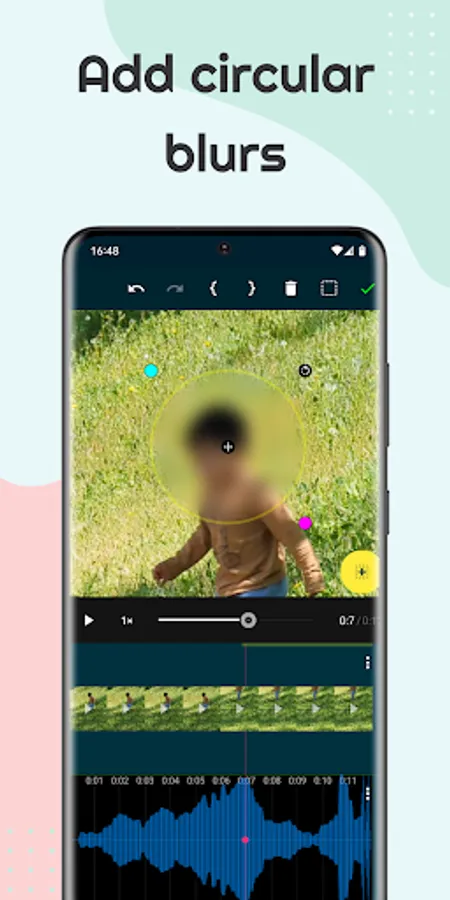
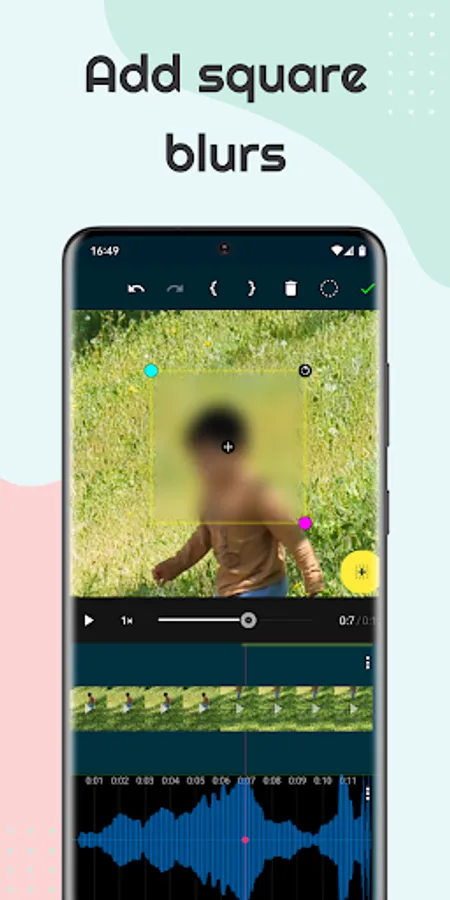
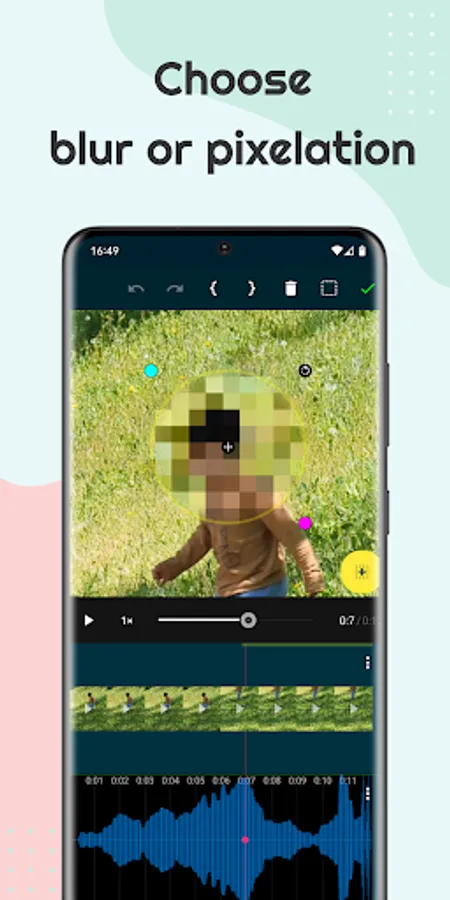
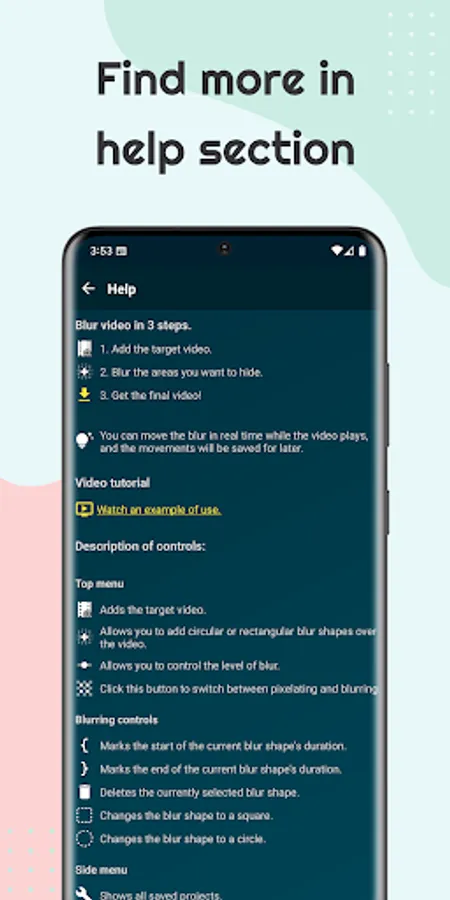
- Customizable Shapes: Add circular or rectangular blur shapes of any size and position them precisely.
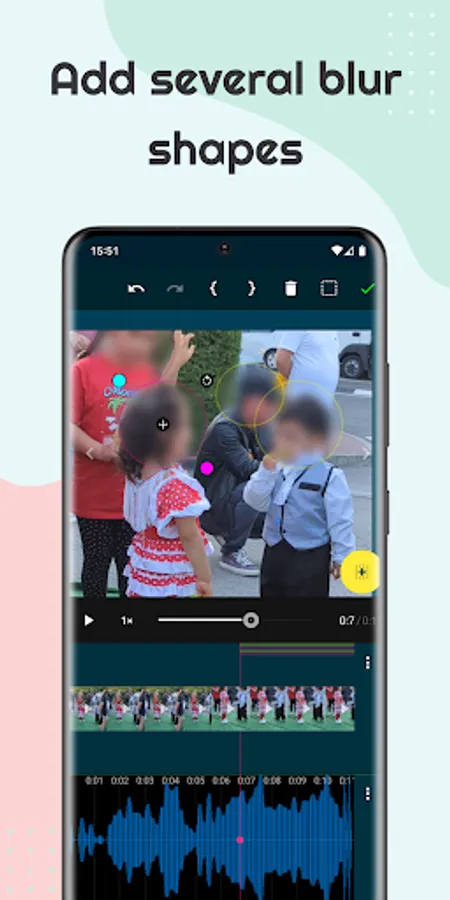
- Multiple Blurs: Need to hide more than one thing? Add as many shapes as you need to cover multiple objects.
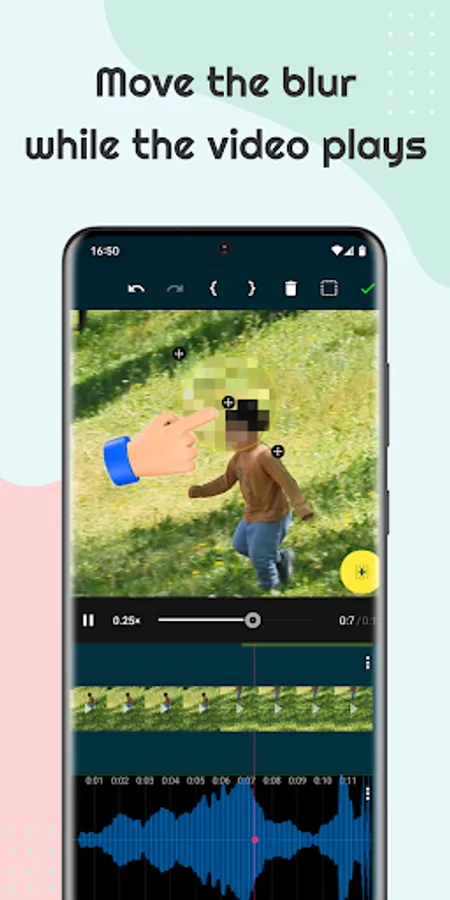
- Dynamic Tracking: If your object moves, simply move the blur along with it as your video plays. The app remembers the movement for seamless tracking!
Plus, enhance your videos with additional features:
- Add text overlays to convey messages.
- Include background music to set the mood.
Blur Video Screenshots
Reviews for Blur Video
LisMarBri
12/19/2025
I like it very much
Mohammad Rezaee
11/30/2025
Instead of bluring my selected place, blurs Center
CLIFF WILKES (Cliff Wilkes On YouTube)
11/2/2025
This app currently does not have a lot of downloads, As of today's date, Highly recommended it, For manual tracking, Hopefully in the future the developers, Can add AI tracking For specific things, Like objects, Or whatever you want to blur in the video, Currently 5 stars, It lets you import And export, At the native quality the video is, And it allows you to slow the video down to manually track so far app is perfect for blurring whatever you need Highly recommended it! No not a paid review.
Royal Prince
10/16/2025
There is no option to increase or decrease the blur.
Andrea Johnson
9/8/2025
Good app Great for blurring out Videos
Tap to Rate: