iCenter OS 17: Lock Screen
PUBLISH-APP.LTD
4.0 ★
store rating
100,000+
downloads
Free
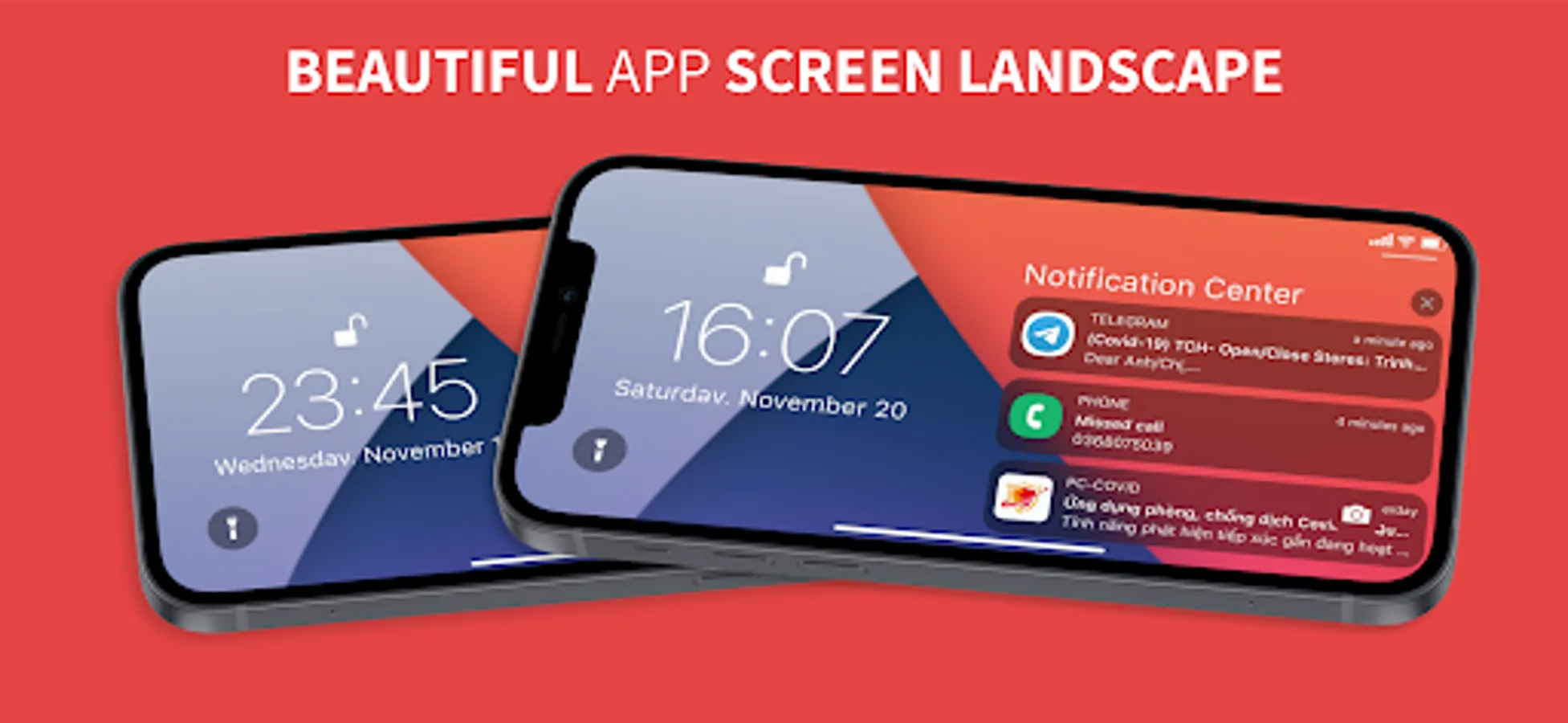
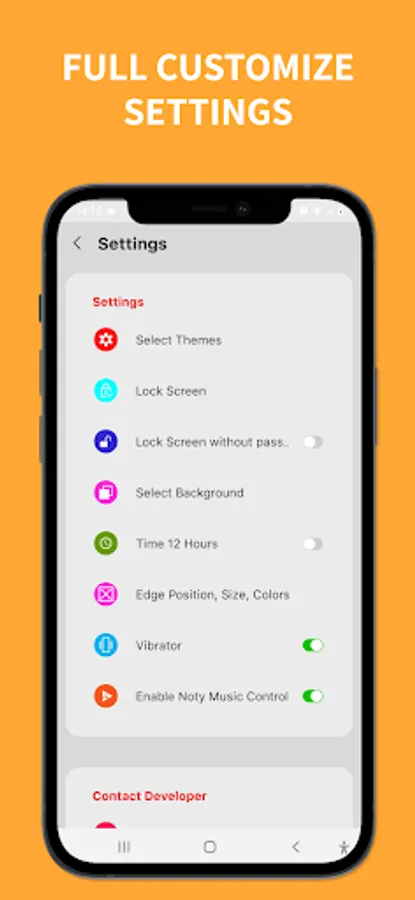
In this app, you can customize your lock screen and notifications on Android devices. Includes notification management, quick access tools, and lock screen setup options.
AppRecs review analysis
AppRecs rating 3.3. Trustworthiness 80 out of 100. Review manipulation risk 28 out of 100. Based on a review sample analyzed.
★★★☆☆
3.3
AppRecs Rating
Ratings breakdown
5 star
55%
4 star
18%
3 star
14%
2 star
0%
1 star
14%
What to know
✓
Low review manipulation risk
28% review manipulation risk
⚠
Ad complaints
Many low ratings mention excessive ads
⚠
Review quality concerns
45% of sampled 5-star reviews are very short
About iCenter OS 17: Lock Screen
iCenter OS 17: Lock Screen: Notification and lockscreen style OS tool for android phone.
iCenter OS 17: Lock Screen: can be installed on almost Android device.
*** FEATURES:
- To Open iNoty Center - Swipe the edge to open.
- To Close iNoty Center - You just need to swipe up on the screen.
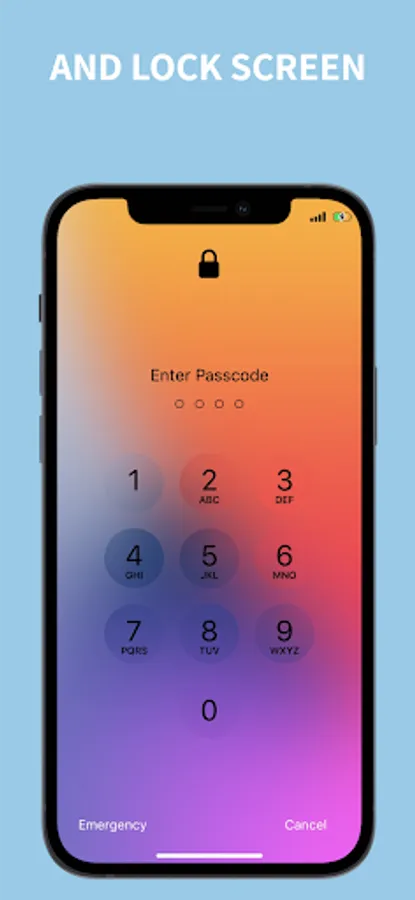
- To Lock Screen style OS : Please enable lock screen settings and setup your password
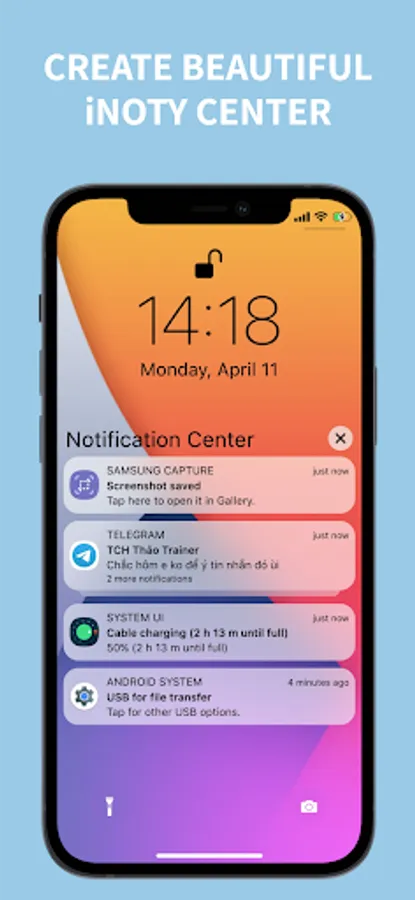
** iNoty Center style OS : open notification, event next up, suggestion app, quick access camera, flashlight... on iNoty center:
- iNoty Center - Notification: show up your notification from you app and system with OS style.
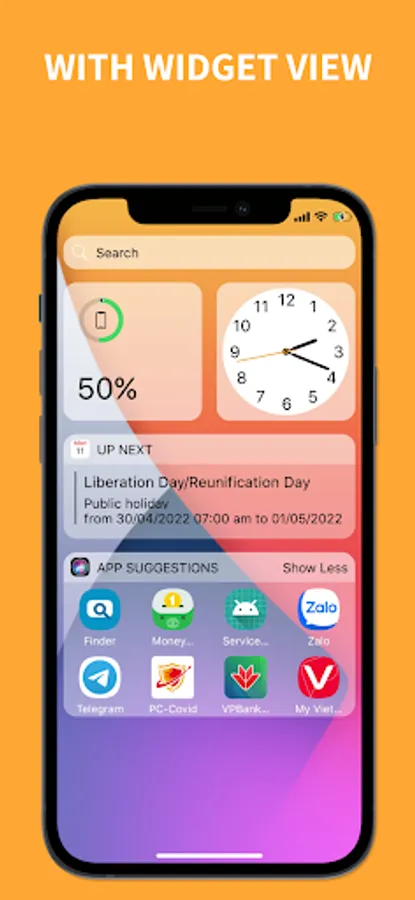
- iNoty Center - Event next up: from iNoty center, you can receive event next up from your calendar app.
- iNoty Center - Suggestion app: iNoty center will show your app which have most using from your phone.
- iNoty Center - Quick access camera: From iNoty Center you also can open camera app, just by one click.
- iNoty Center - Quick access flash light by click on quick access button from iNoty center ios.
- iNoty Center - Control Music with blur background
- iNoty Center - Beautiful Widget View
- iNoty Center - Beautiful Animation navibar
** Lock screen Center style OS :
- Lock Screen: Enable and setup password in settings to use.
- Auto Lock screen when the screen turn off.
** Notification banner style OS :
- Enable to show notification banner on screen
*** NOTE
ACCESSIBILITY SERVICE
This app uses ACCESSIBILITY SERVICE
To enable lock view, please allow Accessibility services. The service is only used to allow this app to draw on phone's home screen and status bar.
Please open application and grant permission for iCenter OS 17: Lock Screen to start.
If you appropriate us, please share with your friends and families.
Besides, Please give us a 5-start rating to support developer and you can feedback question for us. We will consider them for future updates.
Many thanks for using this app.
iCenter OS 17: Lock Screen: can be installed on almost Android device.
*** FEATURES:
- To Open iNoty Center - Swipe the edge to open.
- To Close iNoty Center - You just need to swipe up on the screen.
- To Lock Screen style OS : Please enable lock screen settings and setup your password
** iNoty Center style OS : open notification, event next up, suggestion app, quick access camera, flashlight... on iNoty center:
- iNoty Center - Notification: show up your notification from you app and system with OS style.
- iNoty Center - Event next up: from iNoty center, you can receive event next up from your calendar app.
- iNoty Center - Suggestion app: iNoty center will show your app which have most using from your phone.
- iNoty Center - Quick access camera: From iNoty Center you also can open camera app, just by one click.
- iNoty Center - Quick access flash light by click on quick access button from iNoty center ios.
- iNoty Center - Control Music with blur background
- iNoty Center - Beautiful Widget View
- iNoty Center - Beautiful Animation navibar
** Lock screen Center style OS :
- Lock Screen: Enable and setup password in settings to use.
- Auto Lock screen when the screen turn off.
** Notification banner style OS :
- Enable to show notification banner on screen
*** NOTE
ACCESSIBILITY SERVICE
This app uses ACCESSIBILITY SERVICE
To enable lock view, please allow Accessibility services. The service is only used to allow this app to draw on phone's home screen and status bar.
Please open application and grant permission for iCenter OS 17: Lock Screen to start.
If you appropriate us, please share with your friends and families.
Besides, Please give us a 5-start rating to support developer and you can feedback question for us. We will consider them for future updates.
Many thanks for using this app.