
Linux Command Library
Simon Schubert
4.6 ★
8K ratings
1,000,000+
downloads
Free
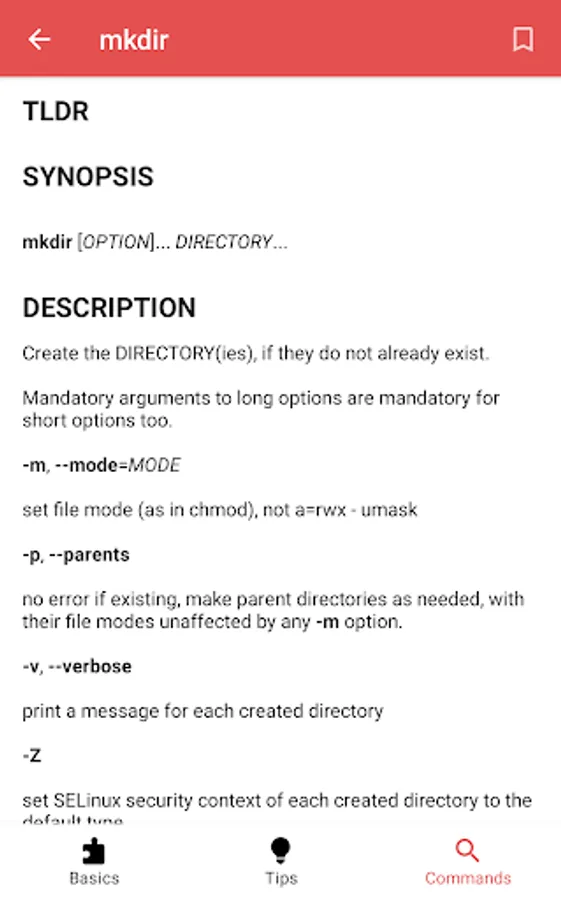
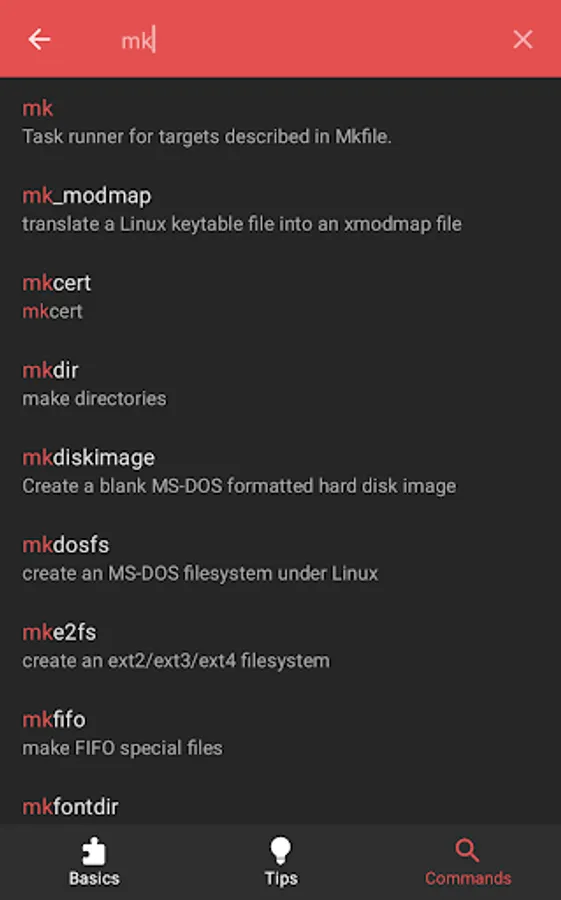
With this app, you can access and browse 4608 manual pages across multiple categories and view terminal tips offline. Includes categories for system control, users and groups, files, networking, version control, text editors, and hacking tools.
AppRecs review analysis
AppRecs rating 4.6. Trustworthiness 0 out of 100. Review manipulation risk 0 out of 100. Based on a review sample analyzed.
★★★★☆
4.6
AppRecs Rating
Ratings breakdown
5 star
79%
4 star
10%
3 star
7%
2 star
1%
1 star
3%
What to know
✓
High user satisfaction
79% of sampled ratings are 5 stars
✓
Authentic reviews
Natural distribution, no red flags
About Linux Command Library
The app currently has 4608 manual pages, 21 basic categories and a bunch of general terminal tips. It works 100% offline, doesn't need an internet connection and has no tracking software.
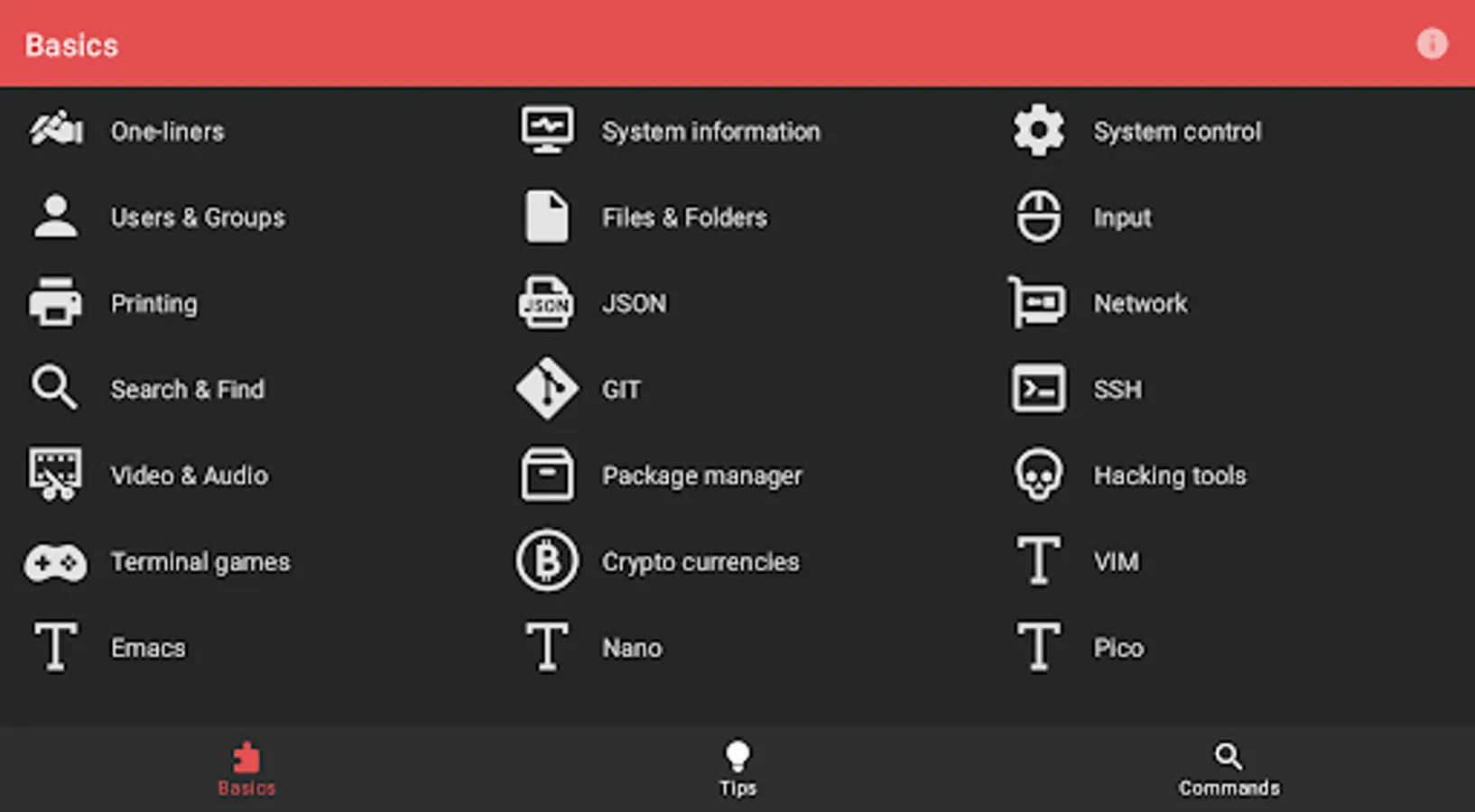
Categories
* One-liners
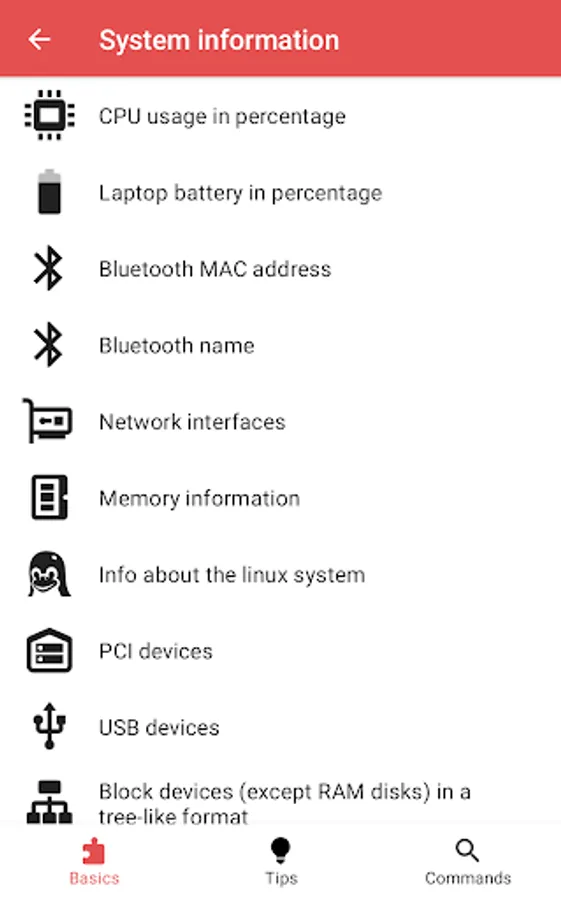
* System information
* System control
* Users & Groups
* Files & Folders
* Input
* Printing
* JSON
* Network
* Search & Find
* GIT
* SSH
* Video & Audio
* Package manager
* Hacking tools
* Terminal games
* Crypto currencies
* VIM
* Emacs
* Nano
* Pico
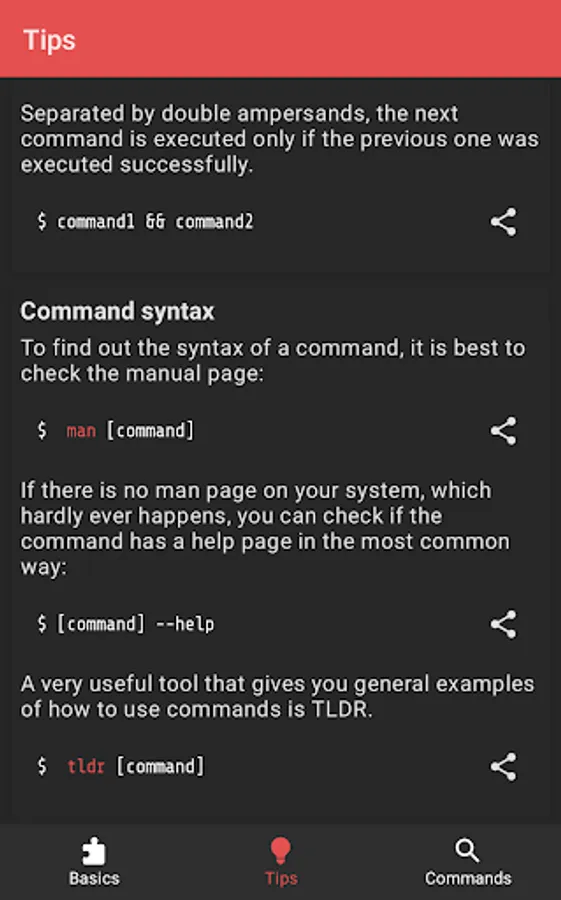
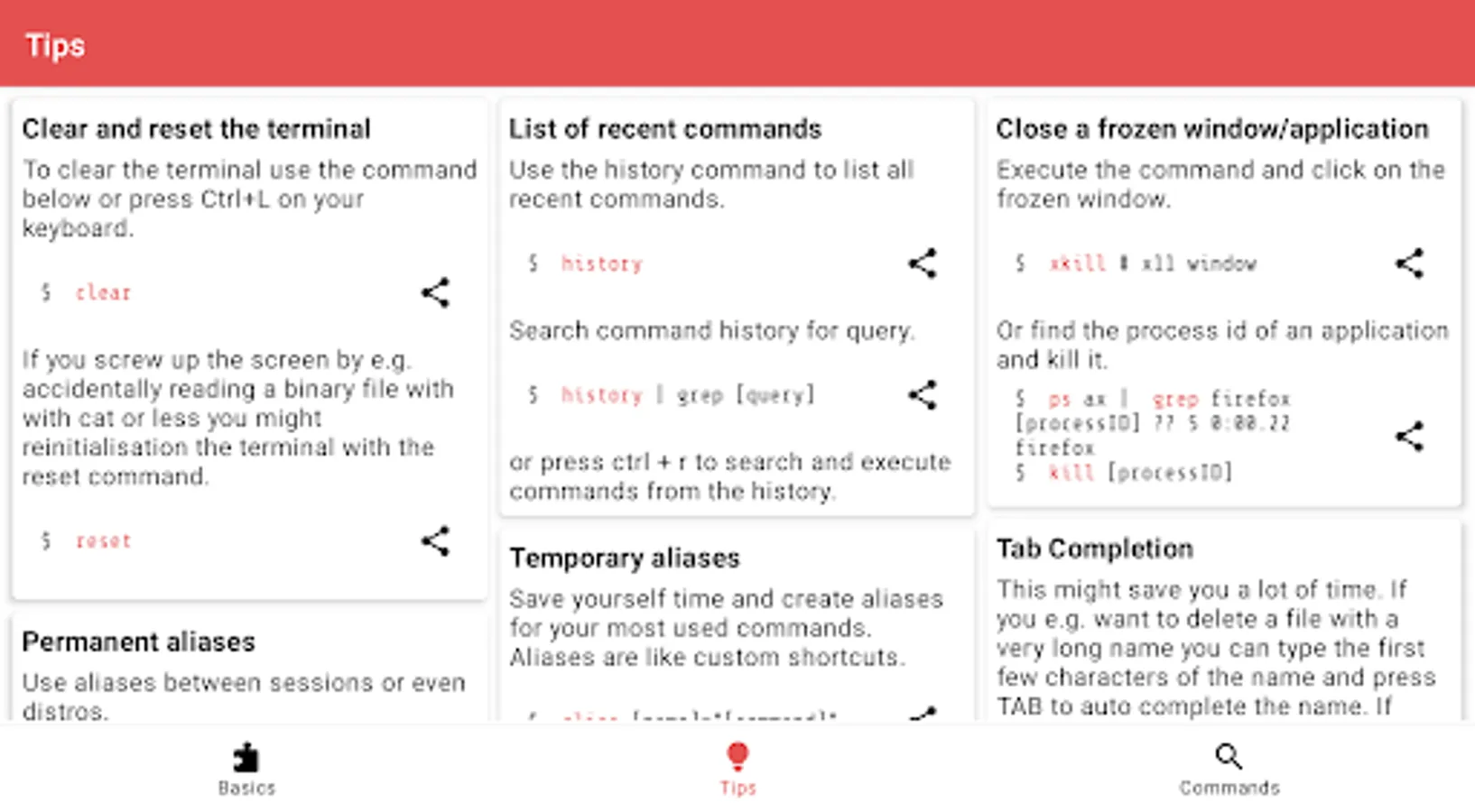
Tips
* Clear and reset the terminal
* List of recent commands
* Close a frozen window/application
* Tab Completion
* Temporary aliases
* Permanent aliases
* Chain commands
* Command syntax
* Cursor navigation
* Redirection
* Special characters in commands
* View file permissions
* Modify file permissions
* Set file permissions via binary references
Categories
* One-liners
* System information
* System control
* Users & Groups
* Files & Folders
* Input
* Printing
* JSON
* Network
* Search & Find
* GIT
* SSH
* Video & Audio
* Package manager
* Hacking tools
* Terminal games
* Crypto currencies
* VIM
* Emacs
* Nano
* Pico
Tips
* Clear and reset the terminal
* List of recent commands
* Close a frozen window/application
* Tab Completion
* Temporary aliases
* Permanent aliases
* Chain commands
* Command syntax
* Cursor navigation
* Redirection
* Special characters in commands
* View file permissions
* Modify file permissions
* Set file permissions via binary references
Linux Command Library Screenshots
Tap to Rate:
Reviews for Linux Command Library
Yuriy Kushnir
12/26/2025
very useful
Tigger
12/5/2025
helpful