iReminder: To-Do List
Zeus App Studio
4.3 ★
store rating
1,000+
downloads
Free
In this reminder app, you can create, organize, and customize tasks with notifications and attachments. Includes features for recurring reminders, smart lists, and post-call prompts to enhance task management.
AppRecs review analysis
AppRecs rating 4.3. Trustworthiness 75 out of 100. Review manipulation risk 21 out of 100. Based on a review sample analyzed.
★★★★☆
4.3
AppRecs Rating
Ratings breakdown
5 star
87%
4 star
0%
3 star
7%
2 star
0%
1 star
7%
What to know
✓
Low review manipulation risk
21% review manipulation risk
✓
Credible reviews
75% trustworthiness score from analyzed reviews
✓
High user satisfaction
87% of sampled ratings are 4+ stars (4.3★ average)
About iReminder: To-Do List
Reminders make it easier than ever to remember what you have to do. It can be used to create any form of to-do list, such as shopping lists, job tasks, or anything else you want to track. In today's world, each of us is swamped with work. It's easy to overlook vital chores. So this reminder software is here to help you handle that.
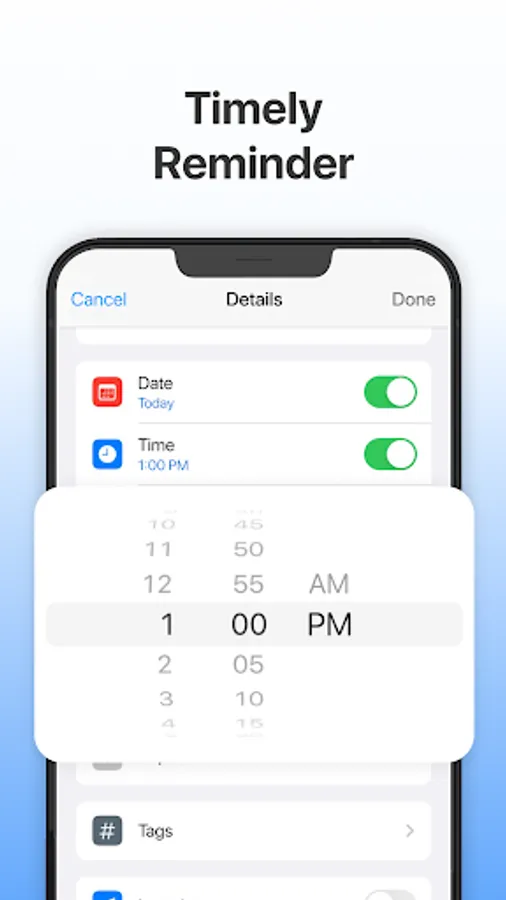
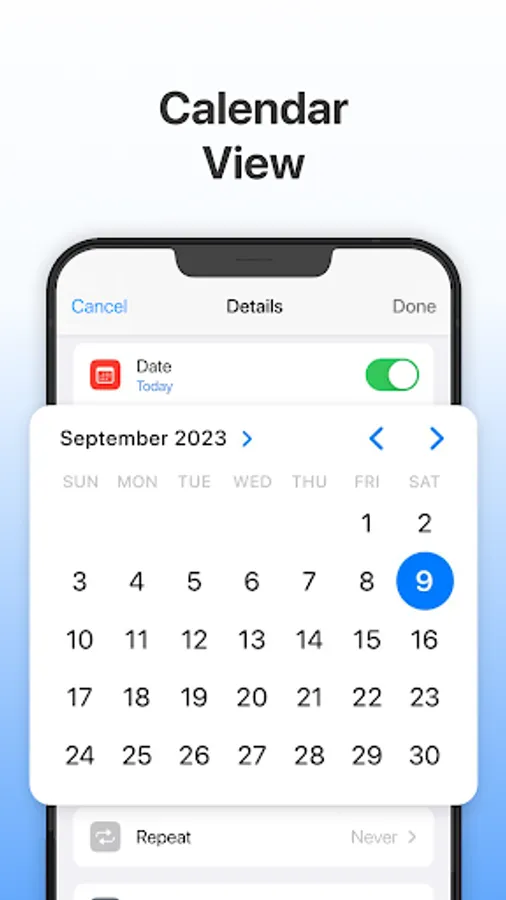
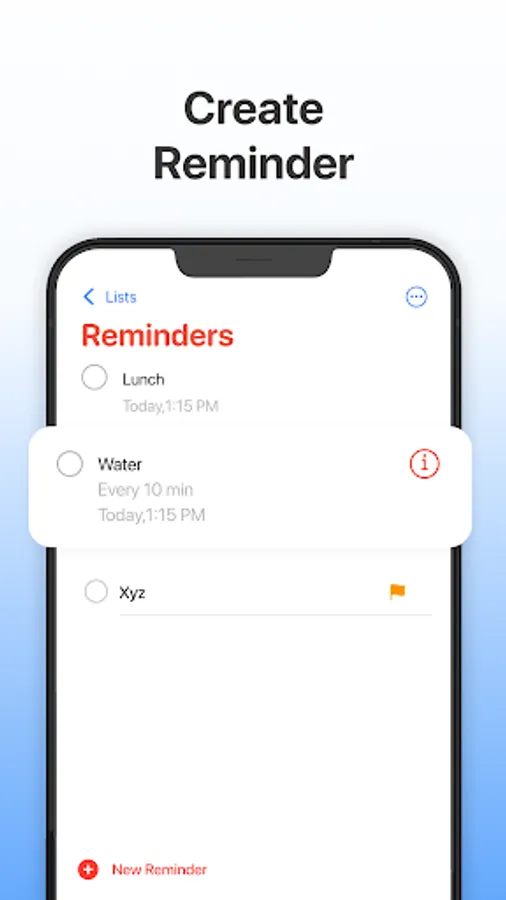
You can set a reminder to repeat daily, weekly, monthly, yearly, or at your specified frequency. Choose the best choice for you. The Reminders app is ideal for reminding you of things you want to do. With notification and alarm, you may select a date and time to remind yourself of tasks in a matter of minutes. Instead of taking notes, attach photographs as a reminder so you never forget!
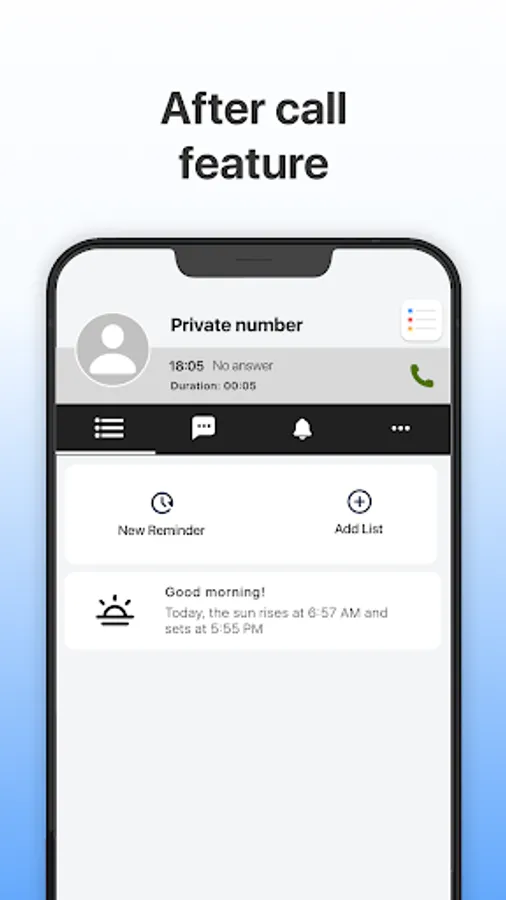
After-call feature: Our iReminder app offers a helpful prompt after phone calls, enabling users to create fast reminders so nothing important is being forgotten following a phone call, whether you need to remember to buy groceries or send something important to your boss, this app will assist you in being as effective as possible
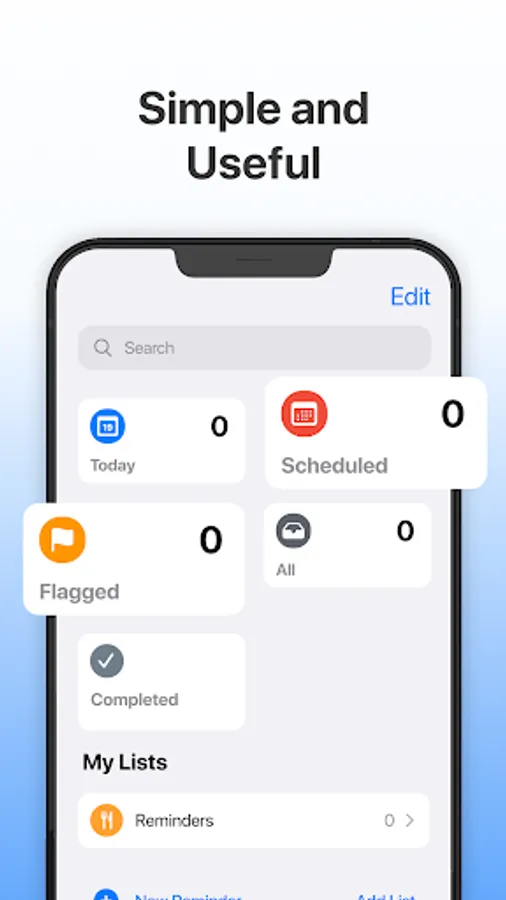
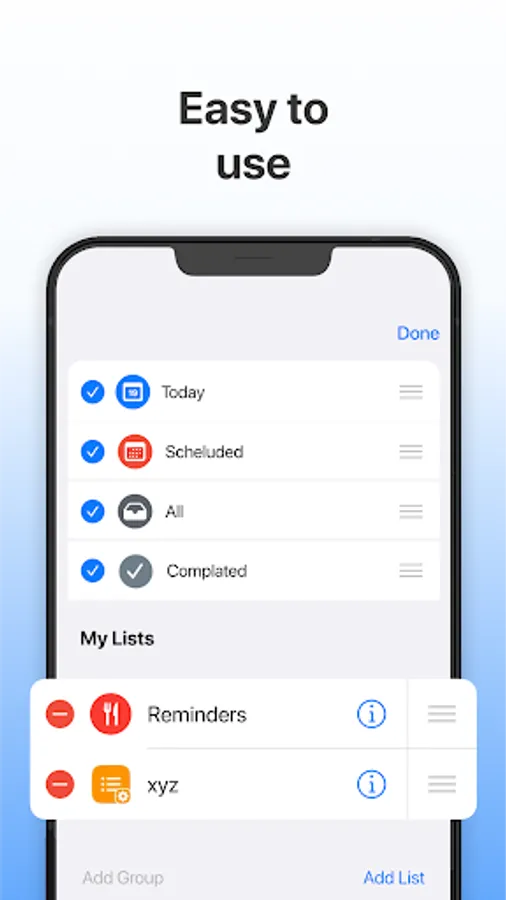
• Smart list: Today, Scheduled, Flagged, All, and Completed - organizes and displays impending reminders.
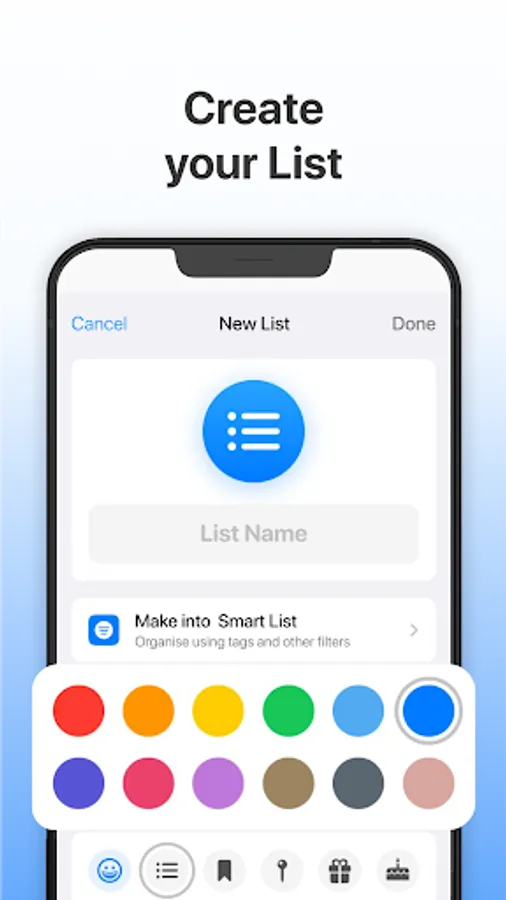
• Create lists for reminders, bills, birthdays, tasks, and more.
• Easy to add and delete reminders.
• Create notes and attach photos.
• Easily create adjustable recurring reminders.
• Available in both light and dark modes to accommodate all users.
• The 'Today' section displays reminders for upcoming deadlines.
• 'Scheduled' displays reminders that have been scheduled.
• ‘Flagged’ displays reminders that have been marked.
• 'All' displays all reminders.
• ‘Completed’ indicates finished reminders.
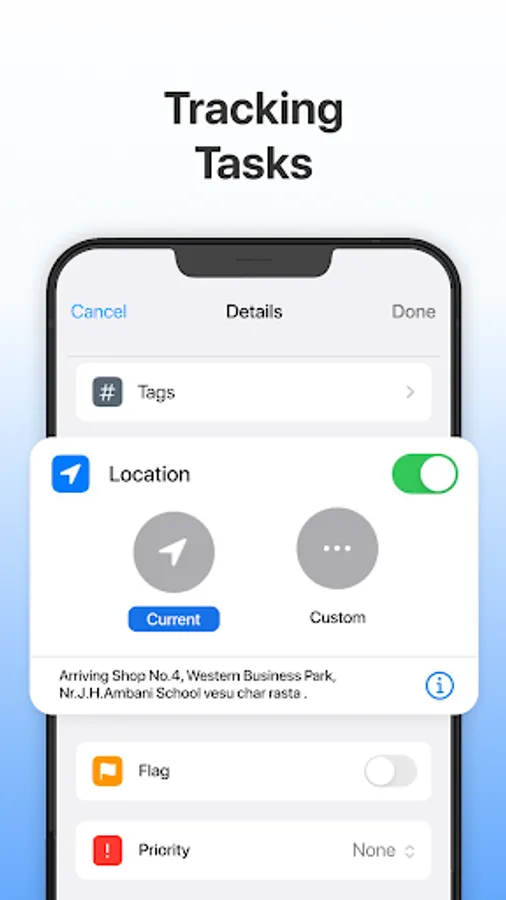
• Tag your reminders to make them easier to find.
• Sort reminders by title, priority, deadline, and creation date.
• Create personalized smart lists to receive timely reminders based on tags, dates, times, location, flags, and priority.
You can set a reminder to repeat daily, weekly, monthly, yearly, or at your specified frequency. Choose the best choice for you. The Reminders app is ideal for reminding you of things you want to do. With notification and alarm, you may select a date and time to remind yourself of tasks in a matter of minutes. Instead of taking notes, attach photographs as a reminder so you never forget!
After-call feature: Our iReminder app offers a helpful prompt after phone calls, enabling users to create fast reminders so nothing important is being forgotten following a phone call, whether you need to remember to buy groceries or send something important to your boss, this app will assist you in being as effective as possible
• Smart list: Today, Scheduled, Flagged, All, and Completed - organizes and displays impending reminders.
• Create lists for reminders, bills, birthdays, tasks, and more.
• Easy to add and delete reminders.
• Create notes and attach photos.
• Easily create adjustable recurring reminders.
• Available in both light and dark modes to accommodate all users.
• The 'Today' section displays reminders for upcoming deadlines.
• 'Scheduled' displays reminders that have been scheduled.
• ‘Flagged’ displays reminders that have been marked.
• 'All' displays all reminders.
• ‘Completed’ indicates finished reminders.
• Tag your reminders to make them easier to find.
• Sort reminders by title, priority, deadline, and creation date.
• Create personalized smart lists to receive timely reminders based on tags, dates, times, location, flags, and priority.