Reduce Video Size Compressor
Zeus App Studio
1,000+
downloads
Free
+ in-app
AppRecs review analysis
AppRecs rating 2.5. Trustworthiness 84 out of 100. Review manipulation risk 16 out of 100. Based on a review sample analyzed.
★★☆☆☆
2.5
AppRecs Rating
Ratings breakdown
5 star
0%
4 star
50%
3 star
0%
2 star
0%
1 star
50%
What to know
✓
Low review manipulation risk
16% review manipulation risk
✓
Credible reviews
84% trustworthiness score from analyzed reviews
⚠
Mixed user feedback
Average 2.5★ rating suggests room for improvement
About Reduce Video Size Compressor
Presenting our ground-breaking Video Compressor app—the best way to reduce the size of your videos without sacrificing quality! You can now easily reduce the size of your films to conserve storage space, upload them more quickly, and share them with ease thanks to our user-friendly interface and strong compression algorithms.
Key-Feature:
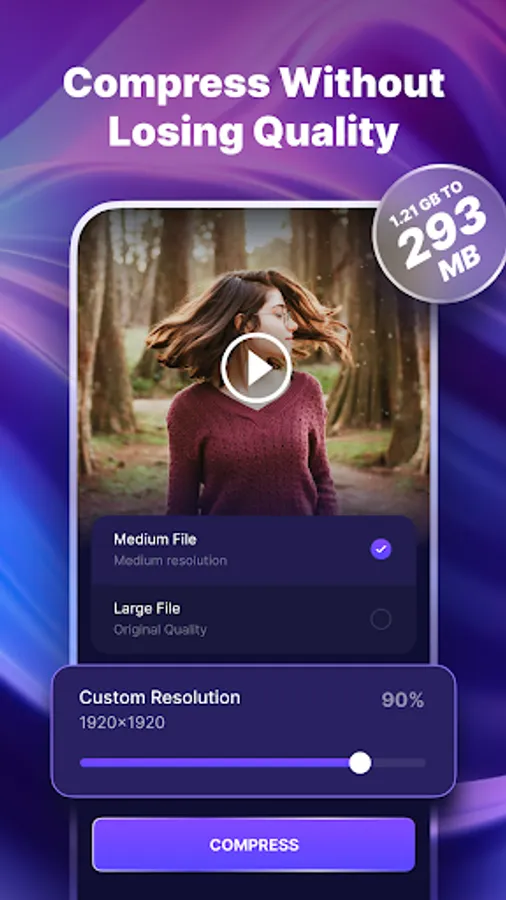
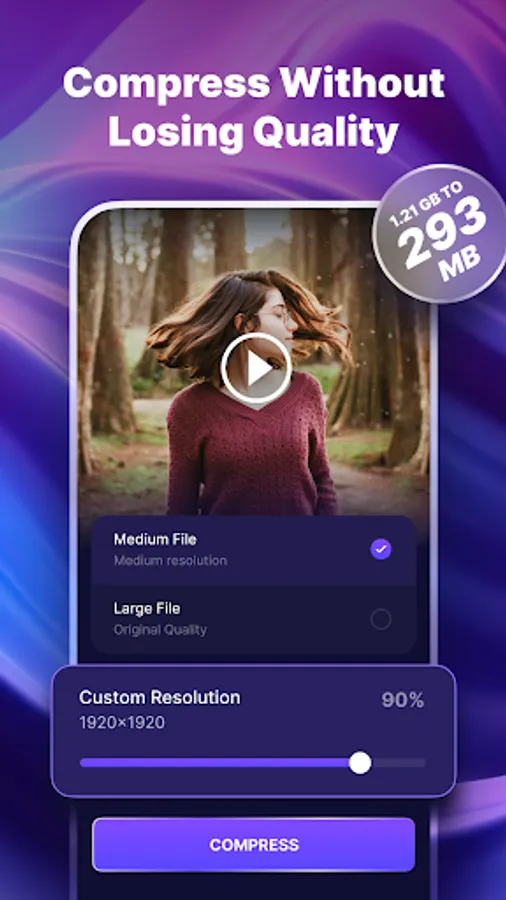
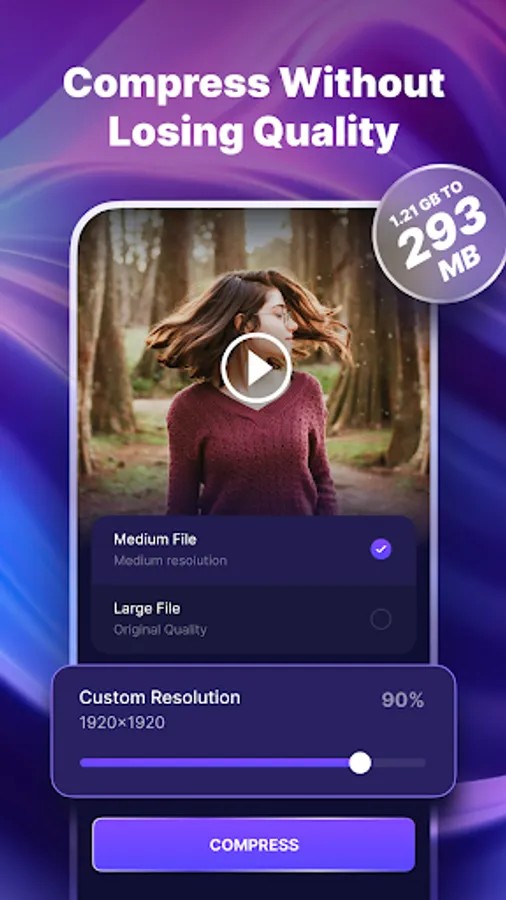
1. Superior Compression: Minimize video file sizes without sacrificing outstanding quality. With our sophisticated algorithms, there is very little loss of sharpness and clarity.
2.Save and Share: After the movies have been compressed, you may quickly store them to your smartphone or send them straight to messaging apps, social media sites, or cloud storage providers.
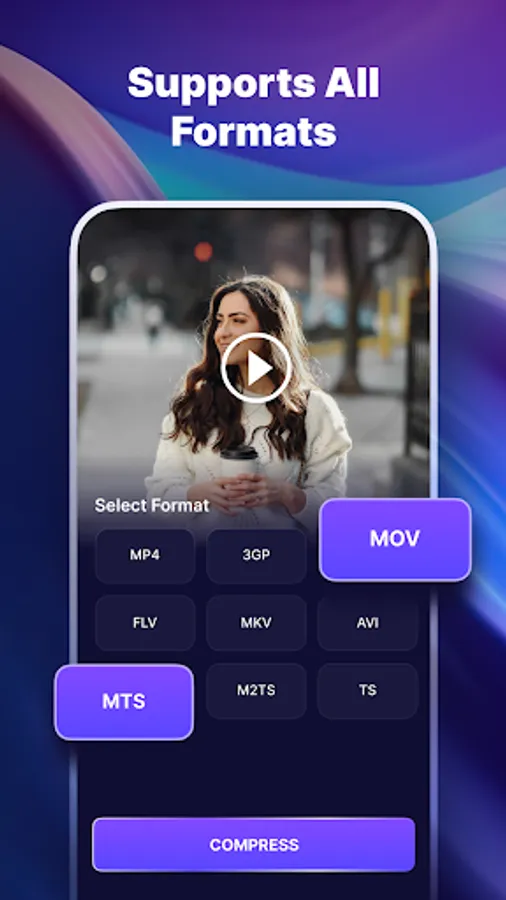
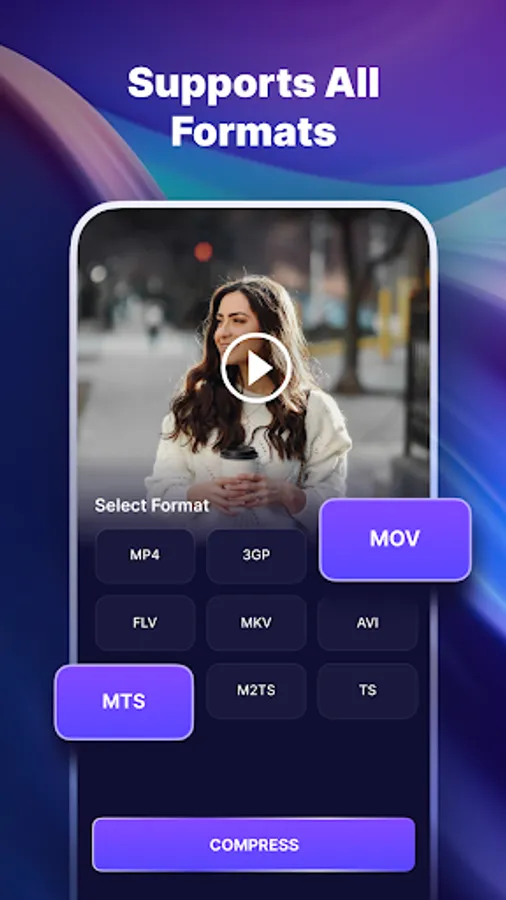
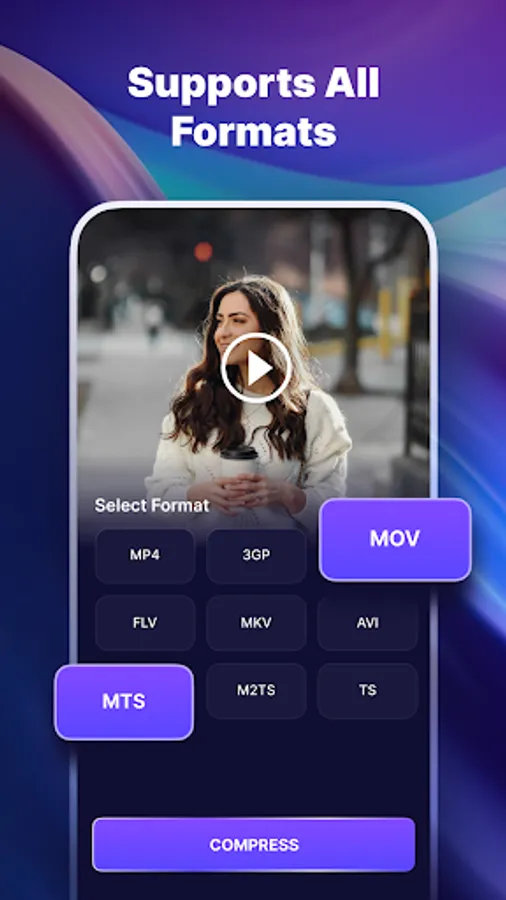
3. Wide Format Support: Works with many different video formats, such as AVI, MKV, MP4, MOV, and more. The application supports a large number of file kinds, regardless of whether you're working with normal or high-definition videos.
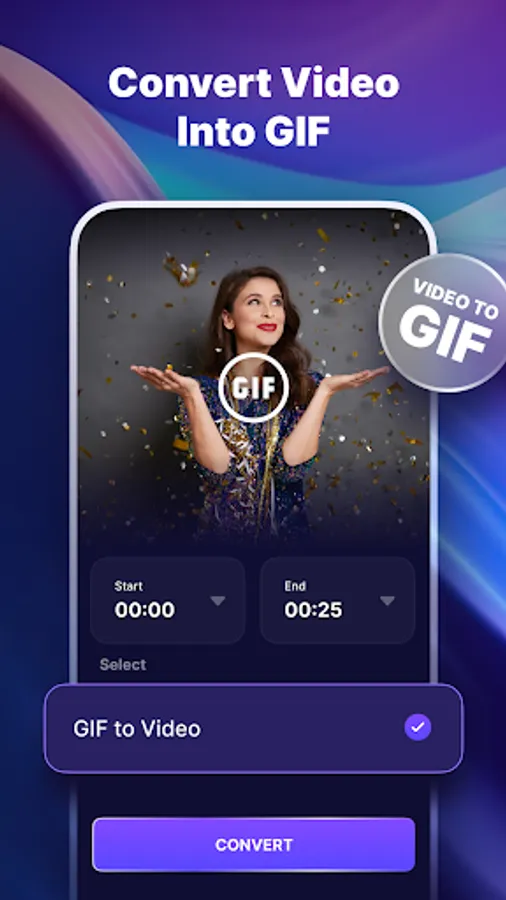
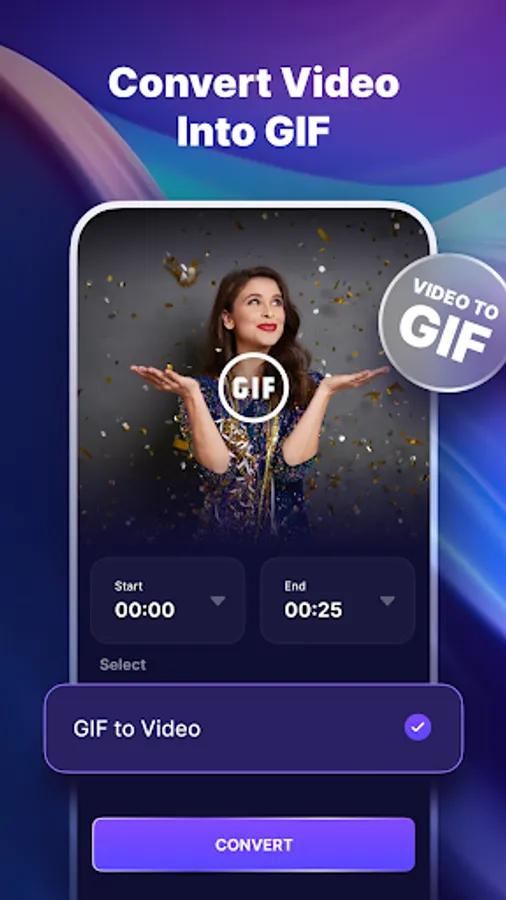
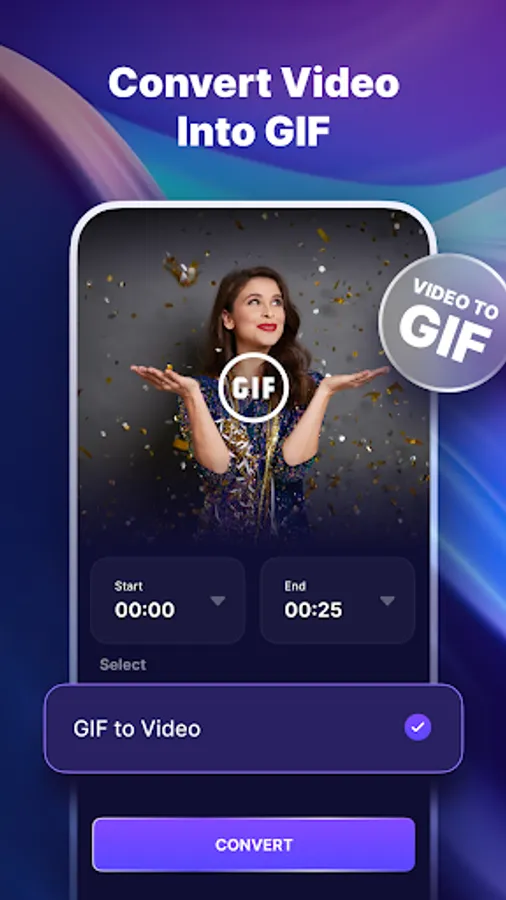
4.Convert Video to GIF: With a few simple clicks, you can quickly turn any video clip into a GIF animation. To make the ideal GIF that perfectly encapsulates the essence of the original video, select the relevant segment, change the frame rate, and make other customizations.
5.Convert Video to GIF: With a few simple clicks, you can quickly turn any video clip into a GIF animation. To make the ideal GIF that perfectly encapsulates the essence of the original video, select the relevant segment, change the frame rate, and make other customizations.
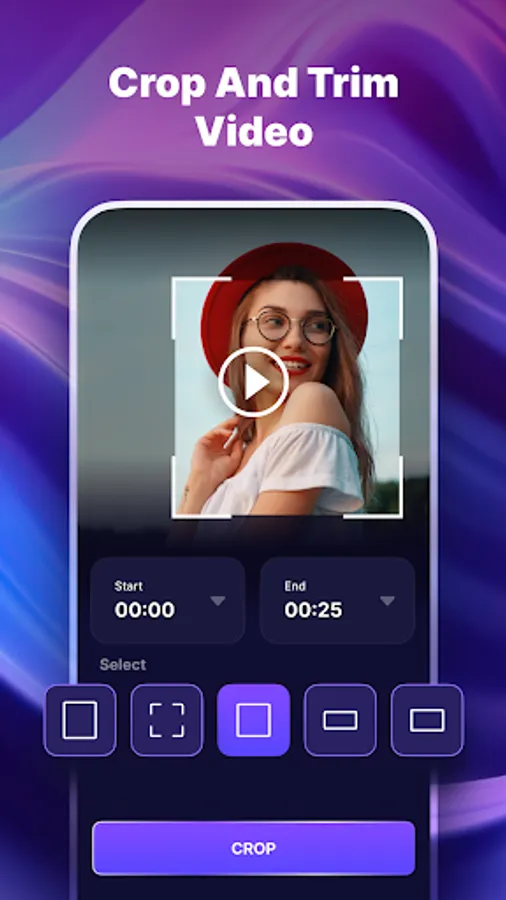
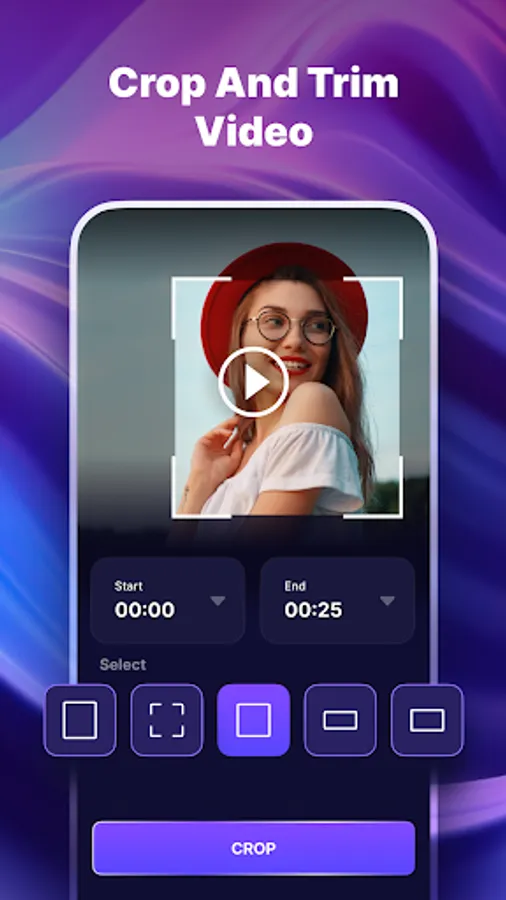
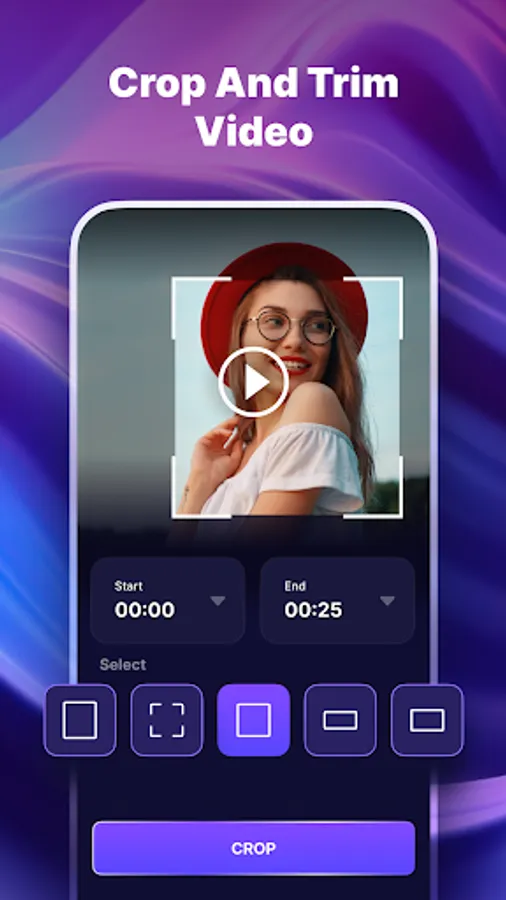
6. Trimming and Editing Tools: Use the included trimming and editing tools to perfect your video clips. To make your creations stand out and have an effect on your audience, crop, rotate, and add filters.
7. Image compression: Reduce image file sizes while maintaining high quality. Our powerful algorithms result in very minimal loss of sharpness and clarity.
8.Mute Video: Remove unnecessary sounds from your videos to get a flawless, silent visual experience.
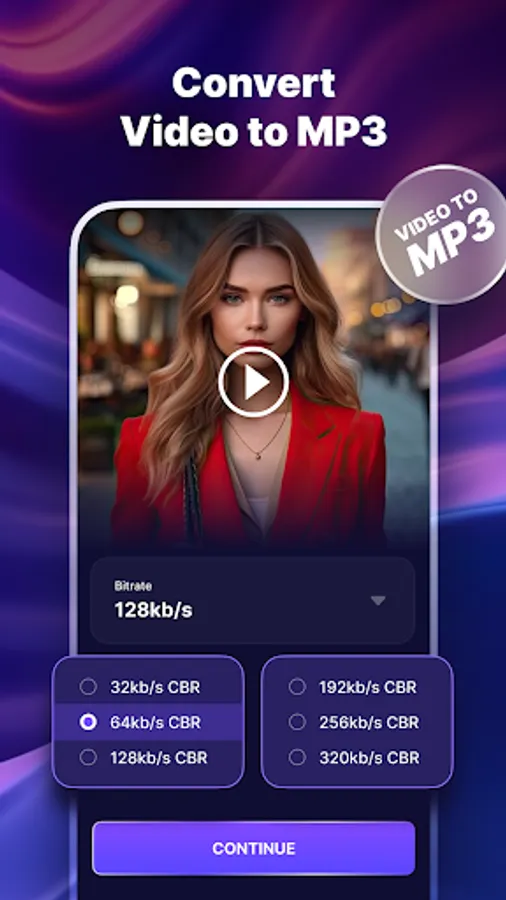
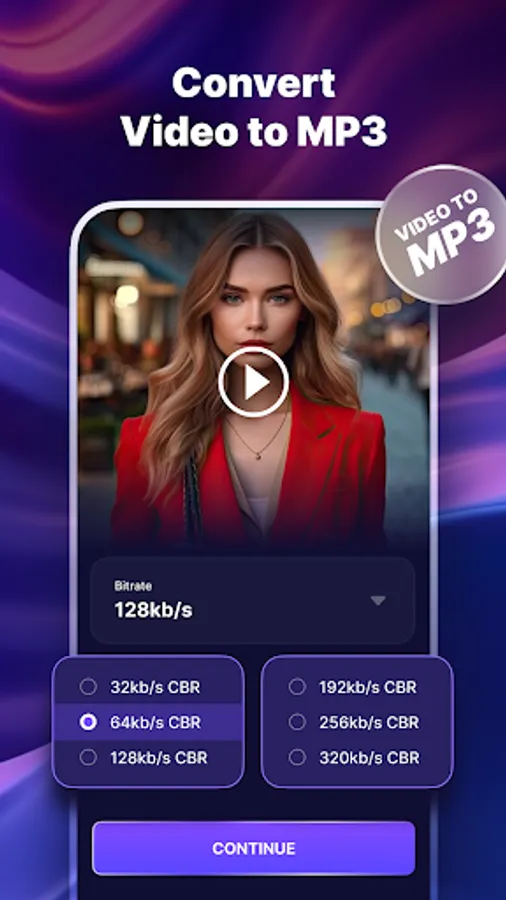
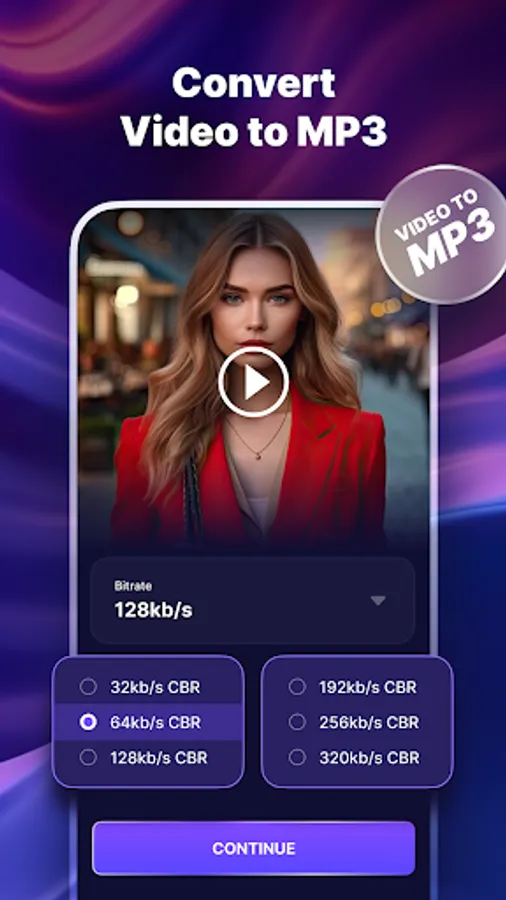
9.Conversion of Video to MP3: Converts numerous video formats (such as MP4, AVI, and MOV) to high-quality MP3 audio files. Extracts audio tracks from videos, allowing users to preserve music, lectures, interviews, and other audio information individually.
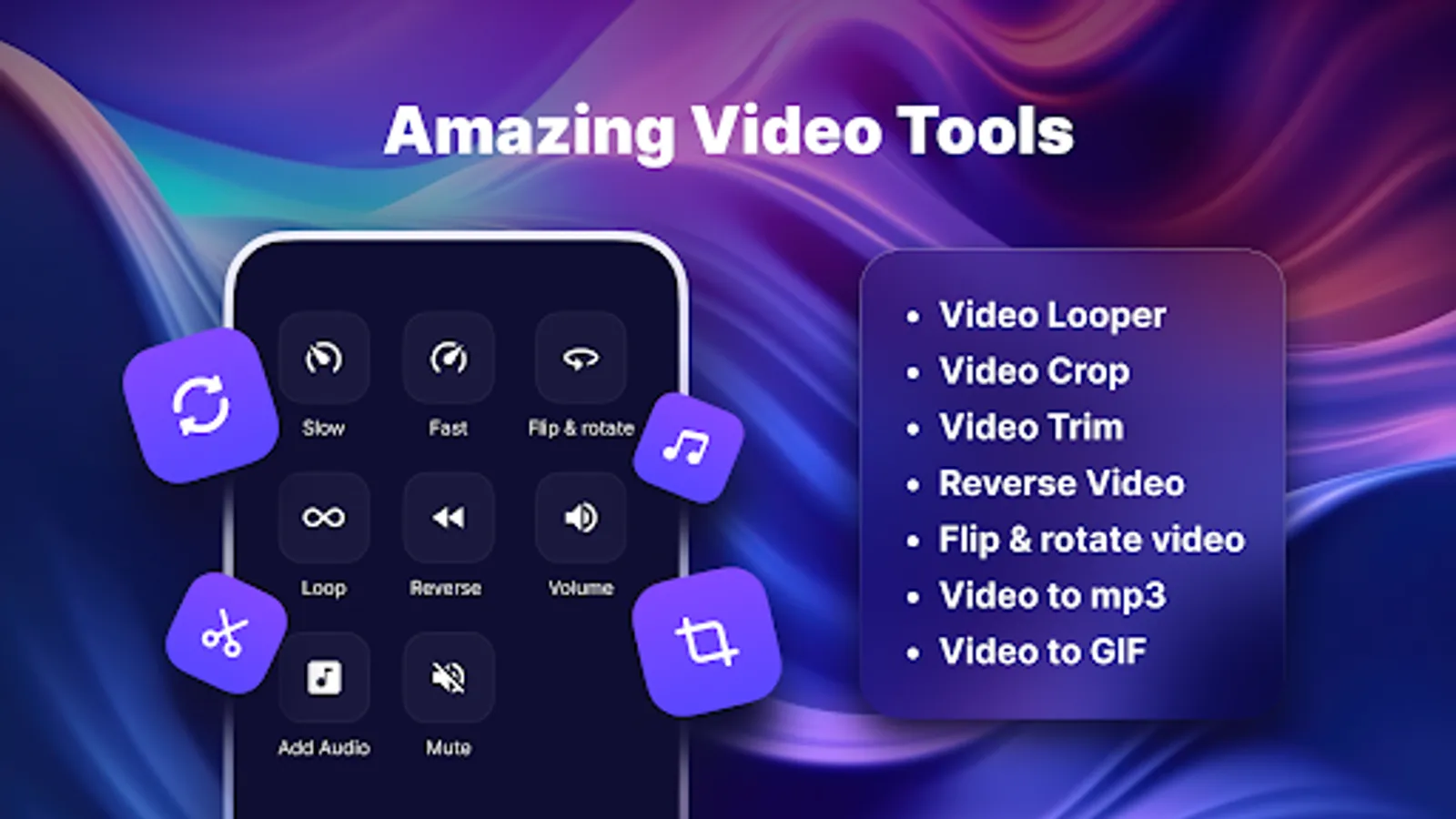
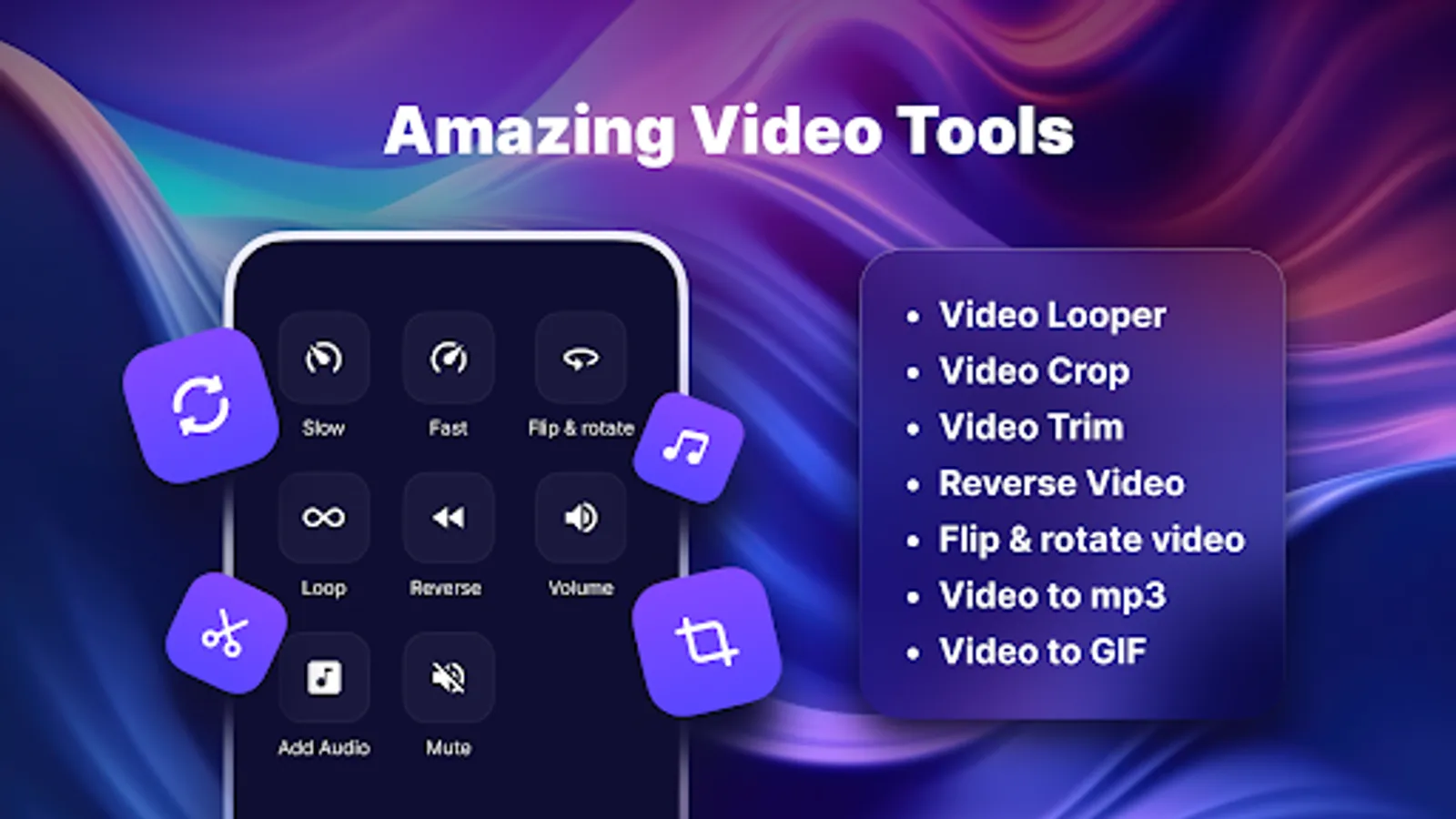
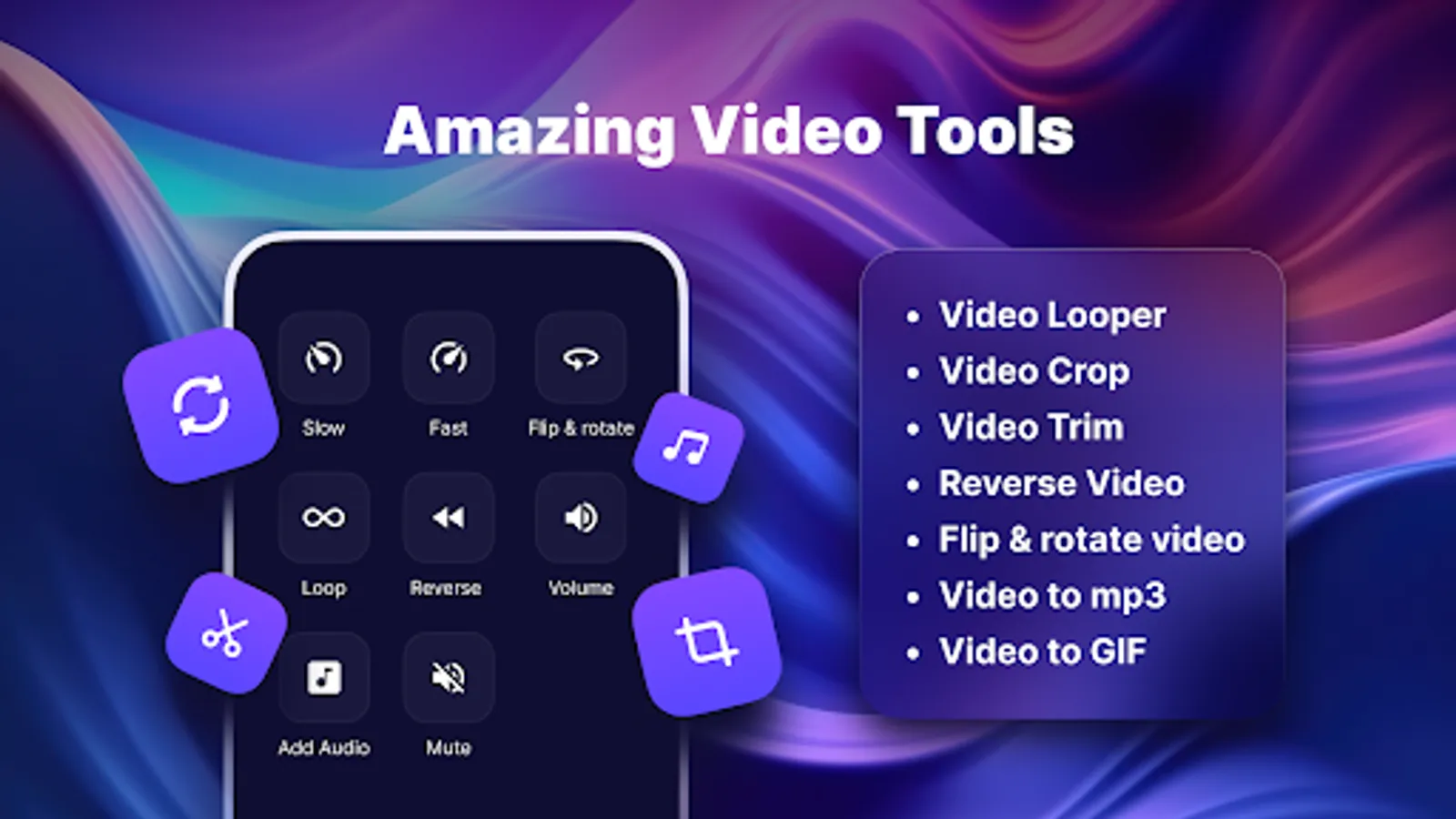
10. Video Looper: Make fascinating loops or lengthen the duration of a specific scene.
11. Reverse Video: Playing your videos in reverse allows you to showcase a fresh perspective and generate intriguing visual effects.
12. Flip & Rotate Functionality: Users can rotate videos horizontally or vertically to fix alignment issues or create artistic effects.
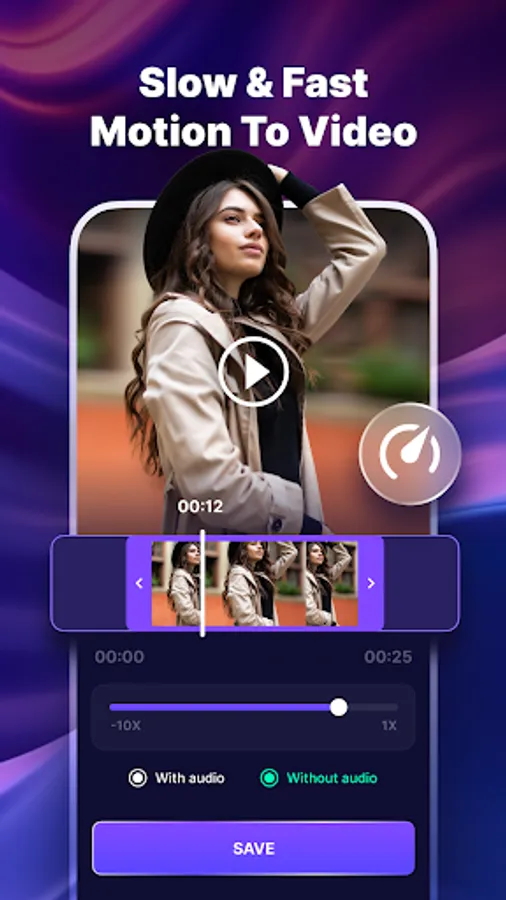
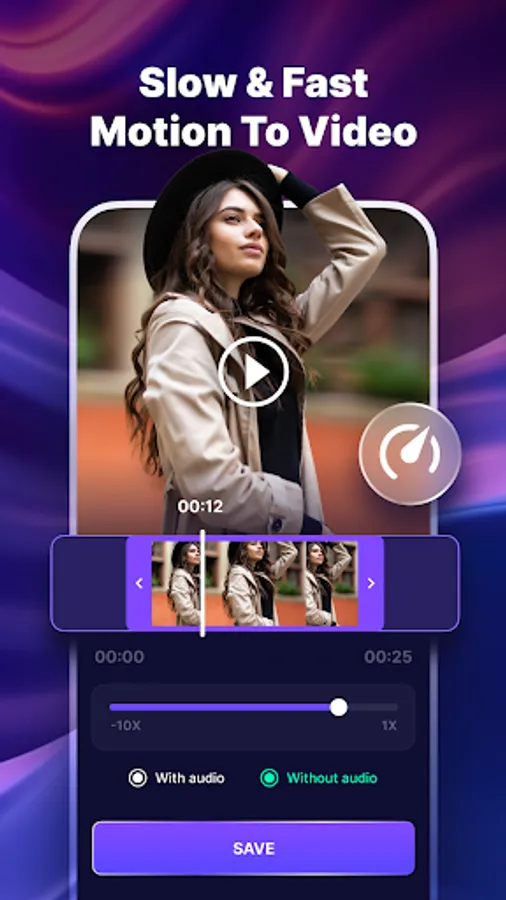
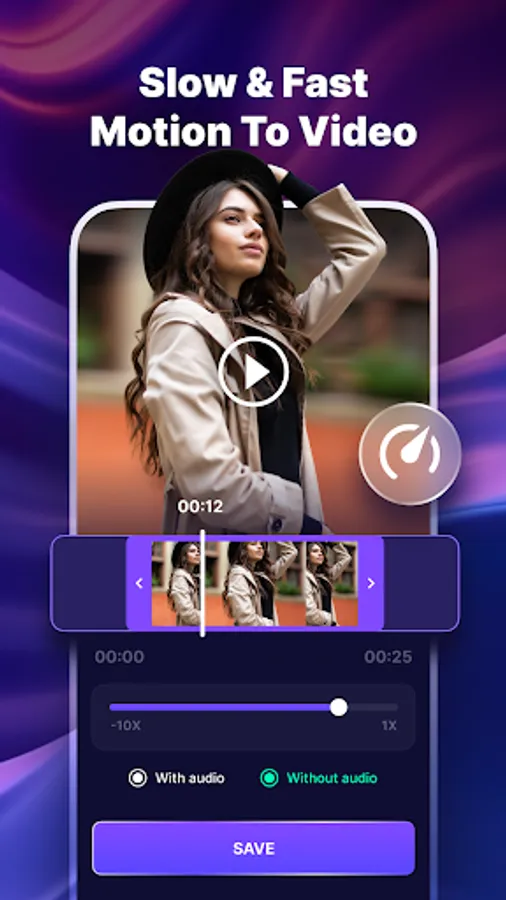
13. Fast & Slow motion : Record something falling, then watch and save it in slow motion. Save a fast-motion movie of your journey or tutorial. Make humorous slow and fast motion videos of your pals dancing, eating, falling, and doing other things.
Key-Feature:
1. Superior Compression: Minimize video file sizes without sacrificing outstanding quality. With our sophisticated algorithms, there is very little loss of sharpness and clarity.
2.Save and Share: After the movies have been compressed, you may quickly store them to your smartphone or send them straight to messaging apps, social media sites, or cloud storage providers.
3. Wide Format Support: Works with many different video formats, such as AVI, MKV, MP4, MOV, and more. The application supports a large number of file kinds, regardless of whether you're working with normal or high-definition videos.
4.Convert Video to GIF: With a few simple clicks, you can quickly turn any video clip into a GIF animation. To make the ideal GIF that perfectly encapsulates the essence of the original video, select the relevant segment, change the frame rate, and make other customizations.
5.Convert Video to GIF: With a few simple clicks, you can quickly turn any video clip into a GIF animation. To make the ideal GIF that perfectly encapsulates the essence of the original video, select the relevant segment, change the frame rate, and make other customizations.
6. Trimming and Editing Tools: Use the included trimming and editing tools to perfect your video clips. To make your creations stand out and have an effect on your audience, crop, rotate, and add filters.
7. Image compression: Reduce image file sizes while maintaining high quality. Our powerful algorithms result in very minimal loss of sharpness and clarity.
8.Mute Video: Remove unnecessary sounds from your videos to get a flawless, silent visual experience.
9.Conversion of Video to MP3: Converts numerous video formats (such as MP4, AVI, and MOV) to high-quality MP3 audio files. Extracts audio tracks from videos, allowing users to preserve music, lectures, interviews, and other audio information individually.
10. Video Looper: Make fascinating loops or lengthen the duration of a specific scene.
11. Reverse Video: Playing your videos in reverse allows you to showcase a fresh perspective and generate intriguing visual effects.
12. Flip & Rotate Functionality: Users can rotate videos horizontally or vertically to fix alignment issues or create artistic effects.
13. Fast & Slow motion : Record something falling, then watch and save it in slow motion. Save a fast-motion movie of your journey or tutorial. Make humorous slow and fast motion videos of your pals dancing, eating, falling, and doing other things.