Picture Blend
Isomer Programming LLC
2.3 ★
1K ratings
100,000+
downloads
Free
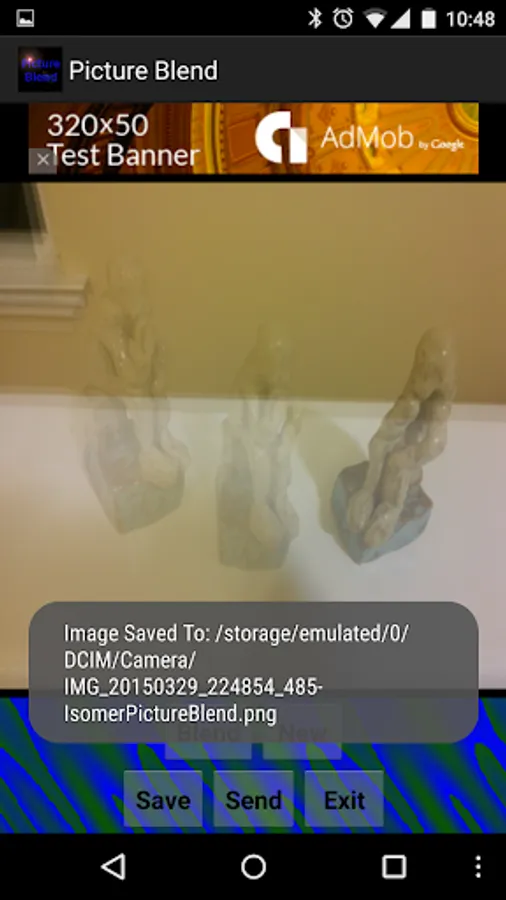
In this image editing app, you can blend multiple photos from your camera or gallery to create composite images. Includes tools for adjusting blend percentages and saving or sharing your creations.
AppRecs review analysis
AppRecs rating 2.3. Trustworthiness 0 out of 100. Review manipulation risk 0 out of 100. Based on a review sample analyzed.
★★☆☆☆
2.3
AppRecs Rating
Ratings breakdown
5 star
21%
4 star
8%
3 star
5%
2 star
9%
1 star
57%
What to know
✓
Authentic reviews
Natural distribution, no red flags
⚠
Mixed user feedback
Average 2.3★ rating suggests room for improvement
⚠
High negative review ratio
66% of sampled ratings are 1–2 stars
About Picture Blend
Blend multiple pictures from your camera or gallery!
Ideas:
-make a "ghost" in your mirror!
-put 2 of your friends faces into one! or maybe 3 friends? or all of them? perhaps the result is what their children would look like?
-take multiple frames of one person walking slowly to make a motion blur stream of their path!
-take a picture of the same place every day for a week to see what things change and what doesn't!
No need to memorize instructions since it walks you through it, but here's what happens:
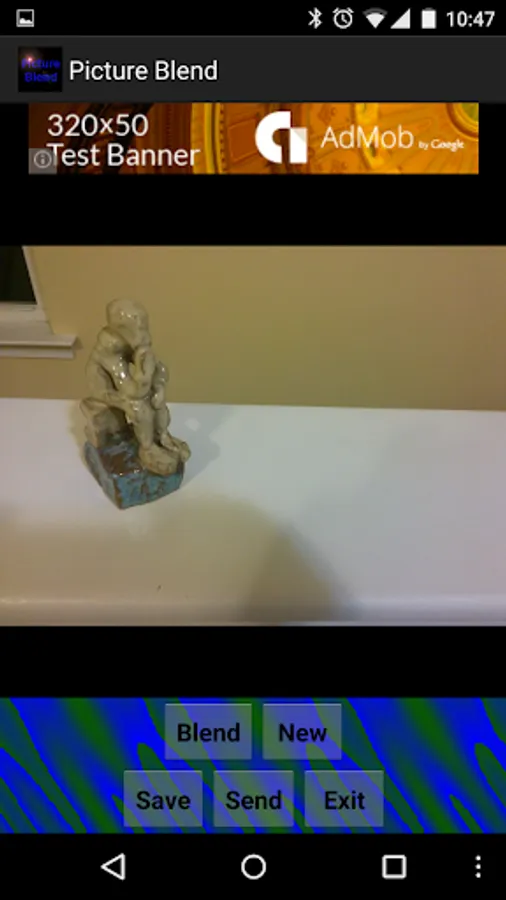
Step 1. Push "Blend" to take a base picture from the camera or gallery!
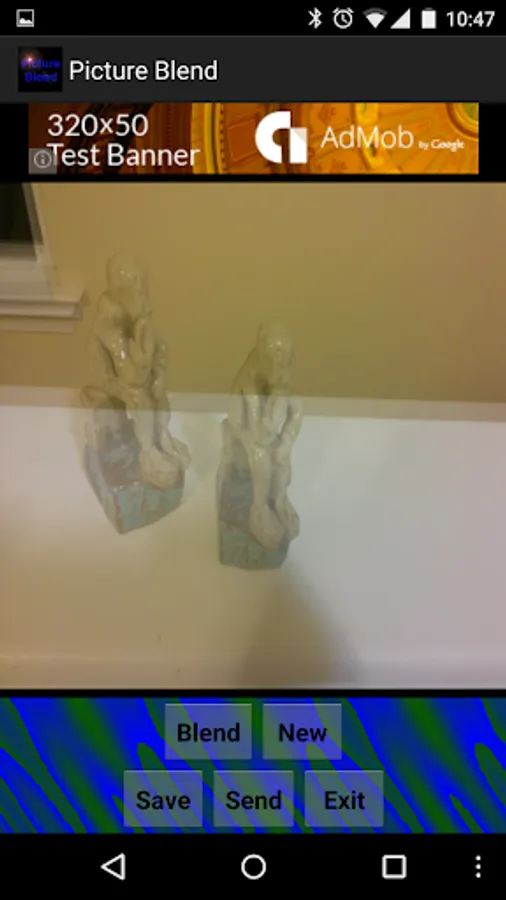
Step 2. Push "Blend" again to take another picture from the camera or gallery and combine it with the base!
(Select what percentage of the new picture you want to blend)
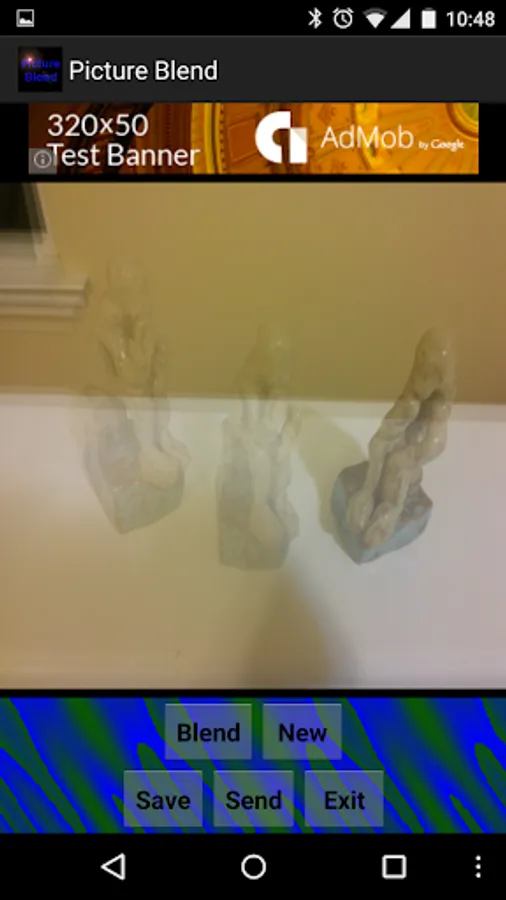
Step 2 and a half? Push "Blend" again? Hmmm how many pictures do I want to Blend?
Step 3. Push "Save" to save the blended image to external storage card.
Step 4. Push "Send" to send your blendification in an email or to another app.
Step 5. Push "New" to start again from scratch (black background).
***If you are having some problems running this app, try closing other programs or changing camera settings to use smaller resolution. If you still find you have problems, send us an email with the name of your device and we'll look into it.
Ideas:
-make a "ghost" in your mirror!
-put 2 of your friends faces into one! or maybe 3 friends? or all of them? perhaps the result is what their children would look like?
-take multiple frames of one person walking slowly to make a motion blur stream of their path!
-take a picture of the same place every day for a week to see what things change and what doesn't!
No need to memorize instructions since it walks you through it, but here's what happens:
Step 1. Push "Blend" to take a base picture from the camera or gallery!
Step 2. Push "Blend" again to take another picture from the camera or gallery and combine it with the base!
(Select what percentage of the new picture you want to blend)
Step 2 and a half? Push "Blend" again? Hmmm how many pictures do I want to Blend?
Step 3. Push "Save" to save the blended image to external storage card.
Step 4. Push "Send" to send your blendification in an email or to another app.
Step 5. Push "New" to start again from scratch (black background).
***If you are having some problems running this app, try closing other programs or changing camera settings to use smaller resolution. If you still find you have problems, send us an email with the name of your device and we'll look into it.
Picture Blend Screenshots
Tap to Rate: