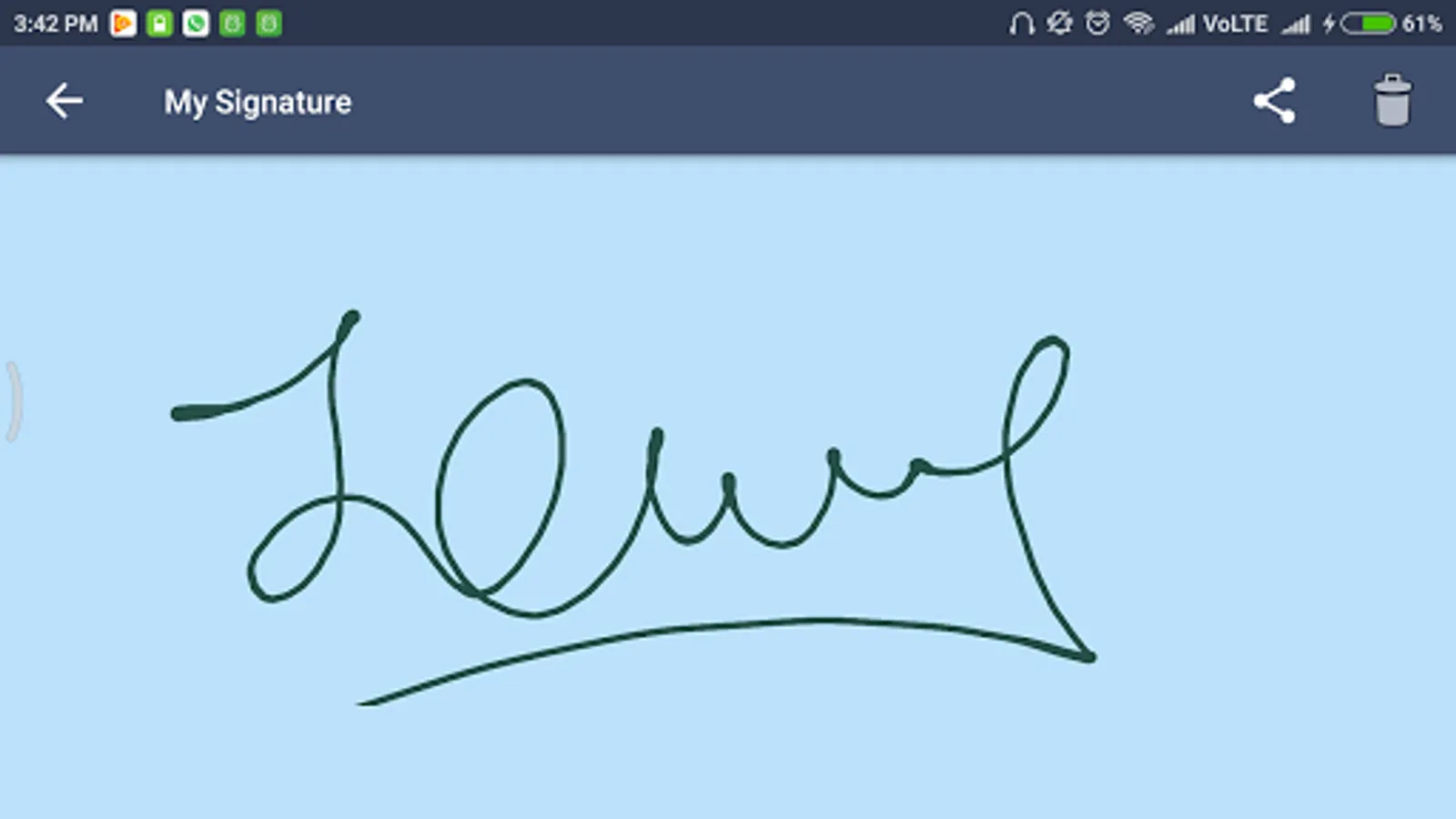
With this signature platform, you can create, customize, and save signatures using various colors and fonts. Includes color selection, save, share, view, and delete functionalities.
AppRecs review analysis
AppRecs rating 3.6. Trustworthiness 45 out of 100. Review manipulation risk 33 out of 100. Based on a review sample analyzed.
★★★☆☆
3.6
AppRecs Rating
Ratings breakdown
5 star
55%
4 star
9%
3 star
0%
2 star
9%
1 star
27%
What to know
✓
Authentic reviews
Natural distribution, no red flags
⚠
Review quality concerns
31% of sampled 5-star reviews are very short
⚠
High negative review ratio
36% of sampled ratings are 1–2 stars
About My Signature
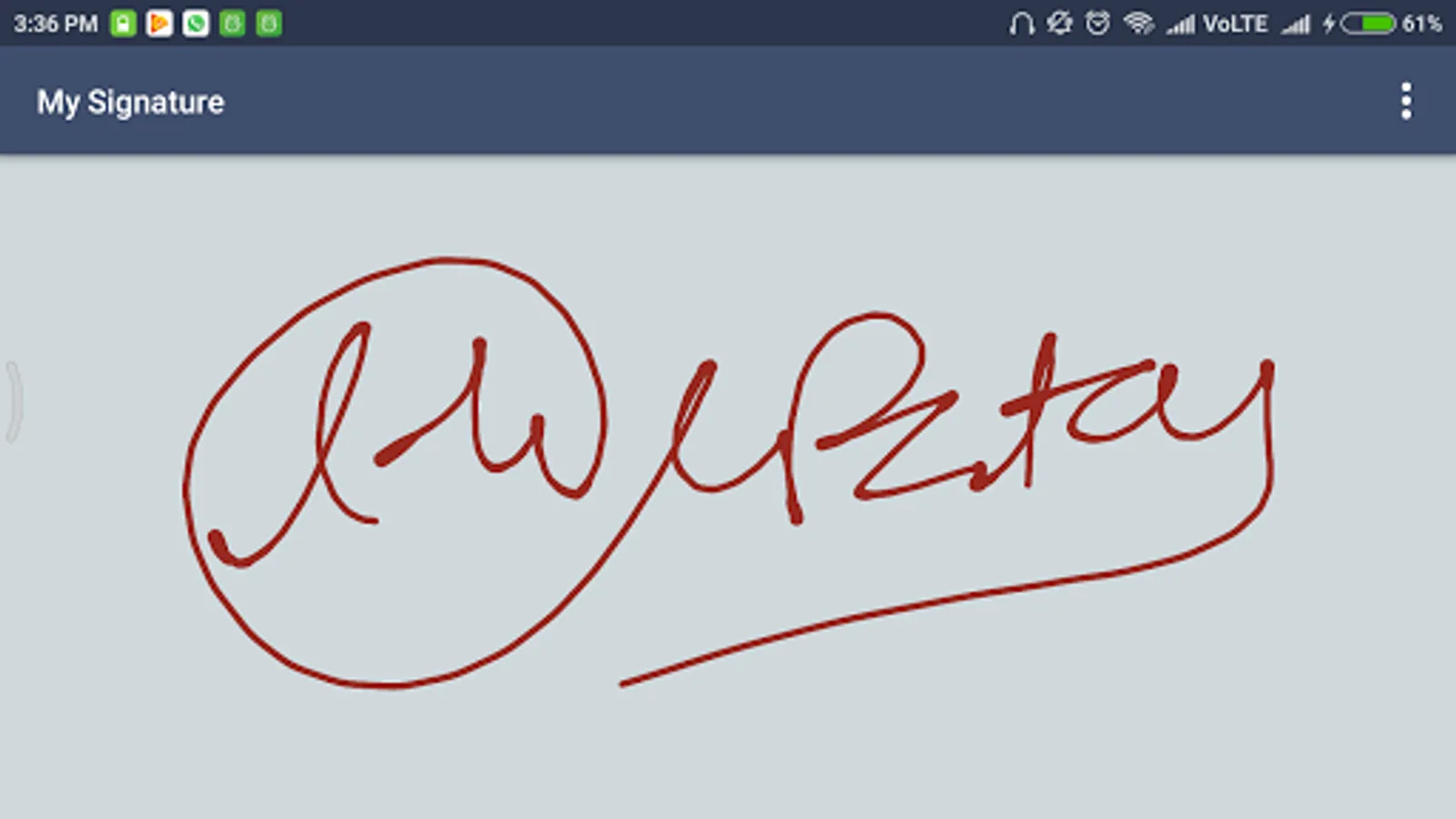
My Signature represents an intuitive gesture based signature platform that allows you to create your own create signature on Android phone.
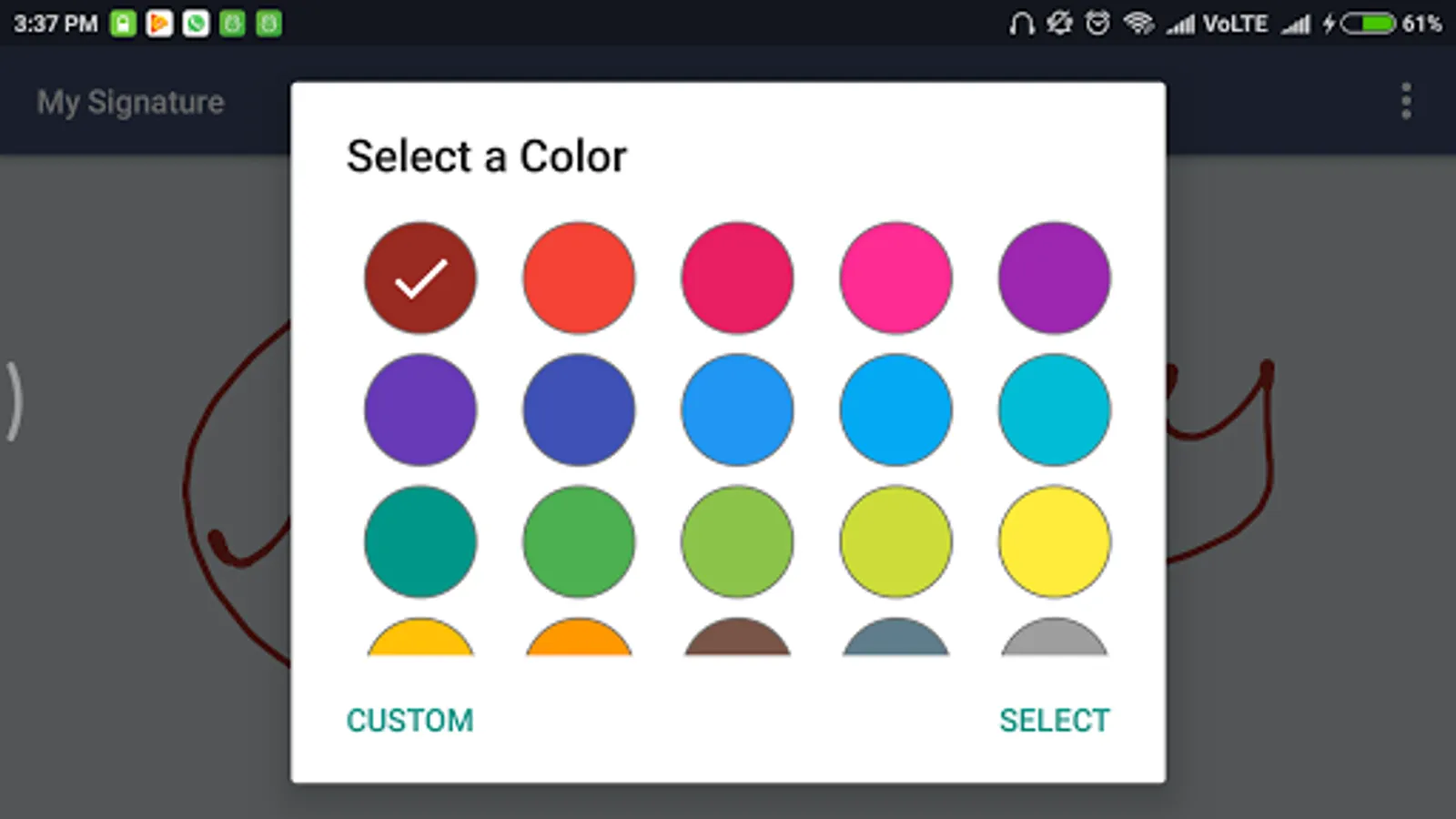
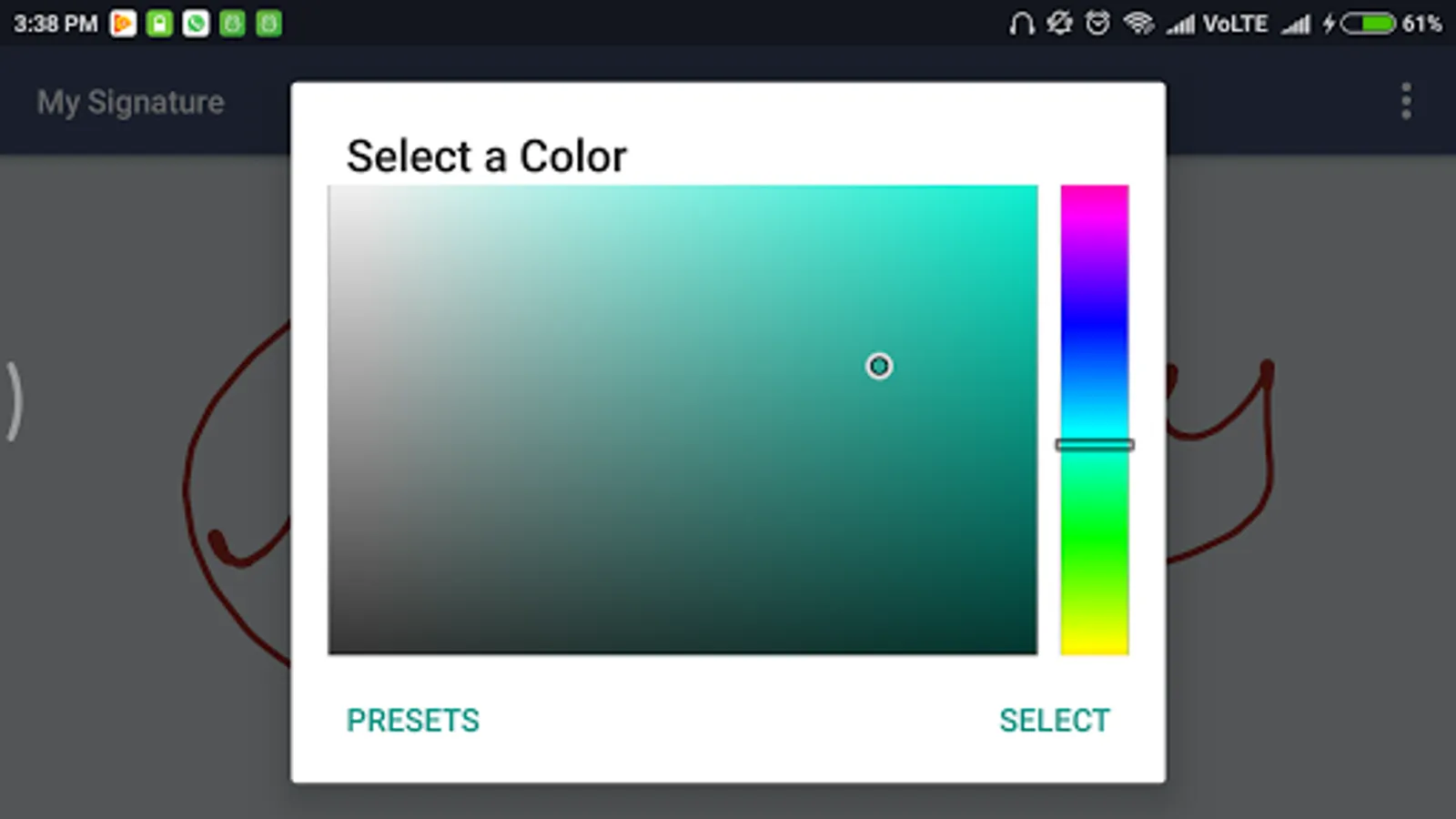
You can make your creative signature with 400+ colors with Awesome font.
We have used landscape mode to serve better.
Functionalities:
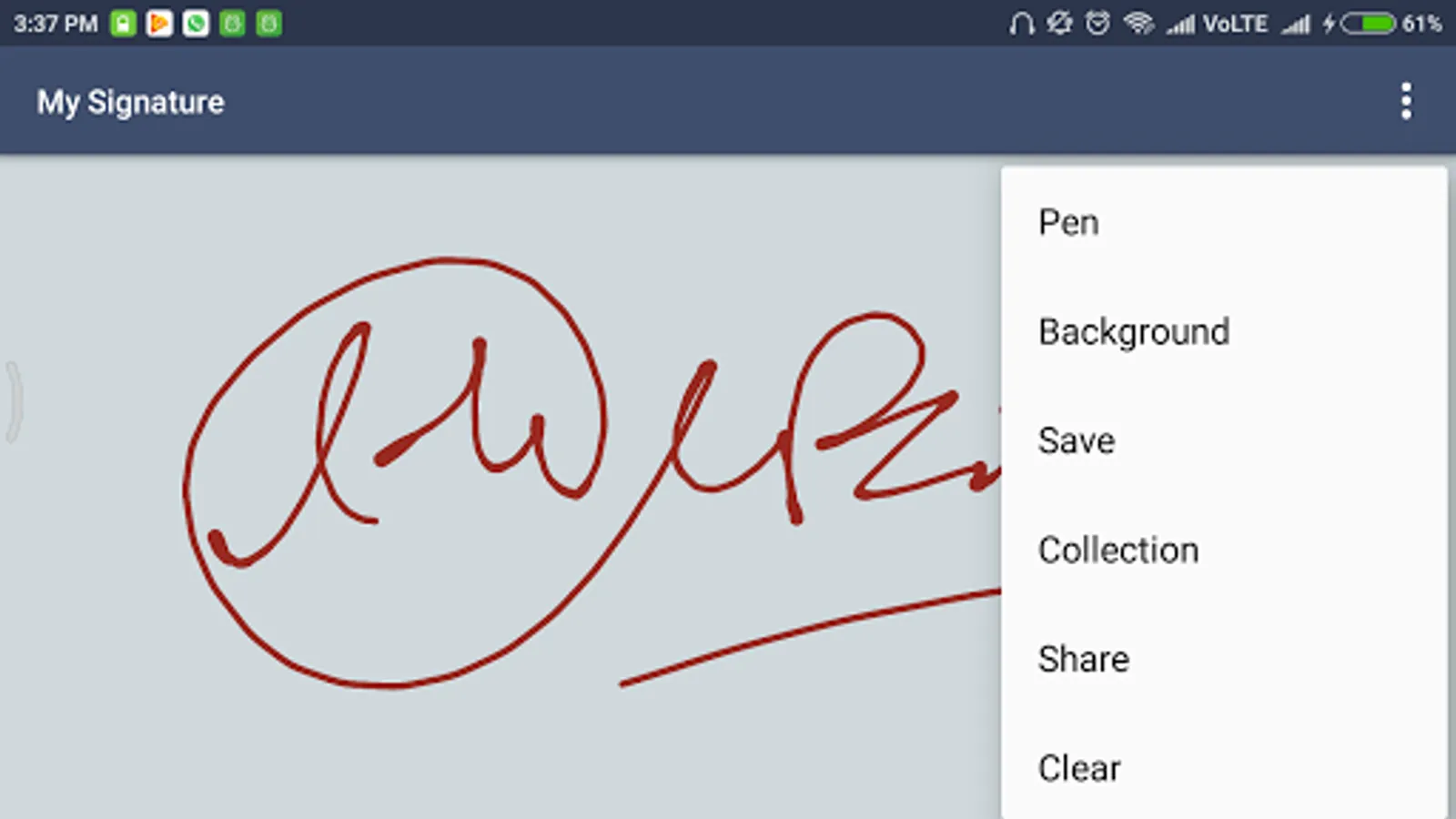
* Pen: Do signature
* 300+ colors for Pen
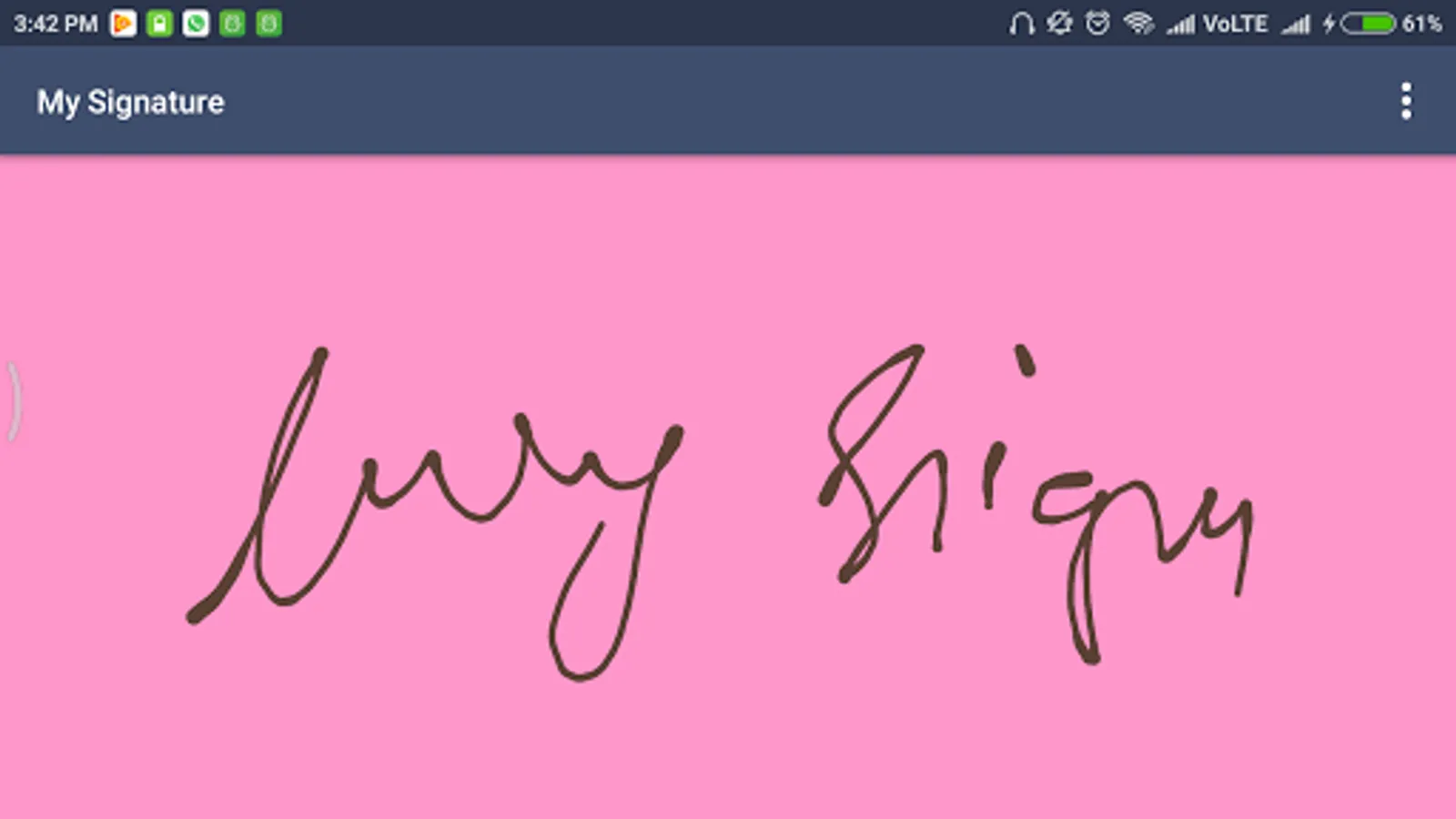
* 300+ colors for Signature Pad Background
* Clear signature pad
* Save: Store your signature in storage
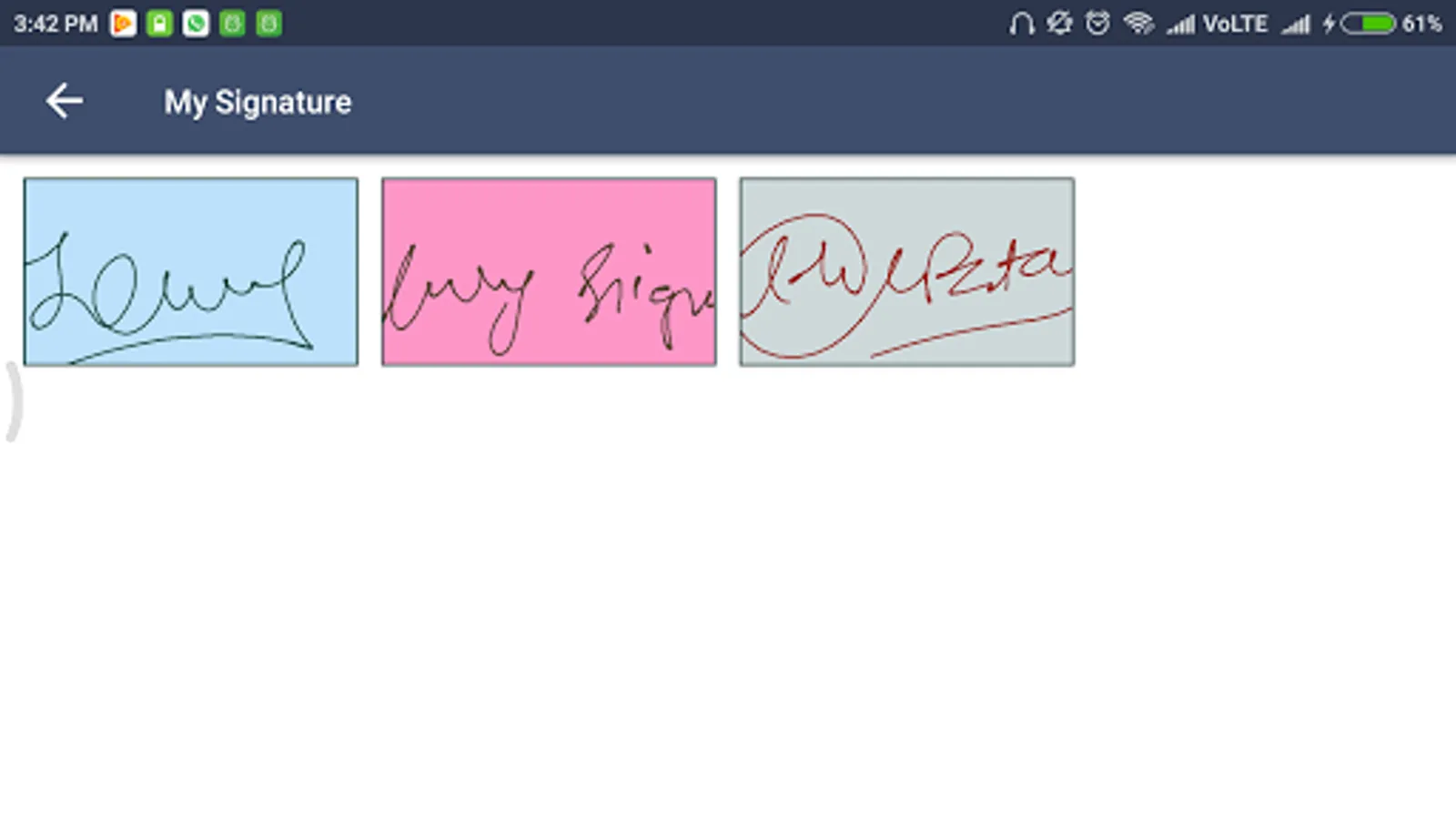
* Collection: View previously drawn signature
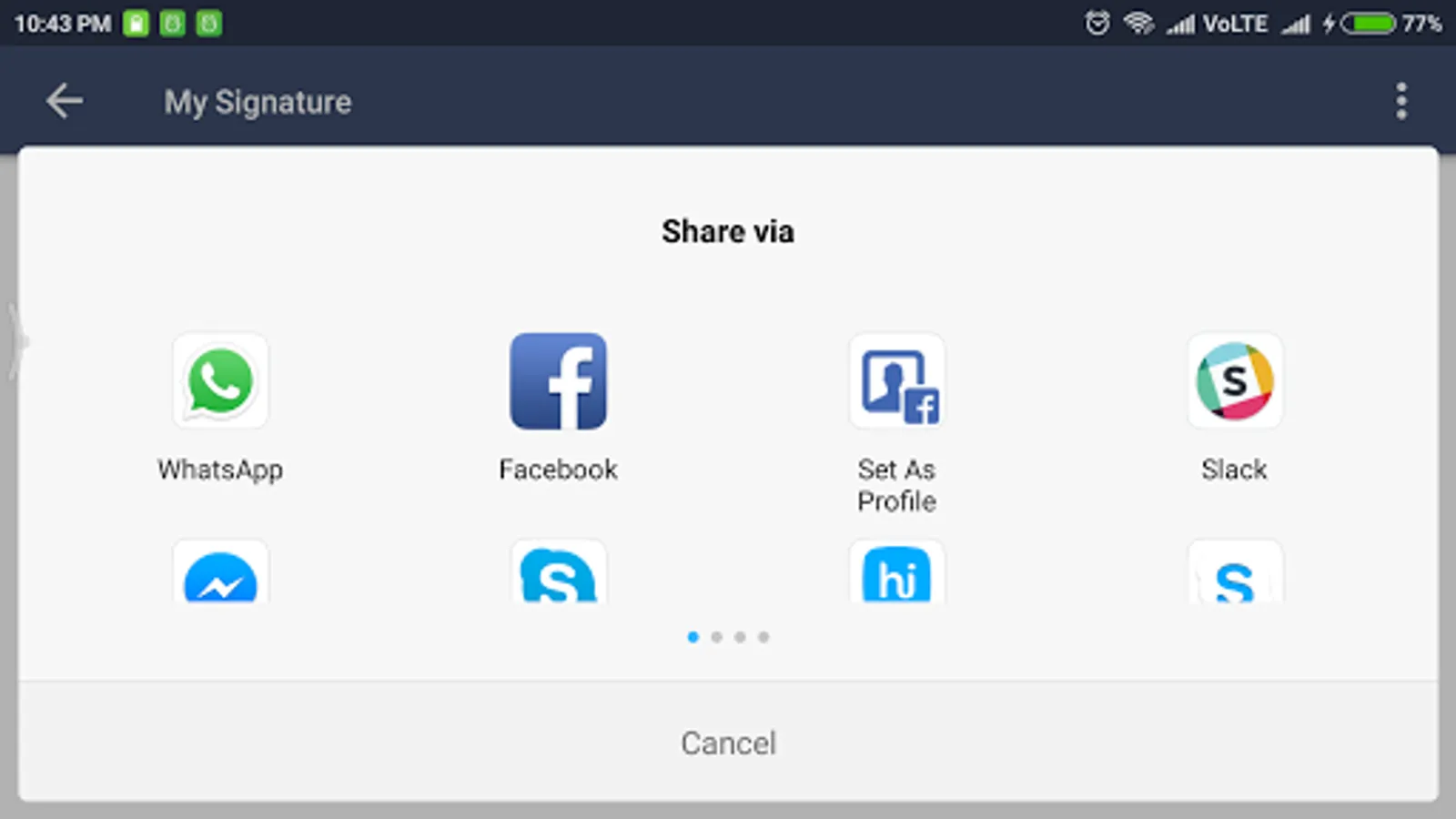
* Share: Share signature on social platform
* Clear: Clear signature board
* Delete: Delete previously drawn signature
How to use:
First of select any pen and set color.
Select any background color for signature pad.
Start doing your signature on board.
You can clear signature pad if you find any mistake while doing signature.
Save your picture in storage.
You can see all signature which were drawn by you.
You can share on social media.
You can delete if you don’t like.
You can clear signature board in order to create new signature.
Permission:
We required EXTERNAL STORAGE PERMISSION in order to store/share/view signature.
NOTE:
We are not using your signature anywhere, application stores it in storage in order to view and share your signature.
Enjoy free My Signature application for you and your family.
You can make your creative signature with 400+ colors with Awesome font.
We have used landscape mode to serve better.
Functionalities:
* Pen: Do signature
* 300+ colors for Pen
* 300+ colors for Signature Pad Background
* Clear signature pad
* Save: Store your signature in storage
* Collection: View previously drawn signature
* Share: Share signature on social platform
* Clear: Clear signature board
* Delete: Delete previously drawn signature
How to use:
First of select any pen and set color.
Select any background color for signature pad.
Start doing your signature on board.
You can clear signature pad if you find any mistake while doing signature.
Save your picture in storage.
You can see all signature which were drawn by you.
You can share on social media.
You can delete if you don’t like.
You can clear signature board in order to create new signature.
Permission:
We required EXTERNAL STORAGE PERMISSION in order to store/share/view signature.
NOTE:
We are not using your signature anywhere, application stores it in storage in order to view and share your signature.
Enjoy free My Signature application for you and your family.
My Signature Screenshots
Tap to Rate:
Reviews for My Signature
Ratih Andriastuti
1/4/2021
Good
A Google user
6/12/2019
Superb, I could create awesome signature.