AppRecs review analysis
AppRecs rating . Trustworthiness 79 out of 100. Review manipulation risk 35 out of 100. Based on a review sample analyzed.
★
AppRecs Rating
Ratings breakdown
5 star
67%
4 star
0%
3 star
0%
2 star
0%
1 star
33%
What to know
✓
Credible reviews
79% trustworthiness score from analyzed reviews
✓
Good user ratings
67% positive sampled reviews
About Image to PDF
Image to PDF is an excellent app that creates document from different images. Its free totally.
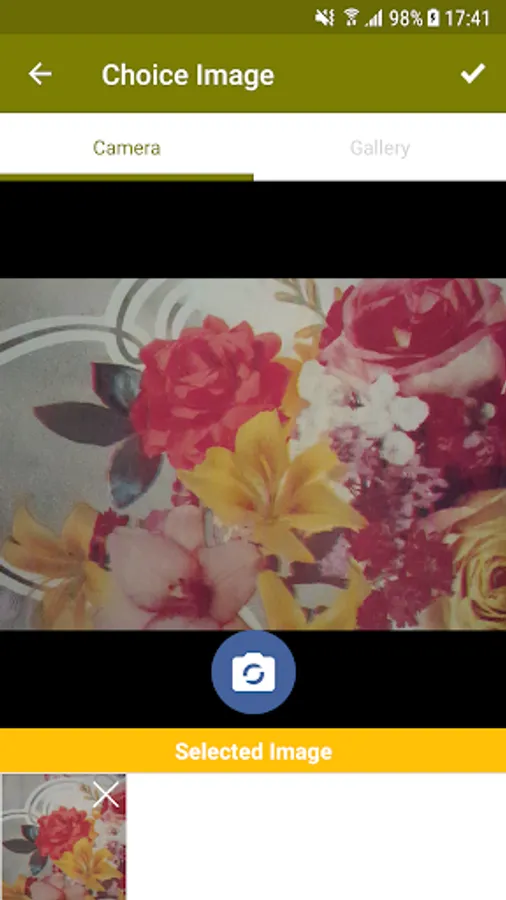
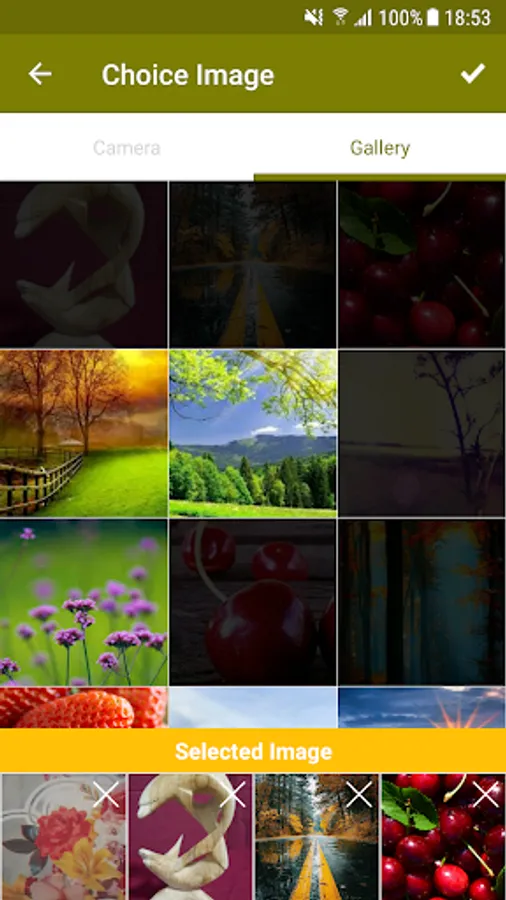
You can create pdf file form multiple images. You can use images from camera and gallery (Can be select some images from camera and some images from gallery).
No need to use computer, laptop or search online to create pdf document from images.
We have used portrait mode to serve better.
Functionalities:
* Create pdf document
* Multi selection. Means you can choose multiple images for a document.
* Camera and Gallery both can be used
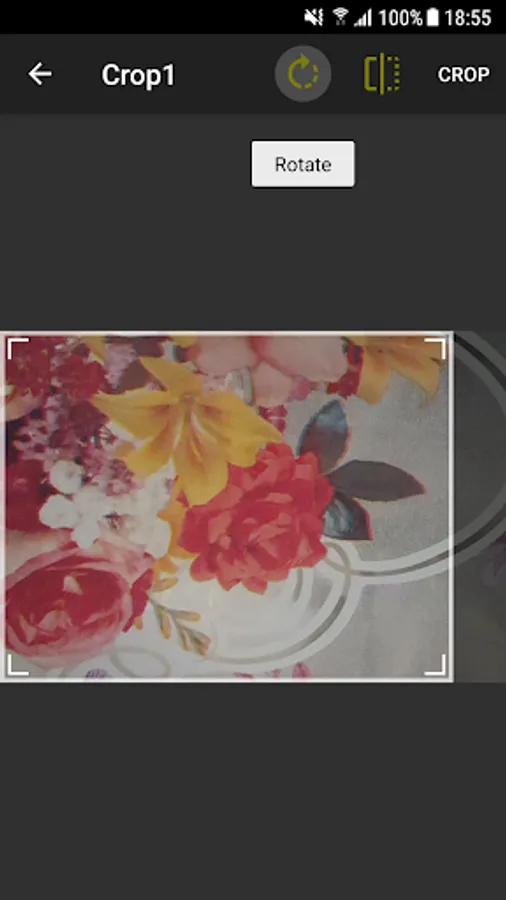
* Crop selected images
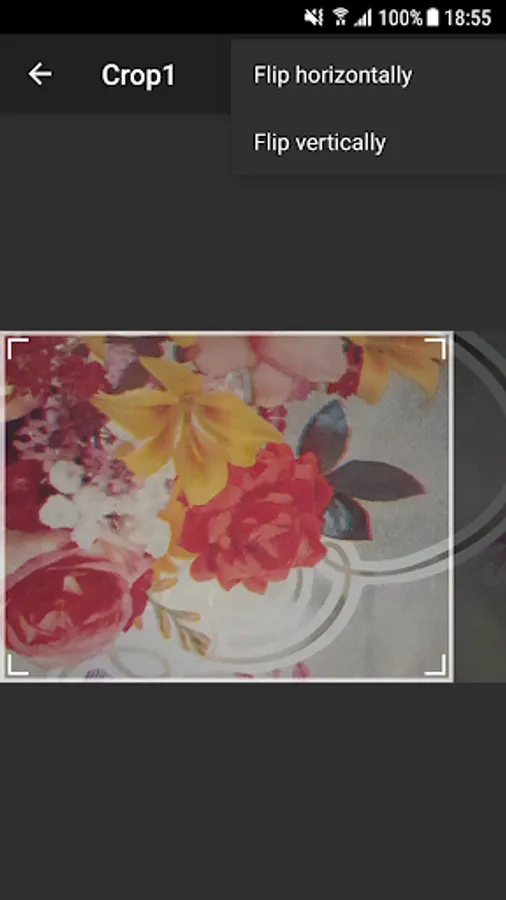
* Flip horizontal and vertical images
* Rotate images upto 360 degree
* Document title
* Document thumbnail
* View pdf file
* Share pdf file
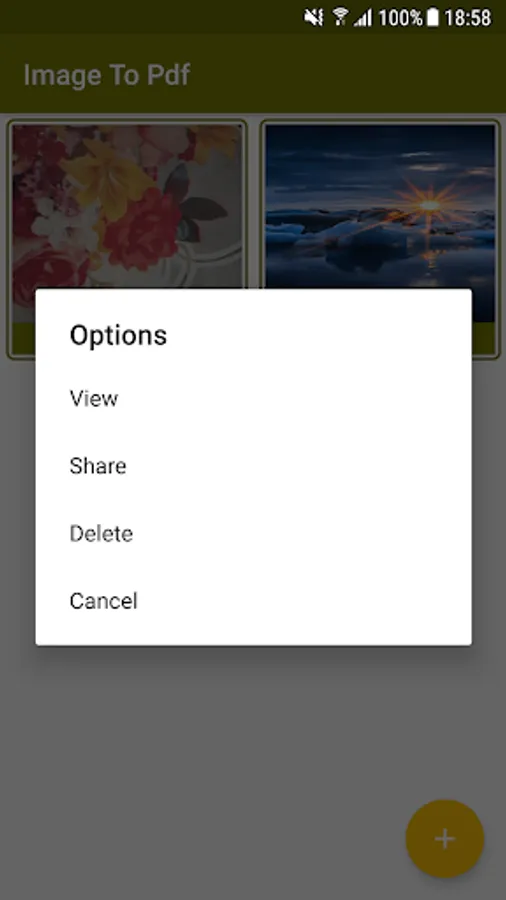
* Delete pdf file
How to use:
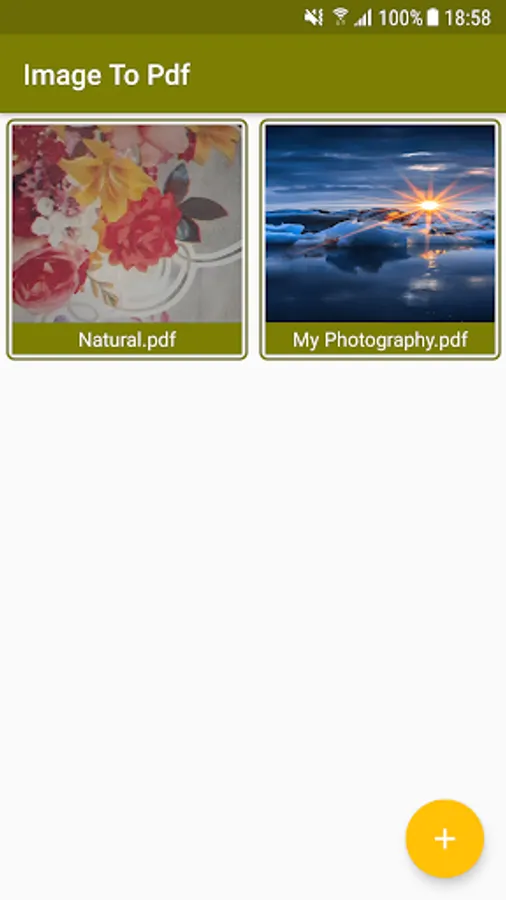
On the Home screen you will find all previously created documents.
Click on + button in order to initiate your document creation process.
Capture images by camera and also you can select images from
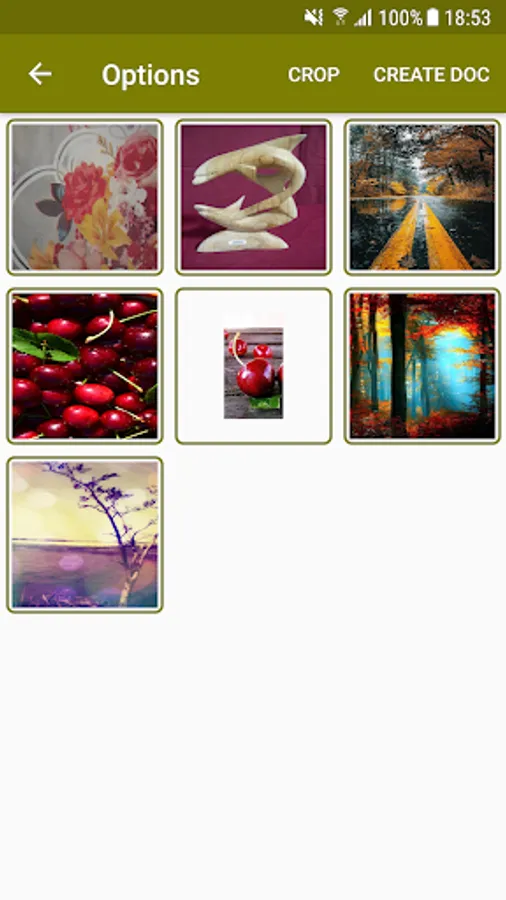
After selection of image you will navigate to options where you can Crop images, Flip images to either horizontal or vertical, Rotate image upto 360 degree.
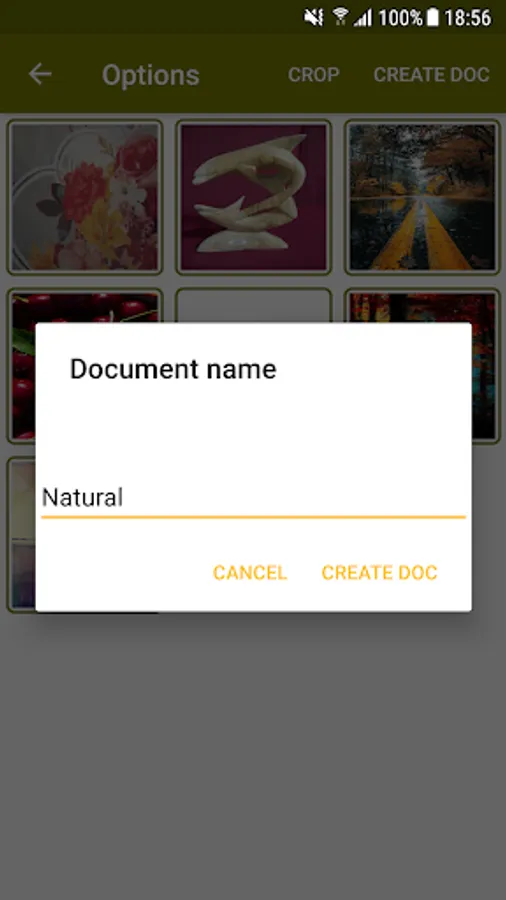
When you are done with operations then click on Create document, where you have to give the name of document after it application will create document for you.
Application will ask for View, Share. You can view the document and Share the document with your friends or family.
On the home screen when you click on the any document then application will ask for View, Share, Delete. You can view the document, Share the document with your friends or family and Delete the document.
Permission:
We required CAMERA, EXTERNAL STORAGE PERMISSION in order to capture images and pick images from Gallery.
NOTE:
We are not using your document anywhere, application stores it in storage in order to view and share your document.
Enjoy free Image to PDF file application for you and your family.
You can create pdf file form multiple images. You can use images from camera and gallery (Can be select some images from camera and some images from gallery).
No need to use computer, laptop or search online to create pdf document from images.
We have used portrait mode to serve better.
Functionalities:
* Create pdf document
* Multi selection. Means you can choose multiple images for a document.
* Camera and Gallery both can be used
* Crop selected images
* Flip horizontal and vertical images
* Rotate images upto 360 degree
* Document title
* Document thumbnail
* View pdf file
* Share pdf file
* Delete pdf file
How to use:
On the Home screen you will find all previously created documents.
Click on + button in order to initiate your document creation process.
Capture images by camera and also you can select images from
After selection of image you will navigate to options where you can Crop images, Flip images to either horizontal or vertical, Rotate image upto 360 degree.
When you are done with operations then click on Create document, where you have to give the name of document after it application will create document for you.
Application will ask for View, Share. You can view the document and Share the document with your friends or family.
On the home screen when you click on the any document then application will ask for View, Share, Delete. You can view the document, Share the document with your friends or family and Delete the document.
Permission:
We required CAMERA, EXTERNAL STORAGE PERMISSION in order to capture images and pick images from Gallery.
NOTE:
We are not using your document anywhere, application stores it in storage in order to view and share your document.
Enjoy free Image to PDF file application for you and your family.
Image to PDF Screenshots
Tap to Rate:
Reviews for Image to PDF
M T
4/22/2022
Useful.
Sanjay Gorghate
11/24/2020
Good