
Castro Premium - system info
Pavlo Rekun
4.7 ★
408 ratings
10,000+
downloads
$2.99
In this system info app, you can view detailed device statistics and monitor real-time performance metrics. Includes data export options, customizable themes, and network speed tests.
AppRecs review analysis
AppRecs rating 4.7. Trustworthiness 77 out of 100. Review manipulation risk 17 out of 100. Based on a review sample analyzed.
★★★★☆
4.7
AppRecs Rating
Ratings breakdown
5 star
81%
4 star
11%
3 star
4%
2 star
2%
1 star
2%
What to know
✓
Low review manipulation risk
17% review manipulation risk
✓
Credible reviews
77% trustworthiness score from analyzed reviews
✓
High user satisfaction
81% of sampled ratings are 5 stars
About Castro Premium - system info
Castro is a huge collection of information about your device and a set of tools for monitoring its status. This allows you to check the performance of your device in real-time!
Large collection of the information
Castro processes and displays a huge amount of information, namely:
• Detailed processor statistics (CPU and GPU);
• Battery monitoring;
• Consumption of all kinds of memory;
• Data usage via Wi-Fi and mobile networks;
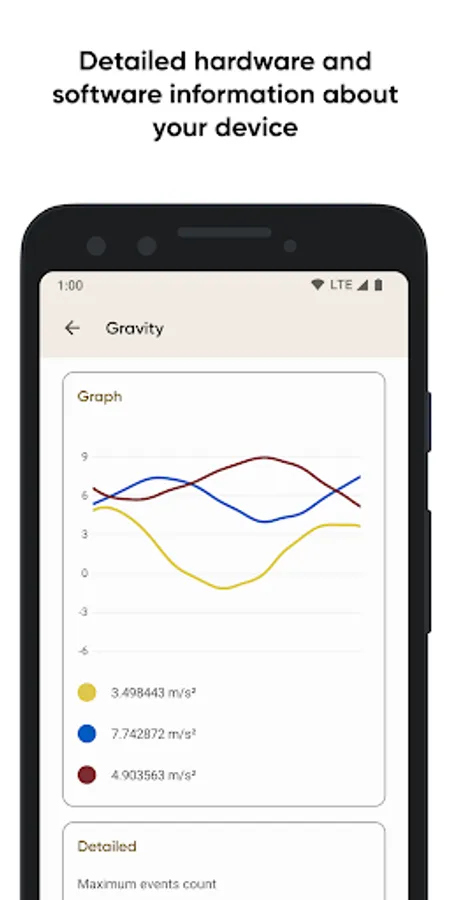
• Real-time sensors data with useful graphs;
• Detailed information about device's cameras;
• Full list of available audio and video codecs;
• Monitoring temperatures of the device;
• And many other features, including DRM and Bluetooth!
The most important thing in the "Dashboard"
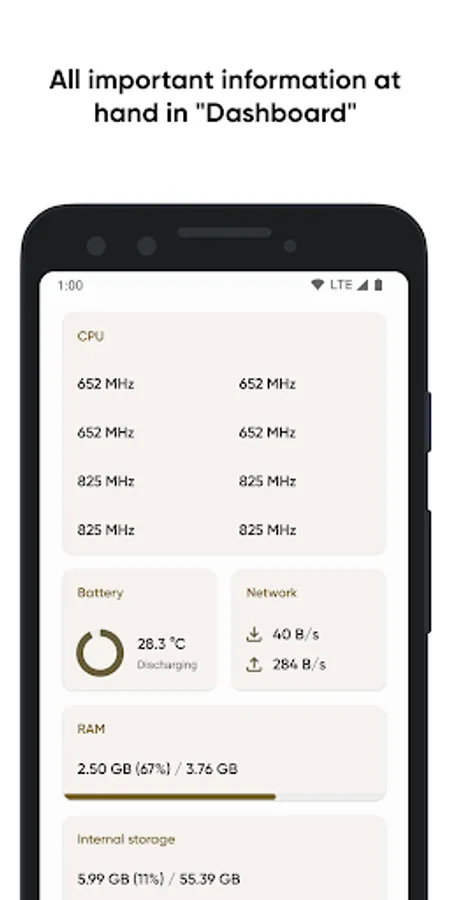
If you are not interested in too detailed information in a larger volume, you can always use the "Dashboard" window, which collects all the most important information - CPU usage, battery status, network usage, and memory load on the device.
More control with useful tools
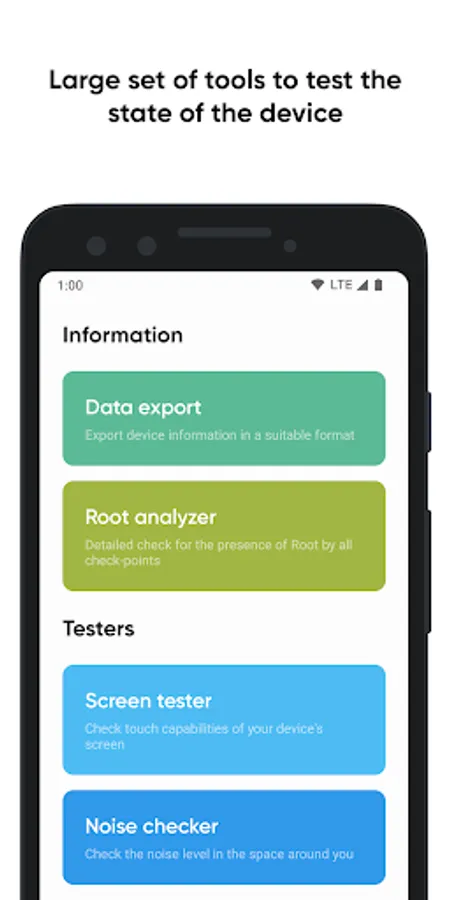
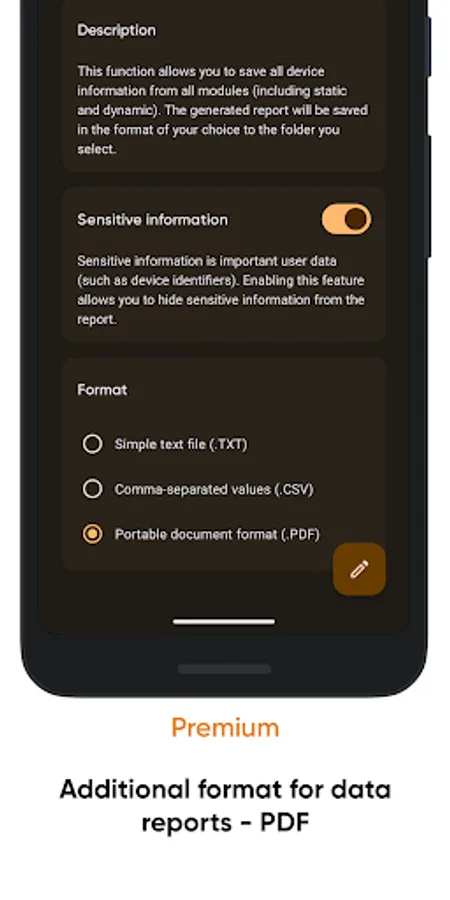
• Share your device information using "Data export";
• Test your display state via "Screen tester";
• Check the noise around you with "Noise checker".
Even more features with the "Premium"
"Premium" users will have access to even more features, such as:
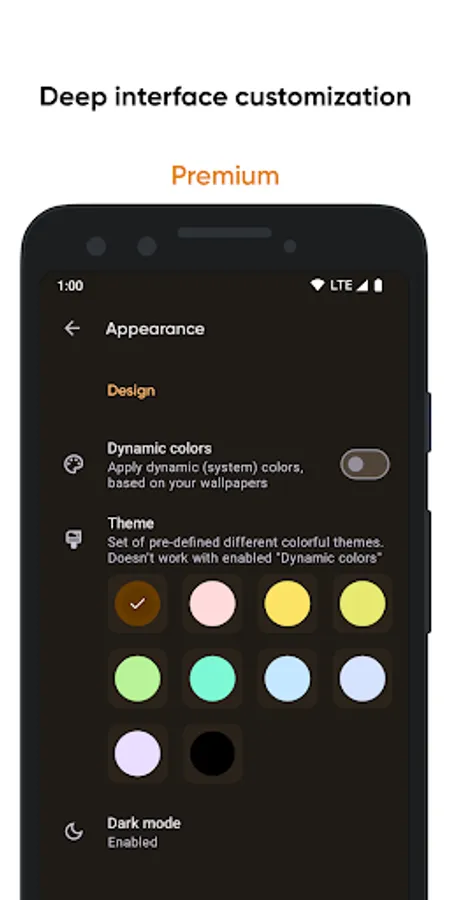
• Deep interface customization with various colors and themes;
• Battery monitoring tool to track battery properties;
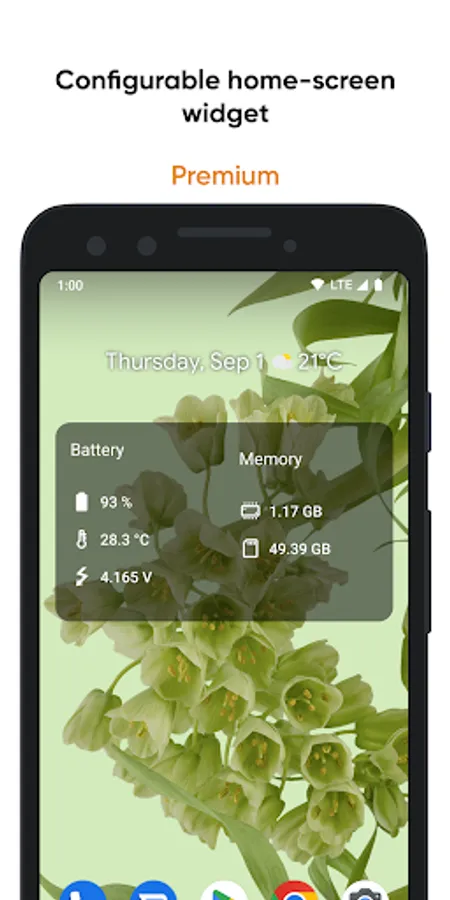
• Configurable home-screen widget, with information about battery, memory, and more;
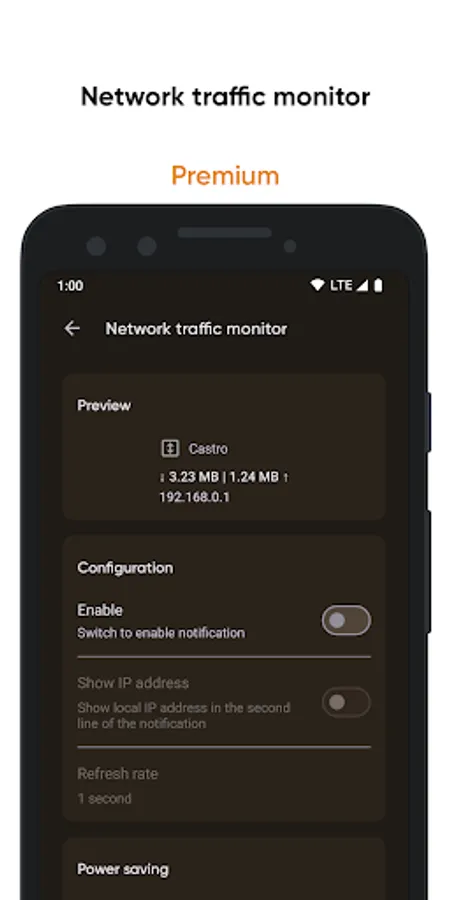
• Network traffic speed monitor to track your connection speed;
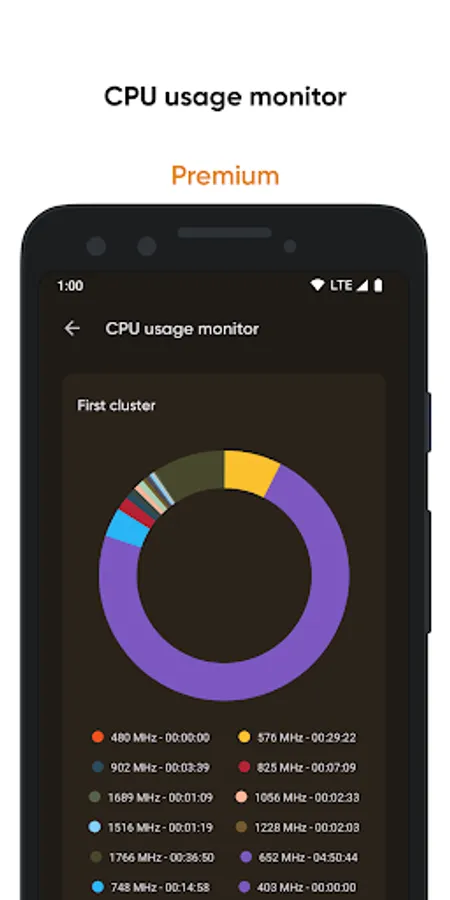
• CPU usage monitor to keep abreast of frequency usage;
• PDF format for information exporting.
FAQ and localization
Looking for answers to frequently asked questions (FAQ)? Visit this page: https://pavlorekun.dev/castro/faq/
Want to help in Castro localization? Visit this page: https://crowdin.com/project/castro
Large collection of the information
Castro processes and displays a huge amount of information, namely:
• Detailed processor statistics (CPU and GPU);
• Battery monitoring;
• Consumption of all kinds of memory;
• Data usage via Wi-Fi and mobile networks;
• Real-time sensors data with useful graphs;
• Detailed information about device's cameras;
• Full list of available audio and video codecs;
• Monitoring temperatures of the device;
• And many other features, including DRM and Bluetooth!
The most important thing in the "Dashboard"
If you are not interested in too detailed information in a larger volume, you can always use the "Dashboard" window, which collects all the most important information - CPU usage, battery status, network usage, and memory load on the device.
More control with useful tools
• Share your device information using "Data export";
• Test your display state via "Screen tester";
• Check the noise around you with "Noise checker".
Even more features with the "Premium"
"Premium" users will have access to even more features, such as:
• Deep interface customization with various colors and themes;
• Battery monitoring tool to track battery properties;
• Configurable home-screen widget, with information about battery, memory, and more;
• Network traffic speed monitor to track your connection speed;
• CPU usage monitor to keep abreast of frequency usage;
• PDF format for information exporting.
FAQ and localization
Looking for answers to frequently asked questions (FAQ)? Visit this page: https://pavlorekun.dev/castro/faq/
Want to help in Castro localization? Visit this page: https://crowdin.com/project/castro
Castro Premium - system info Screenshots
Tap to Rate:
Reviews for Castro Premium - system info
Ronald Powers
8/6/2025
Great app for ķnowing anything about everything about your device.
Karthikeyan K
6/2/2025
Wish the network speed indicator provided an option to display Mbps instead of only showing speeds in MBps.