
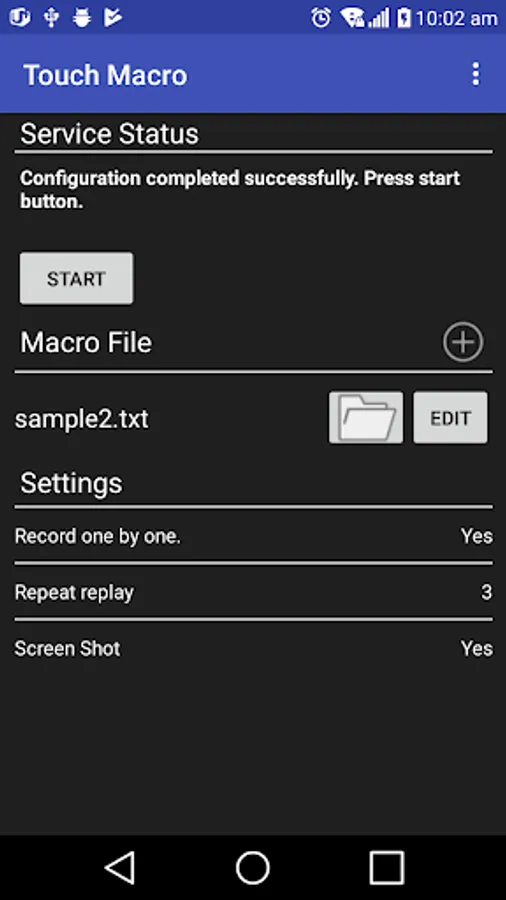
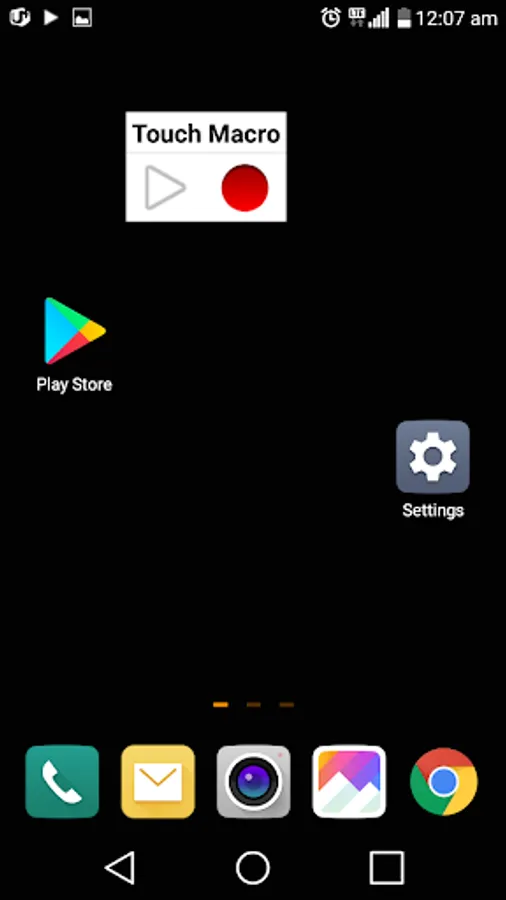
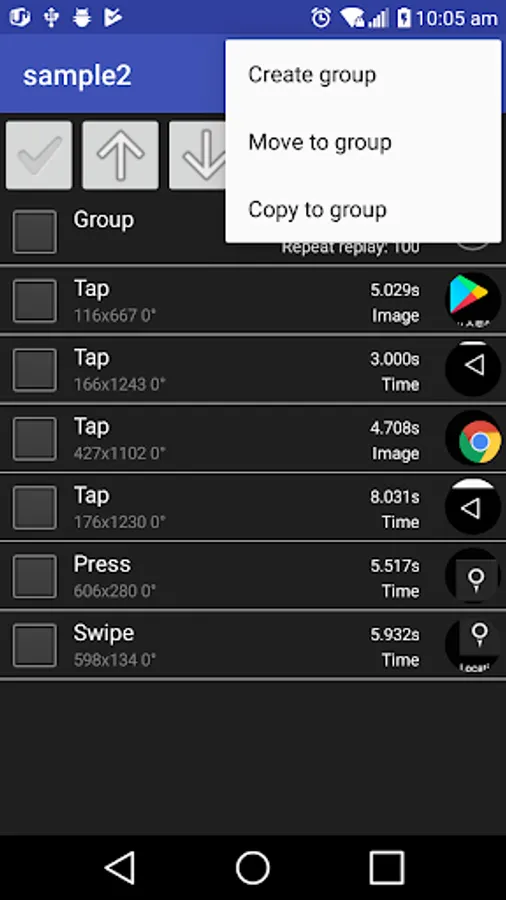
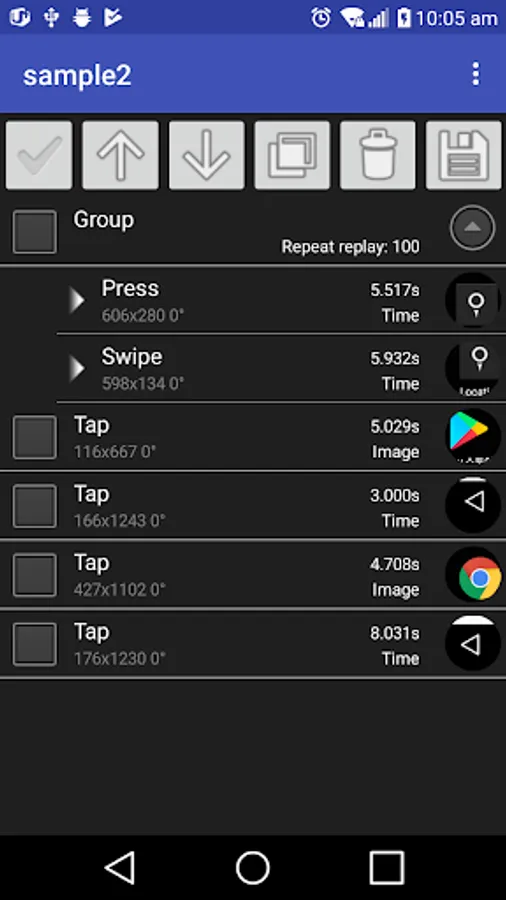
With this automation app, you can record touch actions and replay them automatically, as well as edit macros easily using the edit macro feature. Includes support for initial setup via computer, editing macros, and configuration for rooted devices.
AppRecs review analysis
AppRecs rating 2.3. Trustworthiness 54 out of 100. Review manipulation risk 32 out of 100. Based on a review sample analyzed.
★★☆☆☆
2.3
AppRecs Rating
Ratings breakdown
5 star
12%
4 star
17%
3 star
12%
2 star
4%
1 star
54%
What to know
✓
Authentic reviews
Natural distribution, no red flags
⚠
Mixed user feedback
Average 2.3★ rating suggests room for improvement
⚠
High negative review ratio
58% of sampled ratings are 1–2 stars
About Touch Macro-Auto Touch
Record your touch and repeat as often as you like. You can edit macro easily with edit macro function.
TOUCH MACRO requires initial setup using computer. Please make sure to complete the setup before you make a purchase because it is a necessary procedure for automatic touch without routing. Once configured, TOUCH MACRO can work without a computer. Please refer to the following link for initial setup.
*If your device is rooted, you can use it right after installing the application.
* Precautions
1. Do not reboot your smartphone after completing setup, TouchMacro will not work.
2. Disconnect the smartphone from the computer after completing the settings.
* How to setup
http://goodluck2000-android-developer.blogspot.kr/2017/10/touch-macro-configuration.html
*Uncertified APP
I'm sorry for the recently rised uncertified app problem. I'm focused on this issue. Please try follows.
- Check your account which is logged on to google play service and purchased
TOUCH MACRO requires initial setup using computer. Please make sure to complete the setup before you make a purchase because it is a necessary procedure for automatic touch without routing. Once configured, TOUCH MACRO can work without a computer. Please refer to the following link for initial setup.
*If your device is rooted, you can use it right after installing the application.
* Precautions
1. Do not reboot your smartphone after completing setup, TouchMacro will not work.
2. Disconnect the smartphone from the computer after completing the settings.
* How to setup
http://goodluck2000-android-developer.blogspot.kr/2017/10/touch-macro-configuration.html
*Uncertified APP
I'm sorry for the recently rised uncertified app problem. I'm focused on this issue. Please try follows.
- Check your account which is logged on to google play service and purchased
Touch Macro-Auto Touch Screenshots
Tap to Rate:
Reviews for Touch Macro-Auto Touch
Tak Szeto
5/19/2022
App no longer works. When you start it on the Galaxy A53, it turns the screen black until you restart.
〰〰〰
1/10/2021
YOU NEED A COMPUTER