BR Portuguese - GO Keyboard
GOMO Apps
4.2 ★
16K ratings
1,000,000+
downloads
Free
With this keyboard app, you can input text in Brazilian Portuguese and utilize translation and spell-check features. Includes language support, emoji options, and customizable themes.
AppRecs review analysis
AppRecs rating 4.2. Trustworthiness 0 out of 100. Review manipulation risk 0 out of 100. Based on a review sample analyzed.
★★★★☆
4.2
AppRecs Rating
Ratings breakdown
5 star
64%
4 star
11%
3 star
14%
2 star
5%
1 star
7%
What to know
✓
High user satisfaction
75% of sampled ratings are 4+ stars (4.2★ average)
✓
Authentic reviews
Natural distribution, no red flags
About BR Portuguese - GO Keyboard
Do you get annoyed with the foreign language keyboard?
The Brazilian Portuguese keyboard dictionary pack for GO Keyboard will surely help you input smoothly and correct your spelling as a translation dictionary
Besides, Portuguese keyboard dictionary supportsa huge number of local language and translate them to locals.
Download this FREE BRAZILIAN PORTUGUESEtranslation pack to use it with your GO Keyboard.
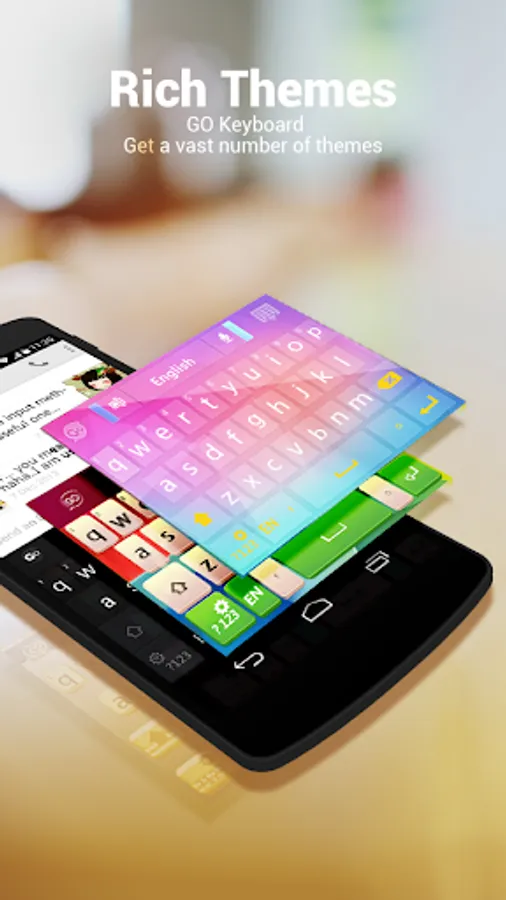
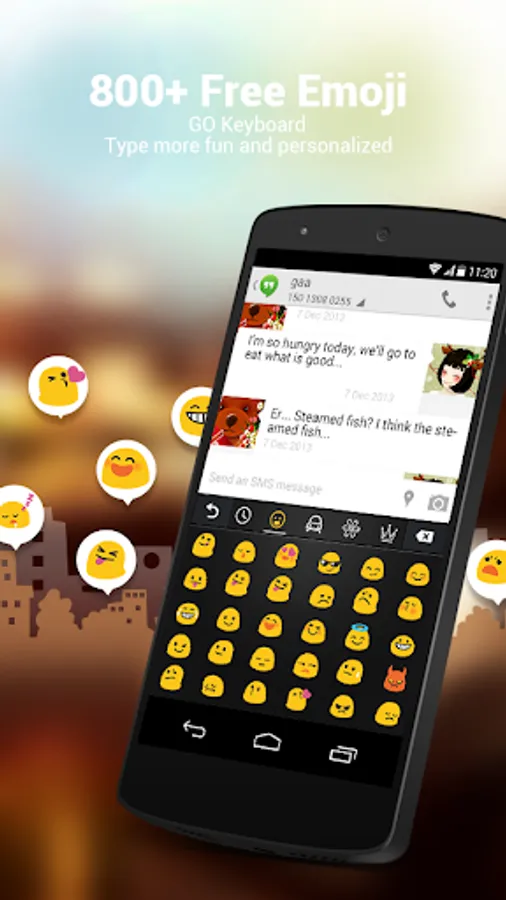
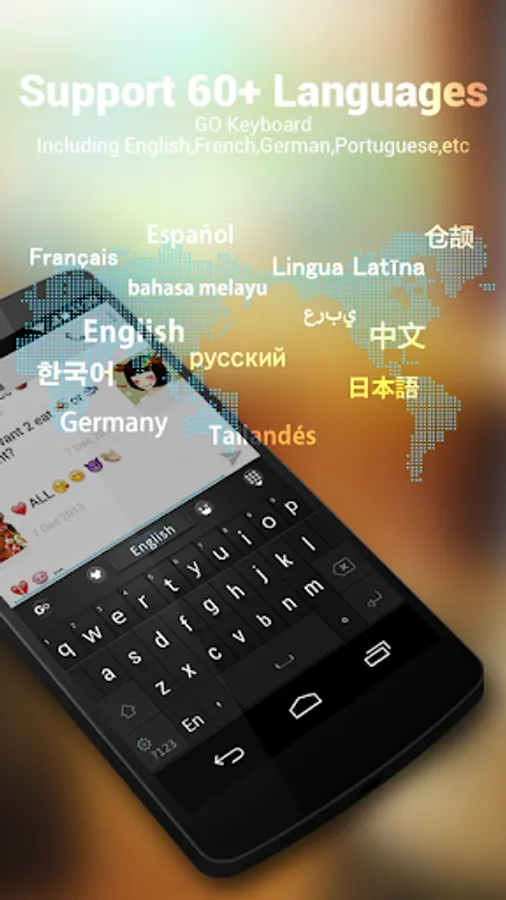
GO Keyboard Twemoji Free Emoji For Twitter delivers auto-correction and a user-friendly interface. It supports 60+ languages ,800+emojis and 10000+themes.
FAQ
1. How to use this translation pack?
Step 1: Download and install GO Keyboard from link above
Step 2: Click into Settings -> Languages -> Check the language box
Follow us on FACEBOOK: http://goo.gl/kLxbSl
The Brazilian Portuguese keyboard dictionary pack for GO Keyboard will surely help you input smoothly and correct your spelling as a translation dictionary
Besides, Portuguese keyboard dictionary supportsa huge number of local language and translate them to locals.
Download this FREE BRAZILIAN PORTUGUESEtranslation pack to use it with your GO Keyboard.
GO Keyboard Twemoji Free Emoji For Twitter delivers auto-correction and a user-friendly interface. It supports 60+ languages ,800+emojis and 10000+themes.
FAQ
1. How to use this translation pack?
Step 1: Download and install GO Keyboard from link above
Step 2: Click into Settings -> Languages -> Check the language box
Follow us on FACEBOOK: http://goo.gl/kLxbSl