
Touchshot (Screenshot)
Lyouson
3.3 ★
19K ratings
5,000,000+
downloads
Free
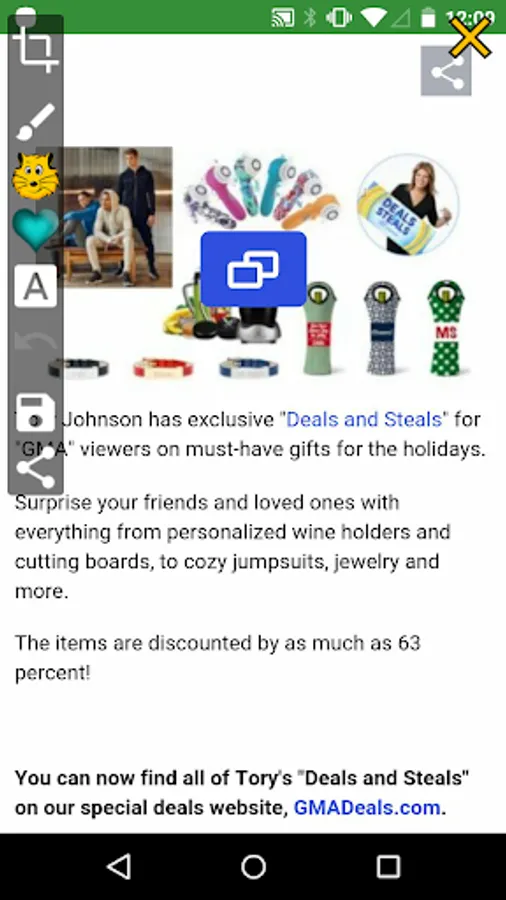
With this screenshot app, you can capture screen images by touch and record videos with adjustable quality settings. Includes editing tools, sharing options, and an easy help screen.
AppRecs review analysis
AppRecs rating 3.3. Trustworthiness 0 out of 100. Review manipulation risk 0 out of 100. Based on a review sample analyzed.
★★★☆☆
3.3
AppRecs Rating
Ratings breakdown
5 star
46%
4 star
6%
3 star
10%
2 star
3%
1 star
35%
What to know
✓
Authentic reviews
Natural distribution, no red flags
⚠
High negative review ratio
38% of sampled ratings are 1–2 stars
About Touchshot (Screenshot)
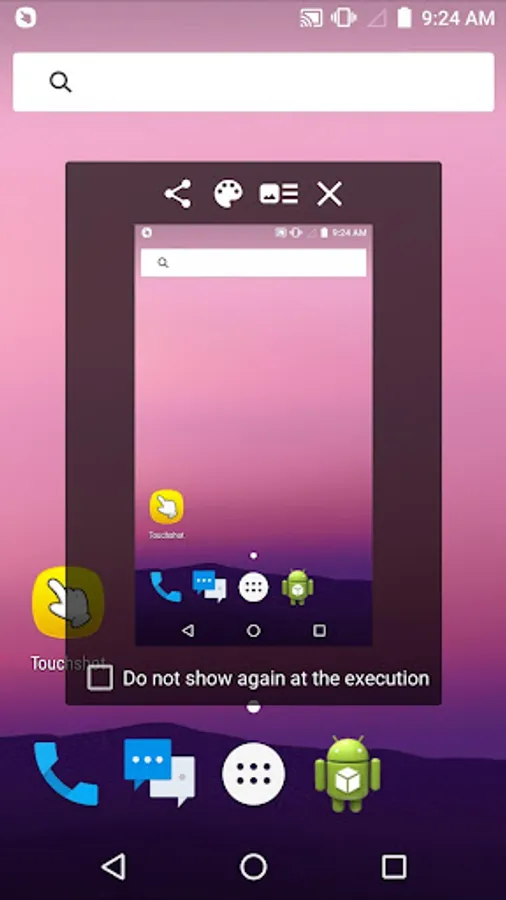
Captures the screen by touch.
You do not need a hard key to capture the screen shot.
This app does not require rooting.
Functions
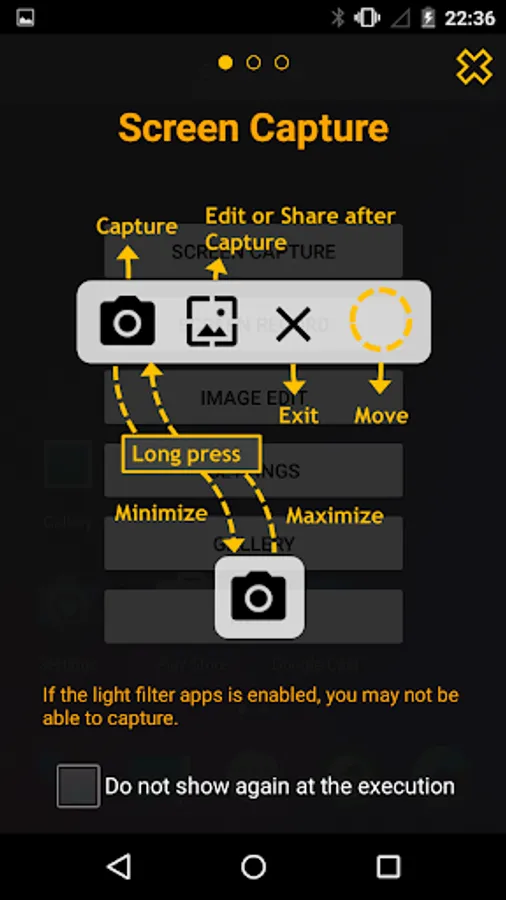
· Screen capture. Image quality settings.
· Camera Preview Capture function
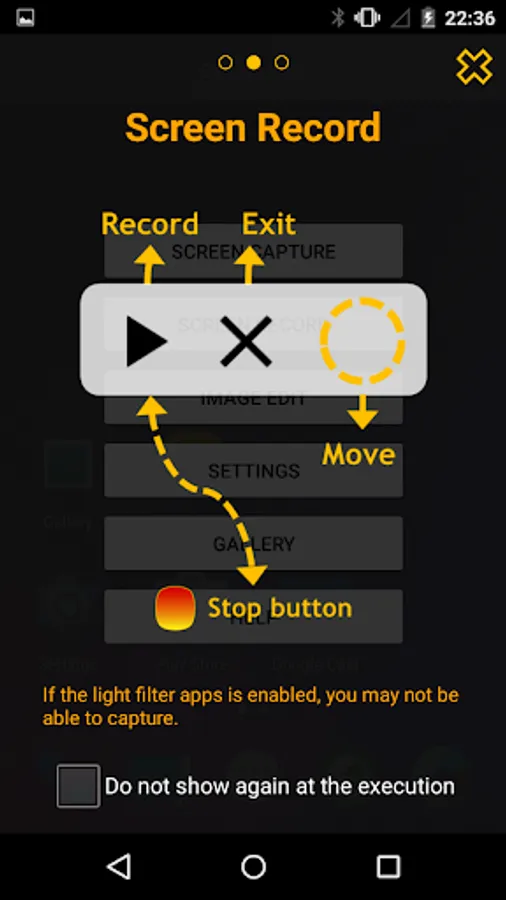
· Screen record. Record quality settings.
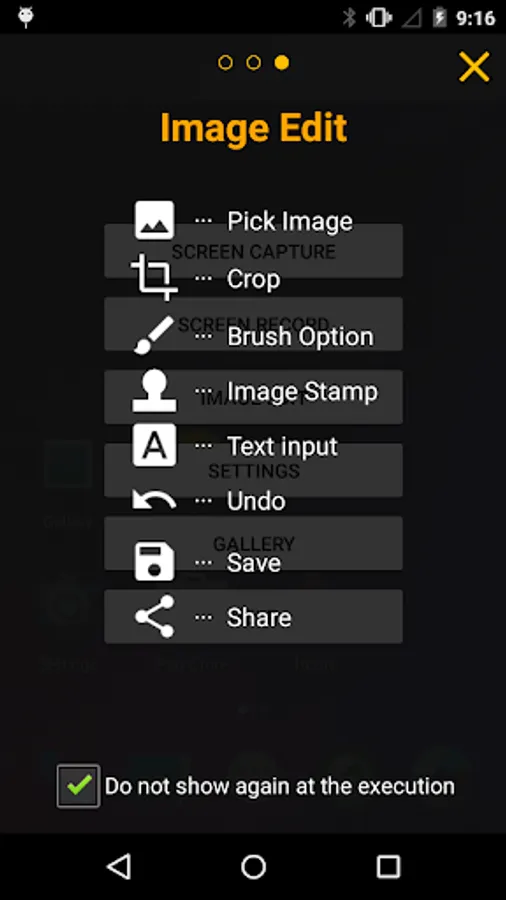
· Image edit, share
· Provide easy help screen.
When recording video, sound is limited to a microphone input on the basis of 'Google' policies.
If the bluelight filter apps is enabled, you may not be able to capture.
# Permission
[Required]
-Storage space: To save image files and recording files, you need storage space permissions.
[Options]
-Microphone : Microphone permission is required to record sound during screen recording. Android does not have the ability to record the internal sound, so use the permissions of the microphone.
-Camera: Camera permission is required to run the camera and capture the screen.
You do not need a hard key to capture the screen shot.
This app does not require rooting.
Functions
· Screen capture. Image quality settings.
· Camera Preview Capture function
· Screen record. Record quality settings.
· Image edit, share
· Provide easy help screen.
When recording video, sound is limited to a microphone input on the basis of 'Google' policies.
If the bluelight filter apps is enabled, you may not be able to capture.
# Permission
[Required]
-Storage space: To save image files and recording files, you need storage space permissions.
[Options]
-Microphone : Microphone permission is required to record sound during screen recording. Android does not have the ability to record the internal sound, so use the permissions of the microphone.
-Camera: Camera permission is required to run the camera and capture the screen.
Touchshot (Screenshot) Screenshots
Tap to Rate: