With this file management app, you can securely store, view, and manage encrypted files on your Android device. Includes file encryption, integrated viewer, and support for encrypted cloud storage.
AppRecs review analysis
AppRecs rating 4.0. Trustworthiness 81 out of 100. Review manipulation risk 31 out of 100. Based on a review sample analyzed.
★★★★☆
4.0
AppRecs Rating
Ratings breakdown
5 star
56%
4 star
14%
3 star
10%
2 star
12%
1 star
8%
What to know
✓
Credible reviews
81% trustworthiness score from analyzed reviews
✓
Good user ratings
70% positive sampled reviews
✓
Authentic reviews
Natural distribution, no red flags
About BestCrypt Explorer
How does it work? Simple!
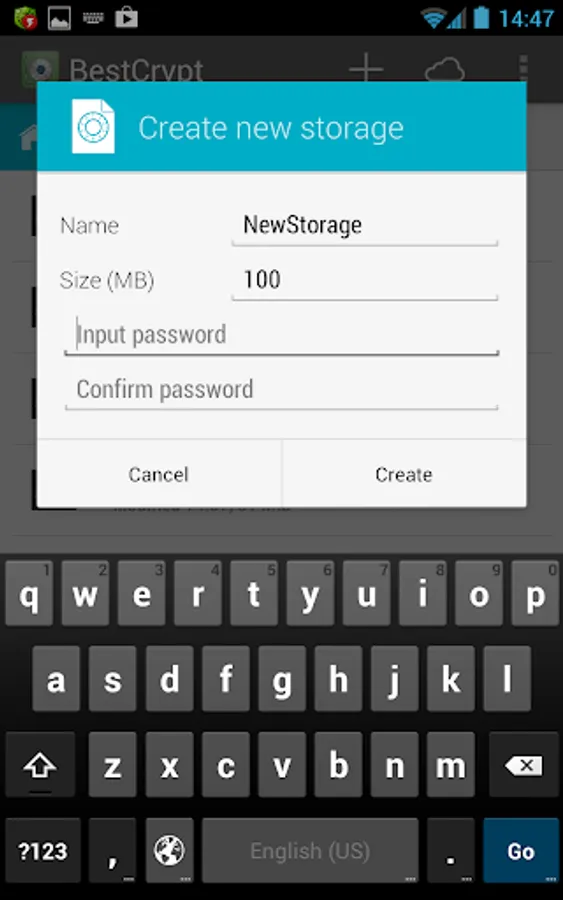
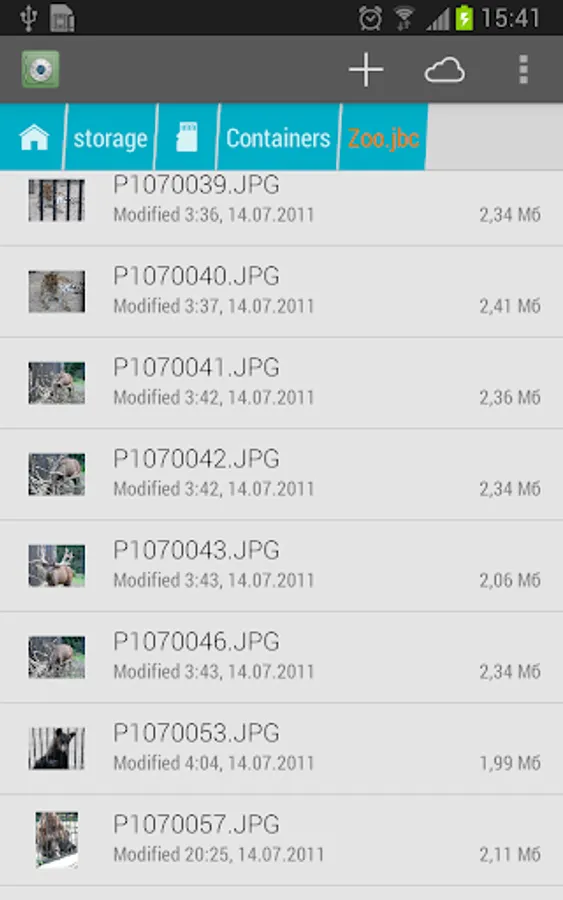
Once files are moved to the secure storage, they can only be accessed after entering the proper password. Following that step, you can then use the data in the secure storage for any purpose – view photos, listen to music, read documents or create new files.
More than just an Android file manager, BestCrypt Explorer is also an extension of BestCrypt Container Encryption – Jetico’s long-trusted file encryption solution for laptops, desktops and servers. In addition to using BestCrypt across Windows, Linux and Mac computers, now you can access BestCrypt encrypted containers on your Android mobile device as well!
For encrypted cloud storage and a fully integrated experience, BestCrypt users can upload their encrypted storage to cloud services like Dropbox or Google Drive.
It’s a jungle out there! Keep your data safe with BestCrypt Explorer – the best Android file encryption app.
Features & Benefits:
File Encryption for Android
- Encrypt personal photos, videos, work documents… any sensitive files stored on Android are protected by BestCrypt!
Integrated Viewer to Avoid Data Leaks
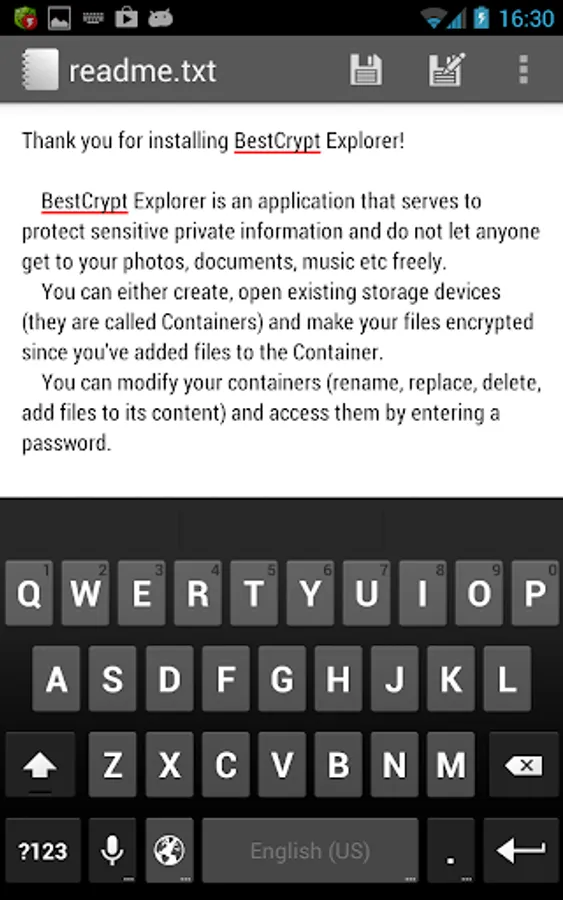
- When you view photos, play videos and edit text using BestCrypt Explorer’s own integrated viewer, your sensitive data will not be exposed to other apps or programs running on your device.
Encrypted Cloud Storage
- How do you securely store files on your cloud? Use BestCrypt in the cloud to upload and share your encrypted file storage on popular cloud services: Google Drive, Dropbox, One Drive, Box.
Cross-Platform Compatibility
- Encrypted storage created on Android can be accessed on Windows, Linux and Mac computers; and vice versa, use BestCrypt Explorer on your mobile to view files encrypted with traditional BestCrypt or BCArchive programs.
Strongest Encryption Methods
- BestCrypt Explorer utilizes the AES encryption algorithm with the largest possible 256-bit key size with XTS encryption mode – the strongest encryption, all delivered for you in a simple package!
No Backdoors
- Jetico encryption solutions are known and valued for not including backdoors or related vulnerabilities. The only one who can access your encrypted data is you!
User Friendly Interface
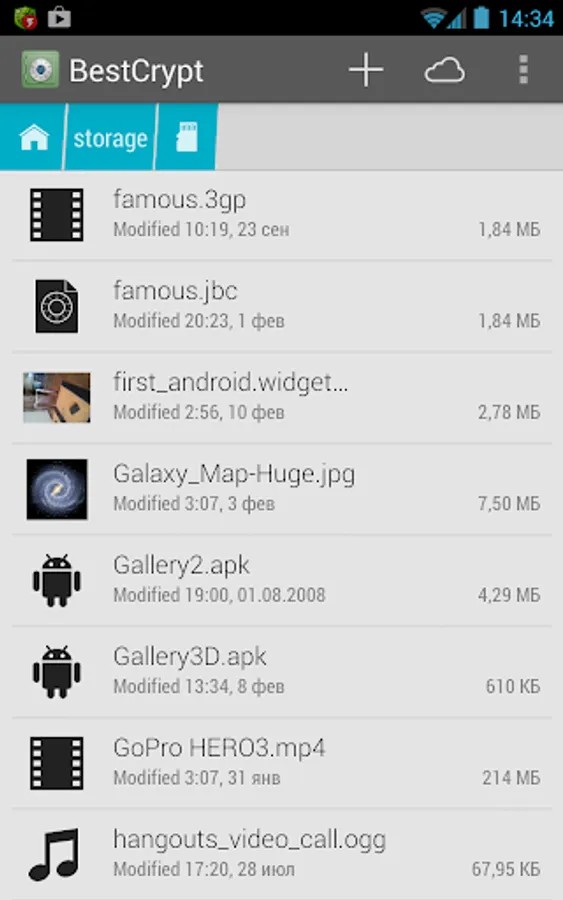
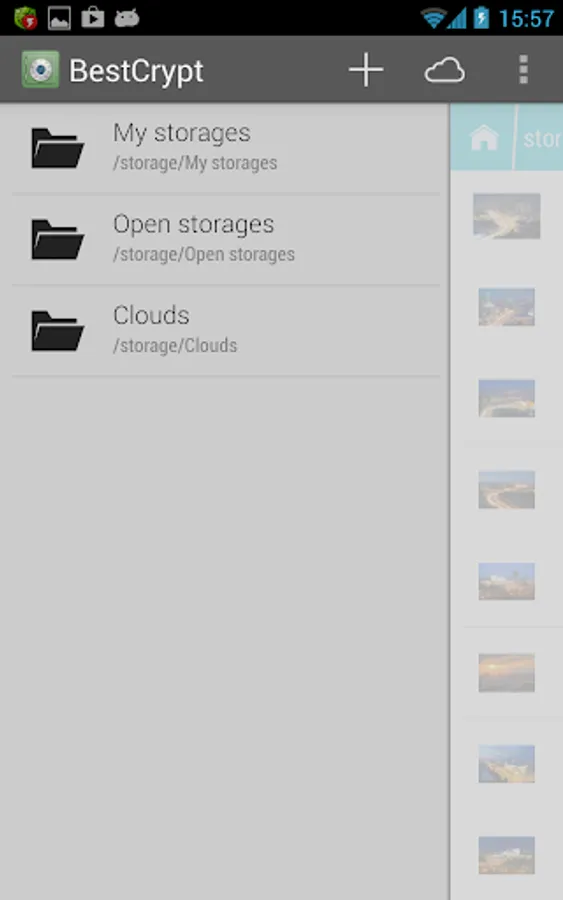
- Easy and simple access to encrypted files with integrated viewers and quick file navigation from app menu (swipe from left edge) and bookmarks (swipe from right edge).
BestCrypt Explorer Screenshots
Tap to Rate:
Reviews for BestCrypt Explorer
CoolStreams33
10/5/2025
Thanks for the latest updates - the Android 15 usability fixes made a big difference! Ive been using BestCrypt Explorer for years as my go-to trusted file encryption and file manager on both mobile and PC. It would be great if you could add individual (granular) file encryption so we can encrypt or decrypt single files, even before uploading them to cloud services like Google Drive or OneDrive. That would really strengthen flexibility and data security. Thanks again for keeping the app reliable
BebéTechManiac 2018
5/7/2025
The app works great, and transferring encrypted information to another device is easy. For those who complain about container files being deleted, an easy way to avoid that is to lock the app and all file explorers on the phone. This way, if you allow others to use your device, they won't easily delete your files. Another simple option is not to give your phone to people who don't know how to respect others' belongings.