In this encrypted notes app, you can securely save and organize personal information with password protection and encryption. Includes features like Google Drive synchronization, multi-format note storage, and privacy options.
AppRecs review analysis
AppRecs rating 3.3. Trustworthiness 63 out of 100. Review manipulation risk 29 out of 100. Based on a review sample analyzed.
★★★☆☆
3.3
AppRecs Rating
Ratings breakdown
5 star
51%
4 star
0%
3 star
0%
2 star
16%
1 star
33%
What to know
✓
Low review manipulation risk
29% review manipulation risk
✓
Authentic reviews
Natural distribution, no red flags
⚠
High negative review ratio
49% of sampled ratings are 1–2 stars
About BestCrypt Note
BestCrypt Note is a secure notes app by Jetico
PROVEN SECURITY YOU CAN TRUST
For over 20 years, Jetico proudly serves customers as the long-trusted developer of BestCrypt encryption software – protecting whole disks, virtual drives and selected files. Built on Jetico's guaranteed backdoor-free encryption, BestCrypt Note combines a simple note-saving app with proven reliable security.
ENCRYPTED NOTES FOR ANY REASON
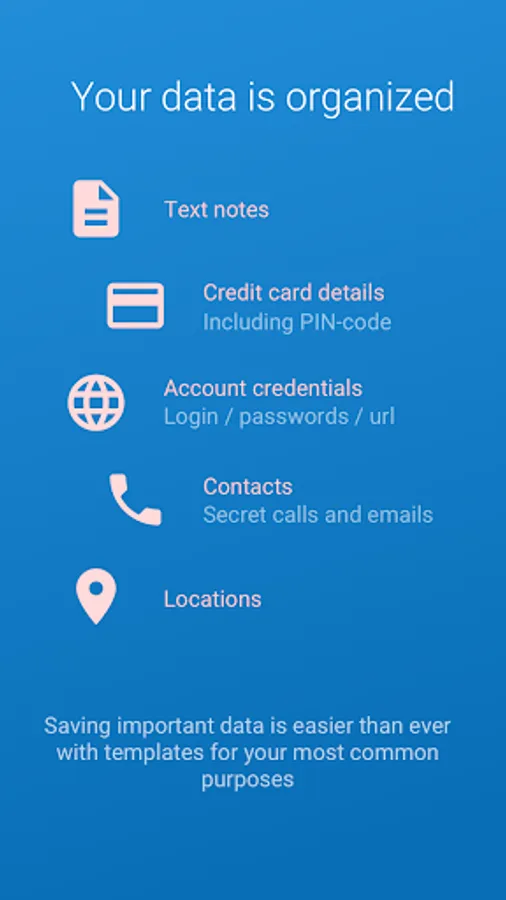
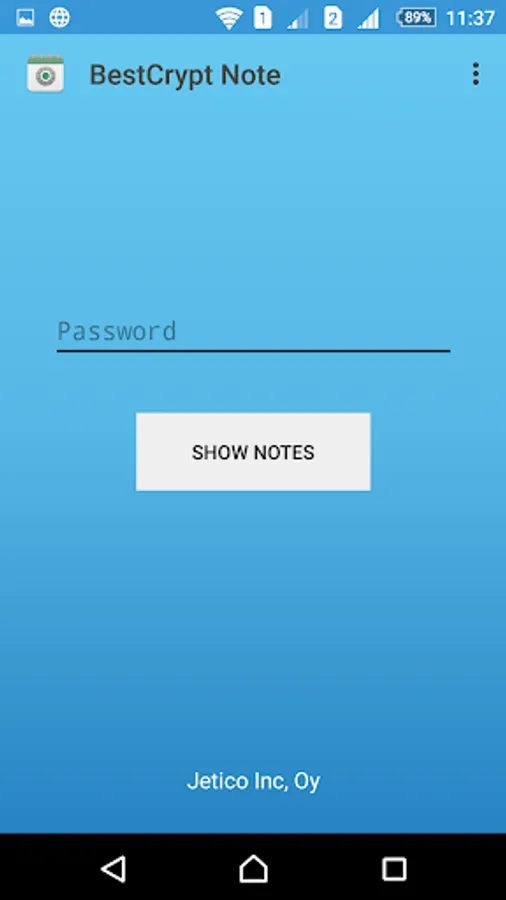
Set up a password and BestCrypt Note will securely save and store:
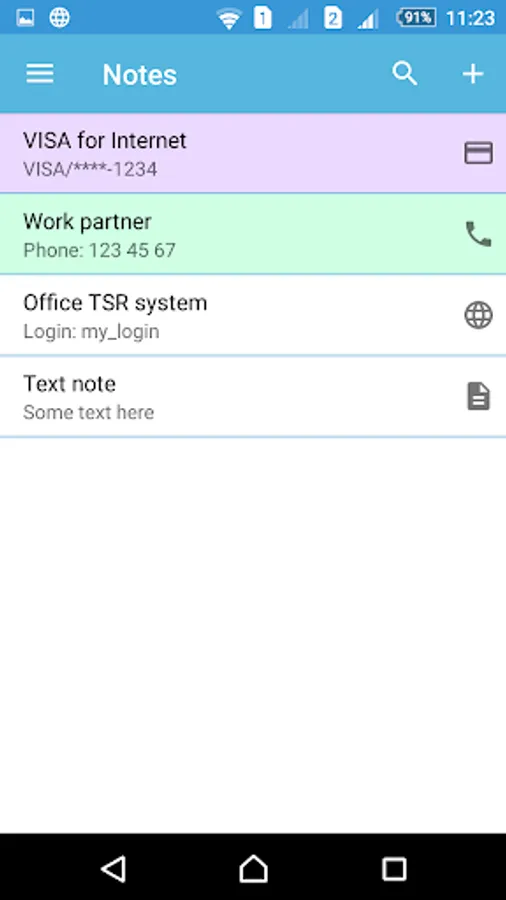
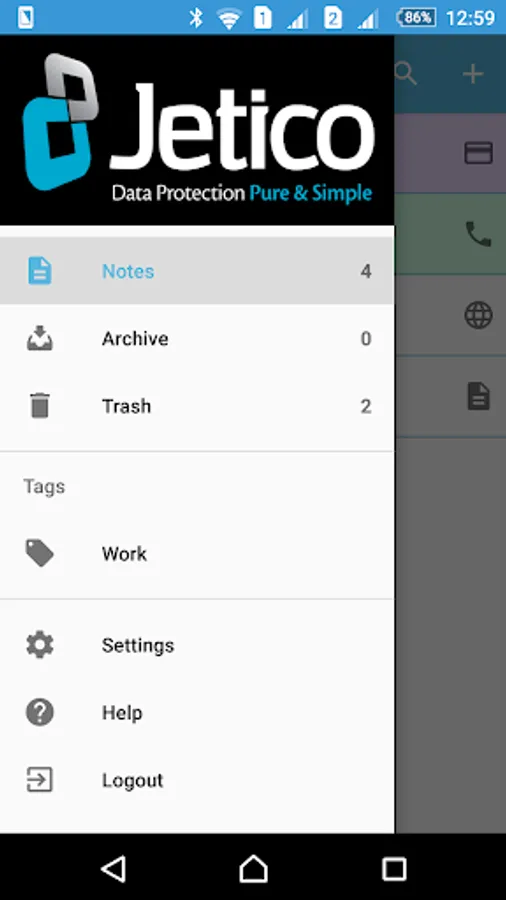
• Text notes: personal or confidential
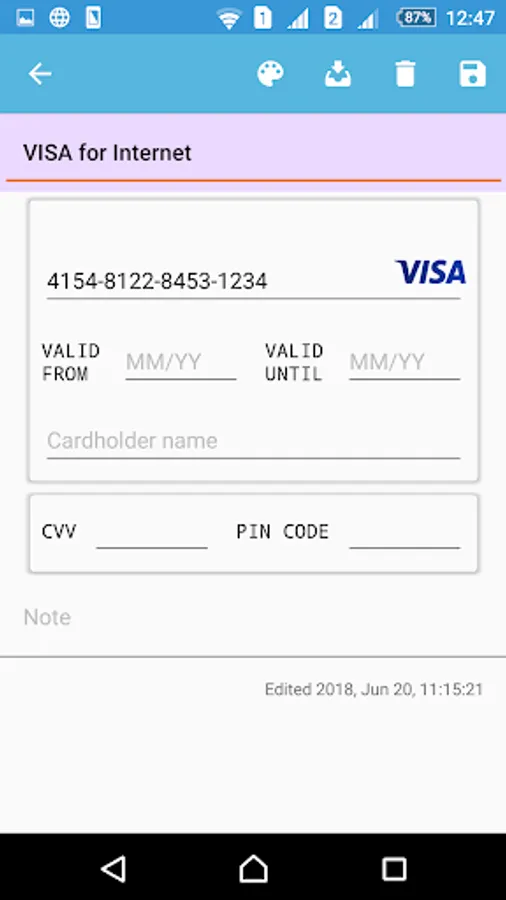
• Credit cards
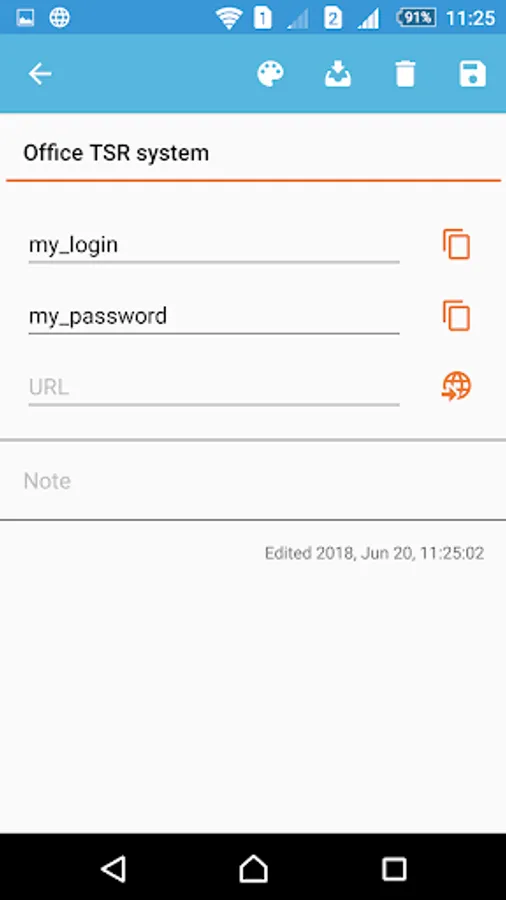
• Account logins & passwords
– Tap globe icon and select browser; website is opened automatically with your login ready to be pasted
• Contacts
– Tap handset icon for calling directly from app
• Location coordinates
– Tap location icon to import locations for your 'buried treasures' and view later in map
FEATURES & BENEFITS
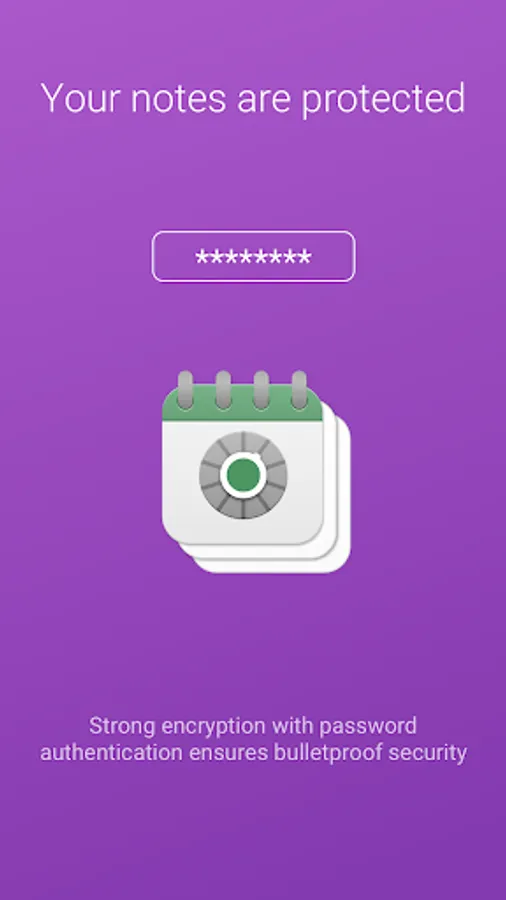
• Encrypted notes – your sensitive information is now protected, pure and simple!
• Proven encryption with no backdoors – Jetico solutions are known and valued for not having backdoors or related vulnerabilities
• Industry standard encryption – 256-bit AES
• Cross-platform compatibility – access your encrypted notes also on Windows
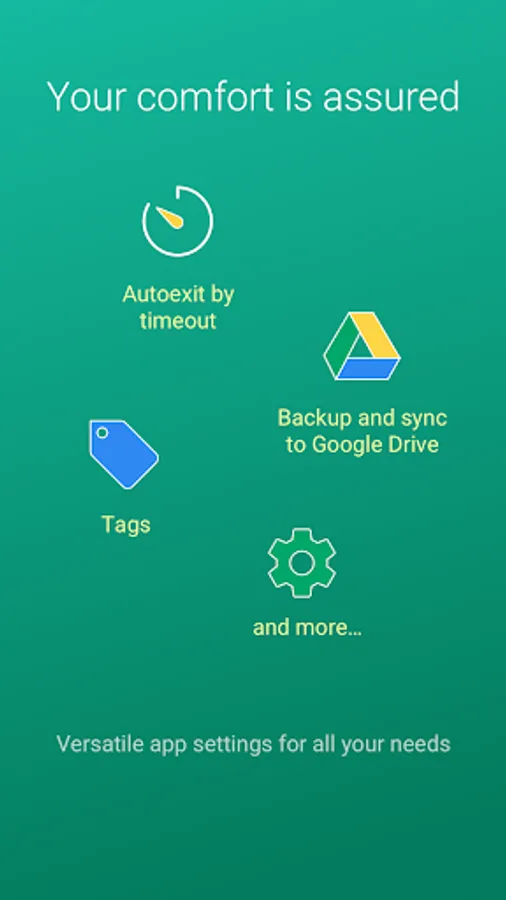
• Password Timeout – lock out after inactivity, require password to re-access
• Prevent Third-Party Access – enable this option to prevent notes from appearing in screenshots, switcher or other unsecured displays; nothing else on your mobile device can see your notes – what happens in BestCrypt, stays in BestCrypt!
SYNC TO GOOGLE DRIVE
BestCrypt Note can sync to your Google Drive. No worries – the notes are encrypted, so it’s totally safe to keep copies elsewhere. With synchronization turned on, you are now able to access your notes on another device (password required), back up notes and view older versions.
If your phone gets lost or stolen, intruders can’t access your notes, but you can securely restore your encrypted notes from Google Drive.
PERMISSION REQUIREMENTS
BestCrypt Note is designed to operate with a minimal set of access permissions. Certain permissions are required for smoother integration with some system or third-party services. You can still disable them safely if needed.
• Contacts – to connect to your Google account and perform synchronization to Google Drive
• Location – to import current location to a note; to view previously saved locations in map
• Telephone – to call directly from app
• Storage – to save stored encrypted notes on the device
• Network access – to perform synchronization to Google Drive
We do not transfer notes in an open or readable state. We do not collect any user information.
Read full Terms and Conditions
(http://www.jetico.com/terms-and-conditions-beta-release).
To send your comments, suggestions, or other feedback, please contact
Jetico Technical Support at support@jetico.com or use the feedback
section below.
PROVEN SECURITY YOU CAN TRUST
For over 20 years, Jetico proudly serves customers as the long-trusted developer of BestCrypt encryption software – protecting whole disks, virtual drives and selected files. Built on Jetico's guaranteed backdoor-free encryption, BestCrypt Note combines a simple note-saving app with proven reliable security.
ENCRYPTED NOTES FOR ANY REASON
Set up a password and BestCrypt Note will securely save and store:
• Text notes: personal or confidential
• Credit cards
• Account logins & passwords
– Tap globe icon and select browser; website is opened automatically with your login ready to be pasted
• Contacts
– Tap handset icon for calling directly from app
• Location coordinates
– Tap location icon to import locations for your 'buried treasures' and view later in map
FEATURES & BENEFITS
• Encrypted notes – your sensitive information is now protected, pure and simple!
• Proven encryption with no backdoors – Jetico solutions are known and valued for not having backdoors or related vulnerabilities
• Industry standard encryption – 256-bit AES
• Cross-platform compatibility – access your encrypted notes also on Windows
• Password Timeout – lock out after inactivity, require password to re-access
• Prevent Third-Party Access – enable this option to prevent notes from appearing in screenshots, switcher or other unsecured displays; nothing else on your mobile device can see your notes – what happens in BestCrypt, stays in BestCrypt!
SYNC TO GOOGLE DRIVE
BestCrypt Note can sync to your Google Drive. No worries – the notes are encrypted, so it’s totally safe to keep copies elsewhere. With synchronization turned on, you are now able to access your notes on another device (password required), back up notes and view older versions.
If your phone gets lost or stolen, intruders can’t access your notes, but you can securely restore your encrypted notes from Google Drive.
PERMISSION REQUIREMENTS
BestCrypt Note is designed to operate with a minimal set of access permissions. Certain permissions are required for smoother integration with some system or third-party services. You can still disable them safely if needed.
• Contacts – to connect to your Google account and perform synchronization to Google Drive
• Location – to import current location to a note; to view previously saved locations in map
• Telephone – to call directly from app
• Storage – to save stored encrypted notes on the device
• Network access – to perform synchronization to Google Drive
We do not transfer notes in an open or readable state. We do not collect any user information.
Read full Terms and Conditions
(http://www.jetico.com/terms-and-conditions-beta-release).
To send your comments, suggestions, or other feedback, please contact
Jetico Technical Support at support@jetico.com or use the feedback
section below.
BestCrypt Note Screenshots
Tap to Rate:
Reviews for BestCrypt Note
Mazher Lashari
9/20/2025
Google Drive login failed..... Google has not approved this app.
avijit singh
4/5/2023
Hi everything is good.... Except that while opening a note it shows decode pop-up... How to disable that