
In this app, you can set up a simple proxy server on your Android device to route HTTP traffic through it. Includes options to start or stop the server, configure ports, view logs, and scan Wi-Fi networks.
AppRecs review analysis
AppRecs rating 4.2. Trustworthiness 0 out of 100. Review manipulation risk 0 out of 100. Based on a review sample analyzed.
★★★★☆
4.2
AppRecs Rating
Ratings breakdown
5 star
67%
4 star
17%
3 star
5%
2 star
5%
1 star
5%
What to know
✓
High user satisfaction
84% of sampled ratings are 4+ stars (4.2★ average)
✓
Authentic reviews
Natural distribution, no red flags
About SimpleProxyServer
Your Android terminal is made a simple Proxy server.
* Only the http protocol corresponds now.
Please specify IP address and the port listened by setting the proxy of a (PC)browser.
Connected source IP address becomes a connection from the Android terminal.
== Usage ==
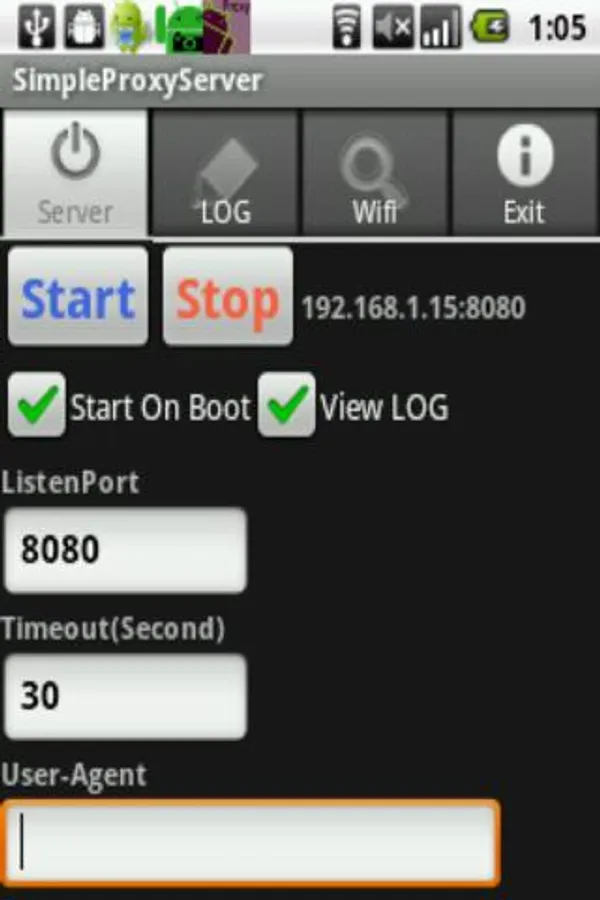
[[Server]]
[Start] The server is started by a set content
[Stop] The server is stopped.
[Start On Boot] Application server to be started at boot time
[View LOG] To view the log on screen
[ListenPort] The port where the server does listen is set.
[Timeout(Second)] The timeout is set (The unit is a second).
[User-Agent]The input User-Agent is set. It doesn't change at the uninput.
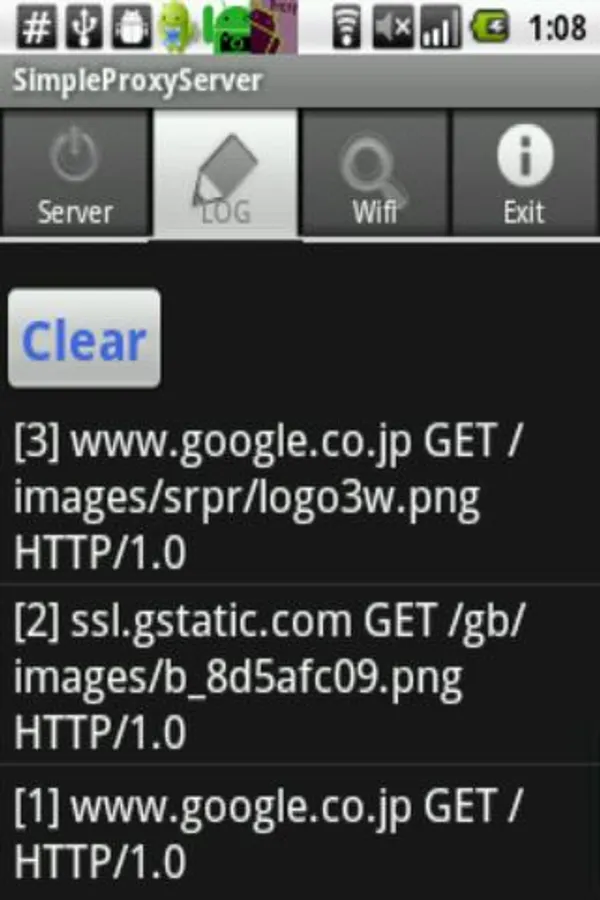
[[LOG]]
[Clear]The log is cleared.
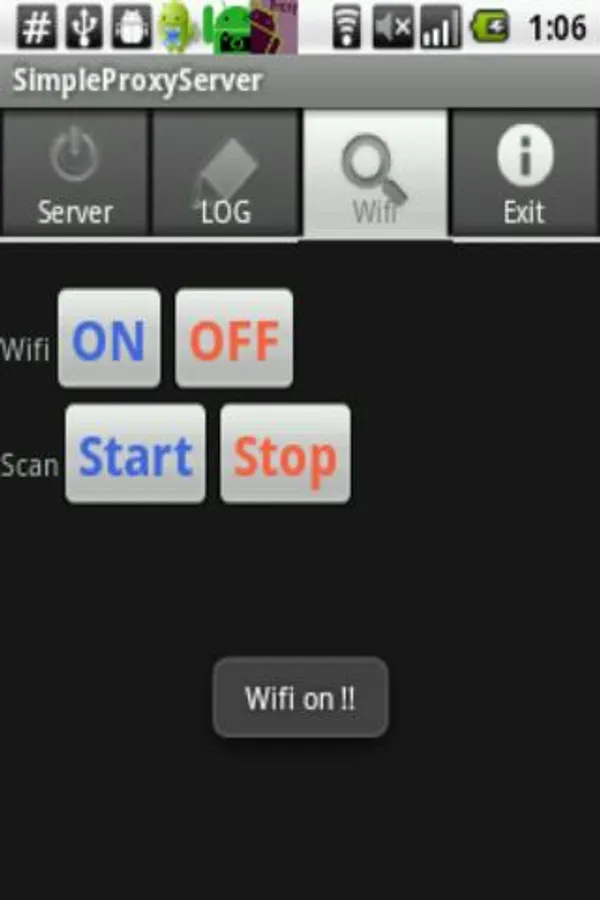
[[Wifi]]
[On] It makes it to wifi on.
[Off] It makes it to wifi off.
[[Scan]]
[Start] Surrounding wifi is scanned and displayed.
[Stop] The scanning is made off.
[[Exit]]
[Exit] The application program is canceled.
*The transmission rate changes with the network environment and the Android terminal.
* Only the http protocol corresponds now.
Please specify IP address and the port listened by setting the proxy of a (PC)browser.
Connected source IP address becomes a connection from the Android terminal.
== Usage ==
[[Server]]
[Start] The server is started by a set content
[Stop] The server is stopped.
[Start On Boot] Application server to be started at boot time
[View LOG] To view the log on screen
[ListenPort] The port where the server does listen is set.
[Timeout(Second)] The timeout is set (The unit is a second).
[User-Agent]The input User-Agent is set. It doesn't change at the uninput.
[[LOG]]
[Clear]The log is cleared.
[[Wifi]]
[On] It makes it to wifi on.
[Off] It makes it to wifi off.
[[Scan]]
[Start] Surrounding wifi is scanned and displayed.
[Stop] The scanning is made off.
[[Exit]]
[Exit] The application program is canceled.
*The transmission rate changes with the network environment and the Android terminal.
SimpleProxyServer Screenshots
Tap to Rate: