NFC Tag Reader & Writer
JVR Developers
2.1 ★
204 ratings
10,000+
downloads
Free
+ in-app
In this NFC Tag Reader & Writer app, you can read, write, and copy data on NFC tags or compatible chips. Includes features for saving data, managing tag history, and supporting various data types like URLs, contact information, and device settings.
AppRecs review analysis
AppRecs rating 1.6. Trustworthiness 72 out of 100. Review manipulation risk 25 out of 100. Based on a review sample analyzed.
★☆☆☆☆
1.6
AppRecs Rating
Ratings breakdown
5 star
19%
4 star
3%
3 star
3%
2 star
15%
1 star
60%
What to know
⚠
Ad complaints
Many low ratings mention excessive ads
⚠
Mixed user feedback
Average 2.1★ rating suggests room for improvement
⚠
High negative review ratio
75% of sampled ratings are 1–2 stars
About NFC Tag Reader & Writer
This app allows you to read, write, copy & program data on your NFC tags or other compatible chips.
App Features:
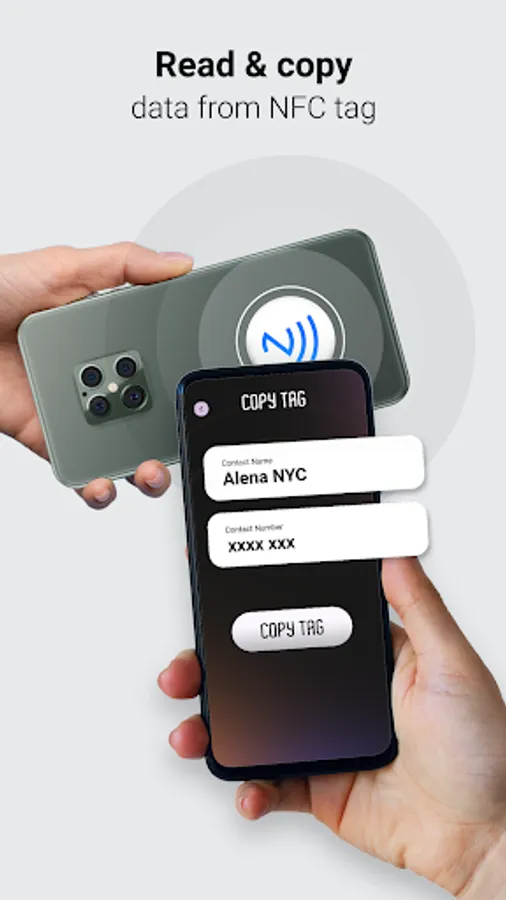
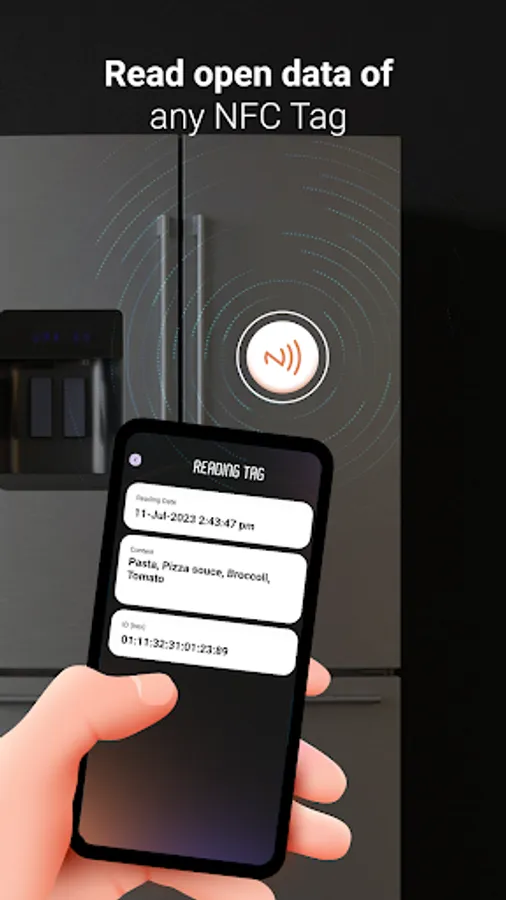
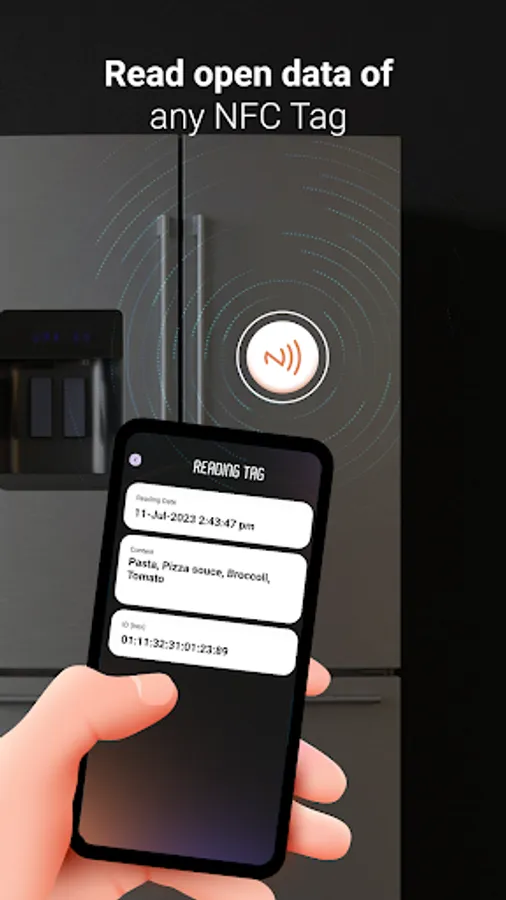
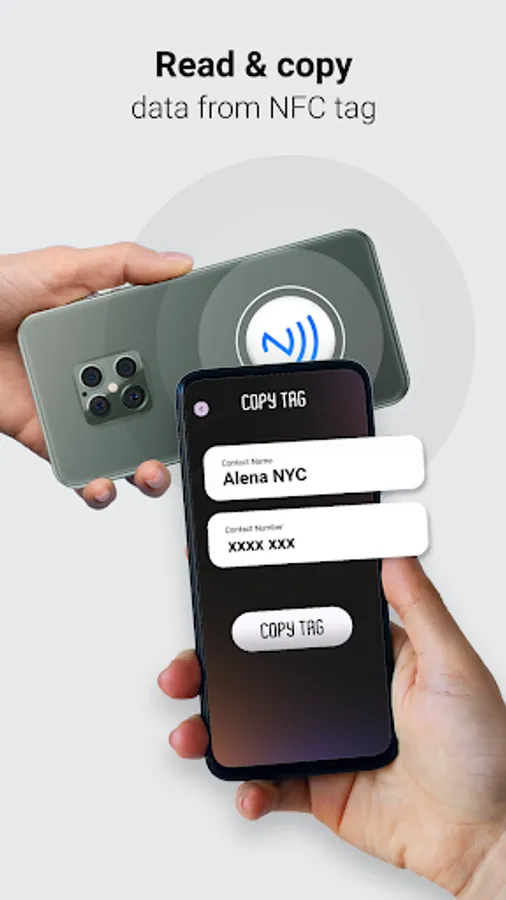
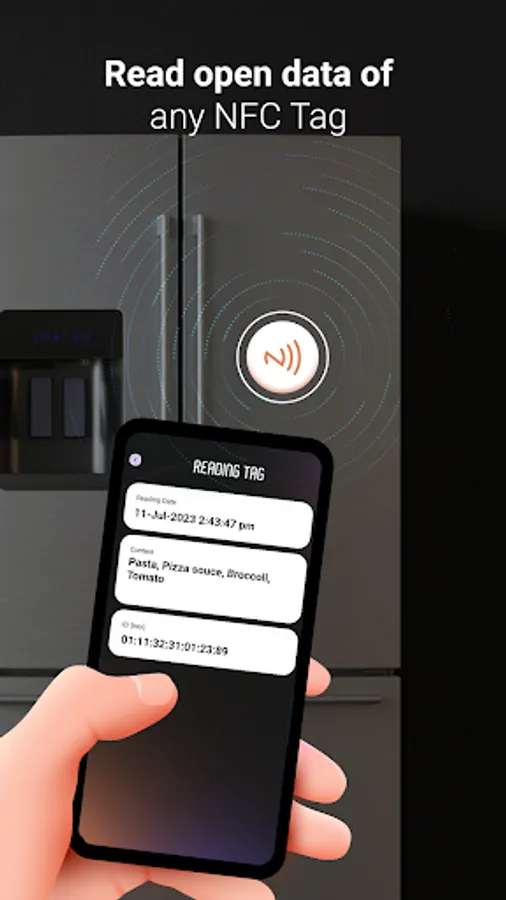
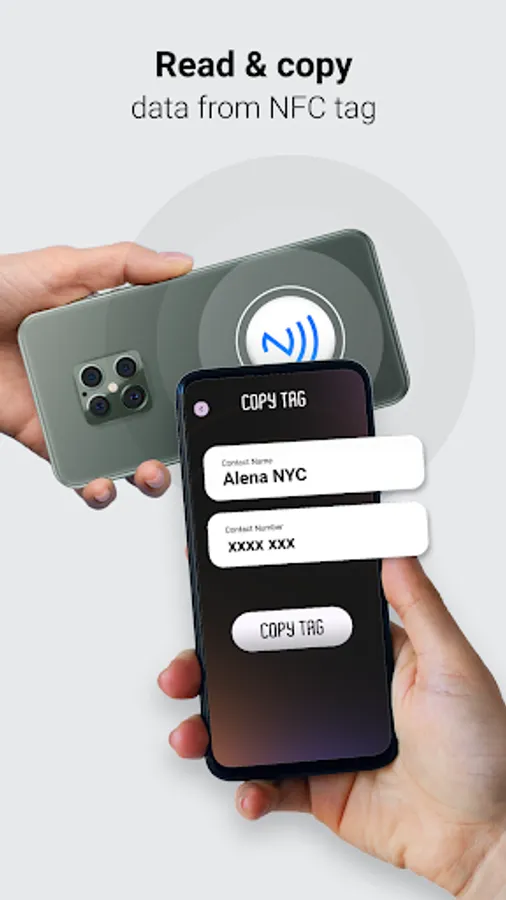
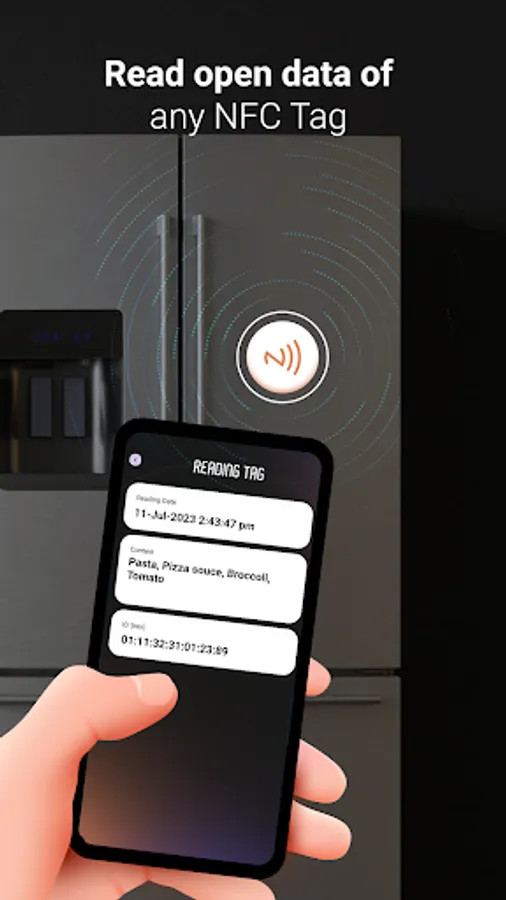
- Read NFC Data : Just hold the NFC Tag against the back of your device to read the data on the NFC Tags.
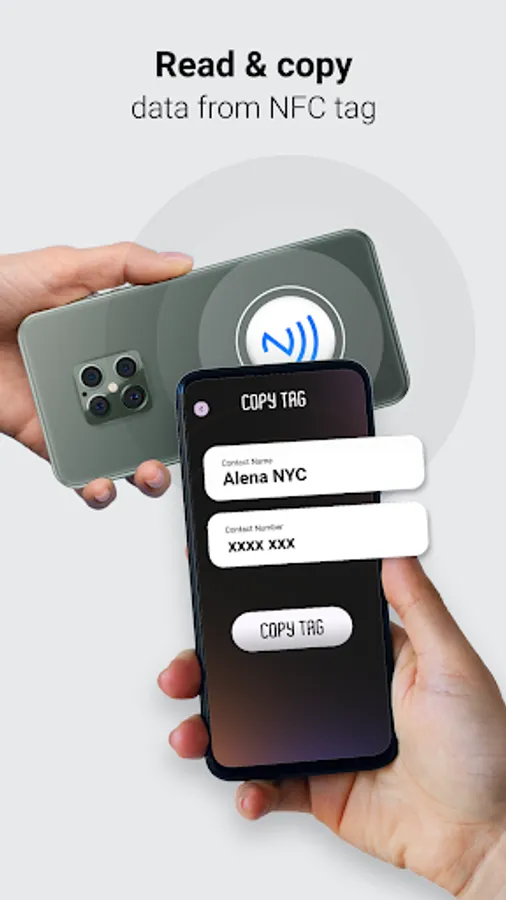
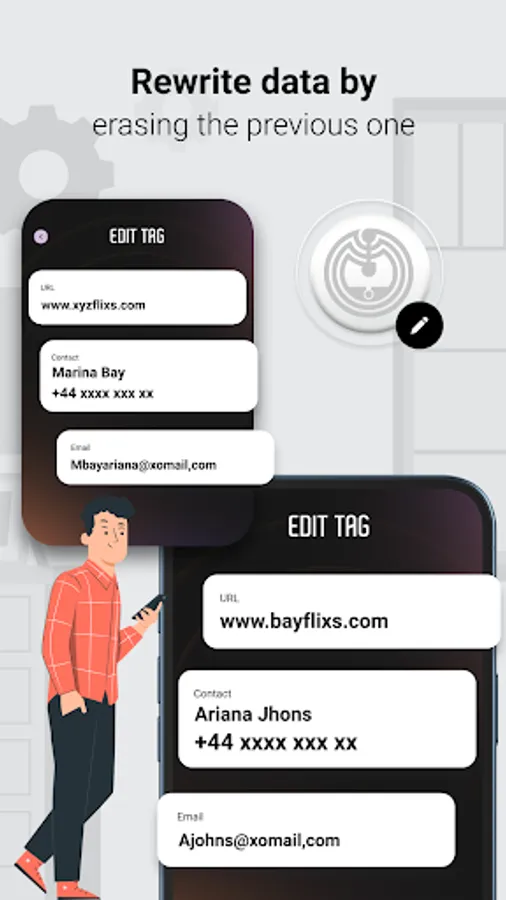
- Copy NFC Tag details & write this details on another NFC Tag.
- Save data: Save your read data on your phone and manage in within the app. Get all NFC tag read data in history.
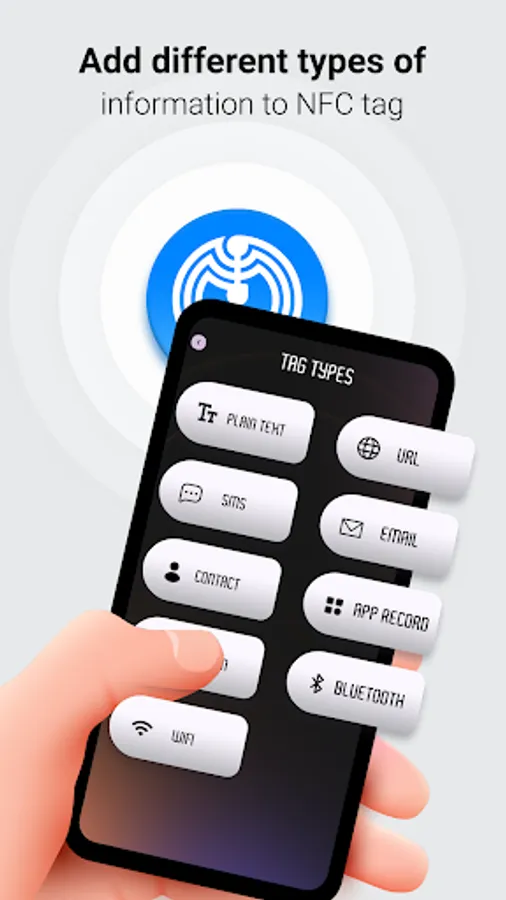
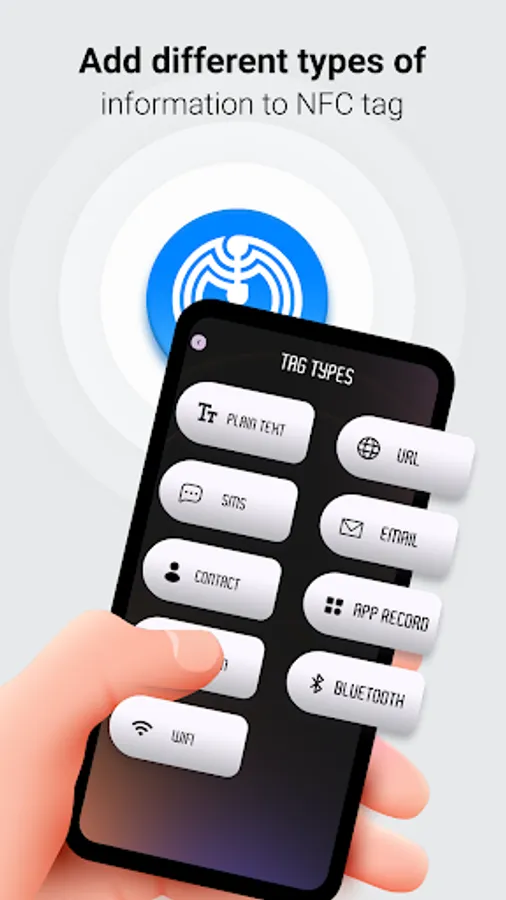
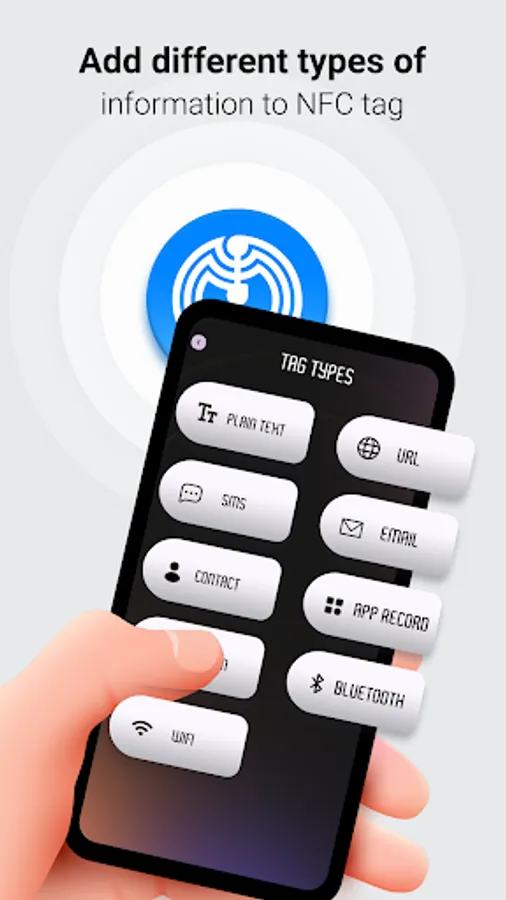
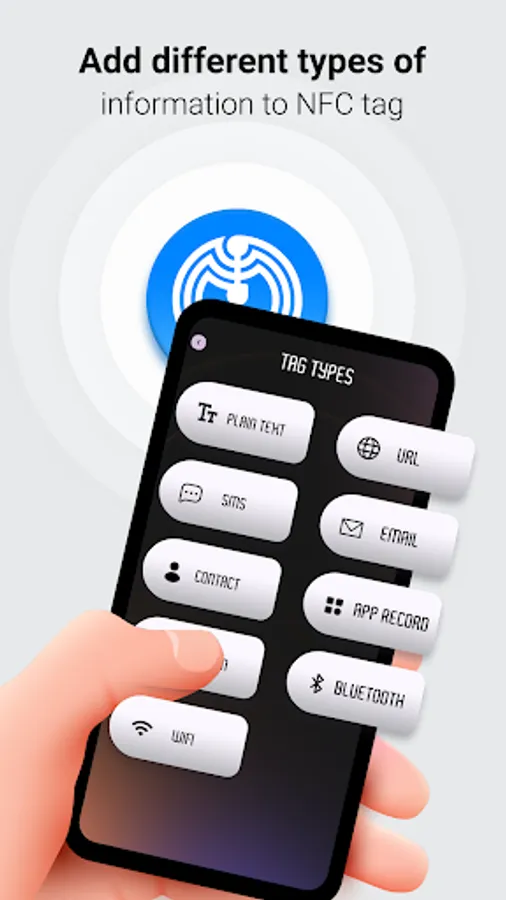
- Write on NFC tags: This function allows you to write data on NFC tags & other supportable devices. You can write information on tag like
1. Plain Text
-- Write simple plain Text on Tag.
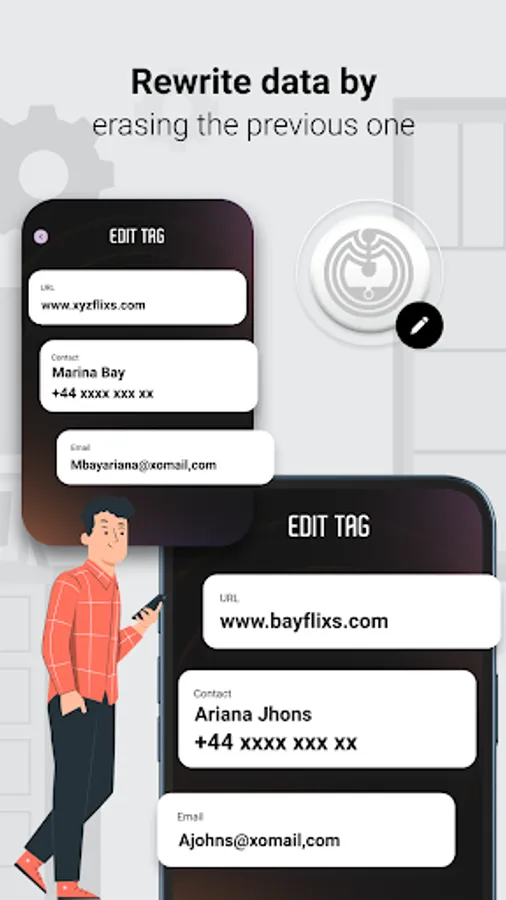
2. Web URL
-- Write Website URL, Social Media profile URL on NFC Tag.
-- When this type of tag is read, Website URL will open in device browser.
3. SMS
-- User can write Contact number & Text message on NFC Tag.
-- Then tap tag to read Device SMS screen & open with filled Text Message and Number.
4. Email
-- Write Email-ID, Subject & email body message on NFC Tag.
-- Then tap to read it, it will redirect to device email application and filled this all data.
5. Contact
-- User can write Contact Name, Number & Email-ID on NFC Tag.
6. Application Record
-- Write installed application package on NFC Tag.
-- For that user can select application from installed application list. For display all Installed & System application list we use QUERY_ALL_PACKAGES permission.
-- When this type of tag is read, device will launch that Application whose package is written on TAG.
7. Location Data
-- Write location Latitude & Longitude on NFC Tag.
8. Bluetooth Connection
-- Use this to add Bluetooth Device mac address on NFC Tag.
-- Find Bluetooth device from nearby bluetooth devices list select to add it on NFC tag.
-- When this type of tag is read device will try to connect that Bluetooth device which MAC address is written on TAG.
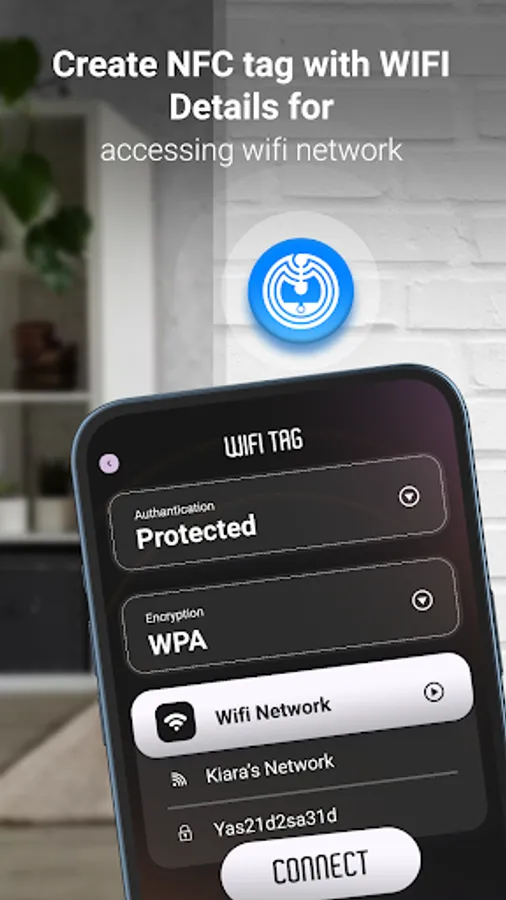
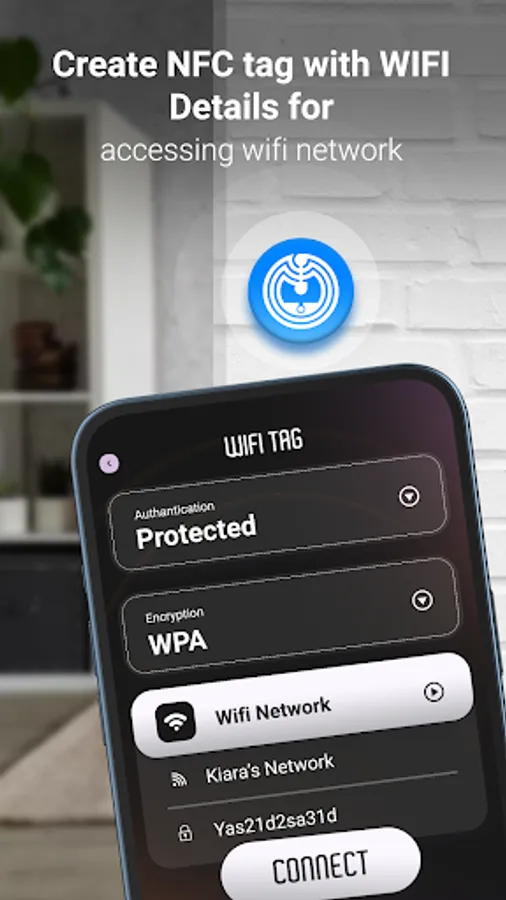
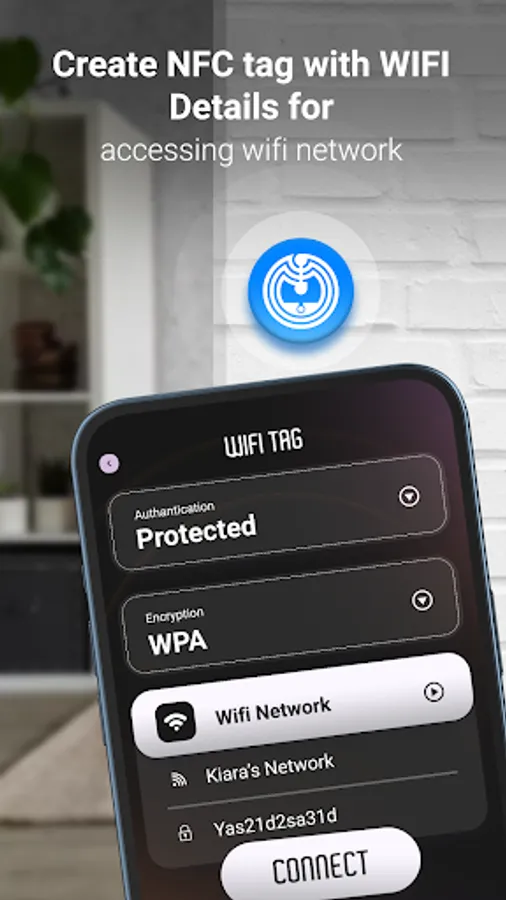
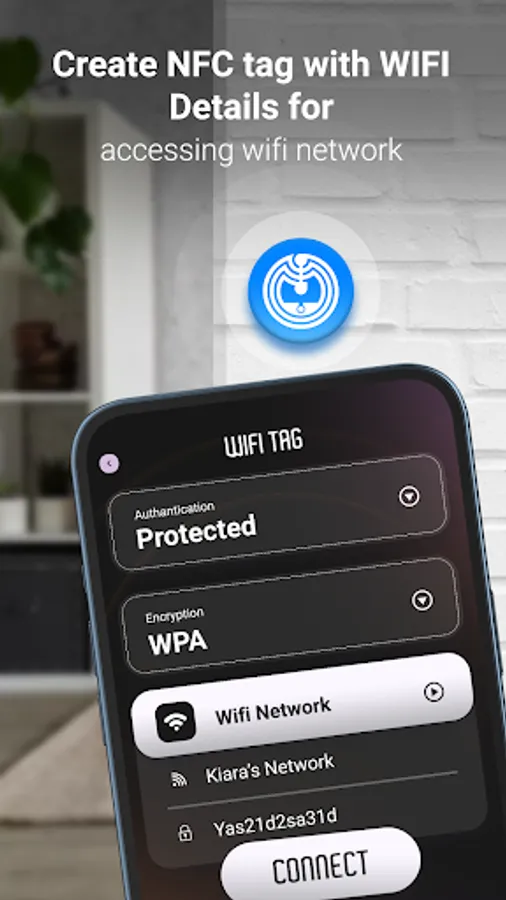
9. Wi-Fi Connection
-- Add Wii name & password on NFC Tag.
-- Select nearby available WIFI list to select your WIFI and add to your NFC tag.
-- When this type of tag is read device will try to connect that Wi-Fi which Name & Password is written on TAG.
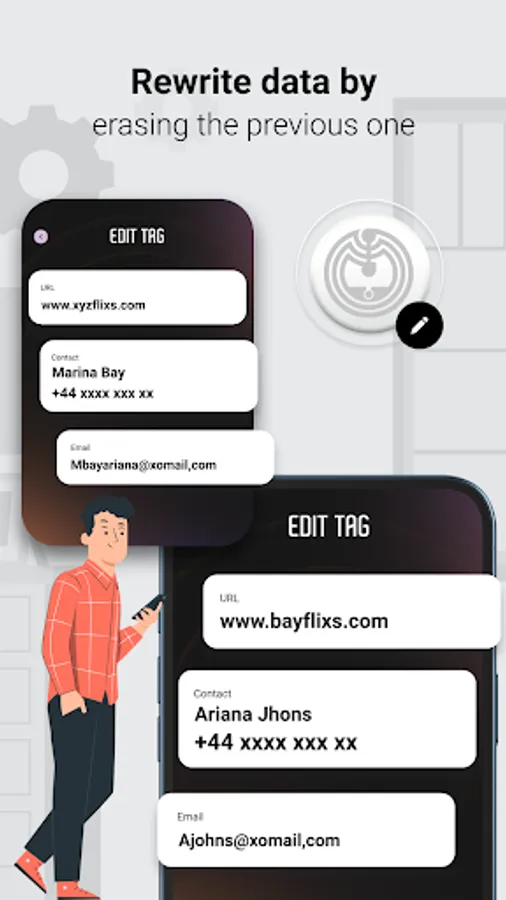
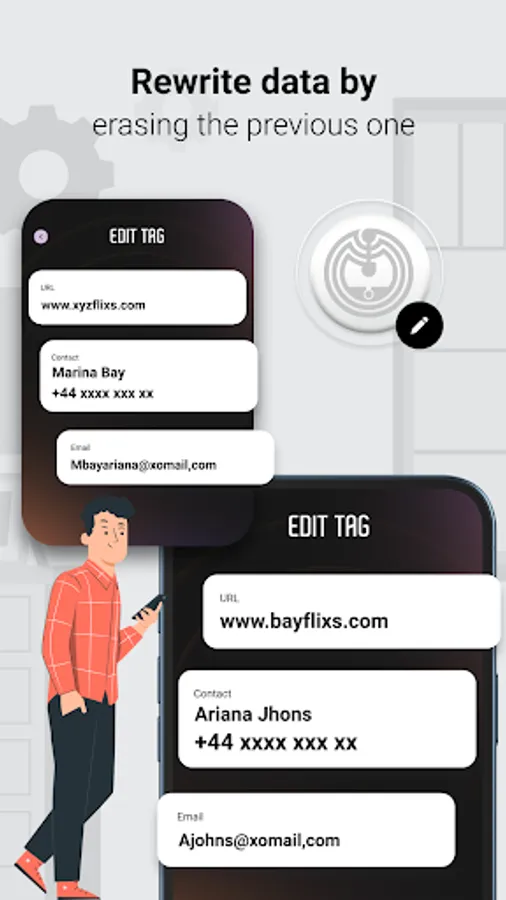
- Erase all data of your NFC TAG.
- Share you tag data.
- Compatible with most famous tags.
- It supports various tags like NDEF, RFID, Mifare Classic 1k, MIFARE DESFire, MIFARE Ultralight...etc.
A simple user interface that allows you to Read or write on NFC tags with ease using this app.
Permission :
- Query all packages : This app allows user to read & write app data on NFC tag,
To allow user to write installed application package on NFC Tag. So that when user taps of NFC tag, this written tag will launch that particular installed app.
To get all installed applications list we use Query_All_Packages permission, so user that can select any app from the list to write that app data on NFC tag.
App Features:
- Read NFC Data : Just hold the NFC Tag against the back of your device to read the data on the NFC Tags.
- Copy NFC Tag details & write this details on another NFC Tag.
- Save data: Save your read data on your phone and manage in within the app. Get all NFC tag read data in history.
- Write on NFC tags: This function allows you to write data on NFC tags & other supportable devices. You can write information on tag like
1. Plain Text
-- Write simple plain Text on Tag.
2. Web URL
-- Write Website URL, Social Media profile URL on NFC Tag.
-- When this type of tag is read, Website URL will open in device browser.
3. SMS
-- User can write Contact number & Text message on NFC Tag.
-- Then tap tag to read Device SMS screen & open with filled Text Message and Number.
4. Email
-- Write Email-ID, Subject & email body message on NFC Tag.
-- Then tap to read it, it will redirect to device email application and filled this all data.
5. Contact
-- User can write Contact Name, Number & Email-ID on NFC Tag.
6. Application Record
-- Write installed application package on NFC Tag.
-- For that user can select application from installed application list. For display all Installed & System application list we use QUERY_ALL_PACKAGES permission.
-- When this type of tag is read, device will launch that Application whose package is written on TAG.
7. Location Data
-- Write location Latitude & Longitude on NFC Tag.
8. Bluetooth Connection
-- Use this to add Bluetooth Device mac address on NFC Tag.
-- Find Bluetooth device from nearby bluetooth devices list select to add it on NFC tag.
-- When this type of tag is read device will try to connect that Bluetooth device which MAC address is written on TAG.
9. Wi-Fi Connection
-- Add Wii name & password on NFC Tag.
-- Select nearby available WIFI list to select your WIFI and add to your NFC tag.
-- When this type of tag is read device will try to connect that Wi-Fi which Name & Password is written on TAG.
- Erase all data of your NFC TAG.
- Share you tag data.
- Compatible with most famous tags.
- It supports various tags like NDEF, RFID, Mifare Classic 1k, MIFARE DESFire, MIFARE Ultralight...etc.
A simple user interface that allows you to Read or write on NFC tags with ease using this app.
Permission :
- Query all packages : This app allows user to read & write app data on NFC tag,
To allow user to write installed application package on NFC Tag. So that when user taps of NFC tag, this written tag will launch that particular installed app.
To get all installed applications list we use Query_All_Packages permission, so user that can select any app from the list to write that app data on NFC tag.
NFC Tag Reader & Writer Screenshots
Tap to Rate:
Reviews for NFC Tag Reader & Writer
Salvatore S.
9/26/2025
Asks for contacts permission
Pawel Luczak
9/22/2025
scam app. they look identical