Easy Screen Rotation Manager
JVR Developers
3.5 ★
2K ratings
500,000+
downloads
Free
+ in-app
In this app, you can control screen orientation using notifications and customize settings for individual apps. Includes notification panel controls, theme customization, and system setting warnings.
AppRecs review analysis
AppRecs rating 3.3. Trustworthiness 81 out of 100. Review manipulation risk 28 out of 100. Based on a review sample analyzed.
★★★☆☆
3.3
AppRecs Rating
Ratings breakdown
5 star
46%
4 star
13%
3 star
10%
2 star
8%
1 star
23%
What to know
✓
Low review manipulation risk
28% review manipulation risk
⚠
Ad complaints
Many low ratings mention excessive ads
⚠
High negative review ratio
31% of sampled ratings are 1–2 stars
About Easy Screen Rotation Manager
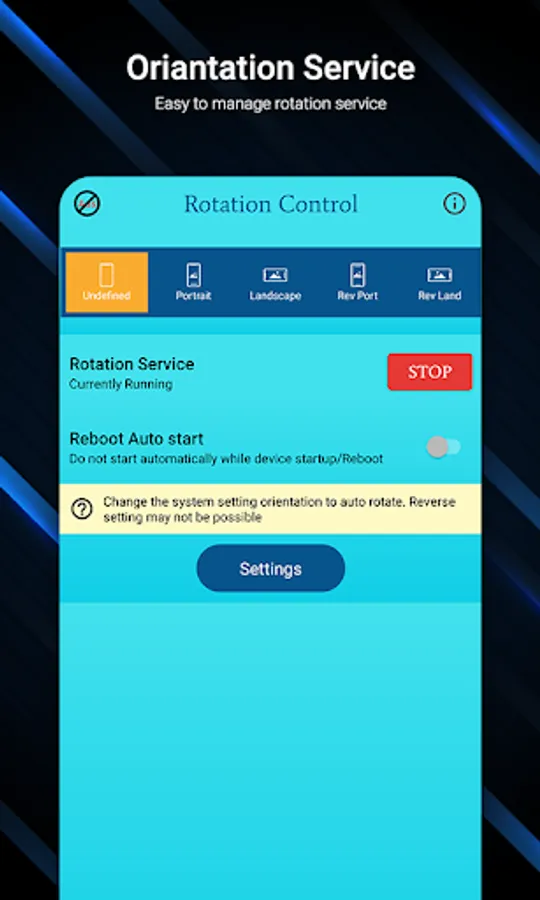
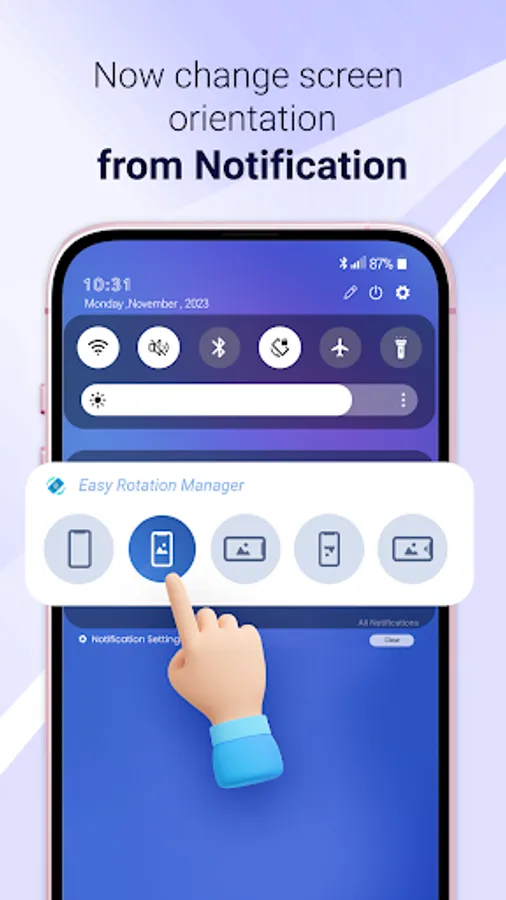
Easy Screen Rotation Manager helps to control phone screen orientation using Notification panel.
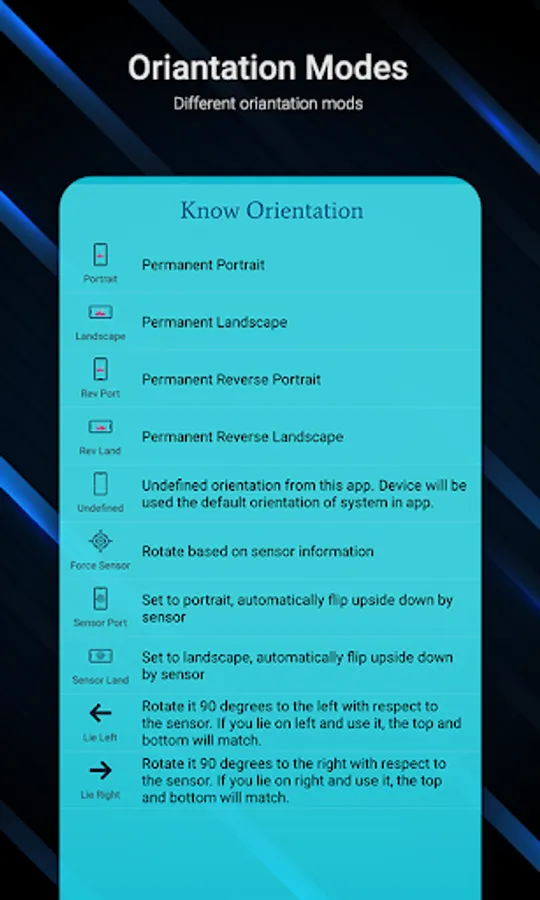
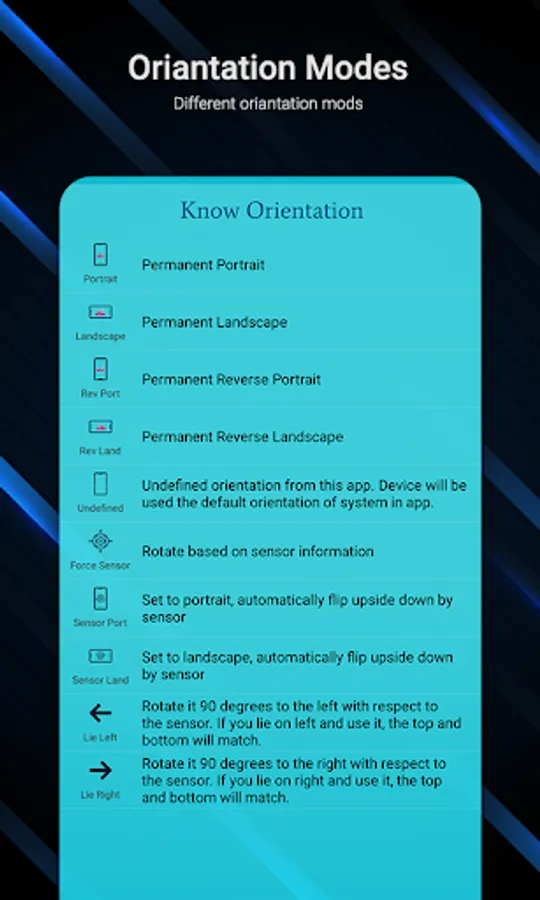
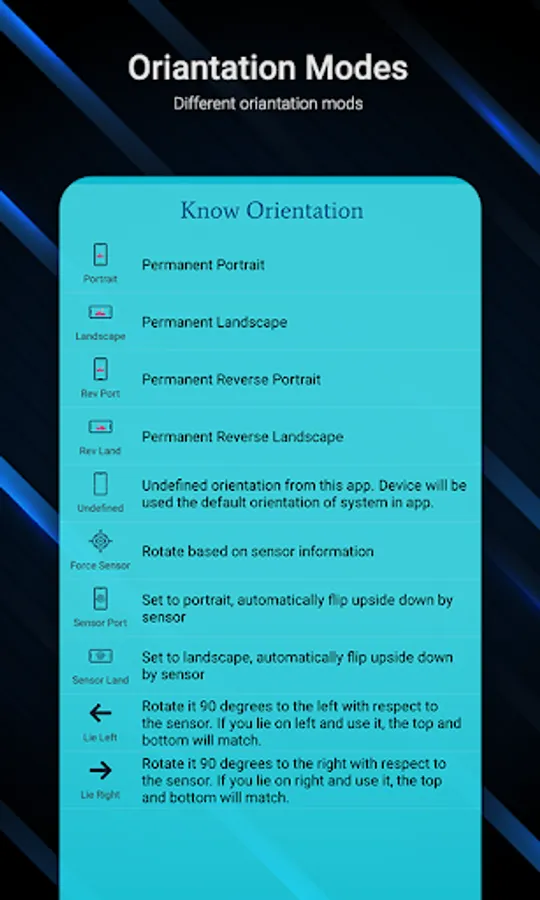
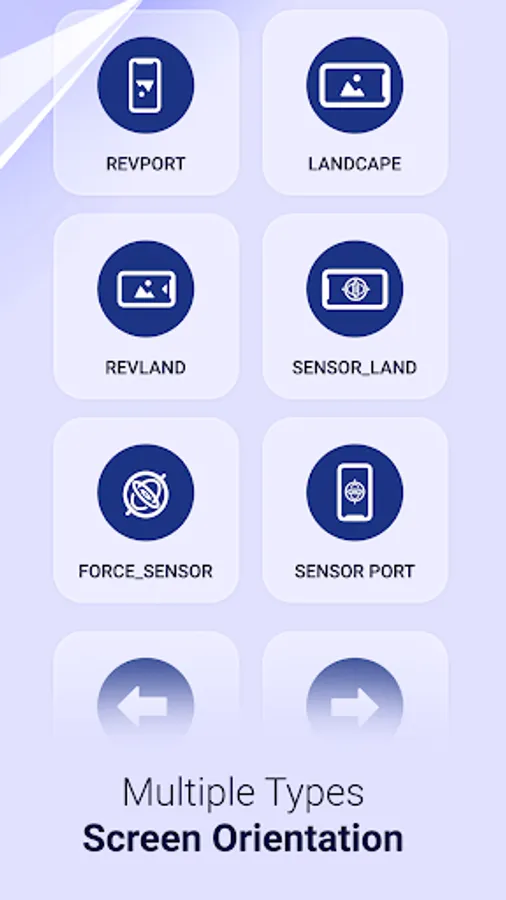
There are multiple types of screen orientation you can set with your choices.
Orientation like Permanent Portrait, Permanent Landscape, Reverse portrait and landscape, sensor based and many more..
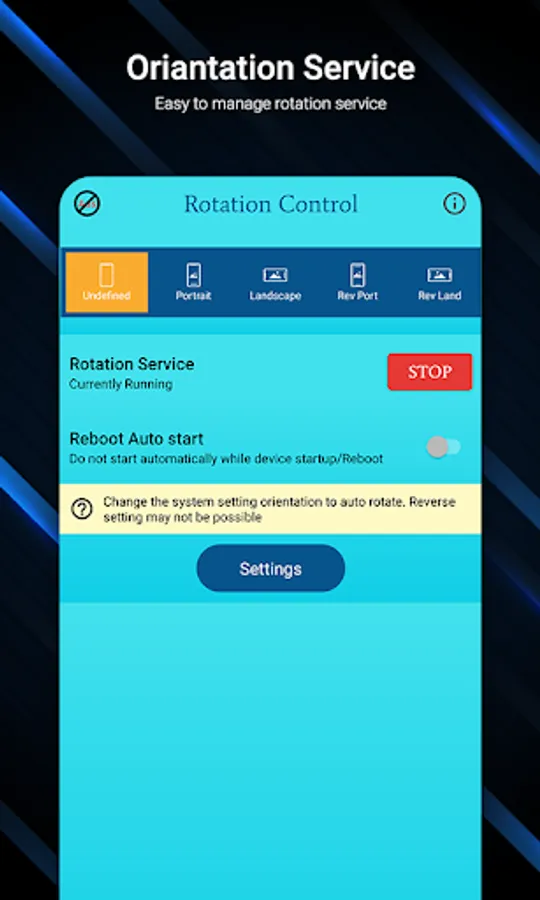
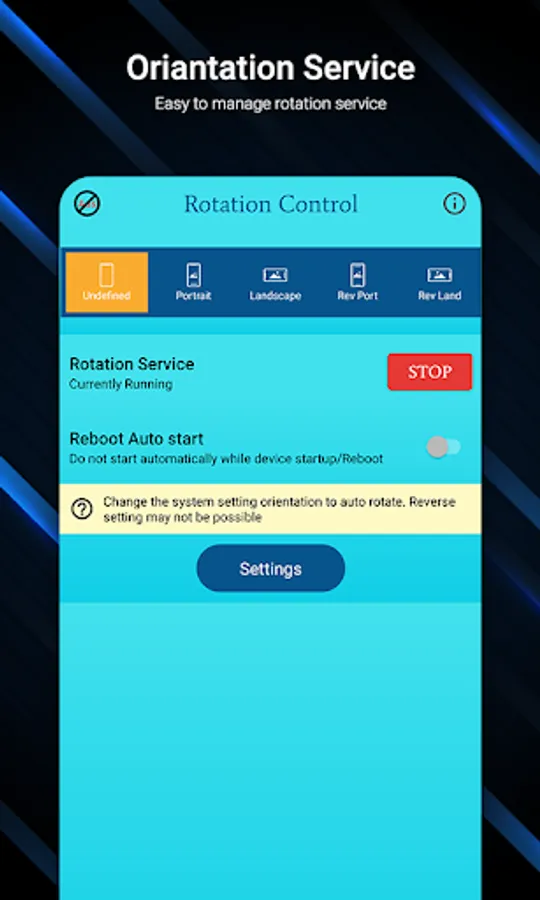
Start Rotation Service to enable notification panel.
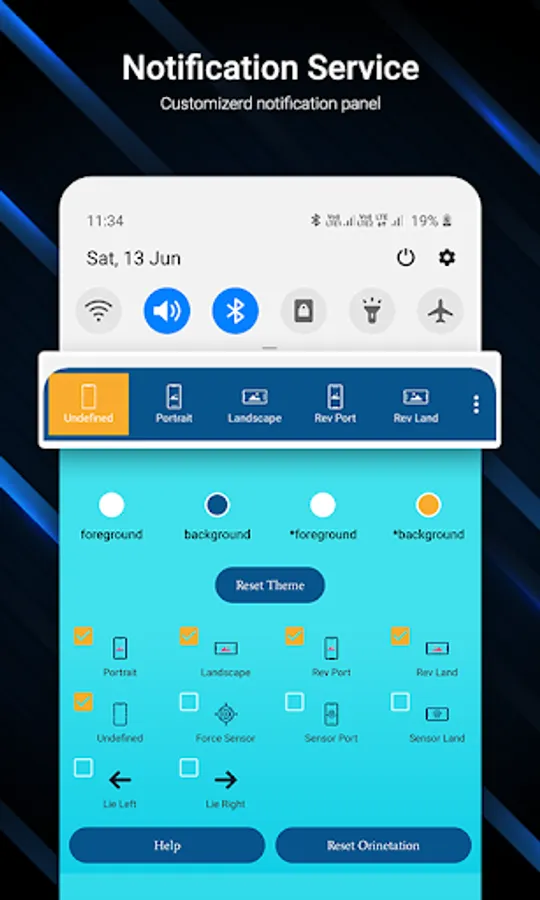
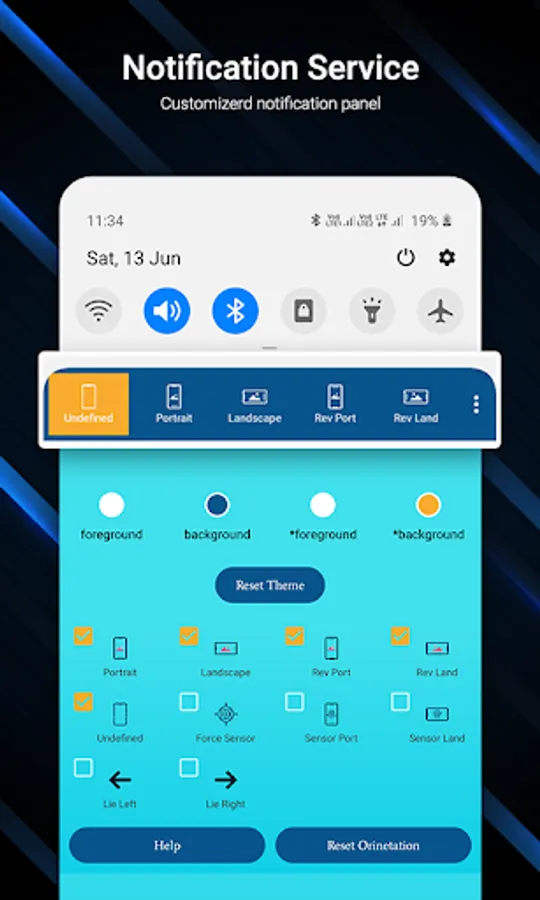
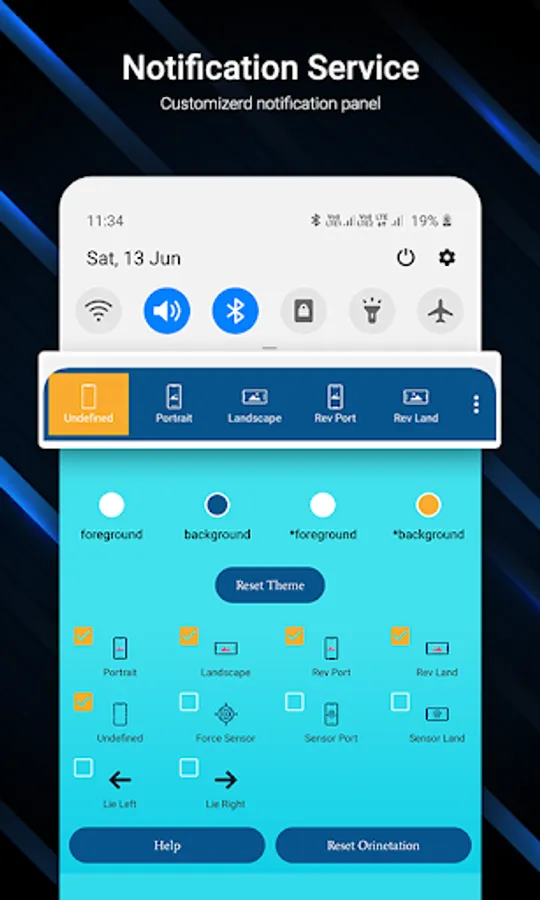
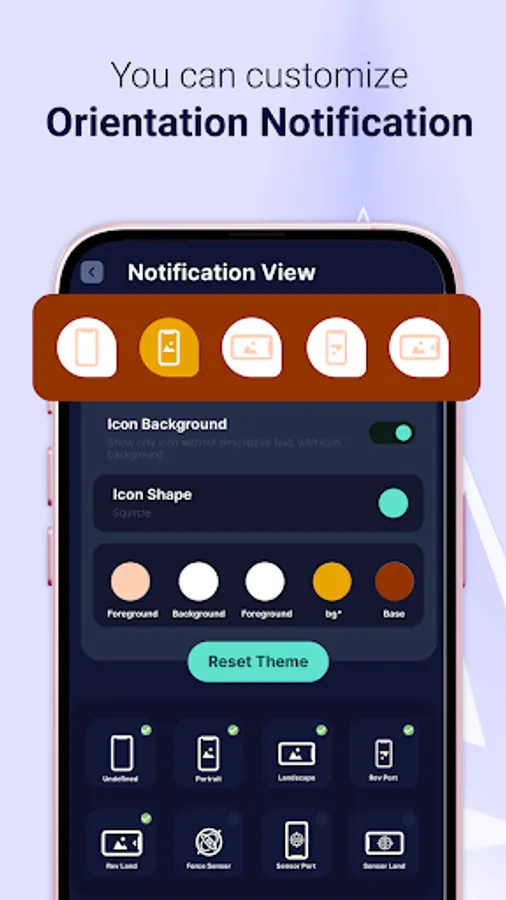
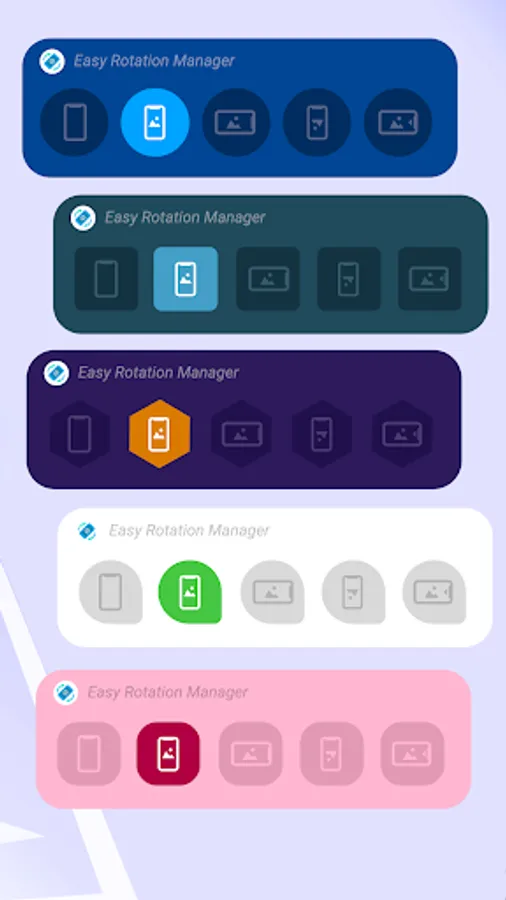
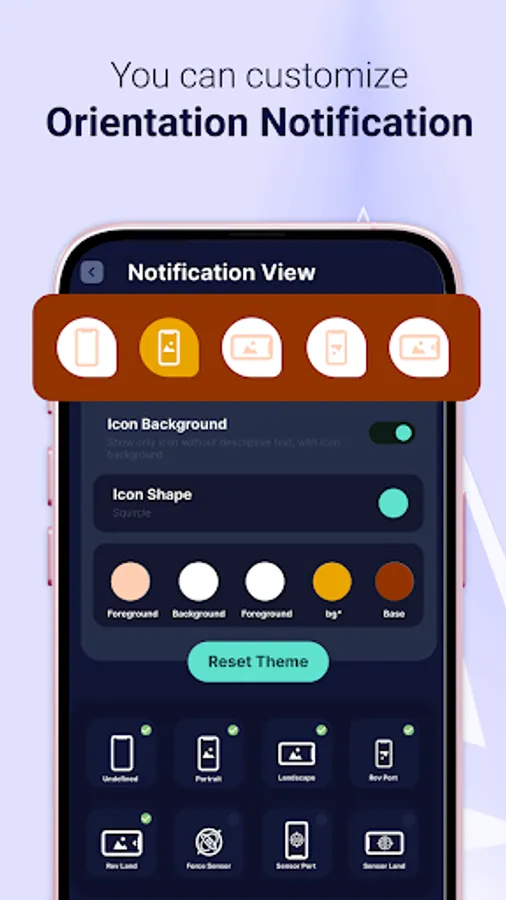
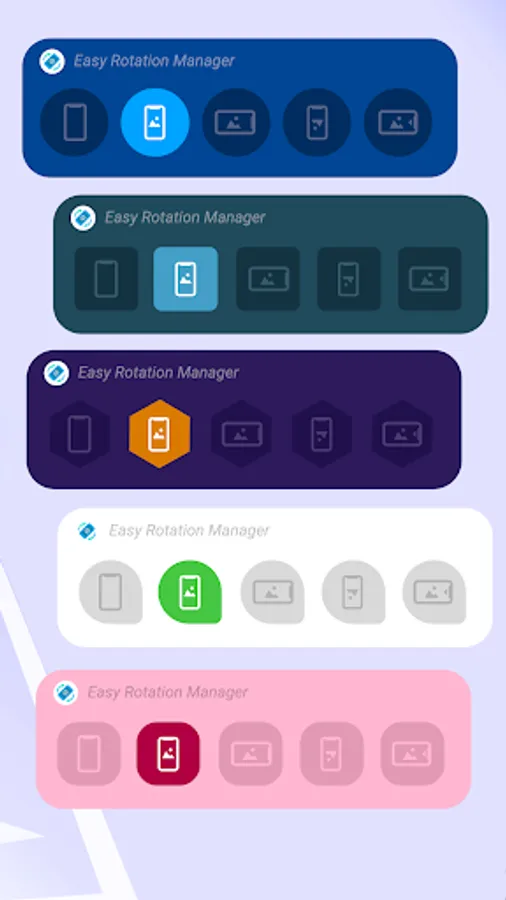
You can customize your notification panel by changing their colors easily.
Also you can put maximum 5 rotation control to notification panel.
Select your custom screen control to notification panel.
Reset default theme and default orientation option also available for notification panel.
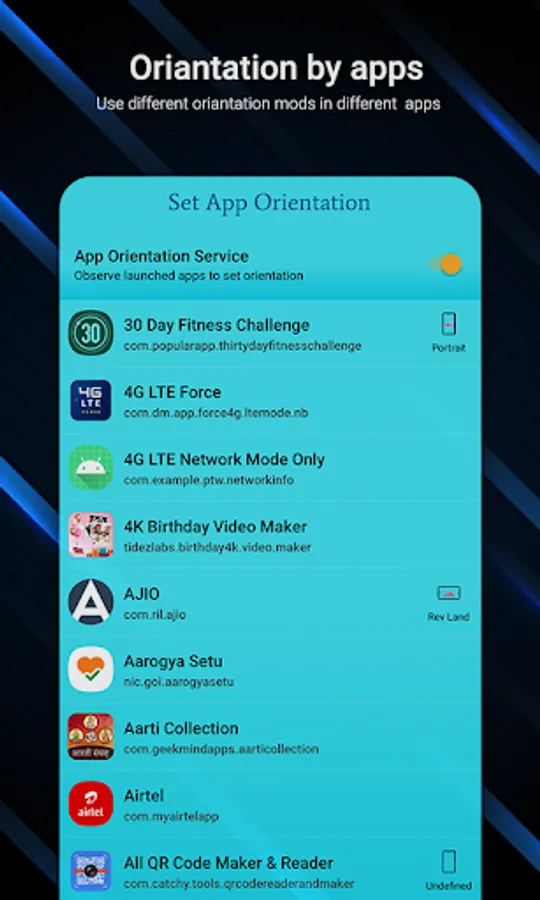
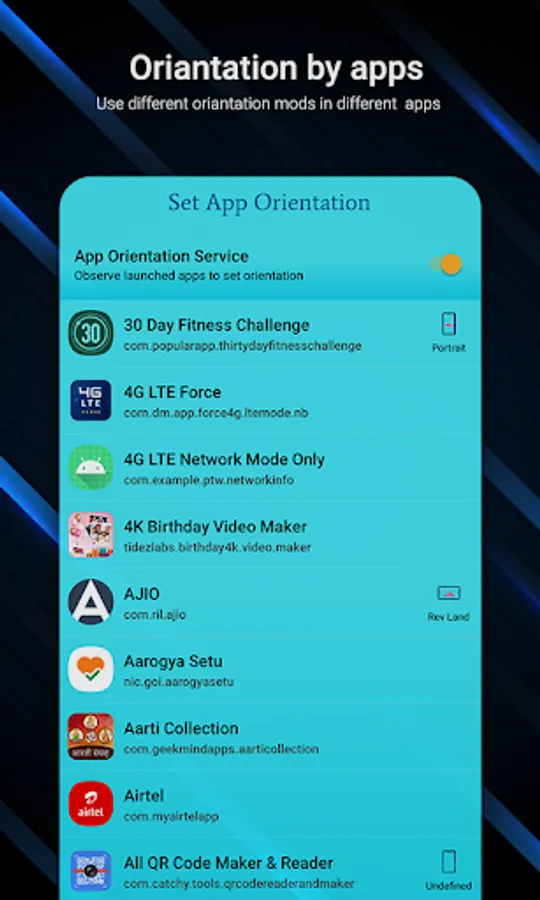
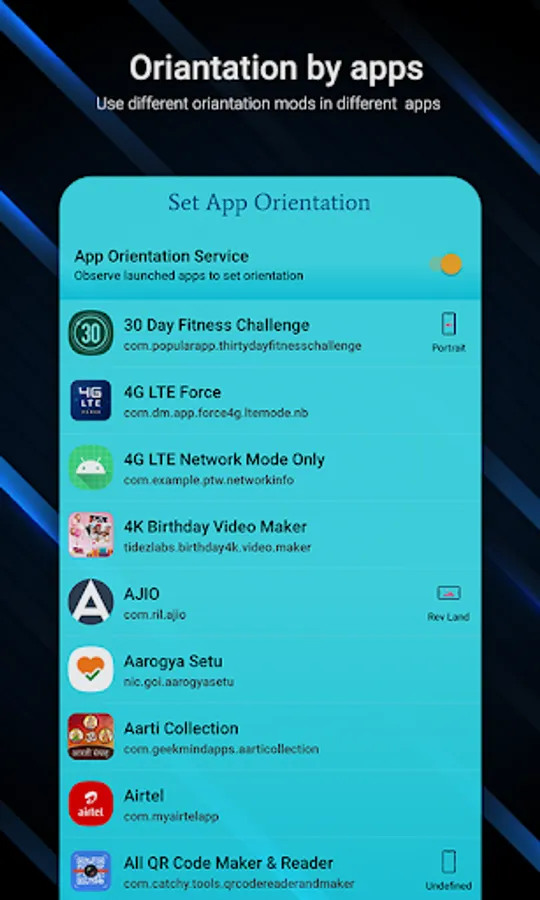
Set App Orientation:
You have to enable app orientation service to set orientation to app.
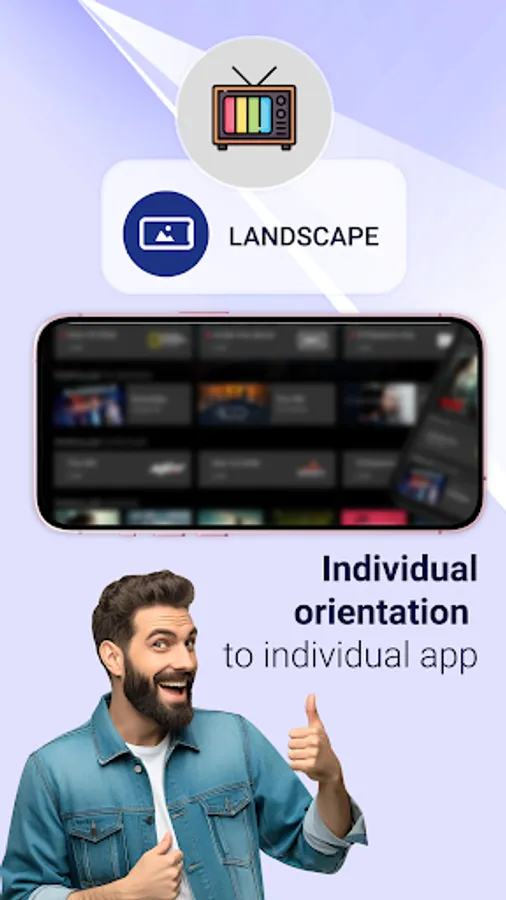
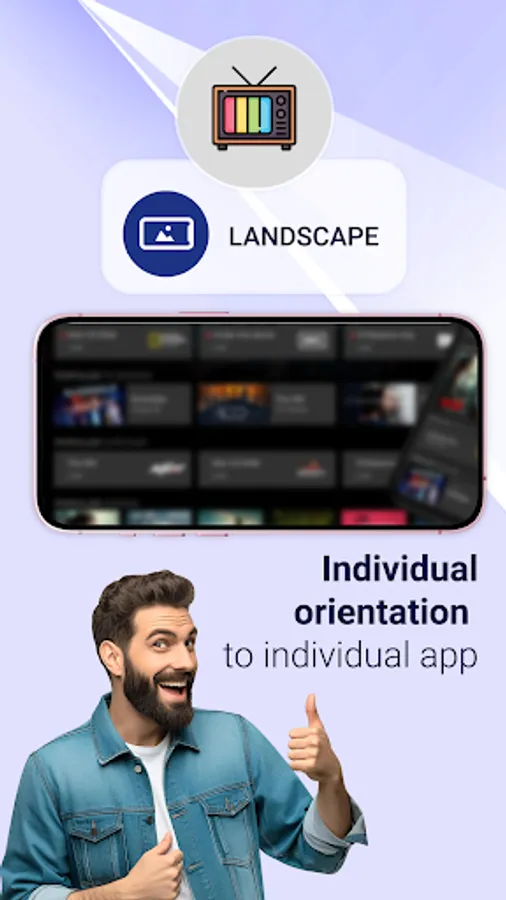
You can set individual orientation to individual app like one app i want to open in portrait then i will set permanent portrait and other app i want to open landscape then i will set to permanent landscape.
Notification Permission Settings:
System Setting Warning: Shows warning if system setting is not auto rotate.
Notification Privacy: If you want to enable notification panel lock screen using this app.
Also enable or disable system notification setting within the app.
If you want enable or disable rotation service after phone restarting can be done in the app only.
So Install app now and manage your screen orientation anywhere and anytime in your phone easily.
Required Permission List:
android.permission.RECEIVE_BOOT_COMPLETED : to start service gain after phone rebooted
android.permission.SYSTEM_ALERT_WINDOW : to display over other apps
android.permission.FOREGROUND_SERVICE : To service working in background above oreo version
android.permission.PACKAGE_USAGE_STATS : to set orientation to individual app
There are multiple types of screen orientation you can set with your choices.
Orientation like Permanent Portrait, Permanent Landscape, Reverse portrait and landscape, sensor based and many more..
Start Rotation Service to enable notification panel.
You can customize your notification panel by changing their colors easily.
Also you can put maximum 5 rotation control to notification panel.
Select your custom screen control to notification panel.
Reset default theme and default orientation option also available for notification panel.
Set App Orientation:
You have to enable app orientation service to set orientation to app.
You can set individual orientation to individual app like one app i want to open in portrait then i will set permanent portrait and other app i want to open landscape then i will set to permanent landscape.
Notification Permission Settings:
System Setting Warning: Shows warning if system setting is not auto rotate.
Notification Privacy: If you want to enable notification panel lock screen using this app.
Also enable or disable system notification setting within the app.
If you want enable or disable rotation service after phone restarting can be done in the app only.
So Install app now and manage your screen orientation anywhere and anytime in your phone easily.
Required Permission List:
android.permission.RECEIVE_BOOT_COMPLETED : to start service gain after phone rebooted
android.permission.SYSTEM_ALERT_WINDOW : to display over other apps
android.permission.FOREGROUND_SERVICE : To service working in background above oreo version
android.permission.PACKAGE_USAGE_STATS : to set orientation to individual app
Easy Screen Rotation Manager Screenshots
Tap to Rate:
Reviews for Easy Screen Rotation Manager
LOuryll Anne VAllido
12/18/2025
its good but its always have a ads
Rahul Yadav
12/14/2025
bekar hai