AppRecs review analysis
AppRecs rating 1.0. Trustworthiness 55 out of 100. Review manipulation risk 24 out of 100. Based on a review sample analyzed.
★☆☆☆☆
1.0
AppRecs Rating
Ratings breakdown
5 star
0%
4 star
0%
3 star
0%
2 star
0%
1 star
100%
What to know
⚠
Mixed user feedback
Average 1.0★ rating suggests room for improvement
About Python Calculator - PRO
- About us
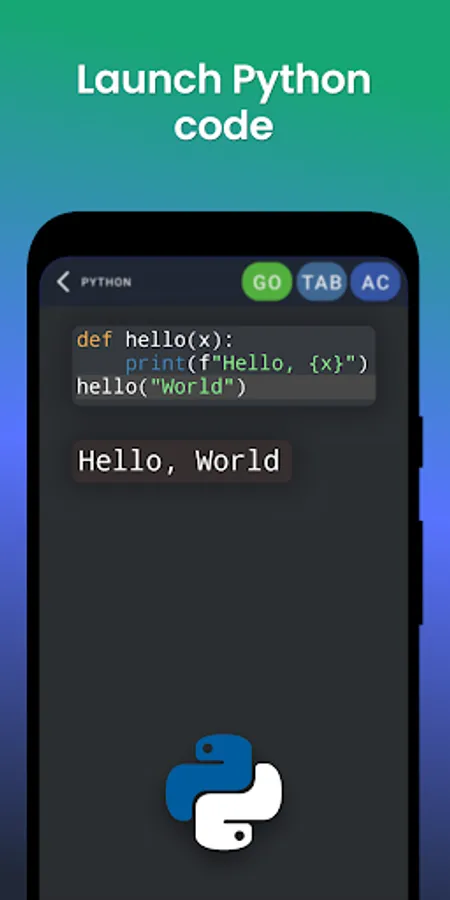
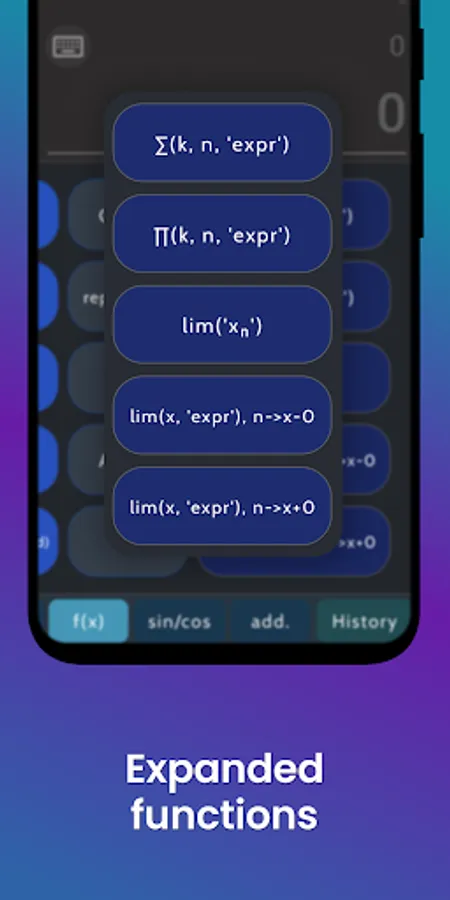
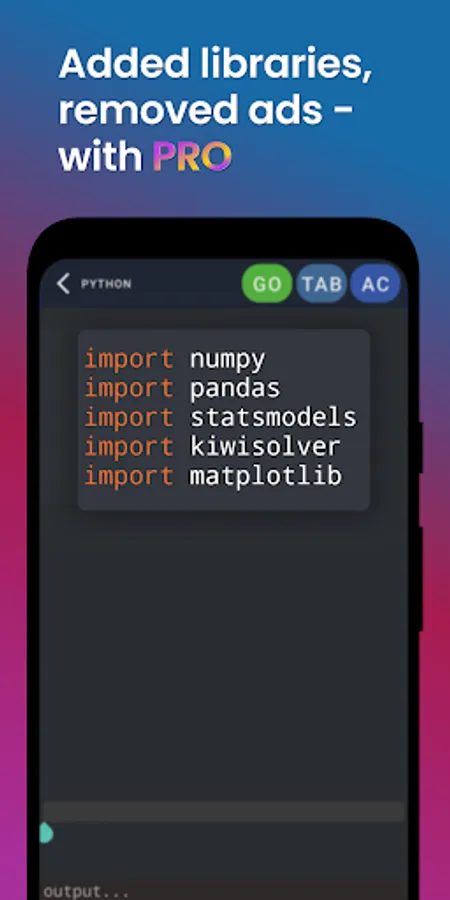
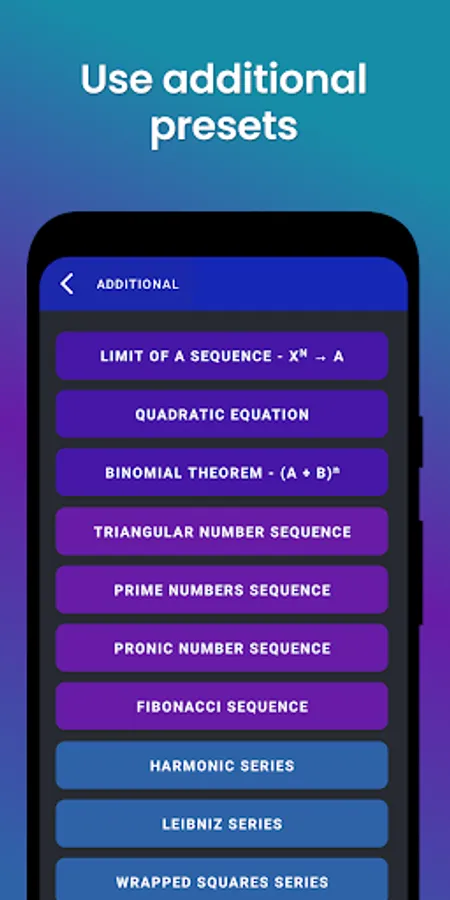
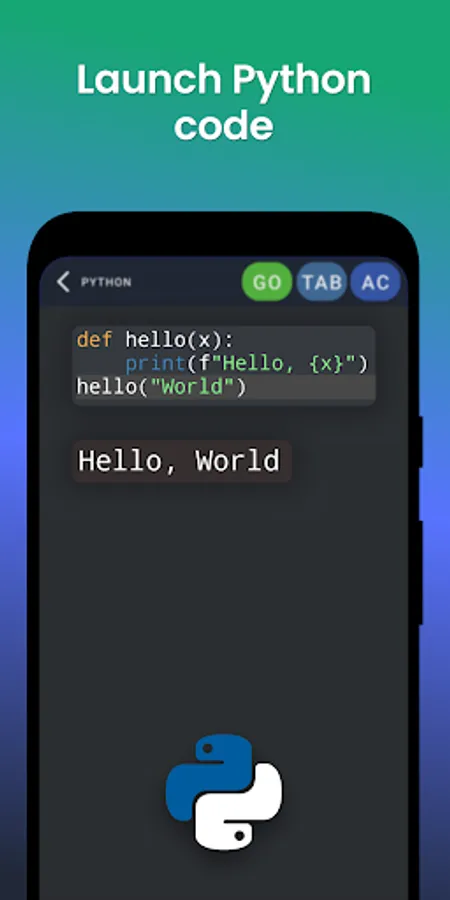
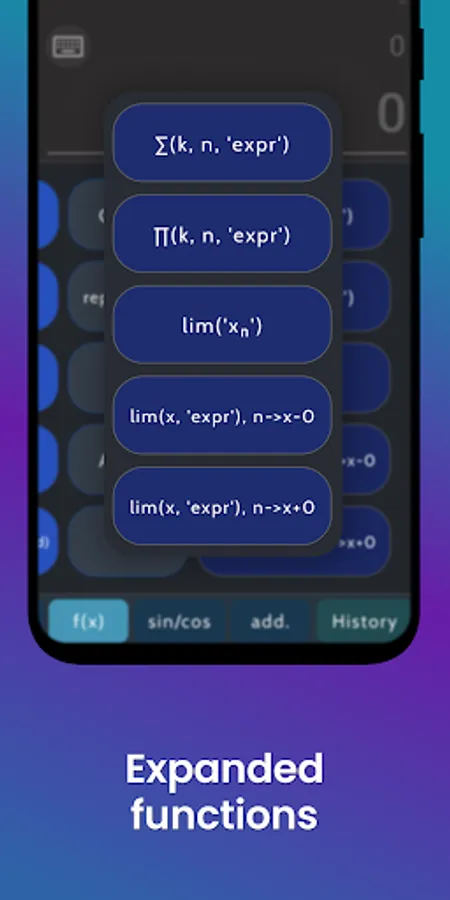
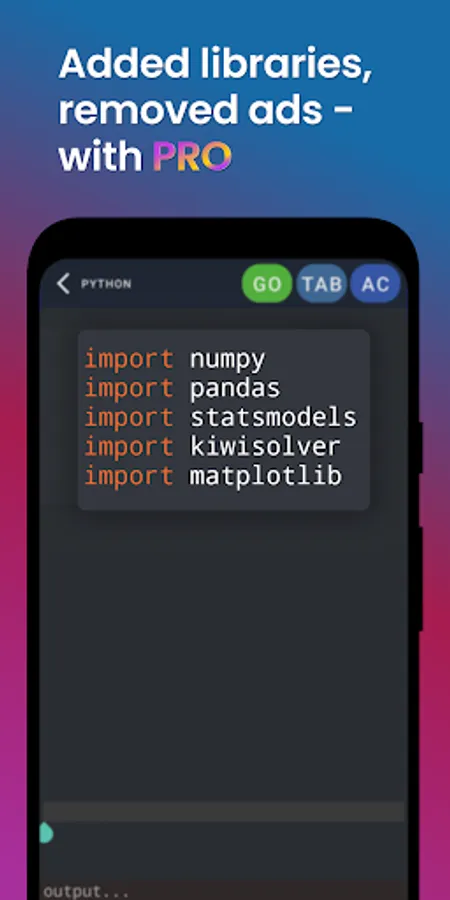
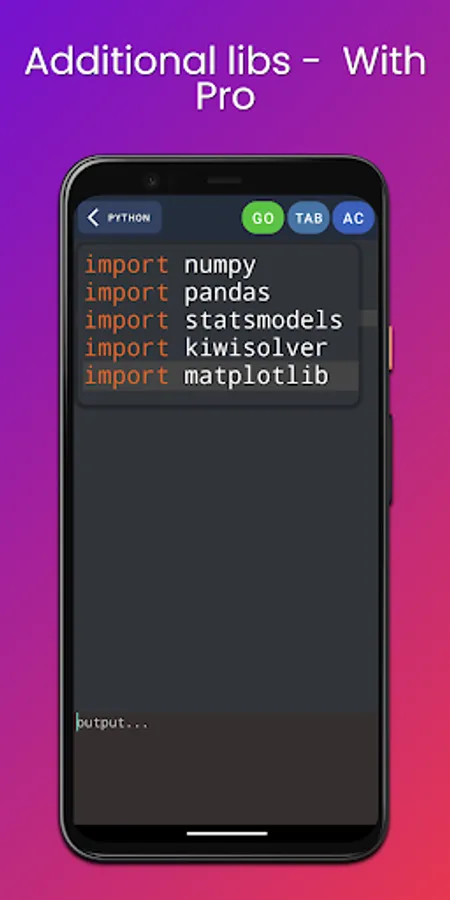
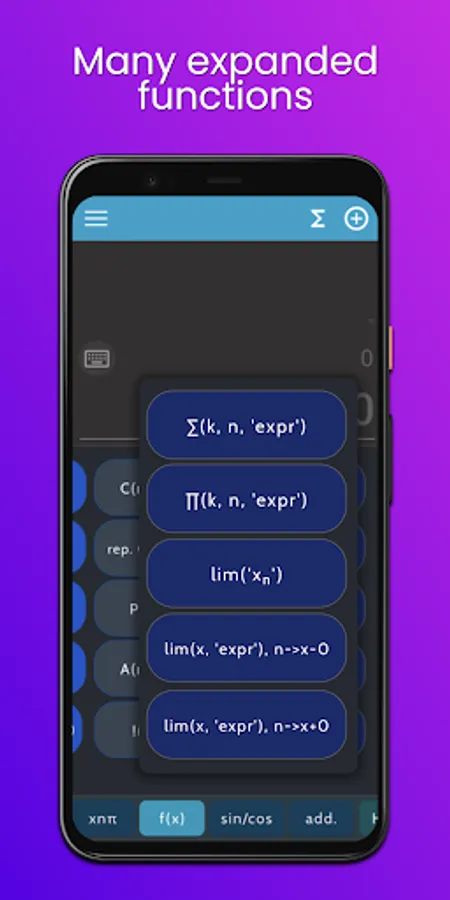
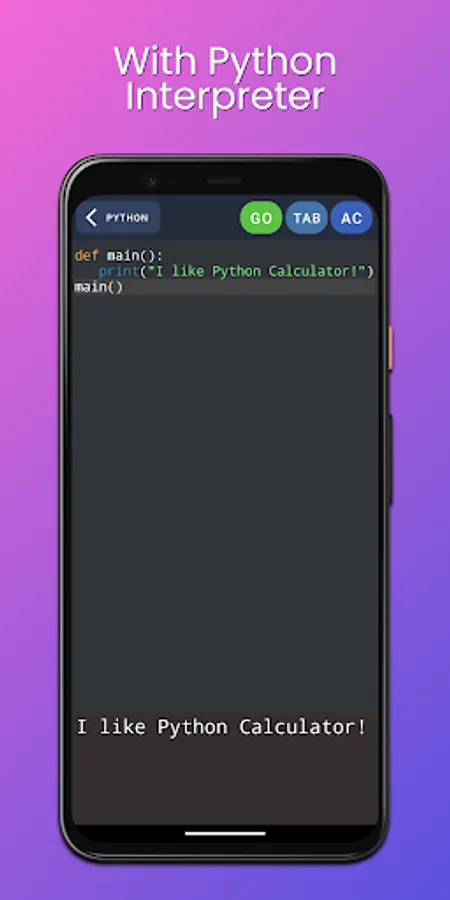
Python Calculator is a multi-functional app. The calculator is based on Python 3.10 (3.8 on PRO) and the integrated 'math' library. Here you can also use Python compiler(interpreter) and write your own specific functions, using it in the calculator.
- How to use?
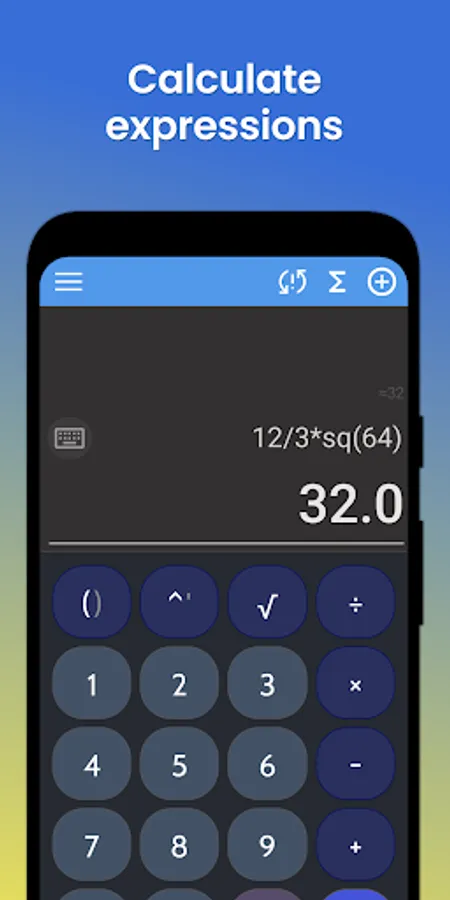
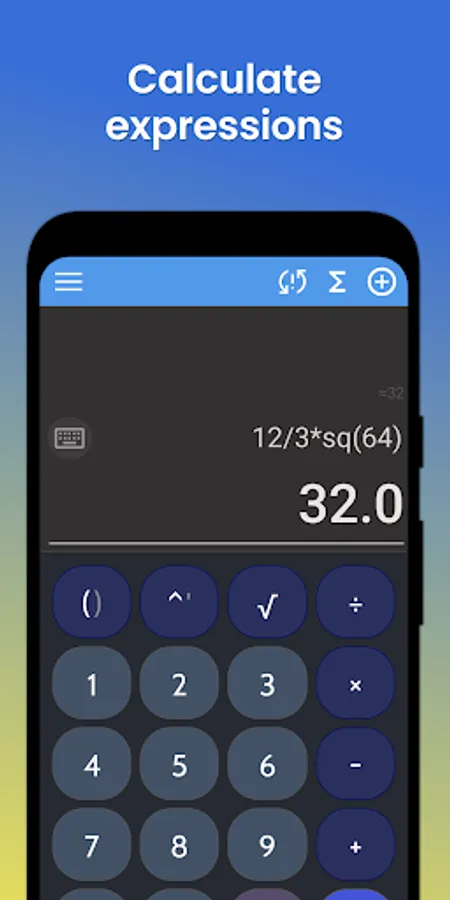
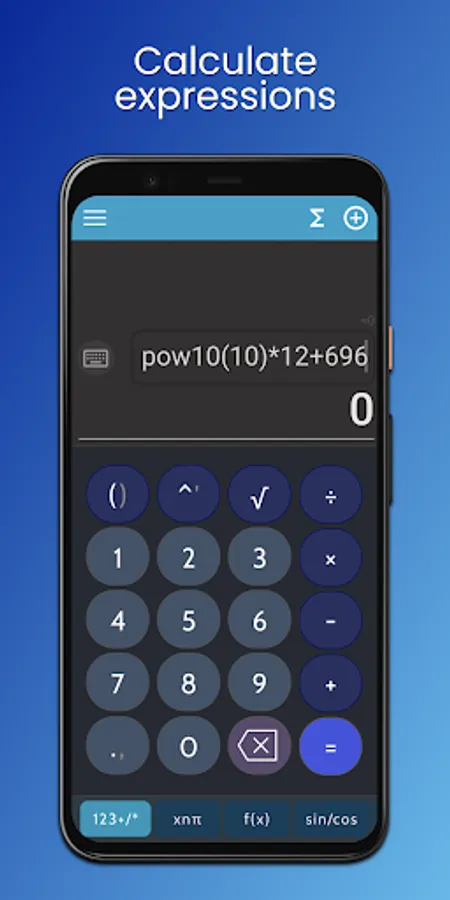
Note: You can use your own keyboard to enter the expression. To do this, tap on the upper field. There is a set of buttons here: pressing each of them adds a symbol to the top field. After entering the expression, press =, the result will appear in the lower field, and the value approximately equivalent to it will appear in the upper field.
- Custom
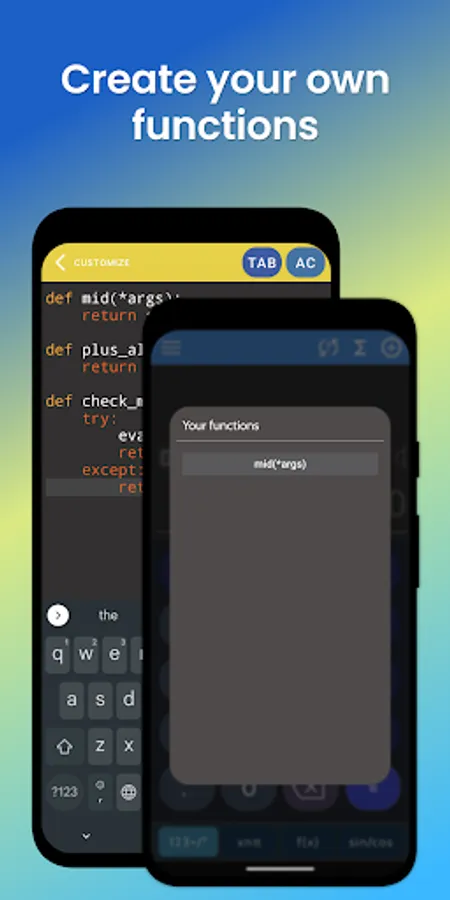
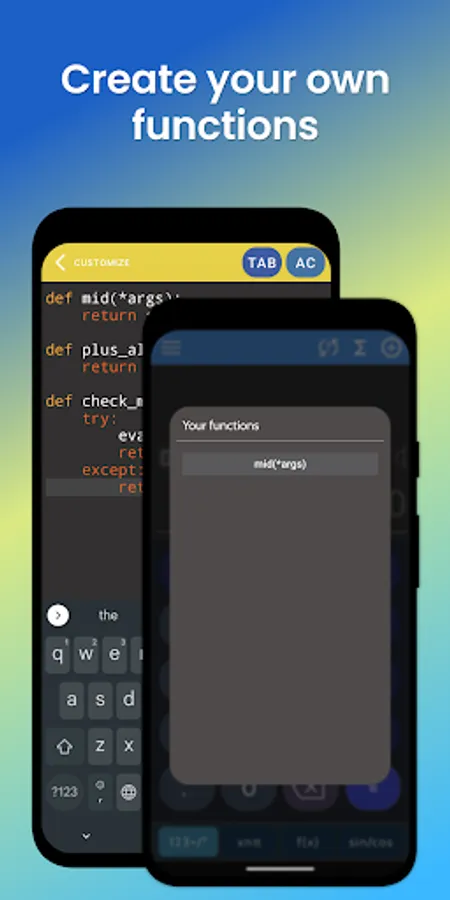
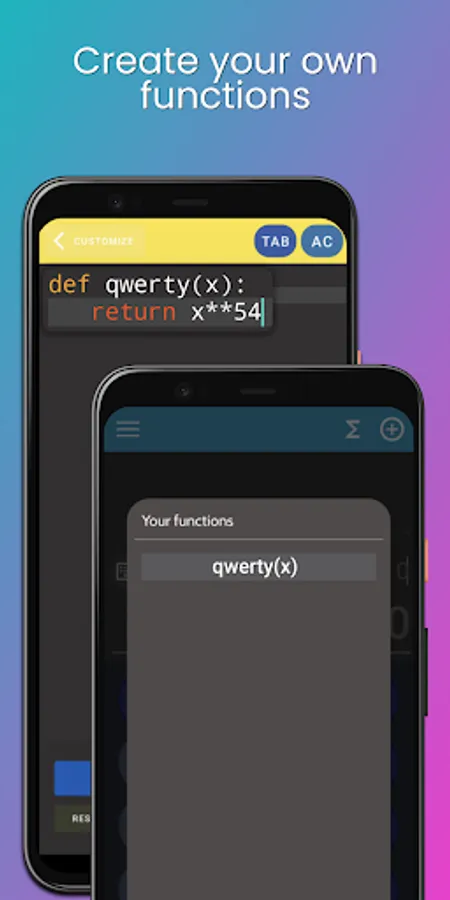
You can code your own calculation and other functions, and then use it in calculator.
- Errors
Errors are mostly controlled: when they occur, Error is displayed in the result field. Errors in the calculation or completely incorrect results, as well as delays in the operation of the application, occur when the entered numbers/expressions are too large, or on the contrary, insignificantly small In case of critical completion of the program or complaints/suggestions, write to: kalivanno.sp@gmail.com.
Python Calculator is a multi-functional app. The calculator is based on Python 3.10 (3.8 on PRO) and the integrated 'math' library. Here you can also use Python compiler(interpreter) and write your own specific functions, using it in the calculator.
- How to use?
Note: You can use your own keyboard to enter the expression. To do this, tap on the upper field. There is a set of buttons here: pressing each of them adds a symbol to the top field. After entering the expression, press =, the result will appear in the lower field, and the value approximately equivalent to it will appear in the upper field.
- Custom
You can code your own calculation and other functions, and then use it in calculator.
- Errors
Errors are mostly controlled: when they occur, Error is displayed in the result field. Errors in the calculation or completely incorrect results, as well as delays in the operation of the application, occur when the entered numbers/expressions are too large, or on the contrary, insignificantly small In case of critical completion of the program or complaints/suggestions, write to: kalivanno.sp@gmail.com.