
Pixel Art Builder
Remoro Studios
3.7 ★
6K ratings
500,000+
downloads
Free
With this pixel art editor, you can create detailed pixel designs using tools like pencil, shape, and color selection, then export your images in various formats. Includes shape tools, export options, undo/redo functions, and size adjustment features.
AppRecs review analysis
AppRecs rating 3.7. Trustworthiness 0 out of 100. Review manipulation risk 0 out of 100. Based on a review sample analyzed.
★★★☆☆
3.7
AppRecs Rating
Ratings breakdown
5 star
53%
4 star
10%
3 star
9%
2 star
6%
1 star
22%
What to know
✓
Good user ratings
63% positive sampled reviews
✓
Authentic reviews
Natural distribution, no red flags
About Pixel Art Builder
Pixel Art Builder is a powerful and lightweight pixel art editor.
Our goal is to let you create pixel arts as easy as possible.
Why choose Pixel Art Builder:
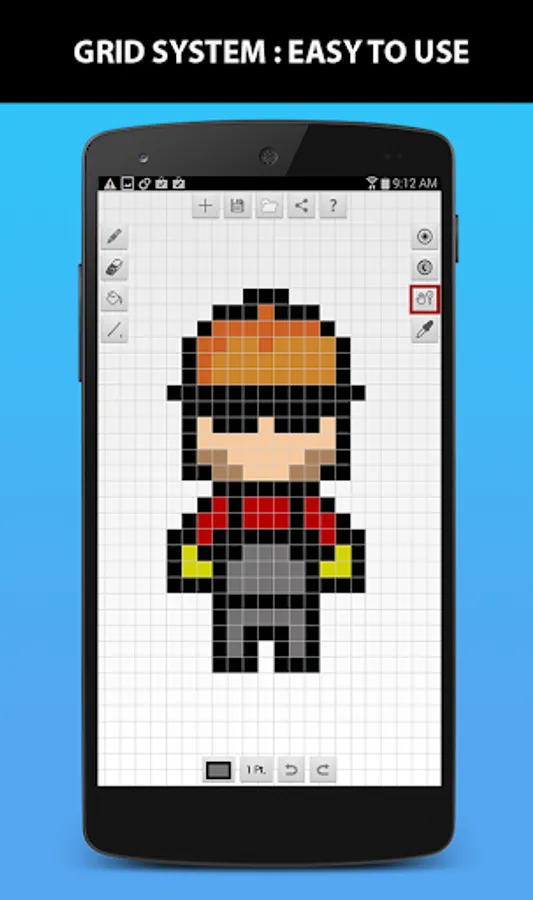
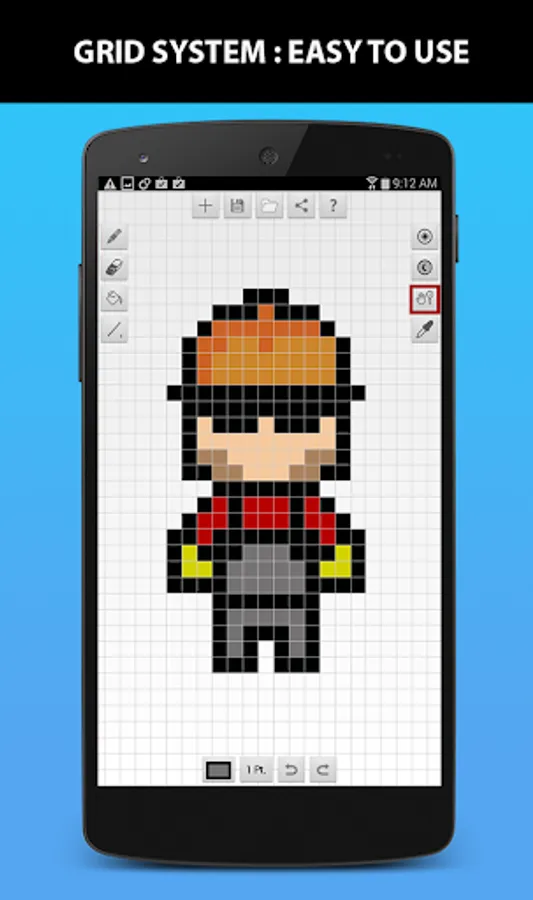
- You draw on grids rather than real pixels. It's easy to change size.
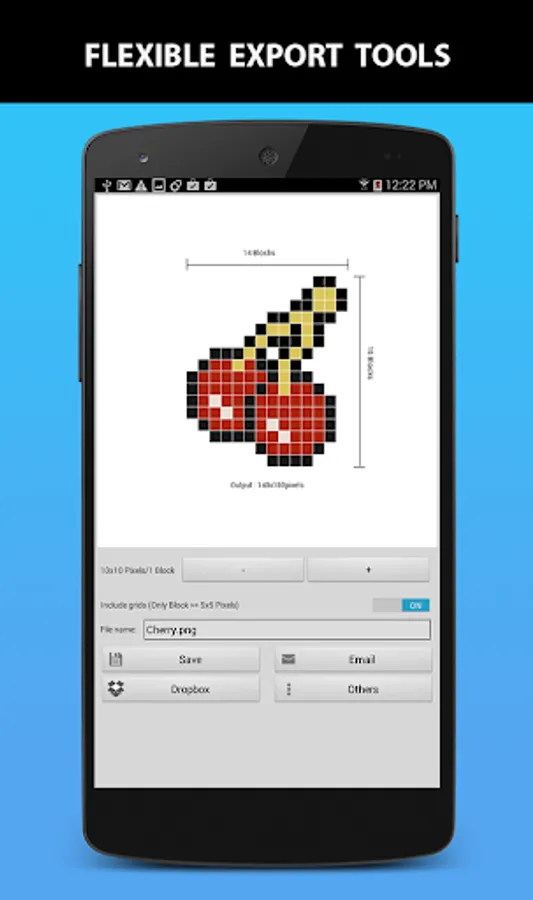
- Export your art is super easy via email, file, Dropbox, etc.
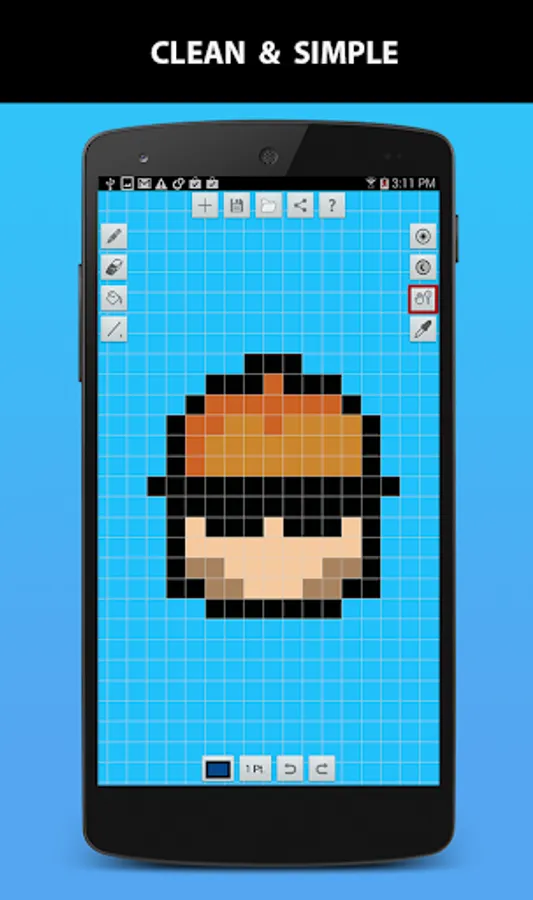
- User interface is very simple and easy to use.
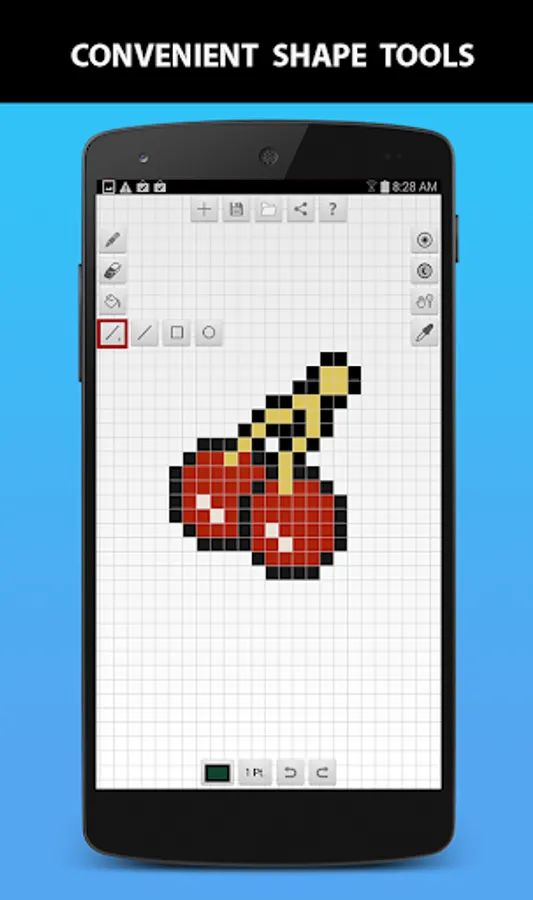
- Shape tools are powerful!
- And finally, it's FREE!
Key Features:
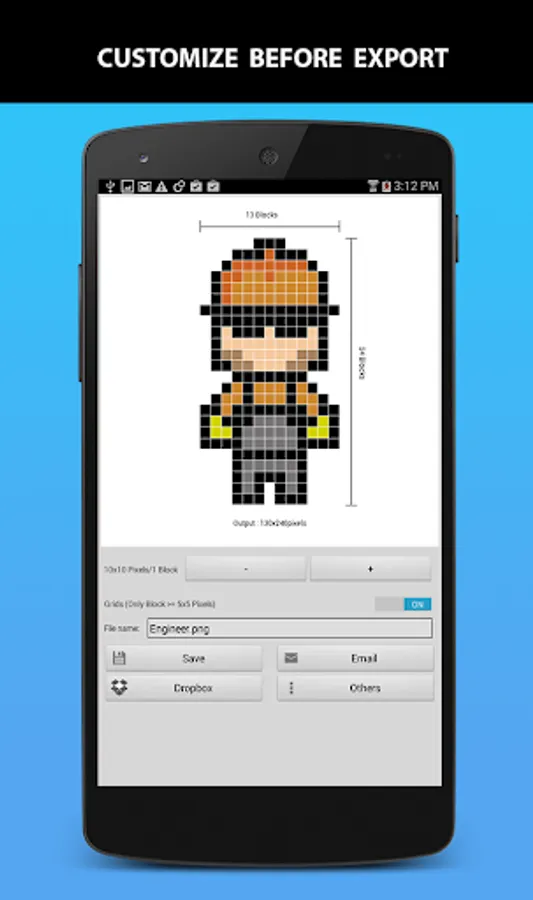
- Export image with/without grids
- Dynamic size adjustment on export
- Save/open in .pab file
- Save to .png file
- Export .png file via Email/Dropbox/etc.
- Pencil
- Eraser
- Paint Bucket
- Line drawer
- Square drawer
- Circle drawer
- Eyedropper (To pick colour at specific location)
- Move/zoom function
- Lighten/Darken tool
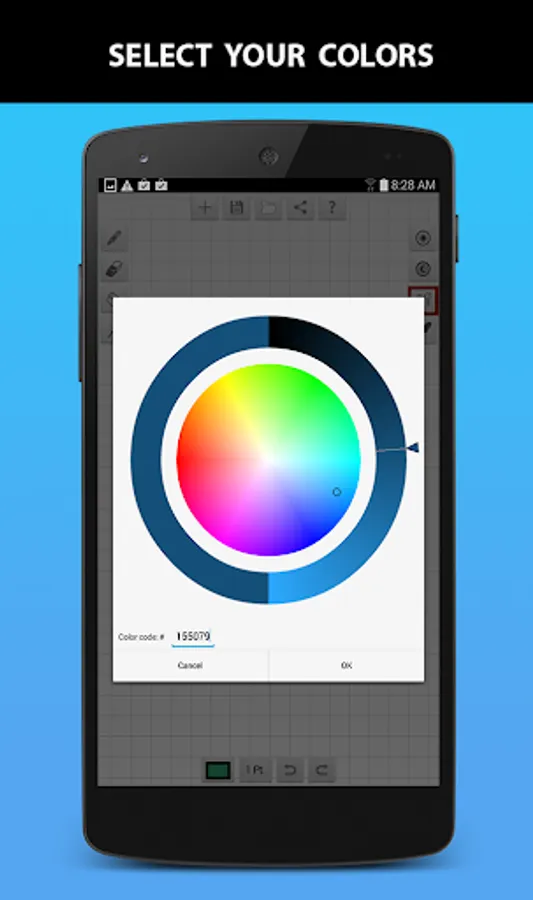
- Color wheel
- Undo/redo function
Our goal is to let you create pixel arts as easy as possible.
Why choose Pixel Art Builder:
- You draw on grids rather than real pixels. It's easy to change size.
- Export your art is super easy via email, file, Dropbox, etc.
- User interface is very simple and easy to use.
- Shape tools are powerful!
- And finally, it's FREE!
Key Features:
- Export image with/without grids
- Dynamic size adjustment on export
- Save/open in .pab file
- Save to .png file
- Export .png file via Email/Dropbox/etc.
- Pencil
- Eraser
- Paint Bucket
- Line drawer
- Square drawer
- Circle drawer
- Eyedropper (To pick colour at specific location)
- Move/zoom function
- Lighten/Darken tool
- Color wheel
- Undo/redo function
Pixel Art Builder Screenshots
Tap to Rate: