Skin Maker 3D for Minecraft
Remoro Studios
3.8 ★
14K ratings
1,000,000+
downloads
Free
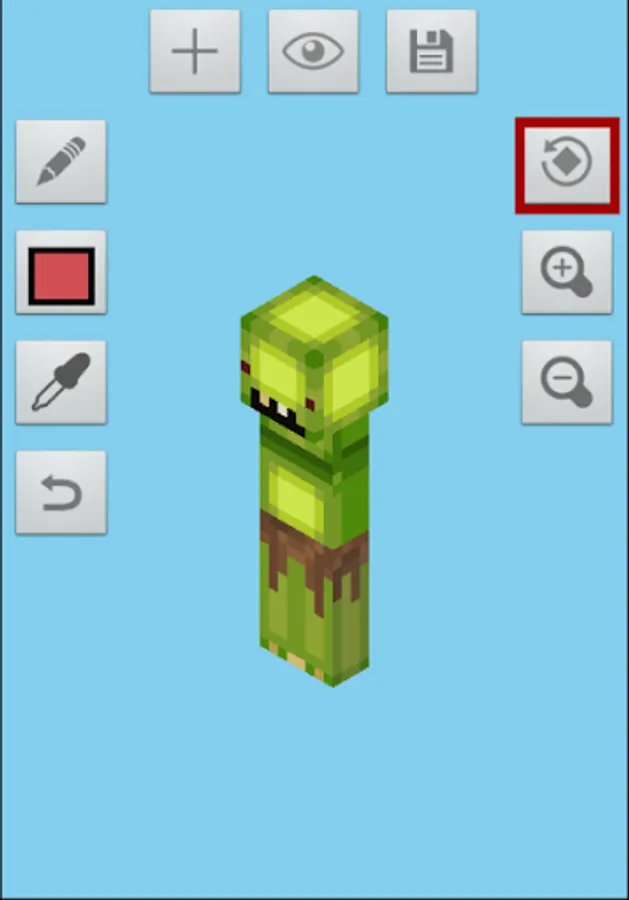
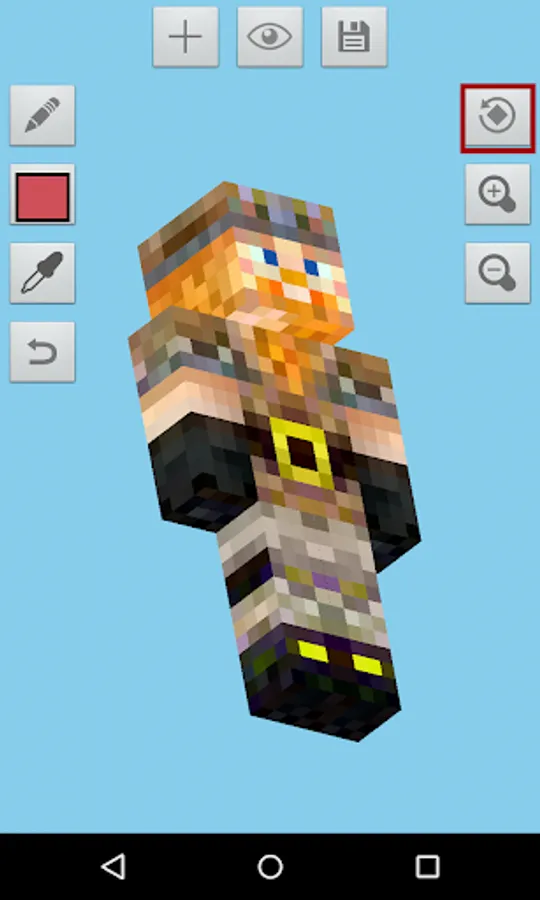
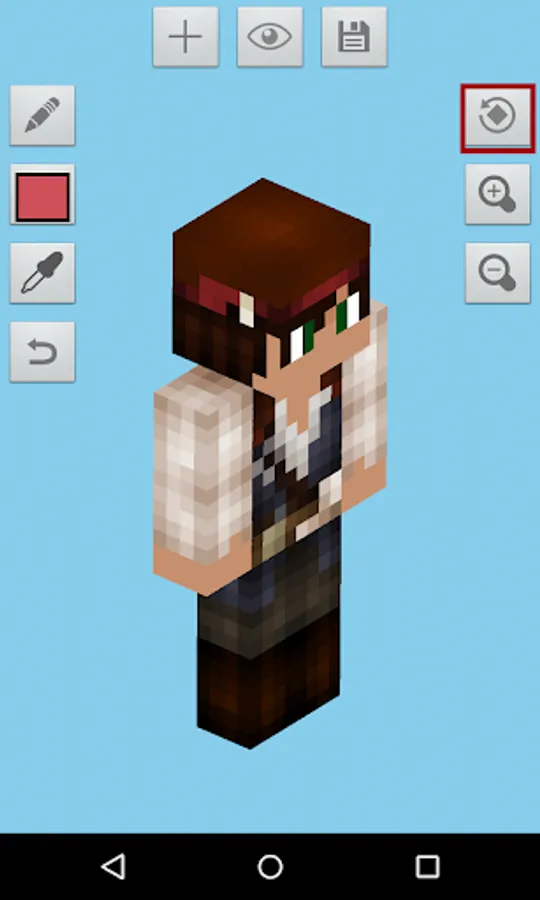
With this skin editing app, you can create, customize, and rotate 3D Minecraft skins using editing tools like pencil and color palette. Includes skin import options, export to multiple platforms, and visibility adjustments.
AppRecs review analysis
AppRecs rating 3.8. Trustworthiness 0 out of 100. Review manipulation risk 0 out of 100. Based on a review sample analyzed.
★★★☆☆
3.8
AppRecs Rating
Ratings breakdown
5 star
63%
4 star
5%
3 star
6%
2 star
2%
1 star
24%
What to know
✓
Good user ratings
68% positive sampled reviews
About Skin Maker 3D for Minecraft
Create and edit your Minecraft Skin in 3D!!
Skin Maker 3D for Minecraft is a great tool for you to create, edit and apply Minecraft skins to all platforms.
You don't need BlockLauncher to use Skin Maker 3D
These are SkinMaker 3D for Minecraft features:
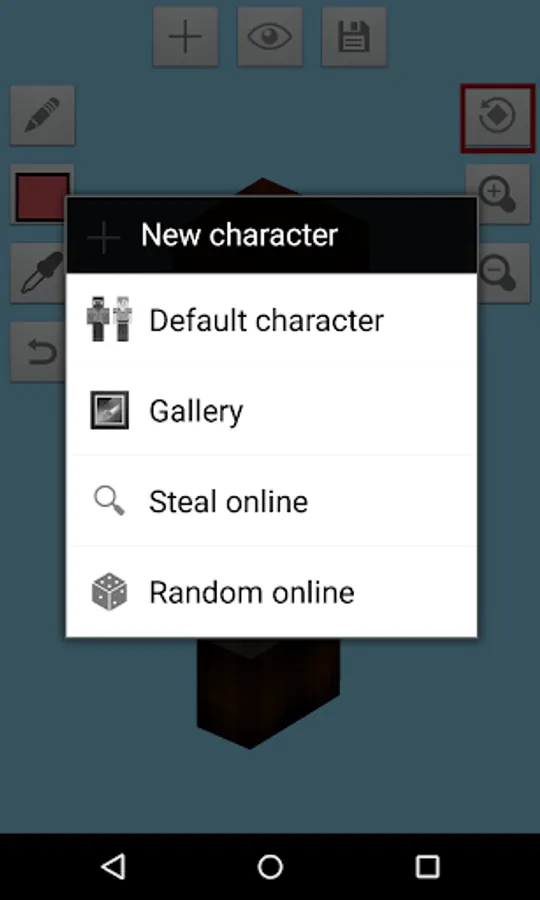
1. Create a new Minecraft skin
- Default skin (Steve, Alex, Blank skin)
- Steal player skins from the internet by typing names
- Random online skins
- Browse skins from catalog
- Import skins from your gallery
2. Edit Minecraft skins to fit your needs with these powerful tools
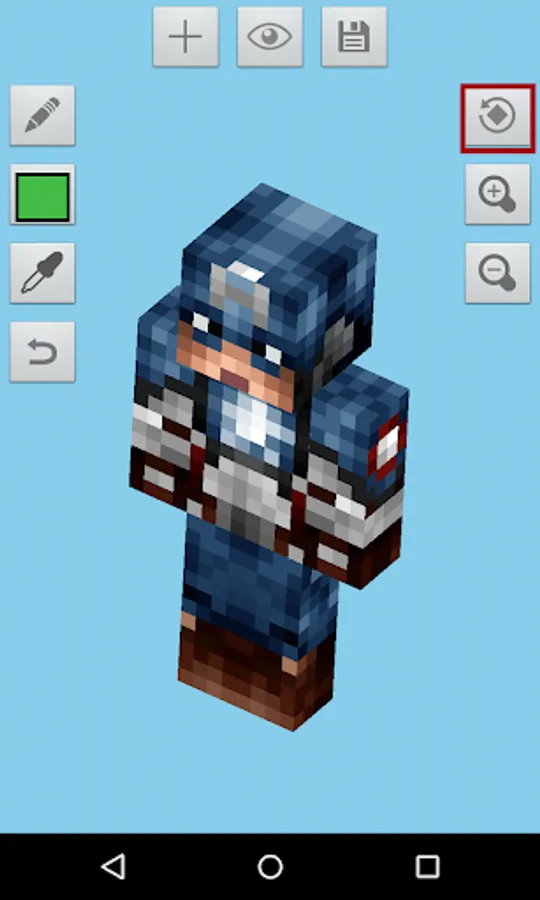
- Pencil
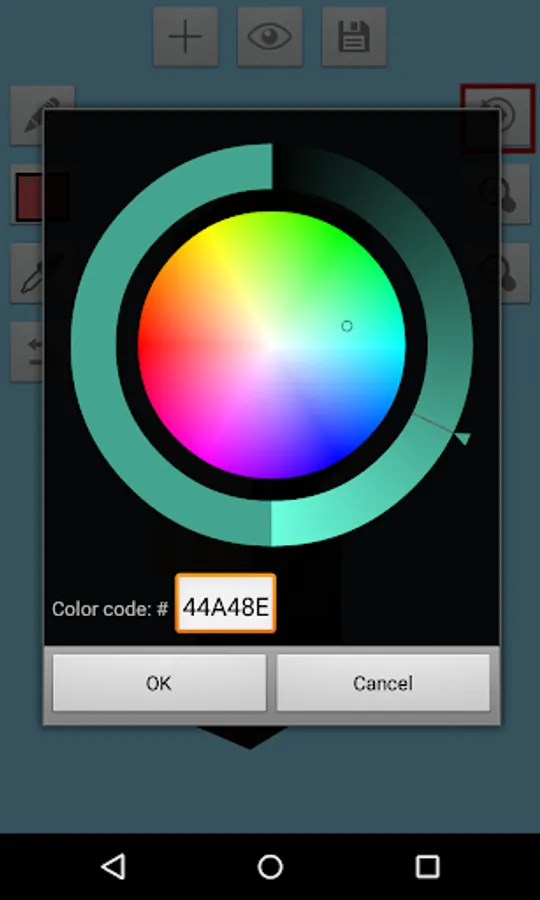
- Color wheel
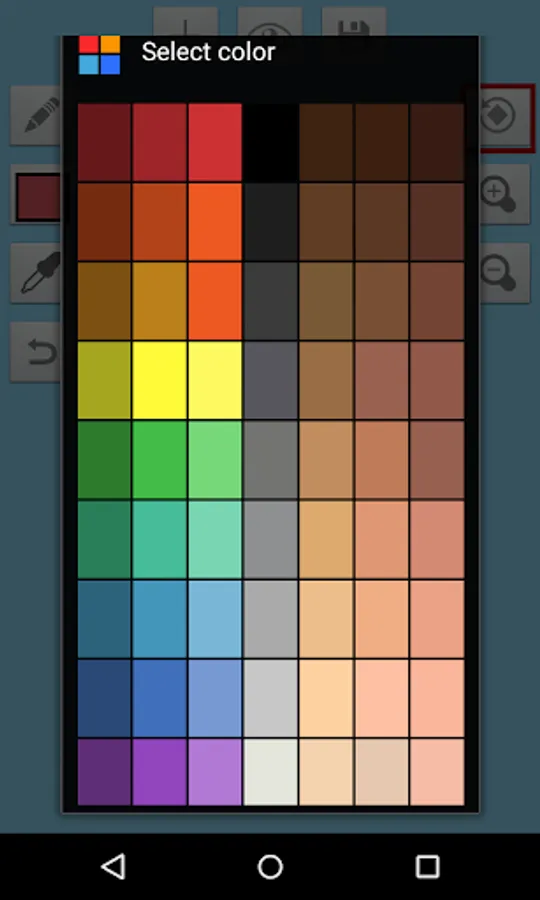
- Color palette
- Eye dropper
- Moving tools
- Zoom in/out tools
- Undo button
3. Rotating your character in 3D!
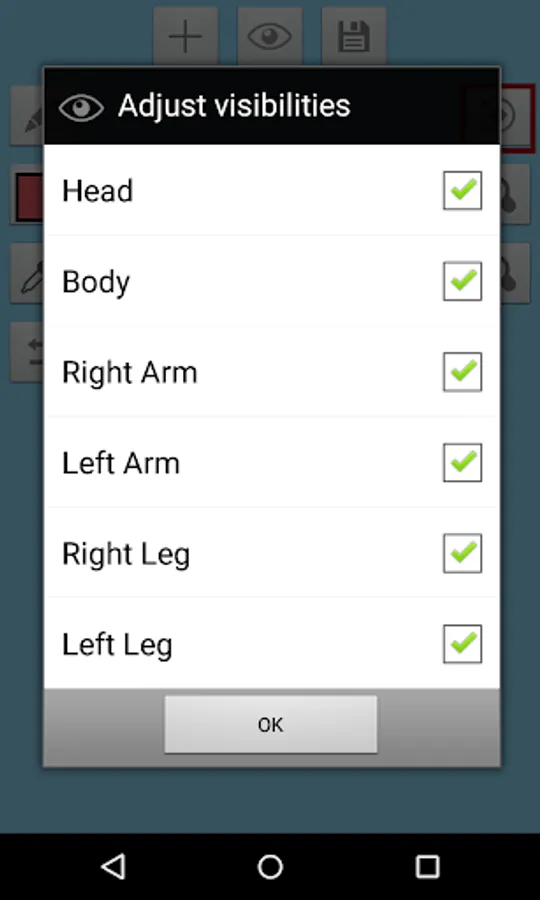
4. Adjust visibility of your character. Editing Minecraft skins had never been this easy.
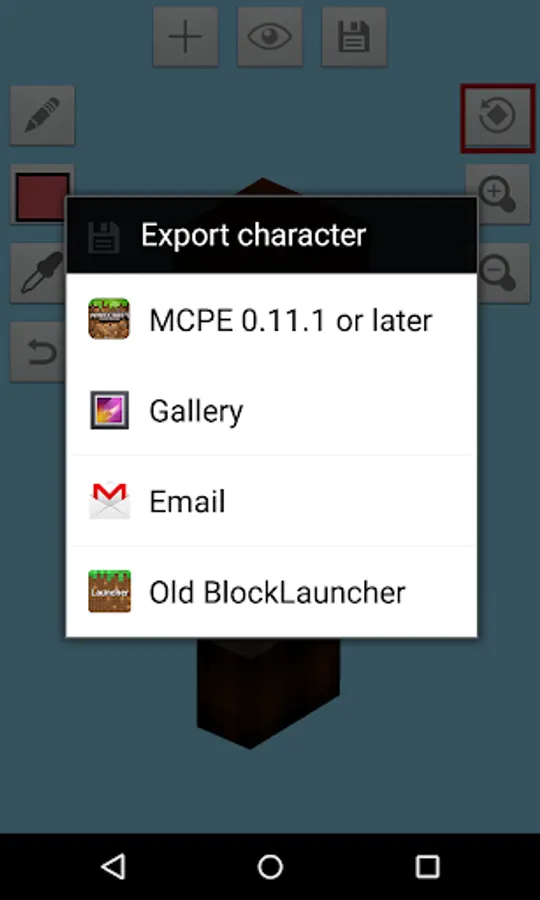
5. Export skins in 4 different ways
- Export directly to Minecraft Pocket Edition
- Export to BlockLauncher
- Export to your gallery
- Export to email
Follow me on Twitter @keeratipong. https://twitter.com/keeratipong
Skin Maker 3D for Minecraft is not developed by Mojang. Minecraft is a trademark of Mojang AB. Please note that we are not affiliated with Mojang AB but we adhere to the terms set out by Mojang AB at https://www.minecraft.net/terms
Skin Maker 3D for Minecraft is a great tool for you to create, edit and apply Minecraft skins to all platforms.
You don't need BlockLauncher to use Skin Maker 3D
These are SkinMaker 3D for Minecraft features:
1. Create a new Minecraft skin
- Default skin (Steve, Alex, Blank skin)
- Steal player skins from the internet by typing names
- Random online skins
- Browse skins from catalog
- Import skins from your gallery
2. Edit Minecraft skins to fit your needs with these powerful tools
- Pencil
- Color wheel
- Color palette
- Eye dropper
- Moving tools
- Zoom in/out tools
- Undo button
3. Rotating your character in 3D!
4. Adjust visibility of your character. Editing Minecraft skins had never been this easy.
5. Export skins in 4 different ways
- Export directly to Minecraft Pocket Edition
- Export to BlockLauncher
- Export to your gallery
- Export to email
Follow me on Twitter @keeratipong. https://twitter.com/keeratipong
Skin Maker 3D for Minecraft is not developed by Mojang. Minecraft is a trademark of Mojang AB. Please note that we are not affiliated with Mojang AB but we adhere to the terms set out by Mojang AB at https://www.minecraft.net/terms
Skin Maker 3D for Minecraft Screenshots
Tap to Rate: