Notify me - Notification bar
Lars Feßen
3.7 ★
1K ratings
100,000+
downloads
Free
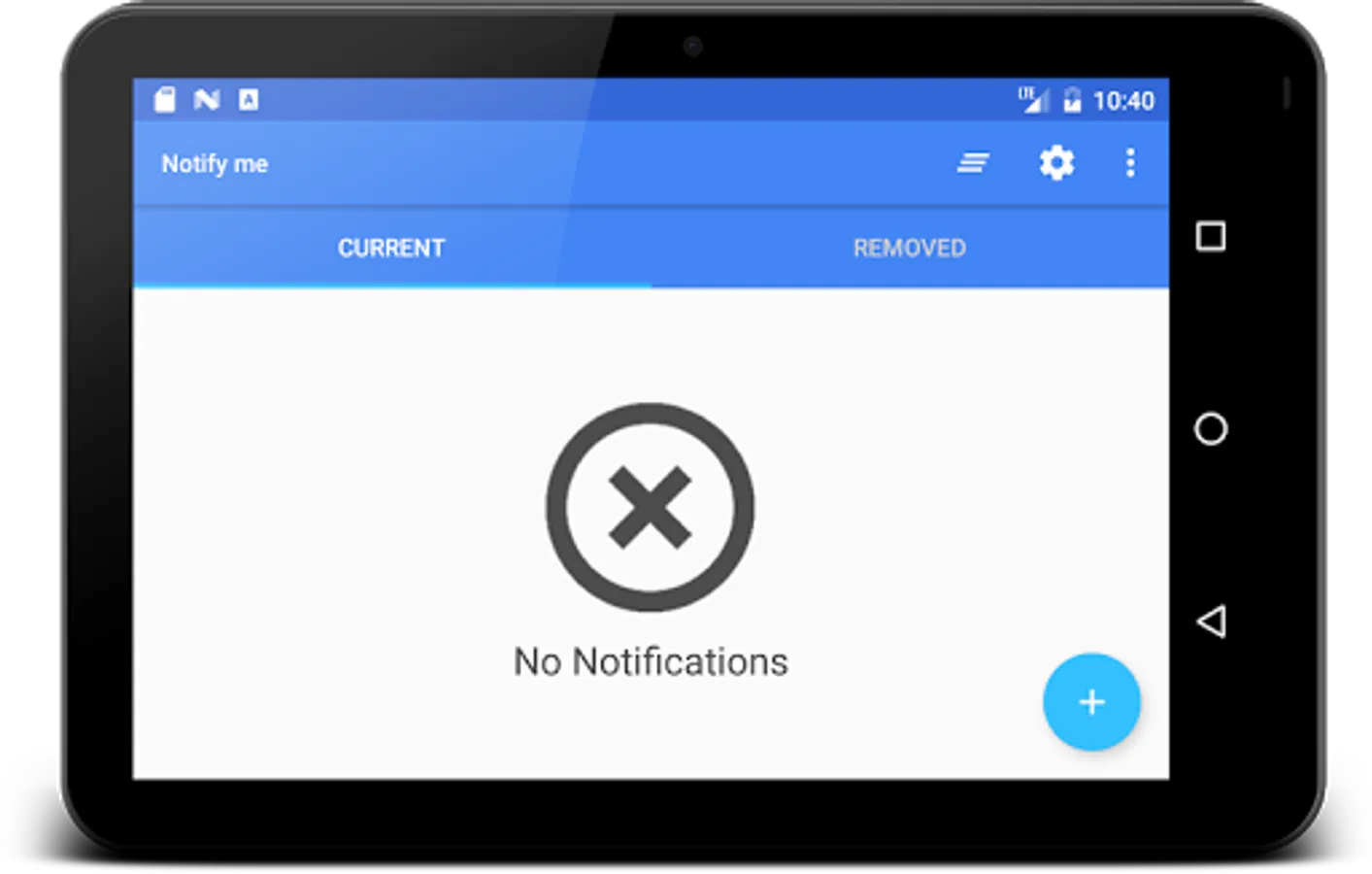
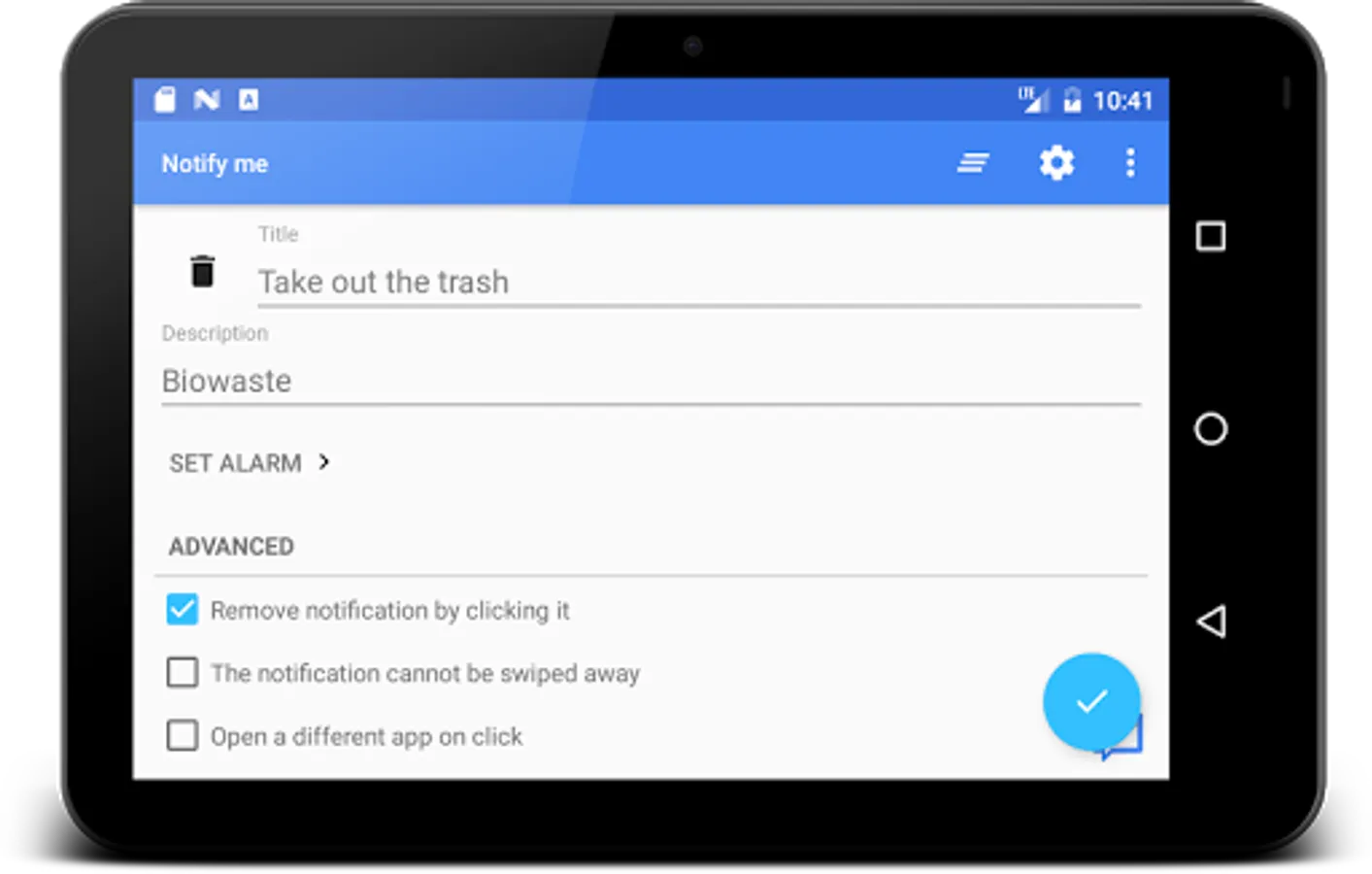
In this notification management app, you can create customized notifications with icons, alarms, and action buttons. Includes options for scheduling, sharing, notification history, and themes.
AppRecs review analysis
AppRecs rating 3.8. Trustworthiness 81 out of 100. Review manipulation risk 24 out of 100. Based on a review sample analyzed.
★★★☆☆
3.8
AppRecs Rating
Ratings breakdown
5 star
53%
4 star
13%
3 star
10%
2 star
2%
1 star
22%
What to know
✓
Low review manipulation risk
24% review manipulation risk
✓
Credible reviews
81% trustworthiness score from analyzed reviews
✓
Good user ratings
66% positive sampled reviews
About Notify me - Notification bar
Notify me - Notification Reminder
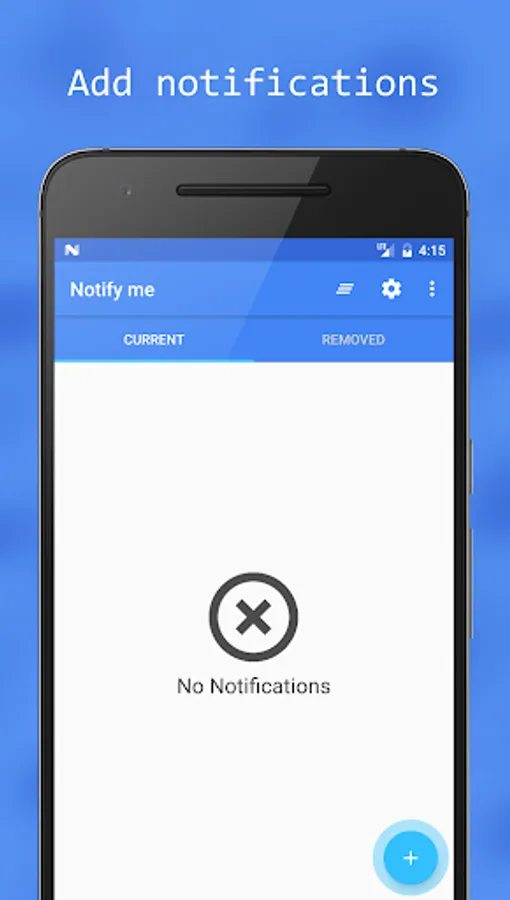
Create custom Android notifications within seconds. Create, share, bundle, customize, and edit notifications.
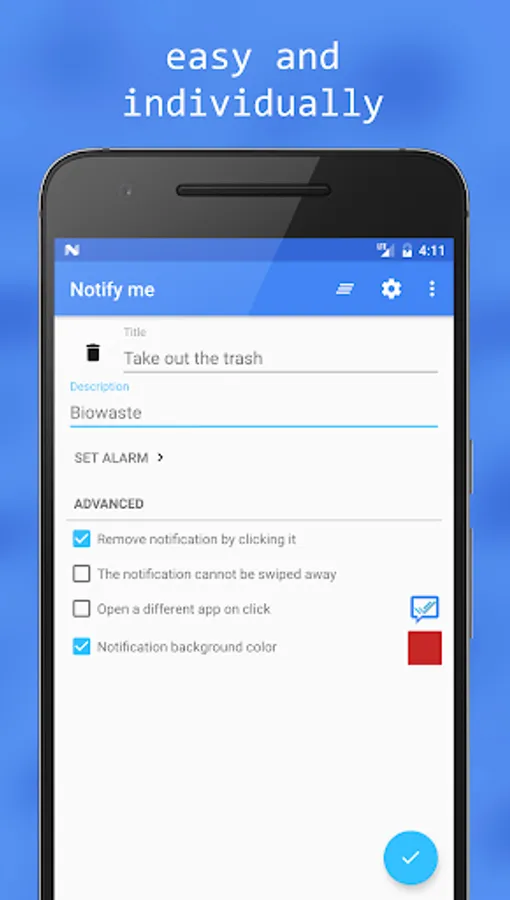
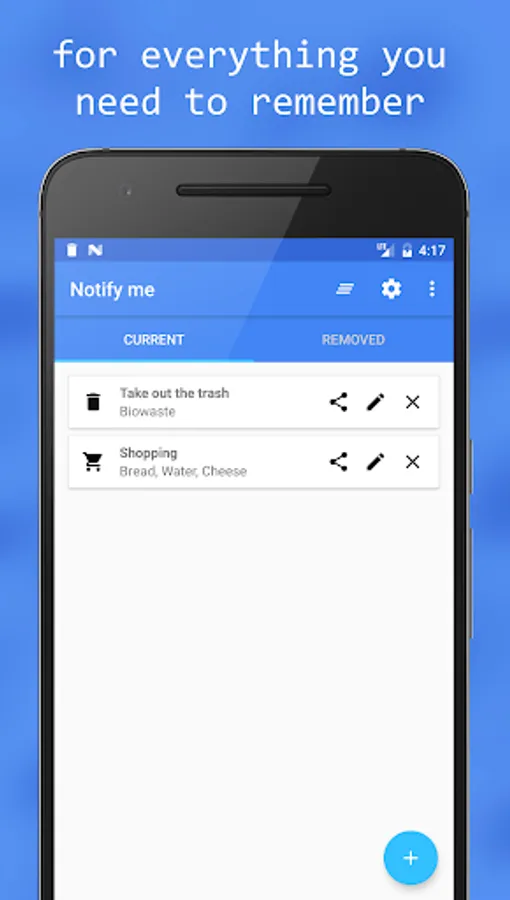
Notify me is an app that lets you create custom Android notifications in the notification bar for a quick or scheduled reminder. It can be used to remind you of dates, tasks or other things you need to be reminded of. You have numerous possibilities to individualize the notification. It can have a chosen icon, can have an alarm, different behaviors, ....
The icon can remind you of the task even without reading the title or description of the notification. And if the app should remind you of taking out the trash this evening you can set an alarm.
But all this is optional. If you just want a fast and simple notification: create it! If you want an individualized and advanced notification: create it!
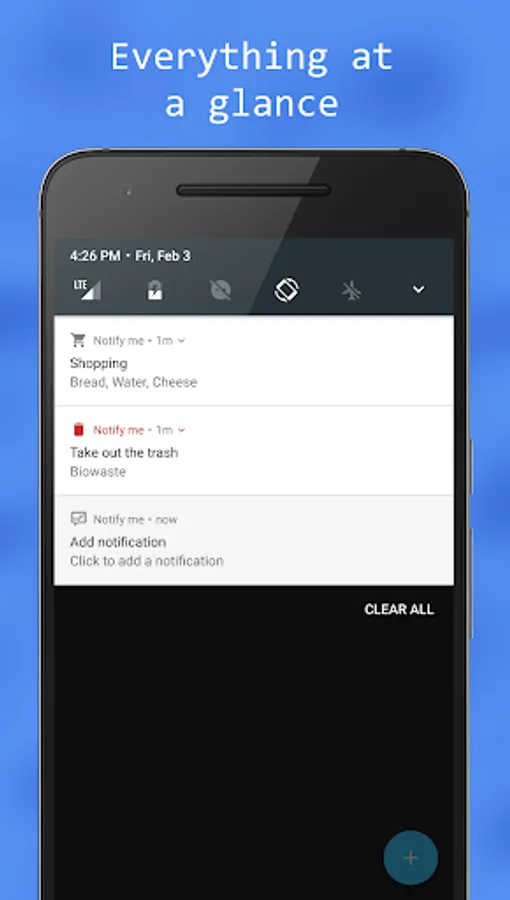
Instead of opening apps or looking for widgets like necessary in many To Do List Apps, you can not overlook the notifications in the notification bar (status bar). You will see the reminders every time you are looking on your phone, so that you will not forget your tasks, dates, meetings or whatever.
With this app you really have to do your best to forget any of your tasks and dates.
Features
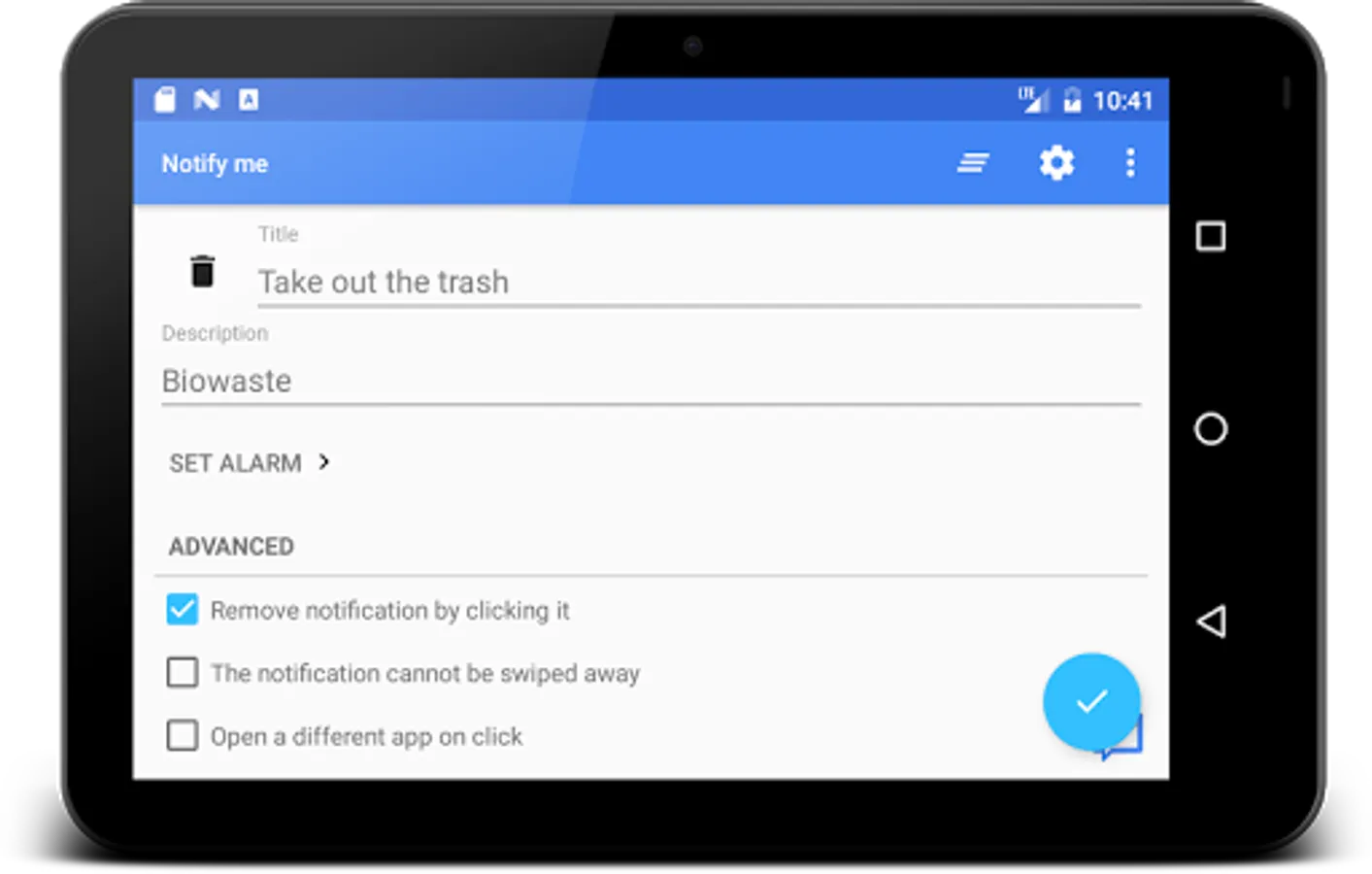
- Set title and description of notification
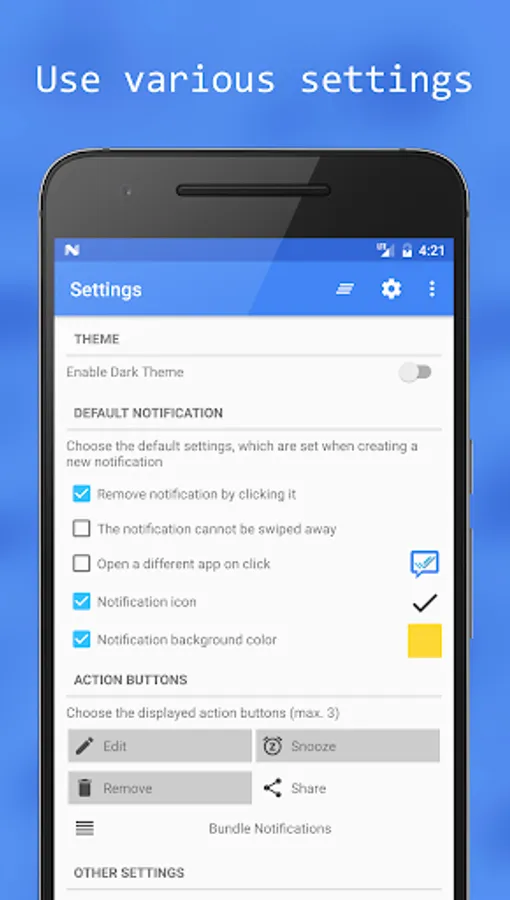
- Numerous settings to individualize the notification (Icon, Color, Alarm,...)
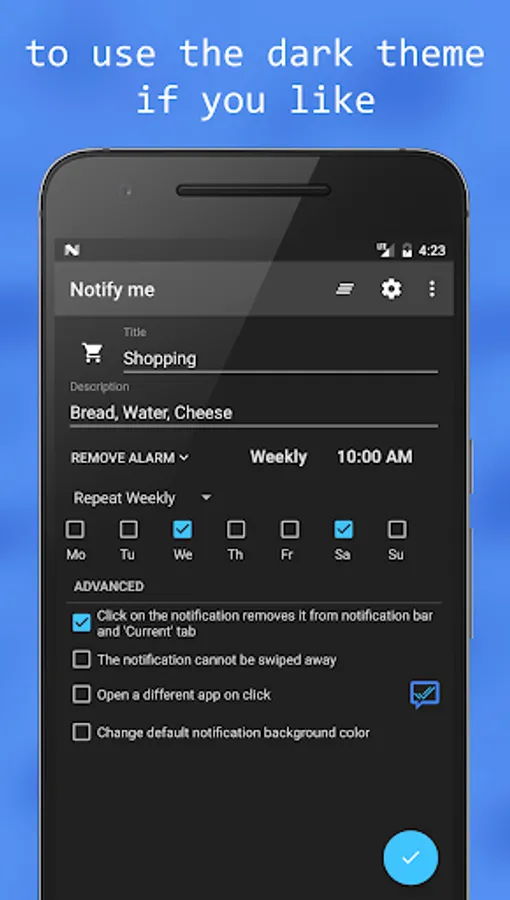
- Daily or weekly repeating alarm
- Light and Dark Theme
- Numerous Action Buttons for the notification (Snooze reminder, Bundle notifications,...)
- Material Design (Clean UI)
- Share notifications
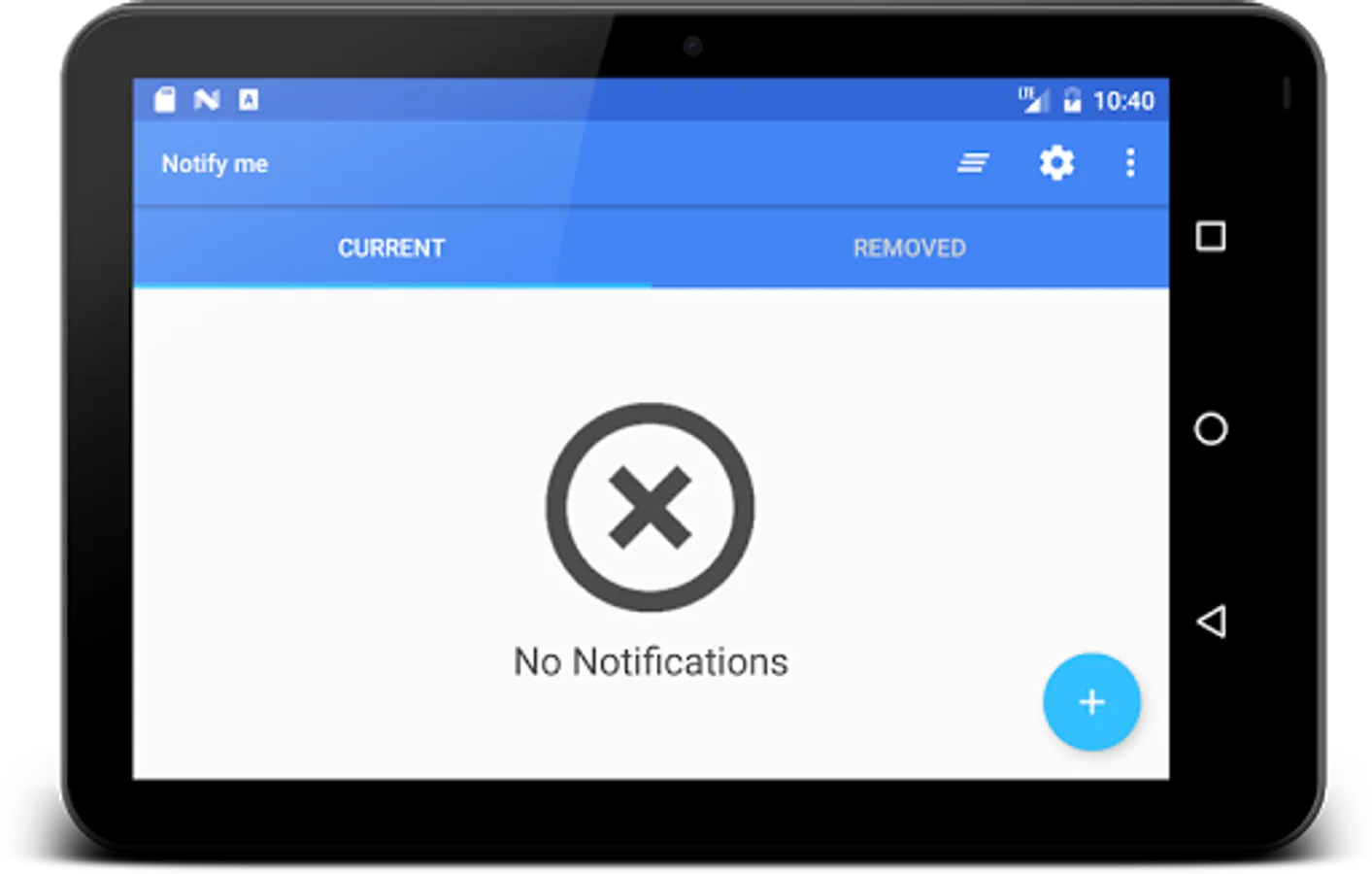
- Notification history
- Recreate notifications
- Heads-Up notifications, Floating Pop-Up (Android >= 21)
- Optional: Instant close after creating/editing note
- Optional: Persistent notification for quick-add in the status bar
- Notifications will be displayed on your Android Wear Smartwatch
- Totally free and ad-free
- Fast and lightweight
- Share text into Notify me
Permission
- Full Internet access: Used by Firebase Crash Reporting Tool
- View Network status / WiFi state: Used by Firebase Crash Reporting Tool
- Control vibration: Used to use vibration for notifications
- Run at startup: Used to show Notifications after restart
Create custom Android notifications within seconds. Create, share, bundle, customize, and edit notifications.
Notify me is an app that lets you create custom Android notifications in the notification bar for a quick or scheduled reminder. It can be used to remind you of dates, tasks or other things you need to be reminded of. You have numerous possibilities to individualize the notification. It can have a chosen icon, can have an alarm, different behaviors, ....
The icon can remind you of the task even without reading the title or description of the notification. And if the app should remind you of taking out the trash this evening you can set an alarm.
But all this is optional. If you just want a fast and simple notification: create it! If you want an individualized and advanced notification: create it!
Instead of opening apps or looking for widgets like necessary in many To Do List Apps, you can not overlook the notifications in the notification bar (status bar). You will see the reminders every time you are looking on your phone, so that you will not forget your tasks, dates, meetings or whatever.
With this app you really have to do your best to forget any of your tasks and dates.
Features
- Set title and description of notification
- Numerous settings to individualize the notification (Icon, Color, Alarm,...)
- Daily or weekly repeating alarm
- Light and Dark Theme
- Numerous Action Buttons for the notification (Snooze reminder, Bundle notifications,...)
- Material Design (Clean UI)
- Share notifications
- Notification history
- Recreate notifications
- Heads-Up notifications, Floating Pop-Up (Android >= 21)
- Optional: Instant close after creating/editing note
- Optional: Persistent notification for quick-add in the status bar
- Notifications will be displayed on your Android Wear Smartwatch
- Totally free and ad-free
- Fast and lightweight
- Share text into Notify me
Permission
- Full Internet access: Used by Firebase Crash Reporting Tool
- View Network status / WiFi state: Used by Firebase Crash Reporting Tool
- Control vibration: Used to use vibration for notifications
- Run at startup: Used to show Notifications after restart
Notify me - Notification bar Screenshots
Tap to Rate:
Reviews for Notify me - Notification bar
pranav bhagwani
12/6/2025
noice
Burhan Ronin (司空鸿鹰)
11/7/2025
It's actually great I didn't expect it to be so since there is isn't any rating but it's actually very good it is accurate and it presented the notification that I wanted in time