
Wing Chun Trainer
Zhen Style Wing Chun
4.5 ★
6K ratings
1,000,000+
downloads
Free
+ in-app
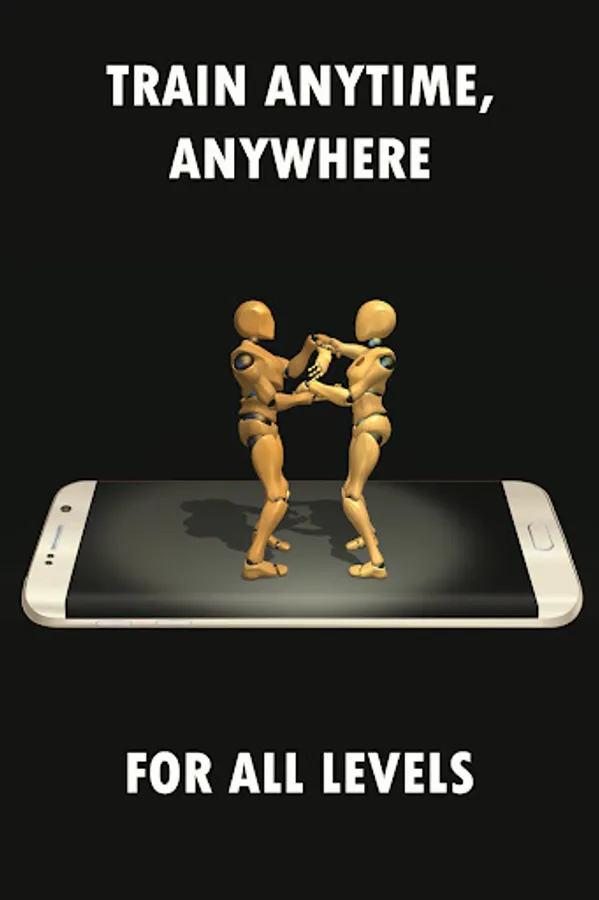
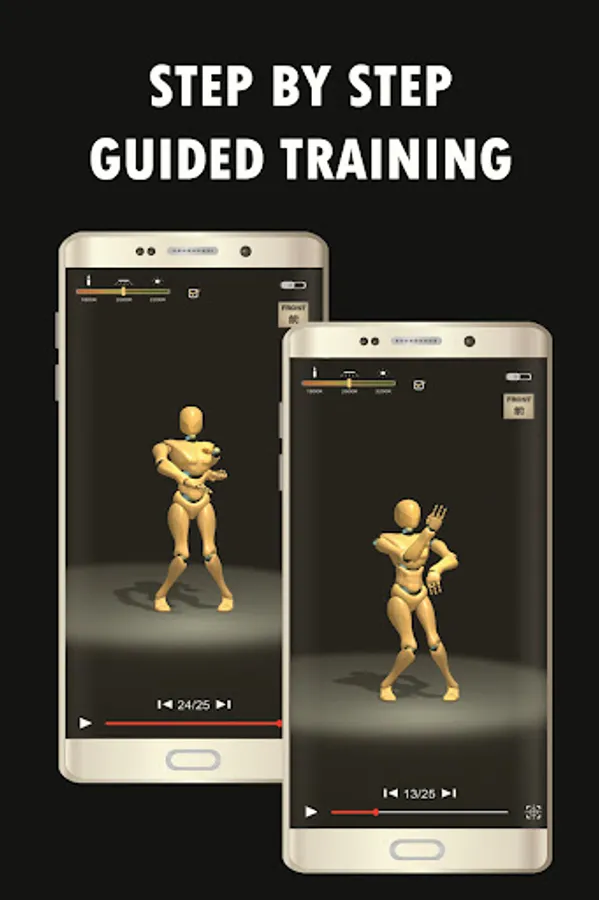
In this martial arts training app, users can learn various Wing Chun techniques through detailed tutorials and practice routines. Includes 3D view rotation, speed control, step selection, zoom features, and centerline guidance.
AppRecs review analysis
AppRecs rating 4.6. Trustworthiness 74 out of 100. Review manipulation risk 34 out of 100. Based on a review sample analyzed.
★★★★☆
4.6
AppRecs Rating
Ratings breakdown
5 star
79%
4 star
10%
3 star
3%
2 star
1%
1 star
7%
What to know
✓
Credible reviews
74% trustworthiness score from analyzed reviews
✓
High user satisfaction
79% of sampled ratings are 5 stars
About Wing Chun Trainer
Wing Chun is a technique to stop the invasion, it is an active, streamlined self-defense system.
Distinctive [Nanquan] south martial arts, emphasizing the use of the correct concept of consciousness and way of thinking, to export limbs flexible application
Wing Chun is a very scientific, real strong boxing, defending it punches fast and close, flexible and fast footstep, both offensive and defensive attack and keep the same period, focusing on hardness with softness, strength and less consumption. Wing Chun with "inch Punch" to attack and defense, Its theory and mental instructions focus on the central line of human body, equal attention on left and right, and flexible handling and delivering of punches among others. Its strength lies in close range combat.
Tutorials
Routine
• Siu Nim Tau
• Chum Kiu
• Biu Zi
Wing Chun sticky hands
• More than 15 technologies or more
Footwork
• Lunge
• Force
• Cross
• Circle
• Side
• Back
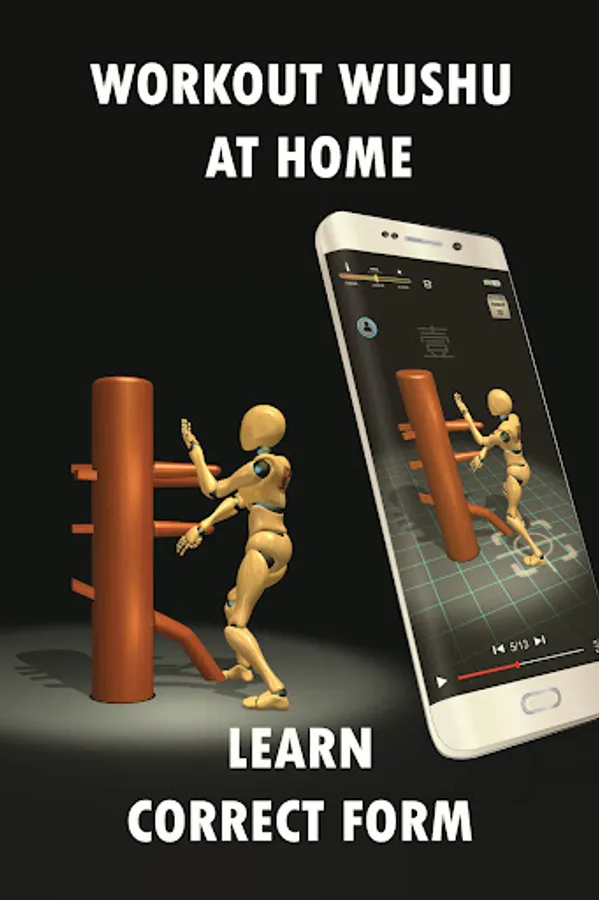
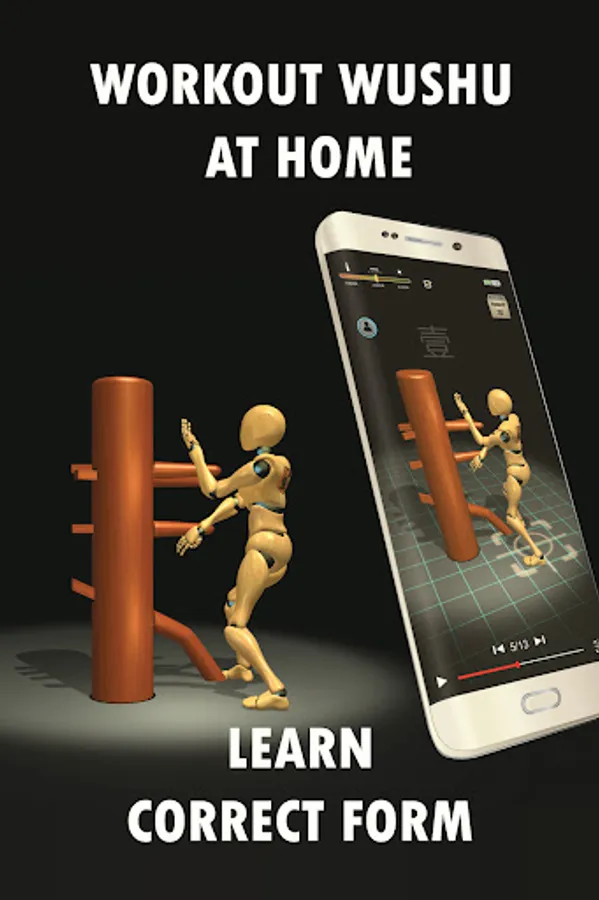
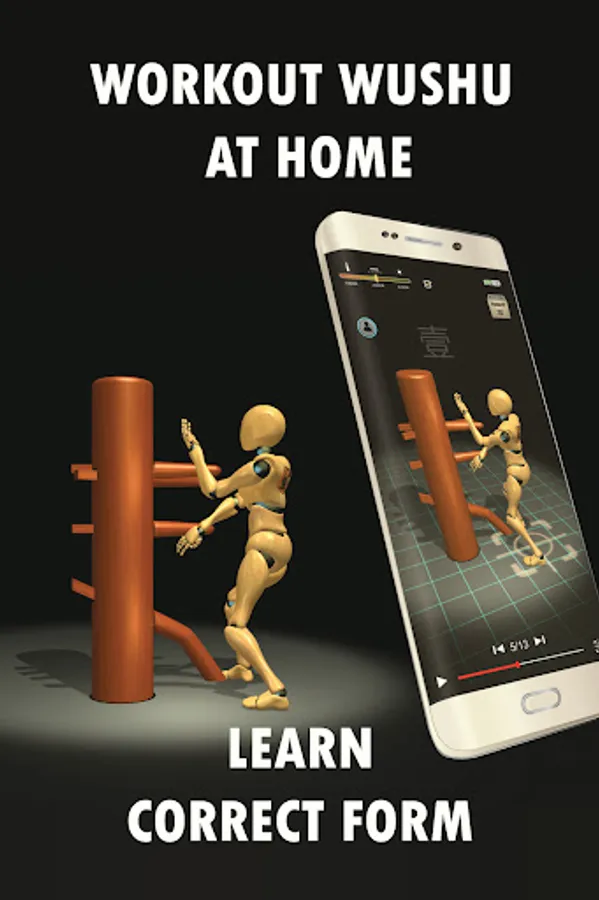
Wooden Dummy Full Set
Wing Chun leg Skill
• 8 Leg /Storm ,Cut ,Step ,Hook ,Shovel ,Whip ,Raise ,Swing
Features
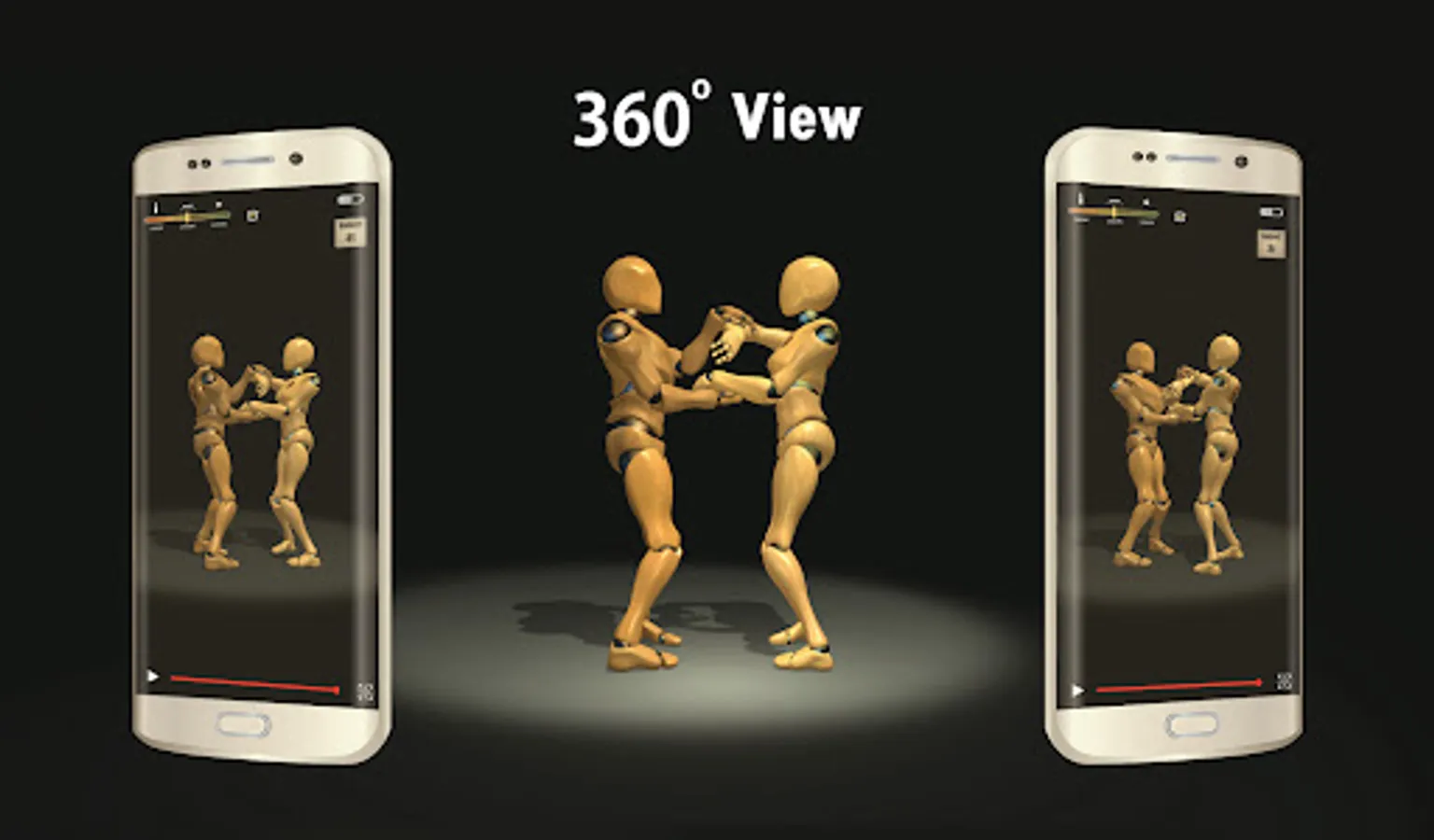
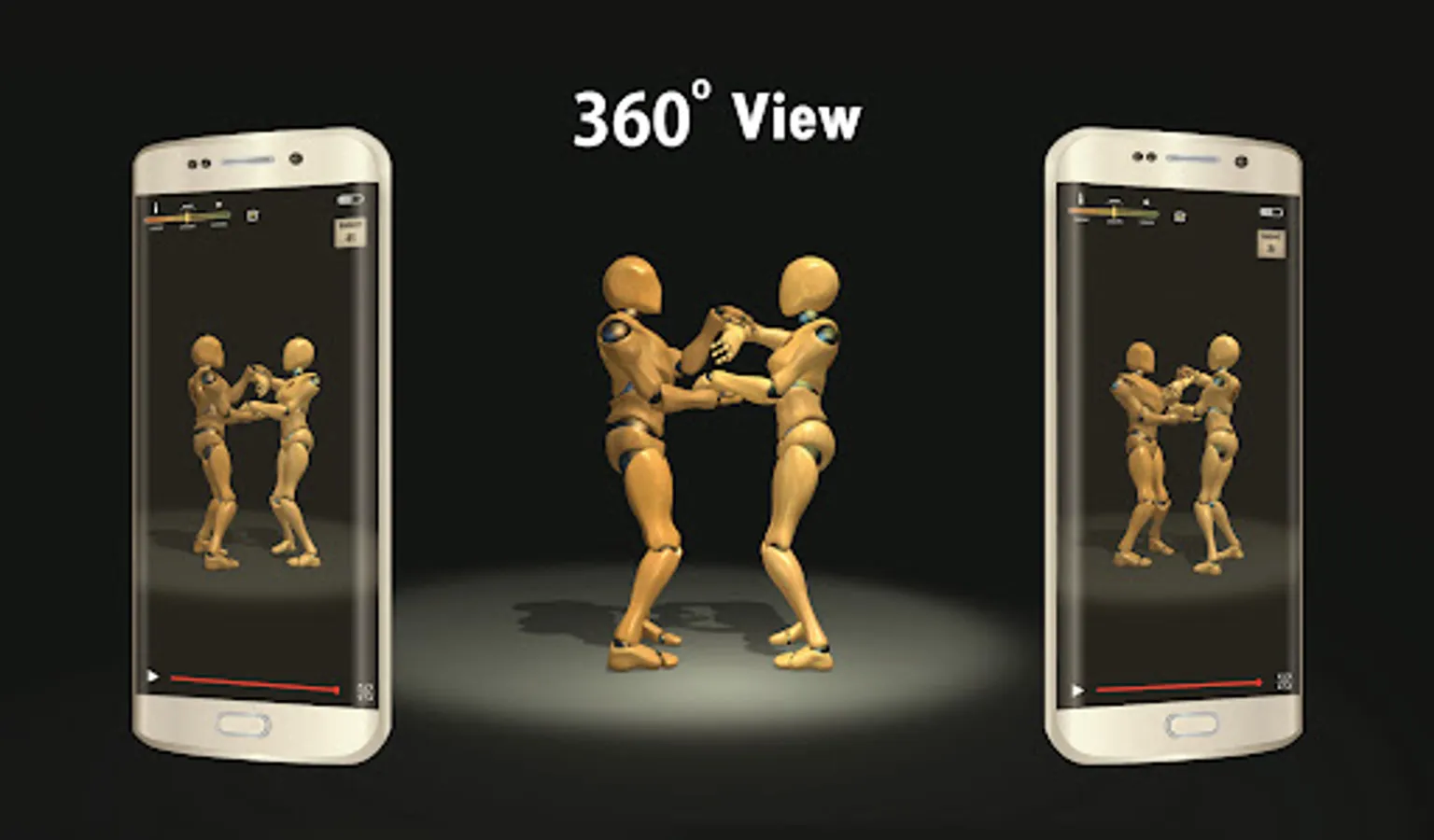
1. Rotate view
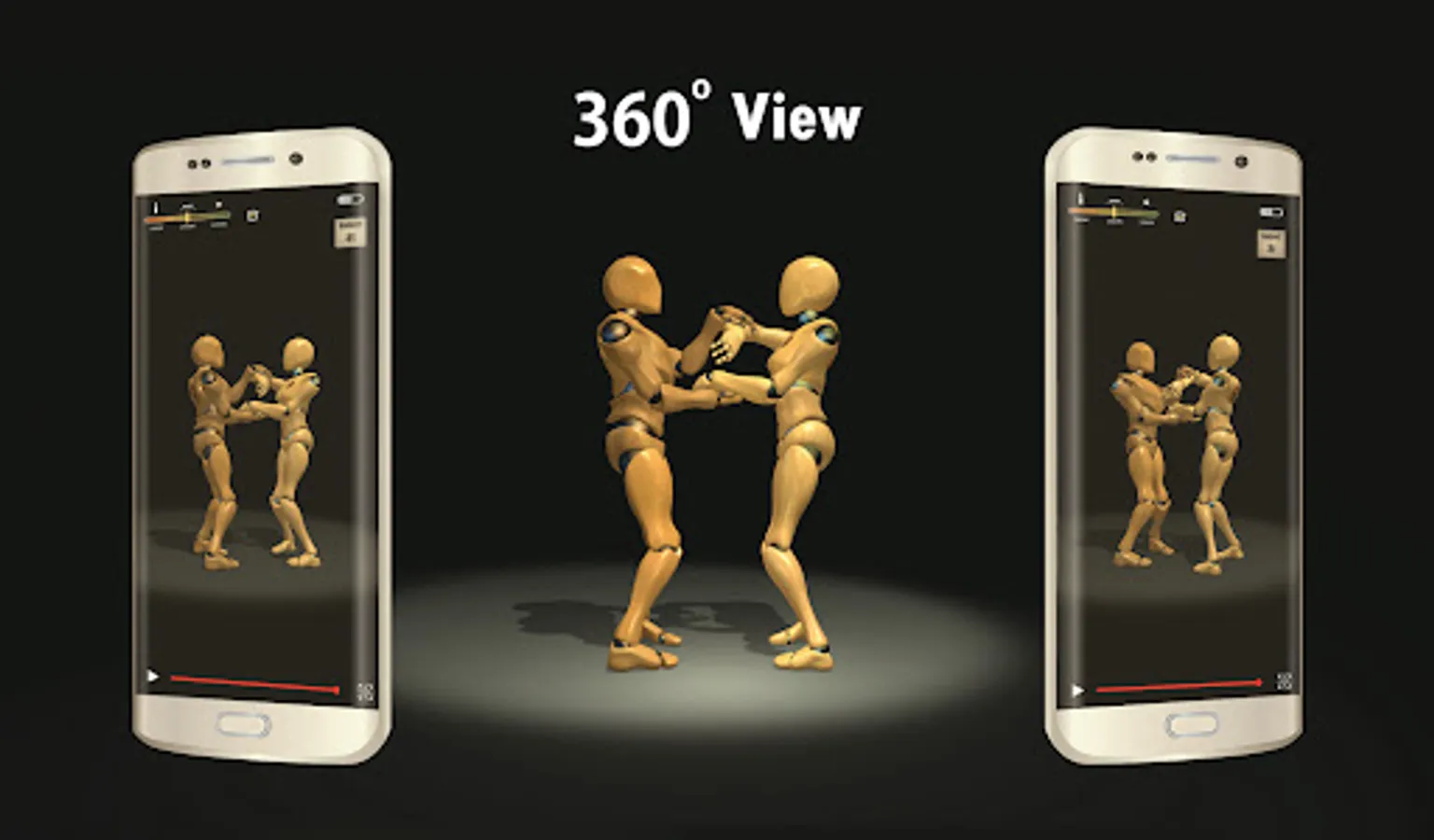
Users can view the details of the action from different angles through the rotate view function to enhance the learning effect.
2. Speed adjuster
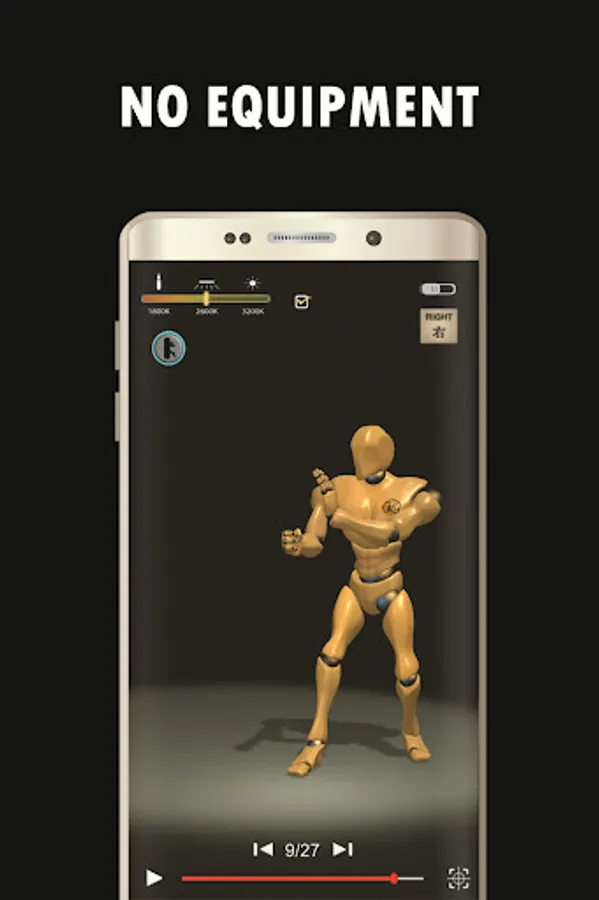
The speed adjuster allows users to adjust the video playback speed so that they can observe the process of each action in detail.
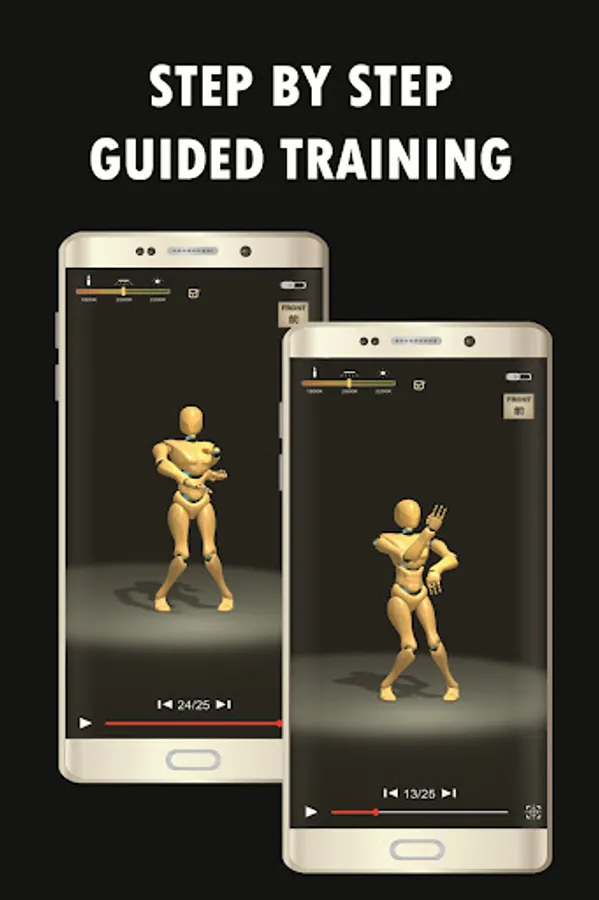
3. Select steps and loops
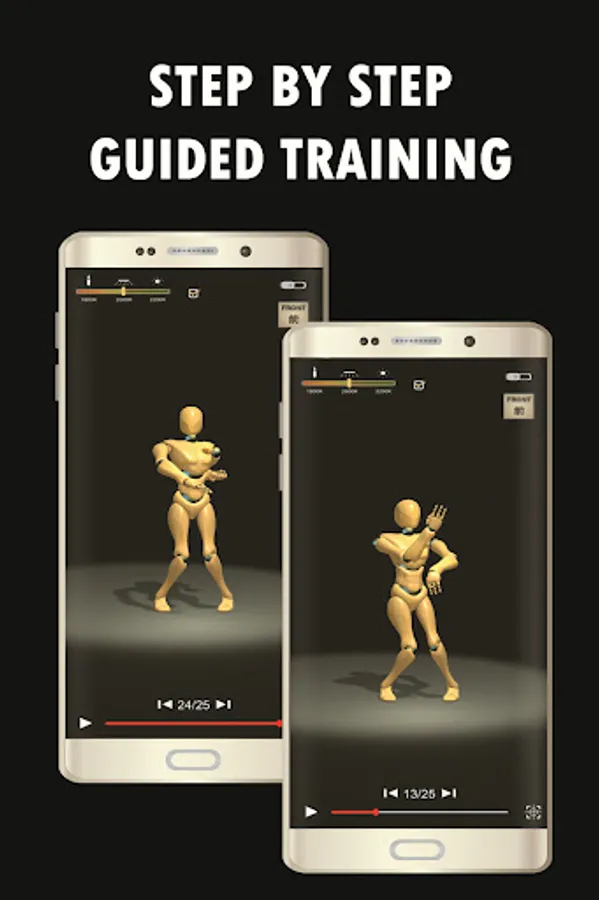
Users can select specific action steps and set loop playback to practice specific skills repeatedly.
4. Zoom function
The zoom function allows users to zoom in on the video and accurately view the details of the action.
5. Video slider
The video slider function supports users to play in slow motion instantly, which is convenient for analyzing each action frame by frame.
6. Body centerline designation
Users can use the body centerline designation function to accurately determine the angle and position of the action.
7. Drag menu without exiting the scene
Users can drag menu options to operate without exiting the current scene.
8. Compass map positioning
The compass map positioning function helps users maintain the correct direction and position during training.
9. Mirror function
The mirror function can help users coordinate left and right movements and improve the overall training effect.
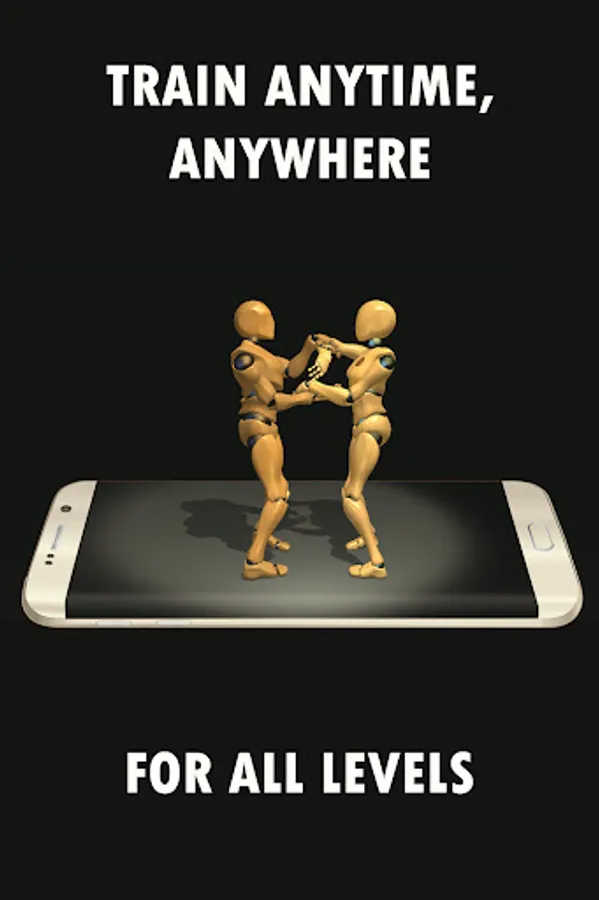
10. Home exercise
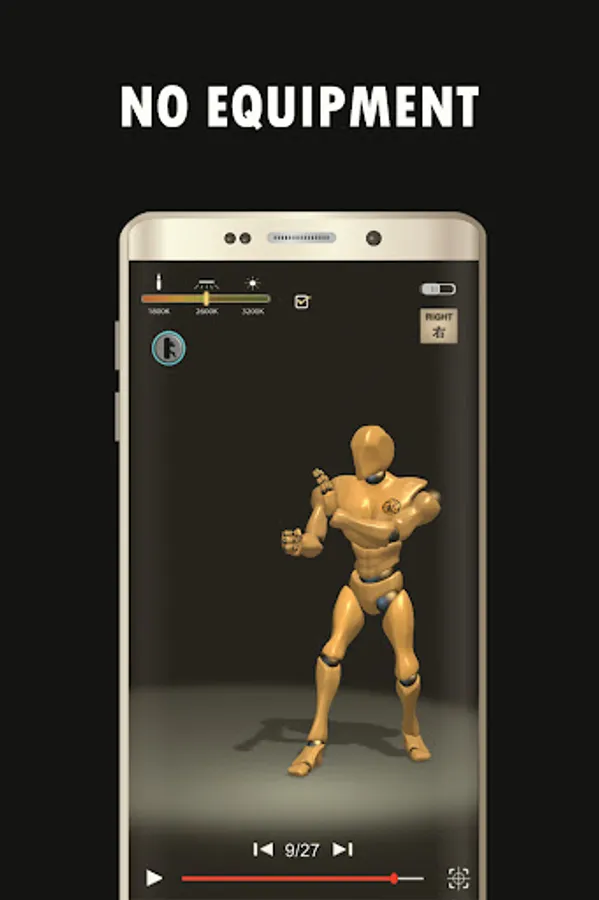
The application provides a home exercise program without equipment, allowing users to practice anytime, anywhere.
All honors attributed to martial arts
Distinctive [Nanquan] south martial arts, emphasizing the use of the correct concept of consciousness and way of thinking, to export limbs flexible application
Wing Chun is a very scientific, real strong boxing, defending it punches fast and close, flexible and fast footstep, both offensive and defensive attack and keep the same period, focusing on hardness with softness, strength and less consumption. Wing Chun with "inch Punch" to attack and defense, Its theory and mental instructions focus on the central line of human body, equal attention on left and right, and flexible handling and delivering of punches among others. Its strength lies in close range combat.
Tutorials
Routine
• Siu Nim Tau
• Chum Kiu
• Biu Zi
Wing Chun sticky hands
• More than 15 technologies or more
Footwork
• Lunge
• Force
• Cross
• Circle
• Side
• Back
Wooden Dummy Full Set
Wing Chun leg Skill
• 8 Leg /Storm ,Cut ,Step ,Hook ,Shovel ,Whip ,Raise ,Swing
Features
1. Rotate view
Users can view the details of the action from different angles through the rotate view function to enhance the learning effect.
2. Speed adjuster
The speed adjuster allows users to adjust the video playback speed so that they can observe the process of each action in detail.
3. Select steps and loops
Users can select specific action steps and set loop playback to practice specific skills repeatedly.
4. Zoom function
The zoom function allows users to zoom in on the video and accurately view the details of the action.
5. Video slider
The video slider function supports users to play in slow motion instantly, which is convenient for analyzing each action frame by frame.
6. Body centerline designation
Users can use the body centerline designation function to accurately determine the angle and position of the action.
7. Drag menu without exiting the scene
Users can drag menu options to operate without exiting the current scene.
8. Compass map positioning
The compass map positioning function helps users maintain the correct direction and position during training.
9. Mirror function
The mirror function can help users coordinate left and right movements and improve the overall training effect.
10. Home exercise
The application provides a home exercise program without equipment, allowing users to practice anytime, anywhere.
All honors attributed to martial arts
Wing Chun Trainer Screenshots


Tap to Rate:
Reviews for Wing Chun Trainer
Hasan
12/10/2025
this is the best and the most helpful app ever i visited 👍👍👍👍👍👍👍
Vikas Kumar
12/2/2025
great bodhidharman