
KMPlayer Plus (Divx Codec)
PANDORA.TV
4.3 ★
1K ratings
10,000+
downloads
$3.90
+ in-app
In this media player app, users can play HD, 4K, and 8K videos using various playback controls. Includes support for multiple subtitle formats and Wi-Fi file sharing.
AppRecs review analysis
AppRecs rating 4.2. Trustworthiness 80 out of 100. Review manipulation risk 26 out of 100. Based on a review sample analyzed.
★★★★☆
4.2
AppRecs Rating
Ratings breakdown
5 star
75%
4 star
6%
3 star
7%
2 star
4%
1 star
7%
What to know
✓
Low review manipulation risk
26% review manipulation risk
✓
Credible reviews
80% trustworthiness score from analyzed reviews
✓
High user satisfaction
82% of sampled ratings are 4+ stars (4.3★ average)
About KMPlayer Plus (Divx Codec)
👉 Feedback, ideas, and events—all welcome.
https://cobak.co/en/space/392
▶ KMPlayer Plus (Divx Codec) officially support Divx codec.
Please check up codec which is not supported.
< Supported codec >
Avi File : DXMF, DX50, DIVX, DIV4, DIV3, MP4V
MKV File : DX50, DIV3, DIVX, DIV4, MP4V
< Not supported codec >
Codec Name : DTS, EAC3, TrueHD
FourCC : eac3, mlp, trhd, dts, dtsb, dtsc, dtse, dtsh, dtsl, ms
< Supported Subtitle Format >
DVD, DVB, SSA/ASS Subtitle Track.
SubStation Alpha(.ssa/.ass) with full styling.SAMI(.smi) with ruby tag support.
SubRip(.srt), MicroDVD(.sub/.txt), VobSub(.sub/.idx), SubViewer2.0(.sub), MPL2(.mpl/.txt), TMPlayer(.txt), Teletext, PJS(.pjs) , WebVTT(.vtt)
▶ Function for KMPlayer Plus (Divx Codec)
< Media Player Function >
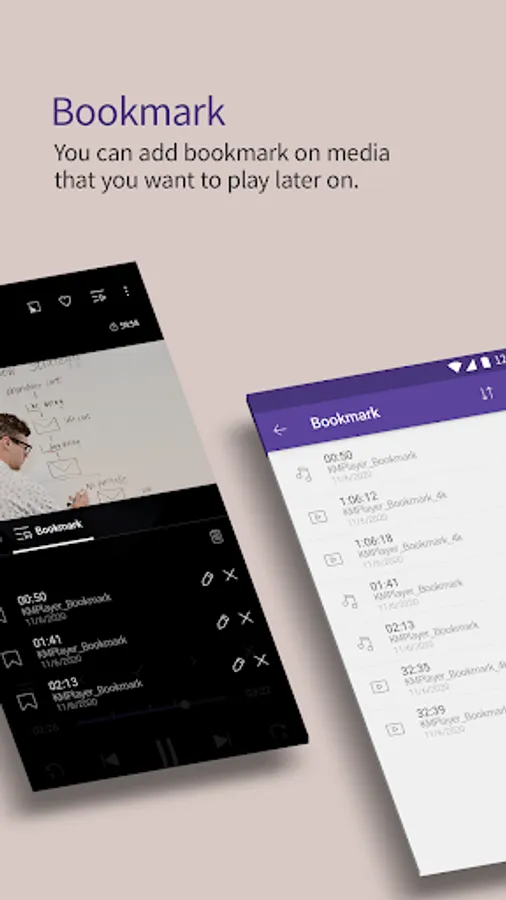
Bookmark : Bookmark on your wanted position to play.
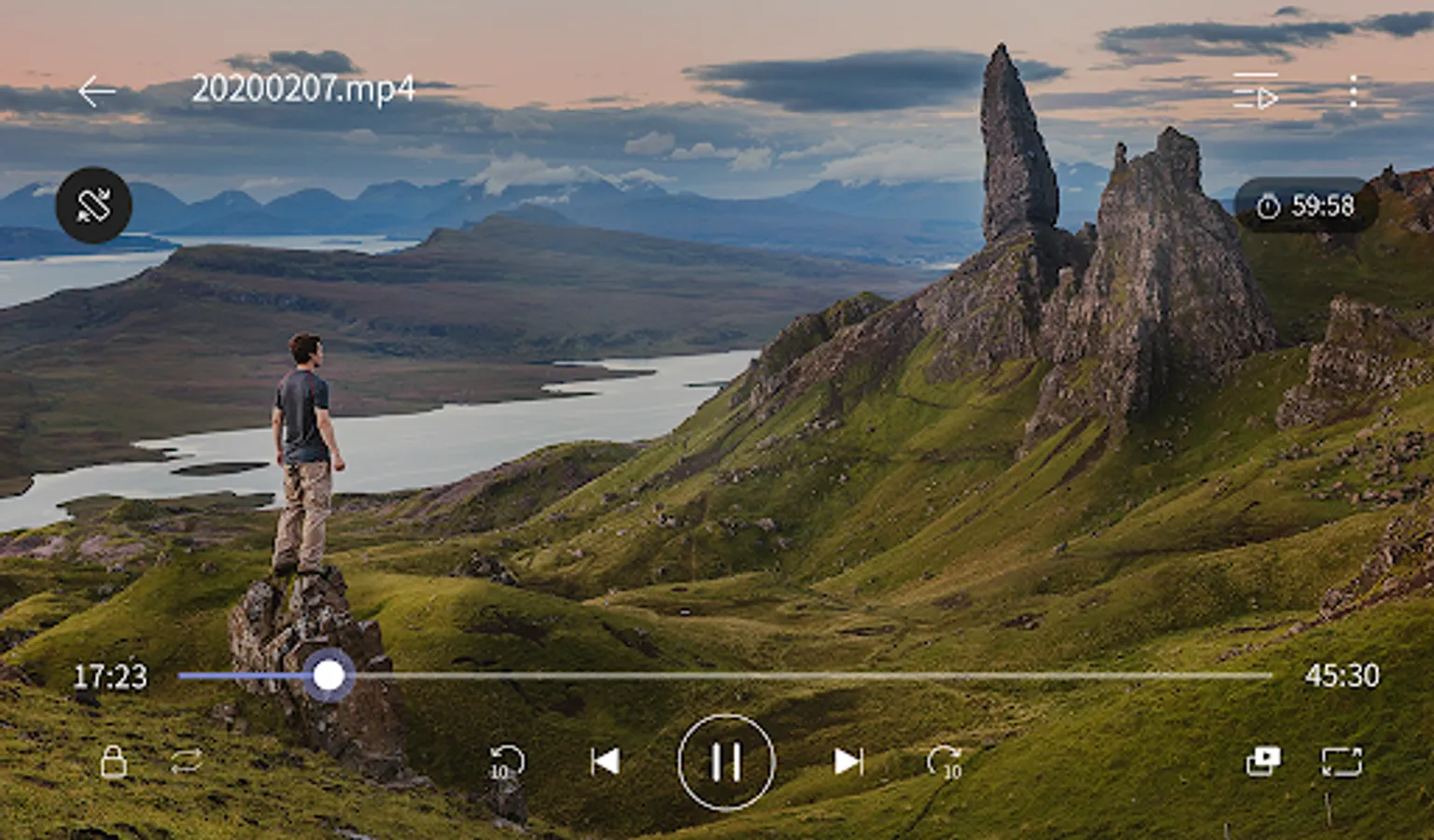
High definition video playback: HD, 4K, 8K, UHD, Full HD playback.
Color adjustment: change brightness, contrast, hue, saturation, gamma information
Zoom in video: Zoom in and move the video you're watching
Section repeat: Repeat after section designation
Invert video: Invert left and right (mirror mode), upside down
Quick Button: Select and specify player options with one click
Popup Play: Pop-up windows that can be used with other apps
Equalizer: Use equalizer for music and video
Speed control: Playback speed control function up to 0.25 ~ 4 times
Beautiful UI: beautiful music and video playback UI
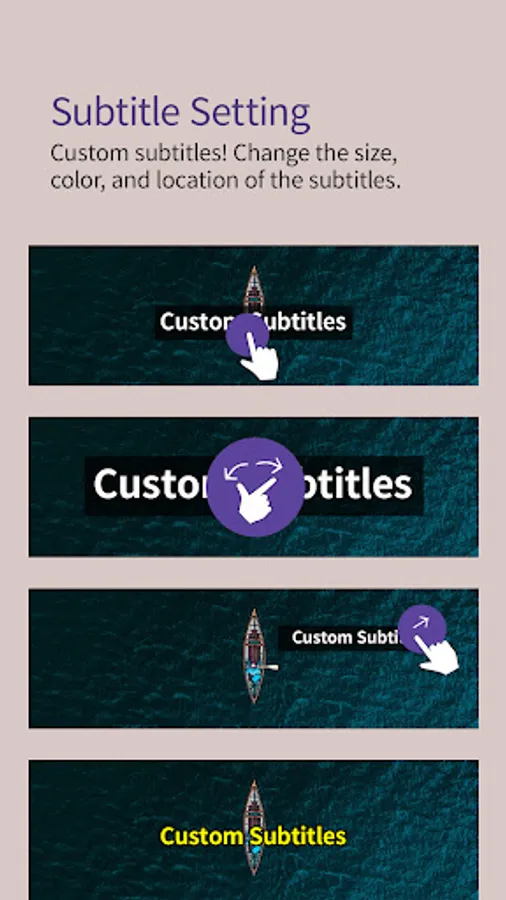
Subtitle Setting: Change subtitle color, size, position
Timer function: Video and music timer function
< Other Functions >
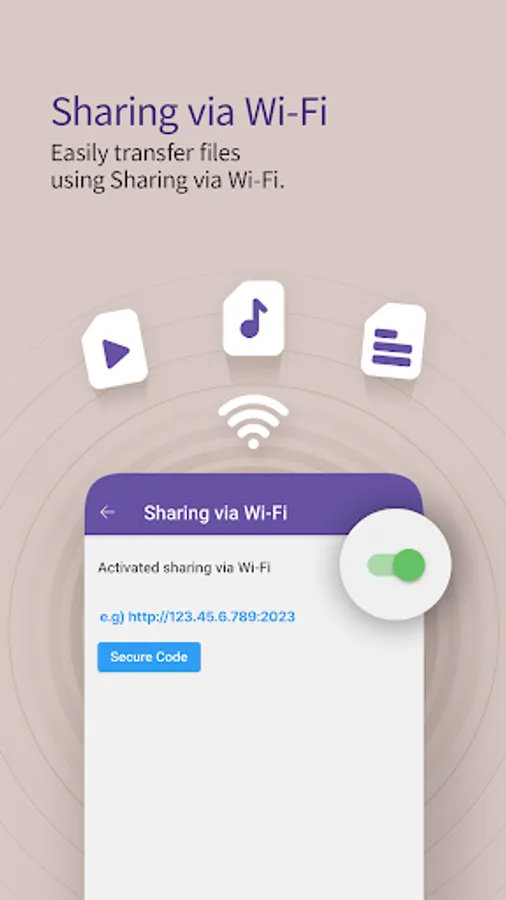
Sharing via Wi-Fi: Using Wi-Fi file transfer between a PC and mobile without a wired connection.
Search function: Search music and video you want
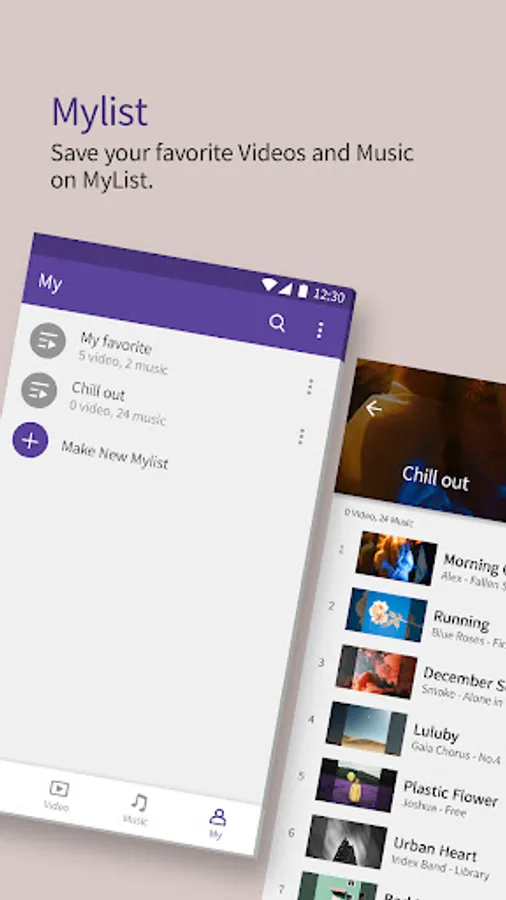
My List (Playlist): Create video and music playlist
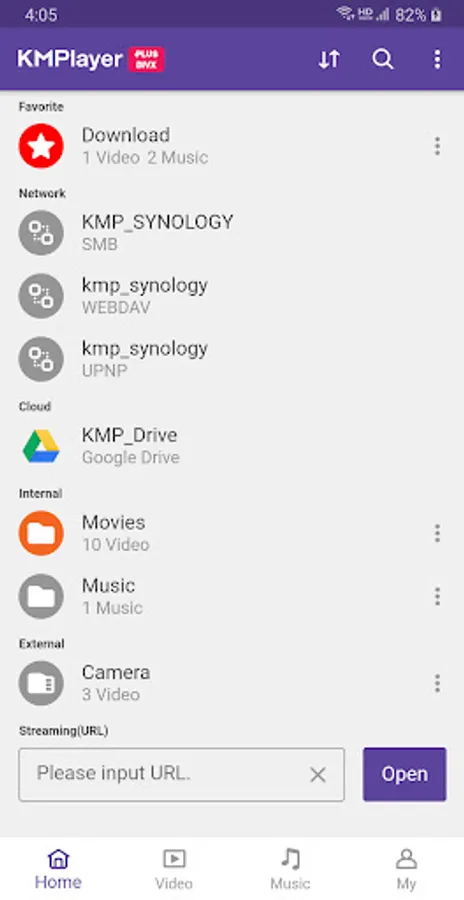
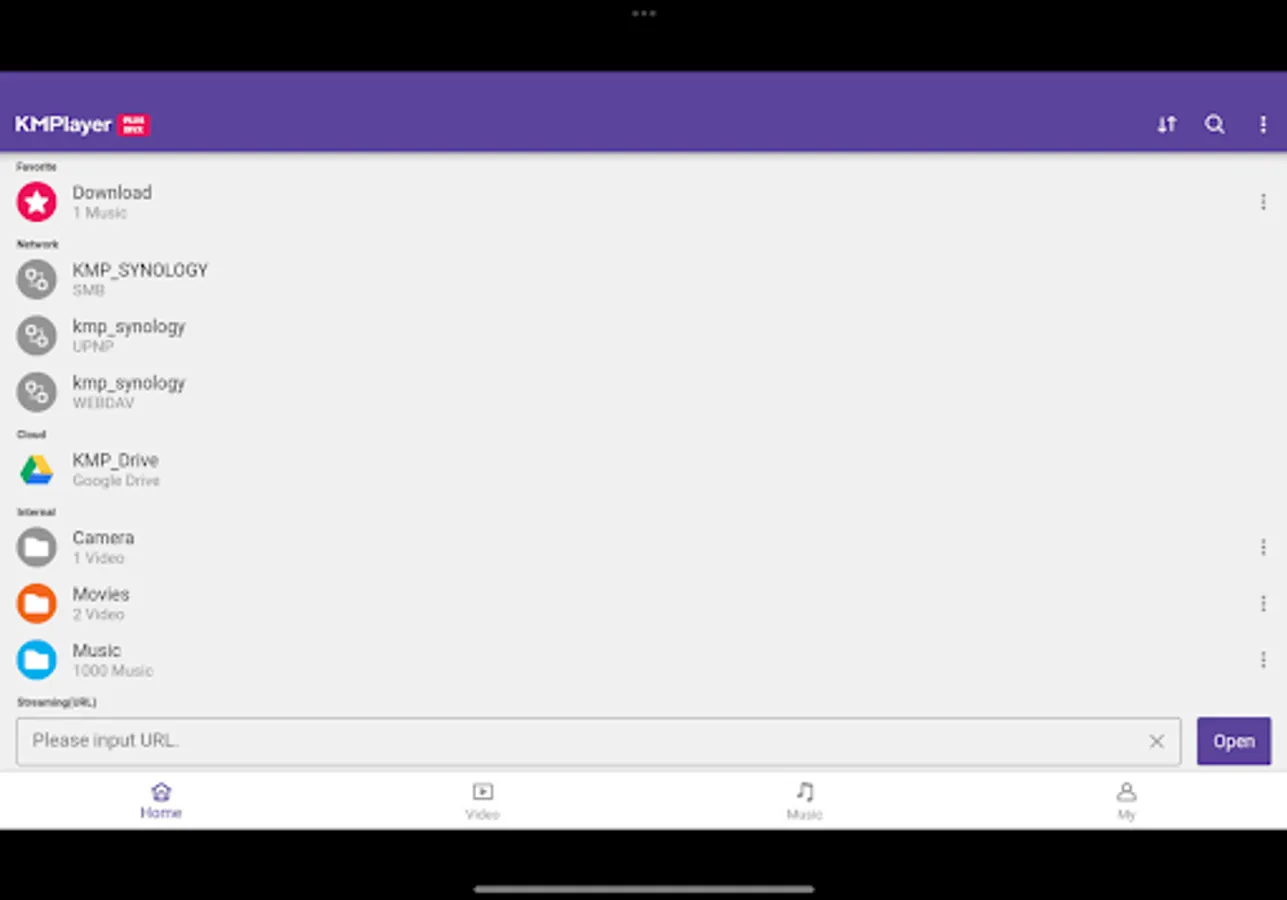
Play URL: Play any video on web by entering a URL (Streaming)
External storage device support: Load external storage device (SD card / USB memory)
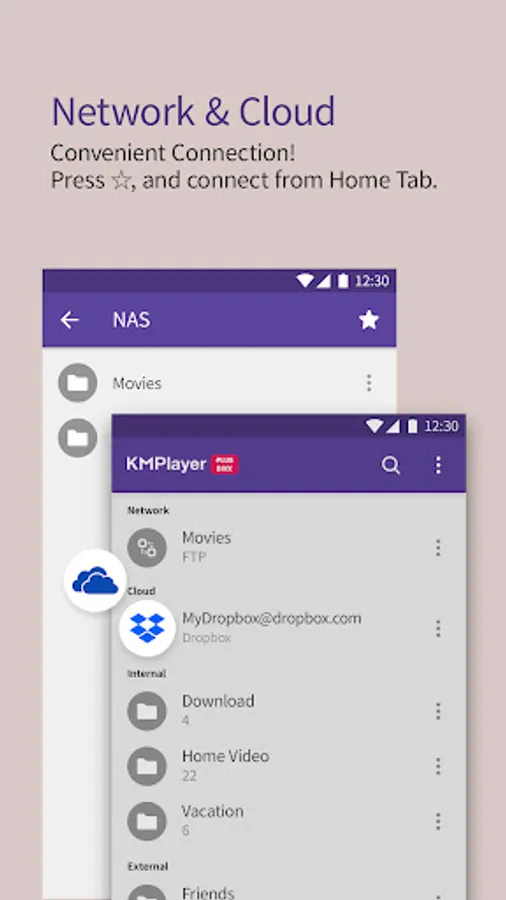
Network: Private server connection by FTP, UPNP, SMB, WebDAV
Cloud: Play music and content within Dropbox, OneDrive
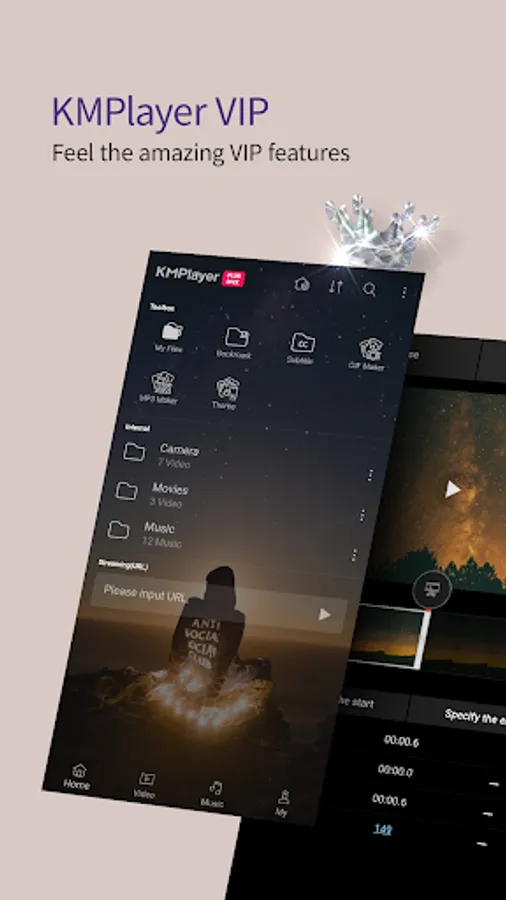
▶ KMPlayer VIP
You can enjoy fantastic VIP features in KMPlayer by in-app purchase
- Torrent Client : Enjoy the real-time playback wihle it downloaded
- Crop video : Please select your video and cut your desired section.
- Crop audio : Please select your audio, cut your desired section and edit.
- GIF toast : Create dynamic pictured GIF from your favorite video to select as you want.
- MP3 Converter : Extract and convert to MP3 audio from your favorite video media file quick and easy.
- VIP theme : Create for your own theme with photo in your smart device.
- Special features will be added for VIP.
Subscrition detailes
- Free trial will be limited per only one Google Play account
- It will be automatically renewed subscription after 30 days free trial endup. It will not be charged for canceled subscription at least 24 H before its end.
- It will be automatically renewed and charged payment unless cancel subscription at least 24 H before the current subscription end.
- You can manage and cancel your subscription at anytime on Google Play setup.
▶ Access Permission Information
< Required Permission >
Storage: Request for access to photos, music, and videos stored on the device
< Selectable Permission >
Draw on top of other apps: Request permission to use popup play
You can use the basic service even if you do not agree with the selectable permission.
(However, functions that require selectable permission cannot be used.)
▶ Contact Email : 'support.divx@kmplayer.com'
KMPlayer Plus (Divx Codec) Screenshots
Tap to Rate:
Reviews for KMPlayer Plus (Divx Codec)
jj danmit
12/29/2025
The app IS NOT WORKING offline. Error 'file not supported' . The same file opens without a problem when network is available. Paid for it specifically for 6 hour bus trip, only to discover I've paid for ONLINE player. If I had internet access, I'd simply watch youtube videos. Luckily I had VLC installed on my tablet... GARBAGE!
Dian Prawoko
12/15/2025
mantep ini, the best lah....