With this app, you can connect Wi-Fi extenders, change settings, and manage devices. Includes step-by-step instructions, device management, and network monitoring features.
AppRecs review analysis
AppRecs rating 3.9. Trustworthiness 82 out of 100. Review manipulation risk 19 out of 100. Based on a review sample analyzed.
★★★☆☆
3.9
AppRecs Rating
Ratings breakdown
5 star
67%
4 star
8%
3 star
0%
2 star
8%
1 star
17%
What to know
✓
Low review manipulation risk
19% review manipulation risk
✓
Credible reviews
82% trustworthiness score from analyzed reviews
✓
High user satisfaction
75% of sampled ratings are 4+ stars (4.0★ average)
About KPN Thuis
For optimal Wi-Fi at home, you need two Wi-Fi extenders. One that is connected to the modem and one near a spot in your home where you currently have poor Wi-Fi.
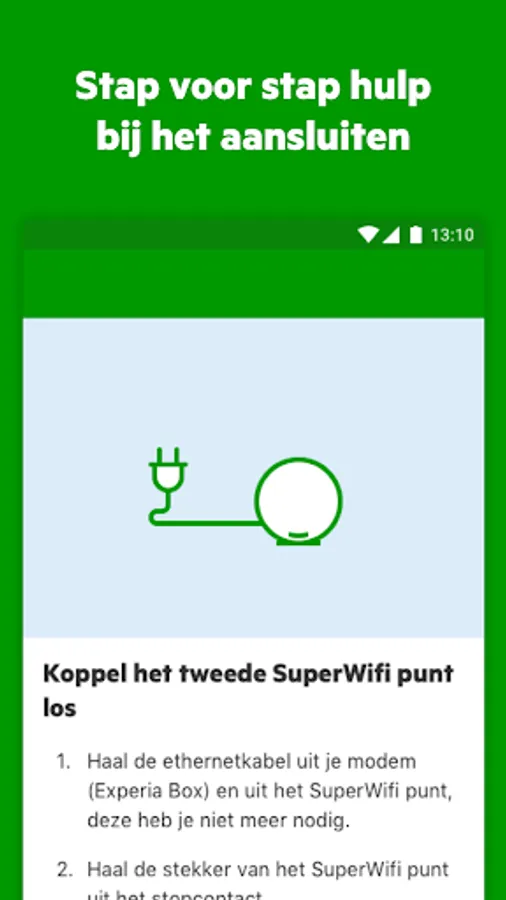
No idea how to connect it? Don't worry, we'll explain that step by step in the app!
Do you have an Experia Box v10A, SuperWifi or Experia Wifi? Then you can:
- Change Wi-Fi settings
- Create a guest network
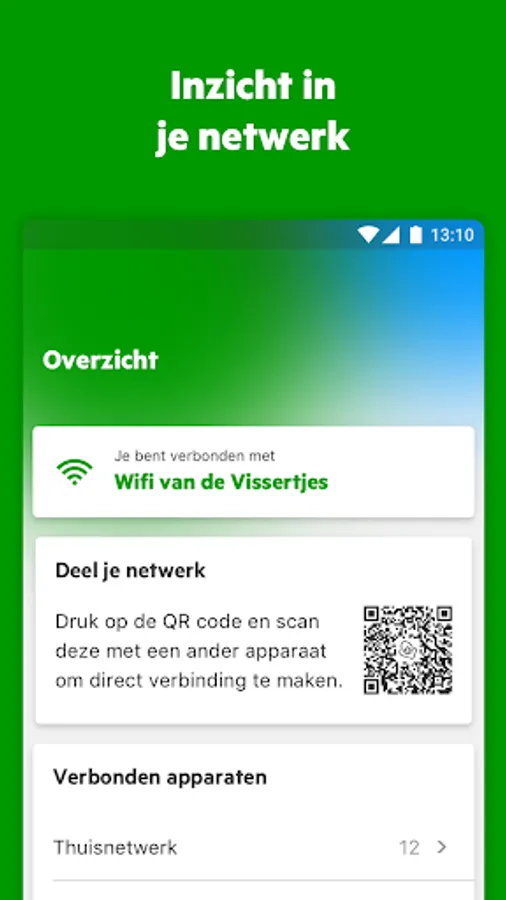
- Share Wi-Fi login via a QR code
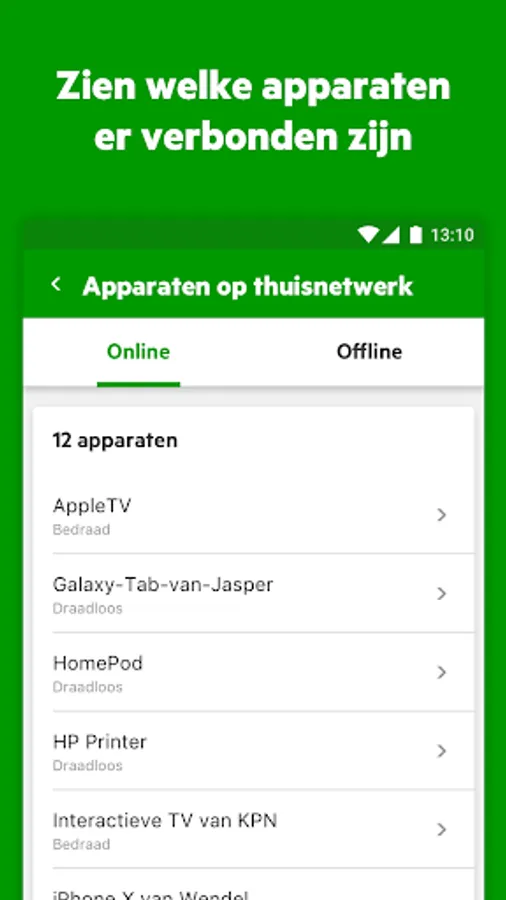
- See which devices are / were connected to your (guest) network
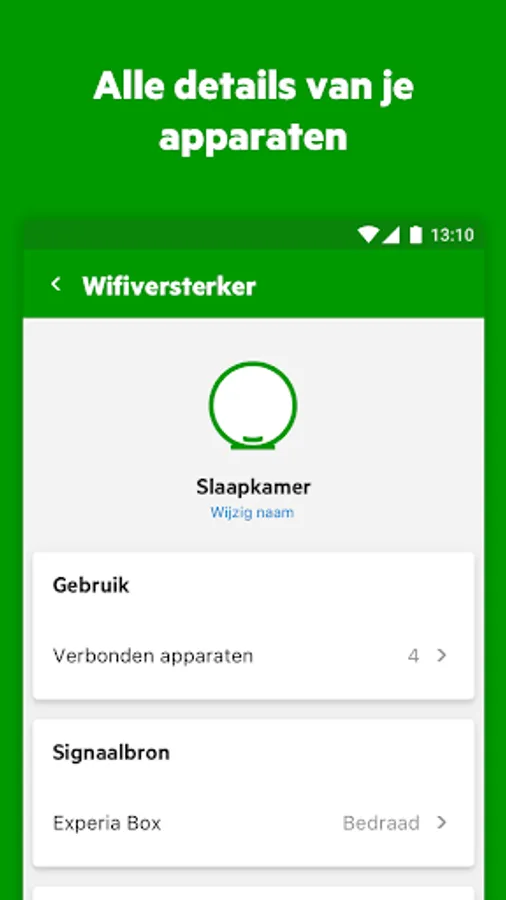
- View details of the connected devices
- Switch LEDs on or off on the Experia Wifi
- Dim the LED on the SuperWifi disc
Do you have an Experia Box v8, v9 or v10? Then you can:
- Change Wi-Fi settings
- Share Wi-Fi login via a QR code
Do you have a kpn Box 12? Then you will find instructions in the app to:
- Install the Experia Box
- Install interactive TV
- Install a Wi-Fi extender
- Test your Wi-Fi via the Wifi manager
Want to know more about how to get the most out of your internet? Visit kpn.com/wifi for even more tips and tricks.
KPN Thuis Screenshots

Tap to Rate:
Reviews for KPN Thuis
Stanislav Dimitrov
12/28/2025
Edit: still can't load reliably in 2025. Lots of problems. I can see very useful information, like who's connected, and also to which AP. And how the APs are connected to each other. But... I get logged out automatically on a regular basis. Changing the access point LED brightness doesn't work, but it's shown as a setting. And even scroll position isn't retained when you go to the previous screen. That shows poor attention to UX. The creators of this app do not care about it.
Chris
12/4/2025
Werkt niet, blijft hangen op ophalen gegevens.