
AppRecs review analysis
AppRecs rating 3.2. Trustworthiness 82 out of 100. Review manipulation risk 19 out of 100. Based on a review sample analyzed.
★★★☆☆
3.2
AppRecs Rating
Ratings breakdown
5 star
45%
4 star
11%
3 star
5%
2 star
8%
1 star
32%
What to know
✓
Low review manipulation risk
19% review manipulation risk
⚠
Pricing complaints
Many low ratings mention paywalls or pricing
⚠
High negative review ratio
39% of sampled ratings are 1–2 stars
About MijnKPN
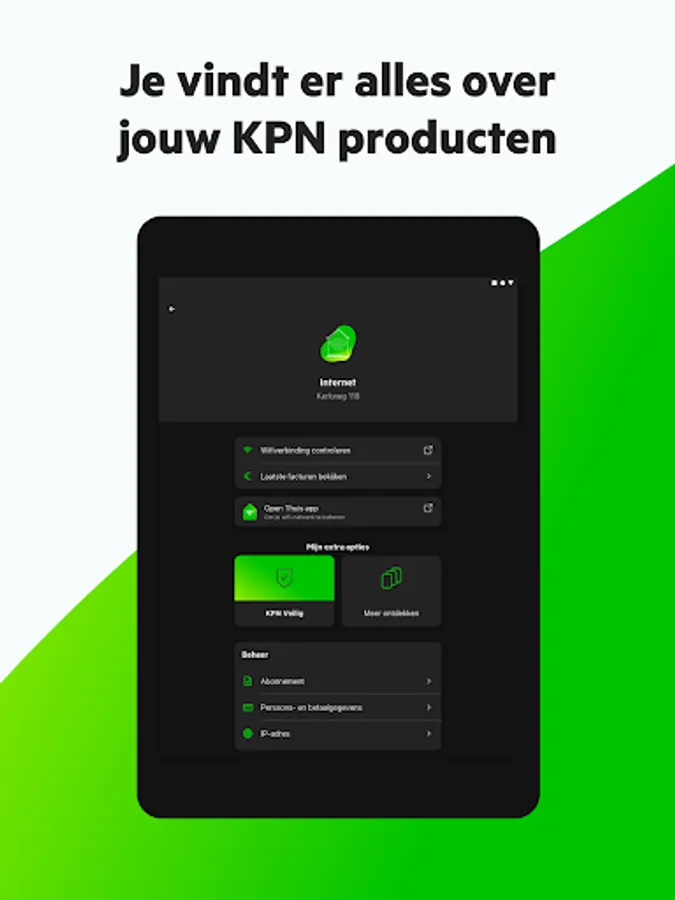
New customer? Check your order status, get help with installation, set up your WiFi and discover everything from KPN. Have you been with us longer? Adjust your subscription, share MBs, get extra service, discover our deals via the MijnKPN app and much more. Fast, easy and safe.
3 advantages of the MijnKPN app:
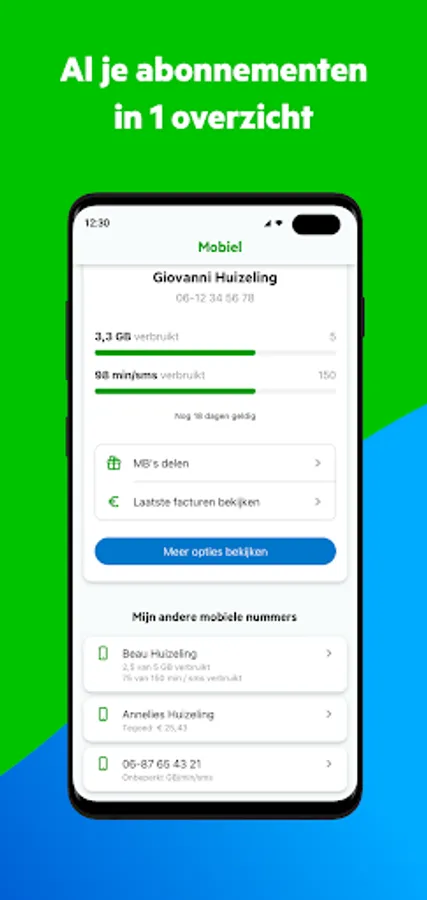
• Arrange everything regarding your subscription via the MijnKPN app. From installing equipment to using products.
• Find answers faster and solve problems yourself most quickly. Can't figure it out? With a call appointment via the app you will always be helped sooner.
• Voor Jou: football tickets, discounts on days out and other extras. Voor Jou, from us, collected in the app.
You can do this with the MijnKPN app:
• Track the status of your order
• Install all your devices with your personal installation help
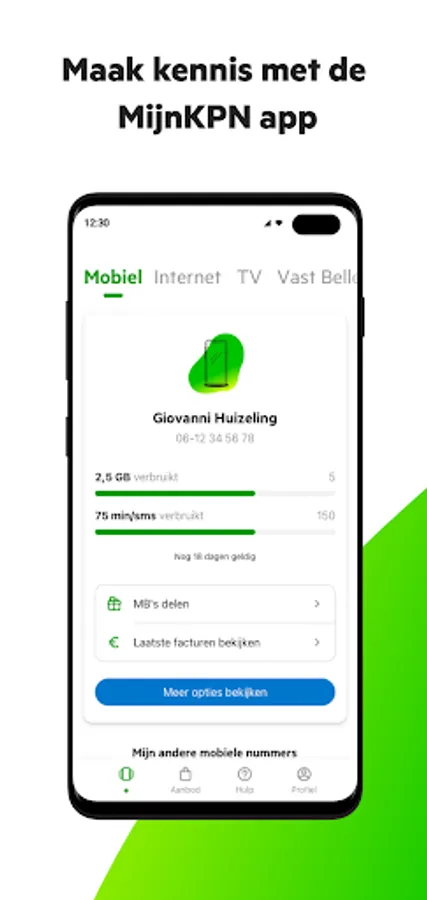
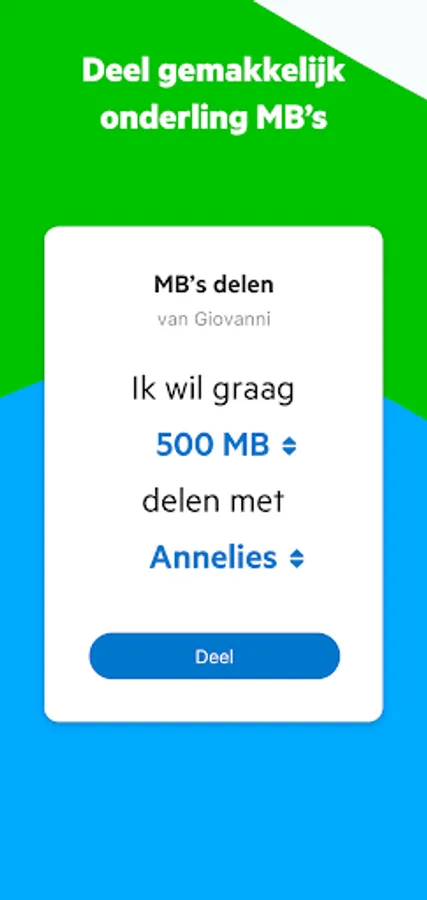
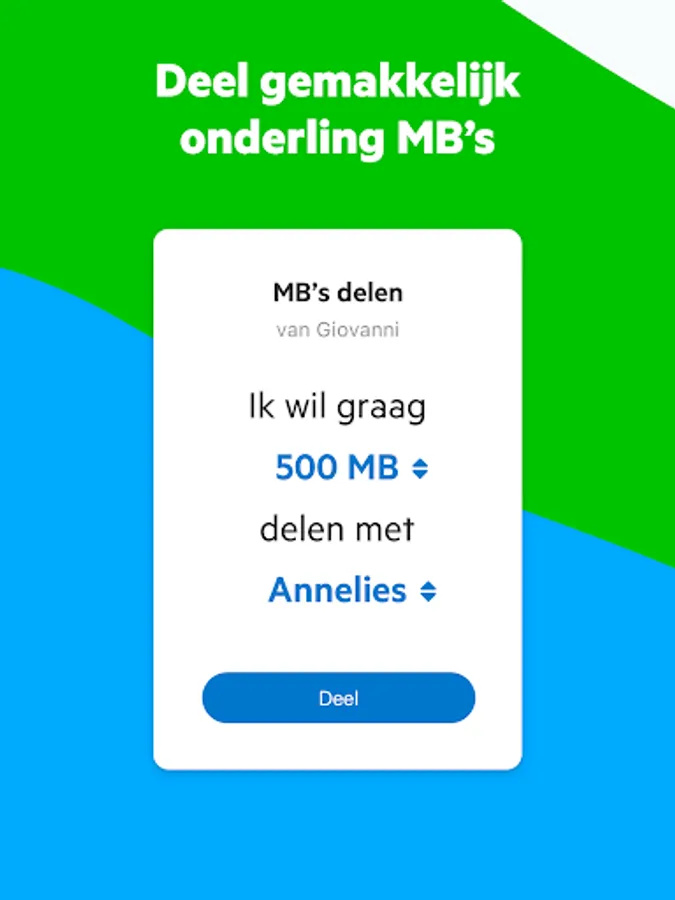
• Share your MBs with your housemates, once or every month automatically
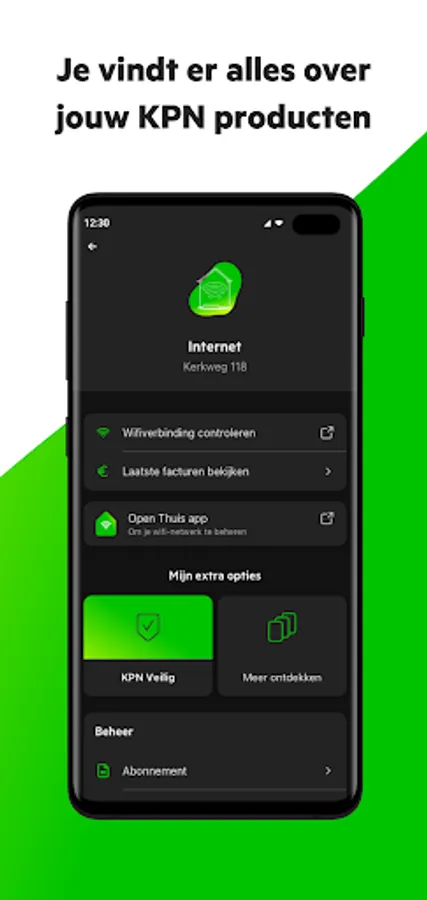
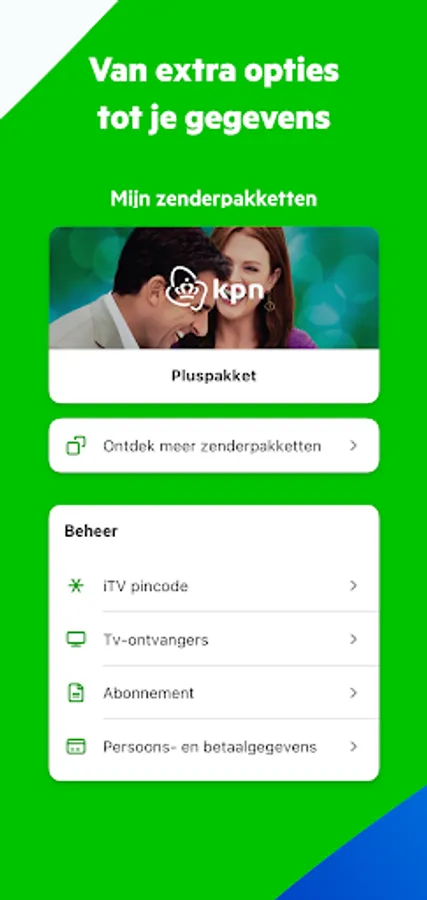
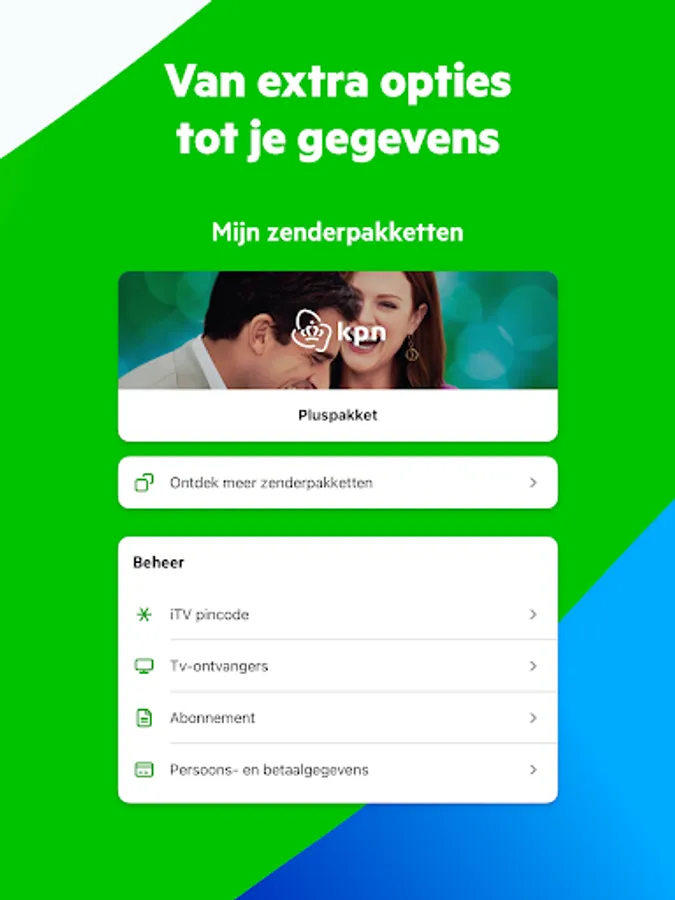
• Customize your subscription: from speed and extra bundles to channel packages
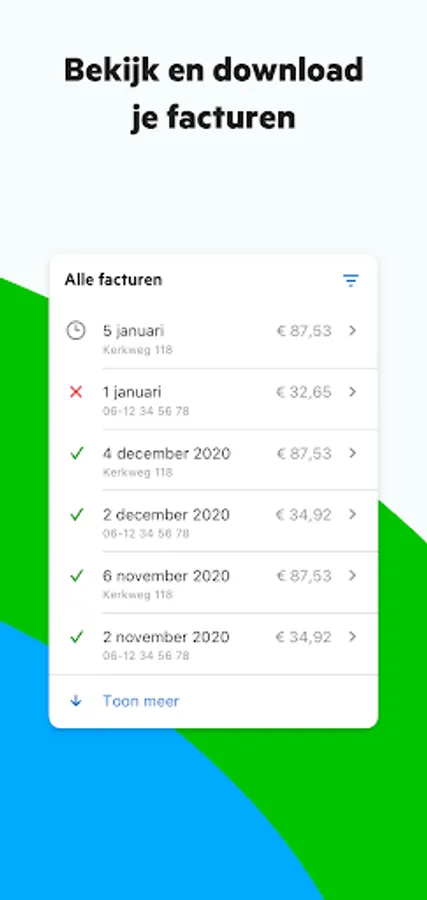
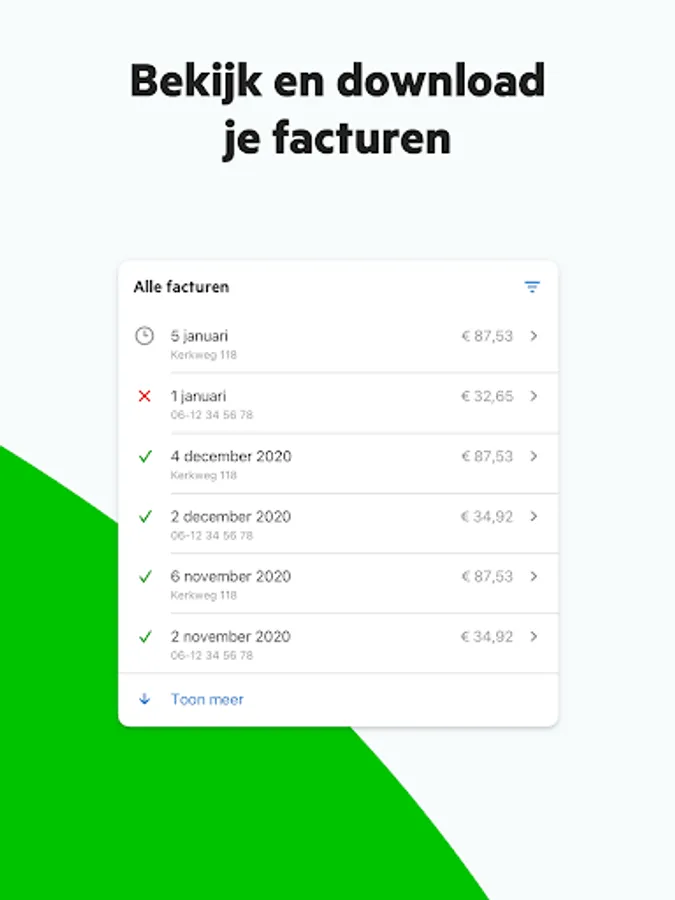
• View, pay and download your invoices
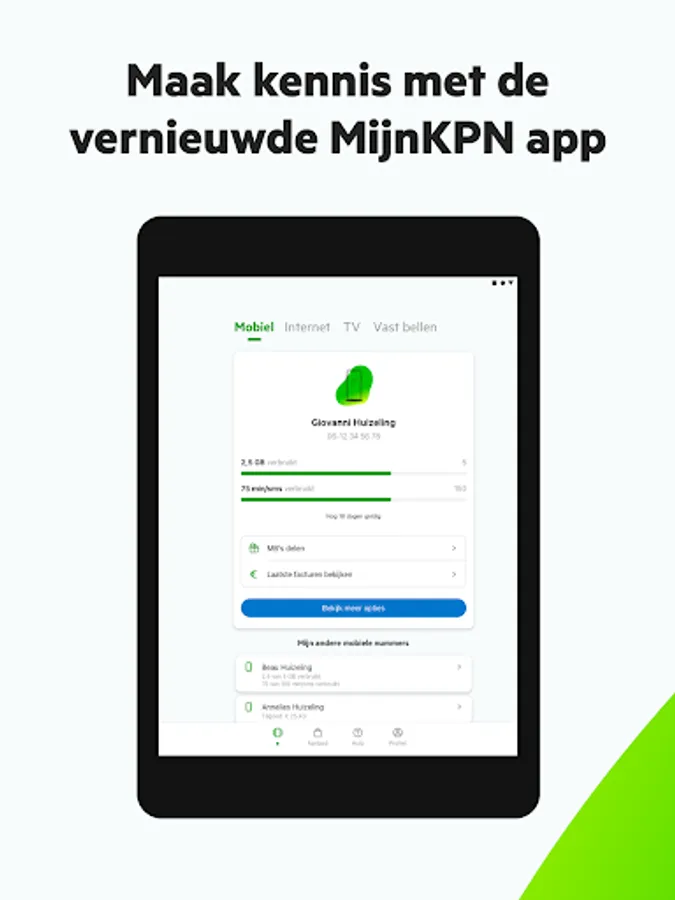
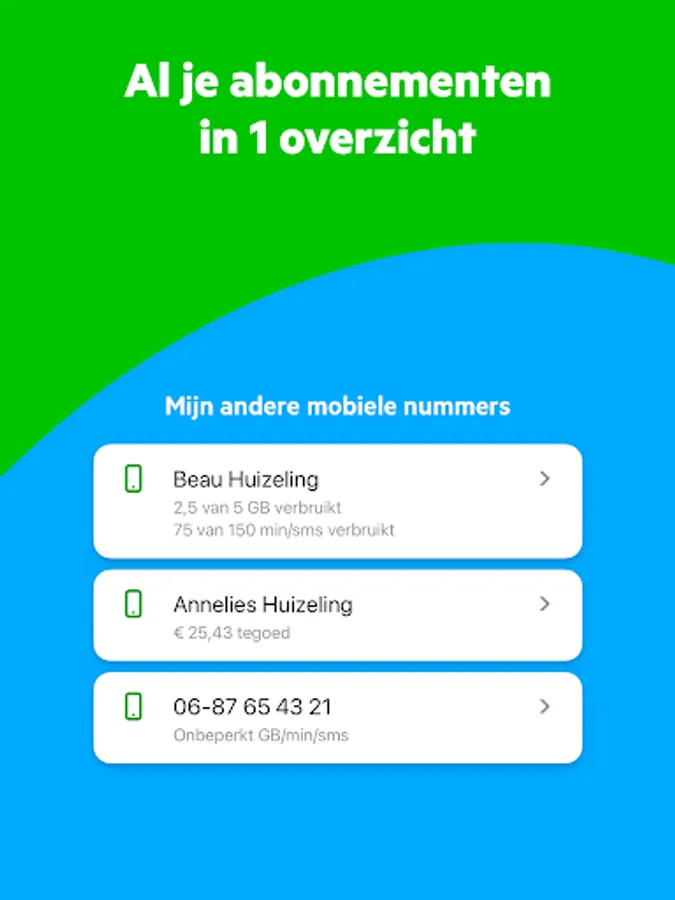
• See how much MBs you have used
• Resolve faults faster with our in-app troubleshooters
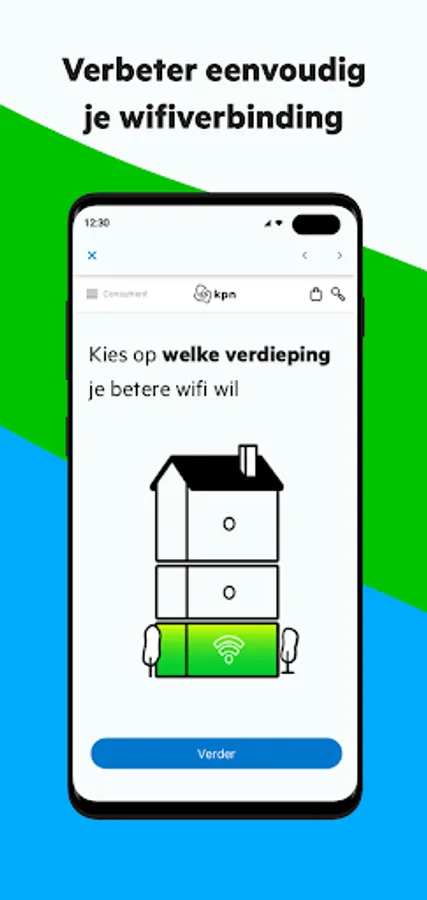
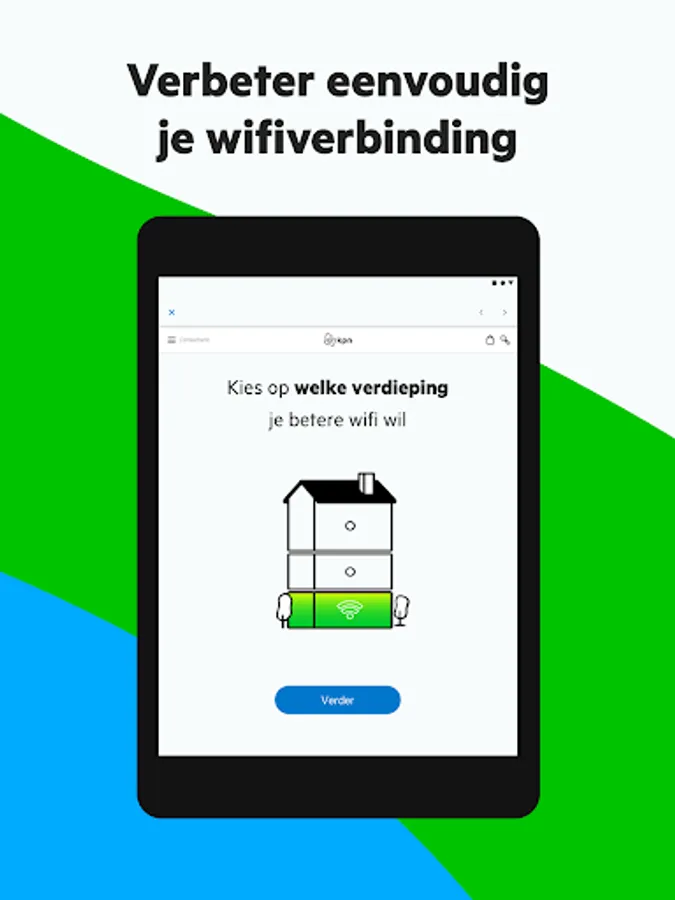
• Improve your WiFi with the WiFi Manager
• Ask questions to Dot, our digital assistant
• Discover attractive extras with KPN Voor Jou
This is how you use the MijnKPN app:
1. Download the app
2. Log in with your KPN ID or create a KPN ID
3. Add your subscription(s) to your account
3 advantages of the MijnKPN app:
• Arrange everything regarding your subscription via the MijnKPN app. From installing equipment to using products.
• Find answers faster and solve problems yourself most quickly. Can't figure it out? With a call appointment via the app you will always be helped sooner.
• Voor Jou: football tickets, discounts on days out and other extras. Voor Jou, from us, collected in the app.
You can do this with the MijnKPN app:
• Track the status of your order
• Install all your devices with your personal installation help
• Share your MBs with your housemates, once or every month automatically
• Customize your subscription: from speed and extra bundles to channel packages
• View, pay and download your invoices
• See how much MBs you have used
• Resolve faults faster with our in-app troubleshooters
• Improve your WiFi with the WiFi Manager
• Ask questions to Dot, our digital assistant
• Discover attractive extras with KPN Voor Jou
This is how you use the MijnKPN app:
1. Download the app
2. Log in with your KPN ID or create a KPN ID
3. Add your subscription(s) to your account
MijnKPN Screenshots
Tap to Rate:
Reviews for MijnKPN
Harry van den Hoff
2/16/2026
It keeps asking to switch settings I already have chosen. No! I don't want names in stead of numbers and no! I don't want notifications. Please stop asking me this every time!
MONA Alsayed
2/8/2026
🥰