Label Maker - Creator & Design
Kreation Apps
4.6 ★
225 ratings
10,000+
downloads
Free
In this label maker app, you can design customized labels and stickers using various backgrounds, text options, and layer management tools. Includes offline access to assets, online library updates, and export options for sharing or printing.
AppRecs review analysis
AppRecs rating 4.6. Trustworthiness 72 out of 100. Review manipulation risk 29 out of 100. Based on a review sample analyzed.
★★★★☆
4.6
AppRecs Rating
Ratings breakdown
5 star
84%
4 star
5%
3 star
4%
2 star
3%
1 star
5%
What to know
✓
Low review manipulation risk
29% review manipulation risk
✓
Credible reviews
72% trustworthiness score from analyzed reviews
⚠
Ad complaints
Many low ratings mention excessive ads
About Label Maker - Creator & Design
Label Maker: The Ultimate App for Designing Professional and Personalized Labels and Stickers!
Whether you're organizing your home, creating product labels, or crafting unique stickers for personal or business use, Label Maker provides all the tools you need to bring your ideas to life. With a seamless blend of offline functionality and an extensive online collection of resources, this app is perfect for anyone who loves to design!
Key Features:
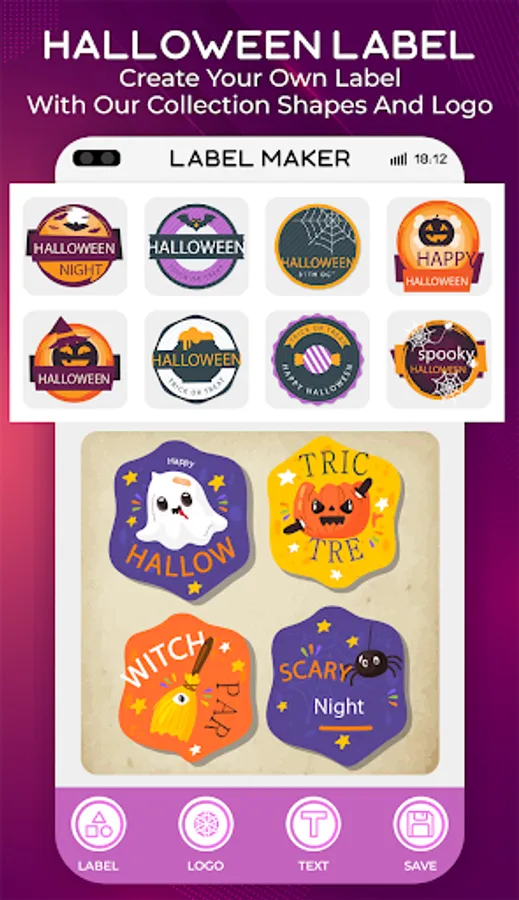
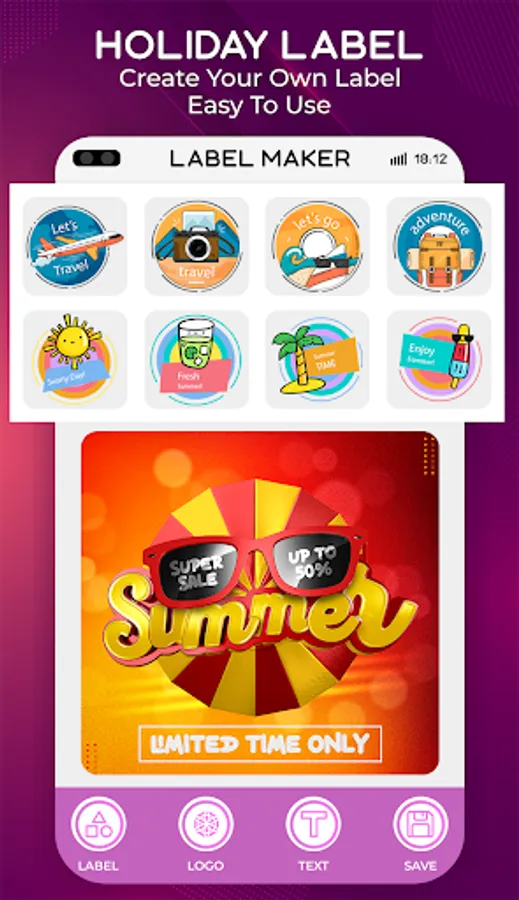
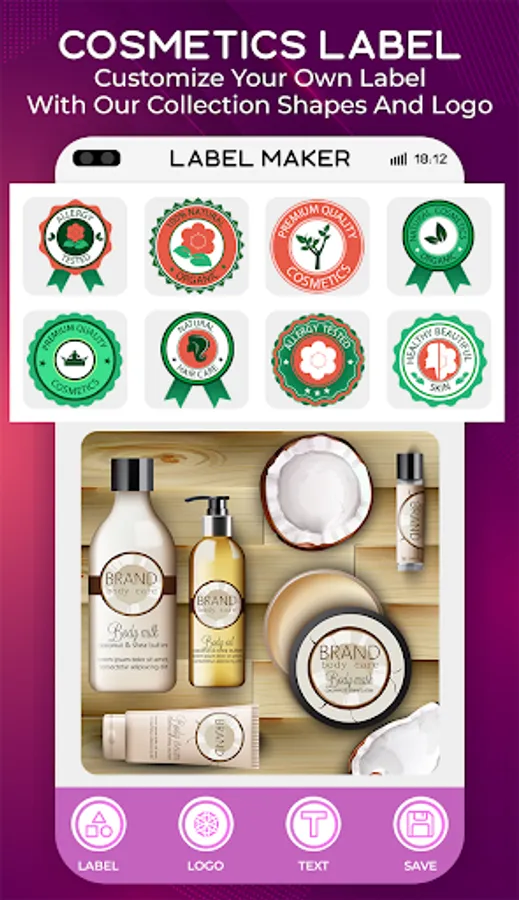
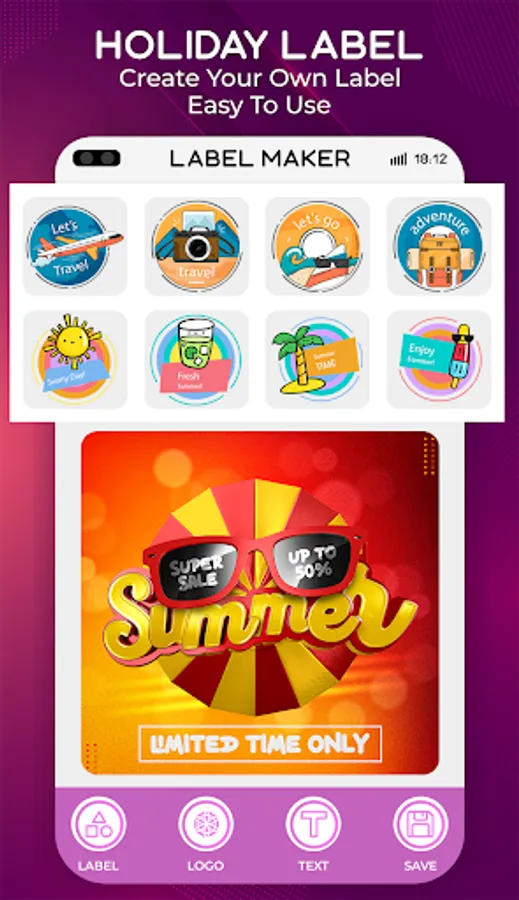
- Offline and Online Resources: Access a vast collection of pre-designed labels and stickers online, or work offline with downloaded assets. Regularly updated online library with new designs, ensuring your creativity never runs out.
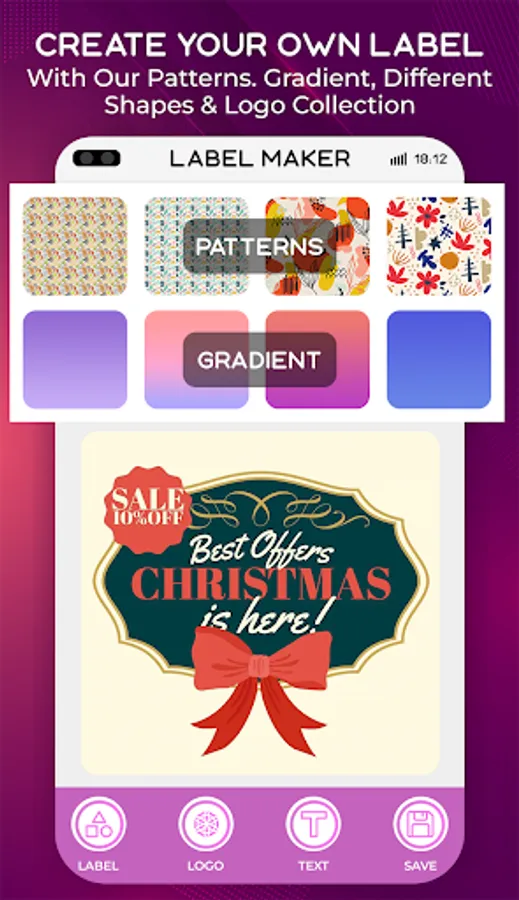
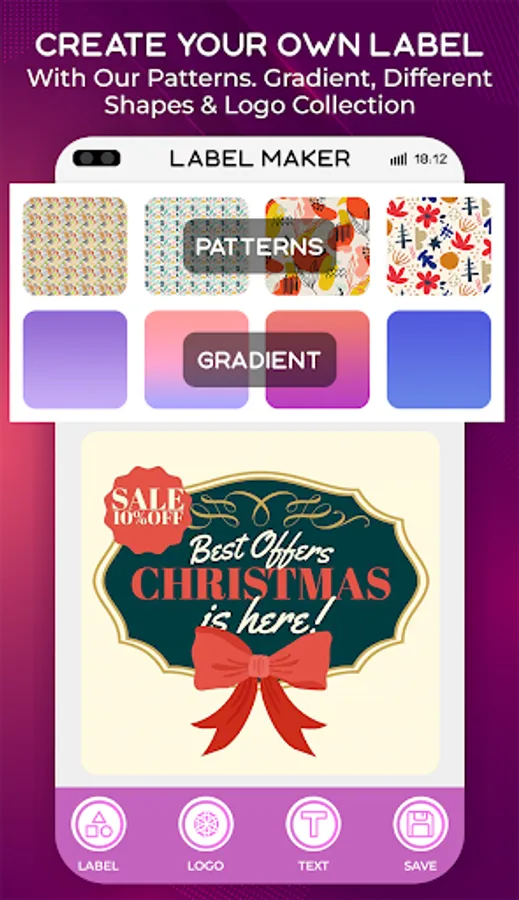
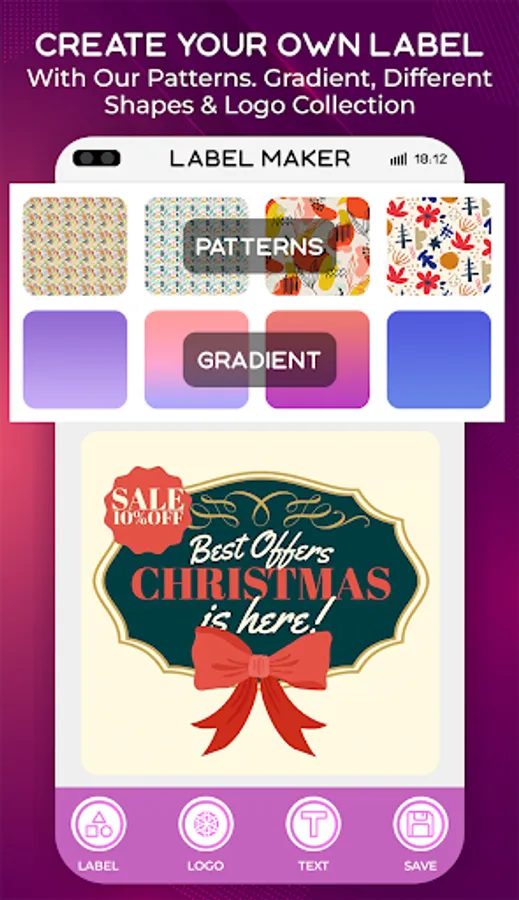
- Customizable Backgrounds: Choose from a wide range of backgrounds, including gradients, patterns, and solid colors to create the perfect base for your labels.
- Text Customization: Add text to your labels with a variety of fonts, sizes, and styles. Enhance your text with shadows, backgrounds, and patterns for a unique look. Use 2D rotation to position your text at any angle for a dynamic design.
- Layer Management: Easily manage layers to arrange text, stickers, and backgrounds in the perfect order. Intuitive tools for resizing, rotating, and aligning elements with precision.
- Advanced Editing Tools: Customize text colors, shadows, and backgrounds to match your vision. Apply patterns and gradients to text and backgrounds for a polished finish.
- Save and Export: Save your designs in high-quality PNG or JPEG formats for printing or digital use. Export your labels and stickers for sharing or professional purposes.
- Share and Delete: Share your creations directly to social media platforms like Facebook, Instagram, WhatsApp, and more. Easily delete or edit previously designed labels to keep your workspace organized.
- User-Friendly Interface: Designed for both beginners and professionals, the app offers an intuitive and easy-to-navigate interface. Real-time previews let you see your design come to life as you work.
Why Choose Label Maker?
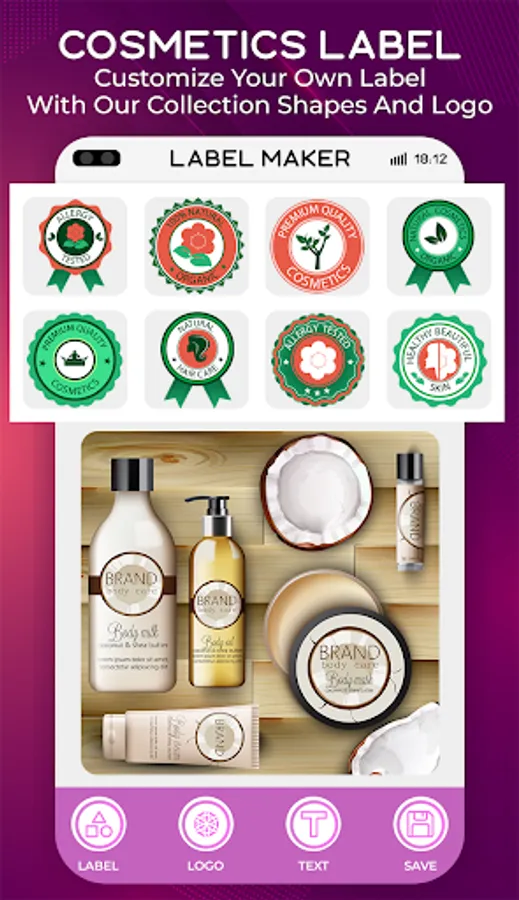
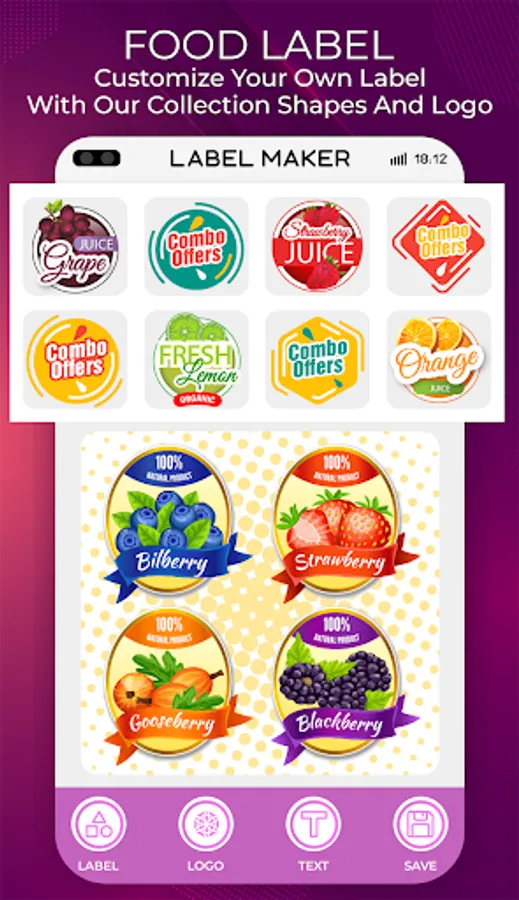
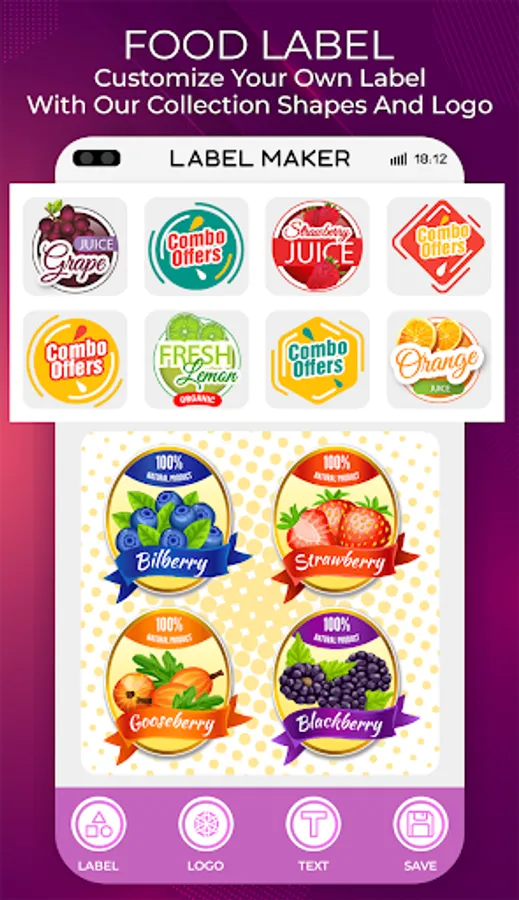
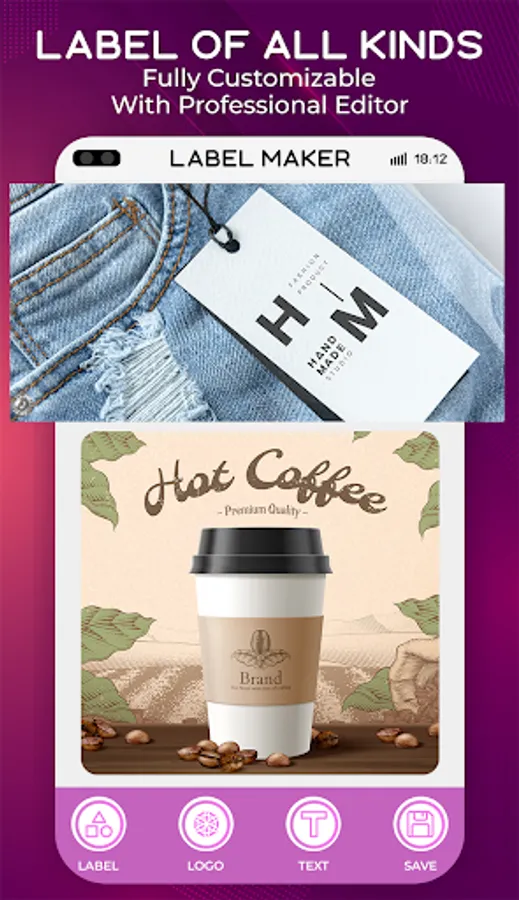
- Versatile and Powerful: Whether you're designing labels for jars, bottles, folders, or creating custom stickers for gifts, Label Maker has you covered.
- Offline Functionality: Design anytime, anywhere, even without an internet connection.
- Endless Creativity: Combine text, stickers, and backgrounds to create unique designs that reflect your style.
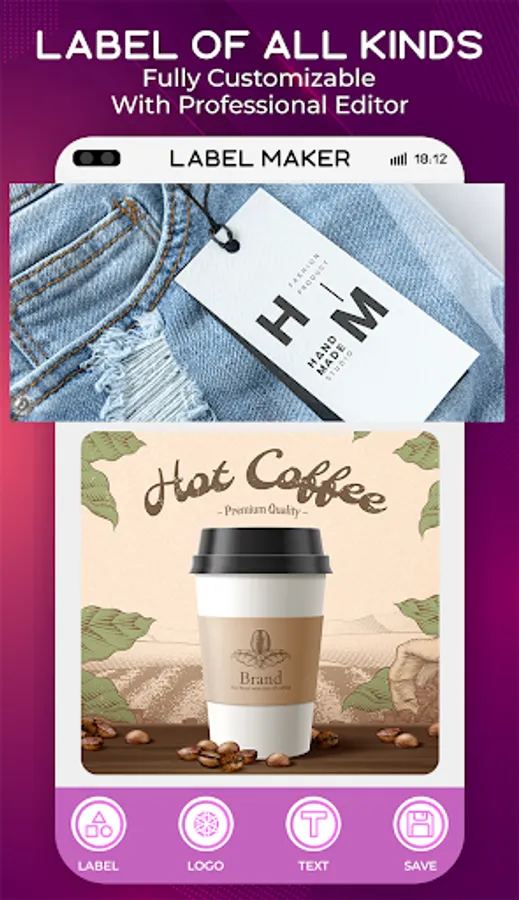
- Professional Results: Export high-quality designs suitable for both personal and professional use.
Perfect For:
- Home Organization: Create labels for jars, containers, and storage boxes.
- Business Use: Design product labels, packaging, and branding materials.
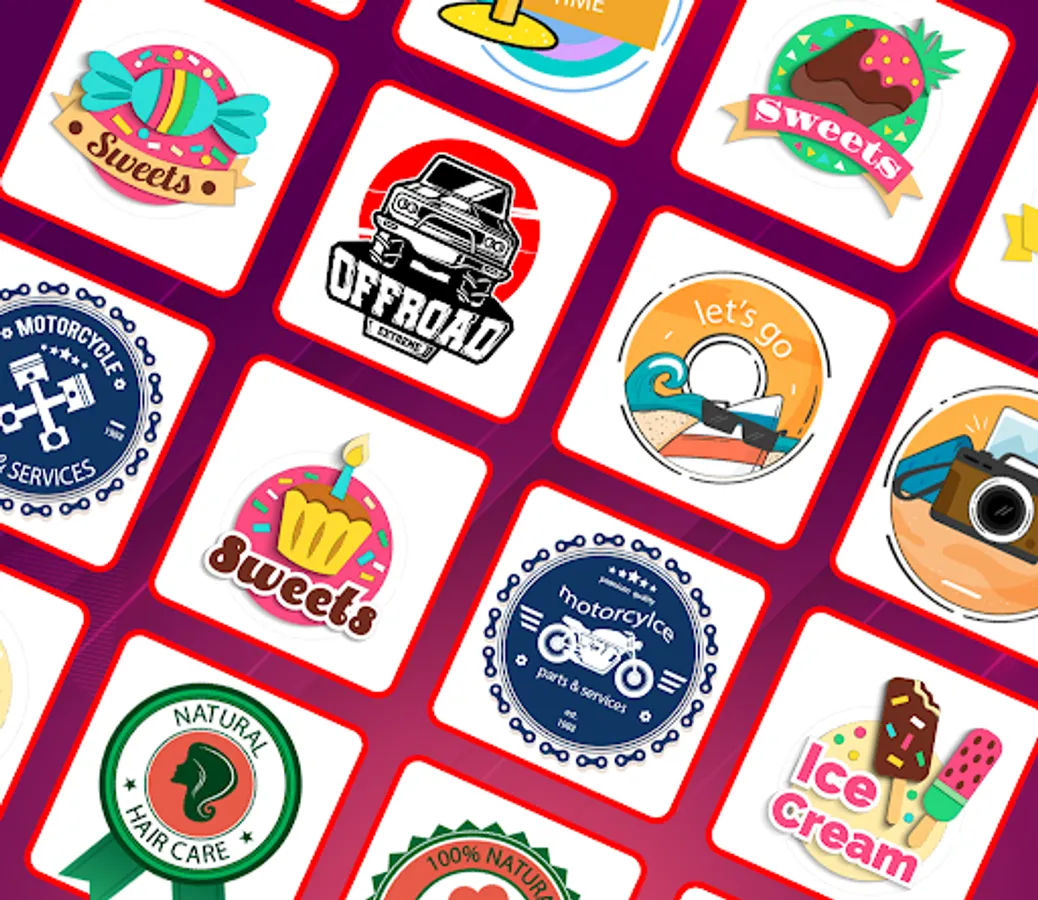
- Crafting and DIY Projects: Make custom stickers for scrapbooking, gifts, and more.
- Educational Purposes: Label classroom materials, books, and supplies.
- Personal Expression: Design unique stickers for laptops, phones, and water bottles.
How to Use Label Maker:
- Choose a background from gradients, patterns, or solid colors.
- Add text and customize it with fonts, colors, shadows, and patterns.
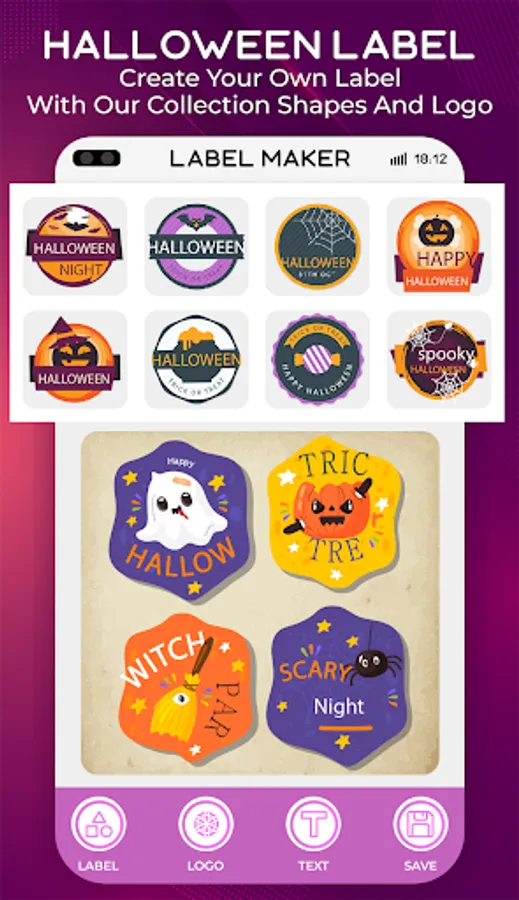
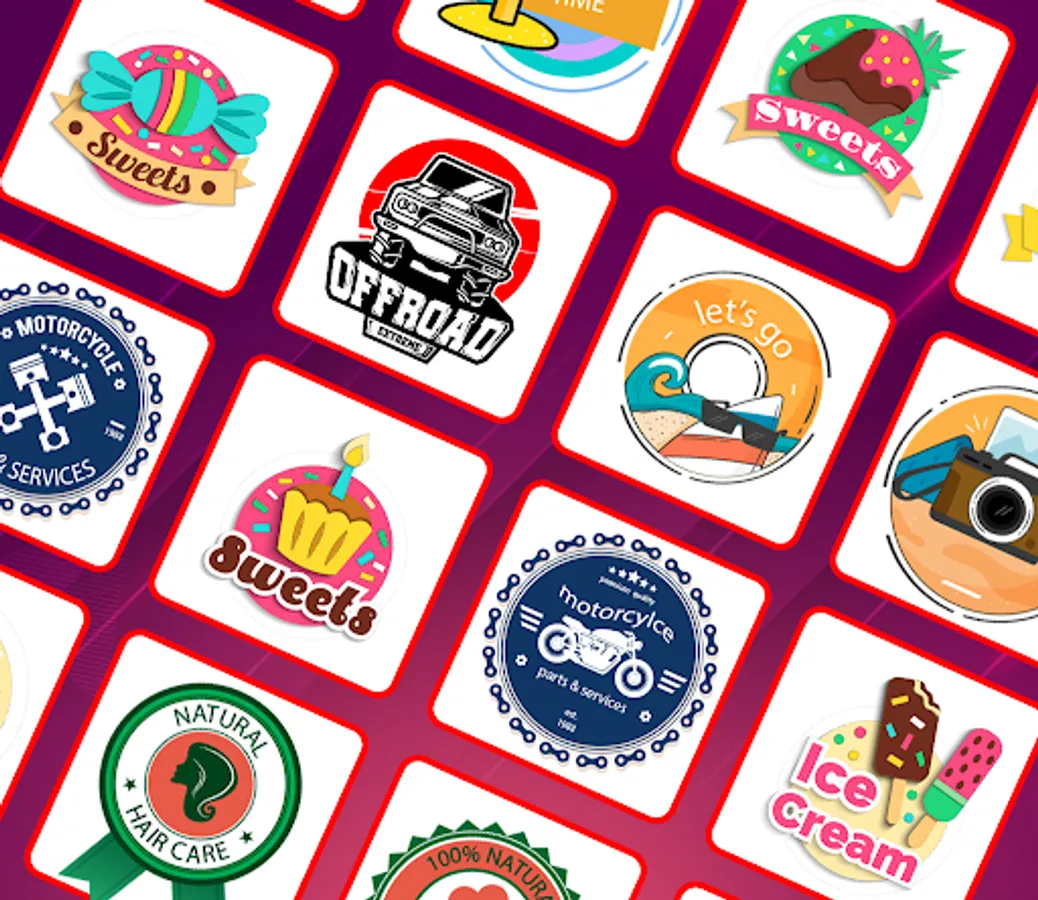
- Insert stickers or images from the app’s collection or your gallery.
- Use layer management to arrange elements perfectly.
- Save your design in PNG or JPEG format and share it directly.
Download Label Maker now and start designing your custom labels and stickers today!
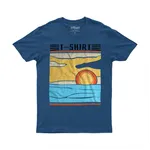
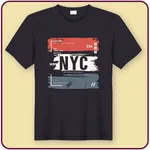
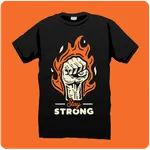
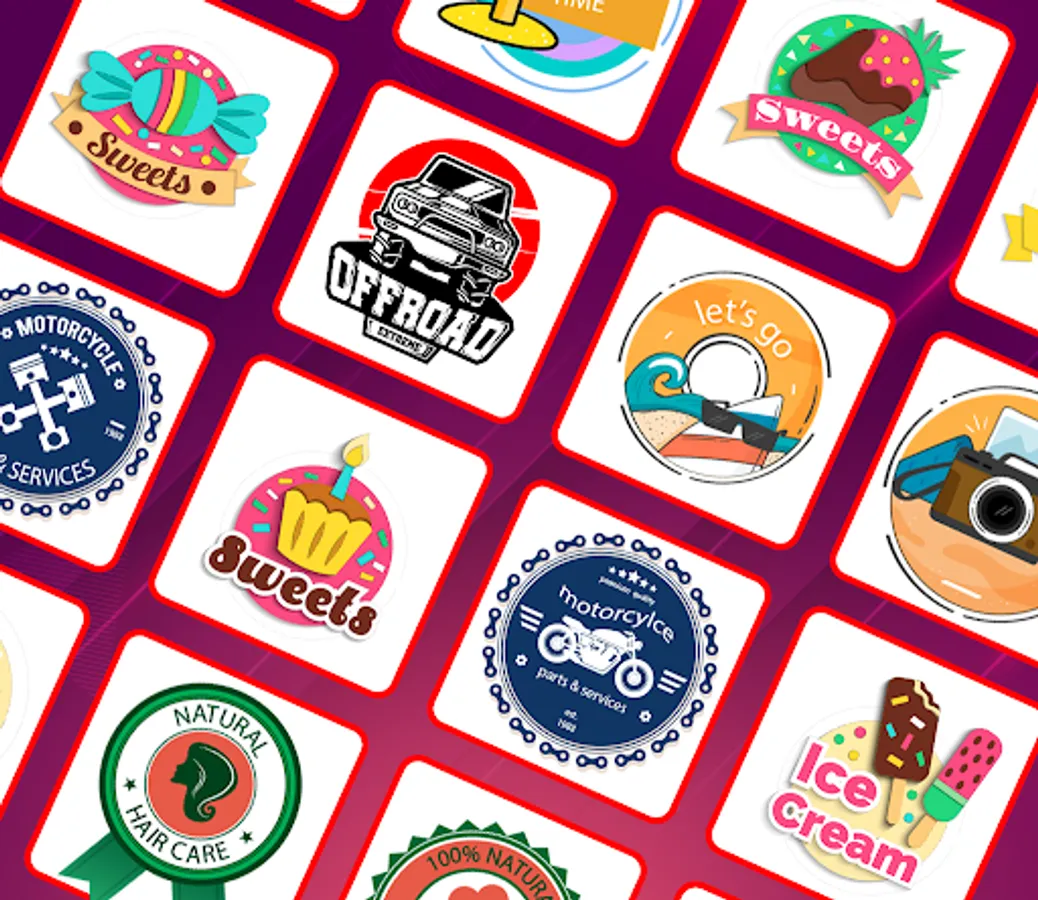
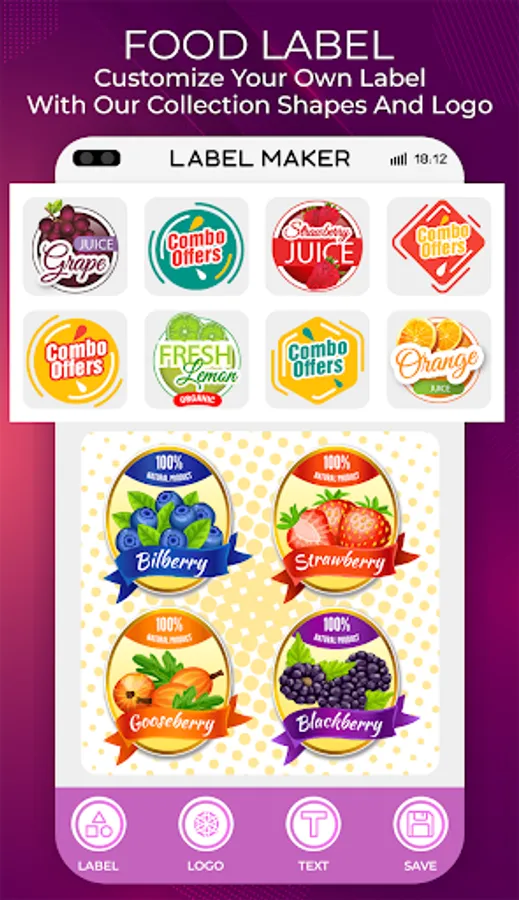
Label Maker - Creator & Design Screenshots

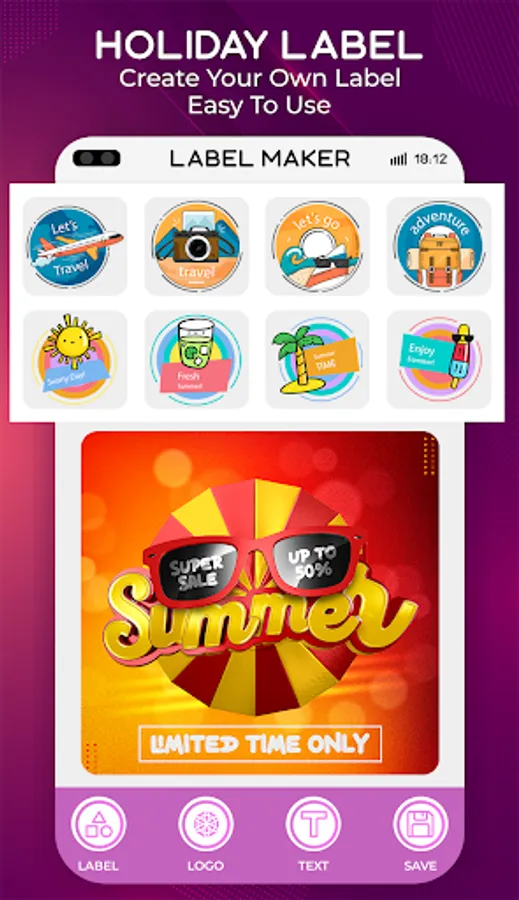


Tap to Rate:
Reviews for Label Maker - Creator & Design
Winter Sterling
10/20/2025
This app is terrible. The second I tapped Create, I got hit with multiple ads back to back. The exit buttons were fake and just took me straight to the Play Store for random apps instead of actually closing anything. I couldn't even get to the create page at all. Tried backing out and clicking Create again, but same thing happened. Just more long video ads and confusing buttons trying to trick you into clicking them. Uninstalled after like 5 minutes. Total was
Liz Dallas
8/16/2025
used to be fantastic but the number of god damn adds now makes the app a pain to use literally takes 3-5 adds to make one label! plus the custom sizing for images is glitchy and doesn't always work so sometimes you have to try 3-4 time each time requires an add.