In this notes app, you can create, organize, and search various types of notes with tags and folders. Includes backup and restore options and note sharing features.
AppRecs review analysis
AppRecs rating 4.7. Trustworthiness 48 out of 100. Review manipulation risk 36 out of 100. Based on a review sample analyzed.
★★★★☆
4.7
AppRecs Rating
Ratings breakdown
5 star
74%
4 star
17%
3 star
8%
2 star
0%
1 star
0%
What to know
✓
Authentic reviews
Natural distribution, no red flags
⚠
Rating authenticity concerns
High rating concentration (74% 5-star) in sampled ratings
About Amazing Note PRO
Amazing Note is an integrated organizer of your life.
The smarter, faster, powerful, easier way to Note!
Amazing Notes is the most convenient note app for android.
Experience Amazing Note. Your life will be smart.
※ This app requires [Access to all files] permission on Android 11 or higher devices. This permission is used for backup/restore function and access to photo/image data in external storage space.
[Main features]
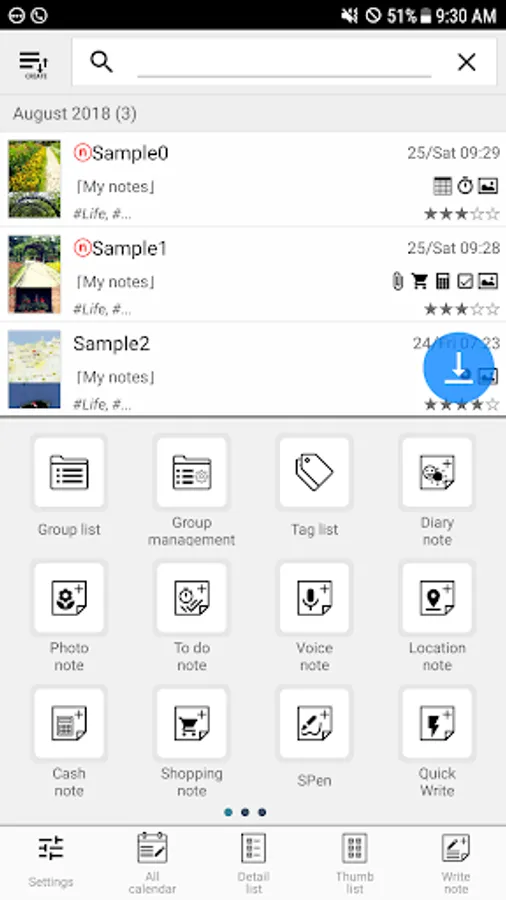
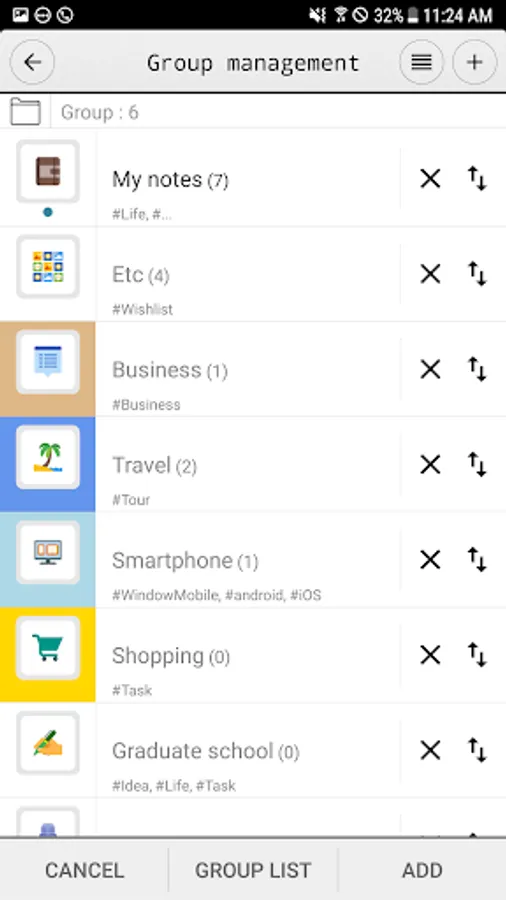
- Group(Folder)
- Tags for each note / Group
- Passcode protection in start-up screen and for each Group
- Clickable links (web / email address / phone number) in read-only mode
- Insert data/time/phone number
- Lunar date
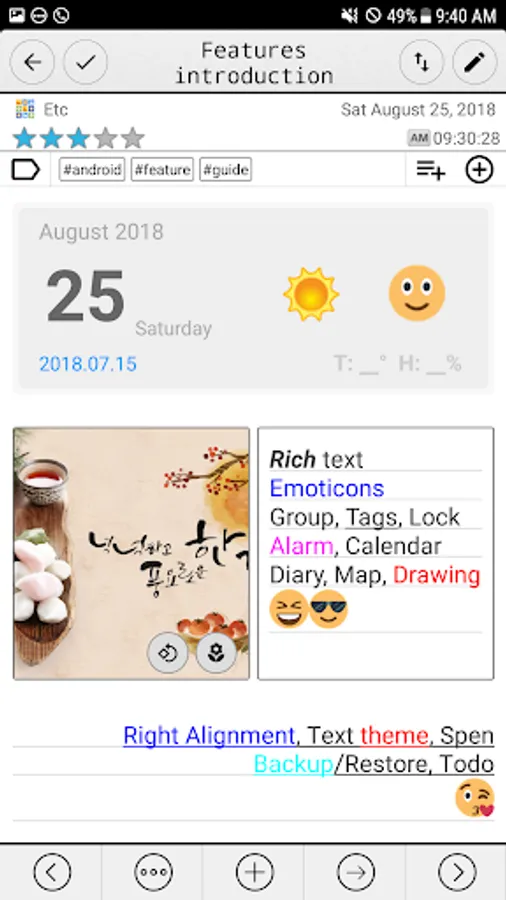
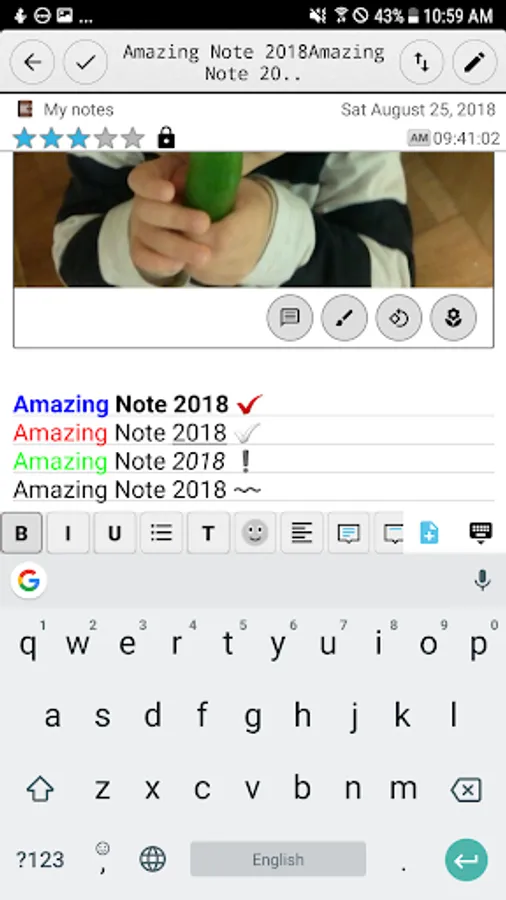
- Theme (customize text size, color, style, line spacing)
- Multiple various notes (photo, audio, table, map, attachment, shopping, cash, ..)
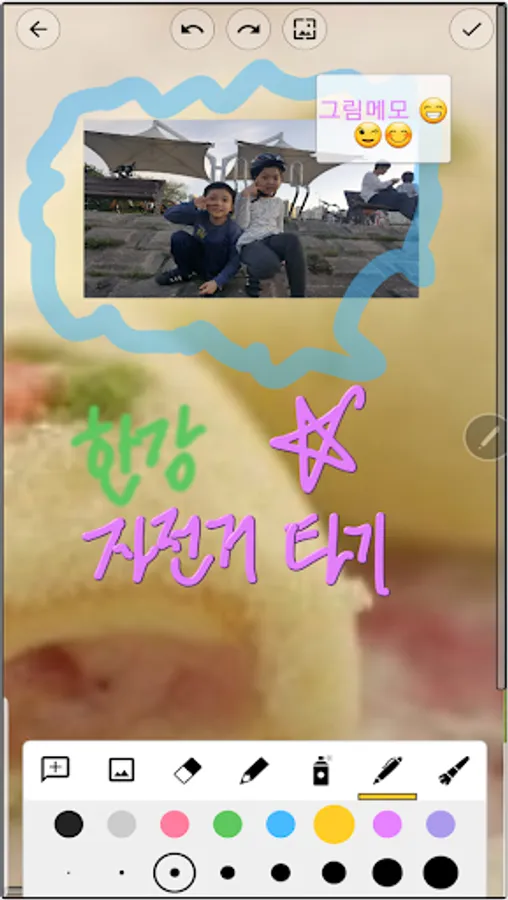
- Paint notes - Draw notes using your finger
- Attach multiple note files
- Todo / To-do
- Table style note
- Auto-save note
- Send notes via text(image) message
- Powerful Reminder : Time Alarm, All day, Repetition.(lunar calendar)
- Anniversary, D-day
- Reminder on status bar
- Template
- Shortcuts to home screen
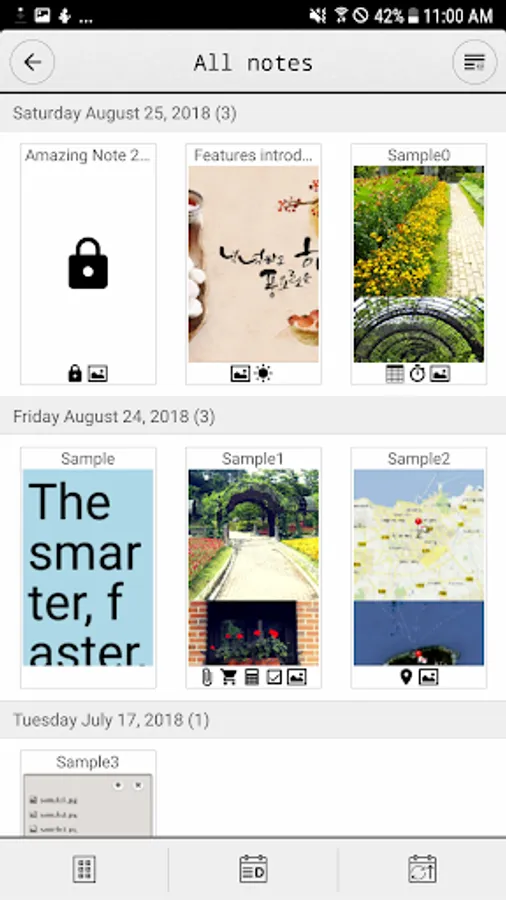
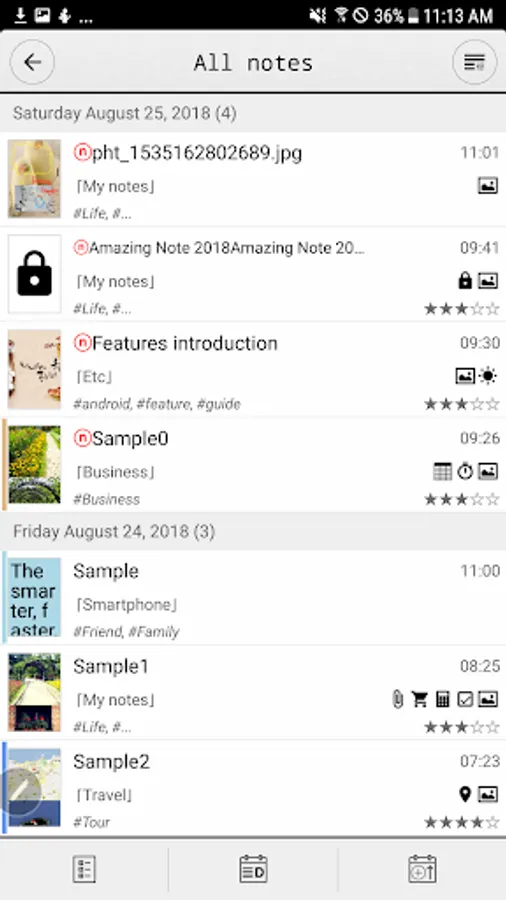
- Switch between list view and thumbnail view
- Various list view
- Sort by creation time/modify time, alphabetical, priority
- Sort notes for easier filtering
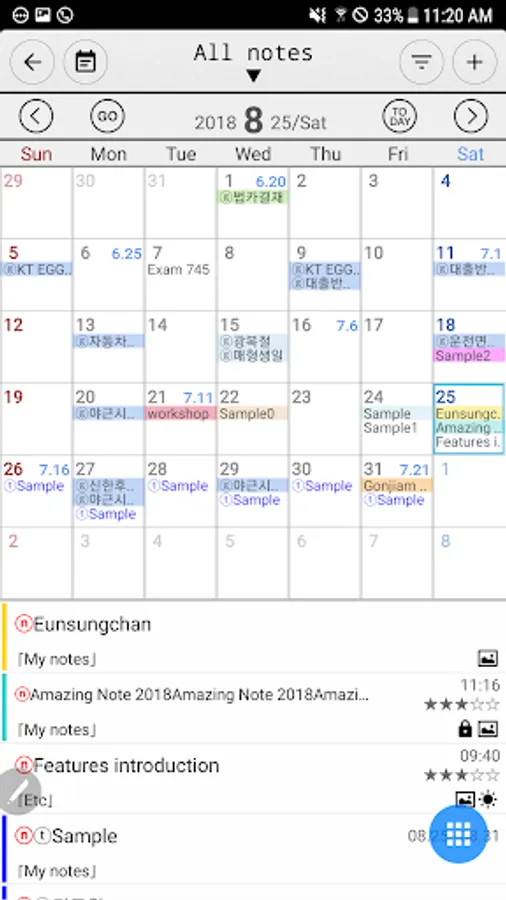
- Display To-dos, Notes, Events, Photos, Voices, Etc in Calendar
- Visibility filter for calendar and note list
- Image Export (Calendar)
- Support Anniversary Note(lunar) & Diary Note
- Expenses for congratulations and condolence
- Mission statement
- Backup/Restore
- Search all notes contents
- Advanced Search (full text, date, priority, tag, group)
[Guidance on Permissions]
1. Use the MANAGE_EXTERNAL_STORAGE permission to access files such as photos/voices attached to backup/restore and notes on devices with Android 11 or higher. (all file access rights)
※ When requesting permission after running the app, click [Details] to check the details.
2. Use READ_CONTACTS permission to get and add user's contact information to notes.
3. Use the CAMERA permission to take a picture and attach it to a memo.
4. Use the RECORD_AUDIO permission to record voices and attach them to notes.
5. Use READ_CALENDAR, WRITE_CALENDAR privileges to display, add or change the user's calendar (calendar).
6. Use the GET_ACCOUNTS permission to access the user's Google account and get schedules, etc.
7. Access the external memory to attach files such as photos and documents to the memo. Use READ_EXTERNAL_STORAGE, WRITE_EXTERNAL_STORAGE permissions.
8. Access external memory to back up and restore data. Use READ_EXTERNAL_STORAGE, WRITE_EXTERNAL_STORAGE permissions.
9. Use the ACCESS_COARSE_LOCATION and ACCESS_FINE_LOCATION permissions to attach the user's location information (latitude/longitude, address, map) to the memo.
※ We do not collect, process, or transmit any data after obtaining permission (1-9).
The smarter, faster, powerful, easier way to Note!
Amazing Notes is the most convenient note app for android.
Experience Amazing Note. Your life will be smart.
※ This app requires [Access to all files] permission on Android 11 or higher devices. This permission is used for backup/restore function and access to photo/image data in external storage space.
[Main features]
- Group(Folder)
- Tags for each note / Group
- Passcode protection in start-up screen and for each Group
- Clickable links (web / email address / phone number) in read-only mode
- Insert data/time/phone number
- Lunar date
- Theme (customize text size, color, style, line spacing)
- Multiple various notes (photo, audio, table, map, attachment, shopping, cash, ..)
- Paint notes - Draw notes using your finger
- Attach multiple note files
- Todo / To-do
- Table style note
- Auto-save note
- Send notes via text(image) message
- Powerful Reminder : Time Alarm, All day, Repetition.(lunar calendar)
- Anniversary, D-day
- Reminder on status bar
- Template
- Shortcuts to home screen
- Switch between list view and thumbnail view
- Various list view
- Sort by creation time/modify time, alphabetical, priority
- Sort notes for easier filtering
- Display To-dos, Notes, Events, Photos, Voices, Etc in Calendar
- Visibility filter for calendar and note list
- Image Export (Calendar)
- Support Anniversary Note(lunar) & Diary Note
- Expenses for congratulations and condolence
- Mission statement
- Backup/Restore
- Search all notes contents
- Advanced Search (full text, date, priority, tag, group)
[Guidance on Permissions]
1. Use the MANAGE_EXTERNAL_STORAGE permission to access files such as photos/voices attached to backup/restore and notes on devices with Android 11 or higher. (all file access rights)
※ When requesting permission after running the app, click [Details] to check the details.
2. Use READ_CONTACTS permission to get and add user's contact information to notes.
3. Use the CAMERA permission to take a picture and attach it to a memo.
4. Use the RECORD_AUDIO permission to record voices and attach them to notes.
5. Use READ_CALENDAR, WRITE_CALENDAR privileges to display, add or change the user's calendar (calendar).
6. Use the GET_ACCOUNTS permission to access the user's Google account and get schedules, etc.
7. Access the external memory to attach files such as photos and documents to the memo. Use READ_EXTERNAL_STORAGE, WRITE_EXTERNAL_STORAGE permissions.
8. Access external memory to back up and restore data. Use READ_EXTERNAL_STORAGE, WRITE_EXTERNAL_STORAGE permissions.
9. Use the ACCESS_COARSE_LOCATION and ACCESS_FINE_LOCATION permissions to attach the user's location information (latitude/longitude, address, map) to the memo.
※ We do not collect, process, or transmit any data after obtaining permission (1-9).
Amazing Note PRO Screenshots
Tap to Rate:
Reviews for Amazing Note PRO
Ned Robinson
1/3/2025
need fixing
Diaa Mahdi
10/21/2024
Excellent