Sentrius IG Connect
Ezurio
Free
100+
downloads
About Sentrius IG Connect
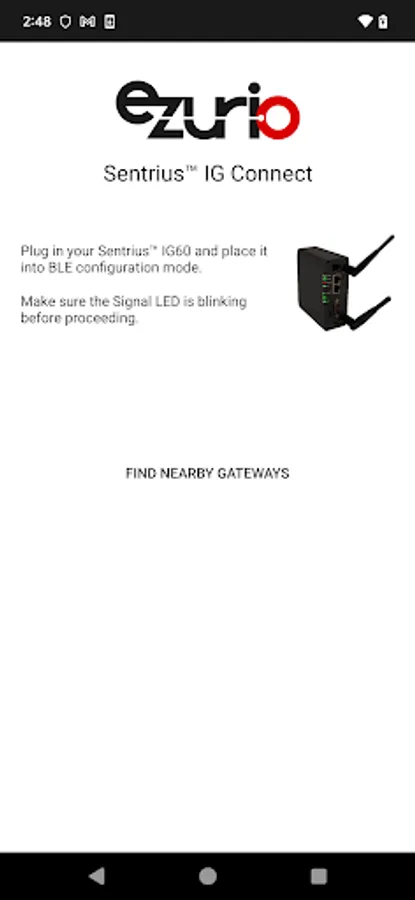
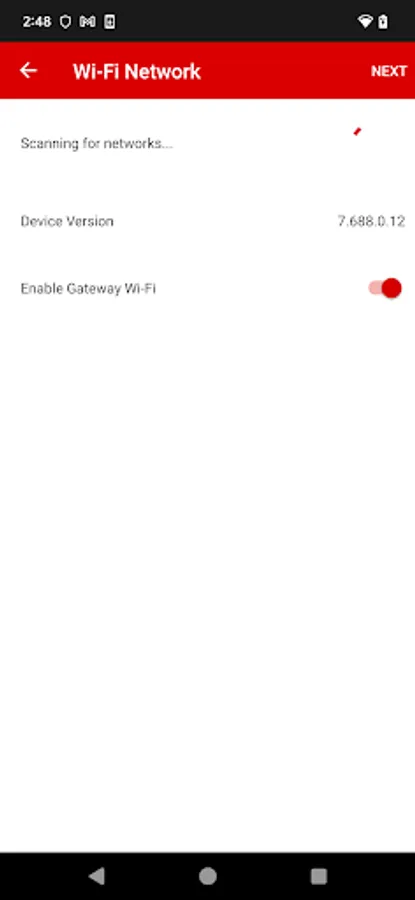
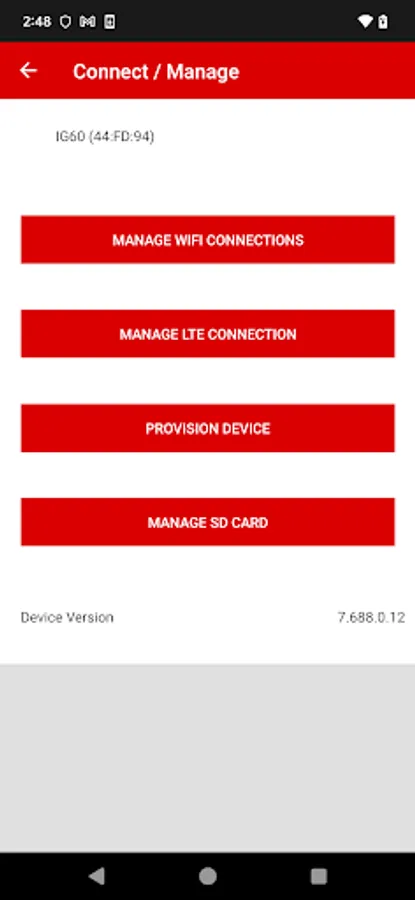
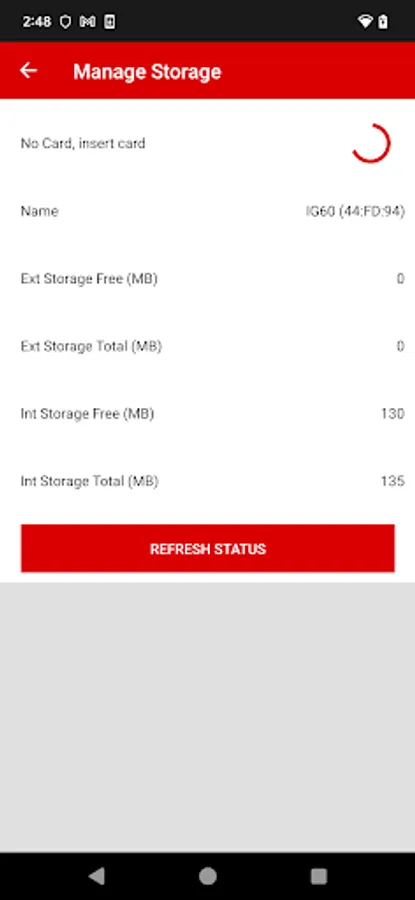
Ezurio's Sentrius™ IG Connect allows customers to get started with their Sentrius IG60 AWS IoT Greengrass-enabled wireless gateway. The app allows users to connect the IG60 to the local Wi-Fi, provision an AWS IoT Greengrass core, and connect to the user’s AWS account.
Feature list:
Scan for available Sentrius IG60 gateways via Bluetooth
Set Wi-Fi connection parameters
Provision an AWS IoT Greengrass core
Connect the device to the user’s preferred AWS cloud
About Ezurio:
Ezurio simplifies the enablement of wireless technologies with market-leading wireless modules and antennas, integrated sensor and gateway platforms, and customer-specific wireless solutions. Our best-in-class support and comprehensive engineering services help reduce risk and improve time-to-market. When you need unmatched wireless performance to connect electronics with security and confidence, Ezurio delivers — no matter what. For the latest news or more information, visit ezurio.com
Feature list:
Scan for available Sentrius IG60 gateways via Bluetooth
Set Wi-Fi connection parameters
Provision an AWS IoT Greengrass core
Connect the device to the user’s preferred AWS cloud
About Ezurio:
Ezurio simplifies the enablement of wireless technologies with market-leading wireless modules and antennas, integrated sensor and gateway platforms, and customer-specific wireless solutions. Our best-in-class support and comprehensive engineering services help reduce risk and improve time-to-market. When you need unmatched wireless performance to connect electronics with security and confidence, Ezurio delivers — no matter what. For the latest news or more information, visit ezurio.com
Sentrius IG Connect Screenshots
Reviews for Sentrius IG Connect
A G
7/22/2021
Sometimes it connects sometime does not you need to reset IG60. Then once it went through butstuck at manage network. It take credentials no feedback from app. no Next Button how the user will come to know what is next. Once it went through all the steps till Successful but no data displayed. Do not know what is next no troubleshoot by the its new Hardware. So I dont think hardware issue about app and connectivity. I checked every possibility right from my network speed.
Tap to Rate: