About Birddog Driver
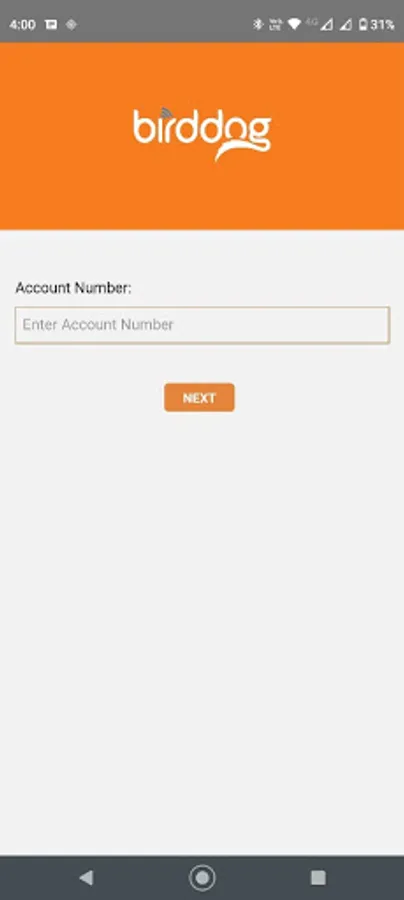
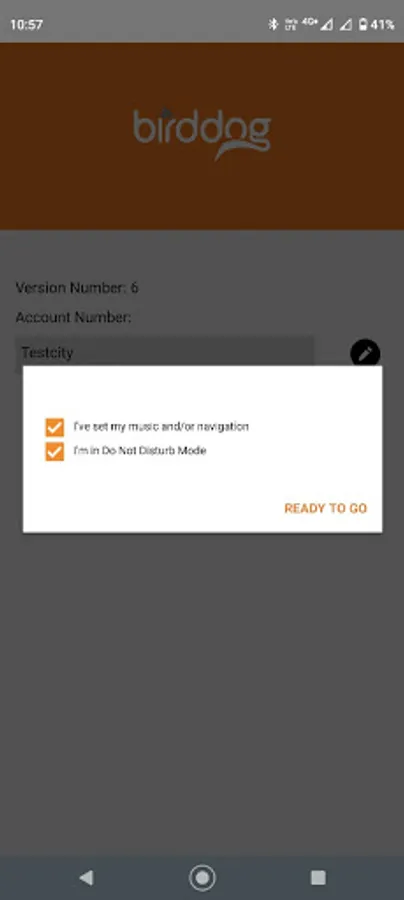
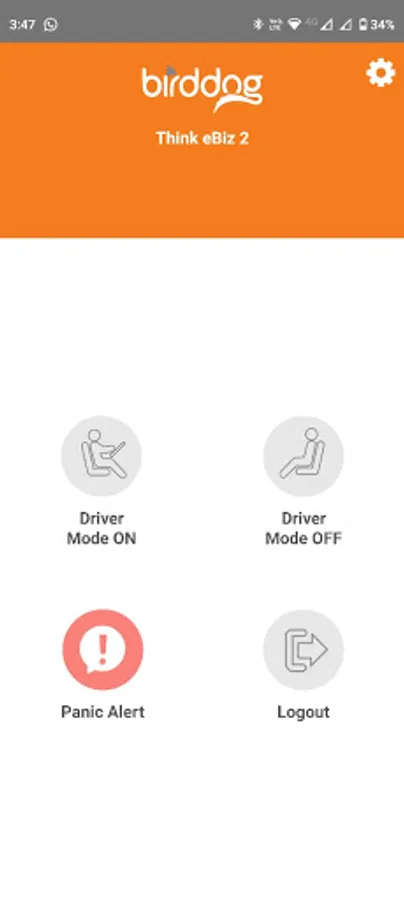
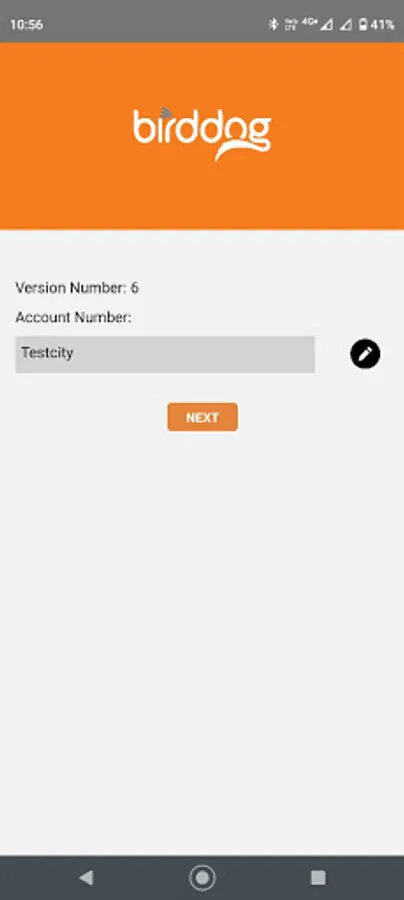
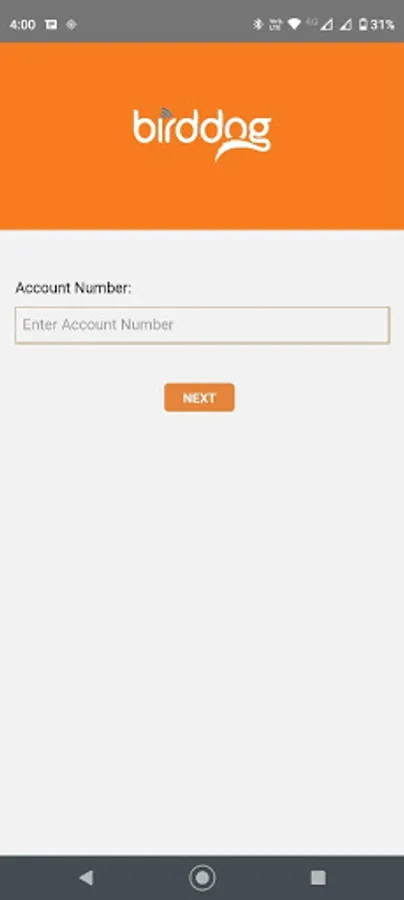
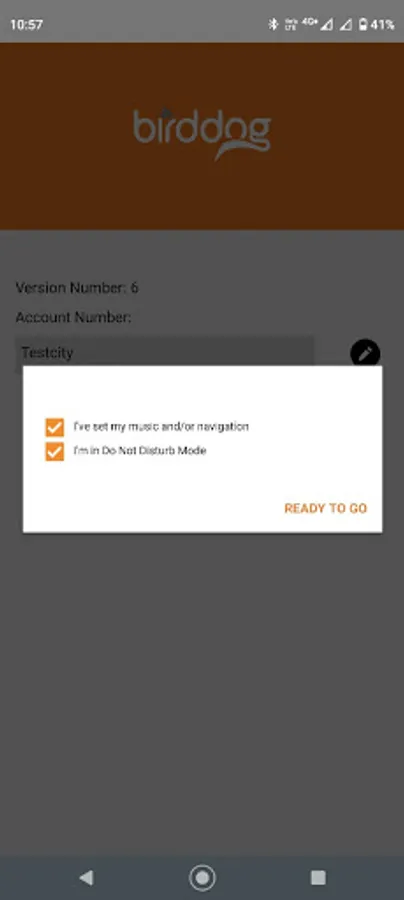
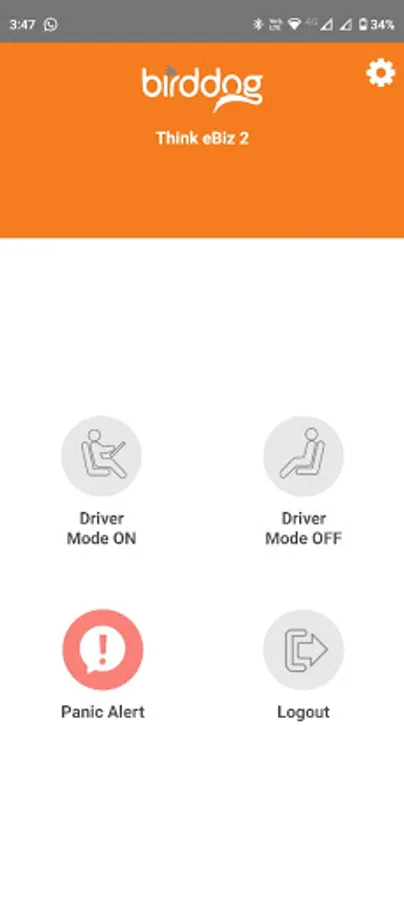
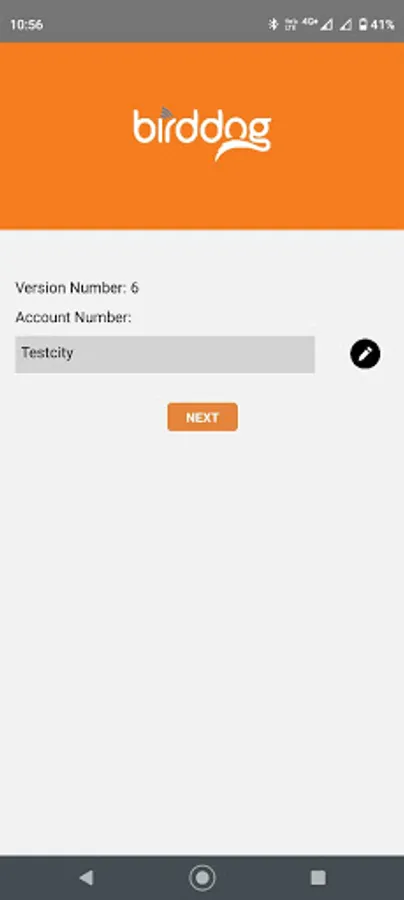
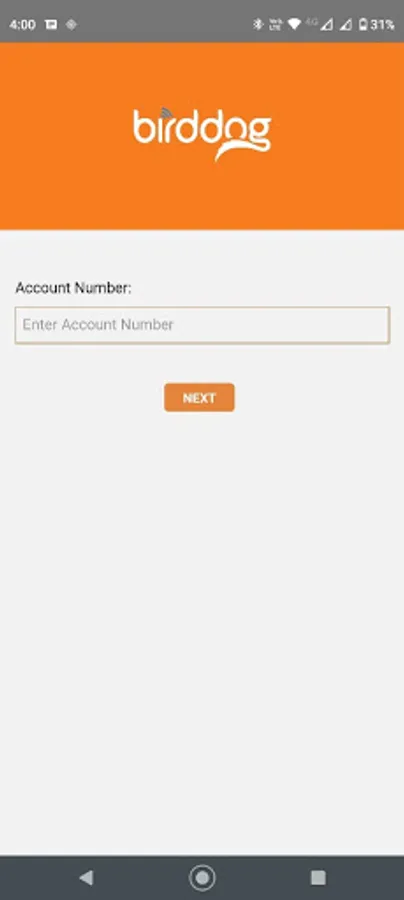
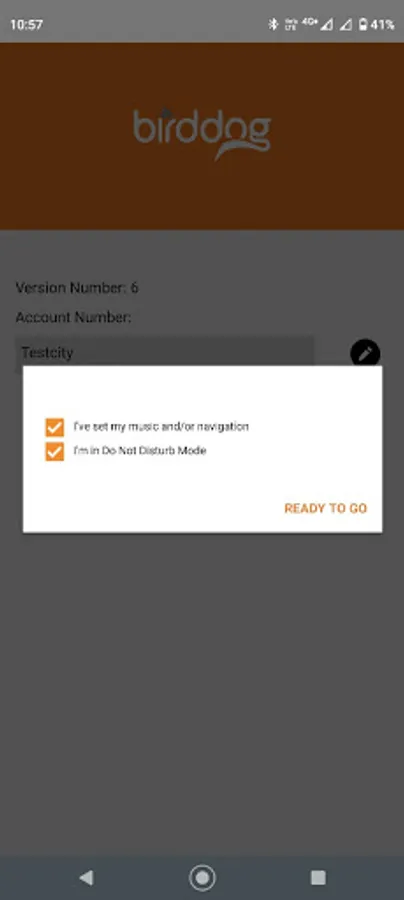
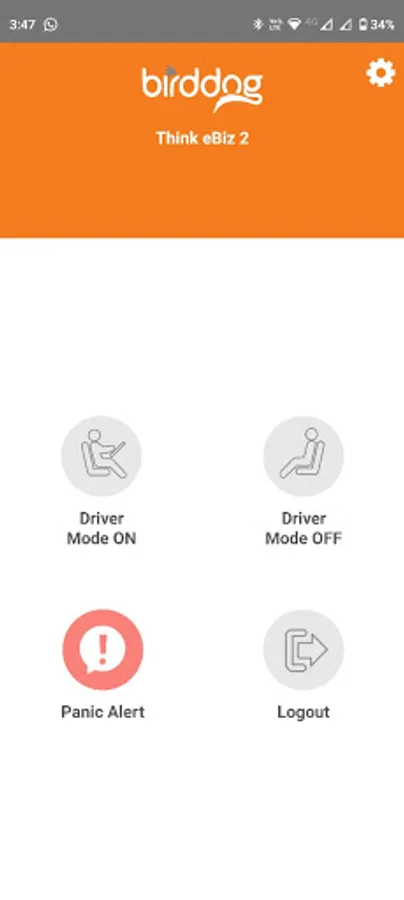
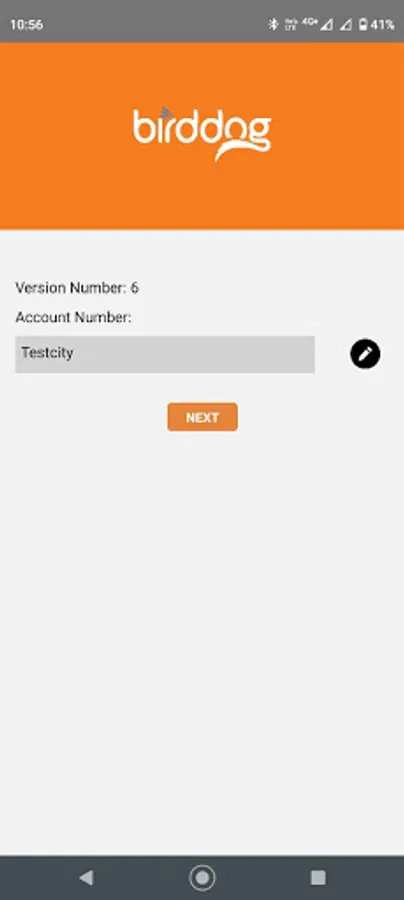
The Birddog Driver App is designed for families who wish to prevent phone-based distracted driving by their family members. The Birddog Driver app works in conjunction with the Birddog device that connects to the vehicle’s OBD-II port. The initial Birddog Driver account setup includes logging on with established Birddog device account credentials and can be enhanced by adjusting, one-time, do not disturb components within the consumer’s IOS settings (“Do Not Disturb While Driving”). After setup, when the Birddog “Driver Mode On” is engaged, the app will deter the driver’s ability to send or receive text messages or calls and/or interact with social media until the “Driver Mode On” is disengaged. If the driver uses the phone while “Driver Mode On” is engaged, an in-vehicle buzzer will sound, and a text alert will be sent to the account administrator (for example, the parent). The Birddog Driver app also features a panic alert button that instantly sends a message to the driver’s emergency contact. The Birddog Driver App only uses the driver’s location when sending alerts such as “Panic Alert,” “Driver Mode ON,” “Driver Mode OFF,” and “Driver Logged OFF” so that the administrator (for example, parent) can see where the driver is when alerts are sent.
Birddog Driver Screenshots
Tap to Rate: