
AppRecs review analysis
AppRecs rating 4.2. Trustworthiness 55 out of 100. Review manipulation risk 20 out of 100. Based on a review sample analyzed.
★★★★☆
4.2
AppRecs Rating
Ratings breakdown
5 star
80%
4 star
0%
3 star
0%
2 star
0%
1 star
20%
What to know
✓
High user satisfaction
80% of sampled ratings are 4+ stars (4.2★ average)
About lbtelematics
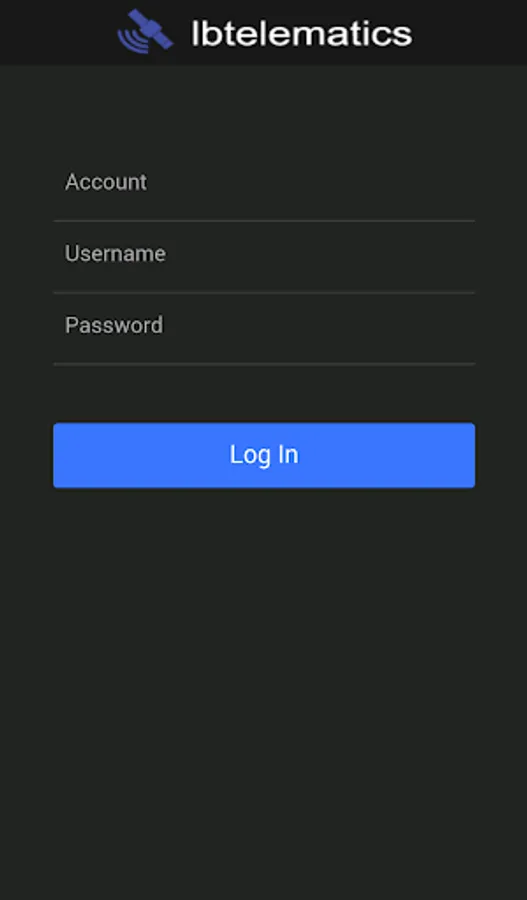
The official lbtelematics software mobile app. With this app you can log into your lbtelematics account, using the same credentials, to monitor your devices. You can view a few of the basic features that the desktop application offers. For full control of your devices please visit our desktop application.
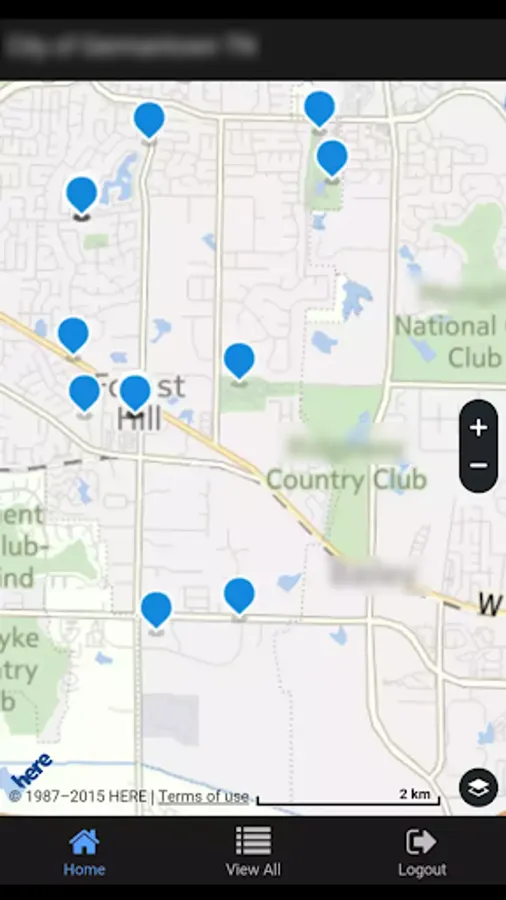
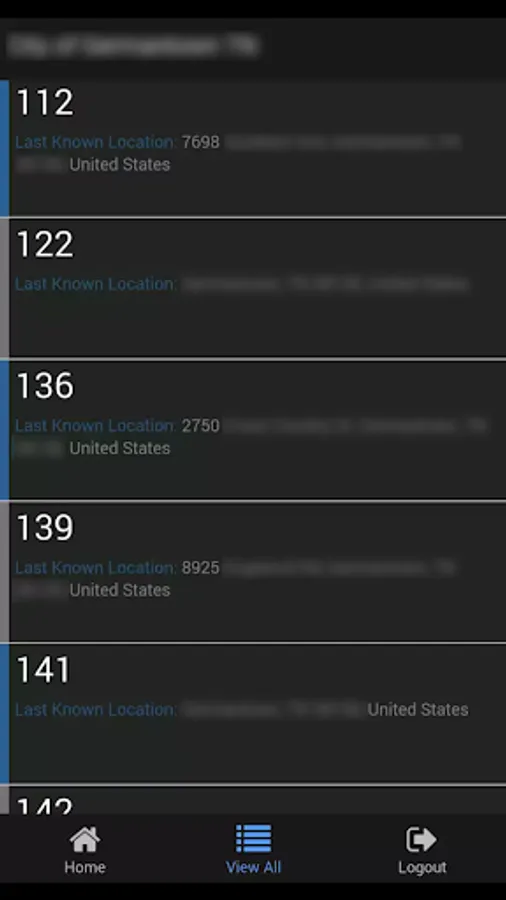
Some of the features that this app delivers are the capability of viewing all of your account's devices in a HERE map right from the start in the homepage. In this map each marker is a direct link to the summary page of that particular device. If all of your devices are difficult to see in your map, the app conveniently lists all of your devices in the 'View All' page.
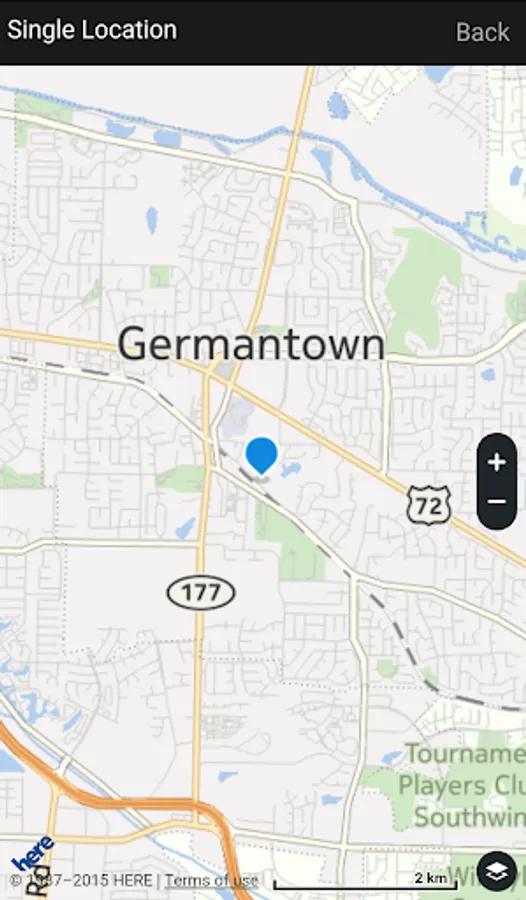
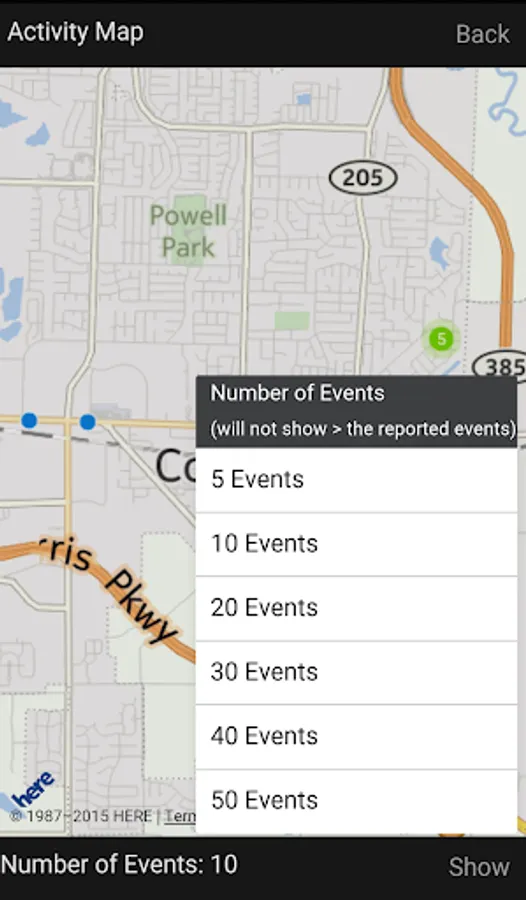
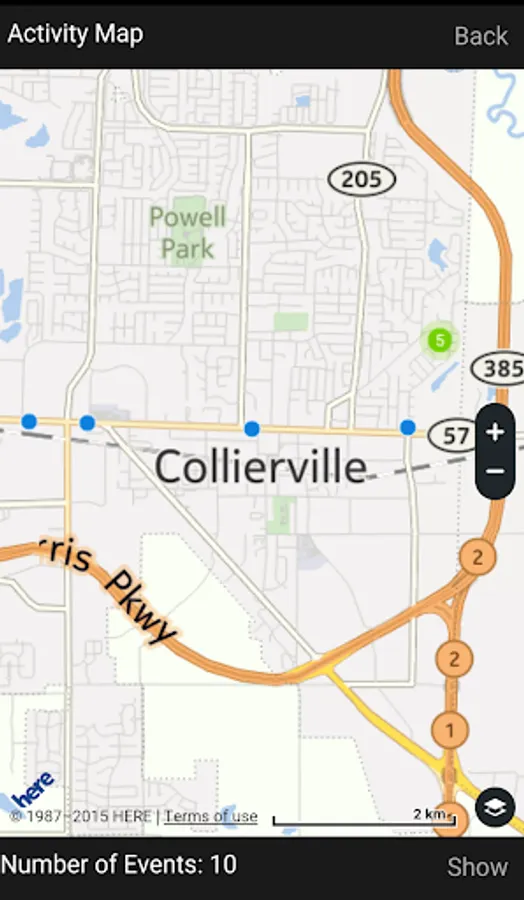
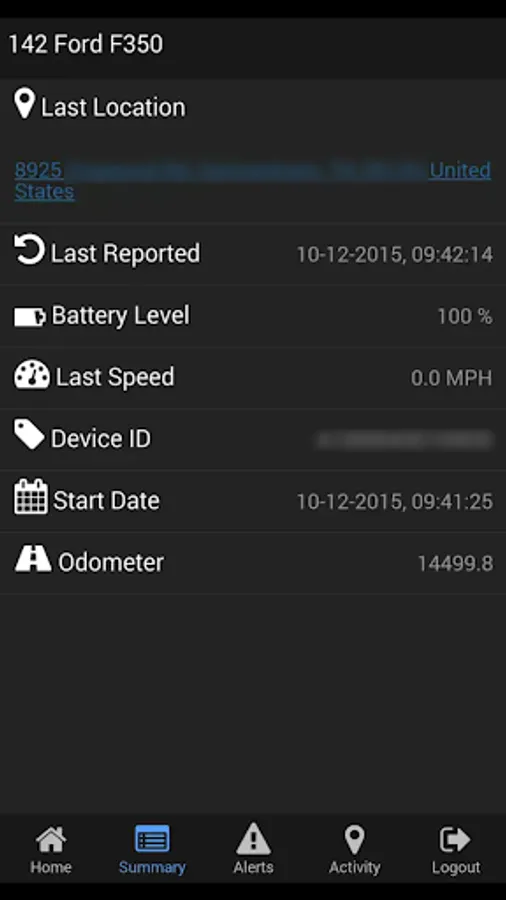
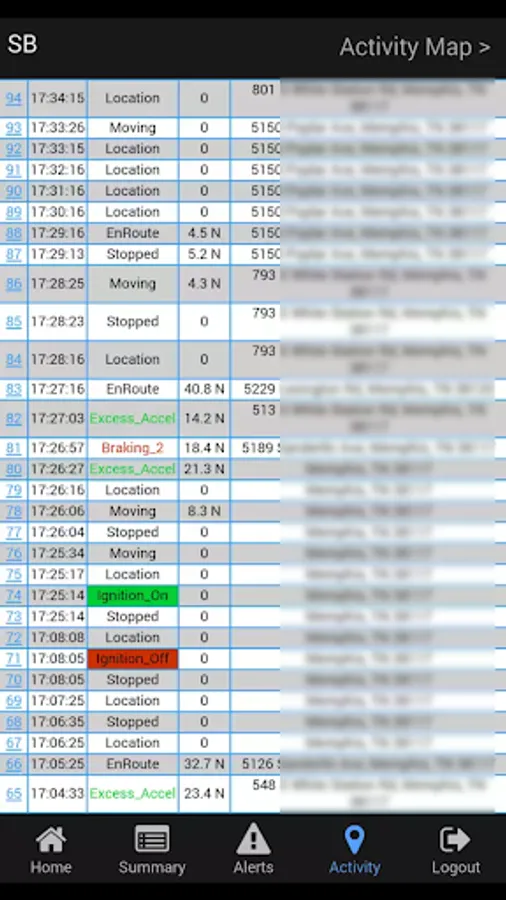
For each device you can view their summary, alerts and activity. The summary page contains a link of the last known location of that device. The activity page contains a list of reported events, which will direct the user to a map with that location if the link is pressed. On pressing the Activity Map link, the link located inside the activity page, a map will be rendered showing the activity of that particular device with markers. Furthermore, there is an option of choosing how many markers to show on the map within the activity map page. This option will show as much as 50 markers and as few as 5. However, if the amount chosen is greater than the reported amount then the reported amount will only be shown.
Please feel free to contact us before leaving a rating, if you feel like there is an issue, so that we may fix the problem and deliver a better product.
Some of the features that this app delivers are the capability of viewing all of your account's devices in a HERE map right from the start in the homepage. In this map each marker is a direct link to the summary page of that particular device. If all of your devices are difficult to see in your map, the app conveniently lists all of your devices in the 'View All' page.
For each device you can view their summary, alerts and activity. The summary page contains a link of the last known location of that device. The activity page contains a list of reported events, which will direct the user to a map with that location if the link is pressed. On pressing the Activity Map link, the link located inside the activity page, a map will be rendered showing the activity of that particular device with markers. Furthermore, there is an option of choosing how many markers to show on the map within the activity map page. This option will show as much as 50 markers and as few as 5. However, if the amount chosen is greater than the reported amount then the reported amount will only be shown.
Please feel free to contact us before leaving a rating, if you feel like there is an issue, so that we may fix the problem and deliver a better product.
lbtelematics Screenshots
Tap to Rate:
Reviews for lbtelematics
Thomas Ruth
11/21/2025
doesn't work half the time