In this color identification app, you can capture colors from photos, screens, and the environment using your camera or image uploads. Includes tools for color analysis, palette generation, and format conversion.
AppRecs review analysis
AppRecs rating 4.4. Trustworthiness 73 out of 100. Review manipulation risk 34 out of 100. Based on a review sample analyzed.
★★★★☆
4.4
AppRecs Rating
Ratings breakdown
5 star
82%
4 star
4%
3 star
4%
2 star
0%
1 star
9%
What to know
✓
Credible reviews
73% trustworthiness score from analyzed reviews
✓
High user satisfaction
87% of sampled ratings are 4+ stars (4.5★ average)
✓
Authentic reviews
No red flags detected
About ColorCaptor
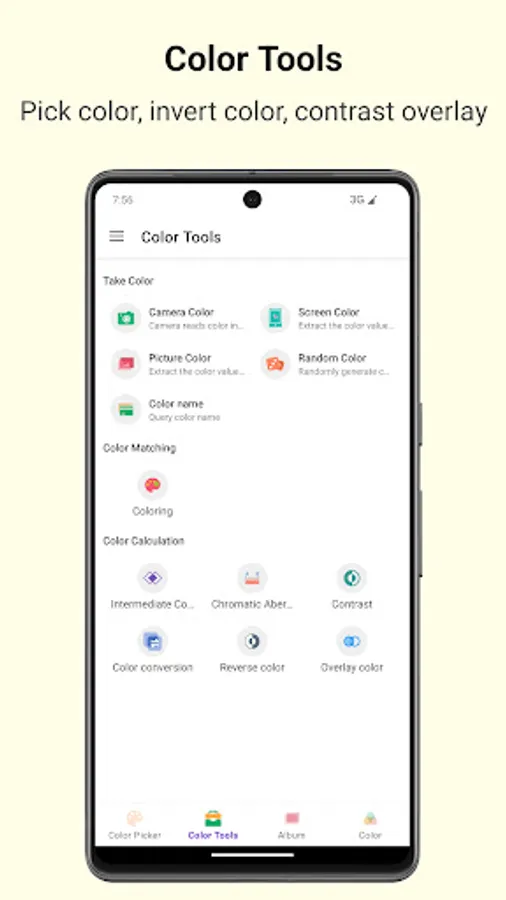
Unlock a world of endless colors right at your fingertips! This mobile tool is built exclusively for designers and color lovers, integrating three core functions: multi-scenario sampling, full-format conversion, and intelligent palette generation.
✨ Core Highlights
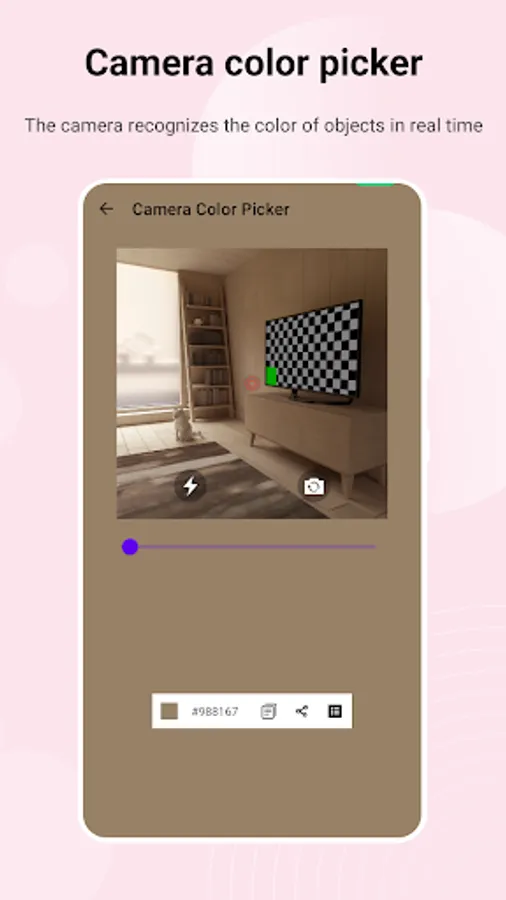
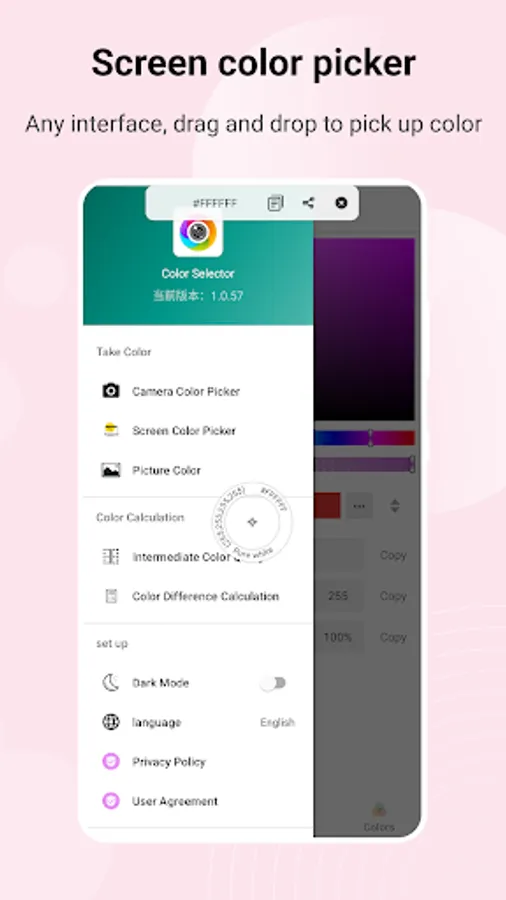
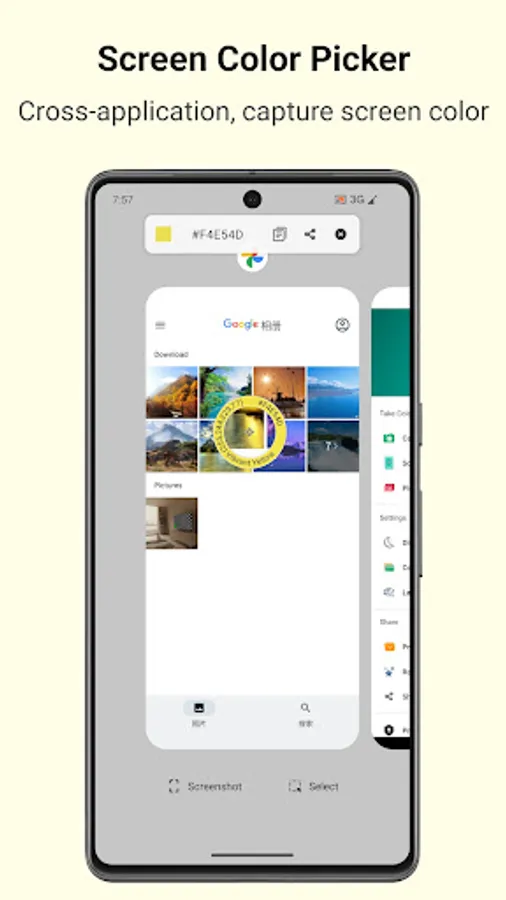
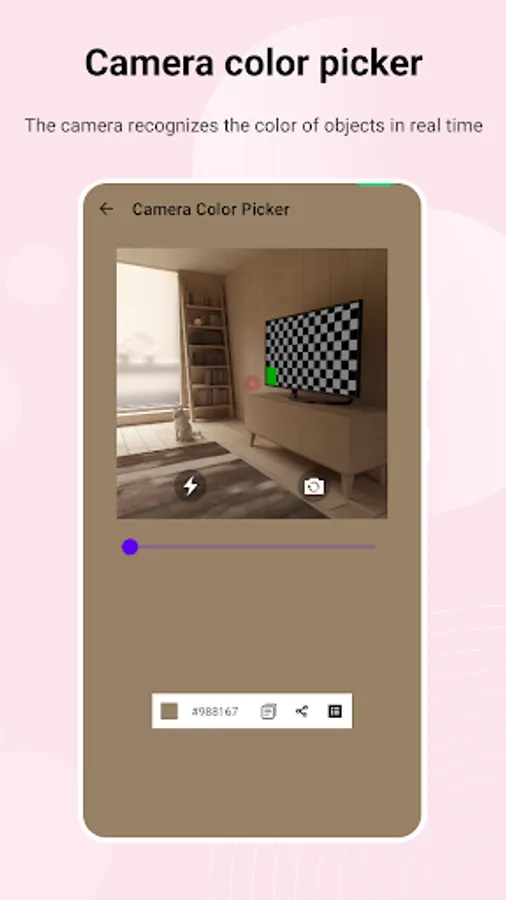
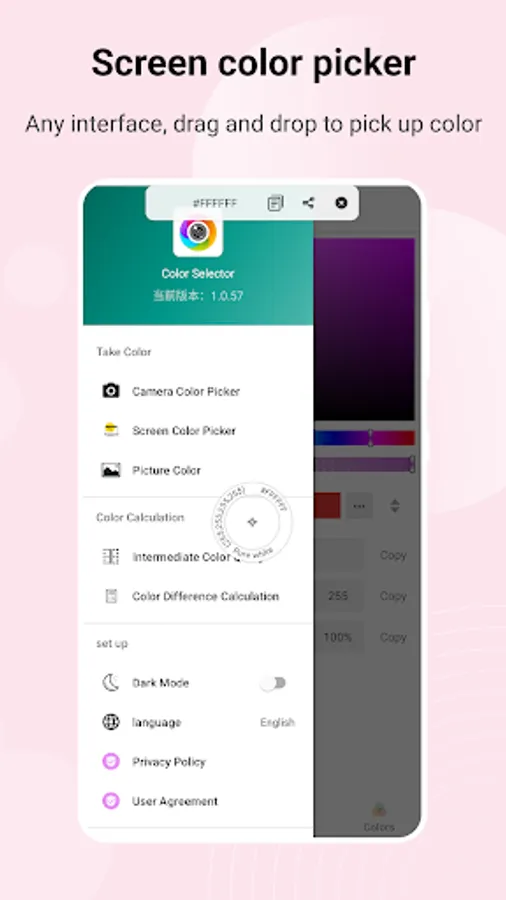
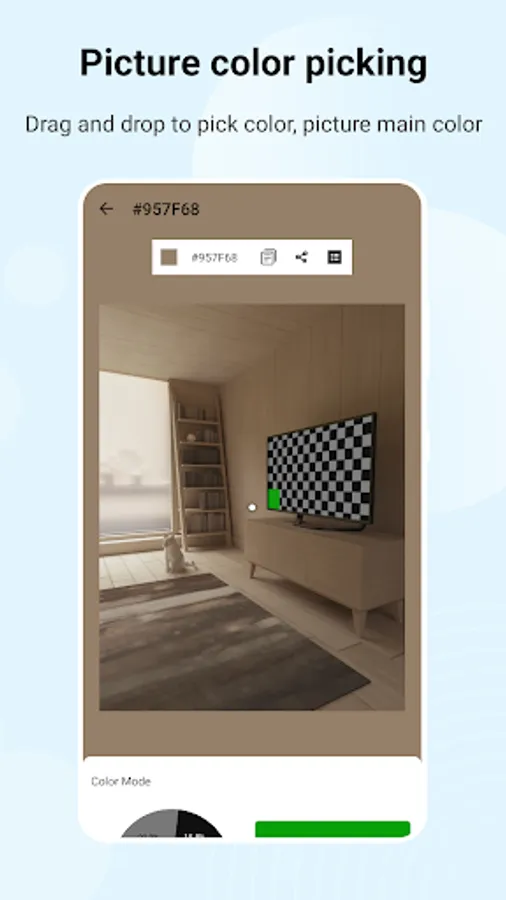
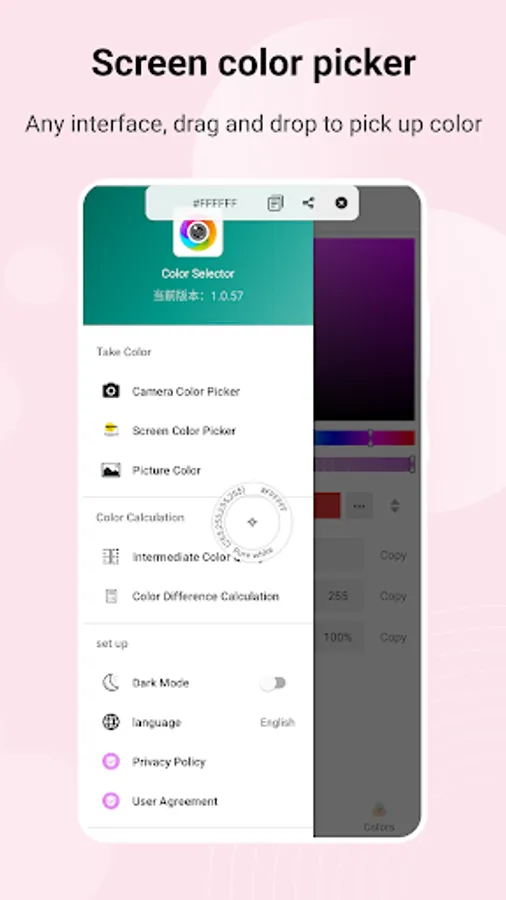
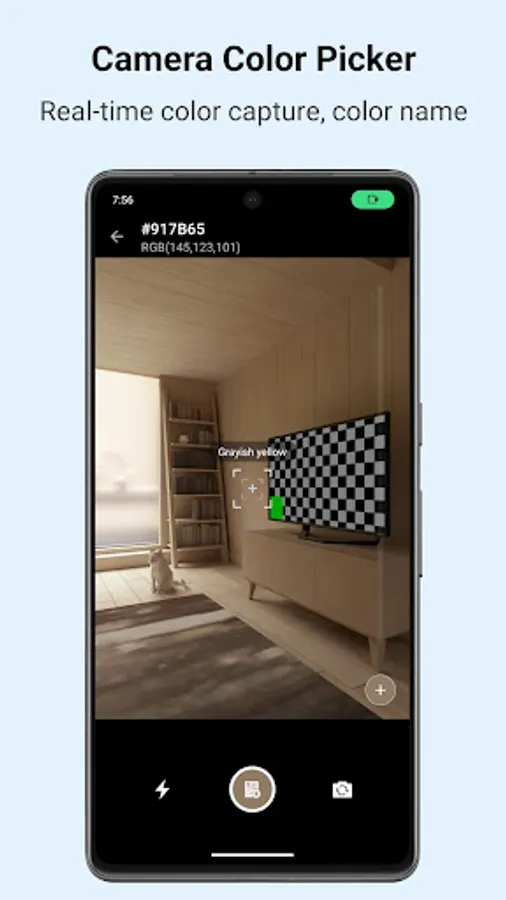
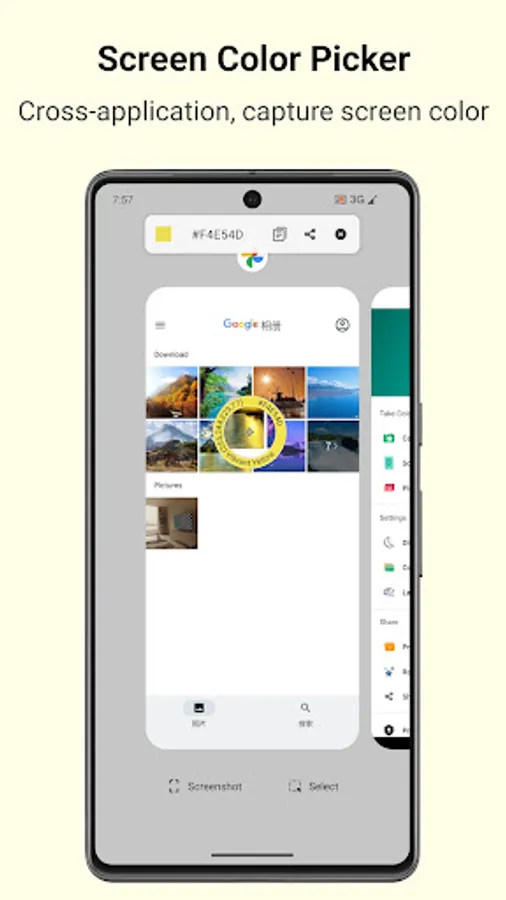
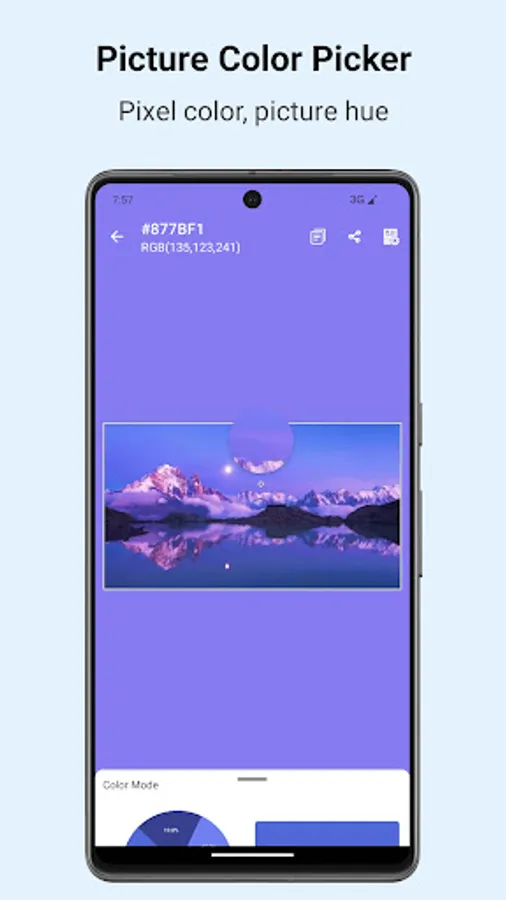
• Multi-scenario Sampling: Capture colors via camera (single/multi-point), floating screen (cross-app share), or pixel-level image analysis—get your desired hues anytime, anywhere.
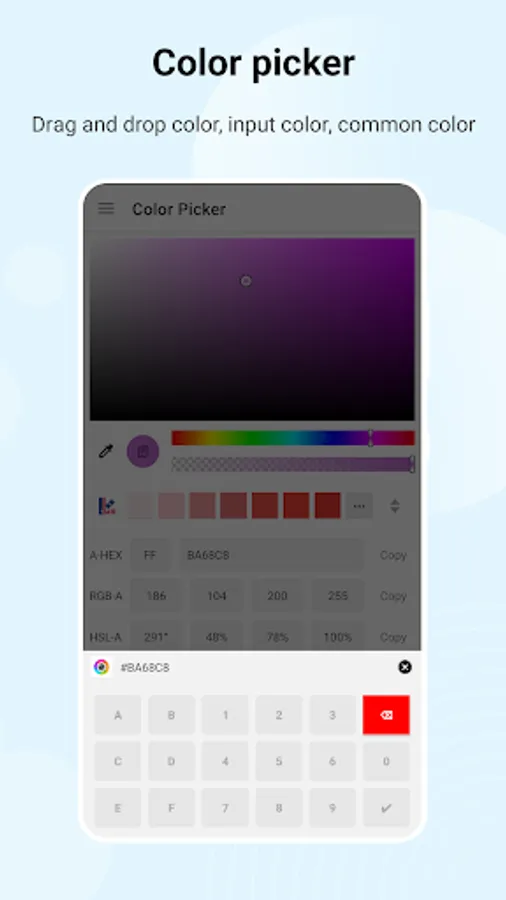
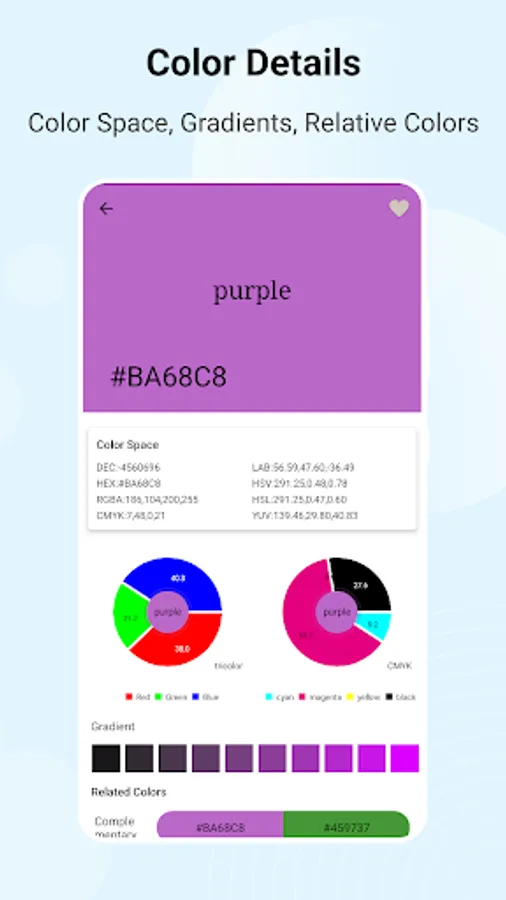
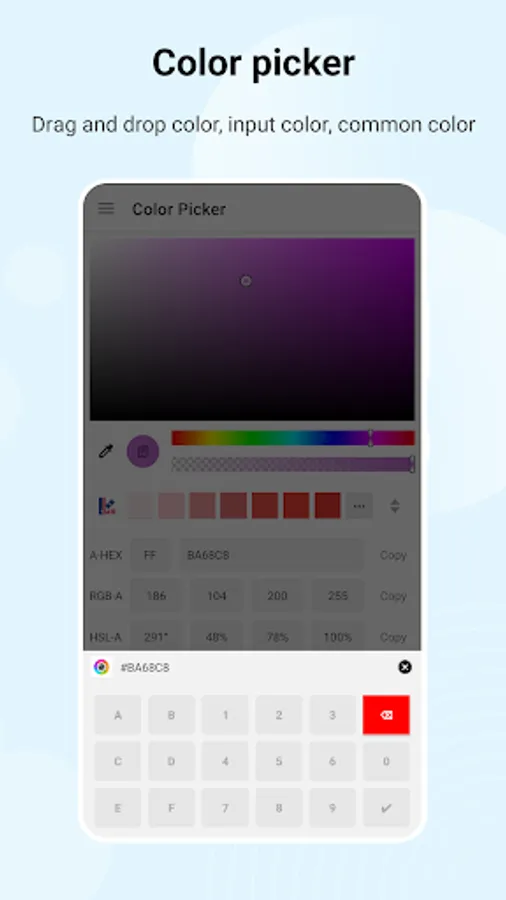
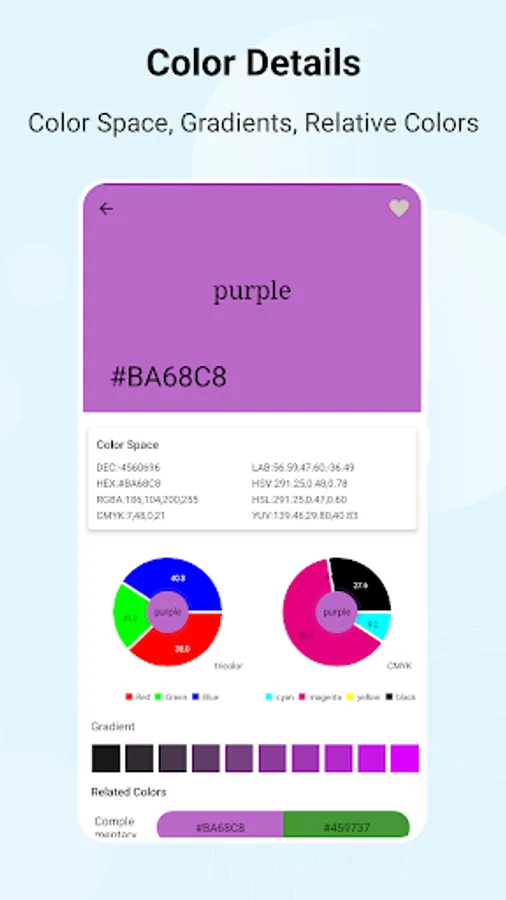
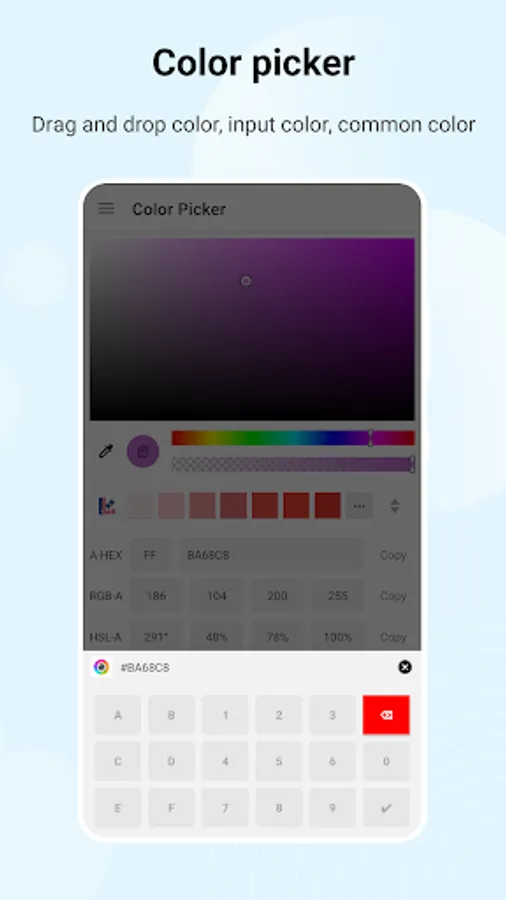
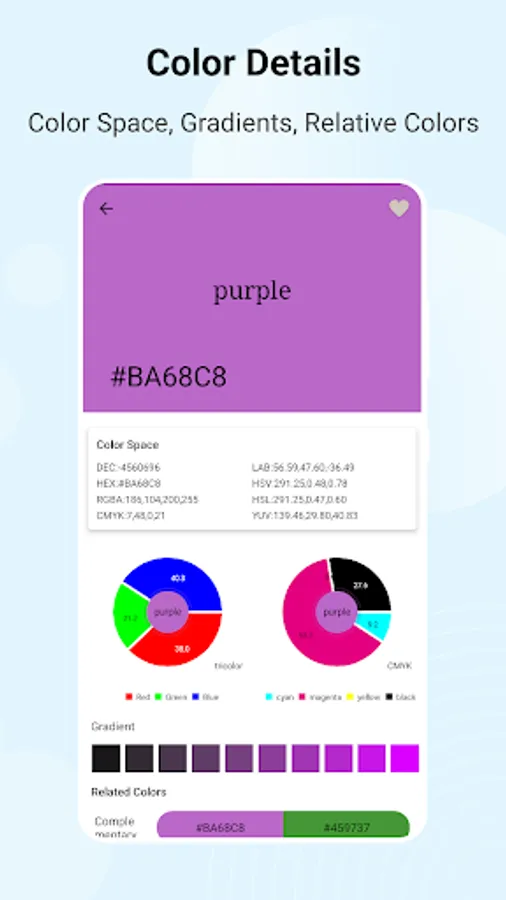
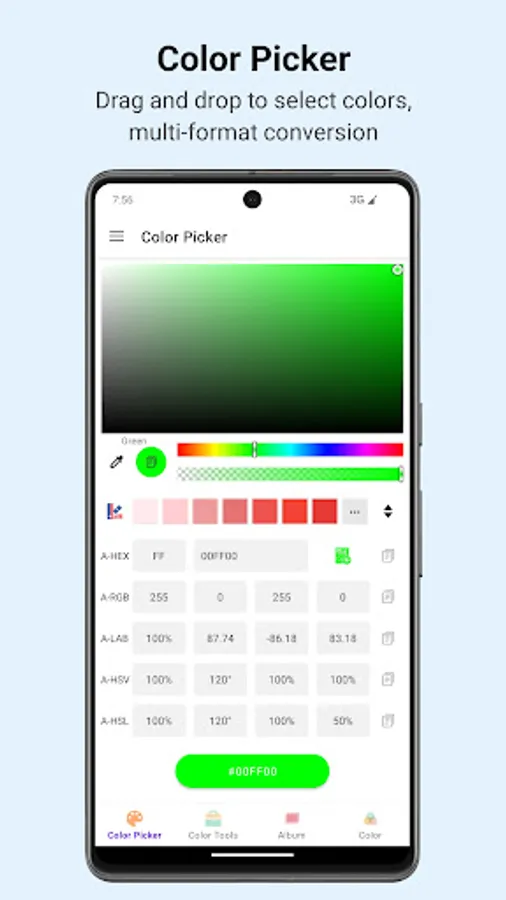
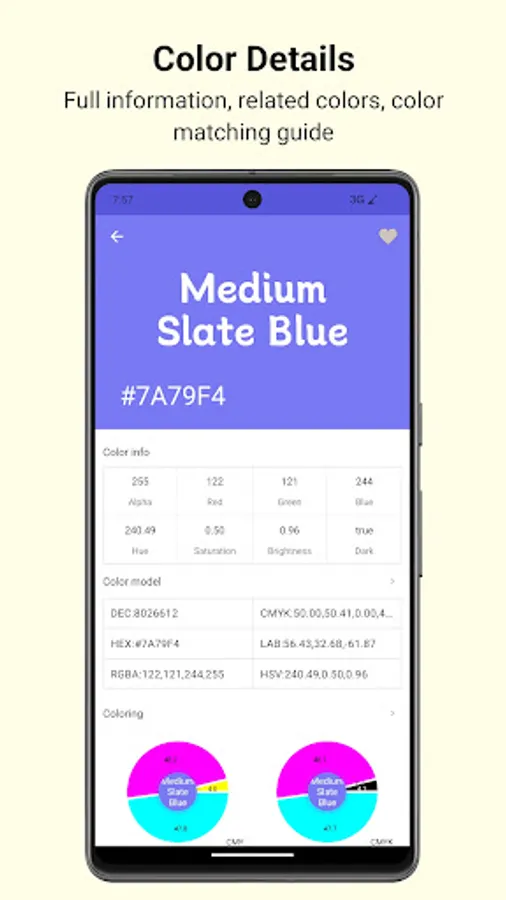
• 10+ Format Conversion: Seamlessly switch between RGB, HEX, CMYK, LAB, HSV/YUV, etc. Adjust alpha transparency with a drag for real-time color control.
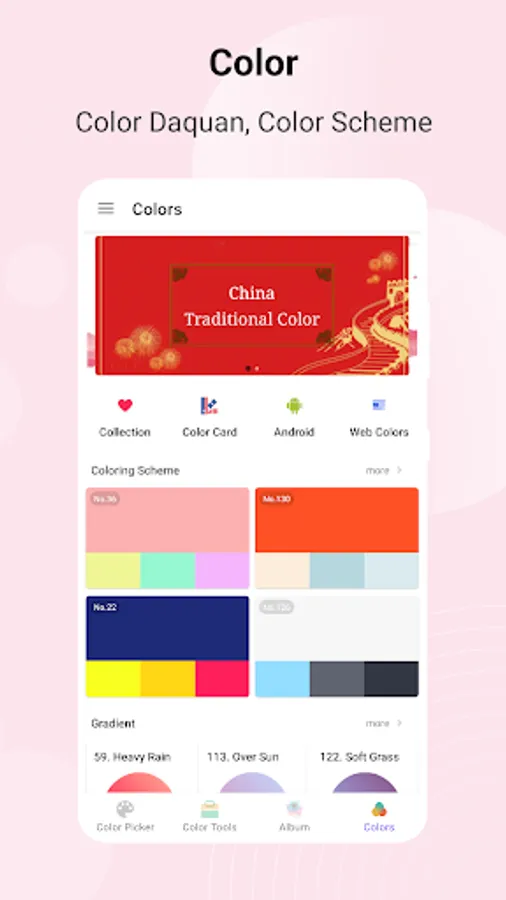
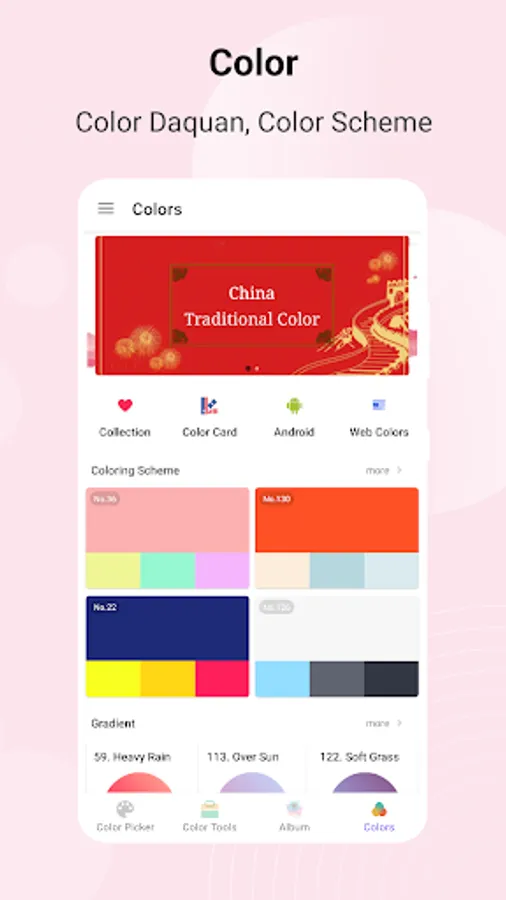
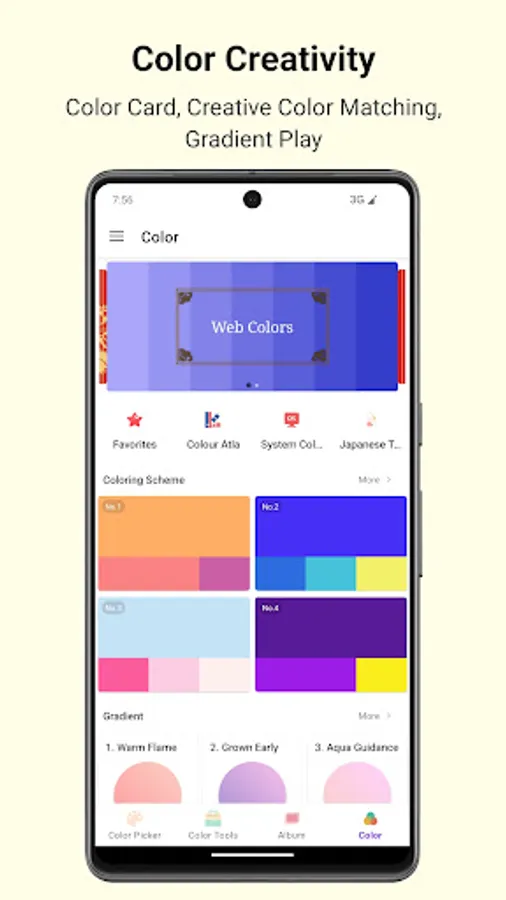
• Smart Color Grading: Auto-generate complementary, contrasting, and gradient schemes. Get precise mixing ratios for primary colors/CMYK with one click.
• Professional Toolkit: Calculate color difference (∆E76/∆E2000) and contrast to ensure design compliance. Look up intermediate colors, inverse & overlay colors instantly.
• User-friendly Design: Clean interface with color memory & collection. Generate XML/CSS gradient codes directly for your design projects.
🚀 Full Features, Master Colors
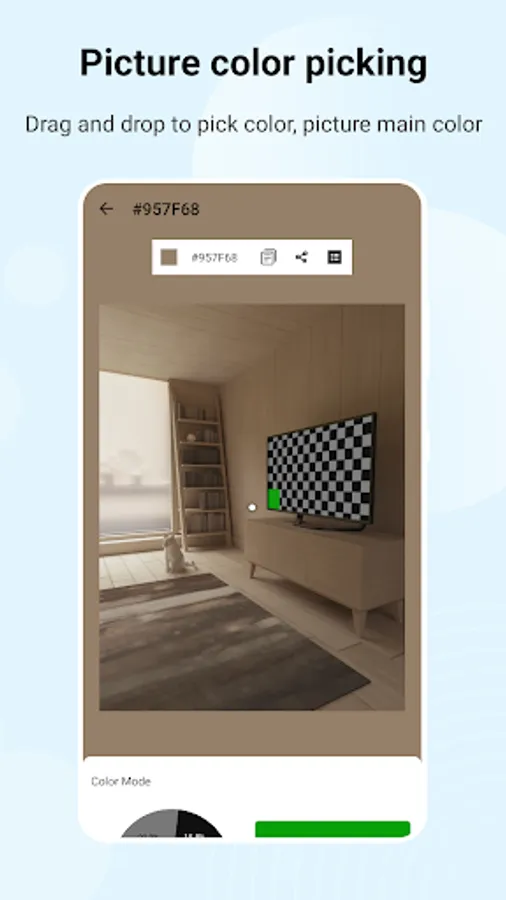
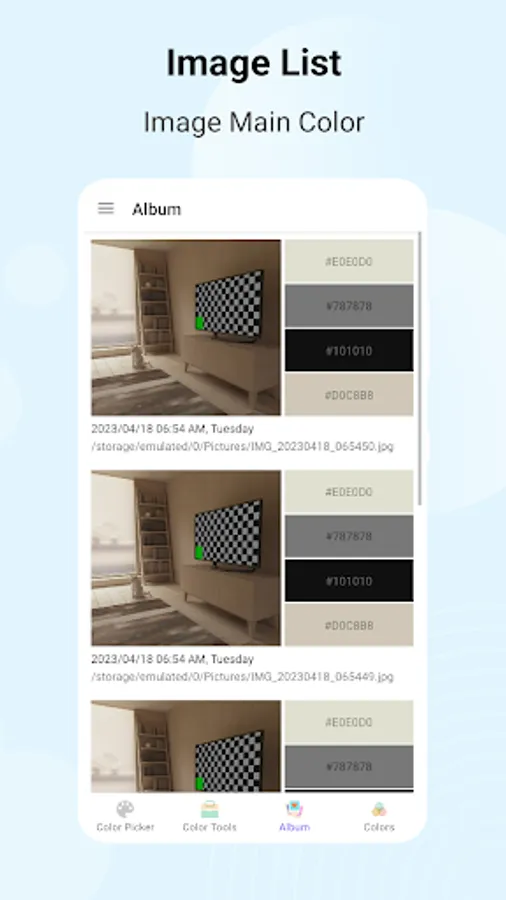
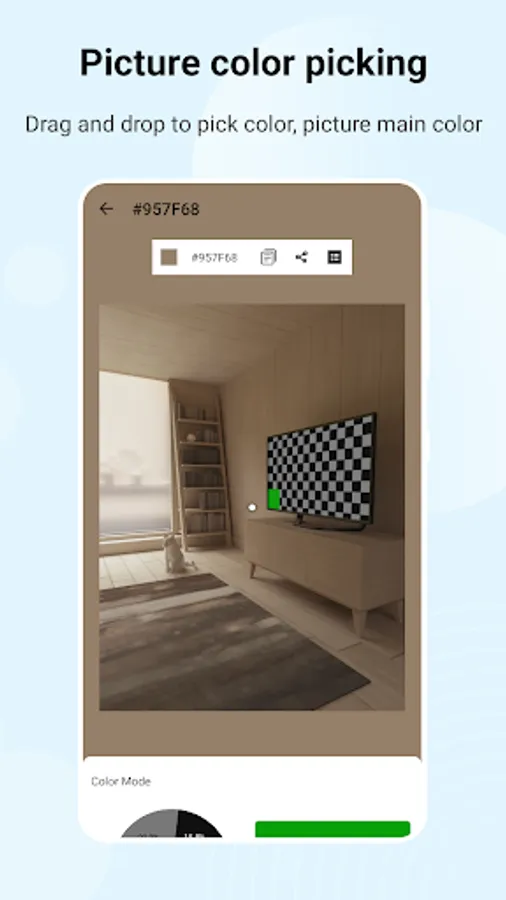
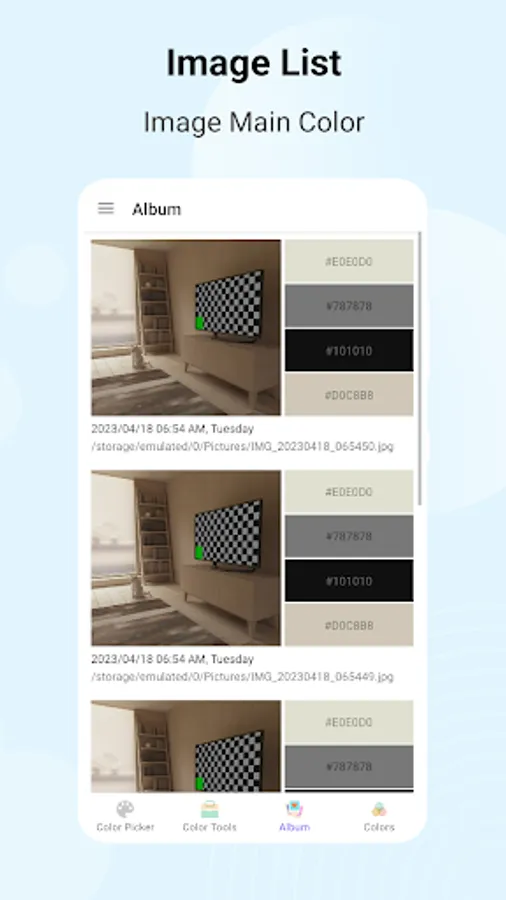
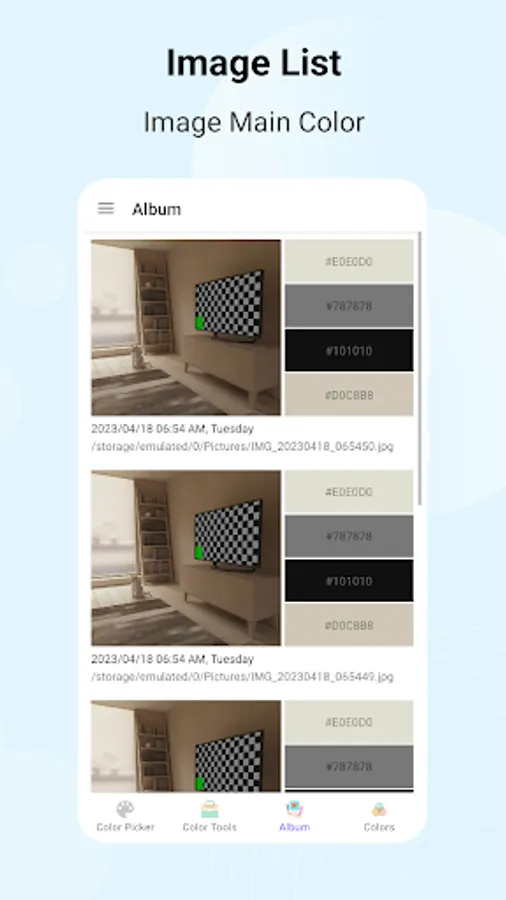
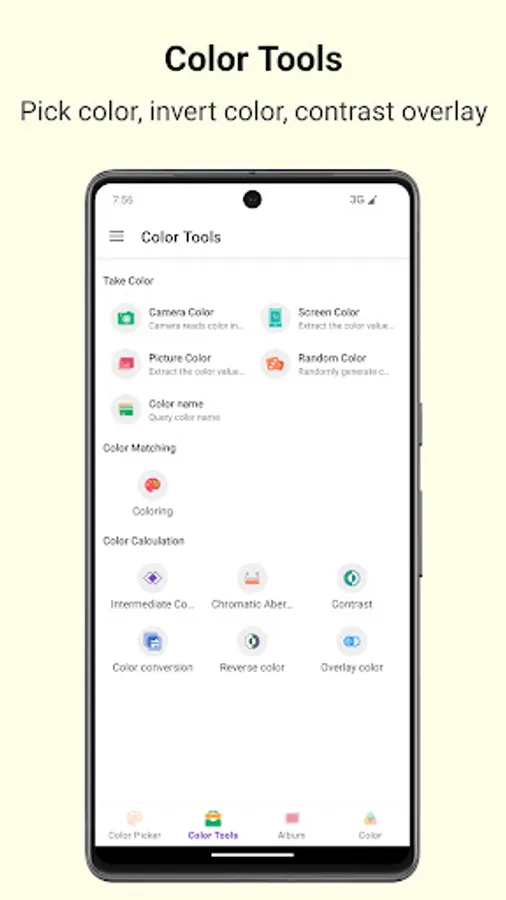
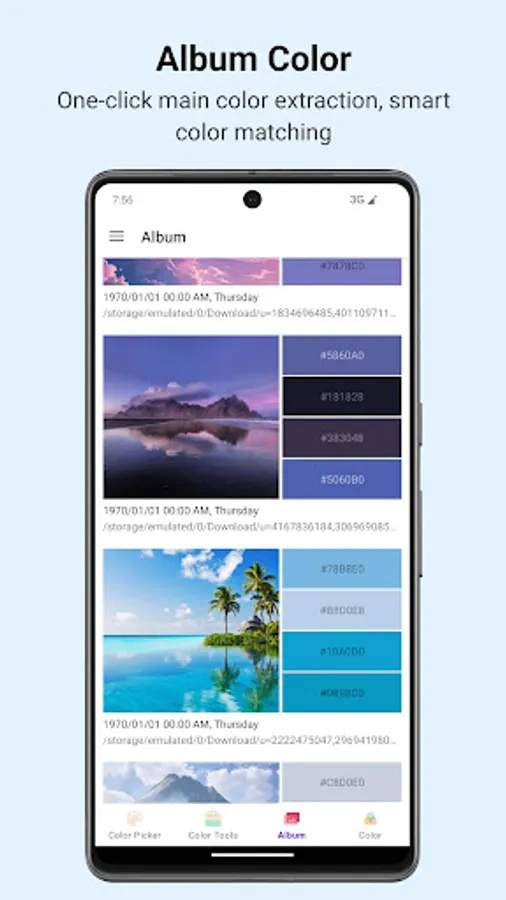
1. Versatile Sampling: Touch palette selection, camera capture, cross-app sharing, and pixel-level image analysis to extract dominant hues & adaptive palettes.
2. Format Conversion: Free conversion between 10+ color formats; real-time alpha transparency adjustment for accurate color values.
3. Color Matching: One-click scheme generation, custom colorant ratios, and gradient code export for direct design integration.
4. Analysis Tools: Bidirectional color name search, compliance-focused contrast calculation, and quick color value queries.
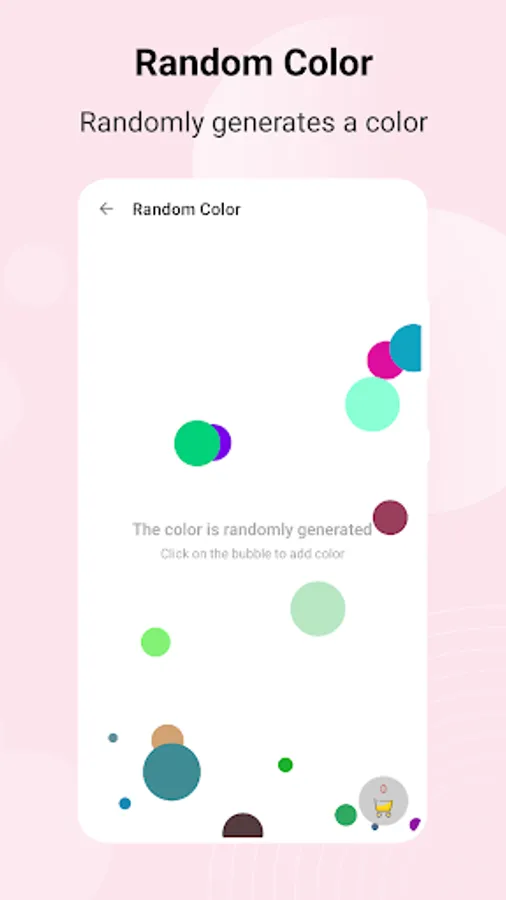
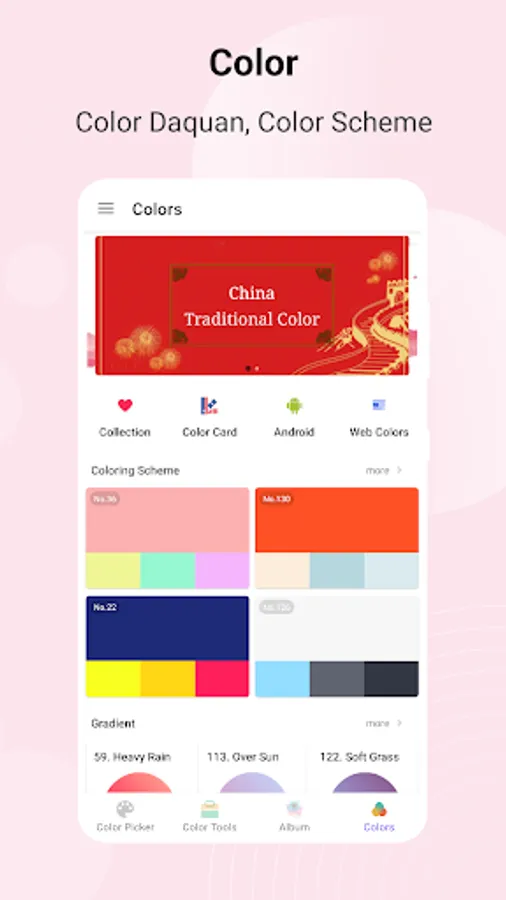
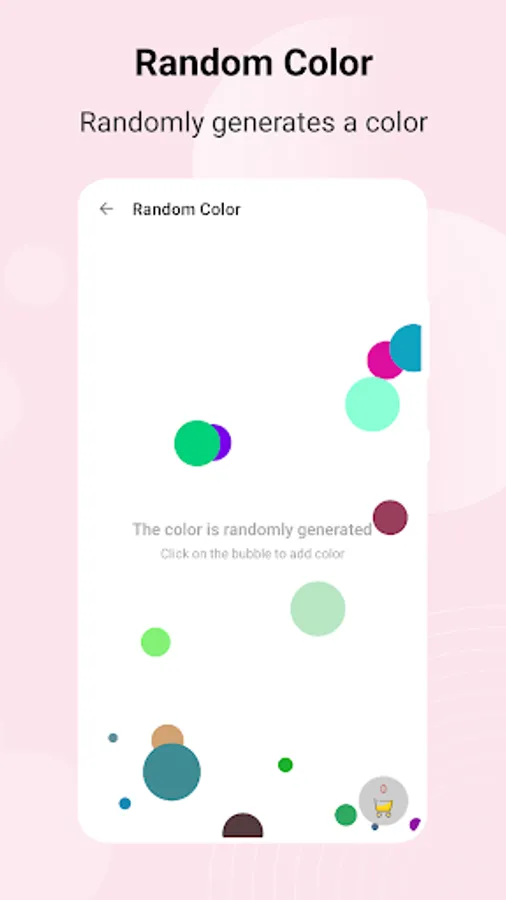
5. Smart Extras: Random color generation, built-in safe palettes (Android/iOS/Web), and one-click history color retrieval.
🎨 For UI designers, illustrators, photographers, crafters, and color novices—this is your perfect creative companion to unlock endless design possibilities!
ColorCaptor Screenshots
Tap to Rate:
Reviews for ColorCaptor
1860Sky Gypsy
2/24/2026
This app certainly has all the bells & whistles. All it needs now are some instructions. Color is my business. I need to be able to take photos of my product that show the true color. All I ask is that reds look red (not magenta) & colors look the same in my photos as they do in real life. But I'm just a dummy & IDK how to do that. A simple app store search yields apps that edit, apps that'll make you look like Barbie, or make your hair green, or cut your toenails. But try making red look red!
Lindsey Marie
12/22/2025
extremely handy!!