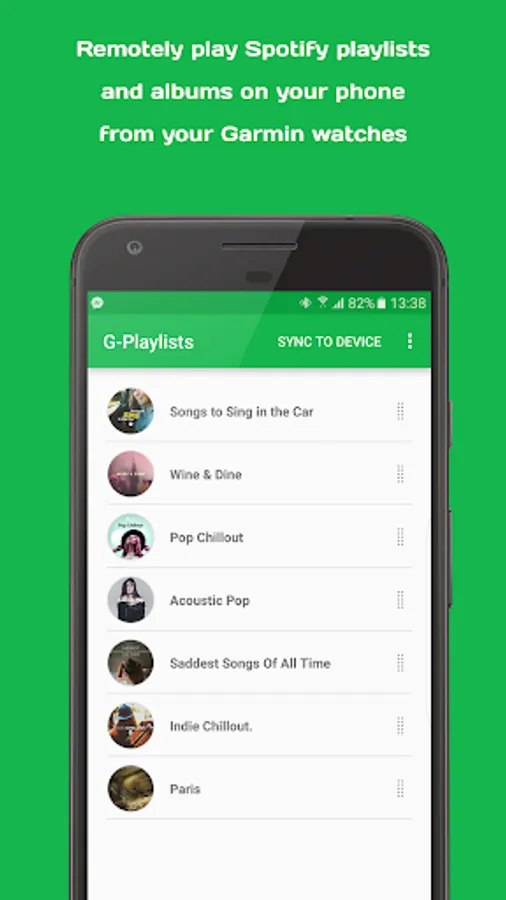
In this app, you can control Spotify playback on your Garmin watch by selecting and launching playlists or albums remotely. Includes playlist management, quick launch options, and synchronization features.
AppRecs review analysis
AppRecs rating 1.7. Trustworthiness 0 out of 100. Review manipulation risk 0 out of 100. Based on a review sample analyzed.
★☆☆☆☆
1.7
AppRecs Rating
Ratings breakdown
5 star
12%
4 star
0%
3 star
3%
2 star
12%
1 star
73%
What to know
✓
Authentic reviews
Natural distribution, no red flags
⚠
Mixed user feedback
Average 1.7★ rating suggests room for improvement
⚠
High negative review ratio
85% of sampled ratings are 1–2 stars
About G-Playlists
Warning: This app is not designed for the Gear S3.
This is the companion app for G-Playlists widget that you install on your Garmin watch. It turns your watch into a Spotify remote that lets you remotely play playlists and albums of your choice.
Features:
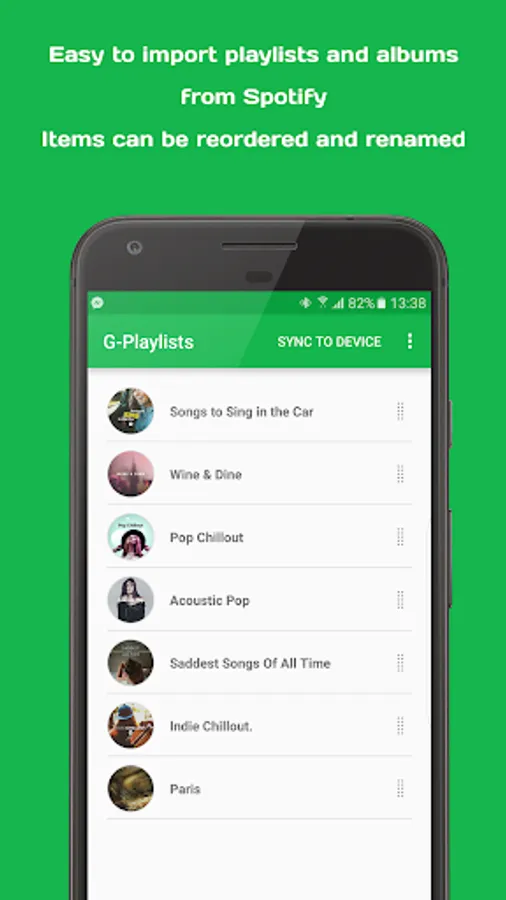
- Easy to use. Automatically get necessary information of playlists and albums from Spotify once you share an item to the app.
- Add up to 10 playlists/albums that can be accessed via the menu button on your watch.
- A special slot for quickly launch your favorite playlist or album via the select button on your watch. When you are viewing the widget, simply press select to launch this slot on your phone.
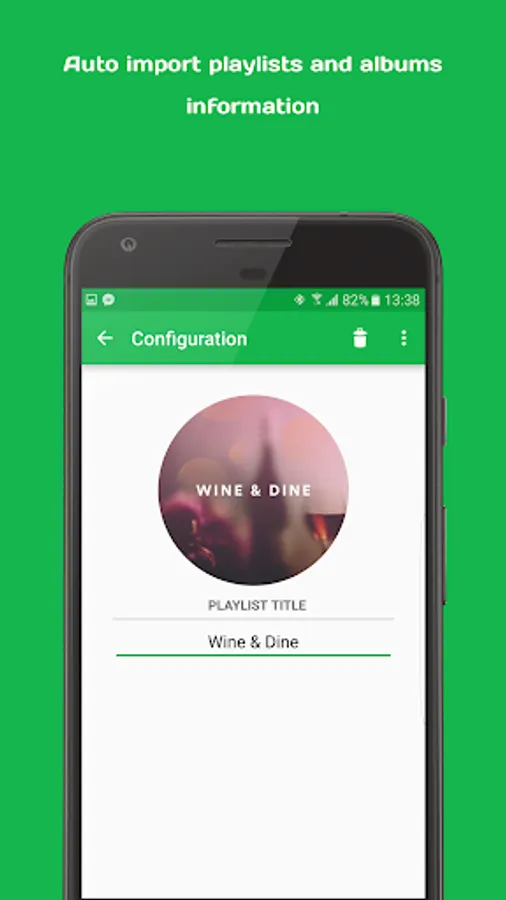
- Support reorder and rename items. Make sure you sync the changes to the watch after they are made.
- Start with a random song for premade playlists/albums. Start with the first song for custom playlist.
How to use:
1. Make sure that you install the G-Playlists widget on your watch first! If you have not done so, please go to the Garmin app store, search and download the G-Playlists app.
2. Open the main Spotify app, long-press on a playlist or album - select Share - Post to - More - Select either G-Playlists or Quicklaunch.
3. Wait for the import to complete.
4. Press back to save the changes.
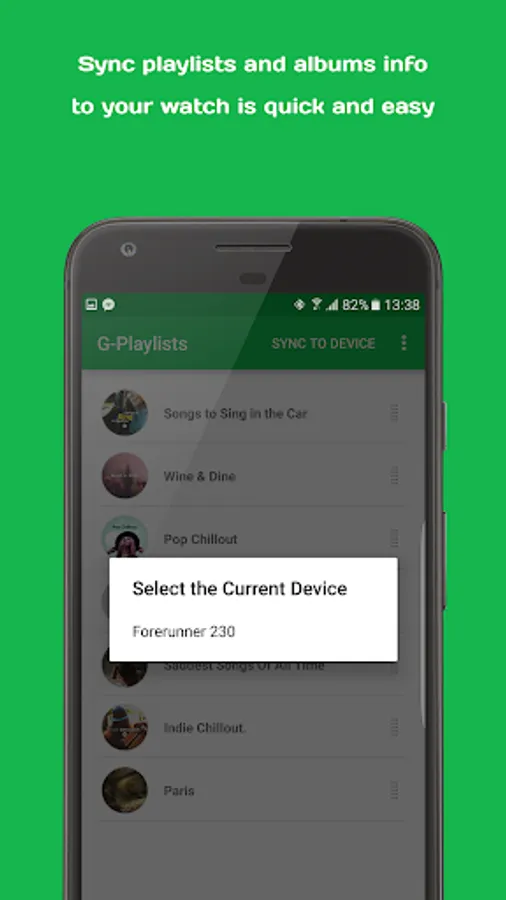
5. Repeat the steps to import more playlists. Once you are done, tap Sync to Device and select your currently connected watch.
6. Lock the phone, open the widget and select the item you want to play.
Credits: icon by Flaticon
This is the companion app for G-Playlists widget that you install on your Garmin watch. It turns your watch into a Spotify remote that lets you remotely play playlists and albums of your choice.
Features:
- Easy to use. Automatically get necessary information of playlists and albums from Spotify once you share an item to the app.
- Add up to 10 playlists/albums that can be accessed via the menu button on your watch.
- A special slot for quickly launch your favorite playlist or album via the select button on your watch. When you are viewing the widget, simply press select to launch this slot on your phone.
- Support reorder and rename items. Make sure you sync the changes to the watch after they are made.
- Start with a random song for premade playlists/albums. Start with the first song for custom playlist.
How to use:
1. Make sure that you install the G-Playlists widget on your watch first! If you have not done so, please go to the Garmin app store, search and download the G-Playlists app.
2. Open the main Spotify app, long-press on a playlist or album - select Share - Post to - More - Select either G-Playlists or Quicklaunch.
3. Wait for the import to complete.
4. Press back to save the changes.
5. Repeat the steps to import more playlists. Once you are done, tap Sync to Device and select your currently connected watch.
6. Lock the phone, open the widget and select the item you want to play.
Credits: icon by Flaticon
G-Playlists Screenshots
Tap to Rate: