
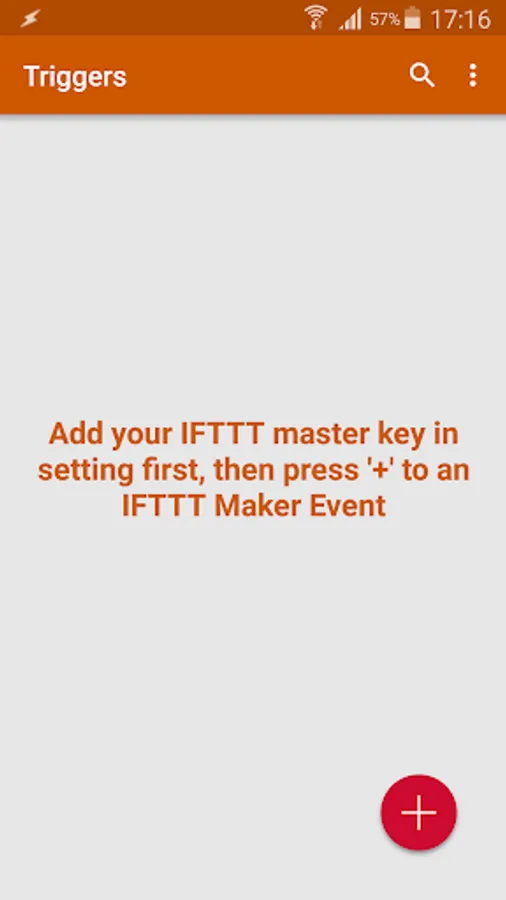
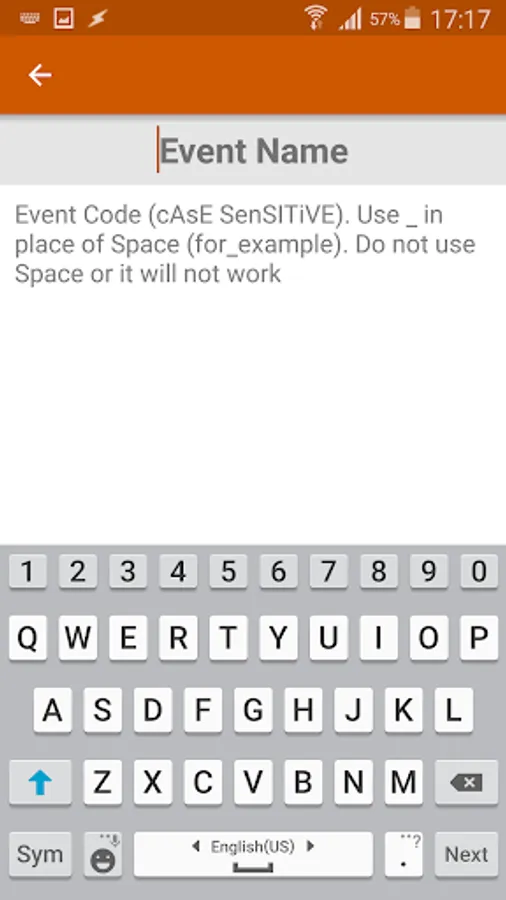
With this app, you can integrate Webhooks into your IFTTT recipes by inputting your key. Includes support for creating custom triggers and managing webhook settings.
AppRecs review analysis
AppRecs rating 4.1. Trustworthiness 0 out of 100. Review manipulation risk 0 out of 100. Based on a review sample analyzed.
★★★★☆
4.1
AppRecs Rating
Ratings breakdown
5 star
49%
4 star
33%
3 star
5%
2 star
2%
1 star
11%
What to know
✓
High user satisfaction
82% of sampled ratings are 4+ stars (4.1★ average)
✓
Authentic reviews
Natural distribution, no red flags
About Triggers
Step 1: Log in to your IFTTT account.
Step 2: Search for Webhooks and go to its setting page to get the key.
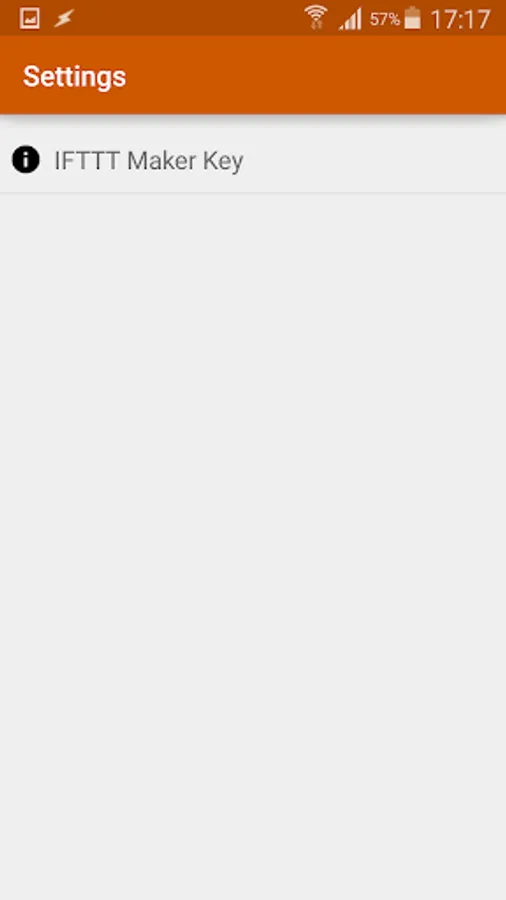
Step 3: Fill in the key inside the Triggers app.
Step 4: Create your recipe with webhook as the first condition.
Step 2: Search for Webhooks and go to its setting page to get the key.
Step 3: Fill in the key inside the Triggers app.
Step 4: Create your recipe with webhook as the first condition.
Triggers Screenshots
Tap to Rate: