Lenovo Workstation Diagnostics
Lenovo Inc.
3.8 ★
1K ratings
100,000+
downloads
Free
With this diagnostics app, you can connect your Android device to identify system issues and manage multiple systems efficiently. Includes features for emailing diagnostics files and viewing system status across multiple models.
AppRecs review analysis
AppRecs rating 3.8. Trustworthiness 0 out of 100. Review manipulation risk 0 out of 100. Based on a review sample analyzed.
★★★☆☆
3.8
AppRecs Rating
Ratings breakdown
5 star
54%
4 star
14%
3 star
13%
2 star
4%
1 star
16%
What to know
✓
Good user ratings
68% positive sampled reviews
✓
Authentic reviews
Natural distribution, no red flags
About Lenovo Workstation Diagnostics
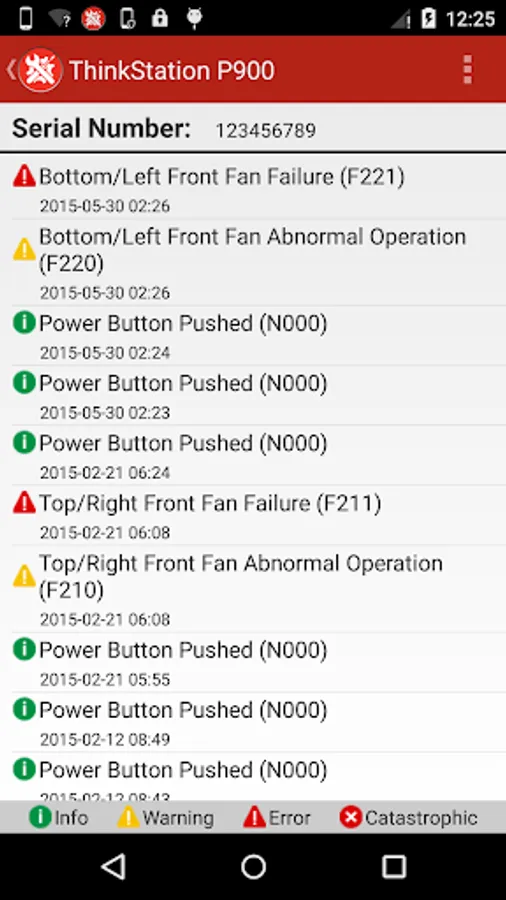
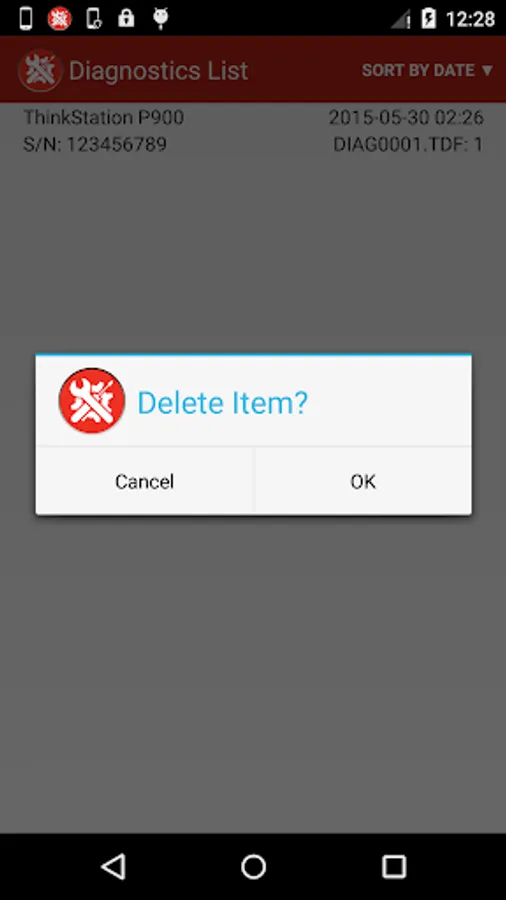
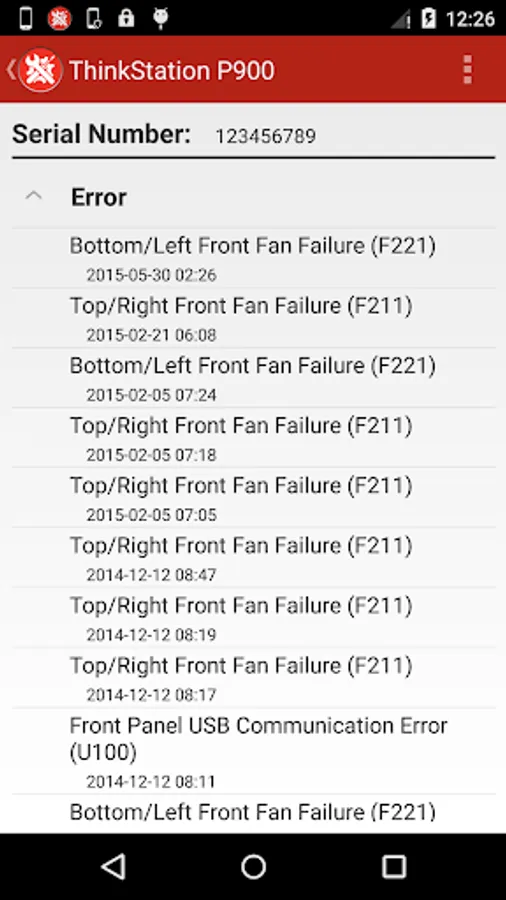
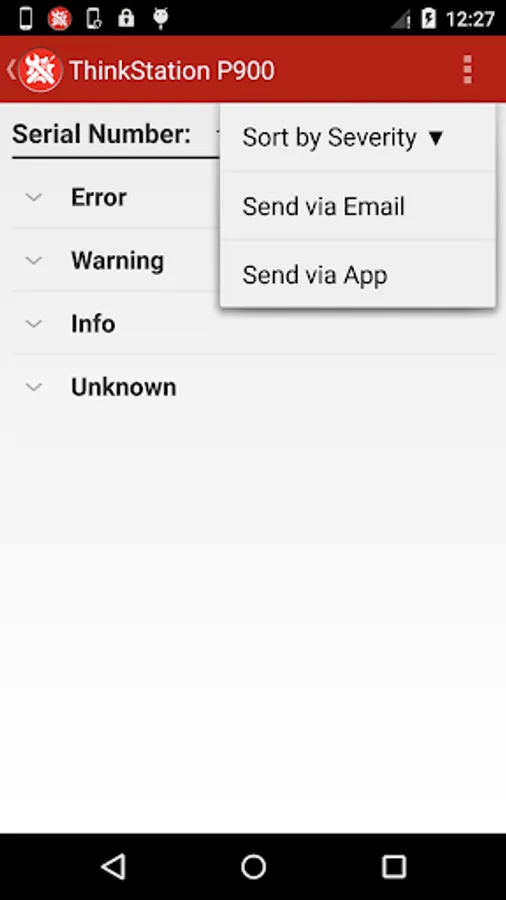
The fastest way to diagnose system issues with your Lenovo ThinkStation P900, P910, P700, P710 or P500, P510. The days of looking up LED sequences and beep codes is over. Simply connect your Android phone or tablet to the diagnostics port when it is in an error condition and the Lenovo Workstation Diagnostics App will give you the insight to keep your system running at maximum performance.
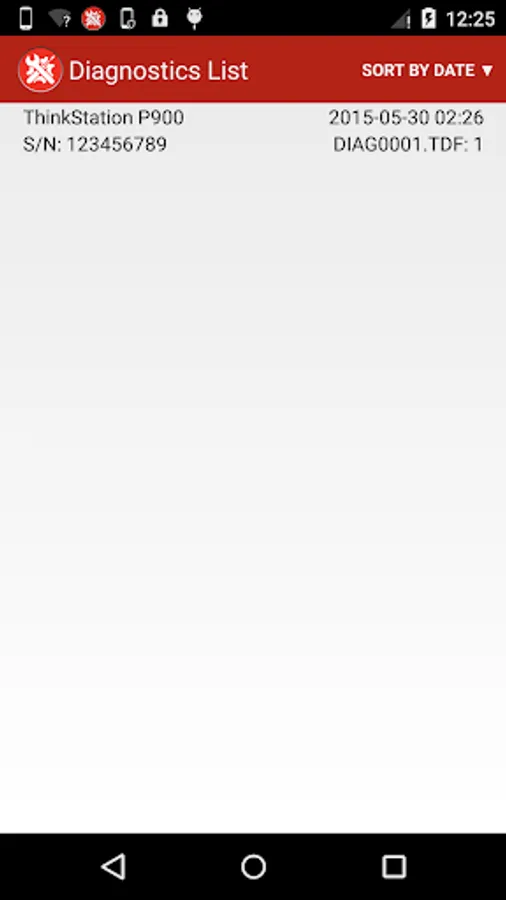
• Manage diagnostics information for multiple systems
• Email diagnostics files to colleagues and other support personnel
• See http://www.thinkworkstationsoftware.com/diags for more information.
For ThinkStation models P520, P720, P920 look for the "Lenovo PC Diagnostics" app on Google Play. URL is https://play.google.com/store/apps/details?id=com.lenovo.lenovoworkstationdiagnostics
• Manage diagnostics information for multiple systems
• Email diagnostics files to colleagues and other support personnel
• See http://www.thinkworkstationsoftware.com/diags for more information.
For ThinkStation models P520, P720, P920 look for the "Lenovo PC Diagnostics" app on Google Play. URL is https://play.google.com/store/apps/details?id=com.lenovo.lenovoworkstationdiagnostics
Lenovo Workstation Diagnostics Screenshots
Tap to Rate: