In this app, you can connect and collaborate across devices using smart display features and seamless pairing. Includes device pairing, extended desktop, and file sharing functionalities.
AppRecs review analysis
AppRecs rating 2.9. Trustworthiness 0 out of 100. Review manipulation risk 0 out of 100. Based on a review sample analyzed.
★★☆☆☆
2.9
AppRecs Rating
Ratings breakdown
5 star
32%
4 star
21%
3 star
0%
2 star
0%
1 star
48%
What to know
✓
Authentic reviews
Natural distribution, no red flags
⚠
Mixed user feedback
Average 2.9★ rating suggests room for improvement
⚠
High negative review ratio
48% of sampled ratings are 1–2 stars
About Lenovo Freestyle
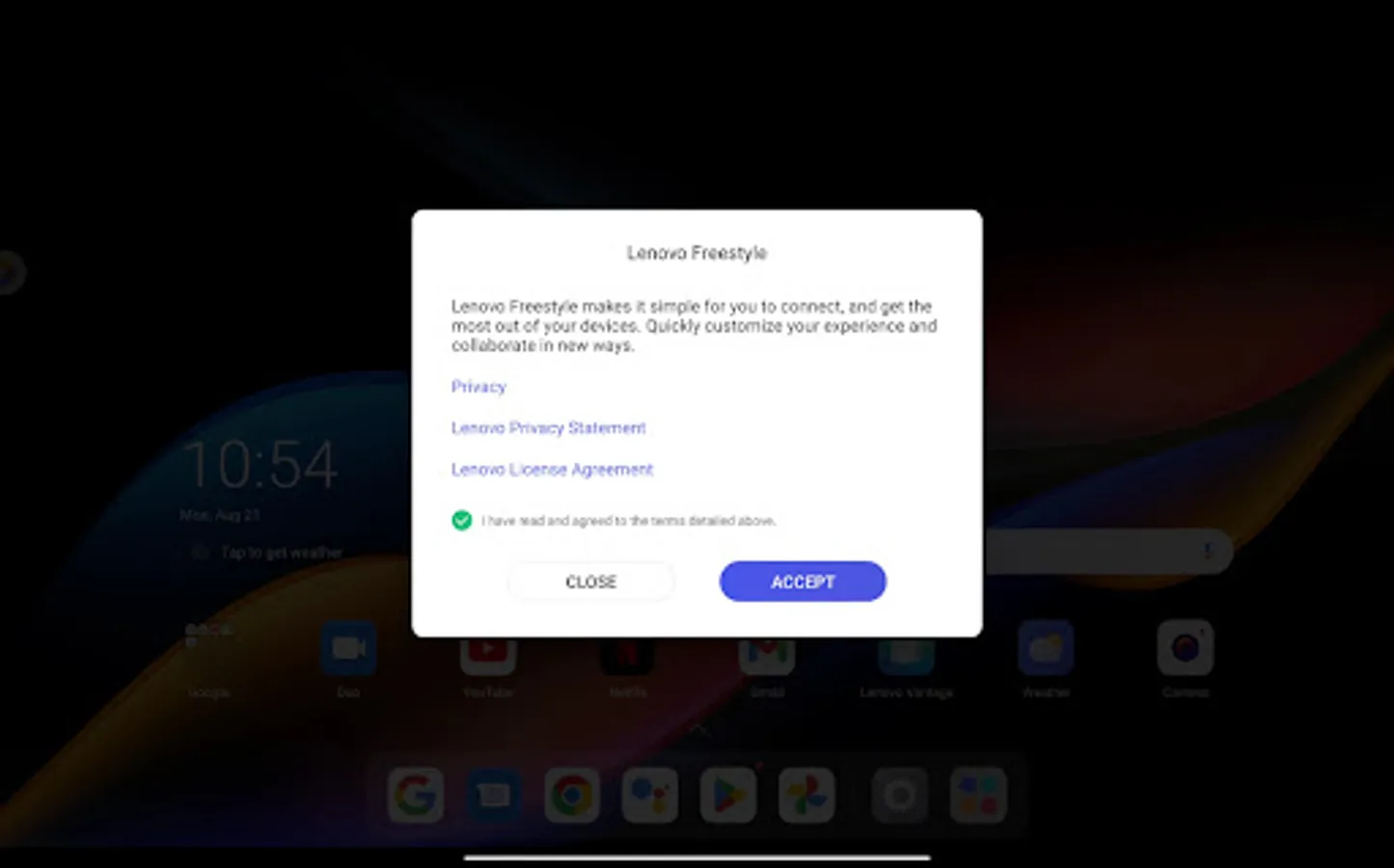
Consumers are juggling more devices than ever before, between work, education, and entertainment – and as a result, users need to more easily and seamlessly connect and collaborate across those devices.
Lenovo Freestyle is the smart and secure device collaboration framework that empowers users to collaborate in new ways, boost productivity and, with additional features planned, enable them to manage their family’s digital life more easily.
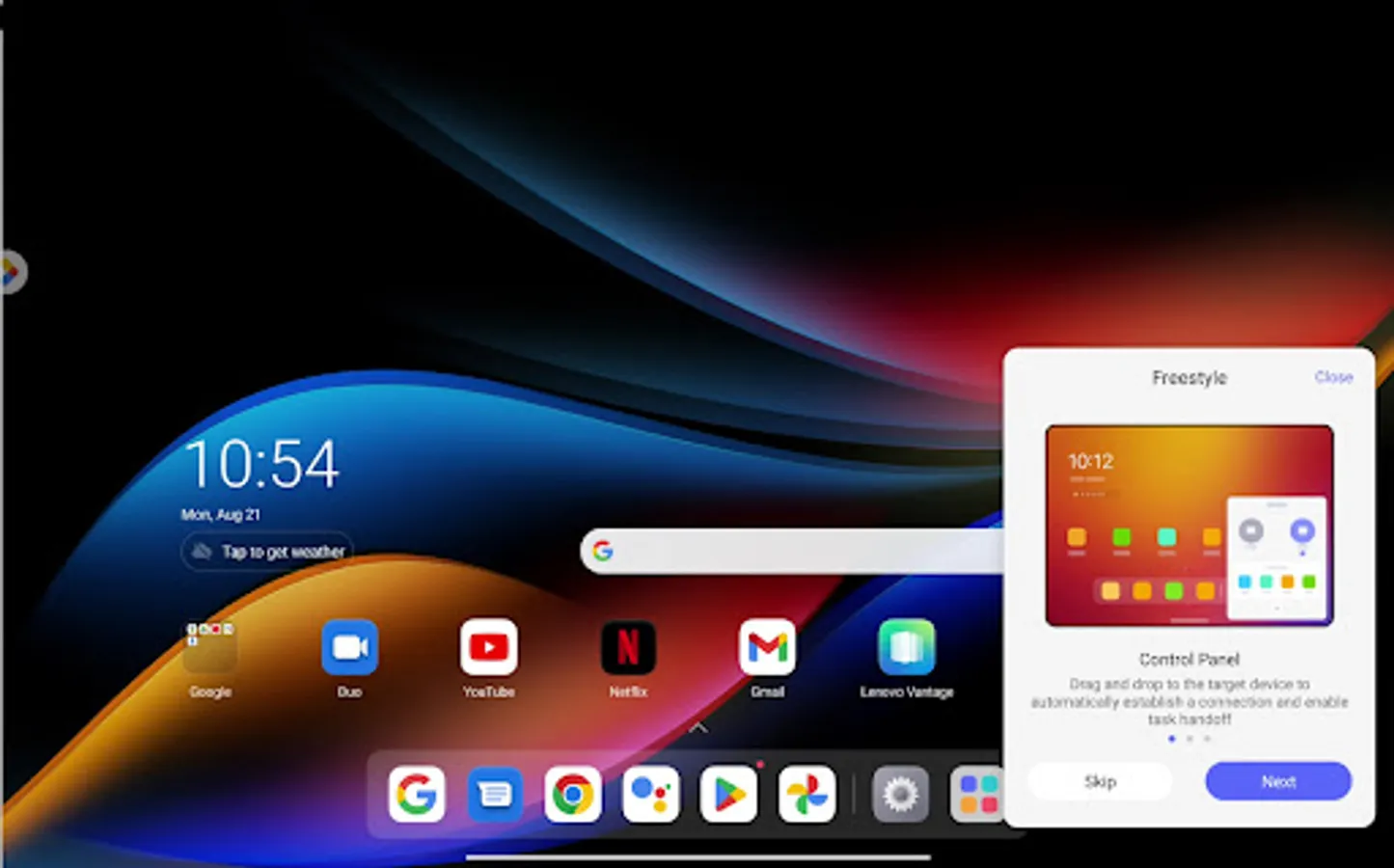
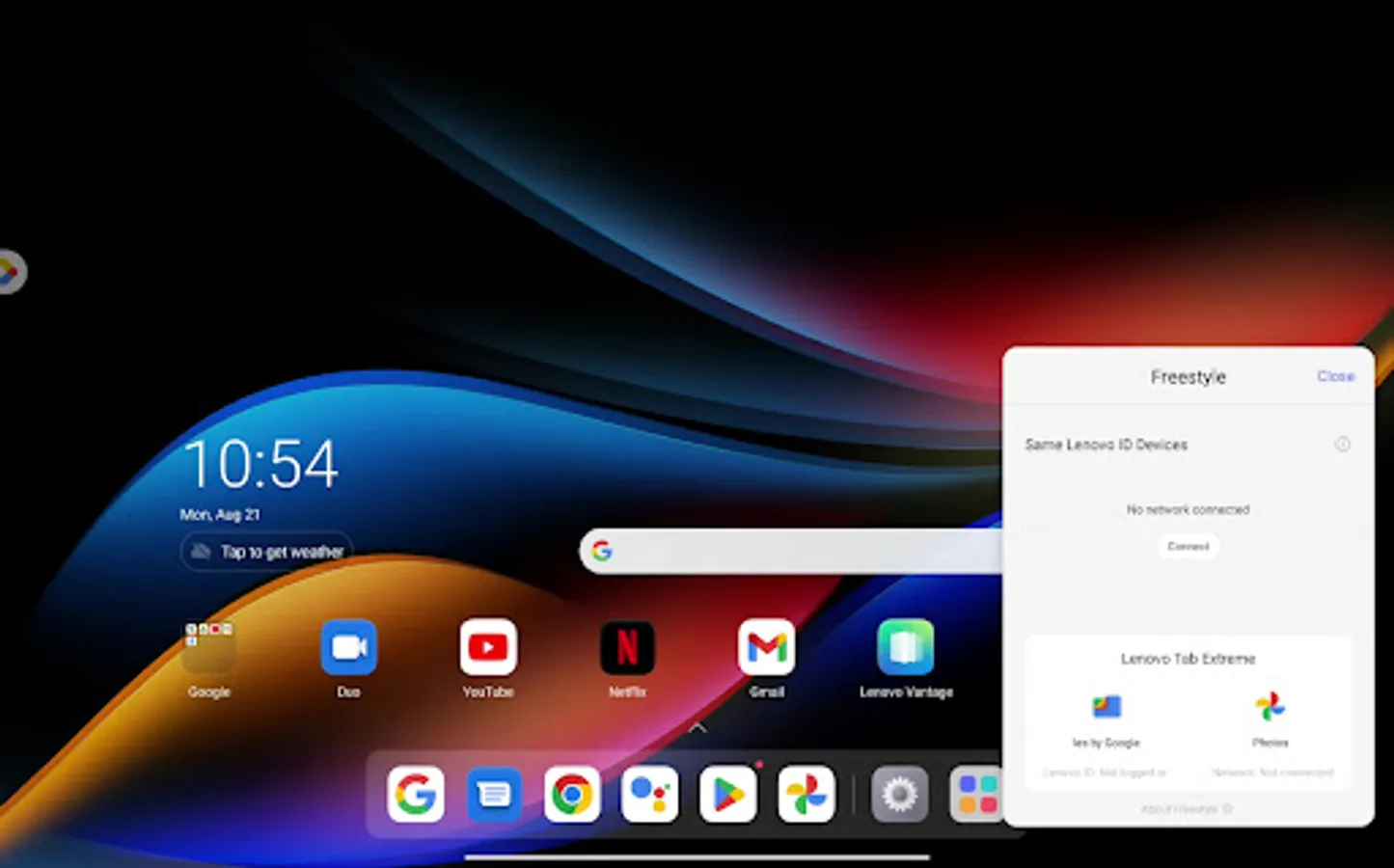
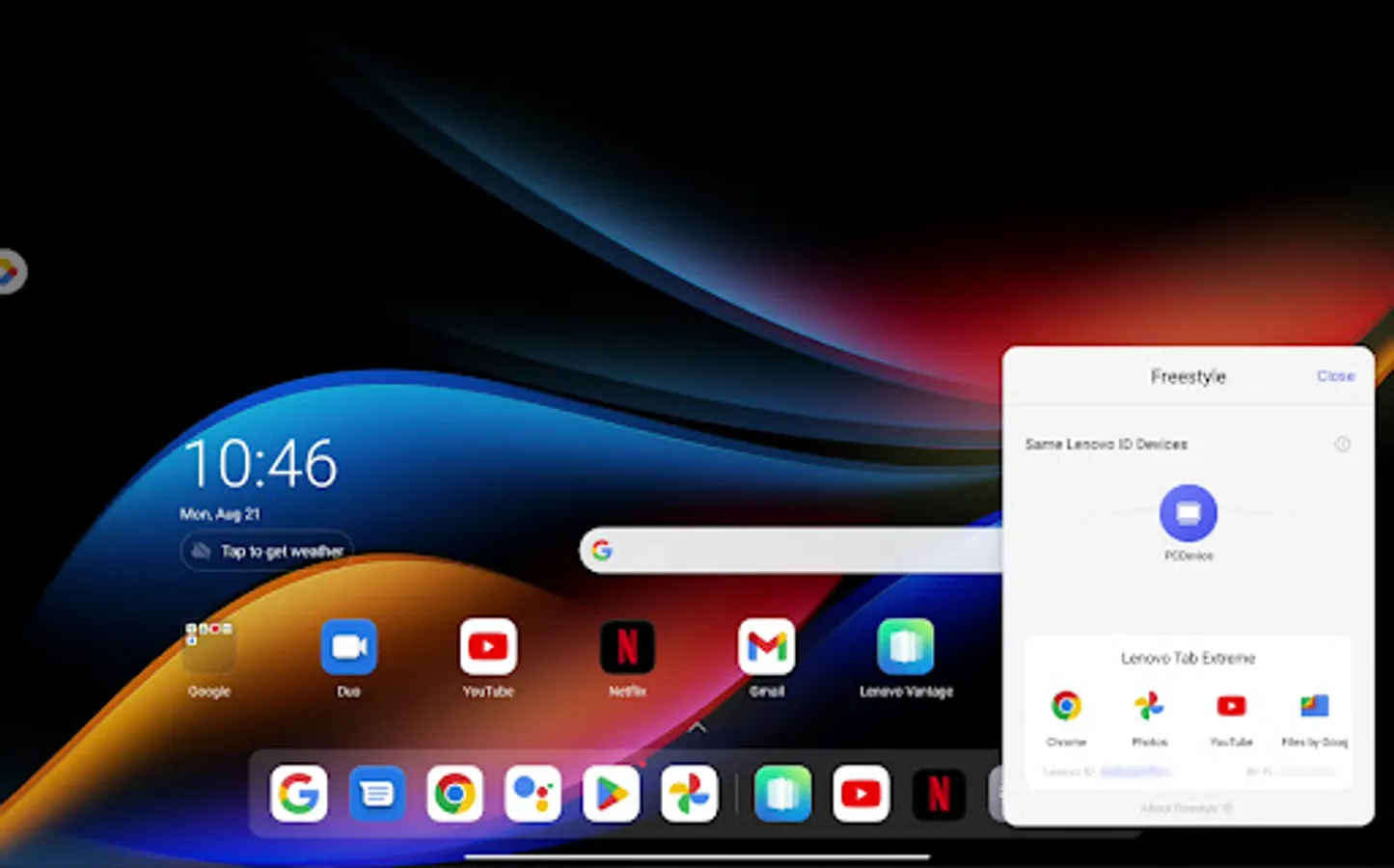
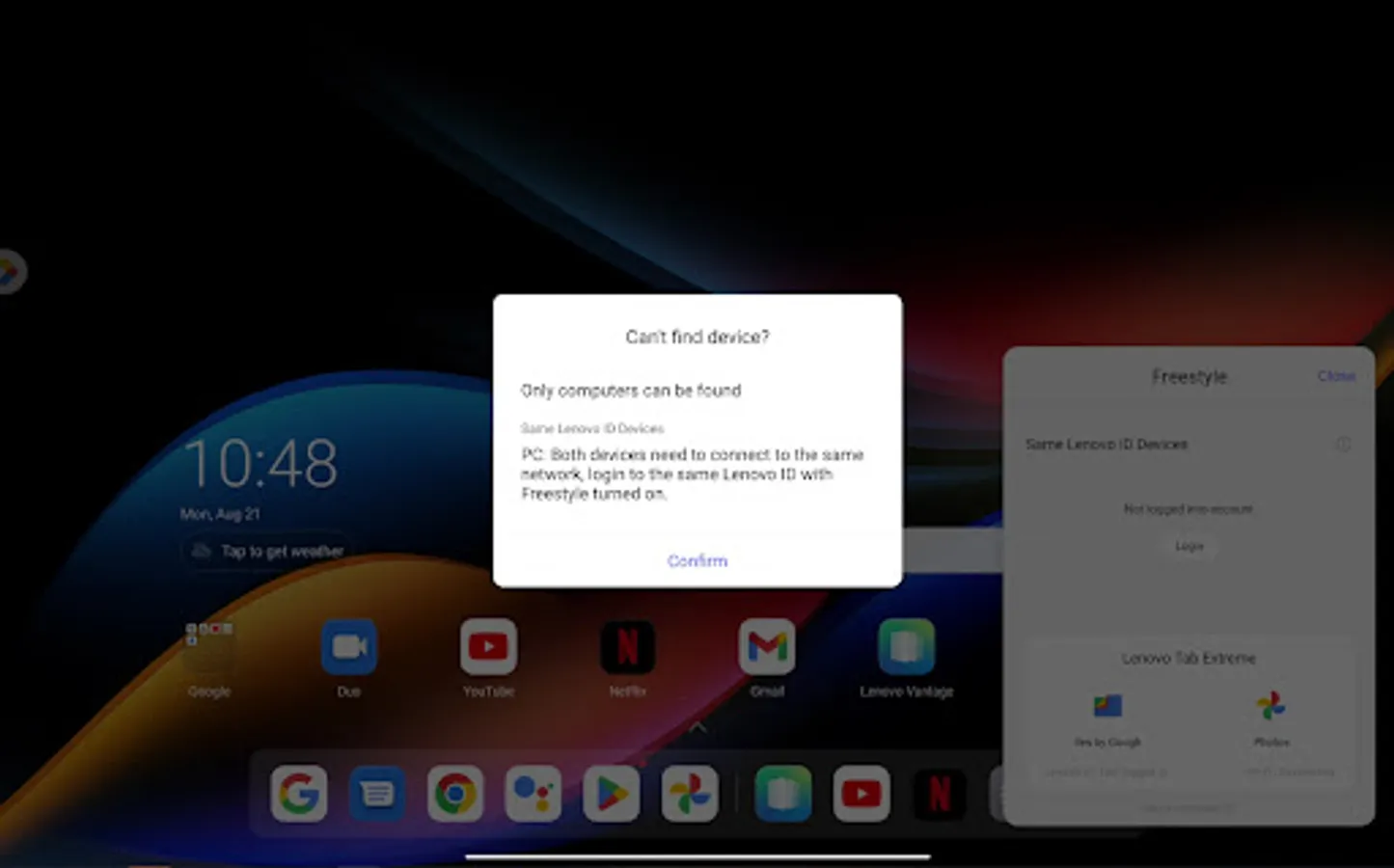
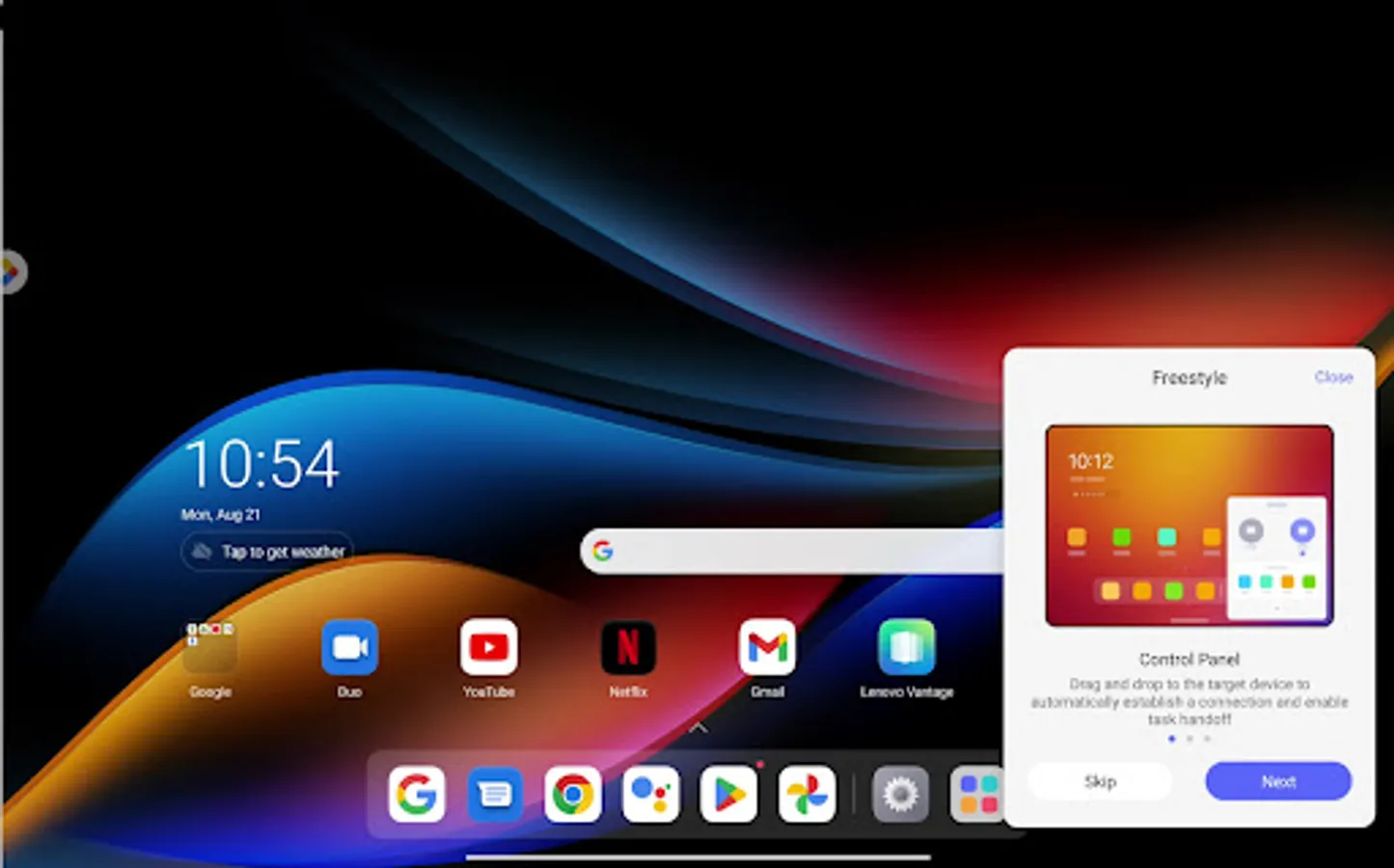
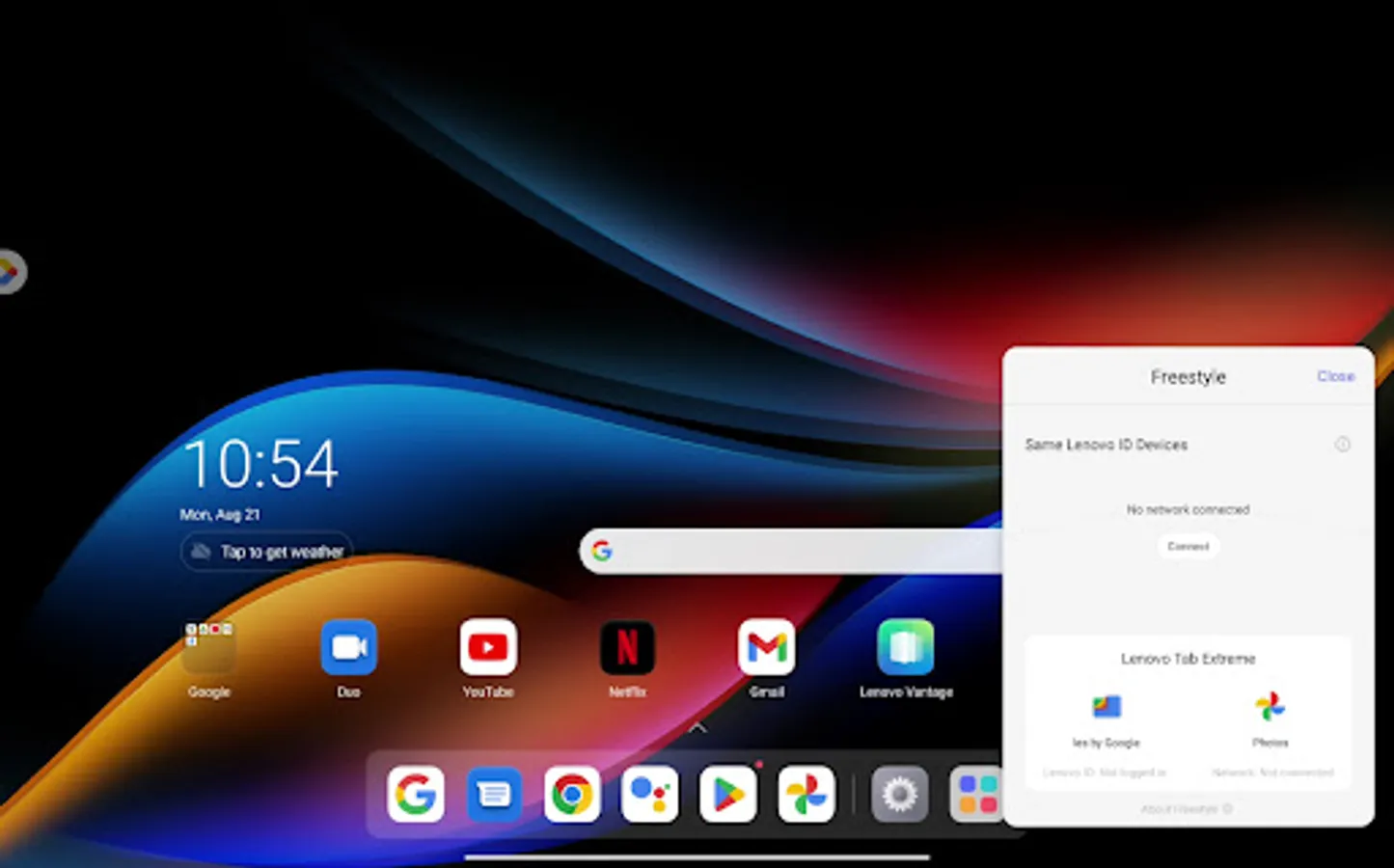
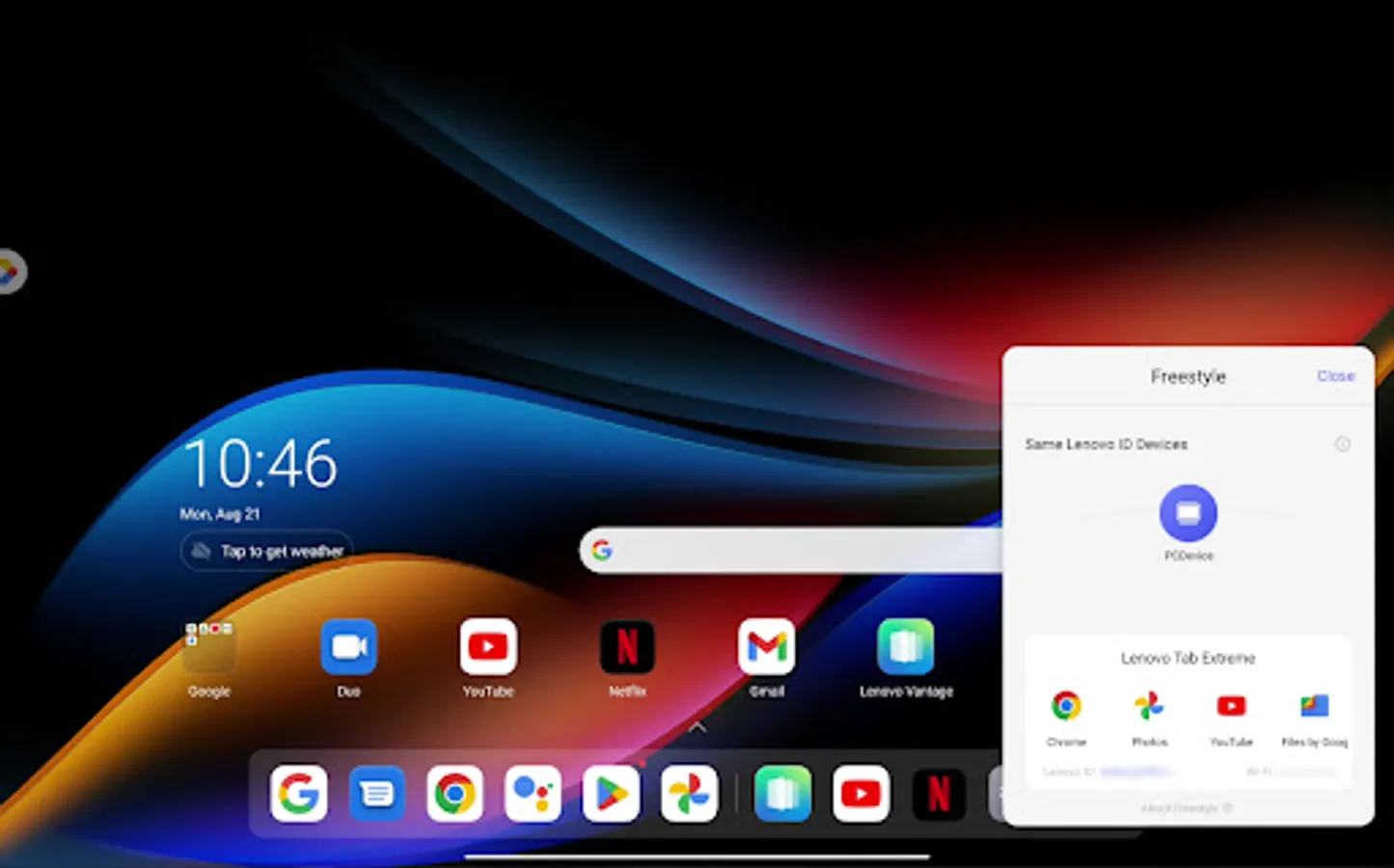
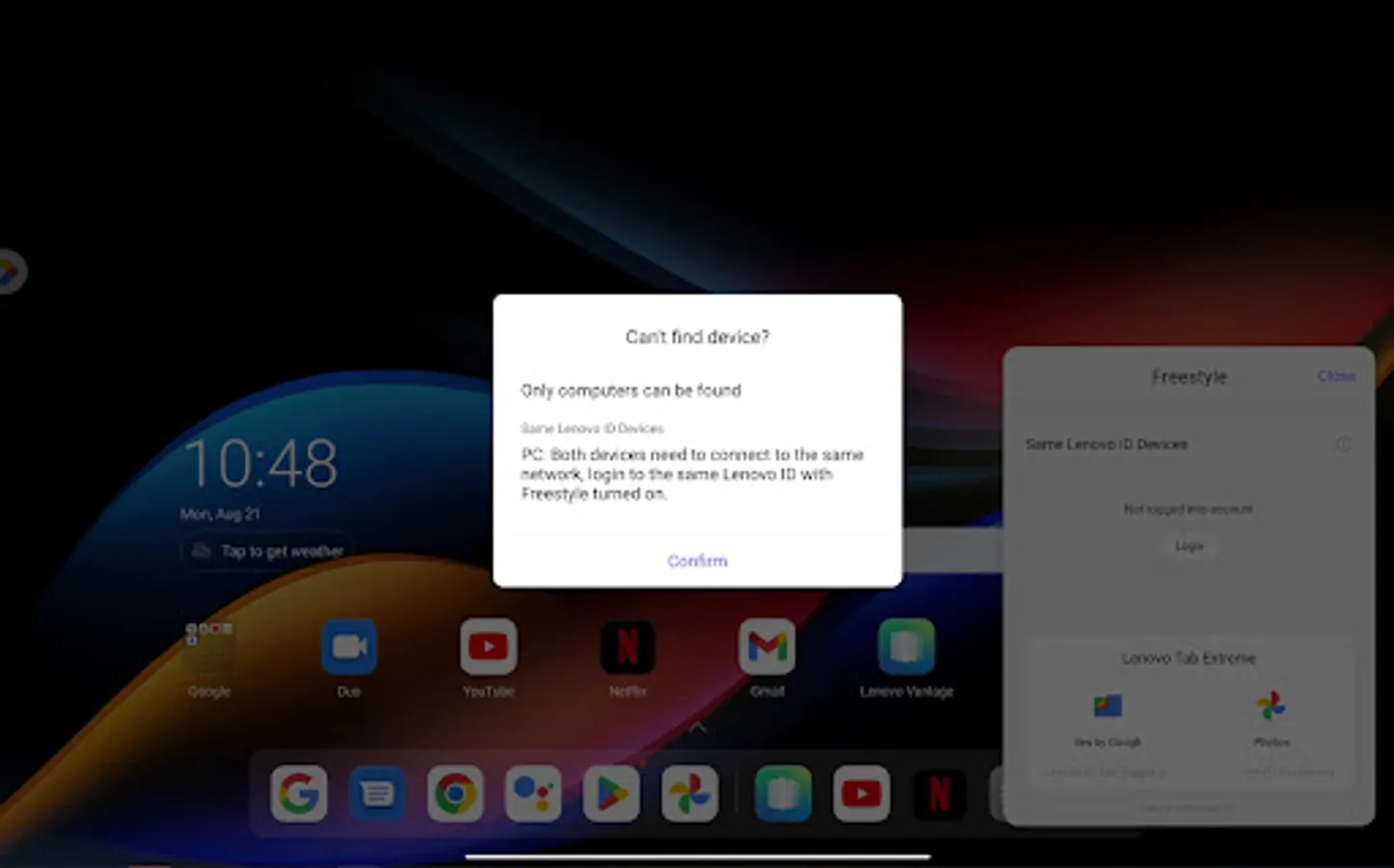
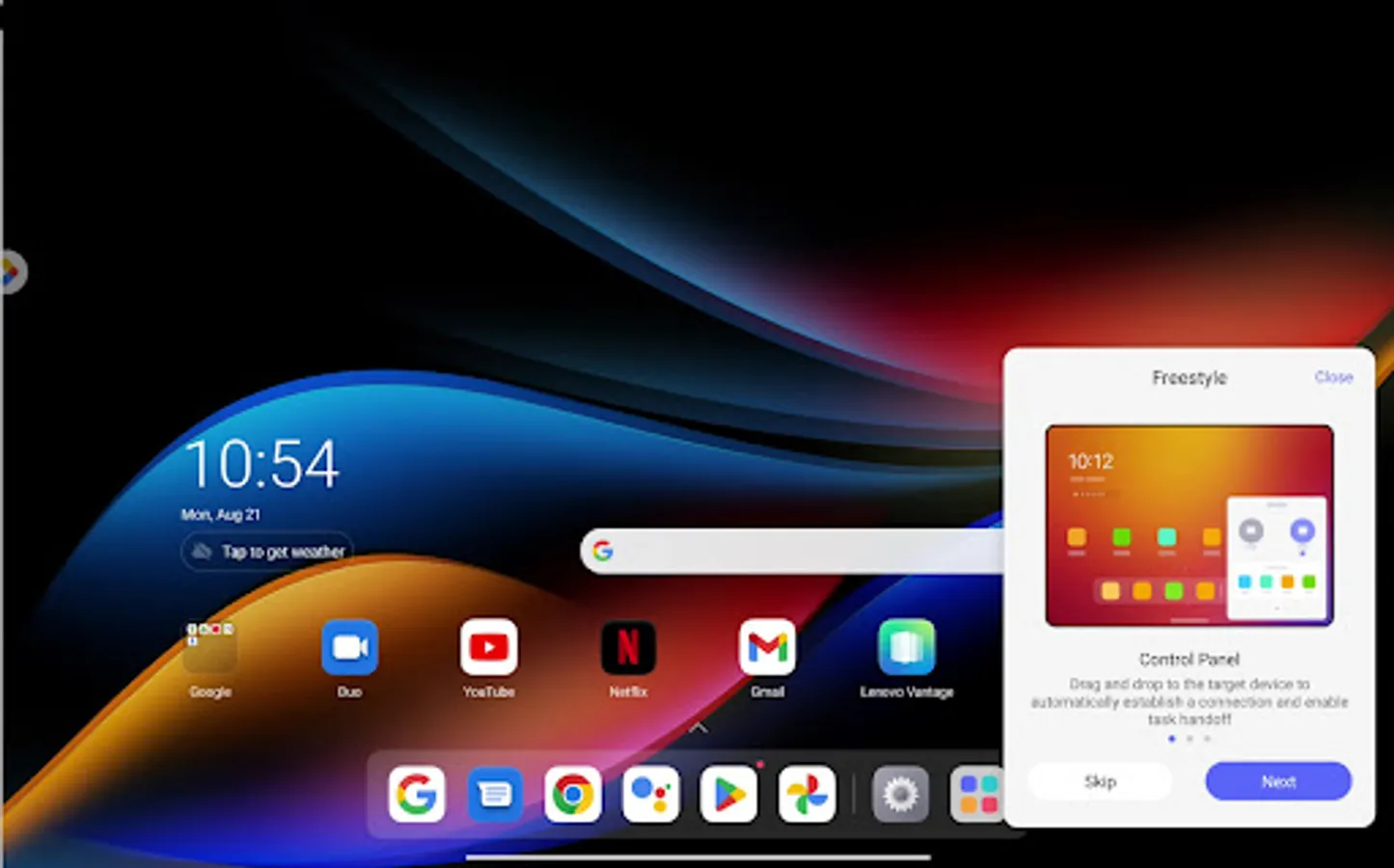
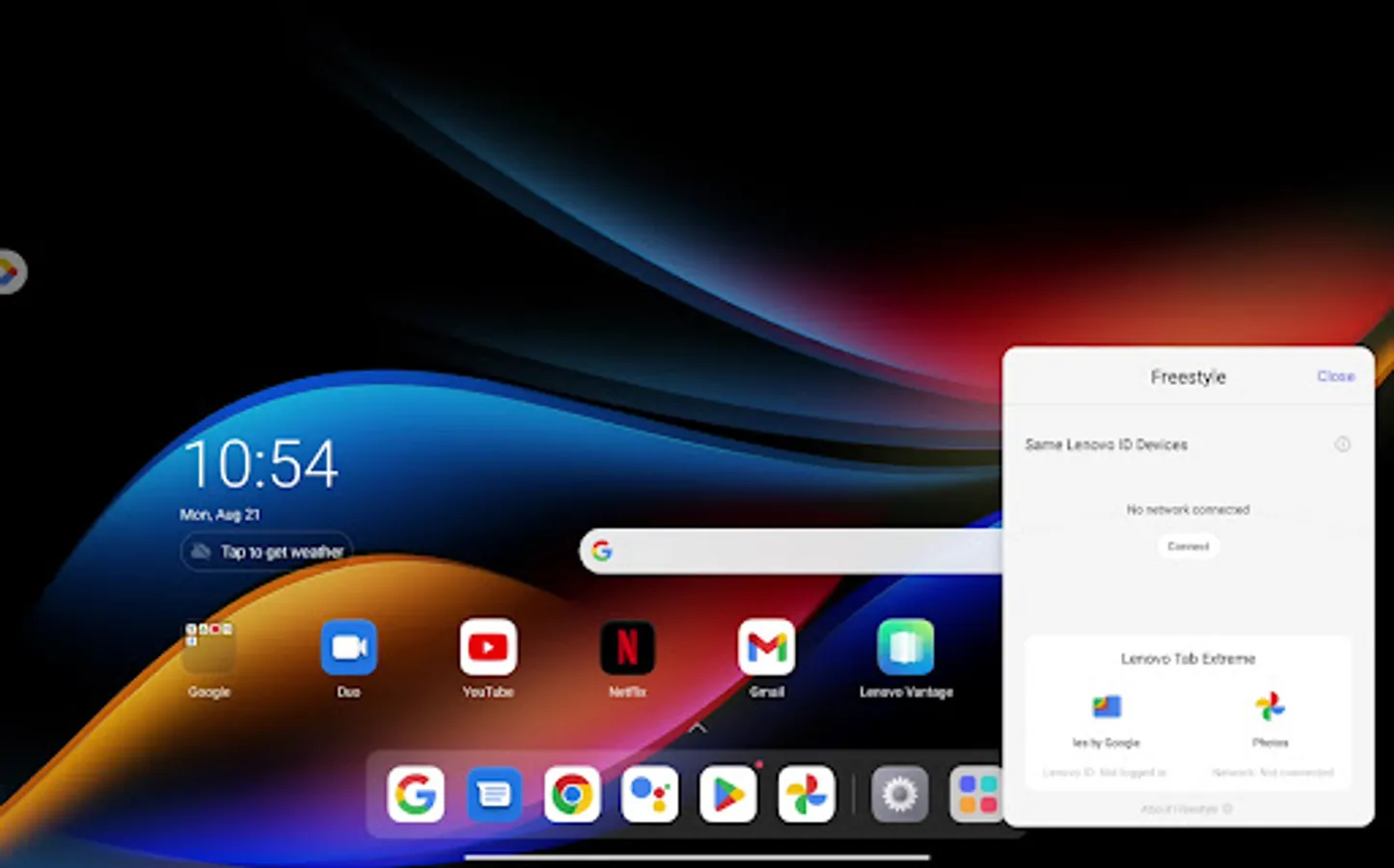
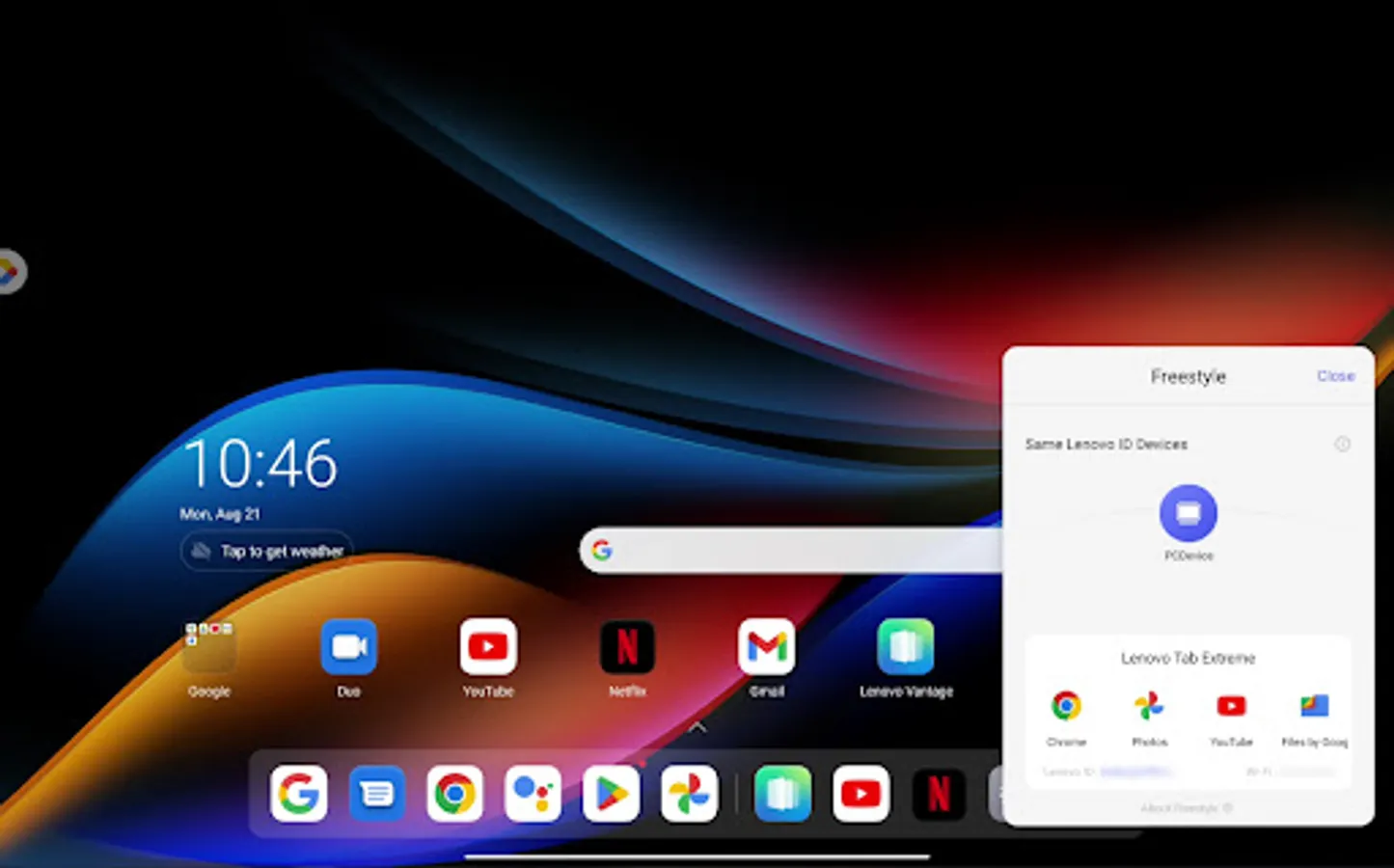
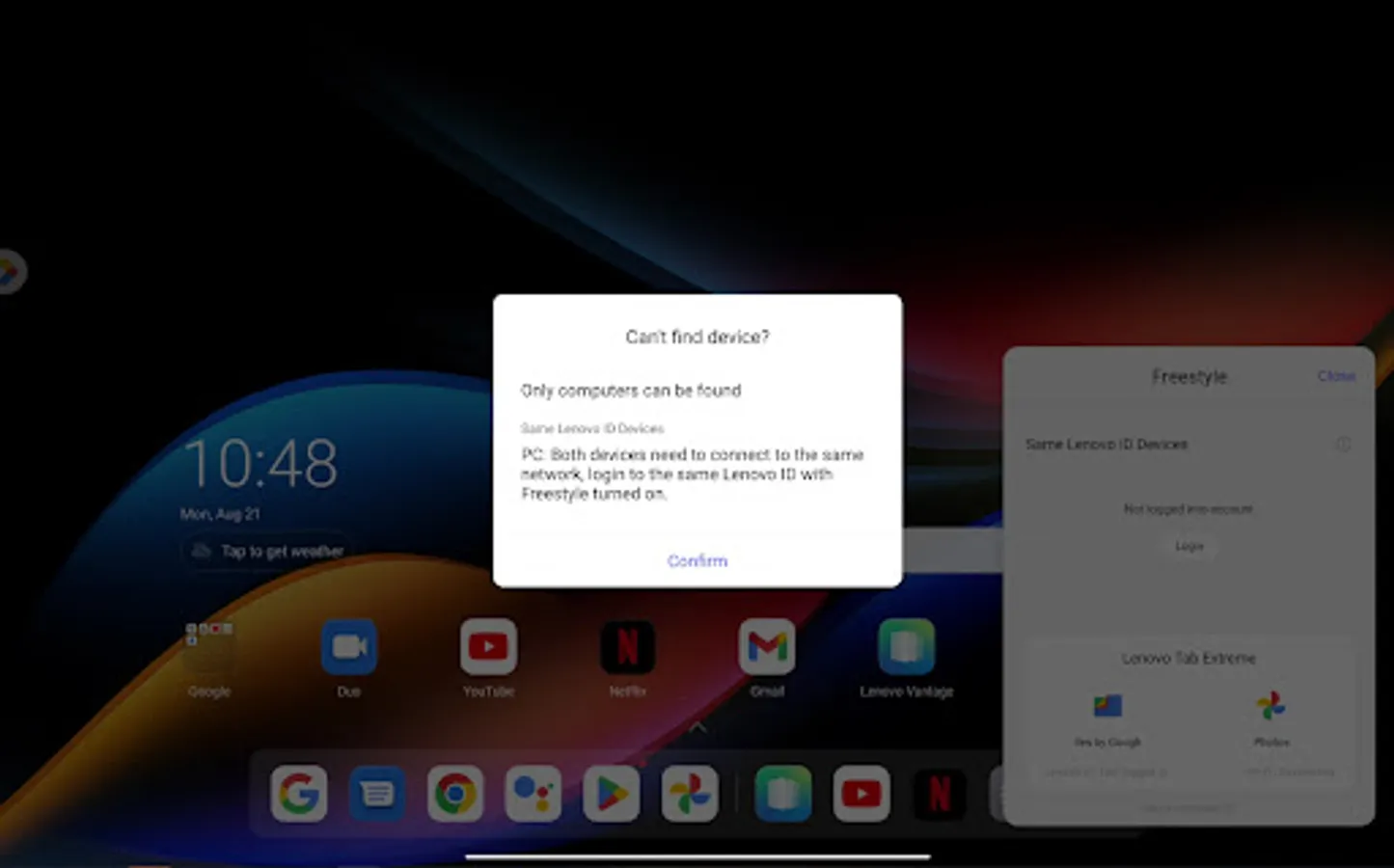
Lenovo Freestyle features Smart Display Collaboration technology that allows users to easily pair two devices (currently the Lenovo Tablets and a Windows 10 or 11 Lenovo PC) with a simple and secure pairing process, then seamlessly extend their desktop to the tablet for additional display real estate or mirror it when needed.
Lenovo Freestyle also features Smart Task Collaboration which enables users to leverage the touch, pen and OSK tablet inputs directly into the extended or mirrored Windows environment of their PC without sacrificing functionality on either device. Use your tablet as a second screen, work while walking with your tablet, enjoy your PC music on the tablet, share files, stream apps – you name it! Exciting updates coming soon!
Lenovo Freestyle is the smart and secure device collaboration framework that empowers users to collaborate in new ways, boost productivity and, with additional features planned, enable them to manage their family’s digital life more easily.
Lenovo Freestyle features Smart Display Collaboration technology that allows users to easily pair two devices (currently the Lenovo Tablets and a Windows 10 or 11 Lenovo PC) with a simple and secure pairing process, then seamlessly extend their desktop to the tablet for additional display real estate or mirror it when needed.
Lenovo Freestyle also features Smart Task Collaboration which enables users to leverage the touch, pen and OSK tablet inputs directly into the extended or mirrored Windows environment of their PC without sacrificing functionality on either device. Use your tablet as a second screen, work while walking with your tablet, enjoy your PC music on the tablet, share files, stream apps – you name it! Exciting updates coming soon!
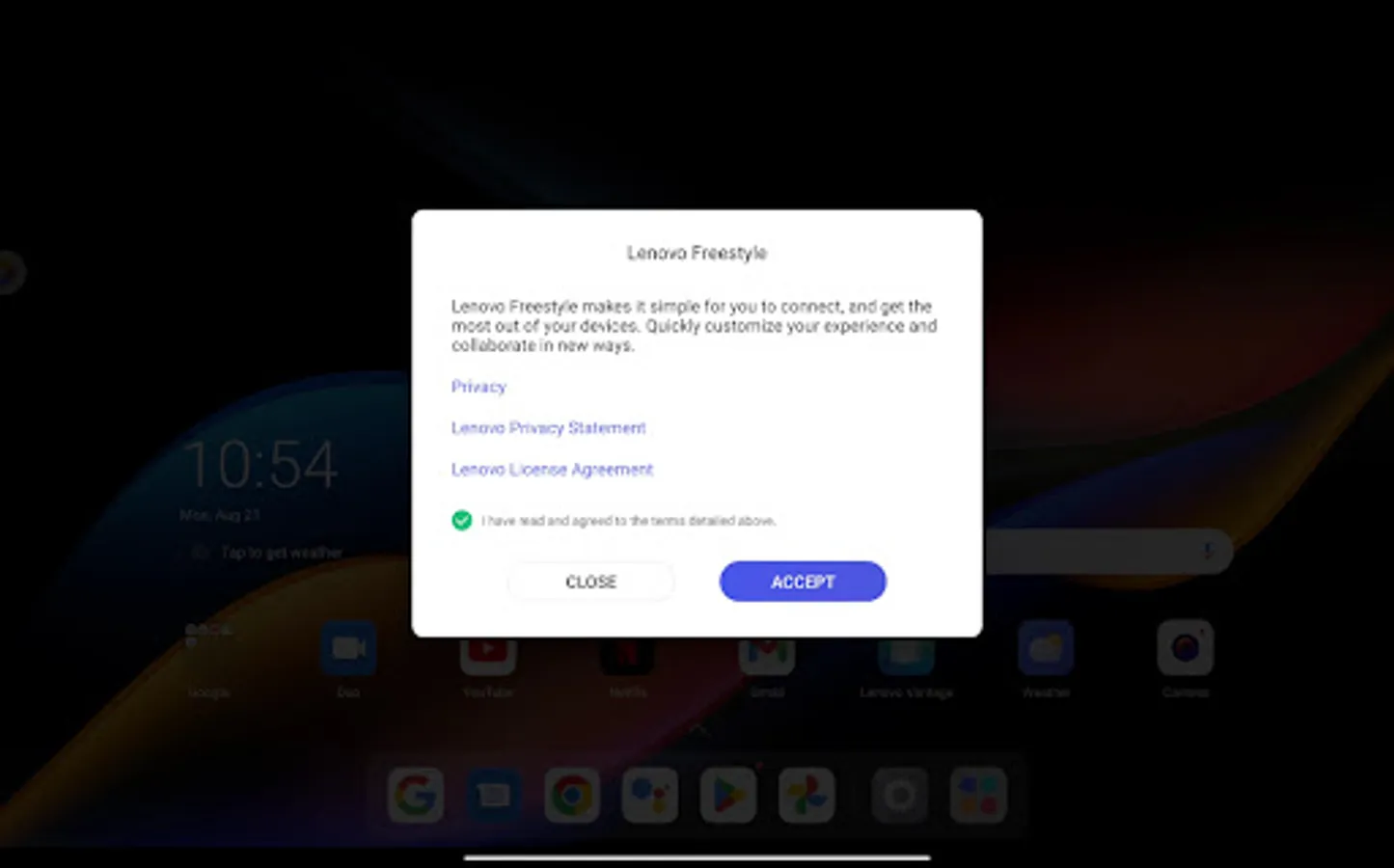
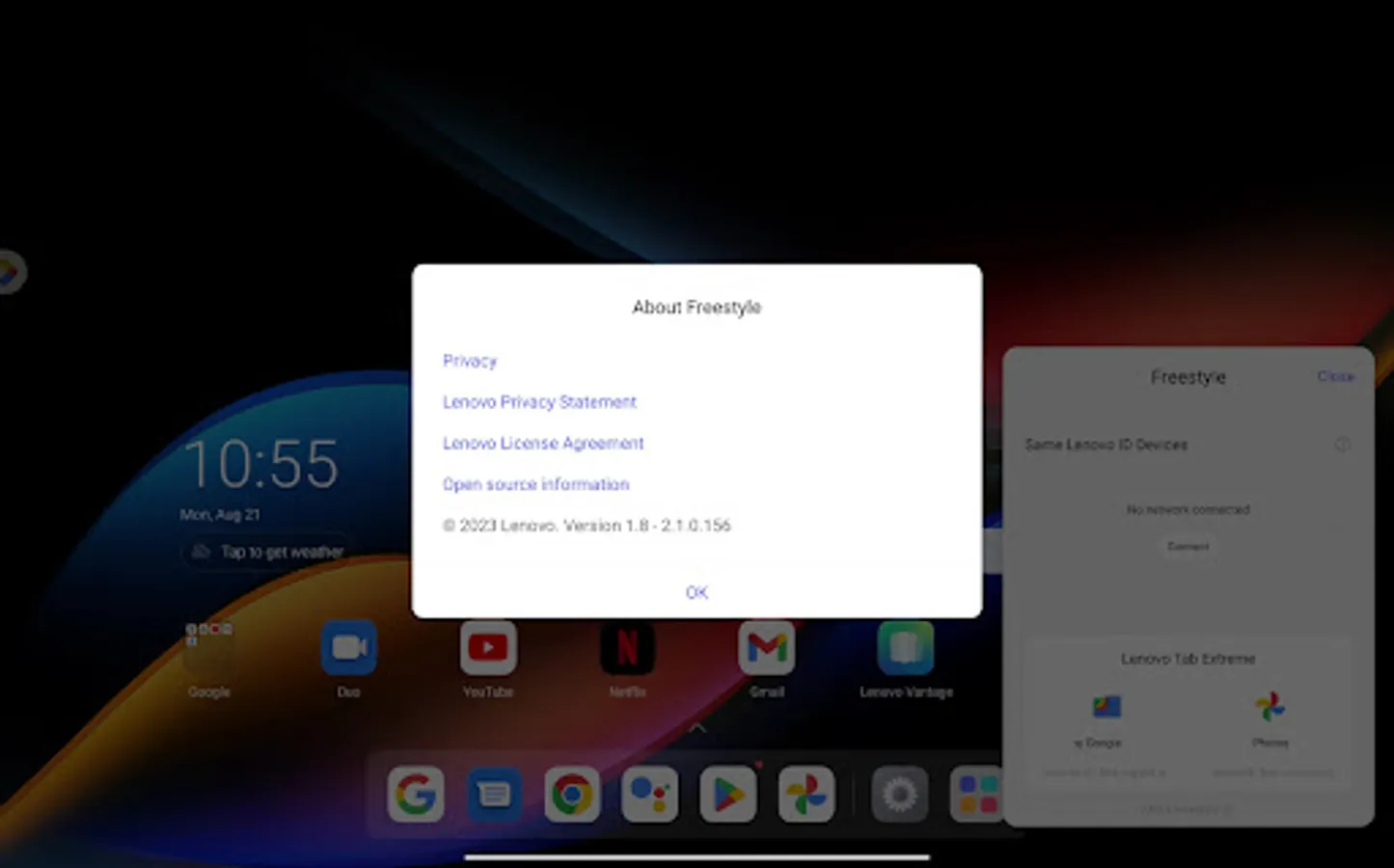
Lenovo Freestyle Screenshots
Tap to Rate: