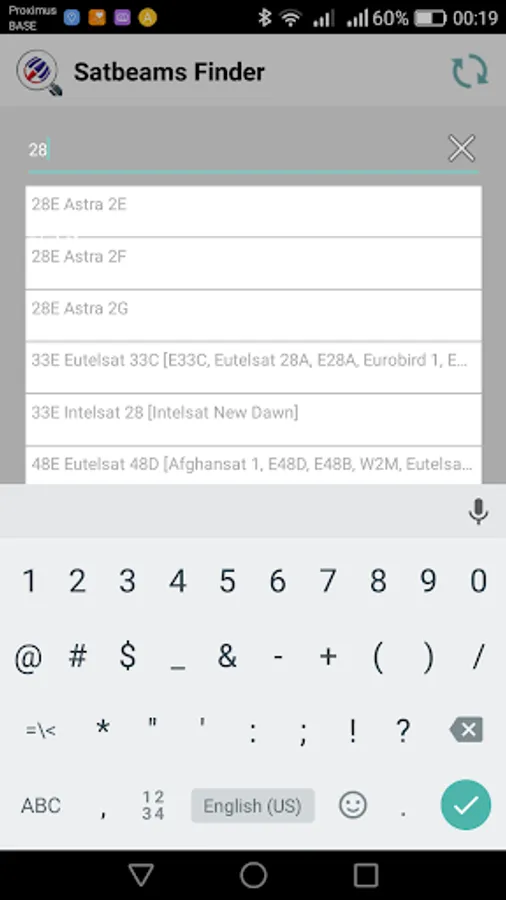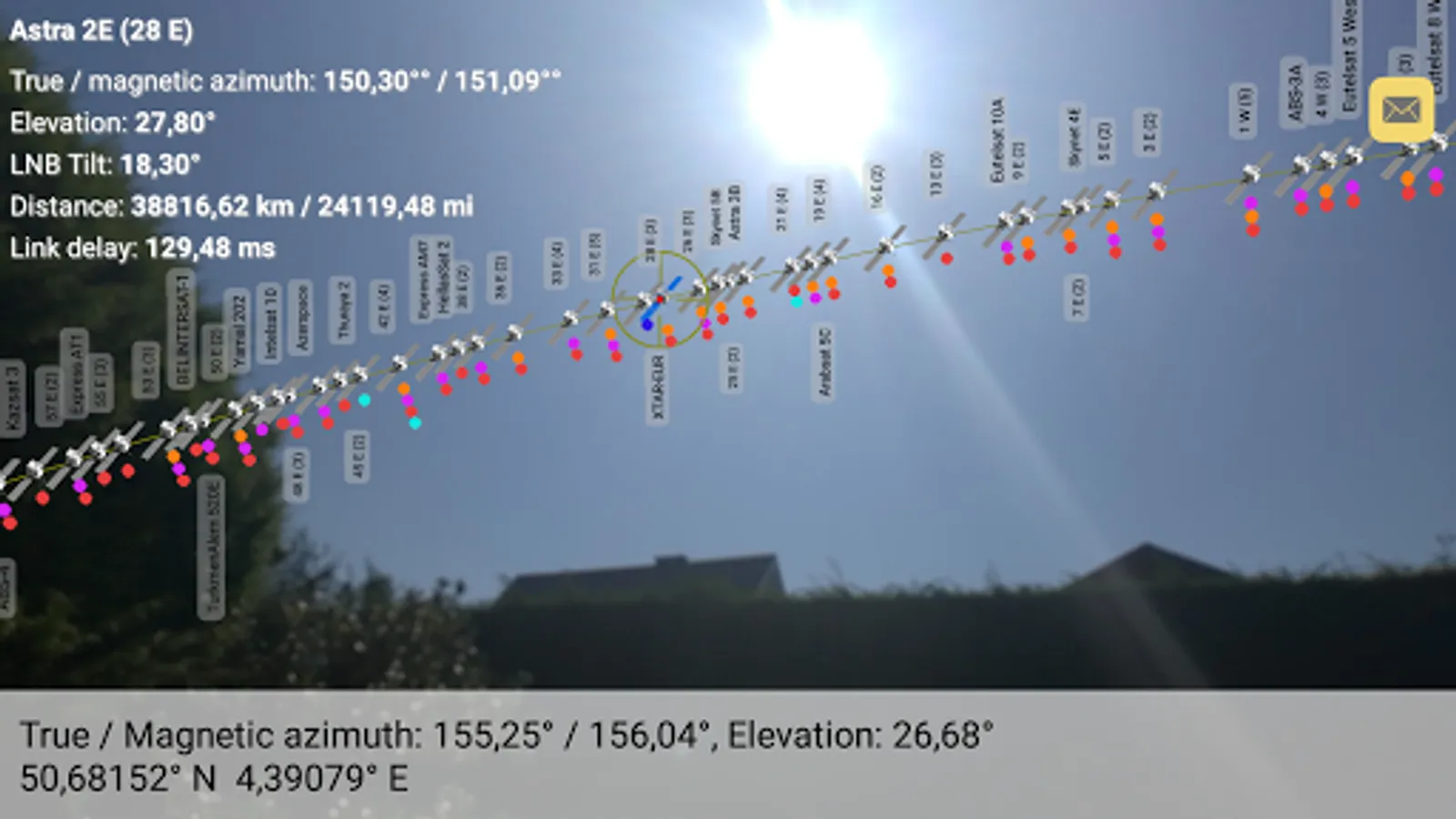
In this satellite finder app, users can search for satellite names or orbital locations and point their device skyward to locate satellites using augmented reality. Includes GPS, compass, accelerometer sensors, and live satellite data updates.
AppRecs review analysis
AppRecs rating 3.4. Trustworthiness 54 out of 100. Review manipulation risk 43 out of 100. Based on a review sample analyzed.
★★★☆☆
3.4
AppRecs Rating
Ratings breakdown
5 star
48%
4 star
12%
3 star
6%
2 star
6%
1 star
30%
What to know
⚠
Questionable review patterns
43% review manipulation risk - some review patterns appear unusual
⚠
Review quality concerns
64% of sampled 5-star reviews are very short
⚠
High negative review ratio
35% of sampled ratings are 1–2 stars
About Satbeams sat Finder
Free Satellite Finder from Satbeams
Quickly find Geostationary satellites above you with our Augmented Reality tool.
Application requires GPS, Compass and Accelerometer censors to work properly!
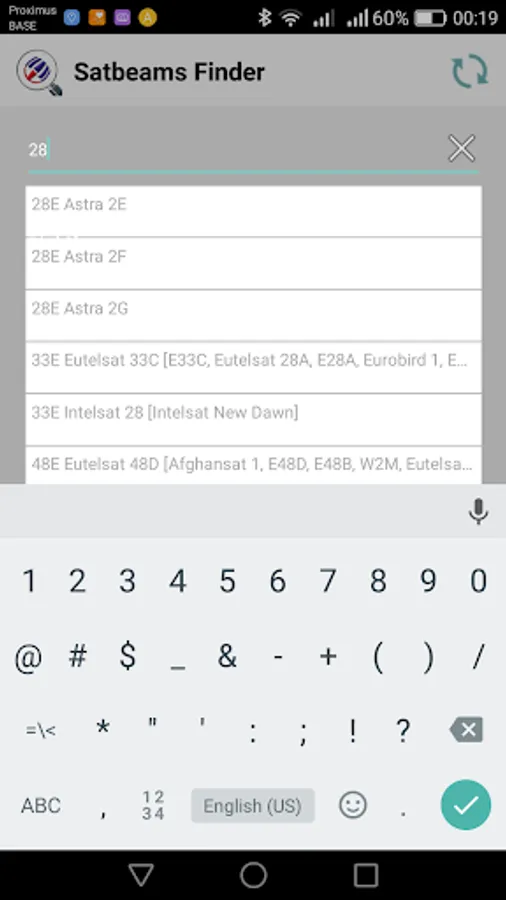
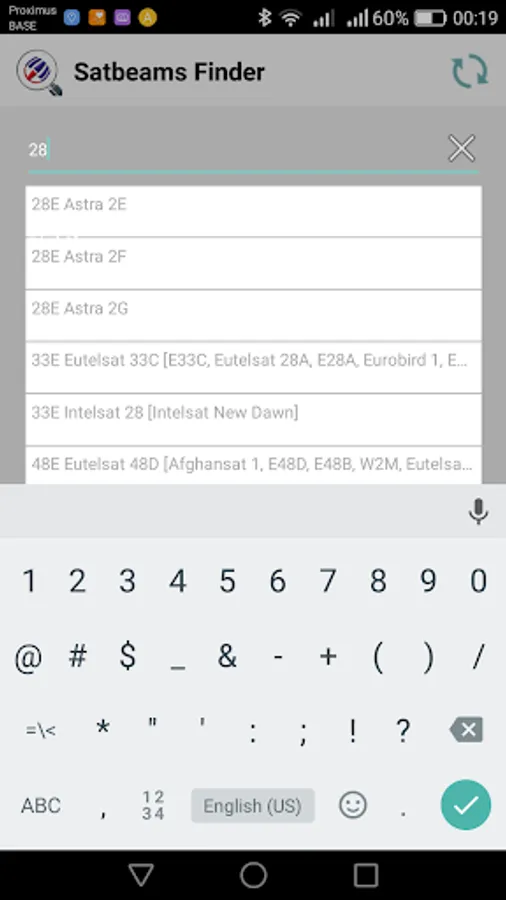
1. Start typing the satellite name or orbital location in the search field
2. Pick the required satellite from the drop down list
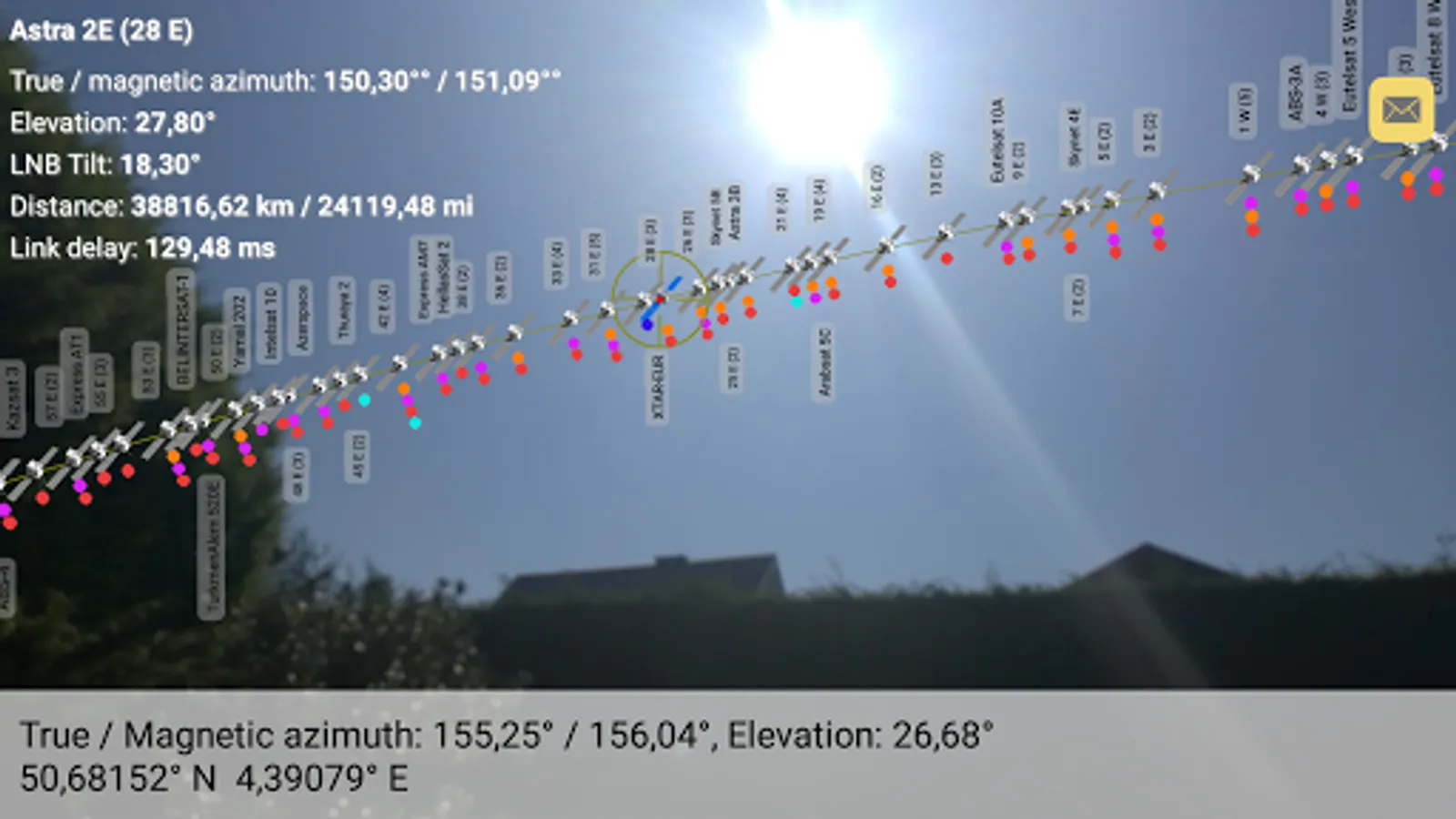
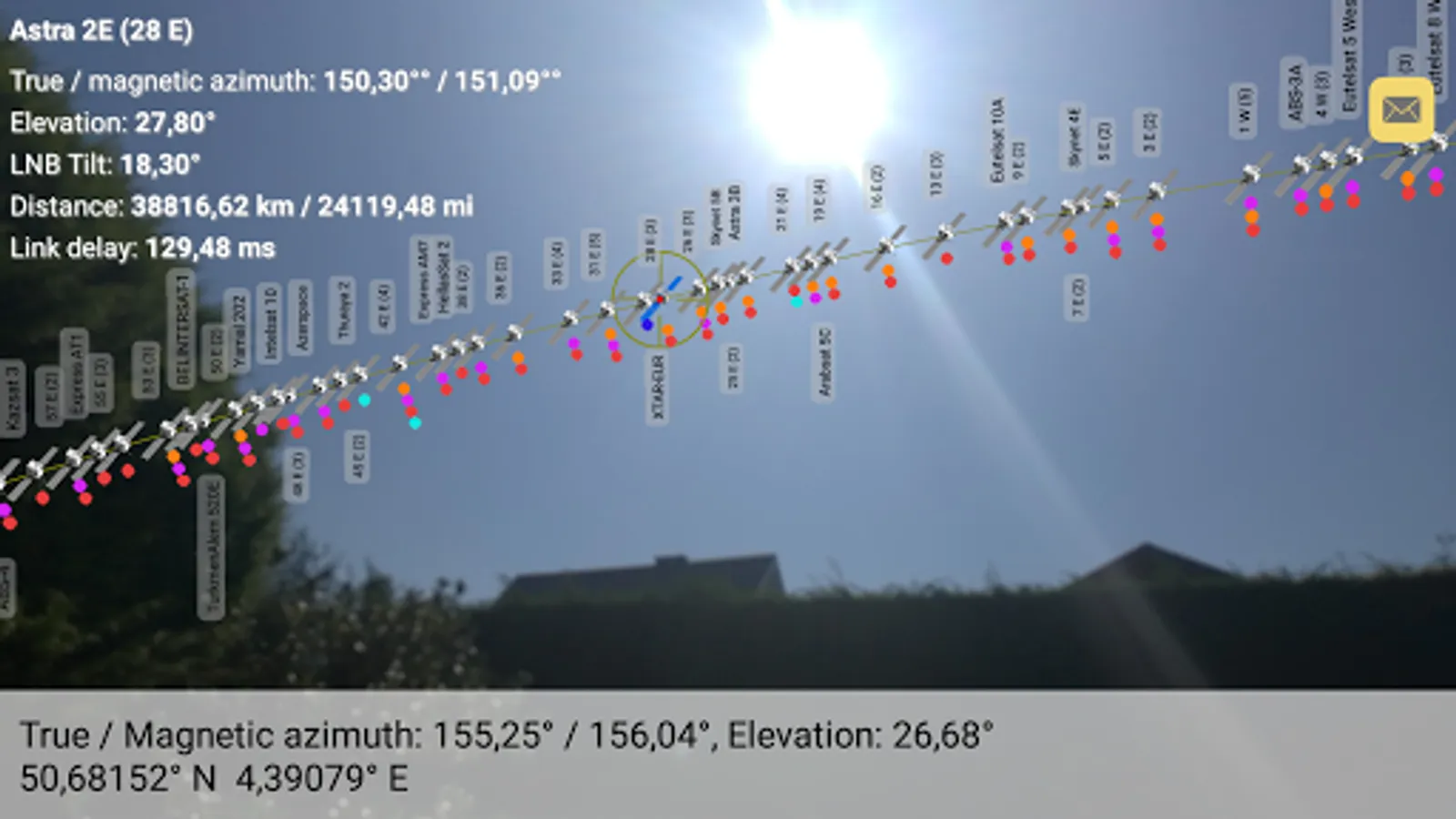
3. Point the camera up in the sky to locate the required satellite
Look angle calculation is done automatically basing on current GPS location:
- true and magnetic azimuth
- elevation
- Lnb tilt (skew)
Press the update button (upper right corner) to download the new satellite list.
* Please note that some older smart phones will take a few seconds to turn on the camera once pointed up.
Quickly find Geostationary satellites above you with our Augmented Reality tool.
Application requires GPS, Compass and Accelerometer censors to work properly!
1. Start typing the satellite name or orbital location in the search field
2. Pick the required satellite from the drop down list
3. Point the camera up in the sky to locate the required satellite
Look angle calculation is done automatically basing on current GPS location:
- true and magnetic azimuth
- elevation
- Lnb tilt (skew)
Press the update button (upper right corner) to download the new satellite list.
* Please note that some older smart phones will take a few seconds to turn on the camera once pointed up.