LG Mobile Gamepad : Bluetooth
LG Electronics, Inc.
1.8 ★
614 ratings
100,000+
downloads
Free
In this gaming app, you can connect your smartphone as a virtual controller and customize layouts for different game modes. Includes Bluetooth connection, touch controls, and integration with LG Smart TVs.
AppRecs review analysis
AppRecs rating 1.8. Trustworthiness 71 out of 100. Review manipulation risk 21 out of 100. Based on a review sample analyzed.
★☆☆☆☆
1.8
AppRecs Rating
Ratings breakdown
5 star
8%
4 star
12%
3 star
4%
2 star
0%
1 star
75%
What to know
⚠
Ad complaints
Many low ratings mention excessive ads
⚠
Mixed user feedback
Average 1.8★ rating suggests room for improvement
⚠
High negative review ratio
75% of sampled ratings are 1–2 stars
About LG Mobile Gamepad : Bluetooth
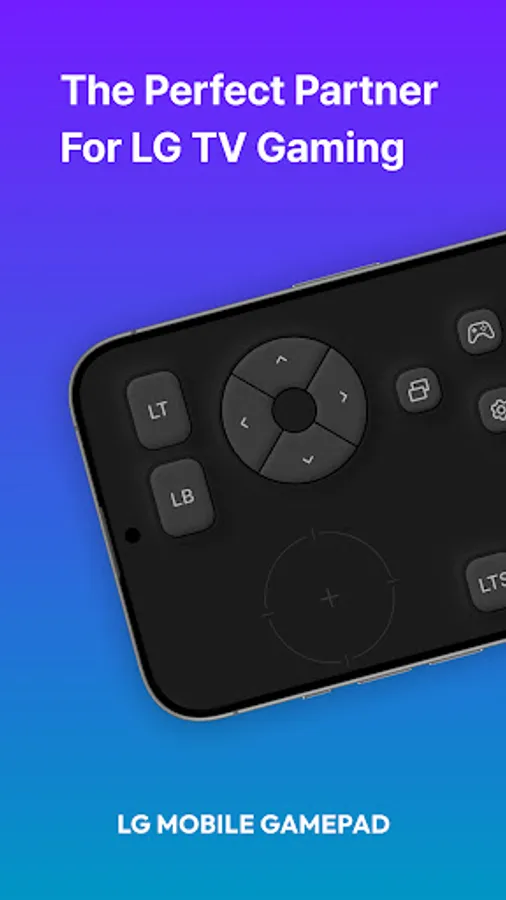
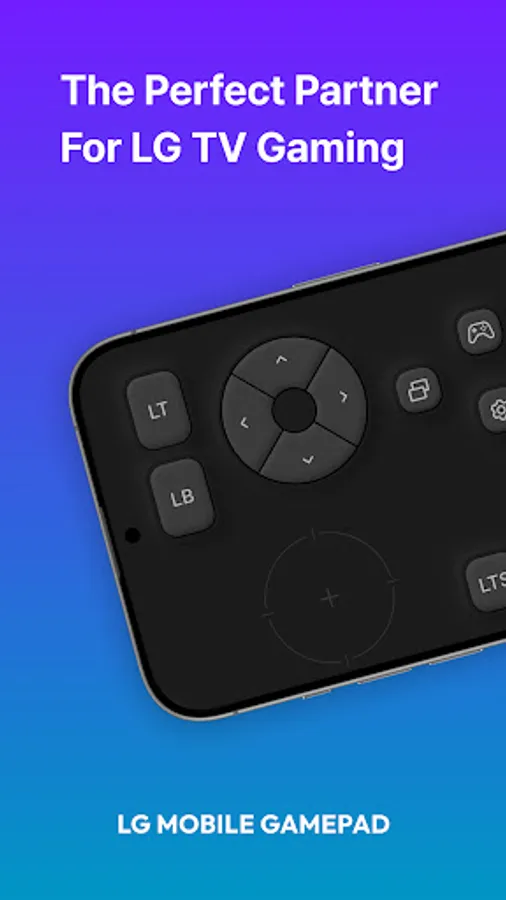
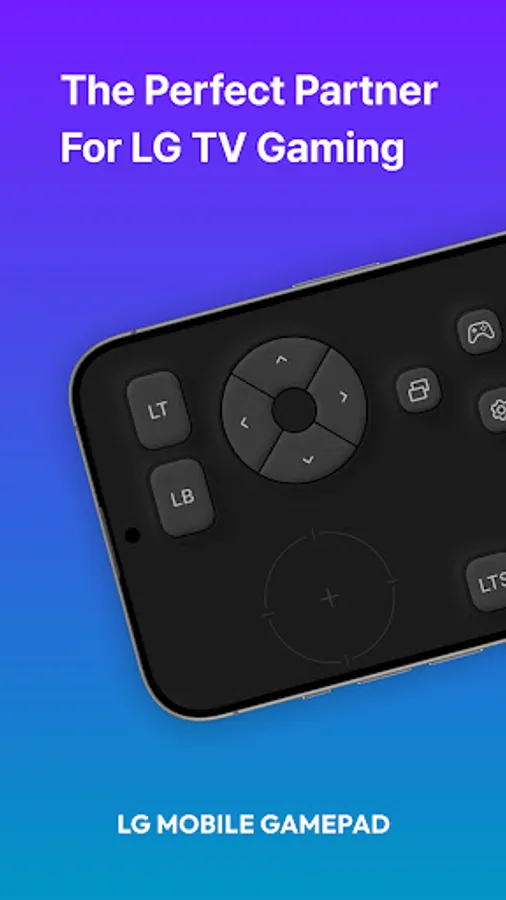
Experience a new level of gaming with the LG Mobile GamePad.
This app turns your smartphone into a virtual game controller, offering a smooth and responsive gaming experience on LG Smart TVs.
Key Features:
· Game Portal Integration – Instantly connect to the LG Game Portal on webOS TV for quick access to a variety of cloud and casual games.
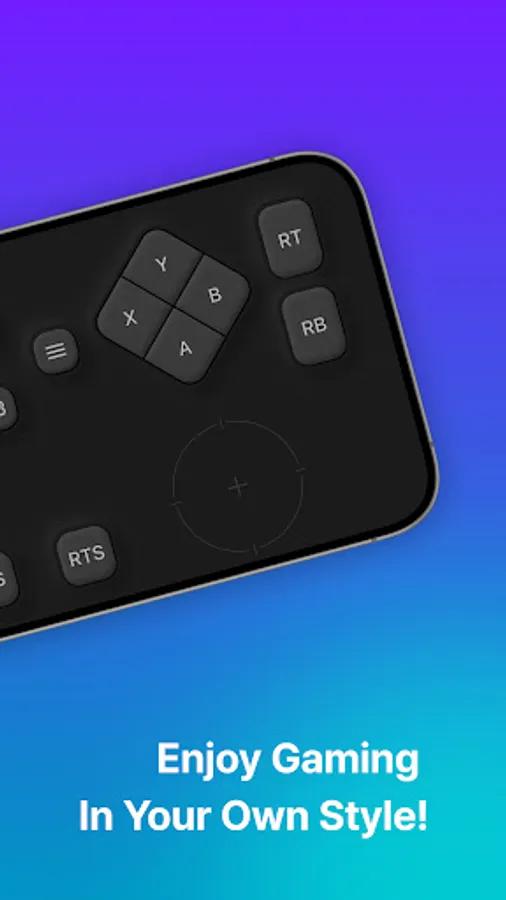
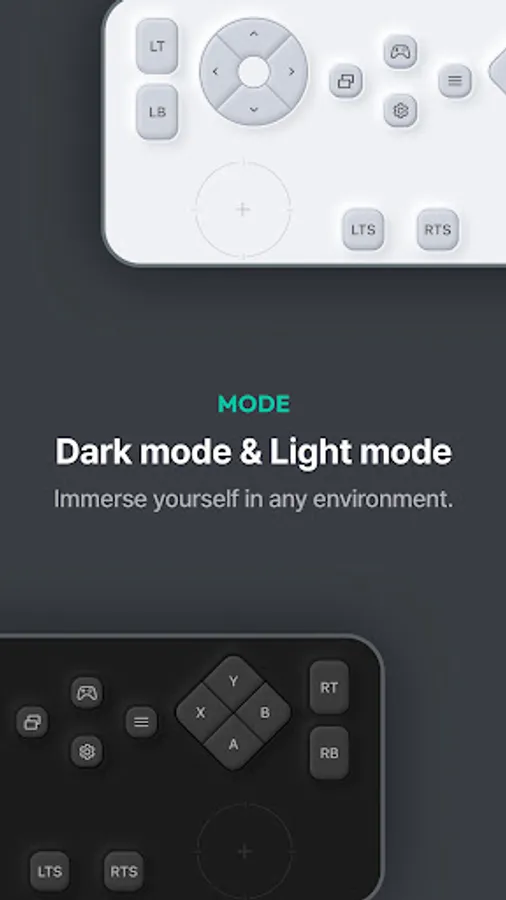
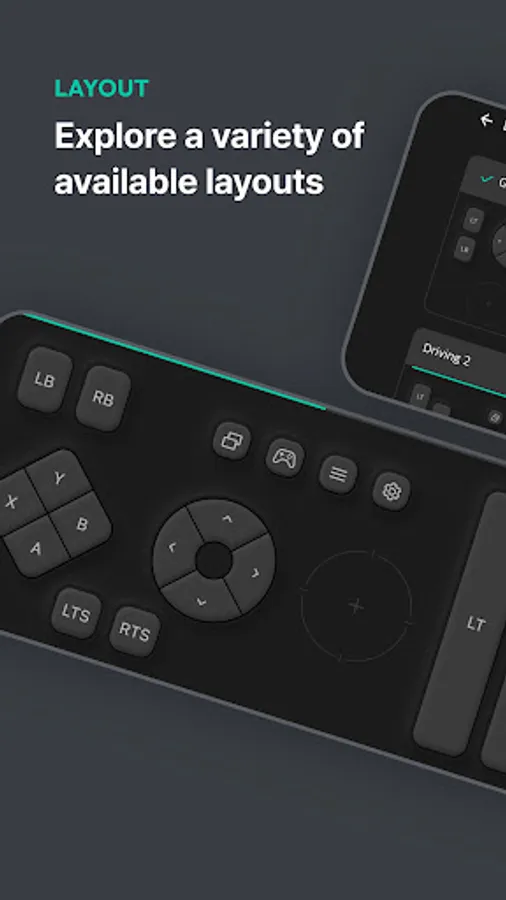
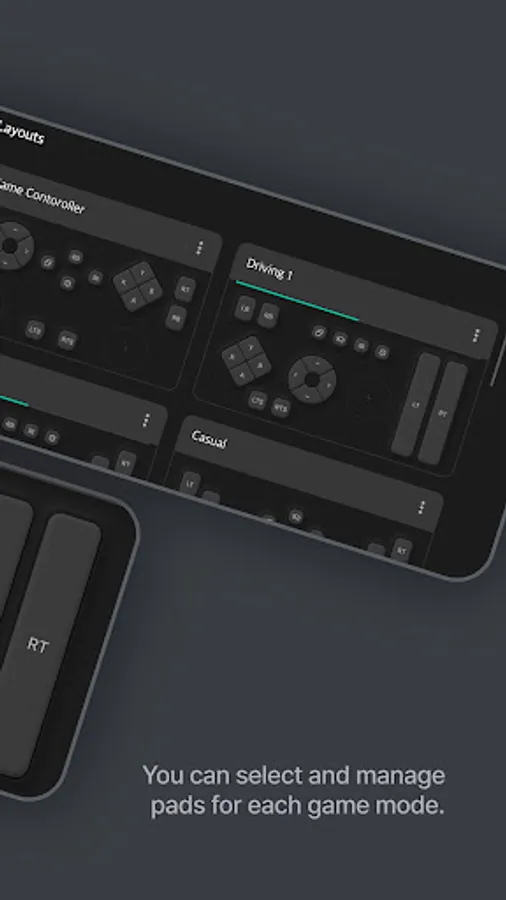
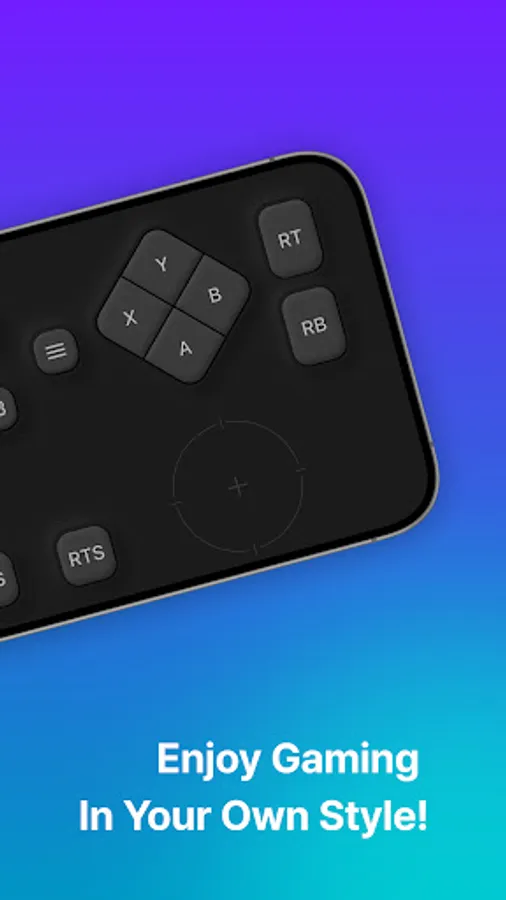
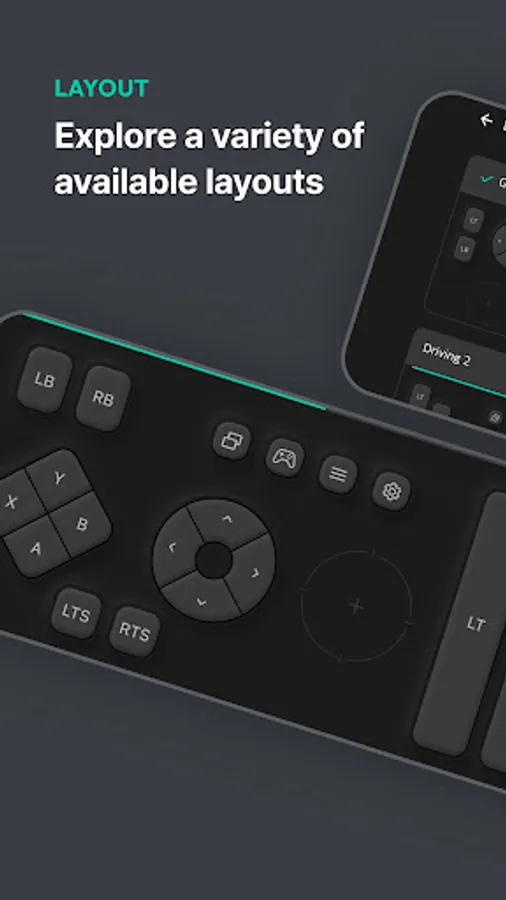
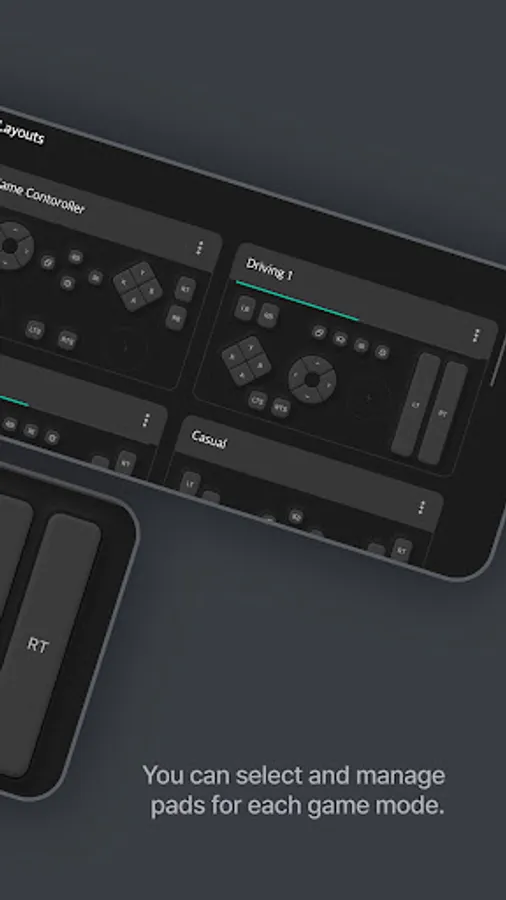
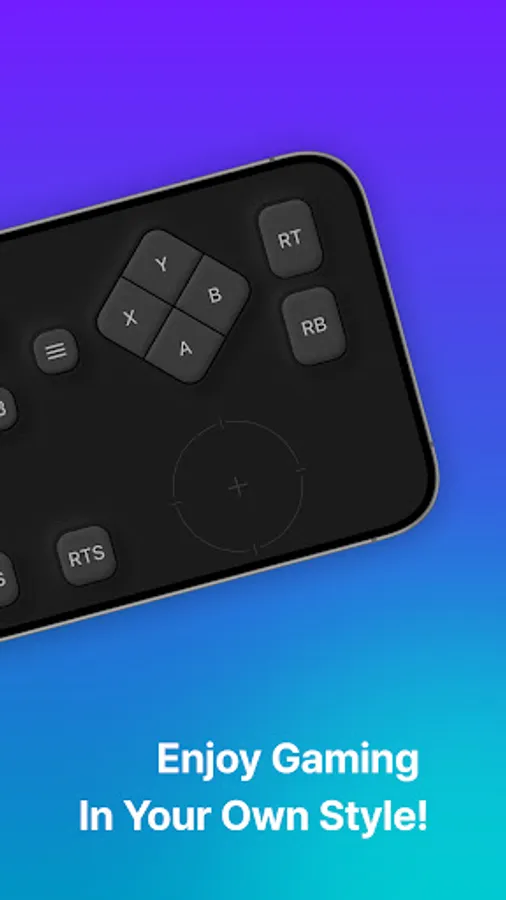
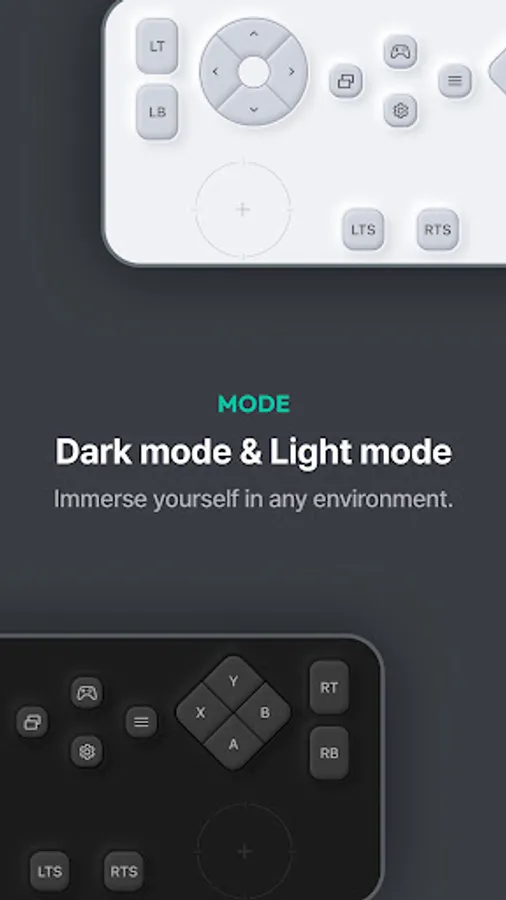
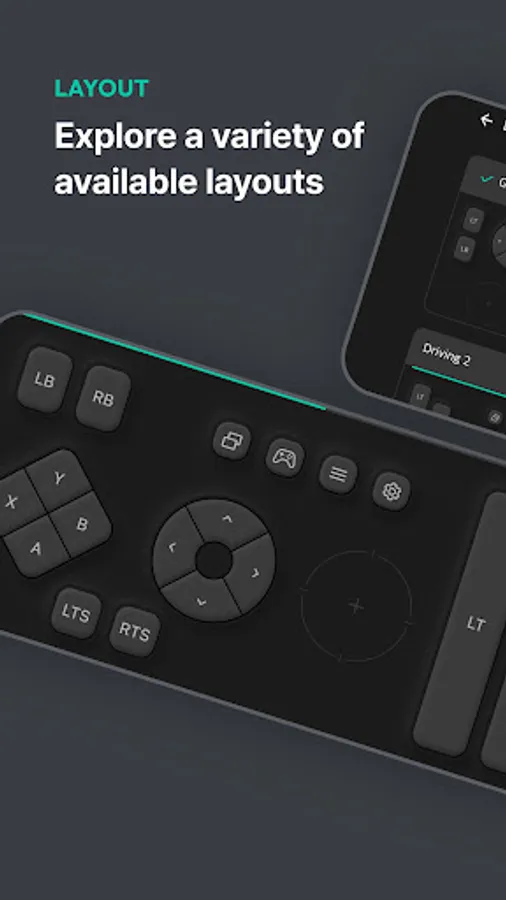
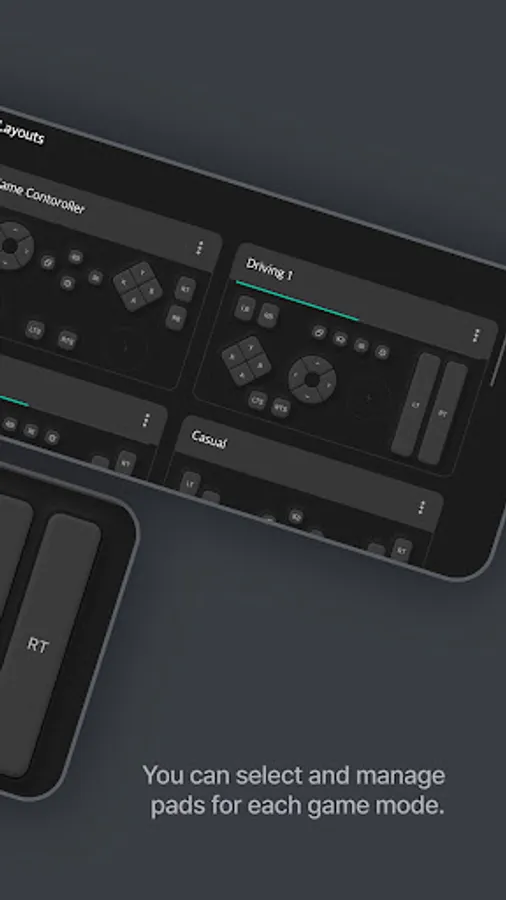
· Customizable Layouts – Choose from multiple preset layouts, including Game Controller, Driving Mode, and Casual Mode, to match your play style.
· Touch & Motion Control – Utilize touch-based joysticks and buttons with vibration feedback for enhanced interaction.
· Seamless TV Connectivity – Effortlessly sync with your LG Smart TV via Wi-Fi or Bluetooth for lag-free gameplay.
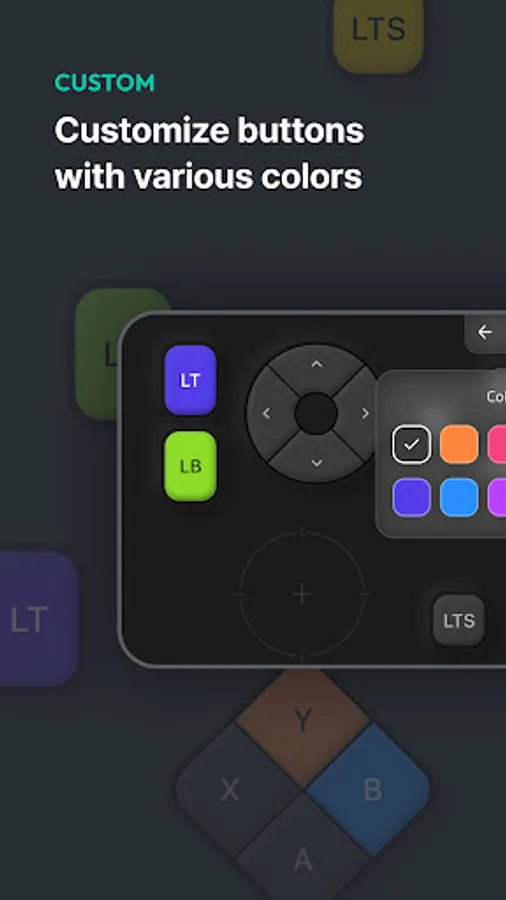
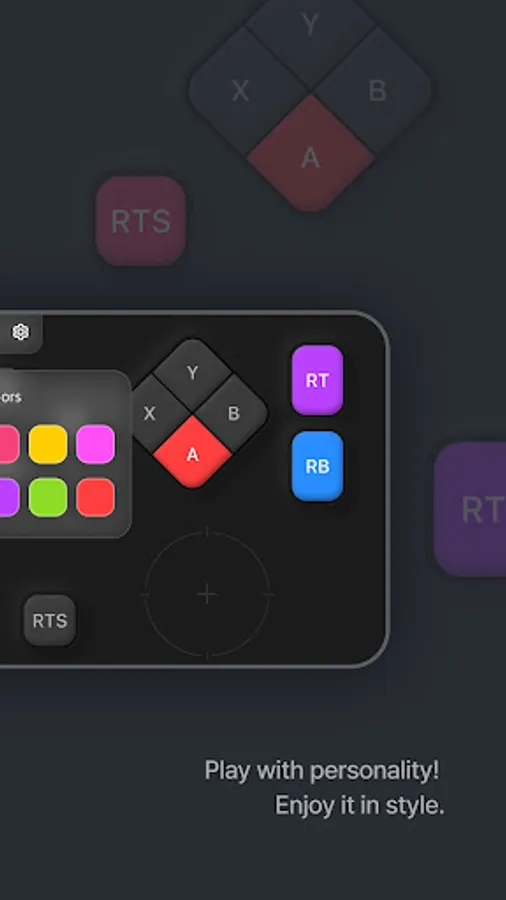
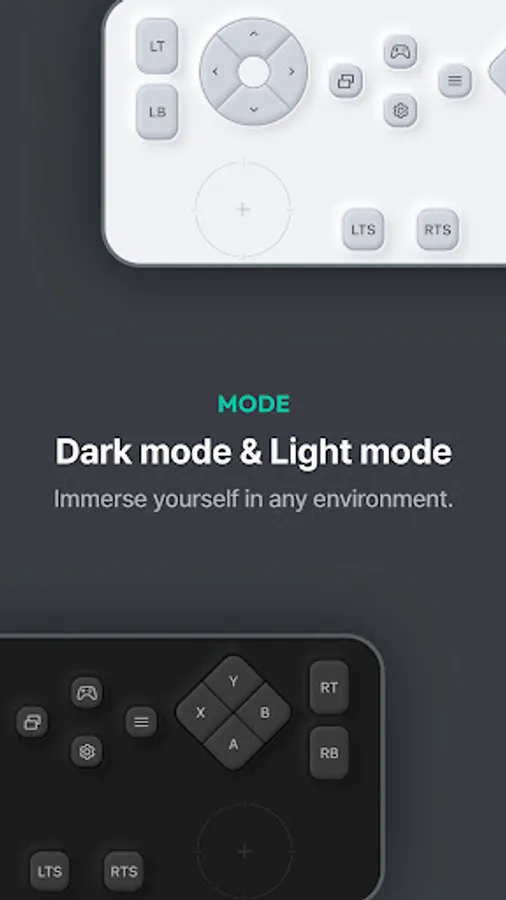
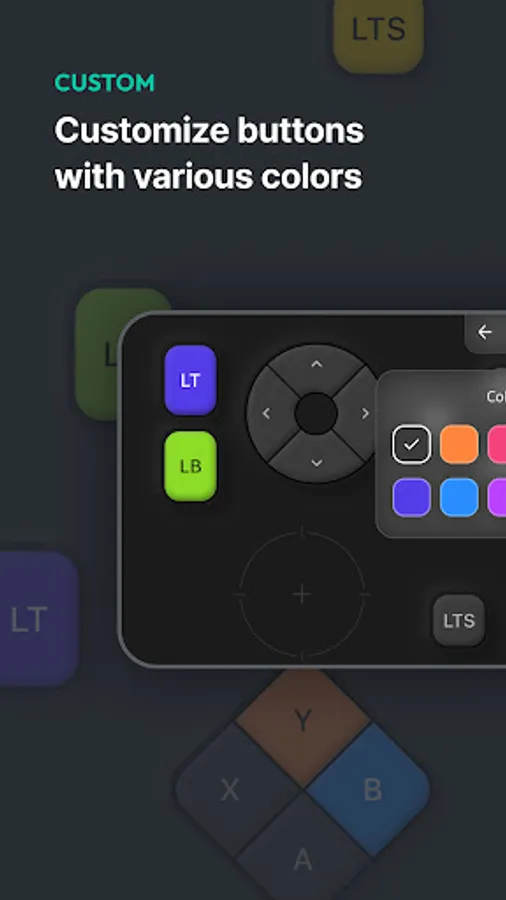
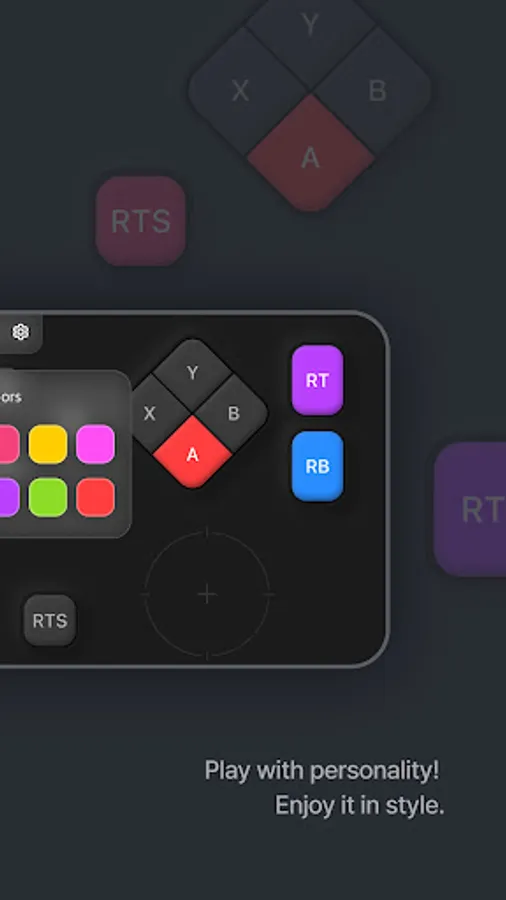
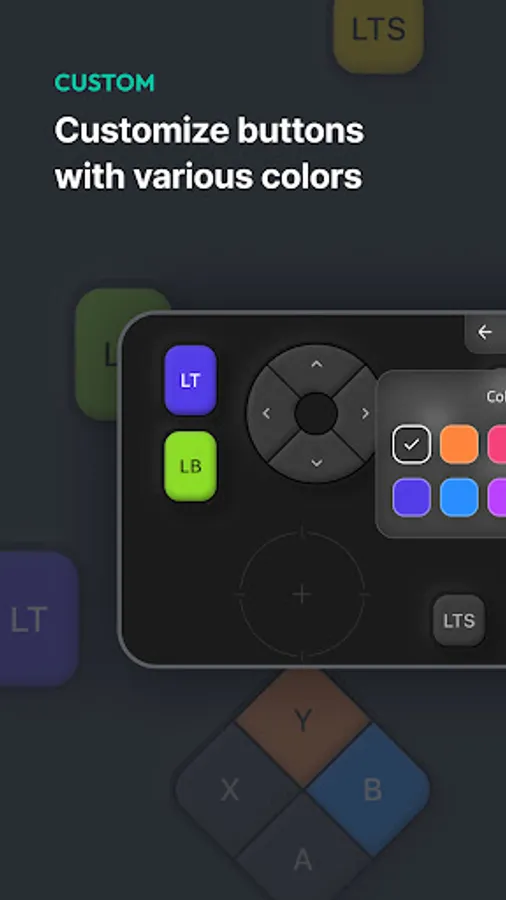
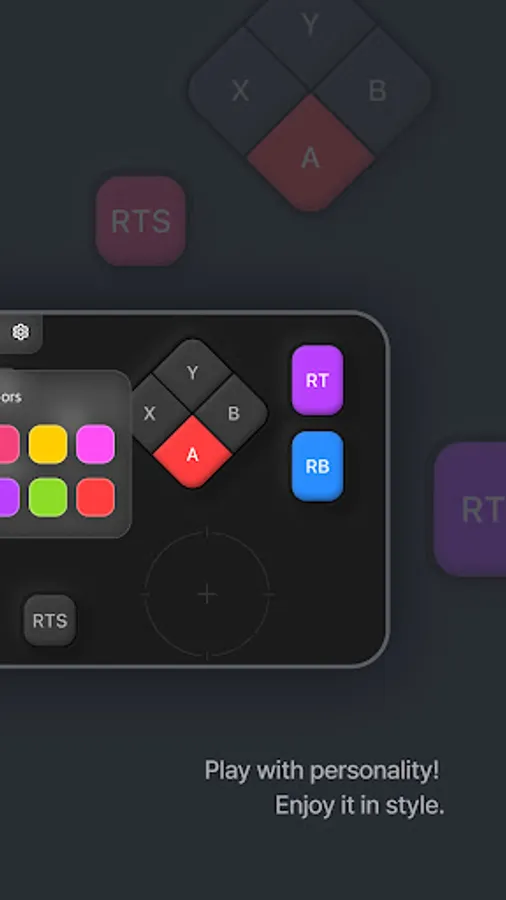
· Personalized Settings – Adjust button colors, display brightness, haptic feedback, and more to optimize your gaming experience.
· Smart Integration with LG ThinQ – Easily switch between gaming and home automation by linking the app with LG ThinQ.
Get ready to elevate your gaming experience—download LG Mobile GamePad today!
[Required Permissions]
To use all features of the app, required permissions must be granted.
(The app may not function properly without allowing the following permissions.)
• Nearby Devices (Bluetooth)
- Permission for nearby devices is needed to discover and connect to your LG Smart TV via Bluetooth.
[Notes]
• Users can change or revoke app permissions anytime in their smartphone settings menu.
• If you have any questions or encounter issues while using the app, please contact us via the provided email, and we’ll assist you promptly.
[Support Information]
• This app may not be supported on certain LG Smart TV models.
• Additionally, it may not function properly on some mobile devices from other manufacturers.
• If you have any questions or encounter any issues while using the app, please contact us at gamepad.mobile@lgepartner.com. We’ll be happy to assist you promptly.
This app turns your smartphone into a virtual game controller, offering a smooth and responsive gaming experience on LG Smart TVs.
Key Features:
· Game Portal Integration – Instantly connect to the LG Game Portal on webOS TV for quick access to a variety of cloud and casual games.
· Customizable Layouts – Choose from multiple preset layouts, including Game Controller, Driving Mode, and Casual Mode, to match your play style.
· Touch & Motion Control – Utilize touch-based joysticks and buttons with vibration feedback for enhanced interaction.
· Seamless TV Connectivity – Effortlessly sync with your LG Smart TV via Wi-Fi or Bluetooth for lag-free gameplay.
· Personalized Settings – Adjust button colors, display brightness, haptic feedback, and more to optimize your gaming experience.
· Smart Integration with LG ThinQ – Easily switch between gaming and home automation by linking the app with LG ThinQ.
Get ready to elevate your gaming experience—download LG Mobile GamePad today!
[Required Permissions]
To use all features of the app, required permissions must be granted.
(The app may not function properly without allowing the following permissions.)
• Nearby Devices (Bluetooth)
- Permission for nearby devices is needed to discover and connect to your LG Smart TV via Bluetooth.
[Notes]
• Users can change or revoke app permissions anytime in their smartphone settings menu.
• If you have any questions or encounter issues while using the app, please contact us via the provided email, and we’ll assist you promptly.
[Support Information]
• This app may not be supported on certain LG Smart TV models.
• Additionally, it may not function properly on some mobile devices from other manufacturers.
• If you have any questions or encounter any issues while using the app, please contact us at gamepad.mobile@lgepartner.com. We’ll be happy to assist you promptly.
LG Mobile Gamepad : Bluetooth Screenshots
Tap to Rate:
Reviews for LG Mobile Gamepad : Bluetooth
Devanshish Dhale234
2/18/2026
those who want to delete this just open admin enter chapche go on remote and deactivate it then you can delete it easily
Parminder Singh
2/15/2026
This is a worse app . It asks for admin permission. Do not use it.