Logitech POP
Logitech Europe S.A.
2.7 ★
98 ratings
10,000+
downloads
Free
In this smart home control app, you can set up and manage Logitech POP switches, assign commands to different presses, and create Recipes for multi-device control. Includes device discovery, switch customization, and recipe creation features.
AppRecs review analysis
AppRecs rating 2.7. Trustworthiness 0 out of 100. Review manipulation risk 0 out of 100. Based on a review sample analyzed.
★★☆☆☆
2.7
AppRecs Rating
Ratings breakdown
5 star
24%
4 star
12%
3 star
15%
2 star
9%
1 star
40%
What to know
✓
Authentic reviews
Natural distribution, no red flags
⚠
Mixed user feedback
Average 2.7★ rating suggests room for improvement
⚠
High negative review ratio
49% of sampled ratings are 1–2 stars
About Logitech POP
Now, smart home control is within everyone’s reach.
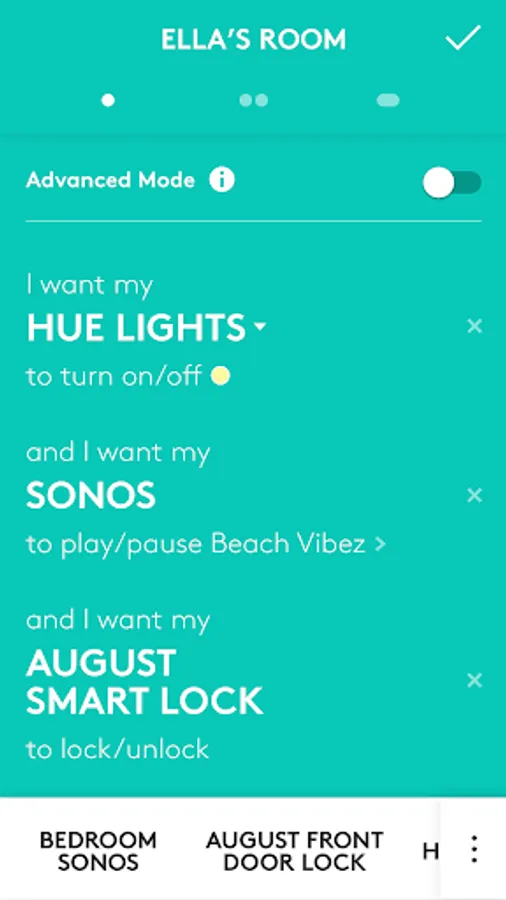
Use Logitech POP to set the scene with lighting presets, Sonos favorites, and more. Use a single, double, or long press to control smart home devices—individually or in groups—or turn Harmony Activities on or off.
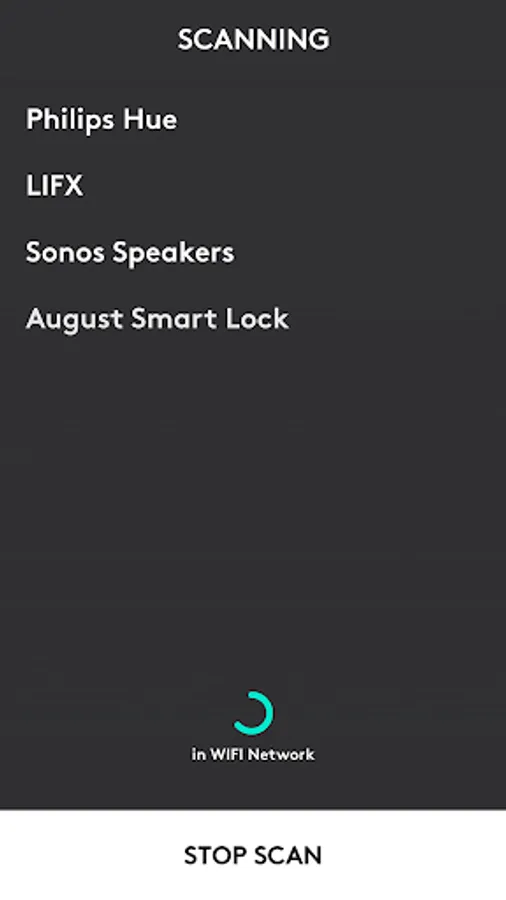
Quickly and easily set up Logitech POP Home Switches from your Android. To get started, the POP app scans your home Wi-Fi network to find compatible devices you can control, such as smart lights, Sonos music players, or smart locks. Once devices have been added to a switch, you can assign individual commands to single, double, or long-presses.
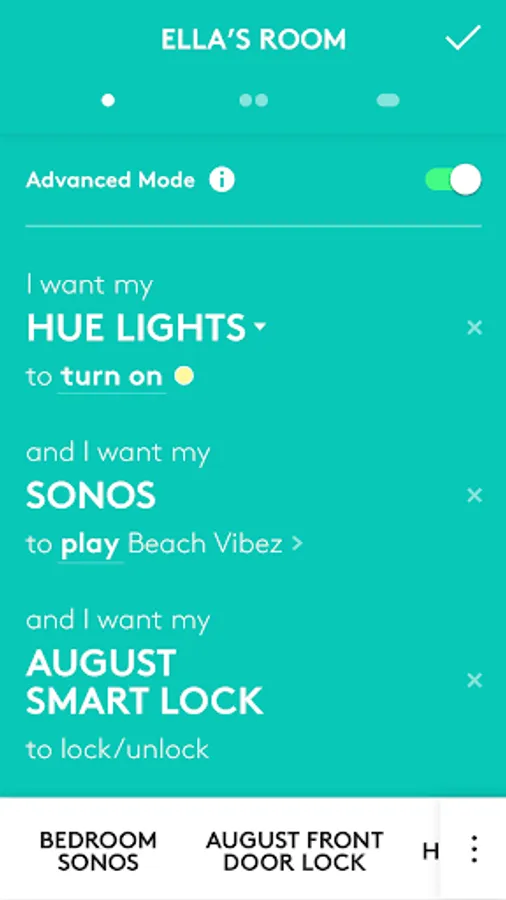
For more advanced and creative uses, you can combine multiple devices using Recipes. With drag-and-drop simplicity, Recipes let you control multiple devices with a single command.
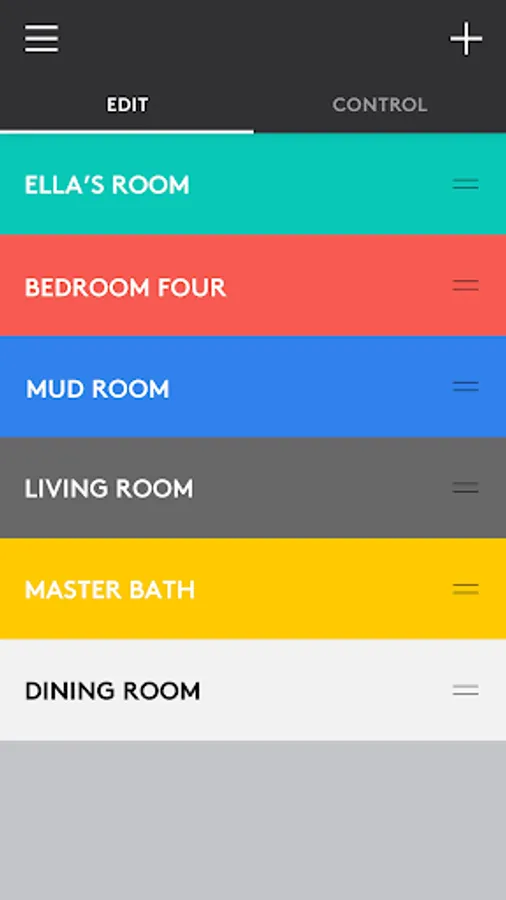
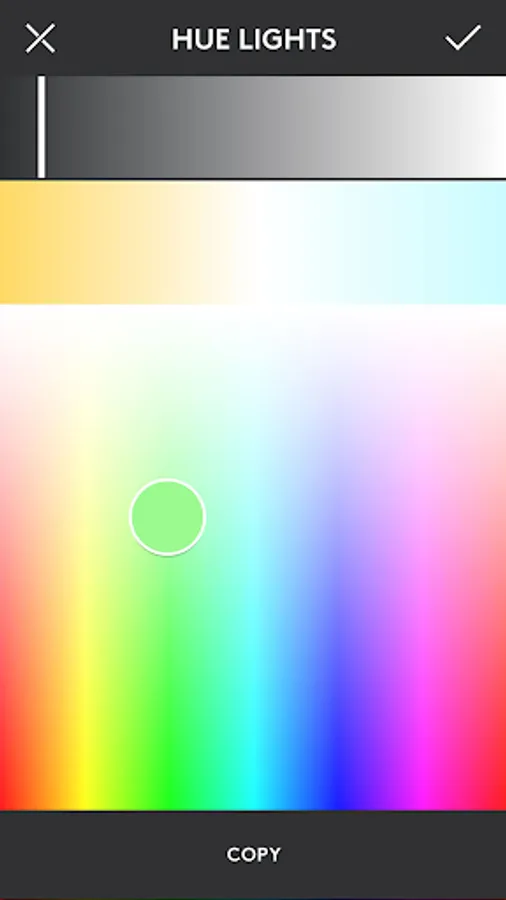
All your POP Home Switches are easily accessible in the Dashboard. And, you can easily identify different switches by their color directly in the app.
Logitech POP Home Switch Starter Pack is required.
Want to find out more?
- Explore at http://support.logitech.com/en_us/product/pop-home-switch
Use Logitech POP to set the scene with lighting presets, Sonos favorites, and more. Use a single, double, or long press to control smart home devices—individually or in groups—or turn Harmony Activities on or off.
Quickly and easily set up Logitech POP Home Switches from your Android. To get started, the POP app scans your home Wi-Fi network to find compatible devices you can control, such as smart lights, Sonos music players, or smart locks. Once devices have been added to a switch, you can assign individual commands to single, double, or long-presses.
For more advanced and creative uses, you can combine multiple devices using Recipes. With drag-and-drop simplicity, Recipes let you control multiple devices with a single command.
All your POP Home Switches are easily accessible in the Dashboard. And, you can easily identify different switches by their color directly in the app.
Logitech POP Home Switch Starter Pack is required.
Want to find out more?
- Explore at http://support.logitech.com/en_us/product/pop-home-switch
Logitech POP Screenshots
Tap to Rate: