Mevo Studio
Logitech Europe S.A.
4.2 ★
387 ratings
50,000+
downloads
Free
+ in-app
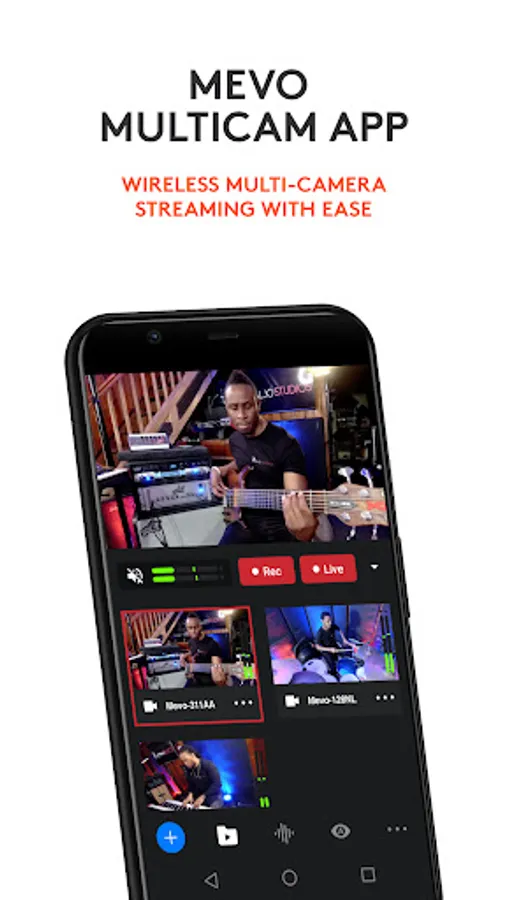
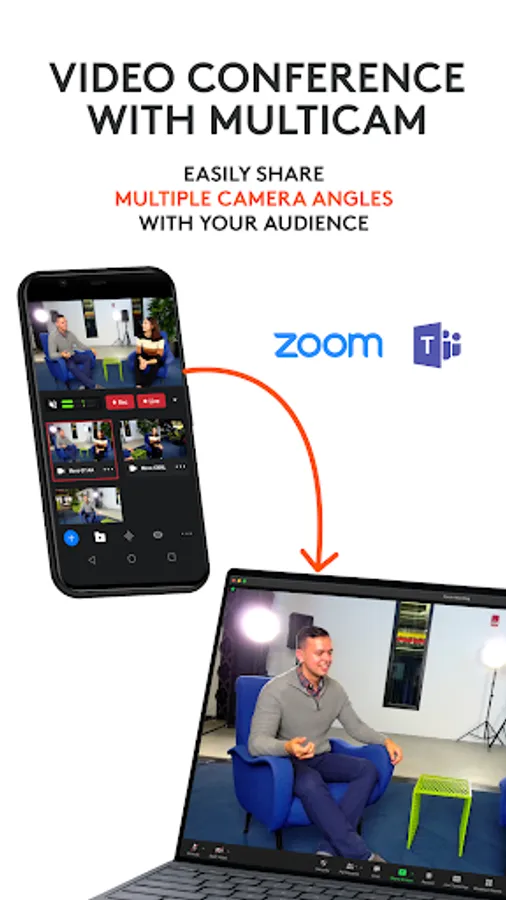
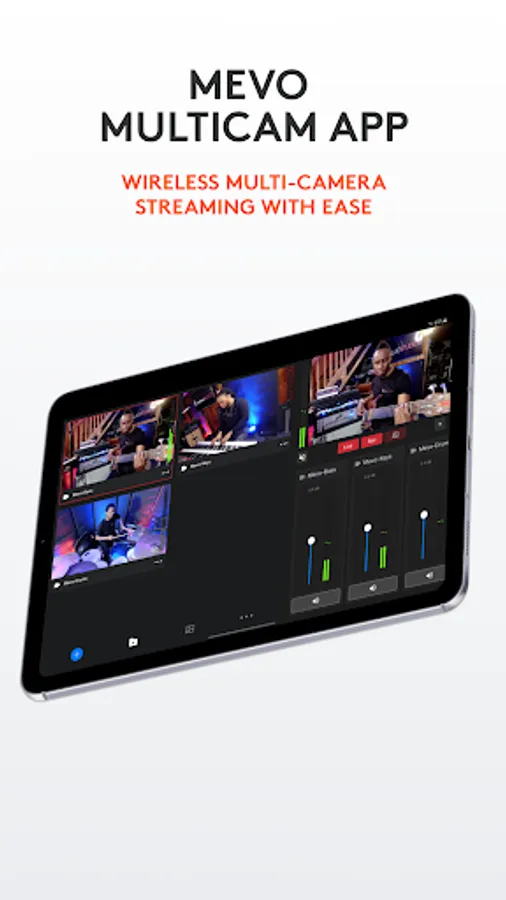
With this multicamera streaming app, you can wirelessly control multiple camera sources, switch between them, and stream live to platforms like YouTube and Facebook. Includes support for NDI cameras, local HD recording, and customizable graphics.
AppRecs review analysis
AppRecs rating 3.8. Trustworthiness 85 out of 100. Review manipulation risk 18 out of 100. Based on a review sample analyzed.
★★★☆☆
3.8
AppRecs Rating
Ratings breakdown
5 star
63%
4 star
18%
3 star
8%
2 star
5%
1 star
7%
What to know
✓
Low review manipulation risk
18% review manipulation risk
✓
Credible reviews
85% trustworthiness score from analyzed reviews
⚠
Pricing complaints
Many low ratings mention paywalls or pricing
About Mevo Studio
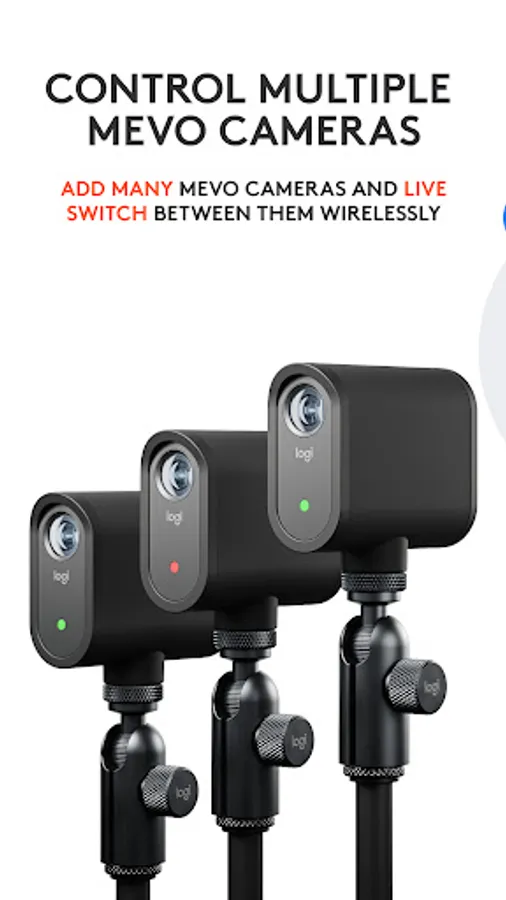
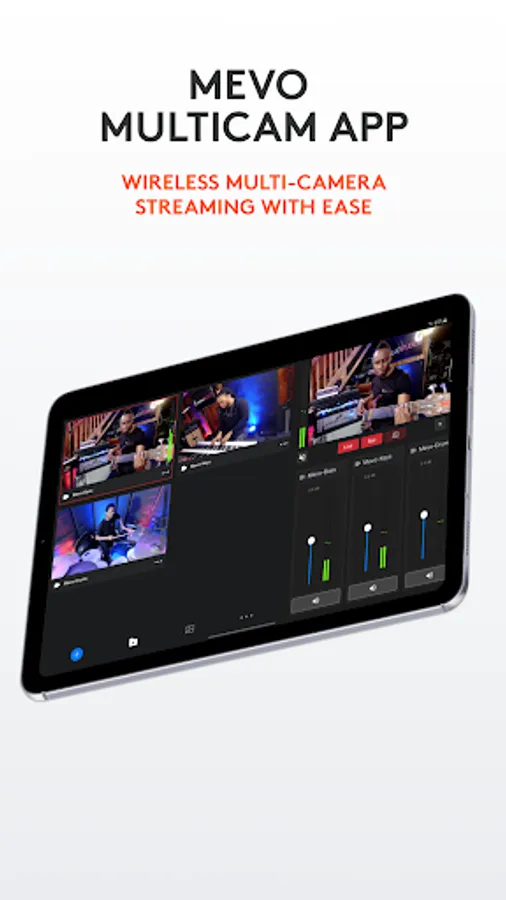
Wirelessly switch between multiple cameras:
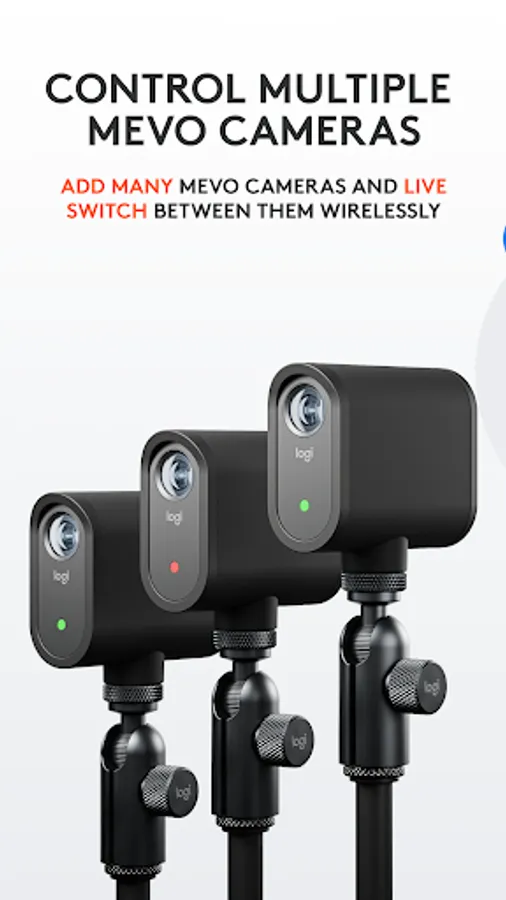
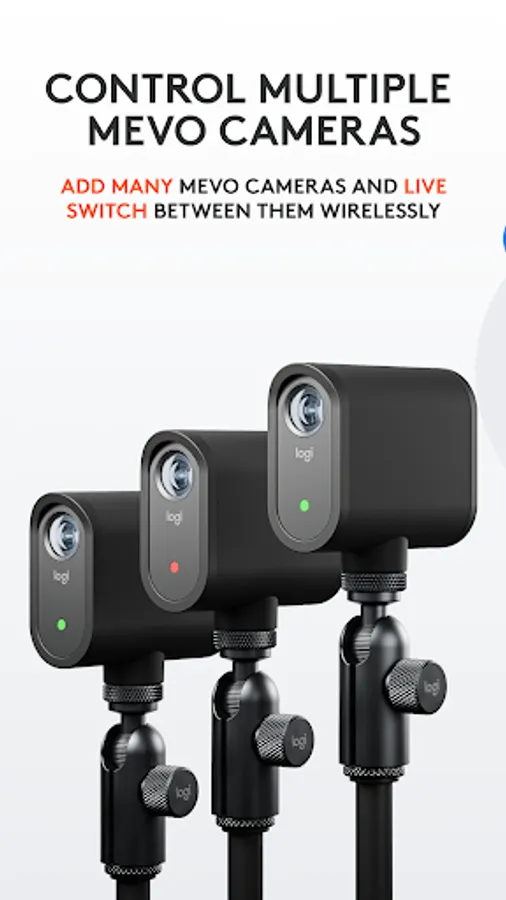
Wirelessly control multiple Mevo cameras at the same time and switch between them—live. Pan, zoom, and crop each camera view as needed for editing on the fly.
Instantly stream to your favorite platforms:
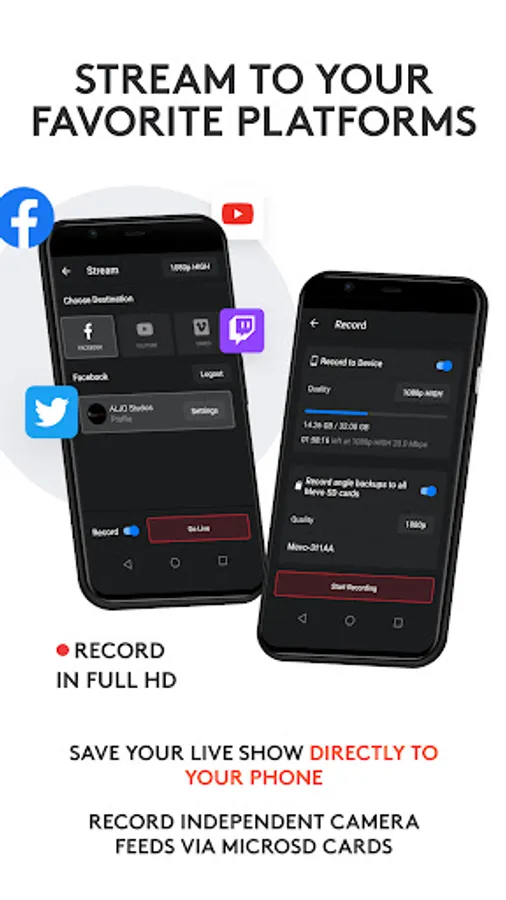
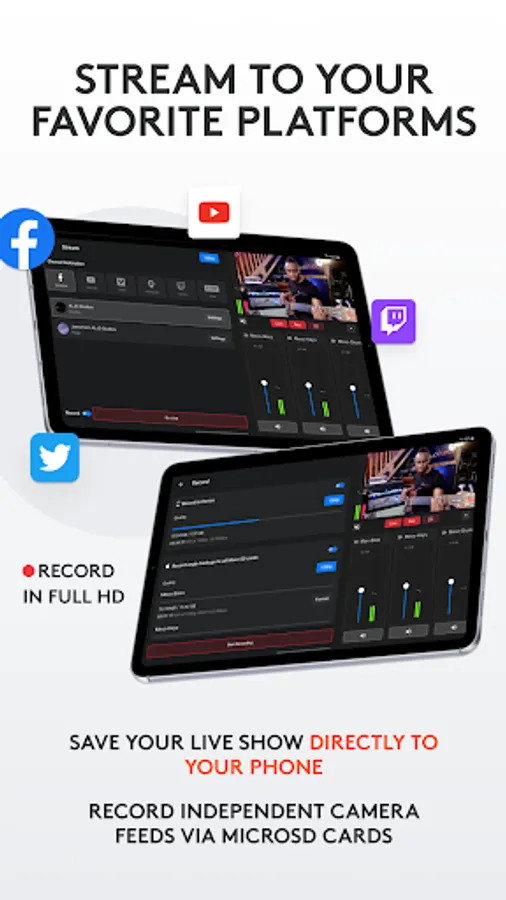
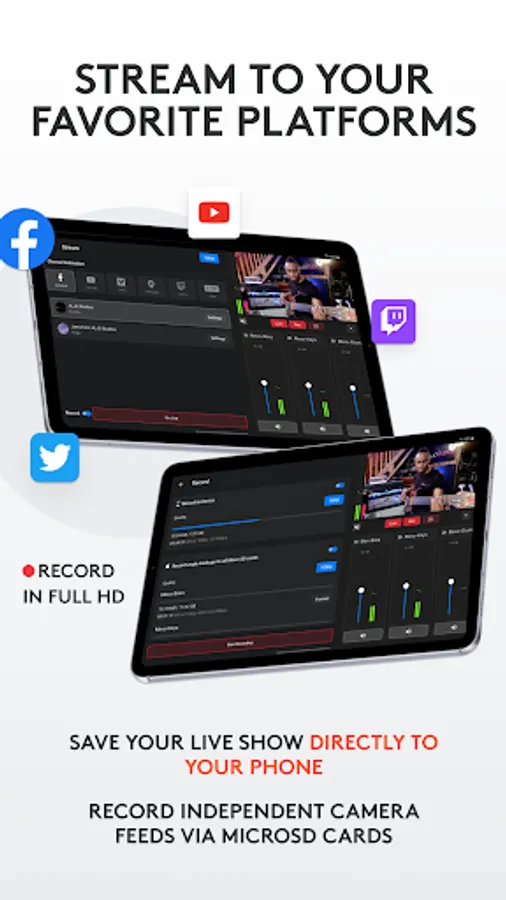
Stream instantly, With a few taps, to popular platforms like YouTube, Twitter, Twitch and more. Subscribe to Mevo Pro to multistream.*
Record in HD:
Record your program output locally to your phone in full HD. Also record each individual camera feed directly to their local microSD card.
Add visual Media:
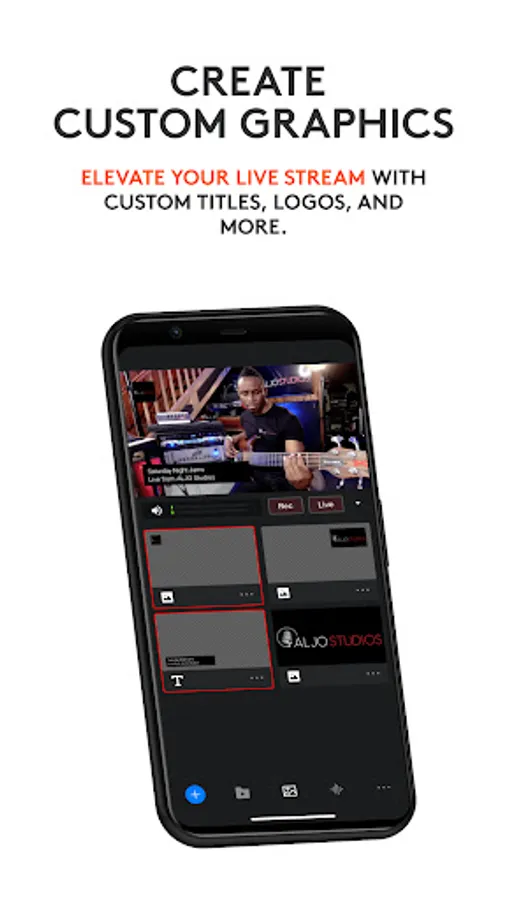
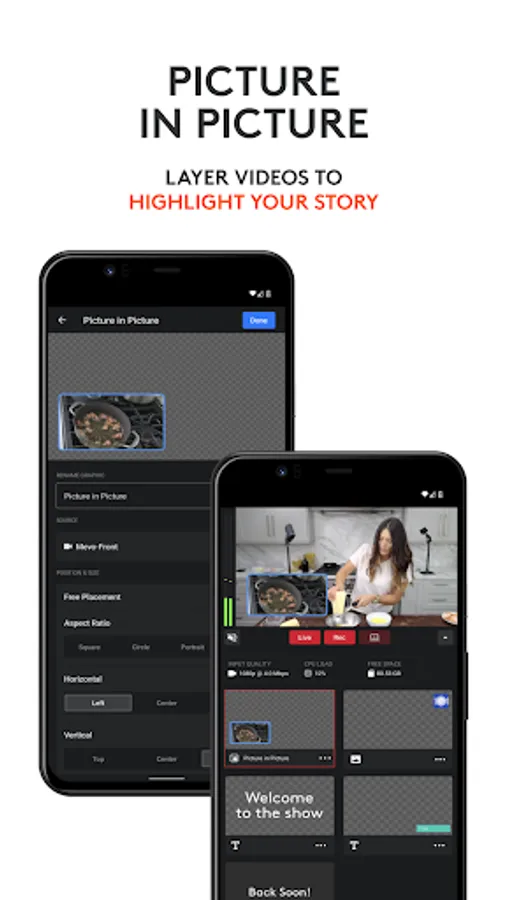
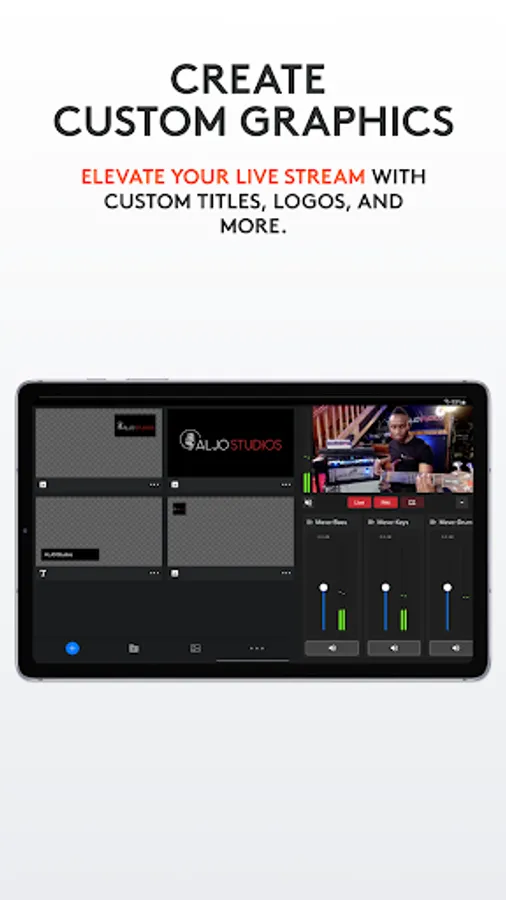
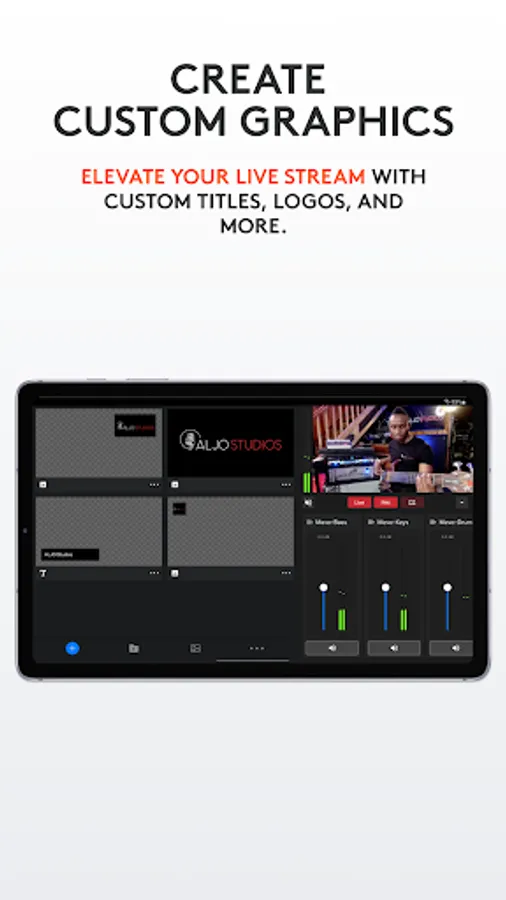
Add custom graphics including lower thirds, corner bugs, countdowns, and presentations, plus full screen images and media* to elevate your production value.
Create Custom Scenes:
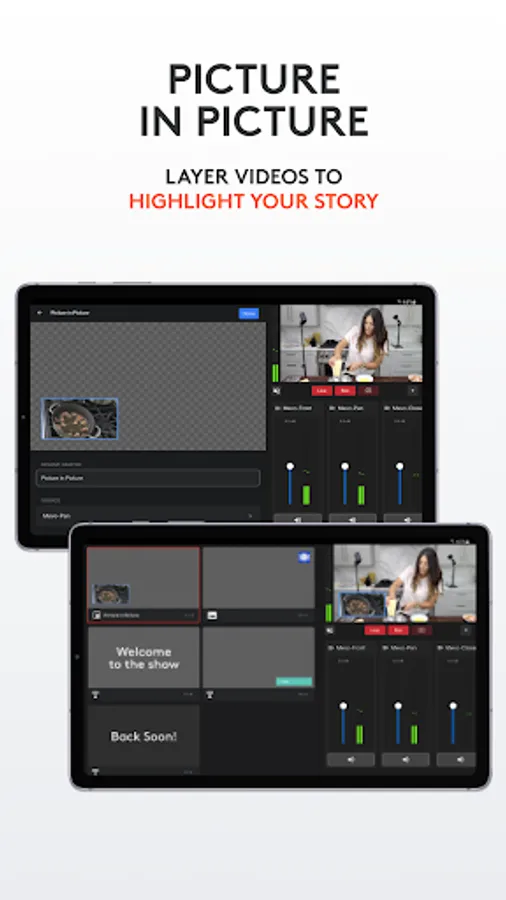
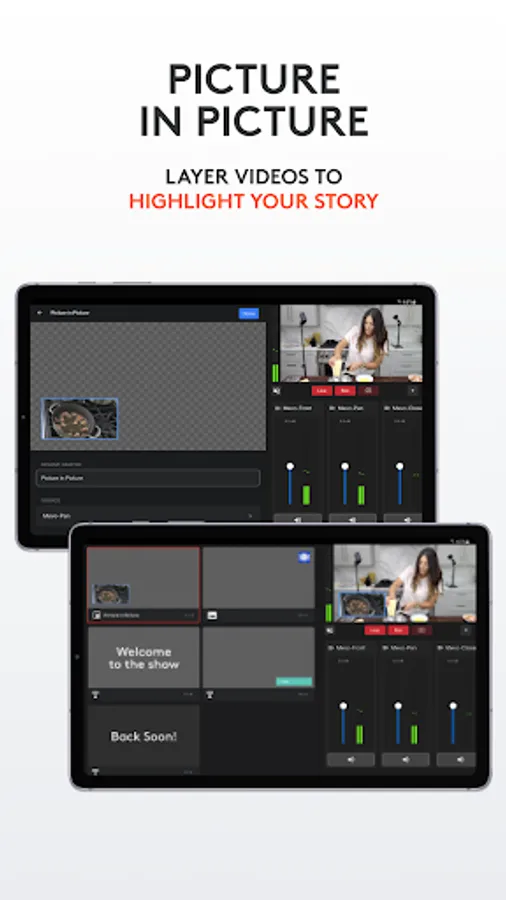
Using the Scene creator, add live sources, graphics, or videos to use with a single tap.
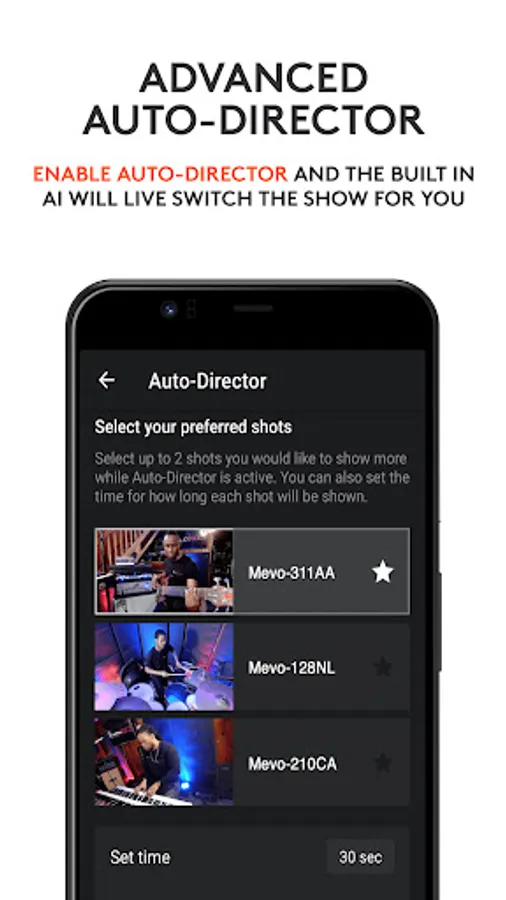
Auto-Director:
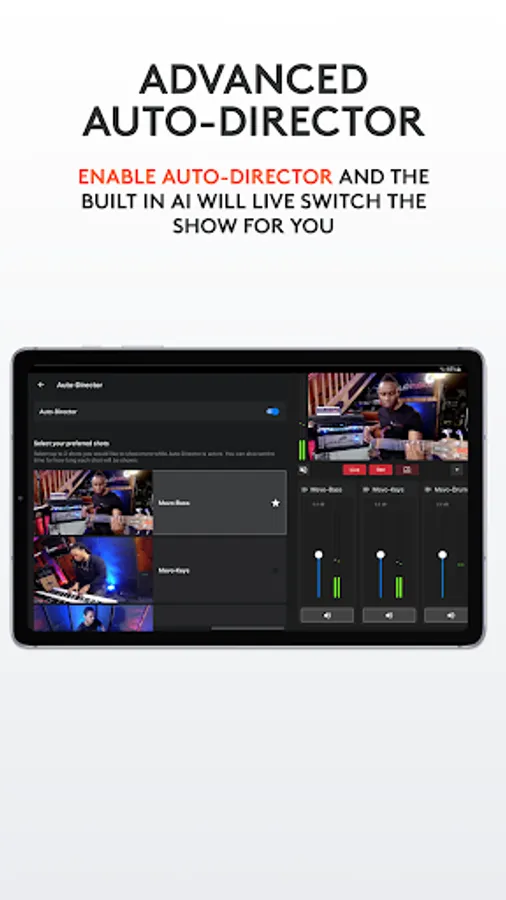
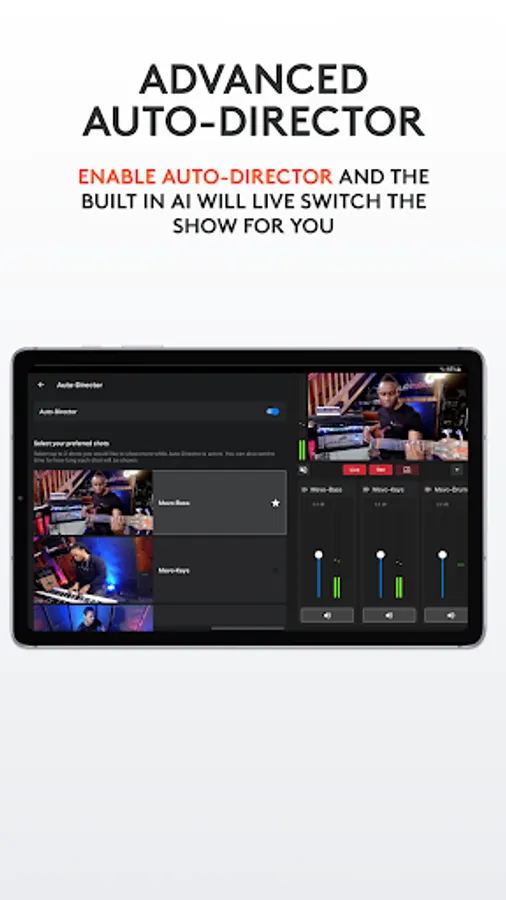
Toggle auto-director and the app will live switch the show for you.
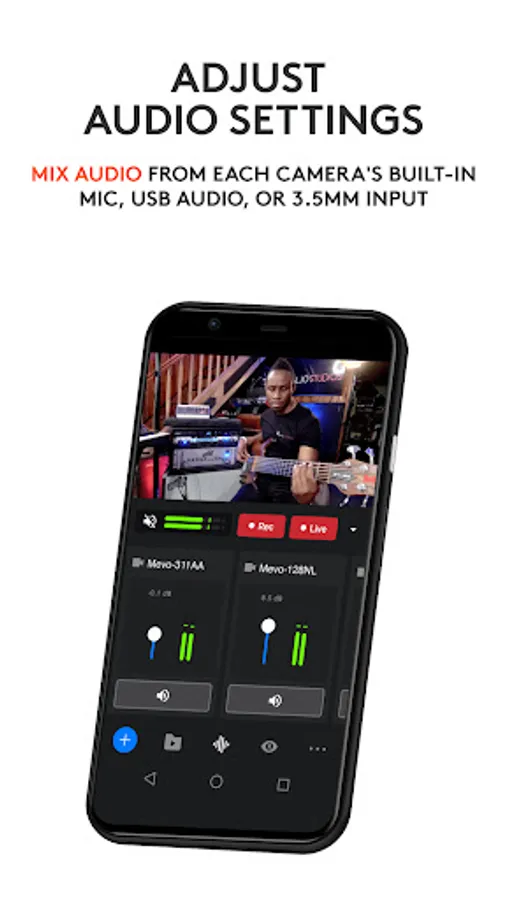
Audio Mixer:
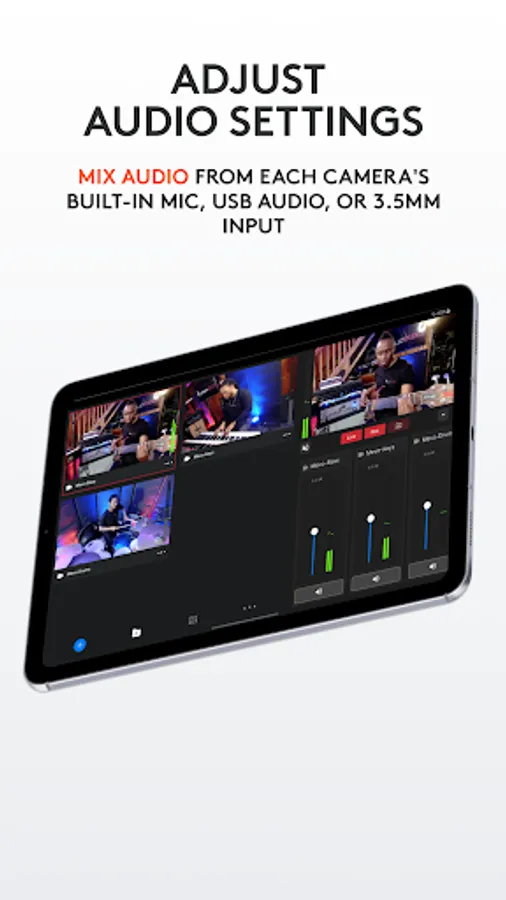
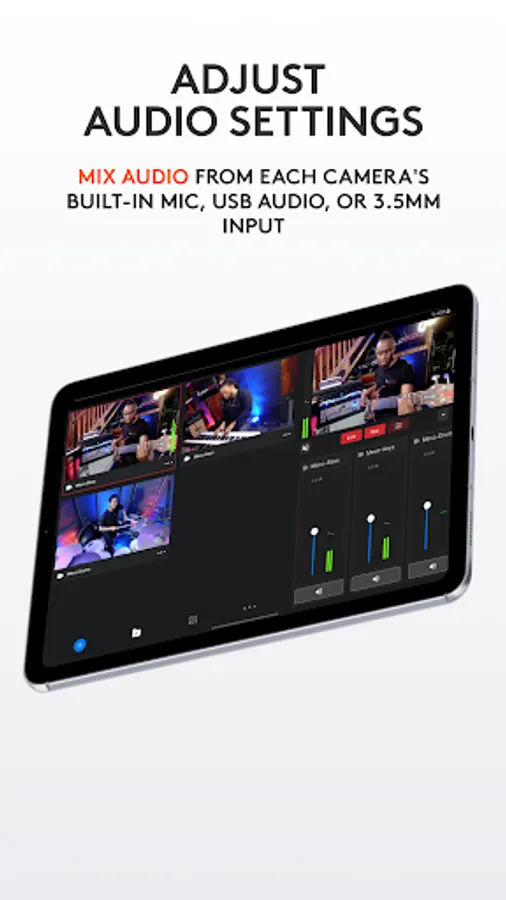
Independently mix audio sources for the perfect sound.
Image Control:
Adjust each Mevo camera’s exposure and color settings for a high quality live stream.
Get more from Mevo with the Mevo Pro Subscription, including:
Multistream: Powered by Streamlabs, stream to multiple destinations while only needing the bandwidth of a single stream.
Mevo Go: You can share the camera, screen or audio of any mobile device directly to Mevo Studio.
NDI: Connect 3rd party cameras, camera or encoders that are NDI HX enabled or output Mevo Studio to an existing NDI workflow you may already be using.
Media: play videos, commercials or highlights to take your content to the next level.
Compatible with Mevo Core, Mevo Start, Mevo Plus, first-generation Mevo, and Mevo Go app.
Additional support:
Visit help.mevo.com
Annotation:
*Requires Mevo Pro subscription
Mevo Studio Screenshots
Tap to Rate:
Reviews for Mevo Studio
Mark D.
2/22/2026
This would easily be a five star review if a "PAUSE" streaming function was added. As it is, we have to stop the stream when pre-recorded, copyrighted music begins playing and restart the stream afterwards.
doctorductape
2/12/2026
Trash. These cameras, and this app are the biggest mistake I've made in years. Don't waste your money.