SMS Backup and Restore
Loopvector Creative Labs
3.9 ★
227 ratings
100,000+
downloads
Free
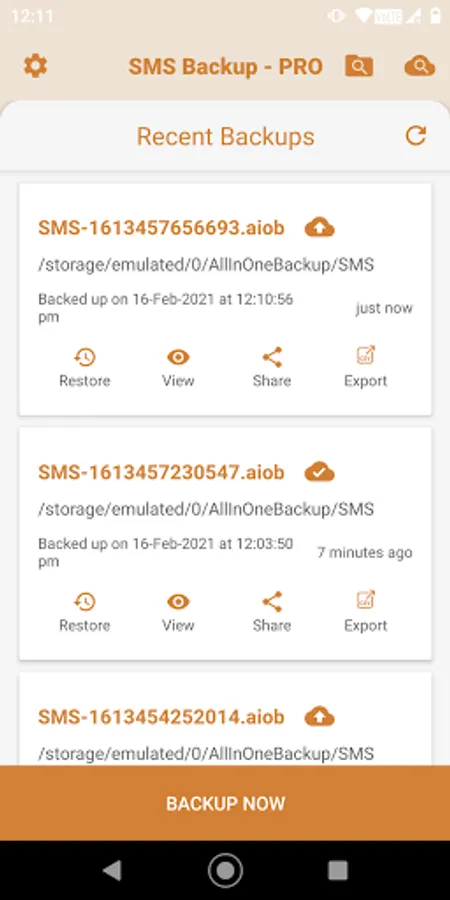
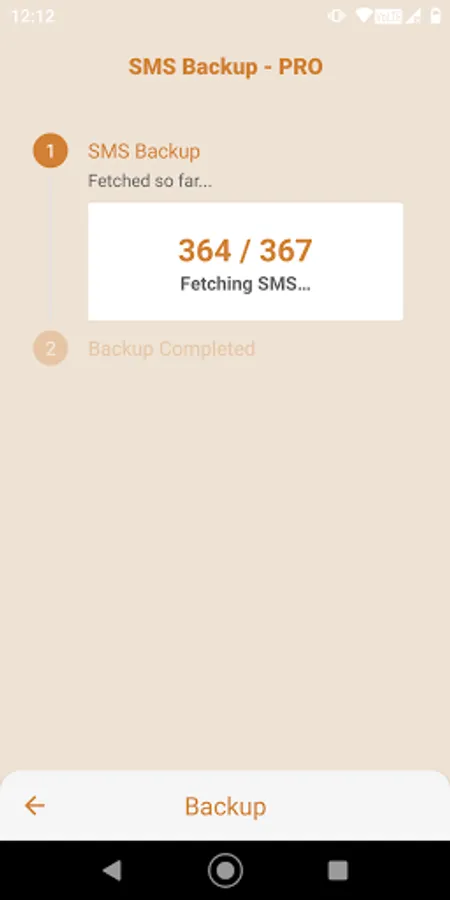
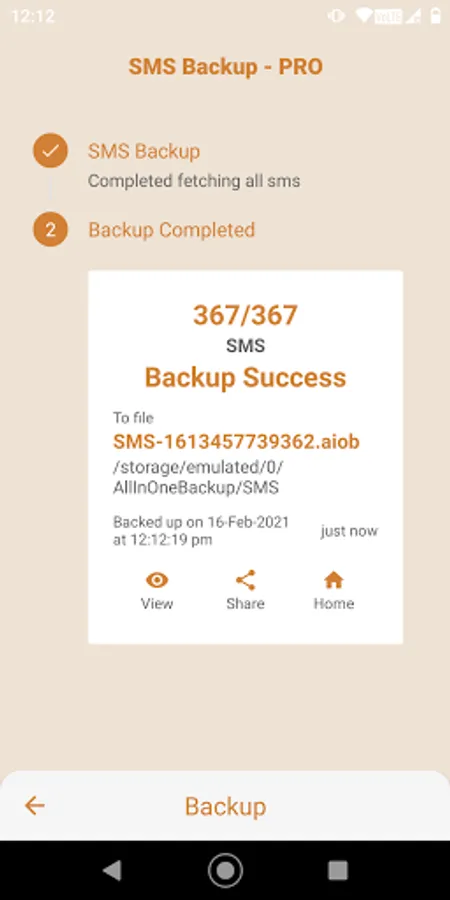
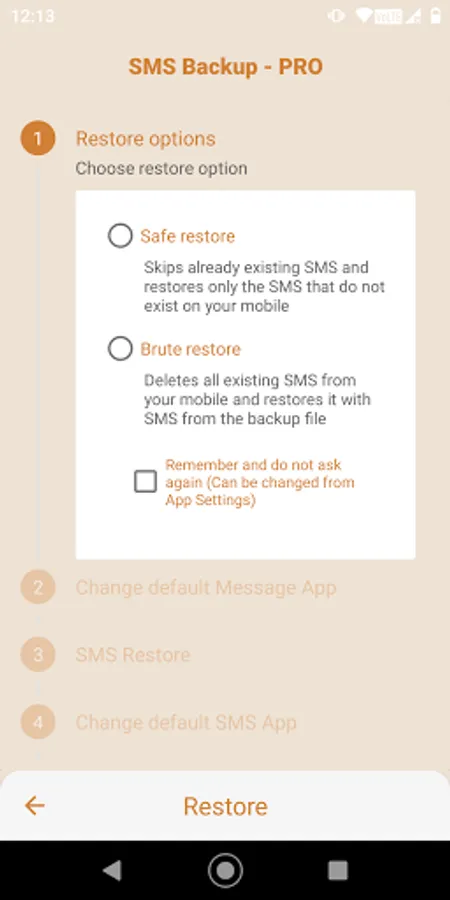
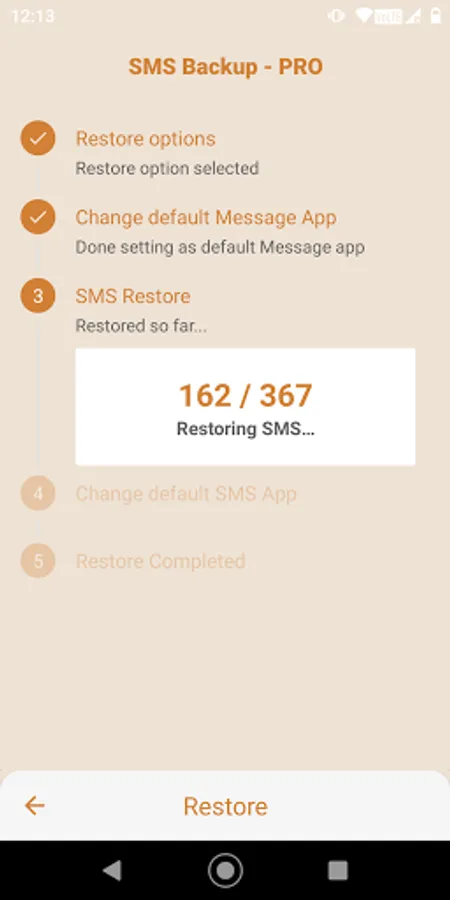
In this backup app, you can create and restore SMS backups with a single tap and view your messages within the app. Includes options to upload backups to Google Drive and manage backup files easily.
AppRecs review analysis
AppRecs rating 3.9. Trustworthiness 81 out of 100. Review manipulation risk 32 out of 100. Based on a review sample analyzed.
★★★☆☆
3.9
AppRecs Rating
Ratings breakdown
5 star
69%
4 star
0%
3 star
6%
2 star
6%
1 star
19%
What to know
✓
Credible reviews
81% trustworthiness score from analyzed reviews
✓
Good user ratings
69% positive sampled reviews
⚠
Pricing complaints
Many low ratings mention paywalls or pricing
About SMS Backup and Restore
Here are some of the core features of SMS Backup app,
- Backup your SMS with a single tap.
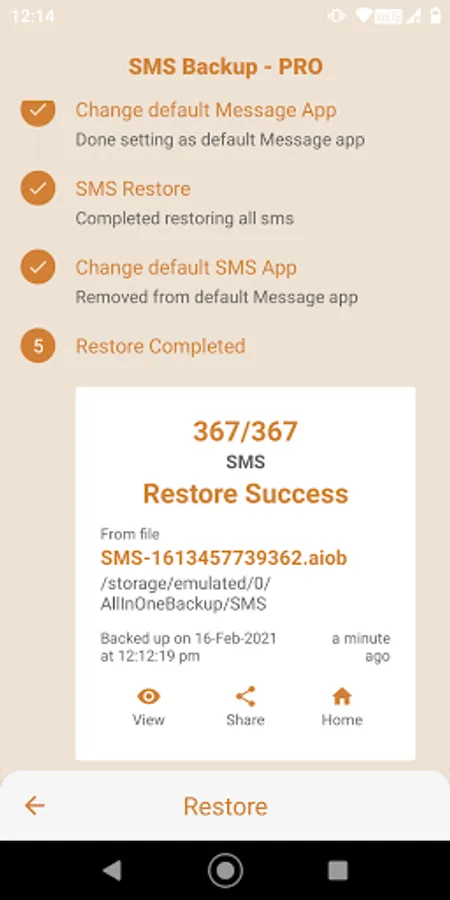
- Restore SMS with ease.
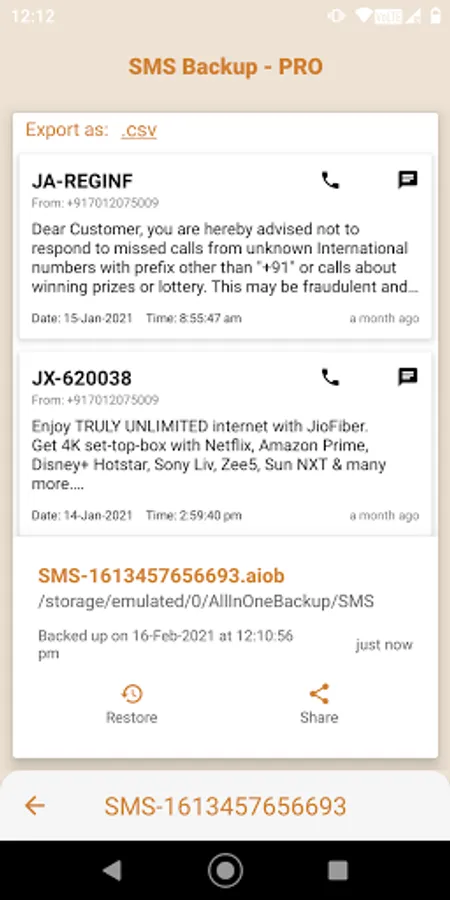
- View SMS within the app.
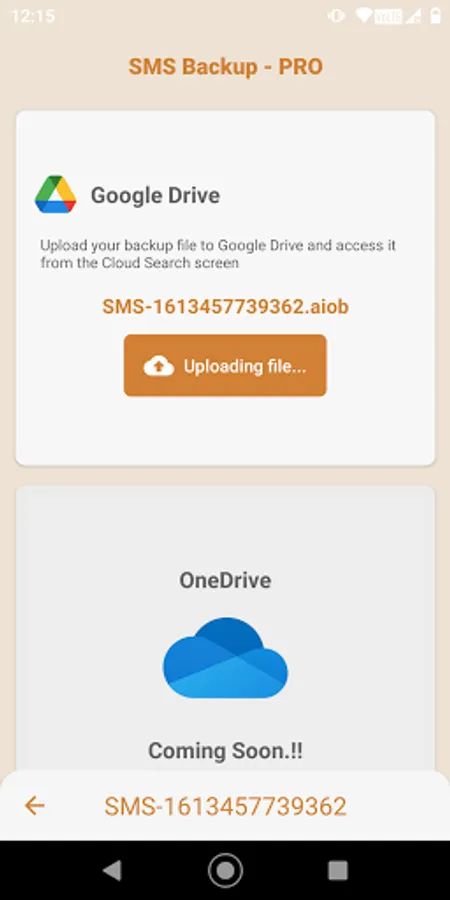
- Upload backup files to your Google Drive.
- View your backup files in Google Drive.
- Access your backed up SMS data uploaded to Google Drive from within the app.
- Export SMS from your backup files in .csv format*. ('Export Options' or 'PRO Version' has to be purchased to use this feature)
- Do a full directory search for old backup files created using SMS Backup app.
- Effortlessly share your saved sms backup files.
- Paranoid about giving storage permissions? We respect you as well. SMS Backup fluently handles both cache-only and internal storage backup files. (But do note that cache-only backup files run the risk of getting lost if you either clear the cache or uninstall the app from your phone)
(*Please note that .csv files cannot be used to restore sms. Only .aiob files can be used to restore sms which ensures safety and authenticity of your sms data).
NOTE: We are not deleted sms recovery app. We do not and will not recover/restore deleted sms from your phone as such. The sms should be backed up at-least once before deleting it from your phone, in which case it can be restored using the same backup file.
Looking for more features? Fasten your seat belts and ride along with us, as we have carefully curated a list of exciting upcoming updates based on market research. Also, make sure you grab on the Pro version and help us buy barrels of coffee to guzzle while we work on these exciting updates.
We have etched elegance to an ever mundane backup process, and our design language throughout the app could make you addicted! Beware. We do show ads for free users, but we do not stick it to their faces, unlike many utility apps. Right from the ads placement to the primary backup/restore flow, everything was well thought out to give a prime user experience. We happily strive to make utility apps pleasant to use and fun to share with others. May your backup experiences be pleasant from now on!
SMS Backup is crafted with ❤️ for Android™. Enjoy using SMS Backup.
Android is a trademark of Google LLC.
Google Drive is a trademark of Google Inc. Use of this trademark is subject to Google Permissions.
© 2020-2021 Loopvector Creative Labs (Opc) Private Limited. 'SMS Backup', 'SMS Backup' logo and related items are owned by Loopvector Creative Labs (Opc) Private Limited. Loopvector Creative Labs (Opc) Private Limited is a registered, bootstrapped, self funded and incorporated (Opc) Private Limited company. All rights reserved.
SMS Backup and Restore Screenshots
Tap to Rate:
Reviews for SMS Backup and Restore
Olympia Breitling
6/4/2025
Absolute pants. They make it impossible to use to transfer sms from one phone to another. Would I pay to see if that works? No! Would I recommend to anyone? No damn way!
Virajsinh Nakum
7/29/2024
Please Don't Download this app. Totally Worst App. I lots my SMS. I backup up and after restore the my backup than all SMS show in send receipt left side only. I sended Message also show in left. Please Don't Download this App. 🛑 🚫 Also download at time same issue.. again 😞 lost my message... Please 🙏 without test don't add final version. I lost 29k messages.