
Offline Password Manager
Jolly Good Life
3.7 ★
3K ratings
100,000+
downloads
Free
+ in-app
AppRecs review analysis
AppRecs rating 3.6. Trustworthiness 79 out of 100. Review manipulation risk 33 out of 100. Based on a review sample analyzed.
★★★☆☆
3.6
AppRecs Rating
Ratings breakdown
5 star
49%
4 star
15%
3 star
7%
2 star
12%
1 star
17%
What to know
✓
Credible reviews
79% trustworthiness score from analyzed reviews
✓
Good user ratings
64% positive sampled reviews
✓
Authentic reviews
Natural distribution, no red flags
About Offline Password Manager
https://password.jollygood.life
You can now access your data on any browser!
Simply open your back-up file generated in the app on any browser!
Backup & Restore Guide
https://jollygoodlife.web.app/r/guide
For video guides, visit our YouTube playlist.
https://www.youtube.com/playlist?list=PLPtNPVkaZDekFN8H-c0mblfmSDjzDOwe8
Freemium simple & lightweight Password Manager. Without ads.
Professional-grade encryption.
Secured and offline. No internet permission required.
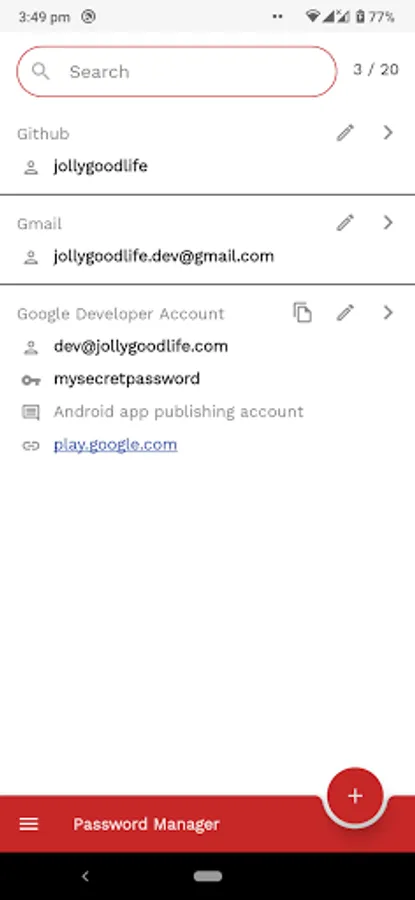
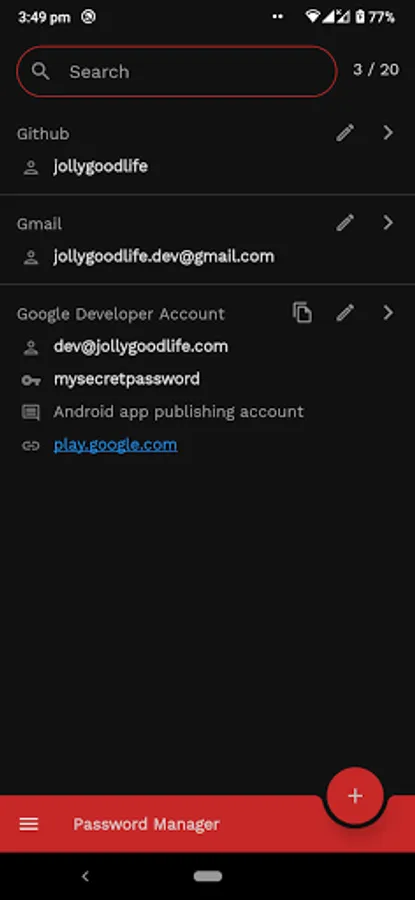
Google Material Design. Comes with default Dark theme.
Supports 12 languages.
Supports up to Android 15.
Small download size with Android App Bundle. Only install what your device need.
Features
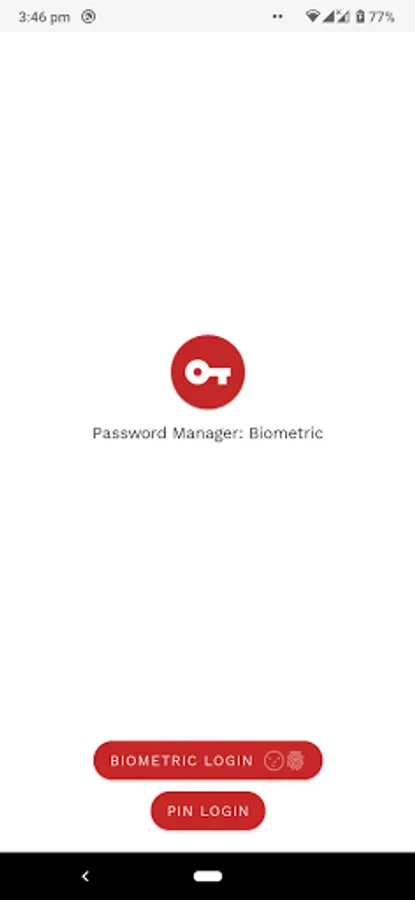
4 Authentication choices. Biometric authentication (face & fingerprint), device PIN, app PIN
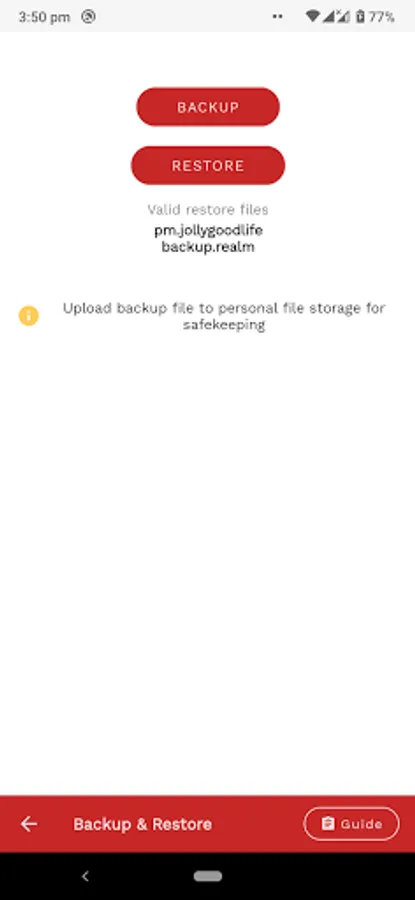
Backup & Restore feature.
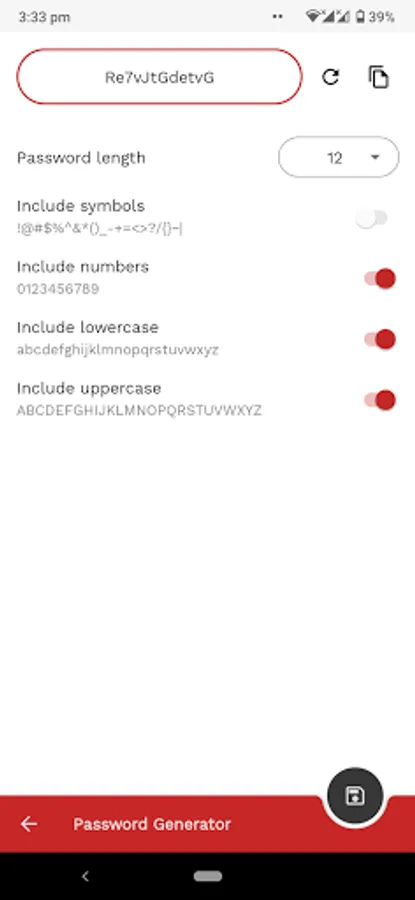
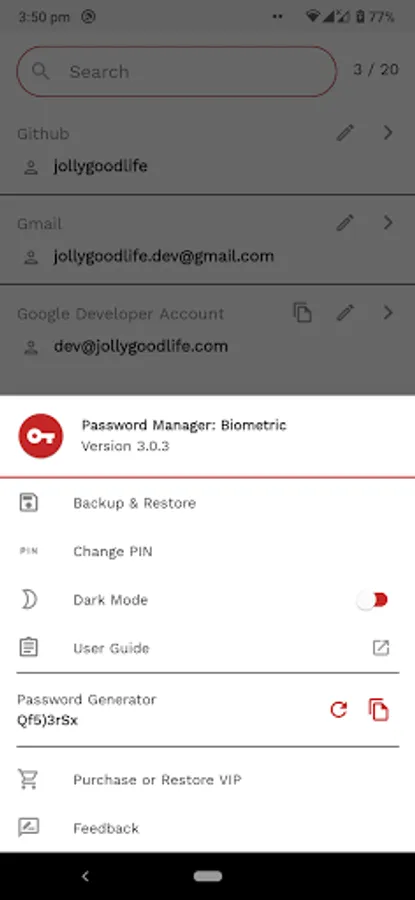
Customizable password generator.
Theme (Dark mode and Light mode)
Web version (Beta)
Usage
This is a Freemium app and is completely free up to 20 password entries.
Do consider purchasing VIP to support our development.
We will continuously support the development and enhancement of this app.
Note
- Backup & Restore feature is AVAILABLE to both non-VIP and VIP users.
- Passwords are not synced across devices as this is an offline app. Use Backup & Restore to manually synced to other devices.
- The app limits non-VIP users to only 20 passwords. No other limitation is put in place. If you are not able to purchase VIP for any reason, do reach us on our email.
- If you supported us by purchasing VIP, your VIP status will be active on any device under the same Google account. If the VIP status do not show, tap on Restore VIP Purchase.
- If your device have more than one Google account, you may have trouble restoring VIP. This is a common issue for Play Store as the purchase is only tied to either one of your accounts. You need to remain one Google account on device, reinstall this app and tap on Validate VIP.
- Still cannot restore VIP? Simply provide us your Order ID and we will provide you Promo Code to redeem VIP access.
- As we are constantly improving the app, there may be chances that something may break on updates. It is recommended to have a backup of your passwords elsewhere.
More than 11 languages supported
English
German
French
Spanish
Russian
Dutch
Italian
Czech
Portuguese
Japanese
Traditional & Simplified Chinese
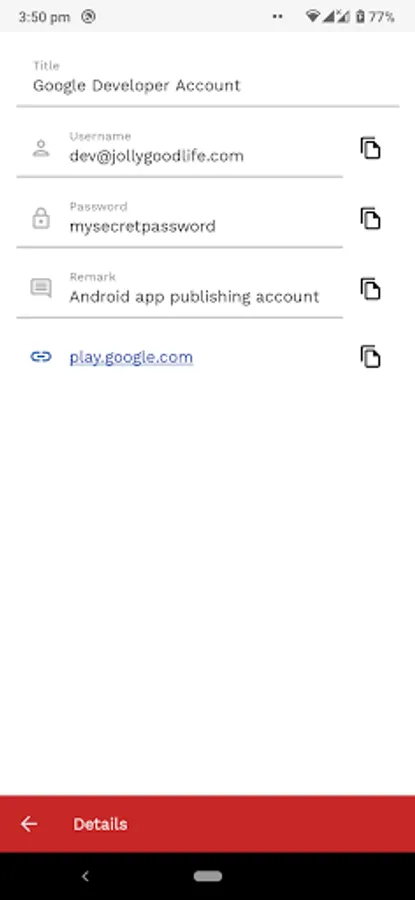
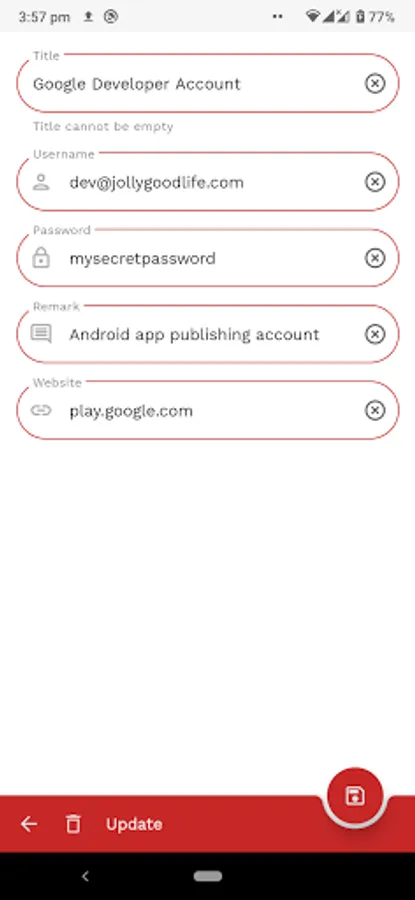
Offline Password Manager Screenshots
Tap to Rate:
Reviews for Offline Password Manager
Martin
10/19/2025
Changing to 1 star cause I can't get a response about restoring VIP to my new phone! Restore does not work! You have purchase again
Roger Jones
10/4/2025
Doesn't restore properly. No email response. Charged twice. I paid for VIP a long time ago. After switching phones, I couldn't get the "restore" VIP to load after following directions in FAQ. Emailed developer but no response. Tried looking elsewhere for info and read that when I click to purchase the VIP again, PlayStore will recognize I already made the purchase and verify a second purchase. This wasn't true and I was charged again. Aside from lack of support and transfer, it's a great app.