Indonesia VPN - for OpenVPN
MaxEveryday
3.3 ★
8K ratings
5,000,000+
downloads
Free
With this plugin app, you can export VPN profiles and initiate connections through the OpenVPN for Android app. Includes profile management and connection initiation features.
AppRecs review analysis
AppRecs rating 3.4. Trustworthiness 79 out of 100. Review manipulation risk 29 out of 100. Based on a review sample analyzed.
★★★☆☆
3.4
AppRecs Rating
Ratings breakdown
5 star
50%
4 star
5%
3 star
5%
2 star
3%
1 star
37%
What to know
✓
Low review manipulation risk
29% review manipulation risk
✓
Credible reviews
79% trustworthiness score from analyzed reviews
⚠
High negative review ratio
40% of sampled ratings are 1–2 stars
About Indonesia VPN - for OpenVPN
This app is a plug-in app, it can not work independently, this app is not developed by OpenVPN Technologies, Inc.
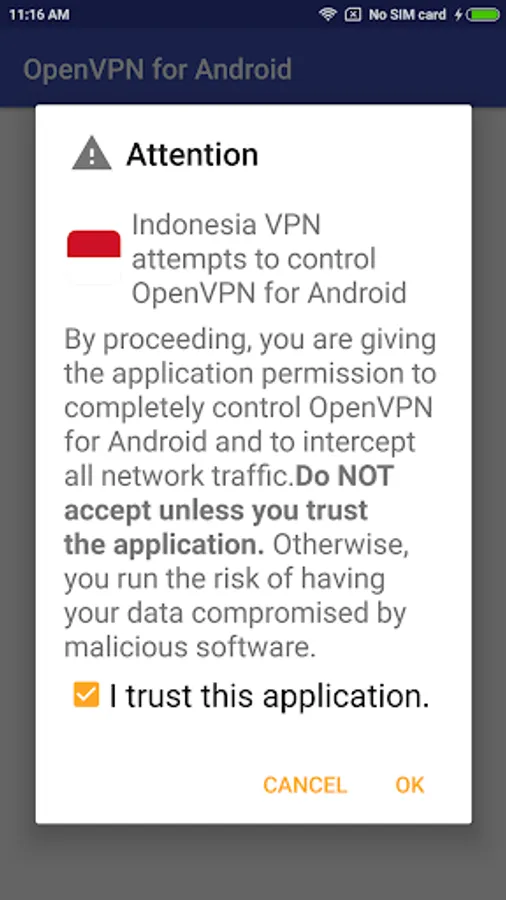
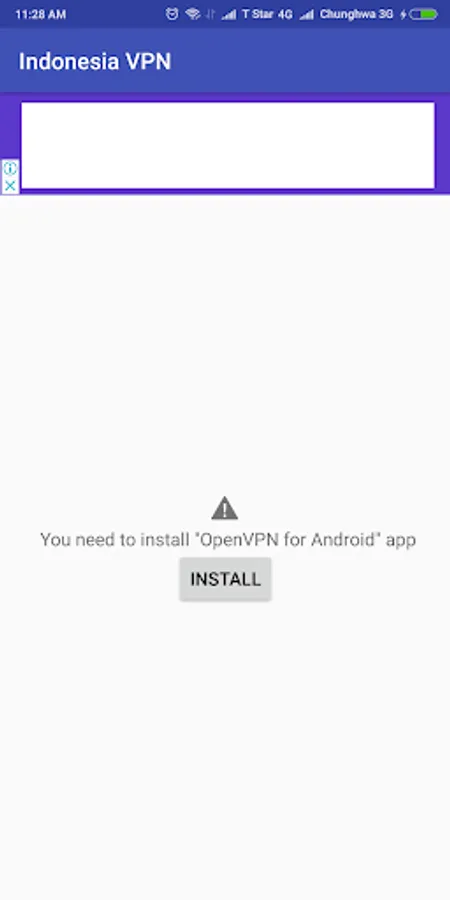
It is recommended to install OpenVPN official client "OpenVPN For Android", this app will send "import VPN profile" and "connect" command to "OpenVPN For Android" app.
"OpenVPN for Android" download:
https://play.google.com/store/apps/details?id=de.blinkt.openvpn
*** How to use ***
As "OpenVPN For Android" plugin as an example:
1. Install this app and "OpenVPN For Android" app.
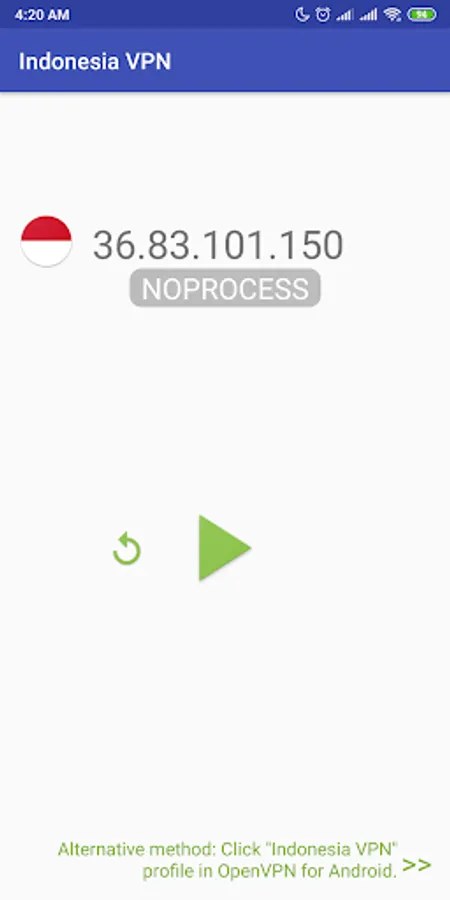
2. open this app, click the Refresh button, the new VPN server ip will appear later.
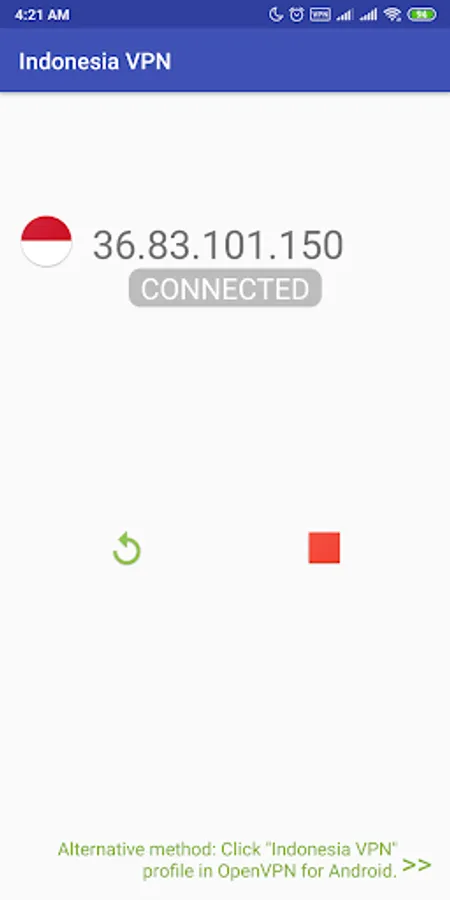
3. Click on "Play" button , the IP address of OpenVPN profile will be save, import and start to connect to the server by pass command to "OpenVPN For Android" app.
4. If free VPN server is not busy, your device will be successfully connected to VPN server.
It is recommended to install OpenVPN official client "OpenVPN For Android", this app will send "import VPN profile" and "connect" command to "OpenVPN For Android" app.
"OpenVPN for Android" download:
https://play.google.com/store/apps/details?id=de.blinkt.openvpn
*** How to use ***
As "OpenVPN For Android" plugin as an example:
1. Install this app and "OpenVPN For Android" app.
2. open this app, click the Refresh button, the new VPN server ip will appear later.
3. Click on "Play" button , the IP address of OpenVPN profile will be save, import and start to connect to the server by pass command to "OpenVPN For Android" app.
4. If free VPN server is not busy, your device will be successfully connected to VPN server.